Everything you need to ship a facility.
The whole journey, in order — sign up, build your facility, bring data in, put it on the map, share it and report on it. Every guide is written against the real app, with screenshots of the demo warehouse, supermarket and store.
- 01Get started3 guides · starts with Get started with Spatial Map
- 02Workspace & team5 guides · starts with Workspaces: switch, create and manage
- 03Build a facility24 guides · starts with Create and manage facilities
- 04Data5 guides · starts with Connect data with Integrations
- 05Data links9 guides · starts with Data links: put live data on the map
- 06Viewer & sharing15 guides · starts with The Viewer: a read-only facility map
- 07Reports5 guides · starts with View and share live reports
- 08Reference3 guides · starts with Keyboard shortcuts
Popular
The pages new workspaces open first.
- Sign up and start your 7-day trial
- Create your first facility
- Import a PDF or DWG floor plan
- Draw rooms and zones with the Area tool
- Create a table and push rows with its API
- Show live data on the map with a data link
- Colour shapes with style rules
- Build a report with a full map
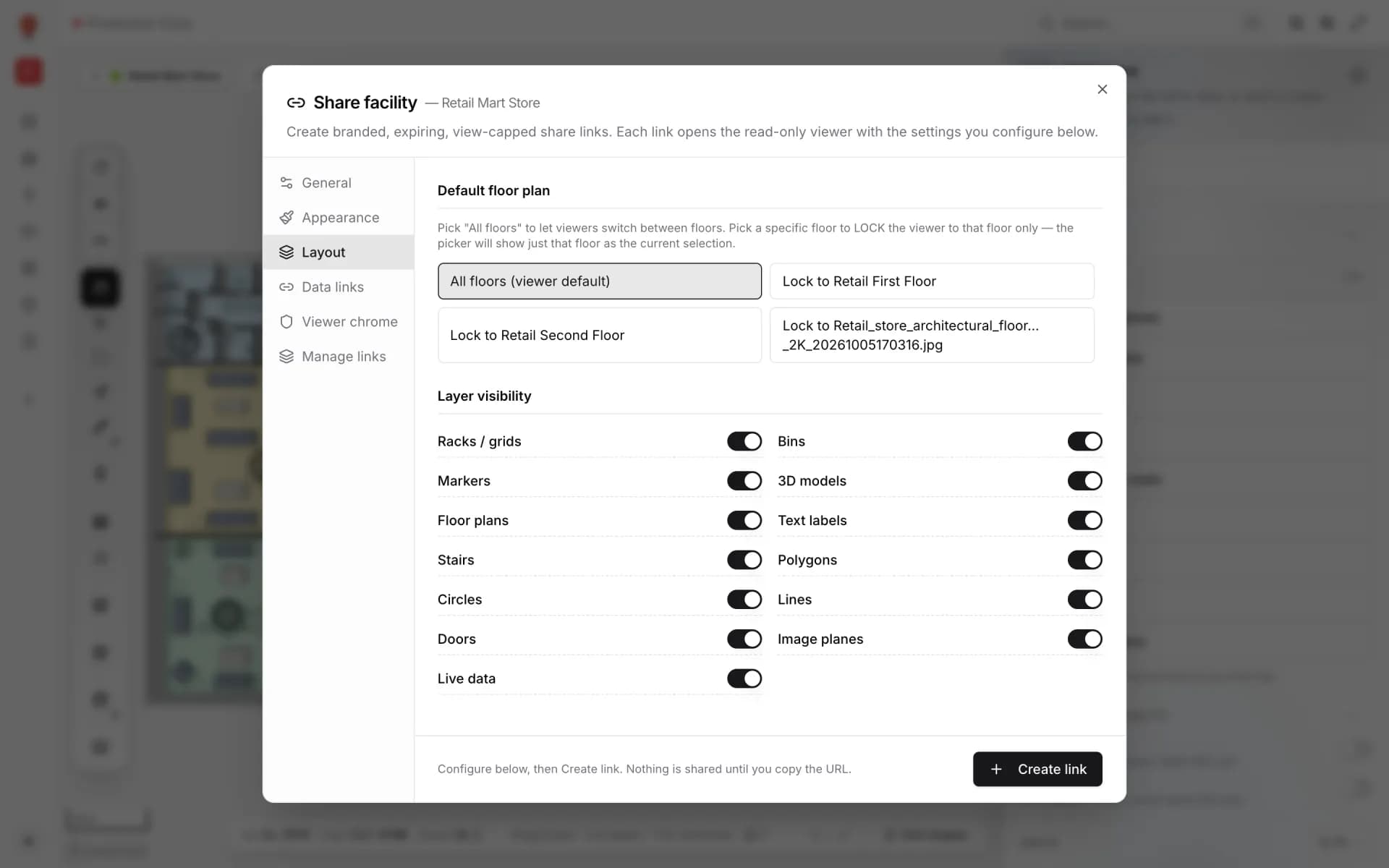
- Share a read-only, expiring link
- Invite your team and pick roles
Examples gallery
16 step-by-step recipes, each one built on a real demo facility. See the 13 finished demo facilities in the Showcase →
Getting started
A new workspace, its first facility, your team and a solution to group it all.
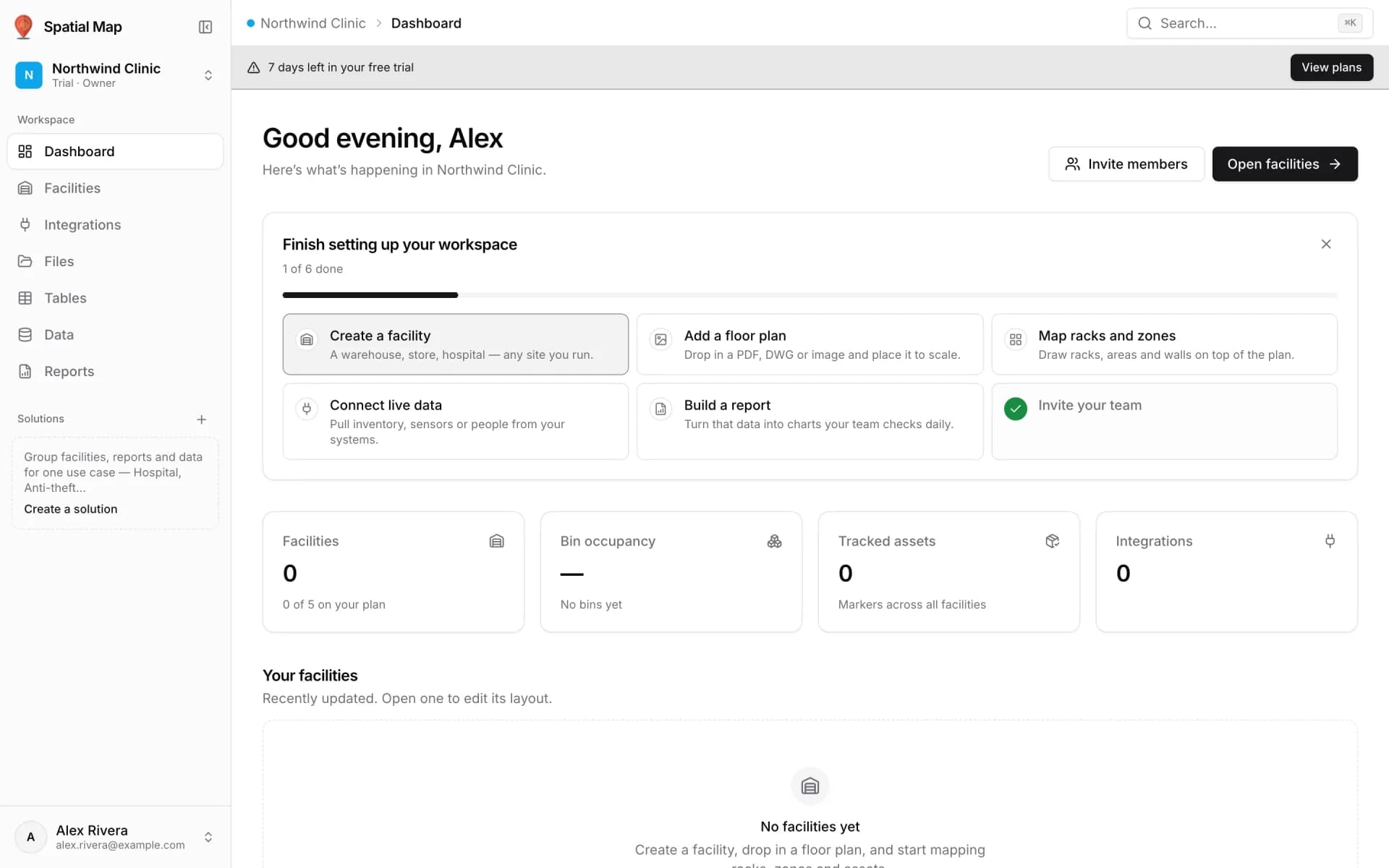

Set up a new workspace and first facility in 15 minutes
Start a trial workspace, create your first facility, place its floor plan and invite your team with the right roles — the path the setup checklist follows.
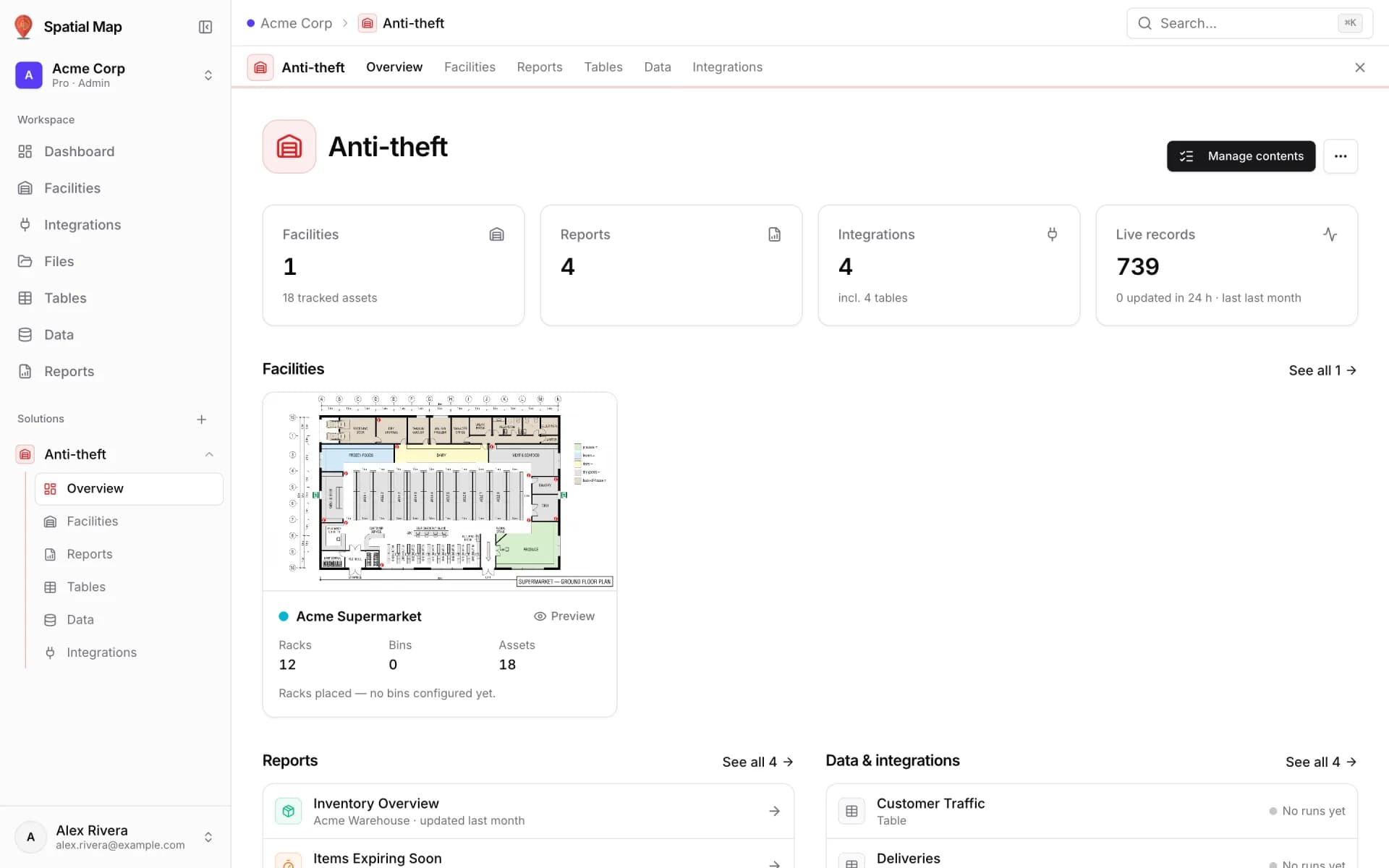
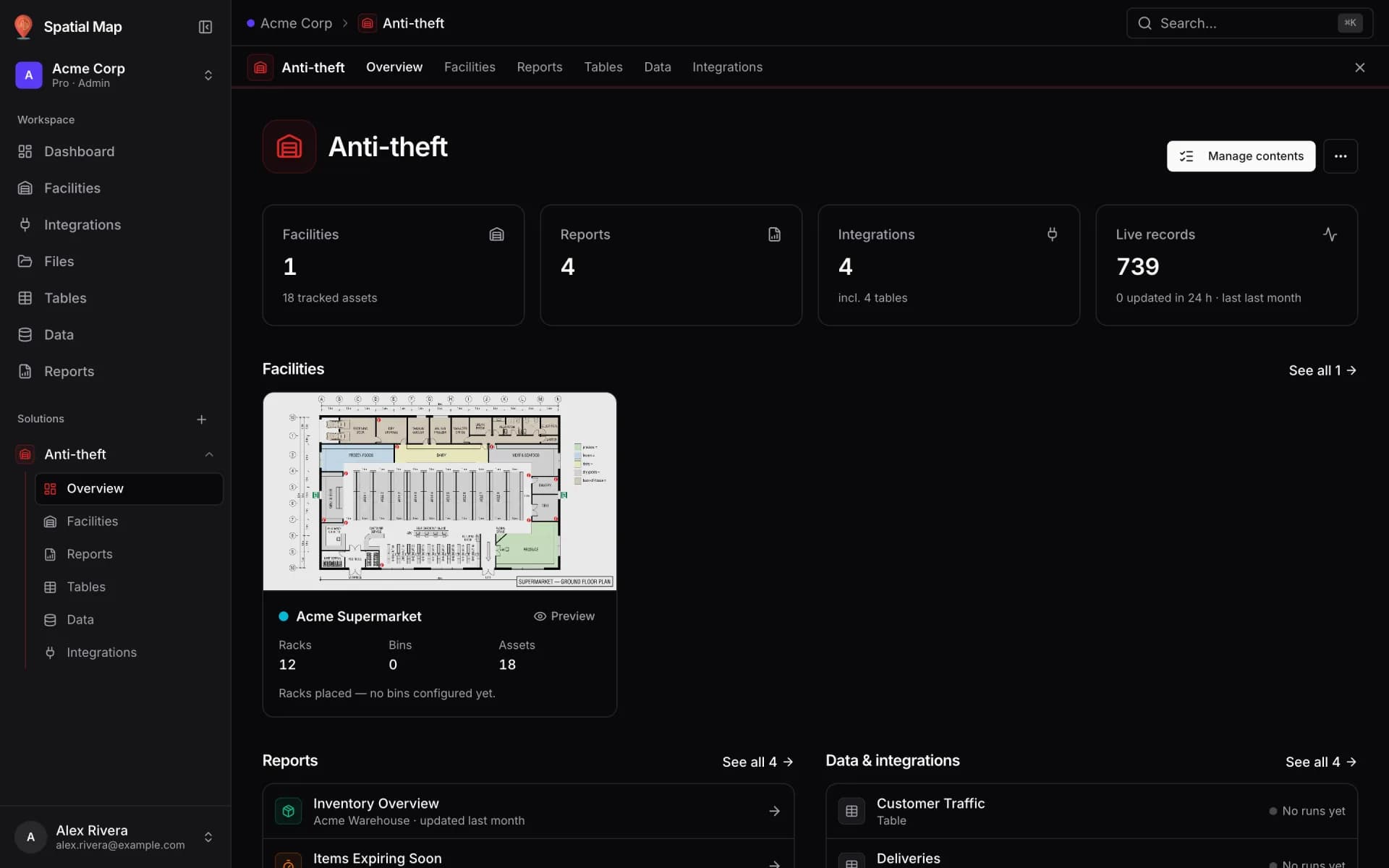
Group a site into a solution
Use a solution template to group a facility, its live tables and its reports into one Solution with its own sidebar entry, KPIs and data health.
Drawing & 3D
PDF floor plans at true scale, rooms, walls, stairs, lifts and multi-floor buildings.
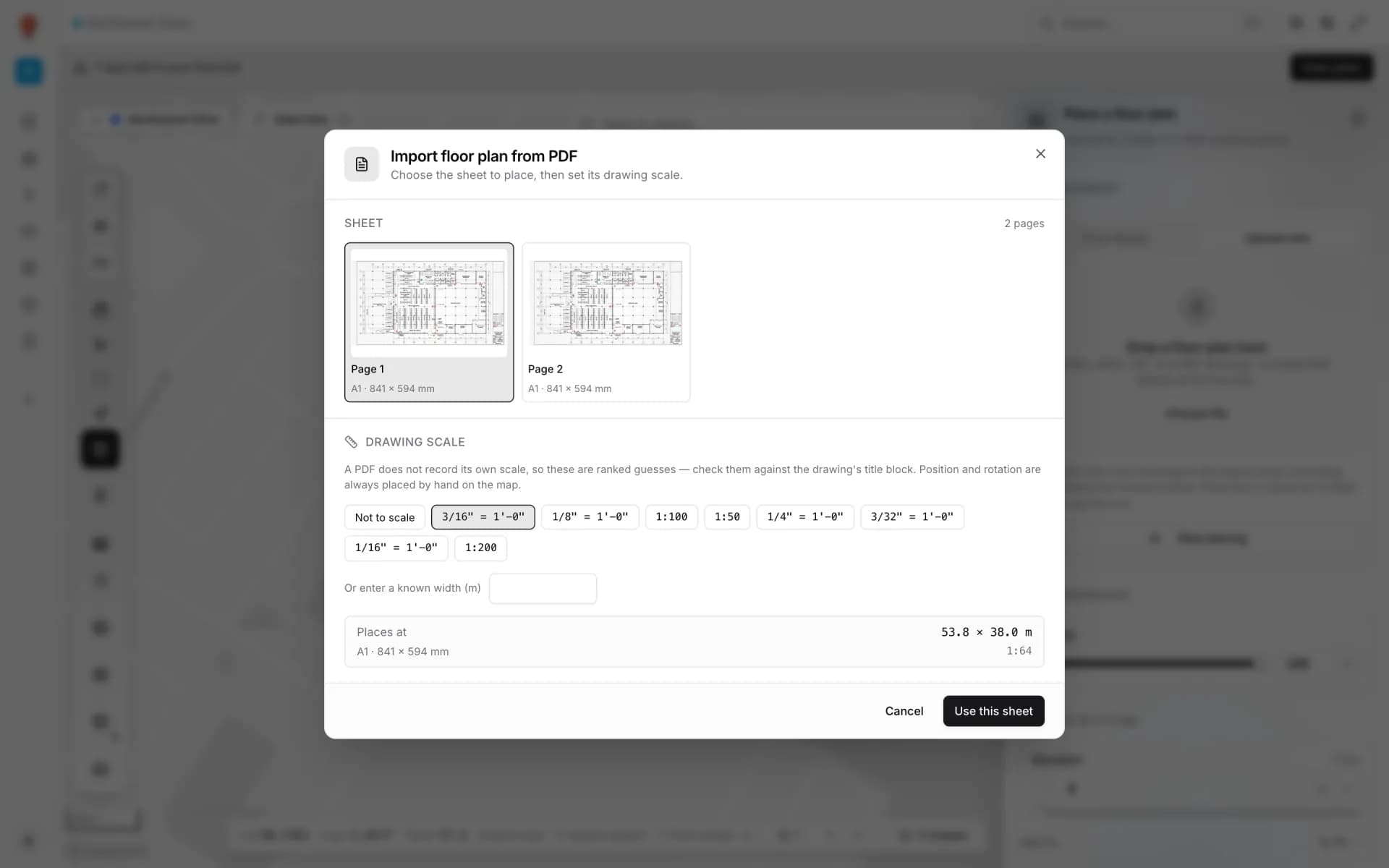
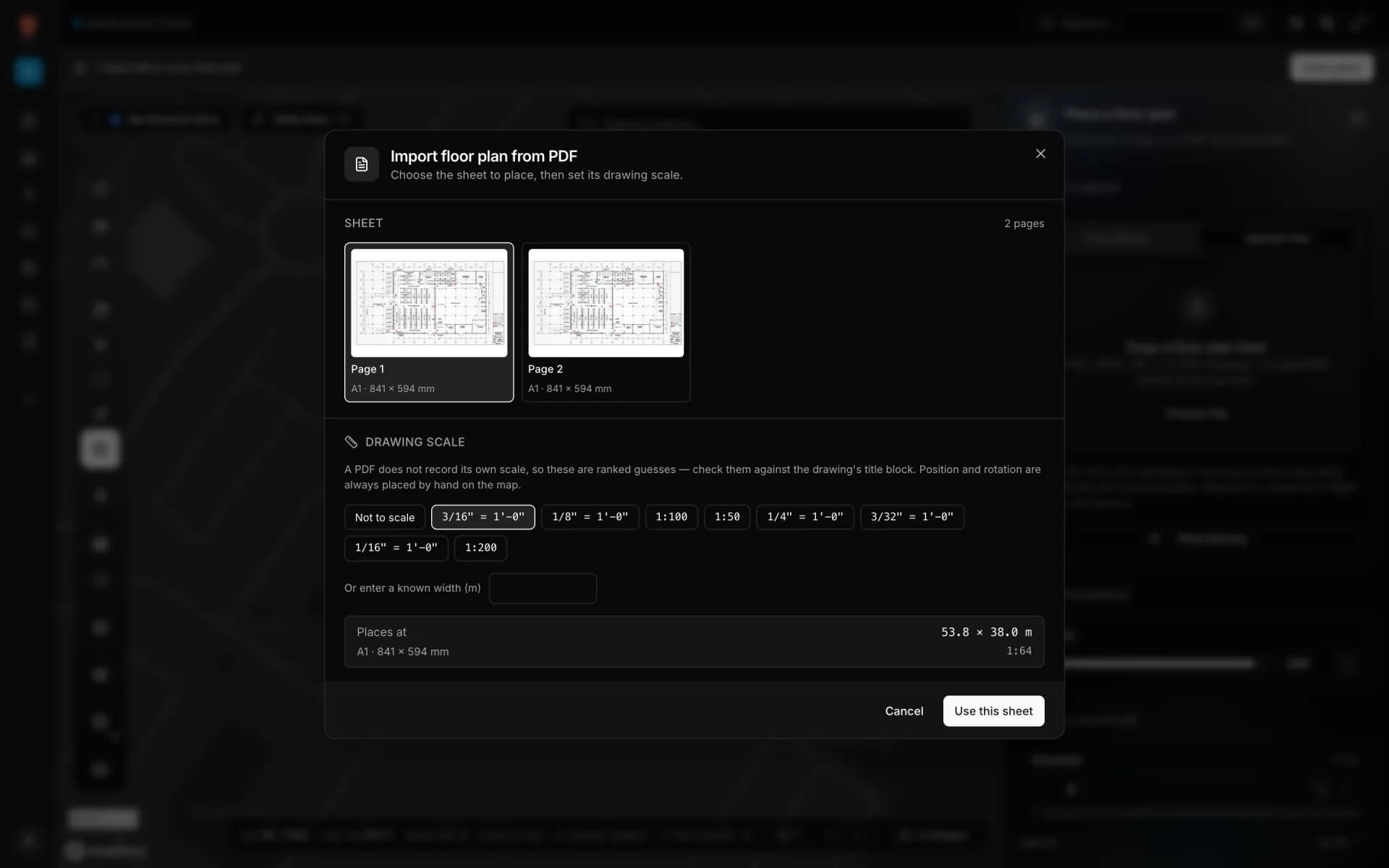
Turn a PDF floor plan into a 3D facility
Import an architectural PDF at true scale, pick the sheet, place it on the map, then trace rooms and generate walls so the plan becomes a 3D facility.
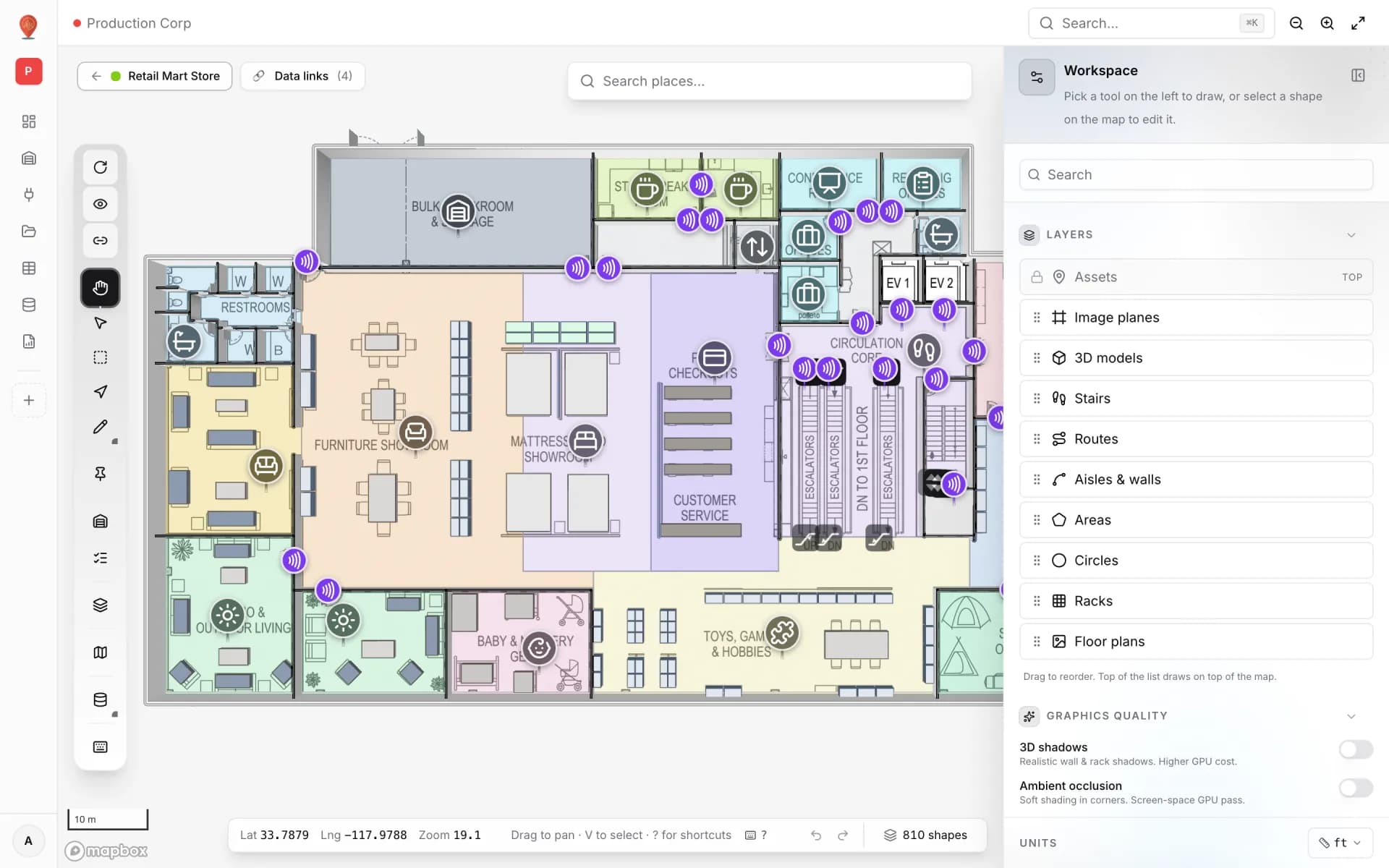
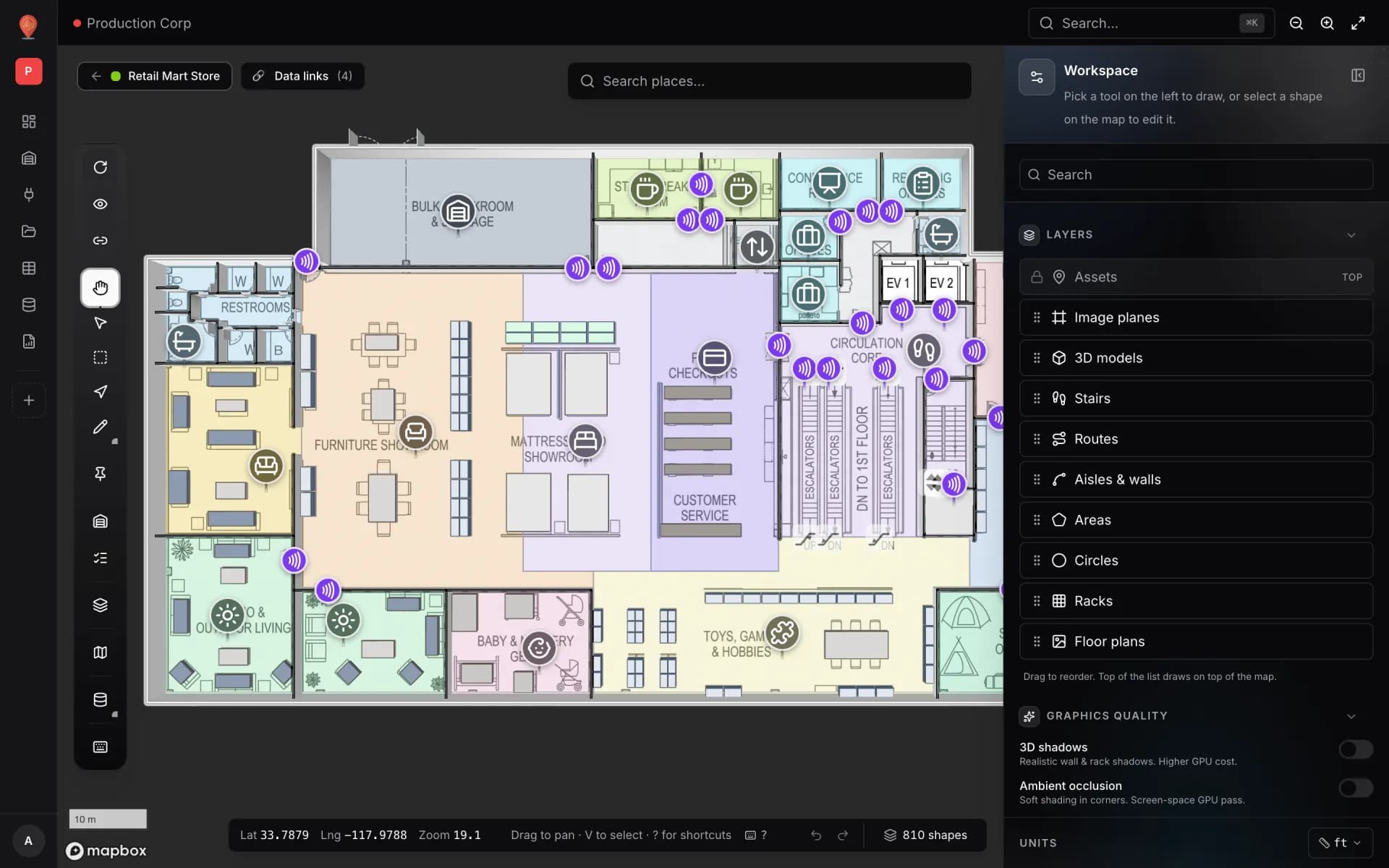
Draw rooms, walls, stairs and lifts
Draw a floor on top of a placed floor plan, step by step: named rooms with roles, magic walls, U-shaped stairs, lift shafts and text labels, ready for 3D.
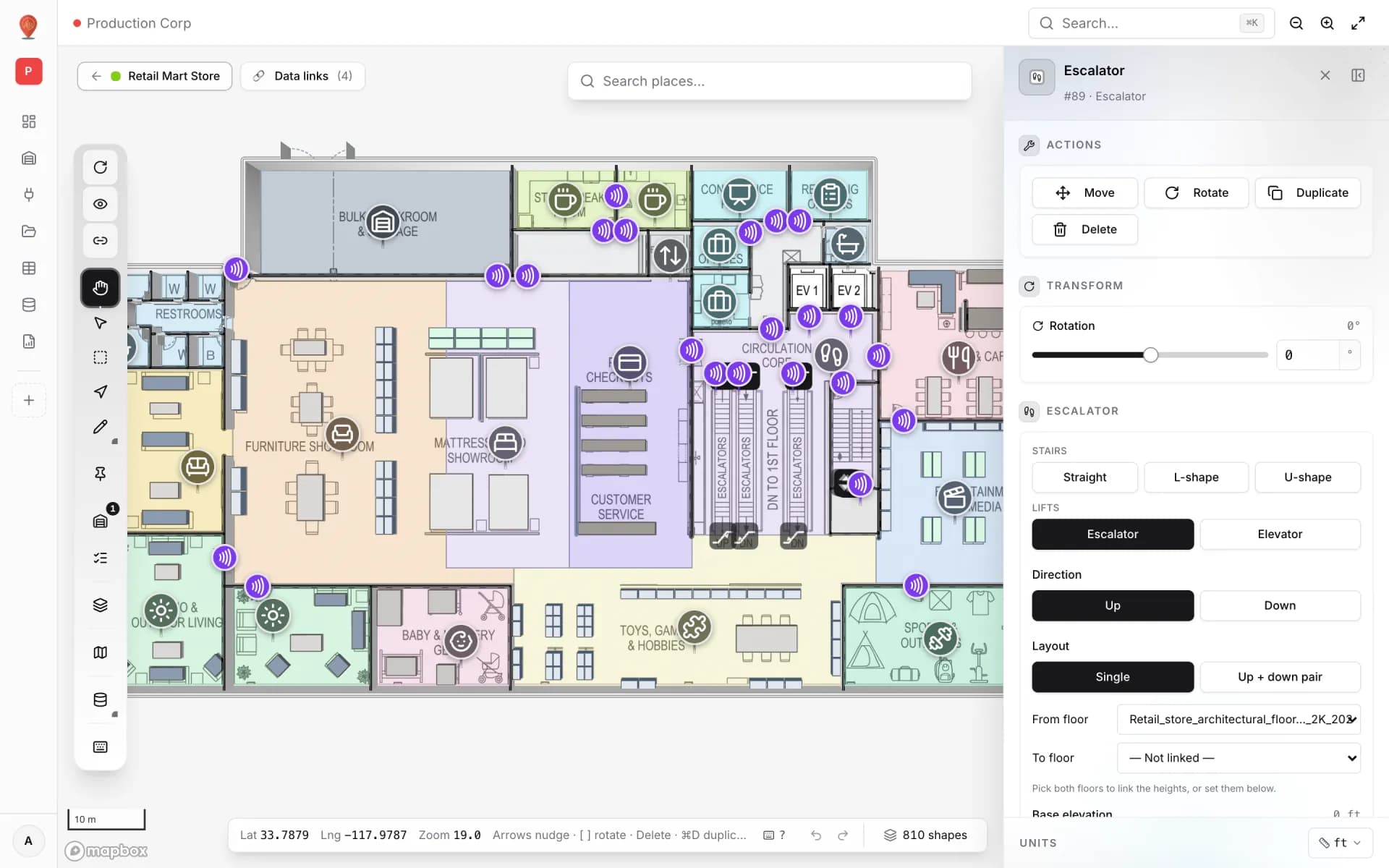
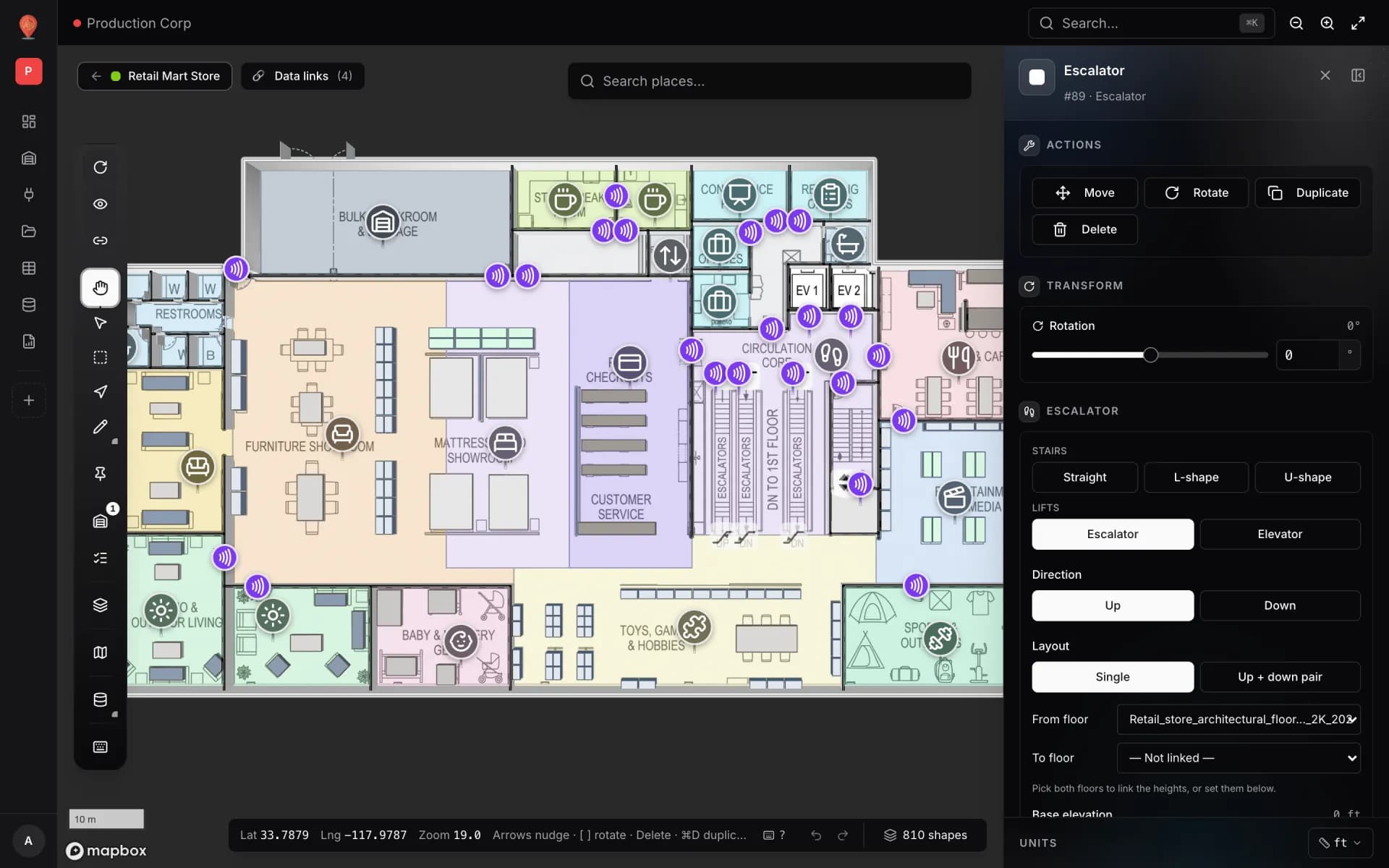
Model a multi-floor store with escalators and lifts
Stack one floor plan per level at its real height, then add escalators and lifts linked to the floors they serve — the way the Retail Mart demo store is built.
Live data on the map
Tint rooms by status, move people and equipment, colour bins and show sensor readings.
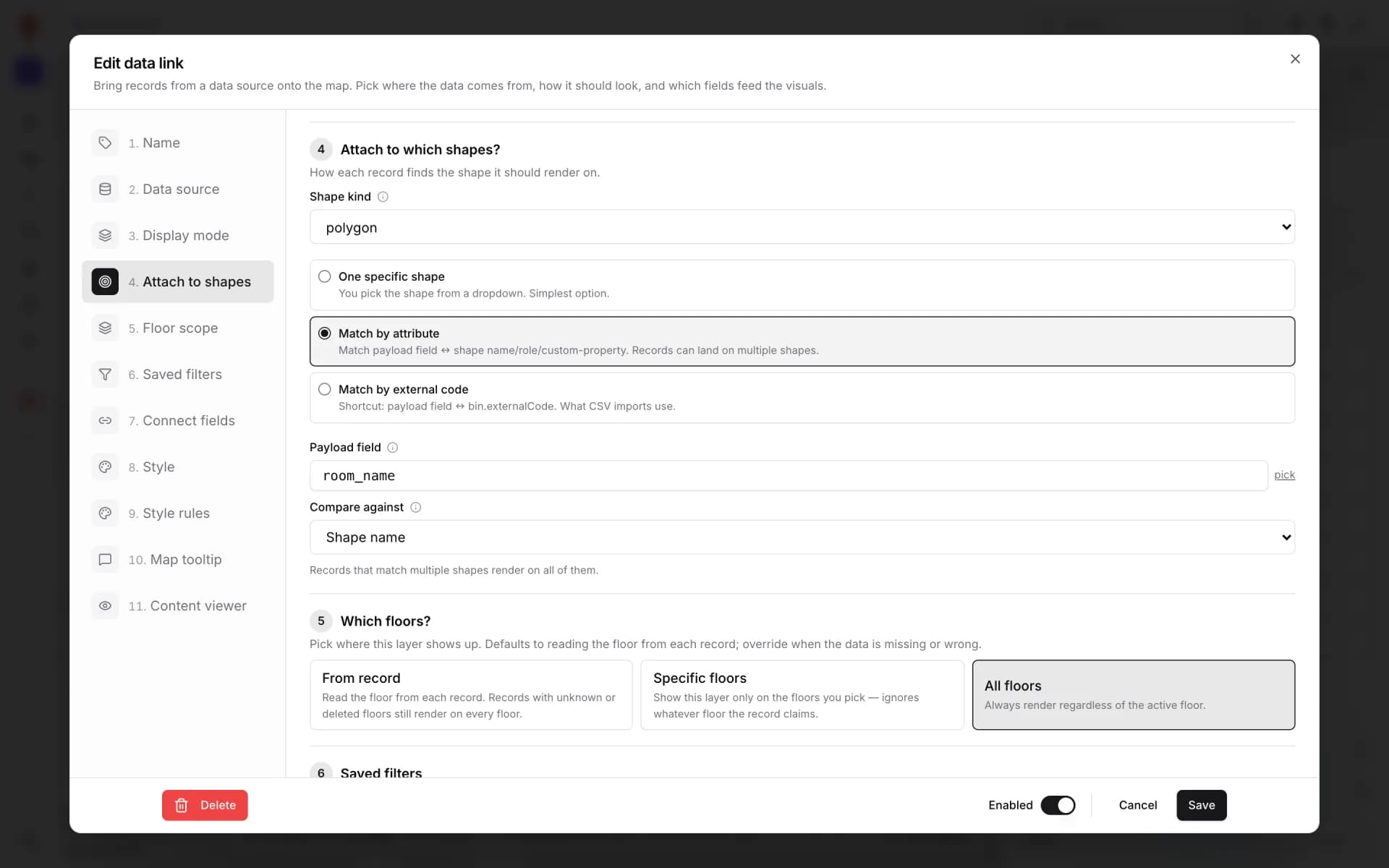
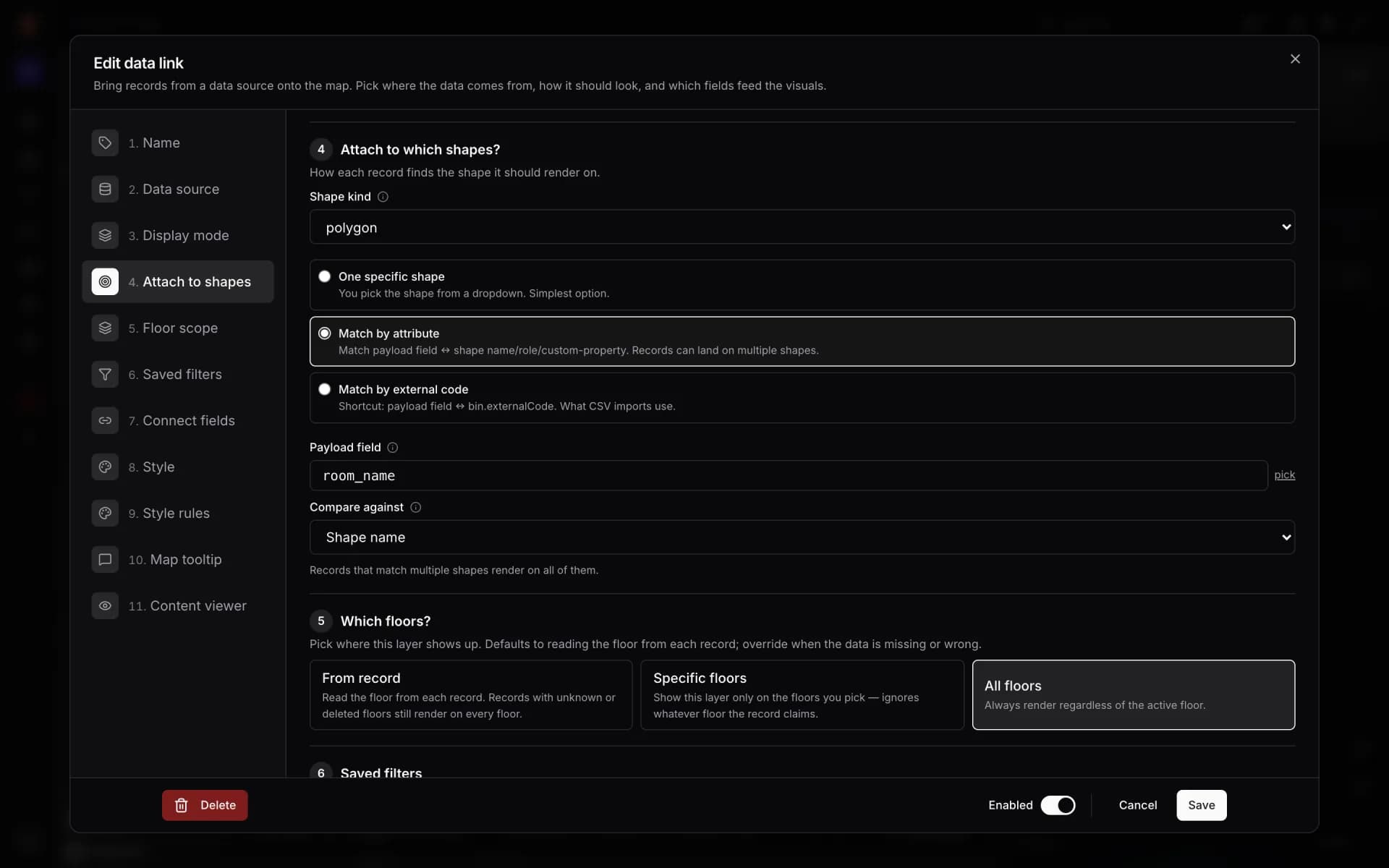
Colour rooms by live status
Tint every room green, amber, purple or grey from a rooms table with a Color a shape data link and style rules — and flag overdue cleaning in red.
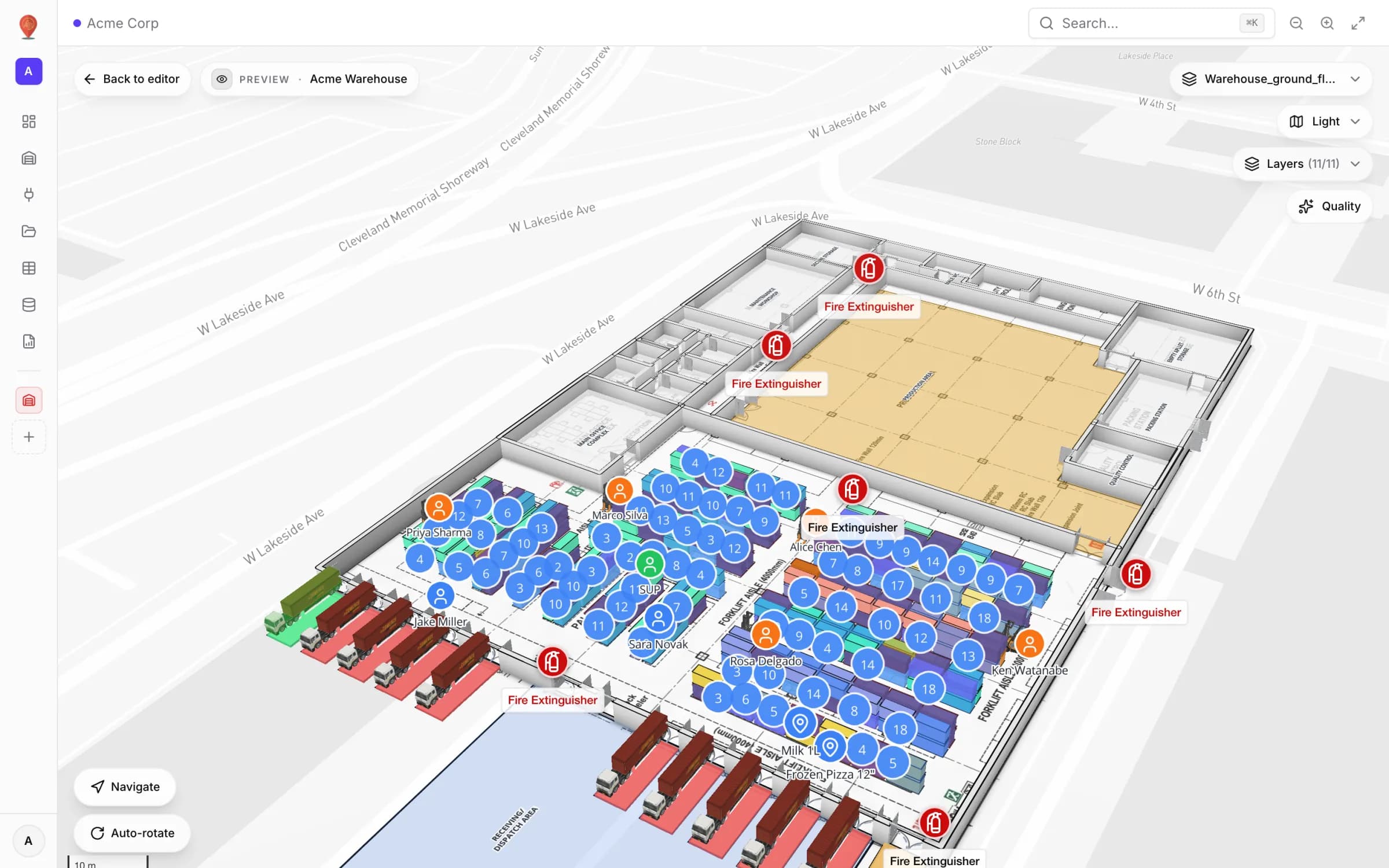
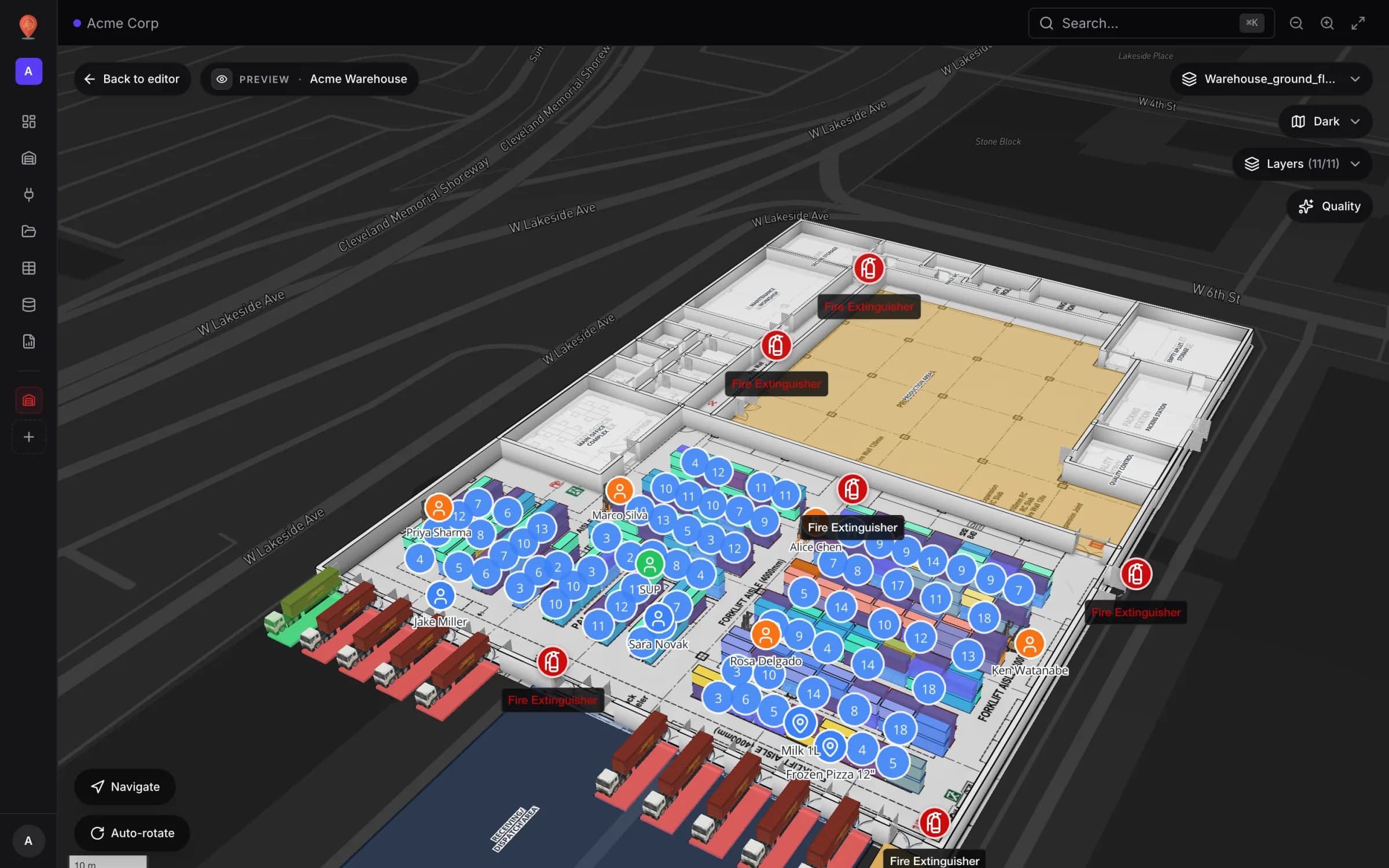
Track staff and equipment with live markers
Show staff badges and RTLS-tagged equipment as named live markers that move as positions update, with a detail drawer and history for every asset.
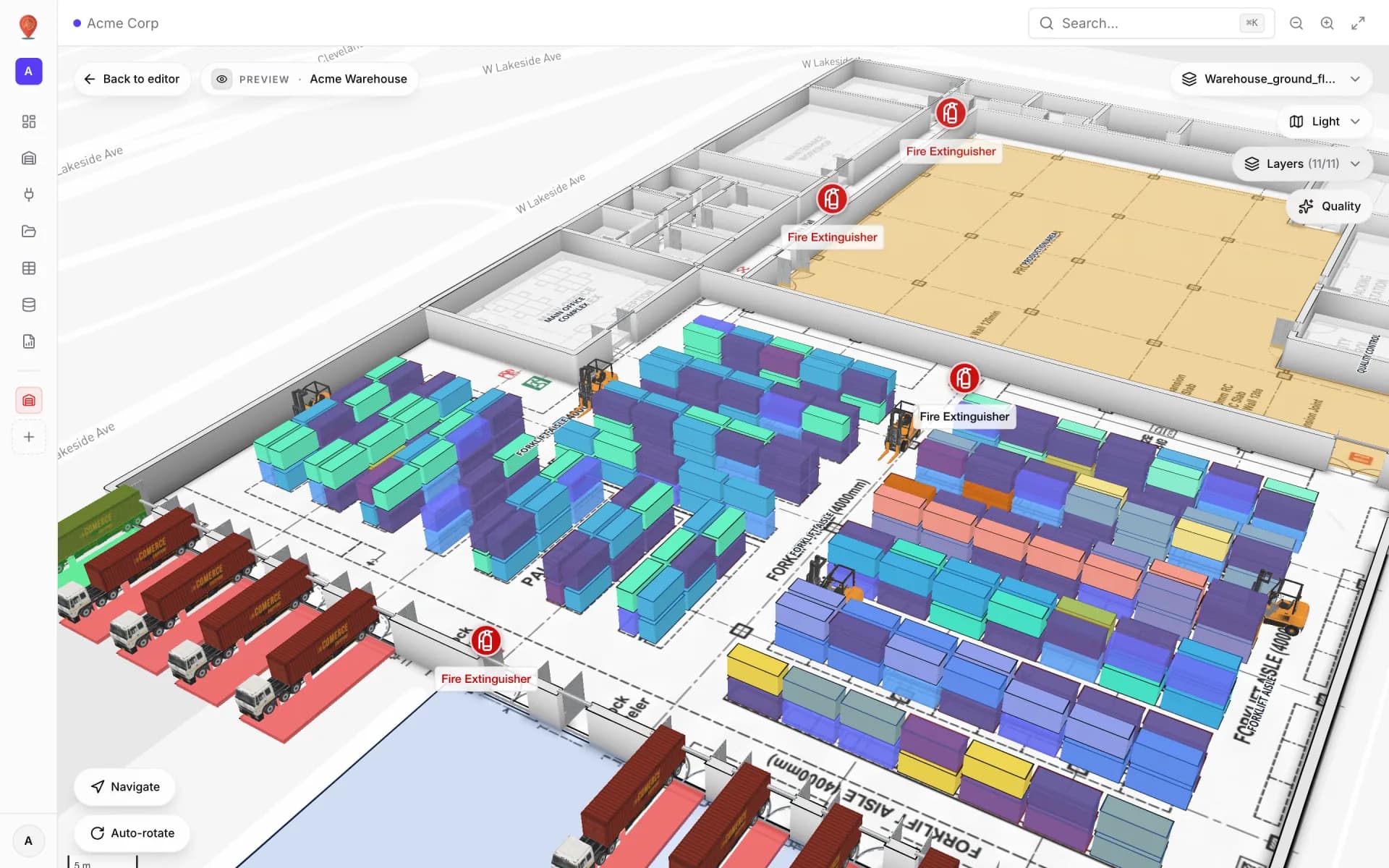
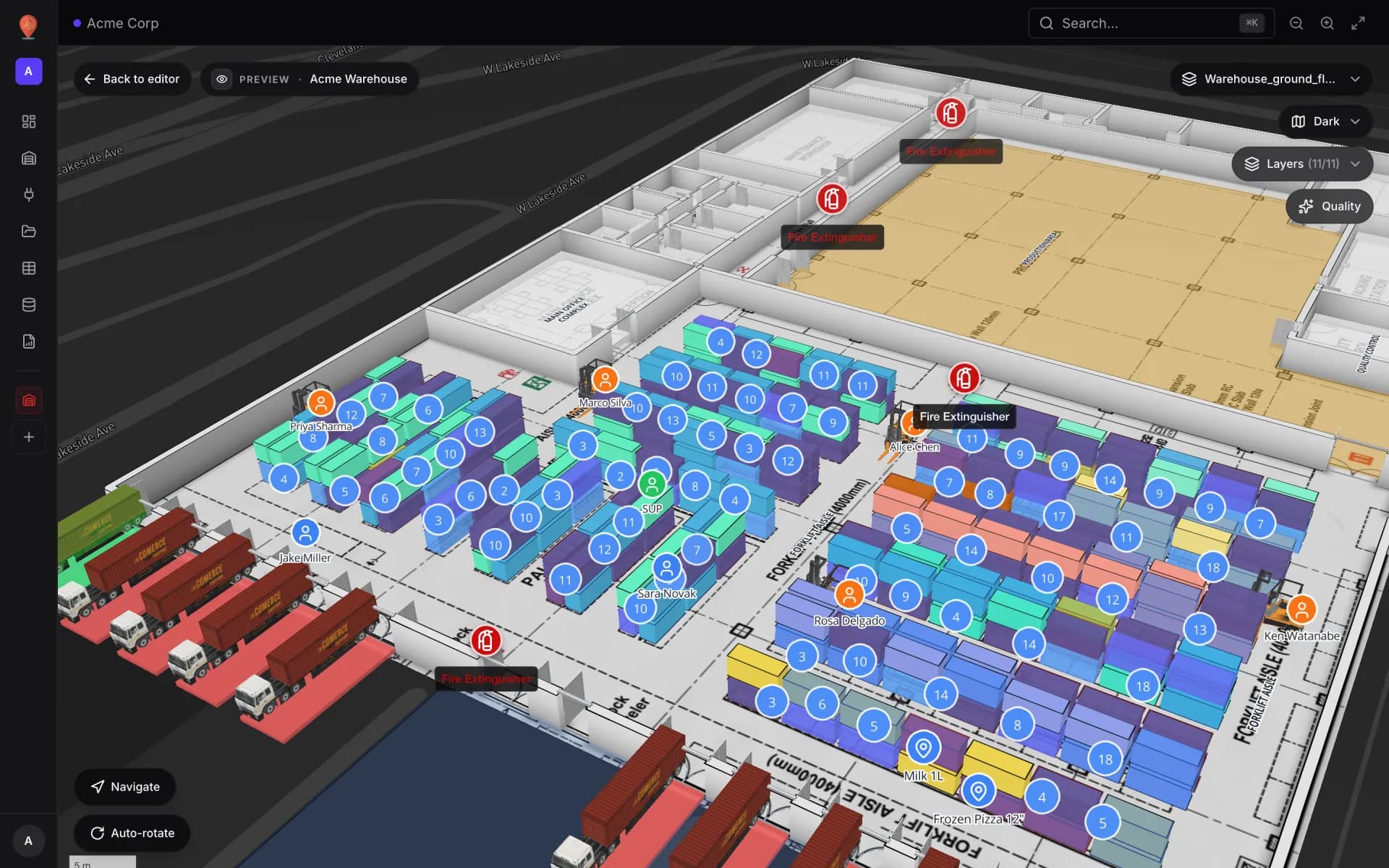
Stock by bin on a rack grid
Draw racks, import stock per bin from a spreadsheet and colour every bin occupied, empty, blocked, reserved or picking with rack-cell style rules.
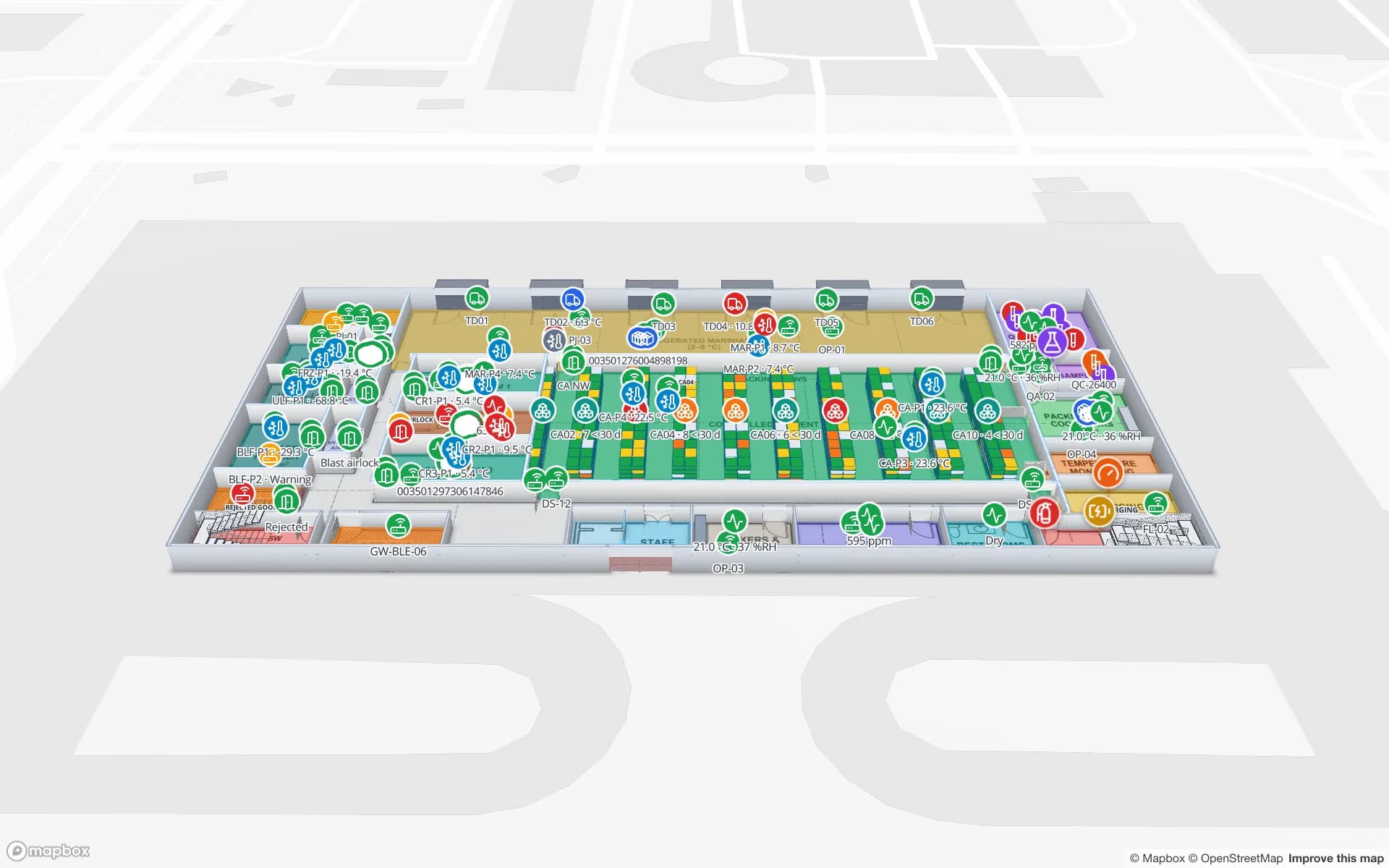
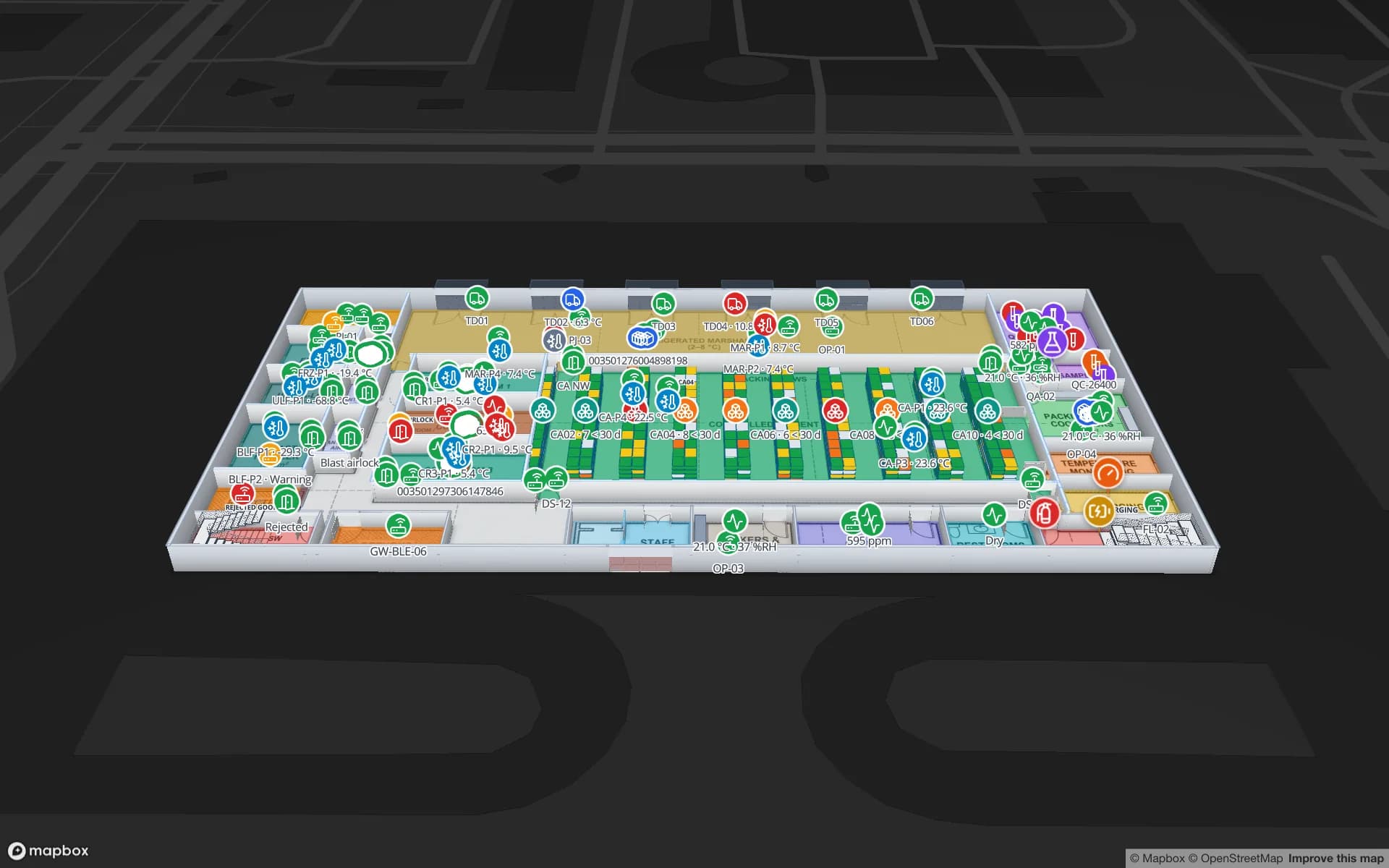
Environmental sensors with live readings on the map
Place temperature, CO₂, pressure and fridge sensors on the floor plan with their latest reading as the label, coloured by status with marker style rules.
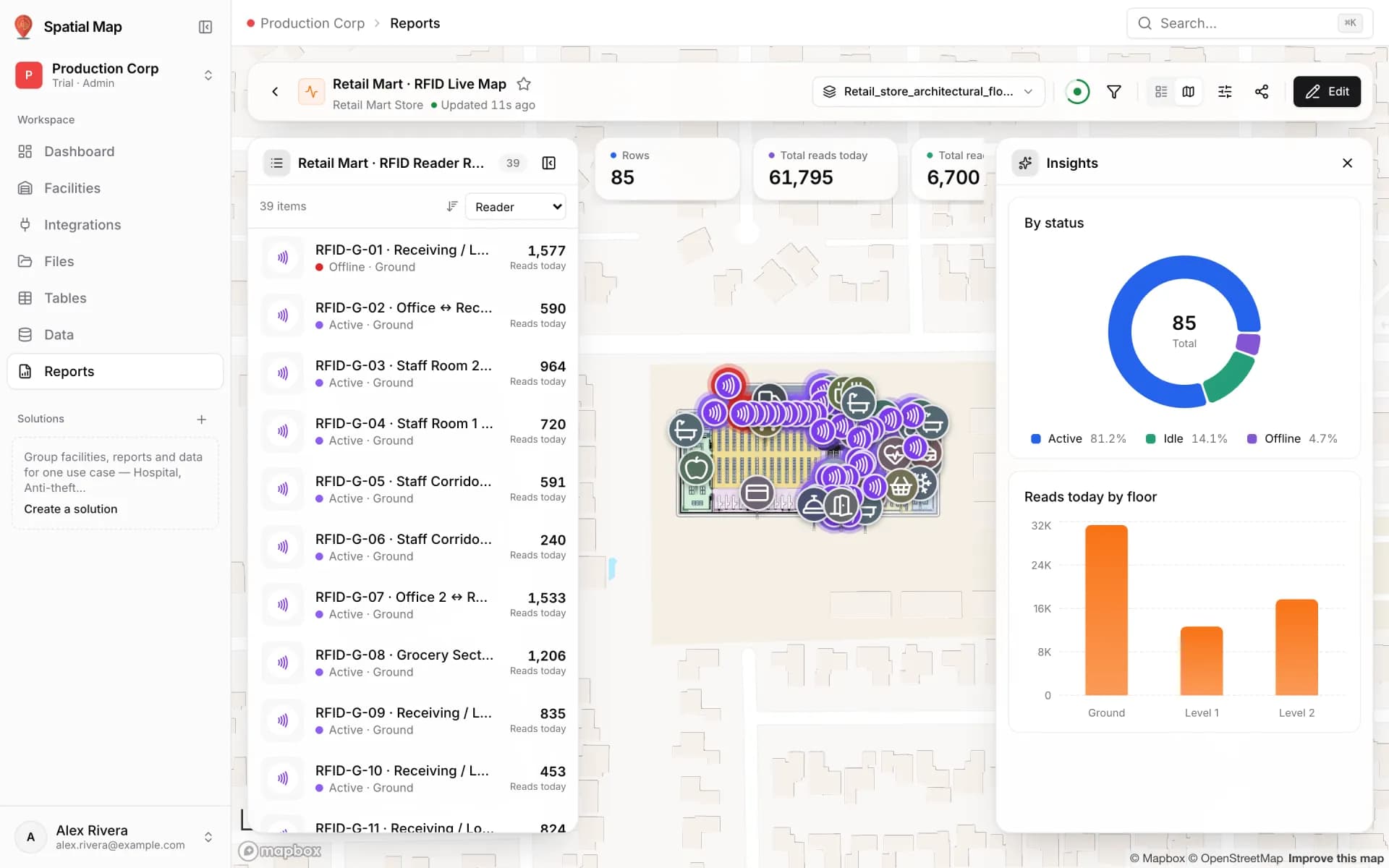
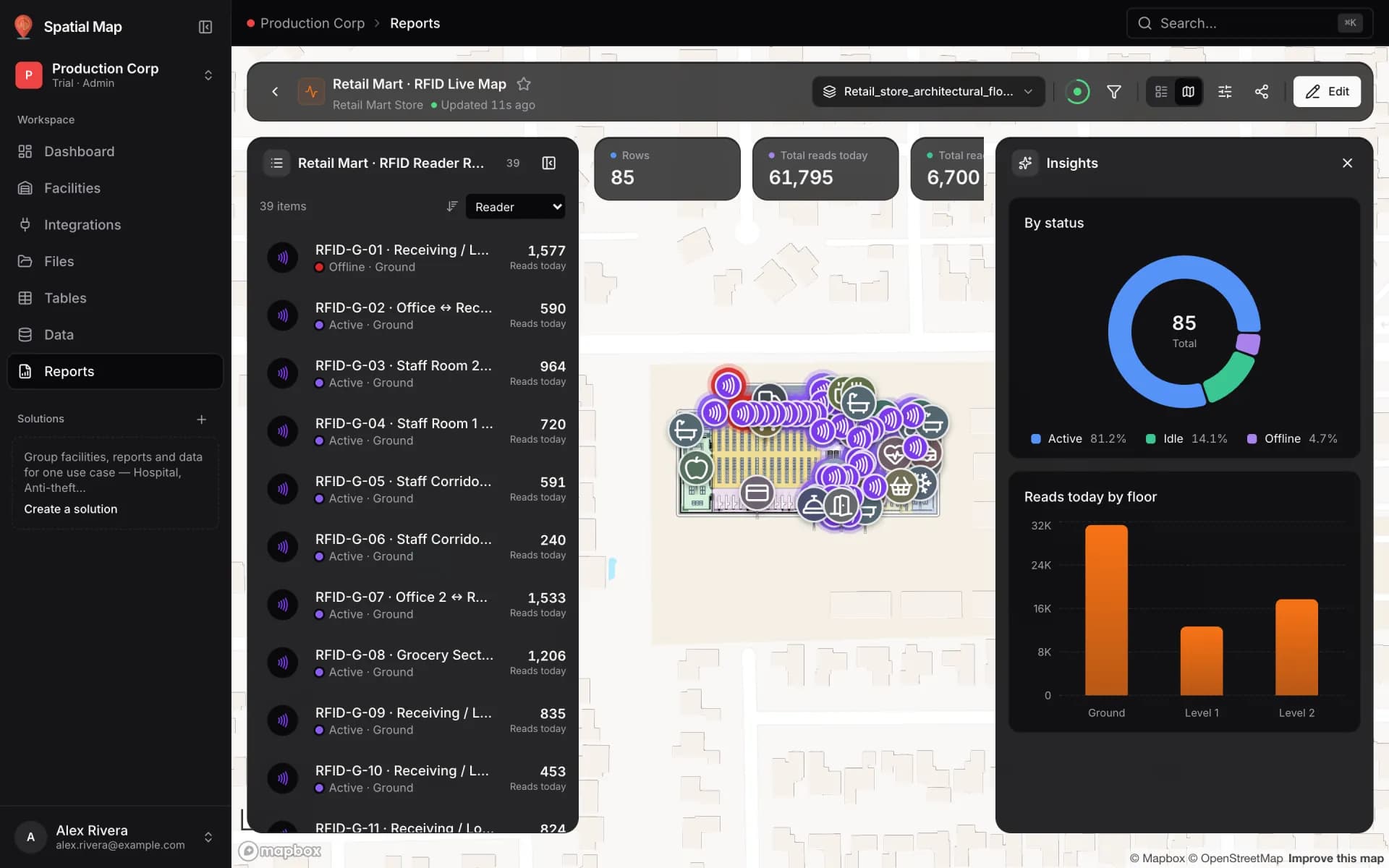
RFID gate readers on a retail floor
Show every RFID reader in a multi-floor store as a pulsing ring with its reads in the last hour, coloured active, idle or offline, plus a full-map report.
Reports & exports
Summary dashboards, full-map command centers and PDF or Excel exports.
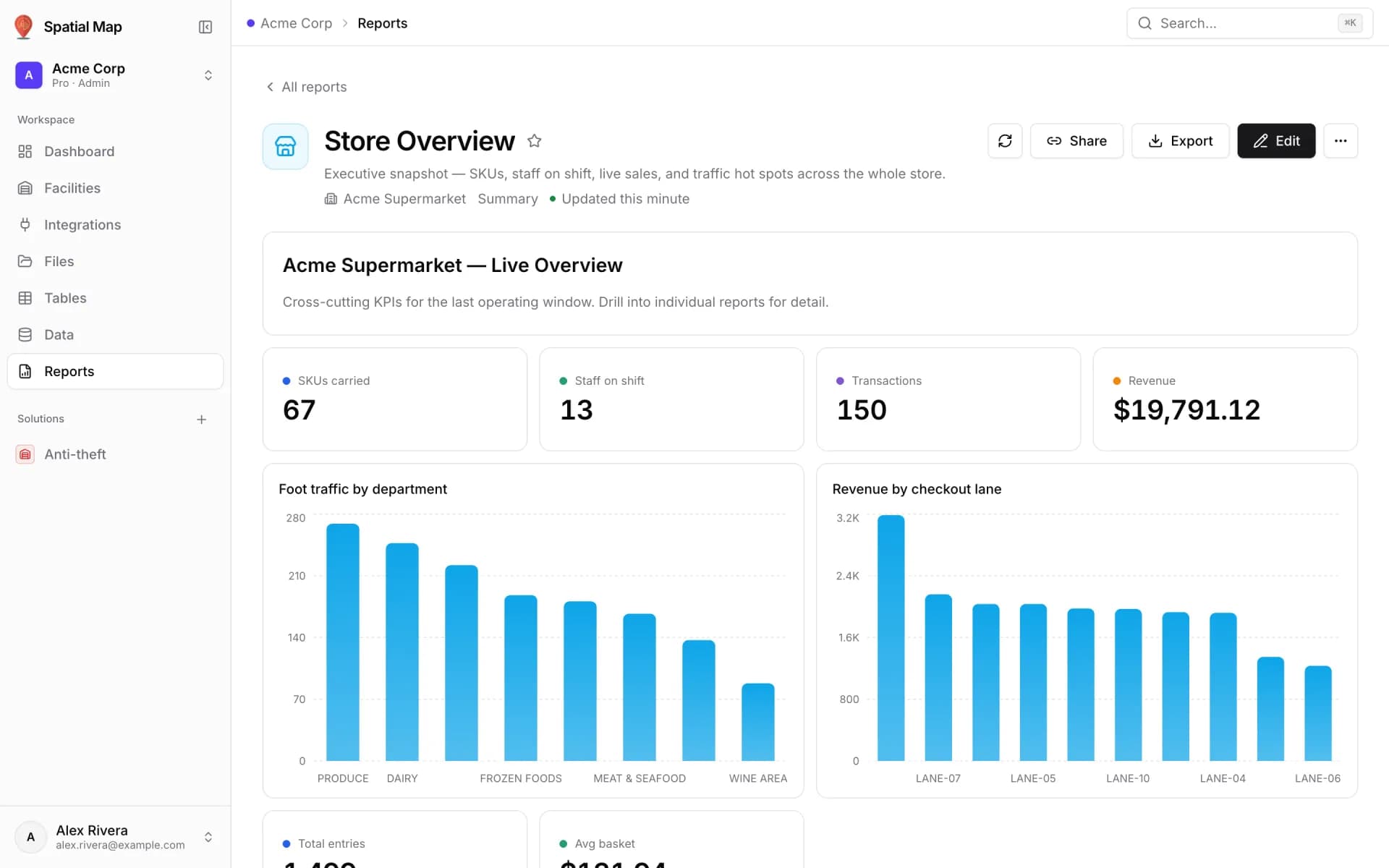
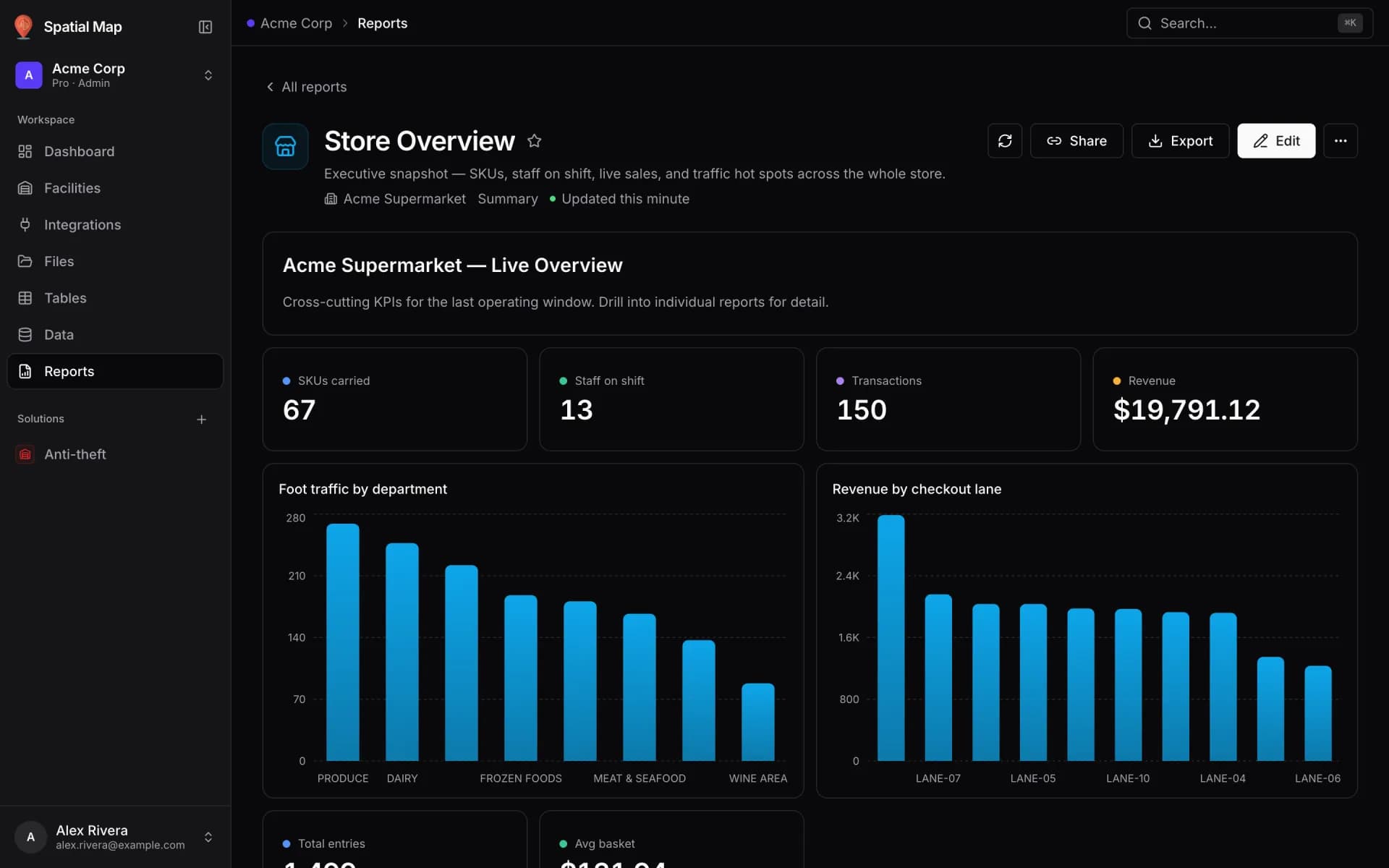
Build an operations summary report
Build a Summary report over your store or site tables: KPI cards for transactions, revenue and staff, plus bar charts of foot traffic and revenue by lane.
Build a full-map command center
Turn the report generated for a linked table into a full-map command center: the live facility map fills the page, with records, KPIs and insights around it.
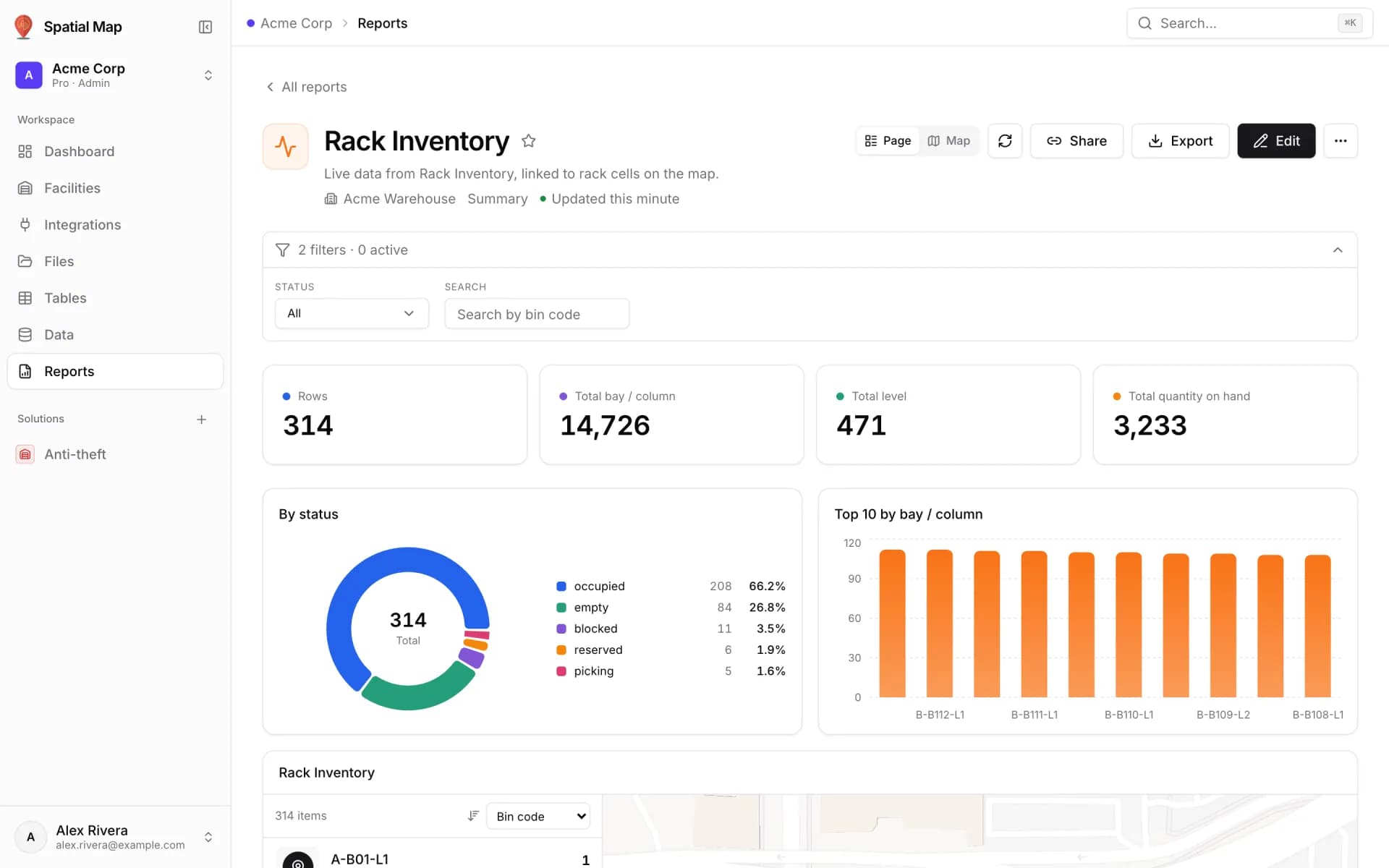
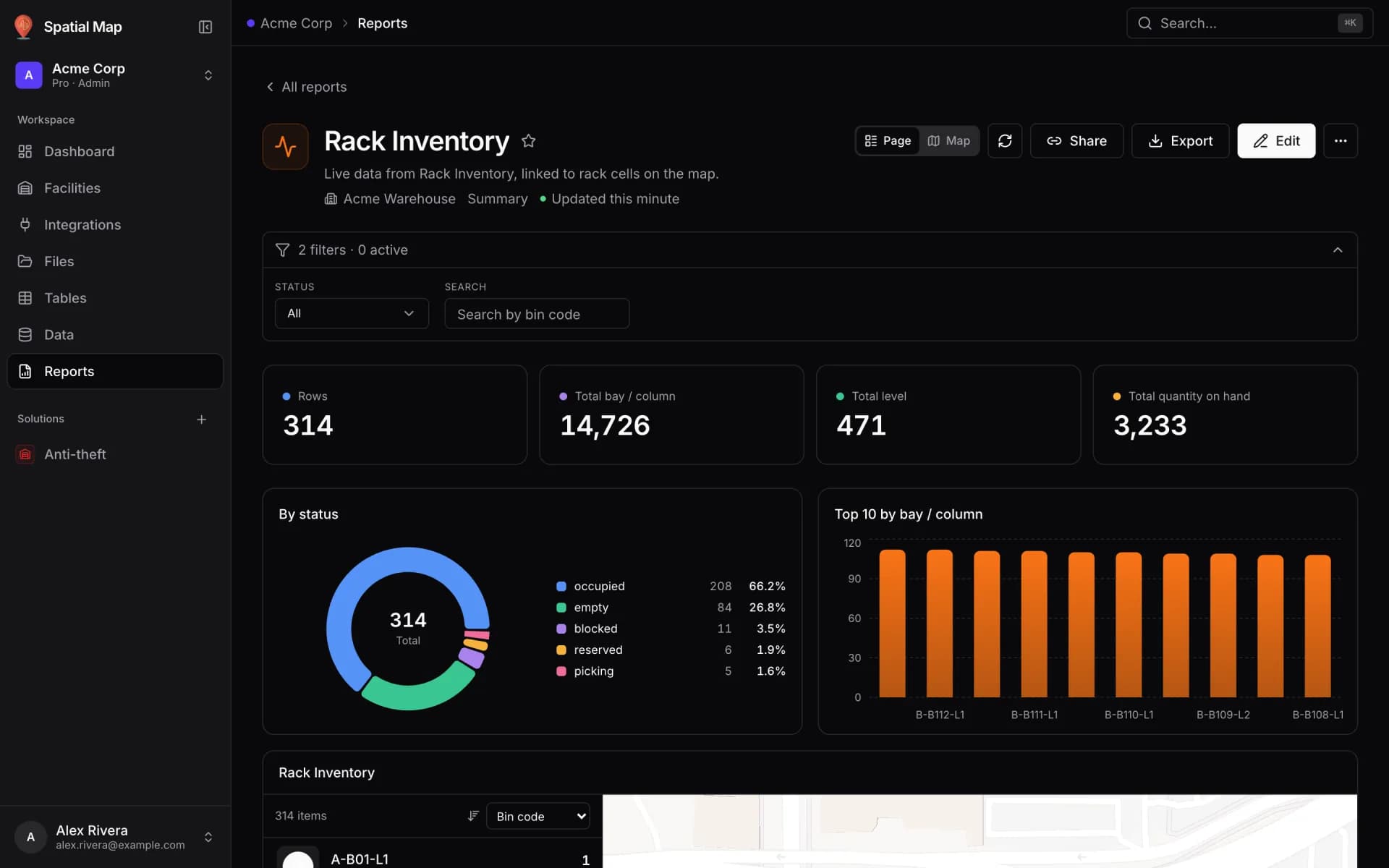
Export a weekly report to PDF and Excel
Export any report as a print-ready PDF and an Excel workbook with real numbers, dates and conditional colours, then share a link to the live version.
Integrations & API
Write rows from your own code, or let Spatial Map poll your REST endpoint.
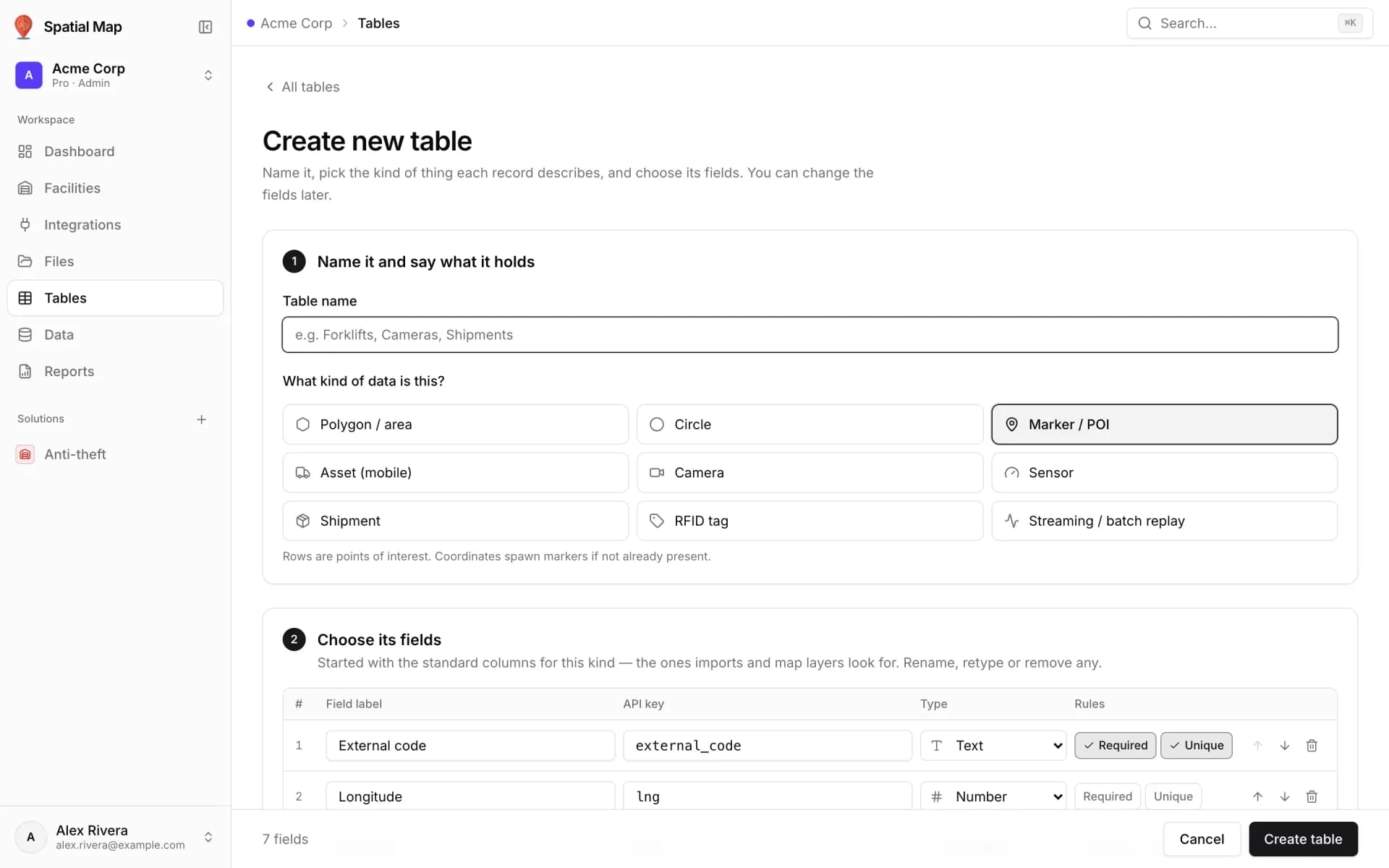
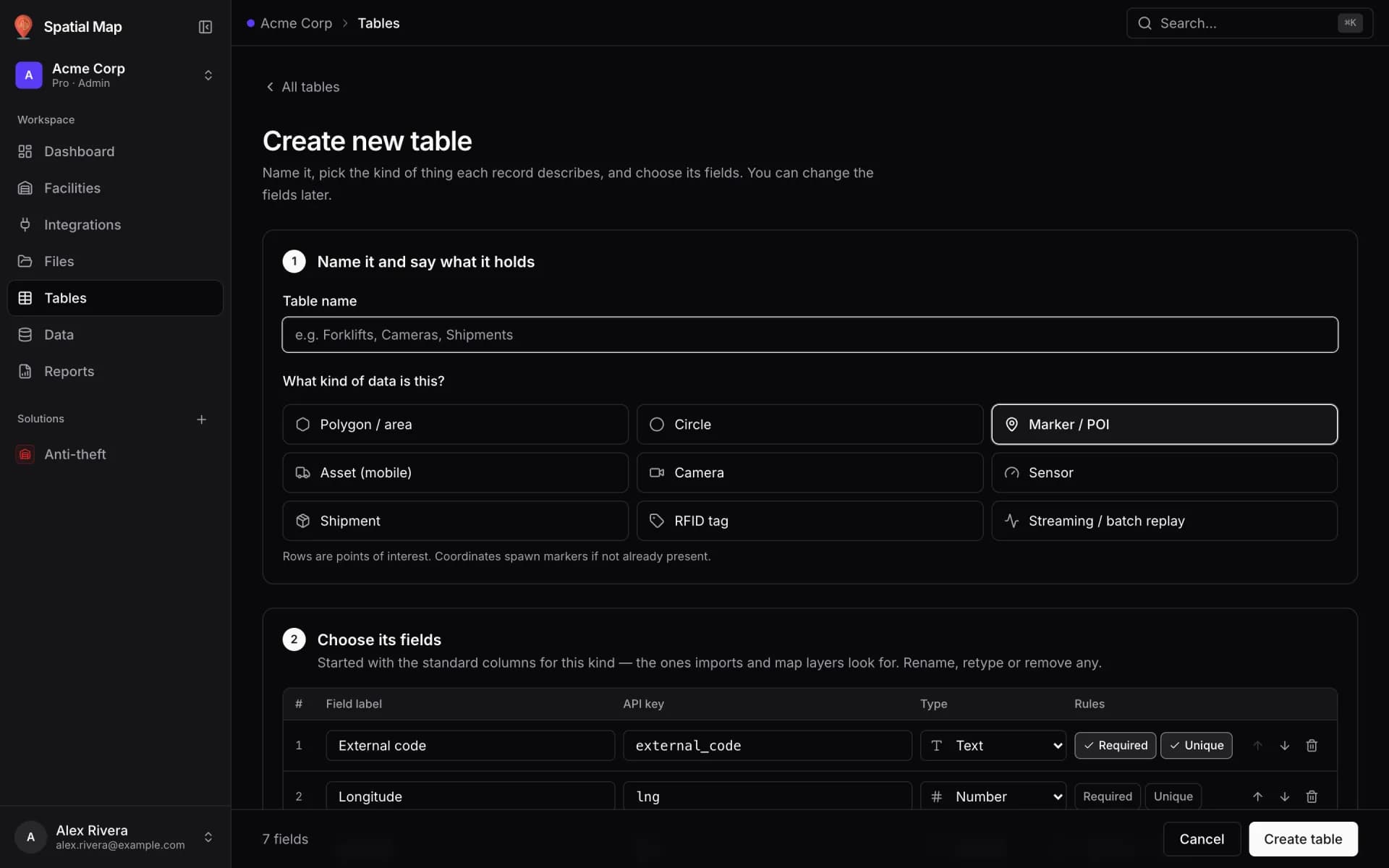
Push rows into a table with the write API (curl)
Mint a per-table API key, then upsert, bulk-load and patch rows with curl. Every write lands in the row history and updates linked maps in real time.
Poll a REST endpoint on a schedule
Let Spatial Map fetch your JSON endpoint on a schedule and upsert every item into a table — with a JSON path, row key, headers and field mapping.
Sharing
Read-only, expiring, view-capped links for people outside the workspace.