
Poll a REST endpoint on a schedule
When the source system can’t push, let Spatial Map pull. A table can poll a REST URL from our servers on a schedule and upsert every item it returns, so data keeps arriving even when nobody has a map open. Here an equipment-tracking endpoint fills an Equipment table.
Steps
- 1
Create the destination table
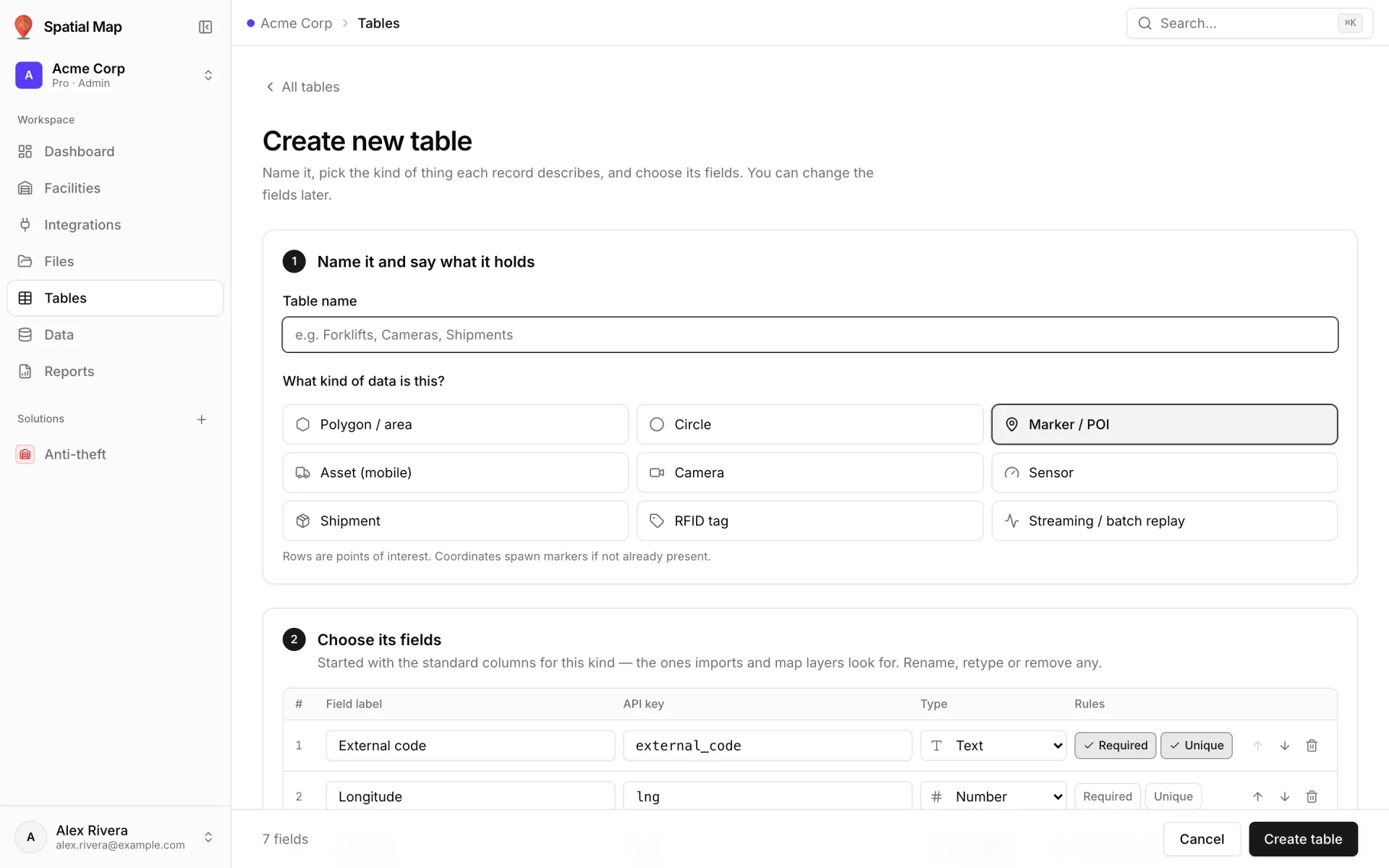
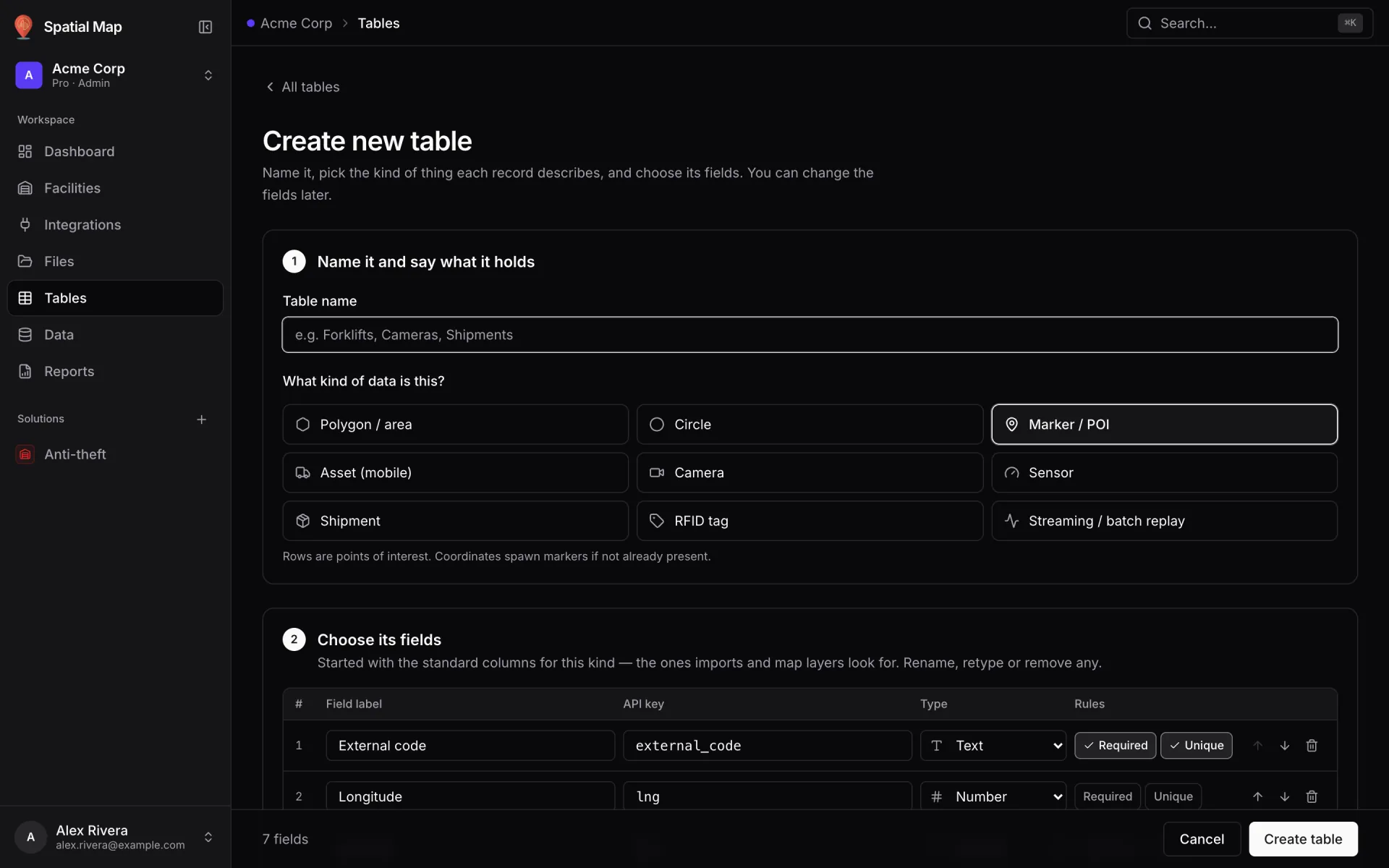
Tables → Create new table, name "Equipment", kind Asset (mobile), with the fields your endpoint returns (asset_tag, asset_name, status, lat, lng…). Field keys are what the poller writes to.
- 2
Open the polling settings
On the table’s API & access tab, find Pull from a REST API — "Rather than pushing rows, let us fetch them: we call your URL on a schedule and upsert every item it returns." It shows Not polling until you save a URL.
- 3
Point it at your endpoint
Enter the Poll URL (a full http:// or https:// address) and the Interval (seconds) — 60 by default. If the items are nested, set Where the items are (JSON path), for example `data.items`; leave it empty when the response itself is the array.
- 4
Choose the row key
Set Row key field in the response to the item’s stable ID, here `asset_tag`. An item whose key already exists updates that row instead of adding a duplicate.
- 5
Add auth and mapping
Under Headers, Add header for your API’s authentication. Under Field mapping (external → internal), Add mapping for any field whose name differs from your table’s key (here `battery` → `battery_pct`). If items carry coordinates, set Position lat field and Position lng field.
- 6
Start polling
Click Start polling. The status reads "Waiting for the first run (within a minute)", then Polling every 60 s with Last run. The poller checks once a minute, so shorter intervals still run about once a minute; each run reads up to 1,000 items. Stop polling pauses it — rows already imported stay.
- 7
Know the alternative
Integrations → Add integration → REST API ("Pull JSON from an HTTP endpoint on a schedule") also pulls JSON, GeoJSON or CSV, but its syncs run in the browser, so the API must allow requests from the app (CORS). Use table polling when data must keep flowing around the clock.
{
  "data": {
    "items": [
      { "asset_tag": "FL-03", "asset_name": "Forklift 03", "status": "In use", "battery": 76, "lat": 42.4637, "lng": -5.8802 },
      { "asset_tag": "PJ-09", "asset_name": "Pallet jack 09", "status": "Available", "battery": 100, "lat": 42.4636, "lng": -5.8805 }
    ]
  }
}