
Copy, edit, revoke and delete share links
The Manage links tab lists every share link for a facility with its status, views and expiry. Copy or open the URL, edit settings, revoke a link or delete it.
The Manage links tab
Manage links is where you run the links you've made: "Existing links for this facility. Edit to change settings, or start a new one." The newest link is at the top. The dialog switches here after Create link, so this is where you pick up a new URL. New link (top right) starts a fresh link on the General tab.
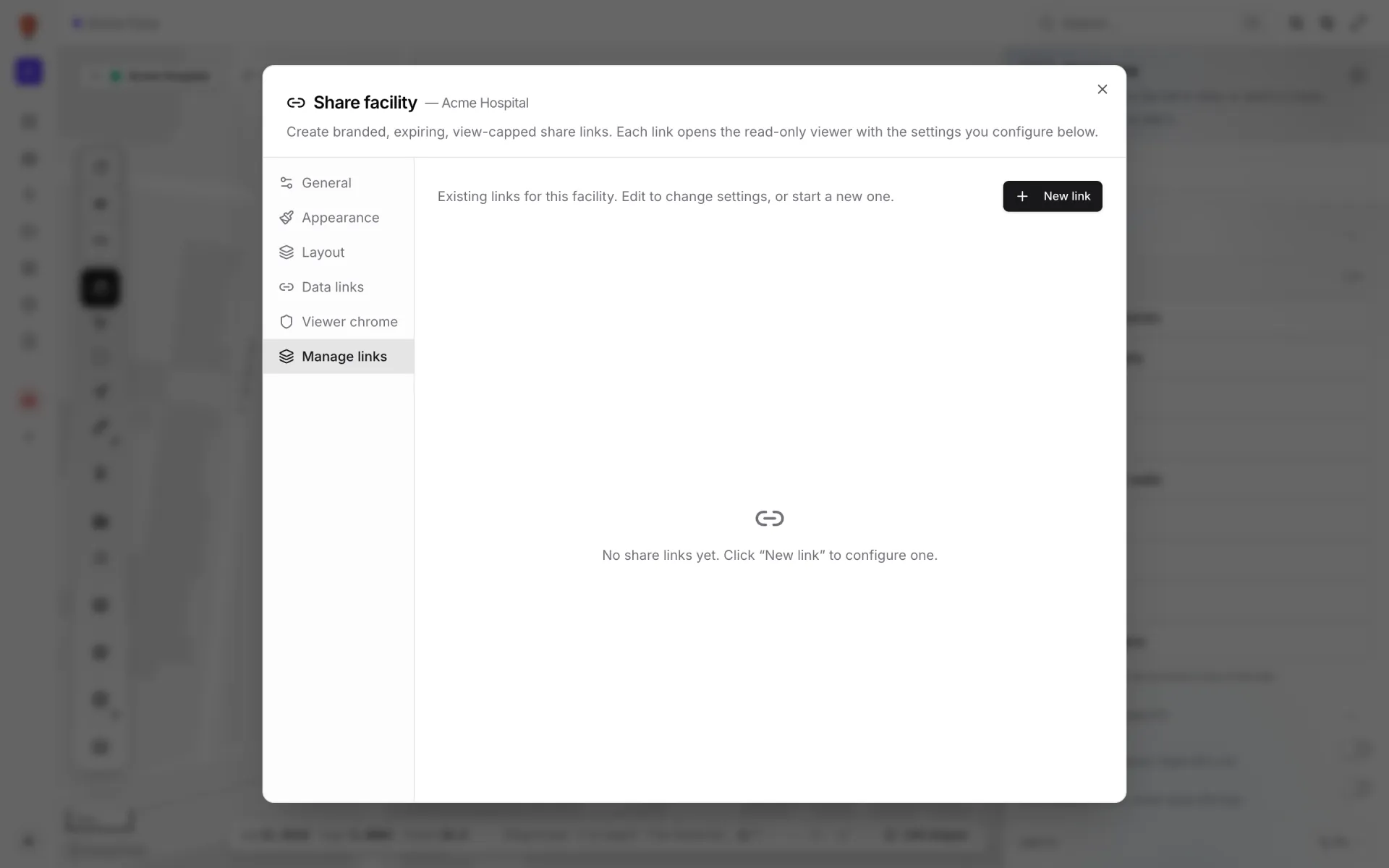
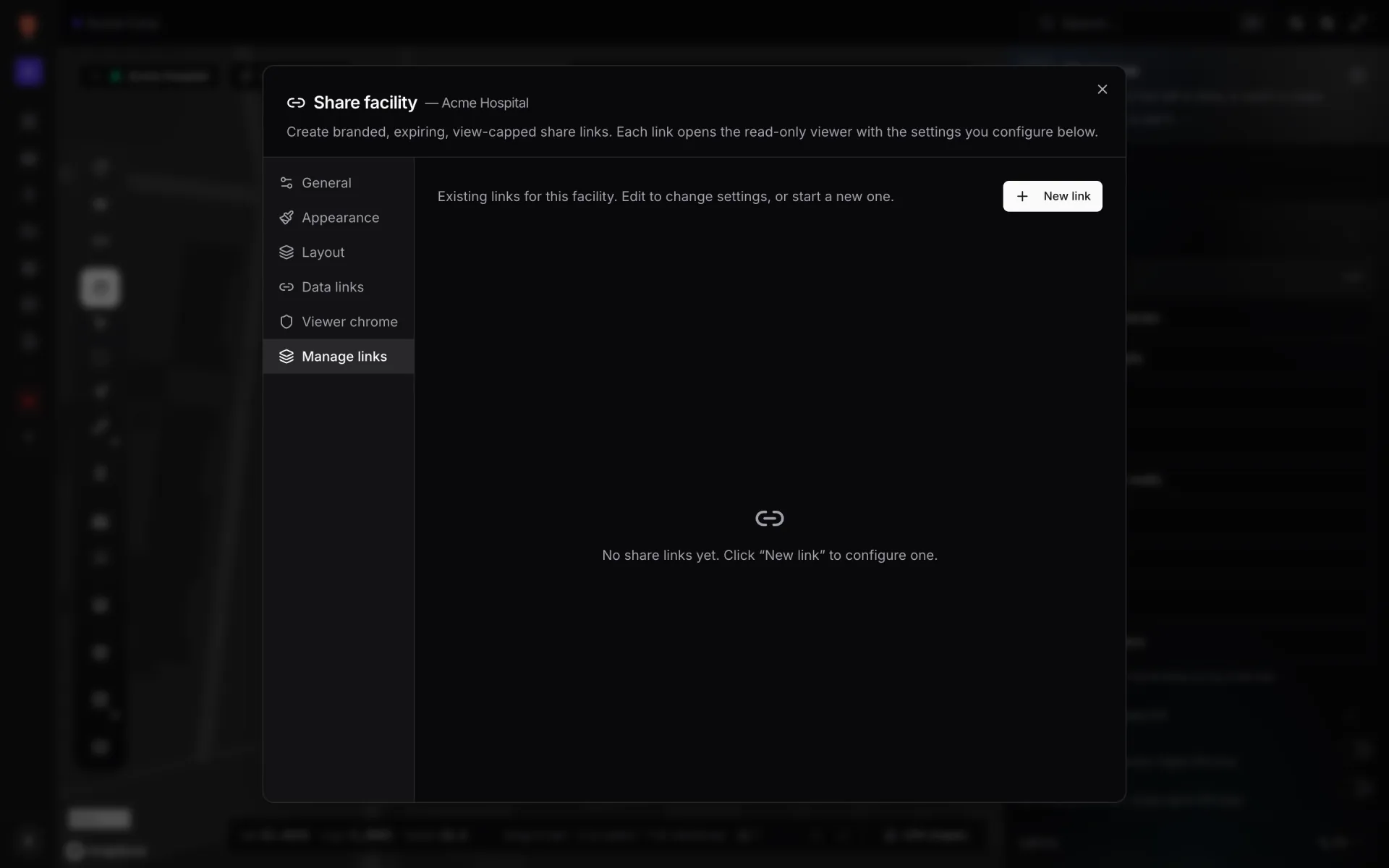
With no links yet, the tab reads "No share links yet. Click “New link” to configure one." You need the Owner, Admin or Editor role to see this list.
What each link shows
- Label (or "Untitled link") and a status pill.
- Usage: the number of views, the cap if one is set ("Cap 50"), and the expiry date and time if there is one ("Expires …").
- URL: a read-only field (click it to select the whole URL), a Copy URL button that briefly turns into a tick, and Open in new tab.
- Edit, plus Revoke for a live link or a bin icon (delete) for a revoked one.
Link statuses
| Status | Meaning | To bring it back |
|---|---|---|
| Active (green) | The link opens. | Nothing to do. |
| Expired (amber) | The expiry date has passed. The URL shows "This link doesn't work". | Edit, pick a new expiry, Save changes. |
| Capped (amber) | The link has reached its maximum views. | Edit, raise or clear Maximum views, Save changes. |
| Revoked (red) | You turned it off. | You can't. Create a new link. |
If more than one applies, Revoked wins over Expired, which wins over Capped.
Actions
| Action | Who can | What happens |
|---|---|---|
| Copy URL | Owner, Admin, Editor | Copies the link to your clipboard. |
| Open in new tab | Owner, Admin, Editor | Opens the link as a guest would see it. This counts as a view. |
| Edit | Owner, Admin, Editor | Loads the link's settings and switches to General. Change anything on any tab, then Save changes, or Cancel to drop your edits. |
| Revoke | Owner, Admin, Editor | Turns the link off straight away. It stays in the list as a record. |
| Delete (bin icon) | Owner, Admin | Only on revoked links. Removes the link from the list for good. |
Editing a link
Saving an edit keeps the same URL and view count. Guests get the new settings the next time they open or reload the link. Someone who already has it open keeps the old settings until then. Editing is also how you extend an expired or capped link without sending a new URL.
If something fails
If a save, revoke or delete fails, the reason appears in a red bar at the bottom of the dialog. Check your role first: Editors can't delete links. Otherwise, try again.
More in Viewer & sharing
- Viewer & sharing · ViewerThe Viewer: a read-only facility mapOpen a facility read-only in the Viewer: floors, layers, live data links, a detail drawer and indoor directions, for teammates on /view and guests on /share.
- Viewer & sharing · ViewerShow and hide layers in the ViewerUse the Viewer's Layers panel to hide shape kinds, list and zoom to items, and switch data-link layers off for your visit or turn them off for everyone.
- Viewer & sharing · ViewerSwitch floors in the ViewerShow one floor, several or all of them in the Viewer's floor switcher, see how share links lock a floor, and set a building shell to Auto, Shell or Interior.
- Viewer & sharing · ViewerFilter live data in the ViewerThe Viewer's Filters pill lets anyone pick a saved filter per data link and fill in runtime values, then Apply. It appears once a link has saved filters.