
Set a share link's label, expiry and view cap
On the Share dialog's General tab, name a link, make it expire after 1 hour to 1 year, on a custom date or never, cap how often it opens and keep private notes.
What the General tab is for
General decides how a link is run rather than how it looks: what it's called, when it stops working, how many times it can be opened, and a private note for your team. It's the tab the dialog opens on when you create a link, and when you click Edit on an existing one.
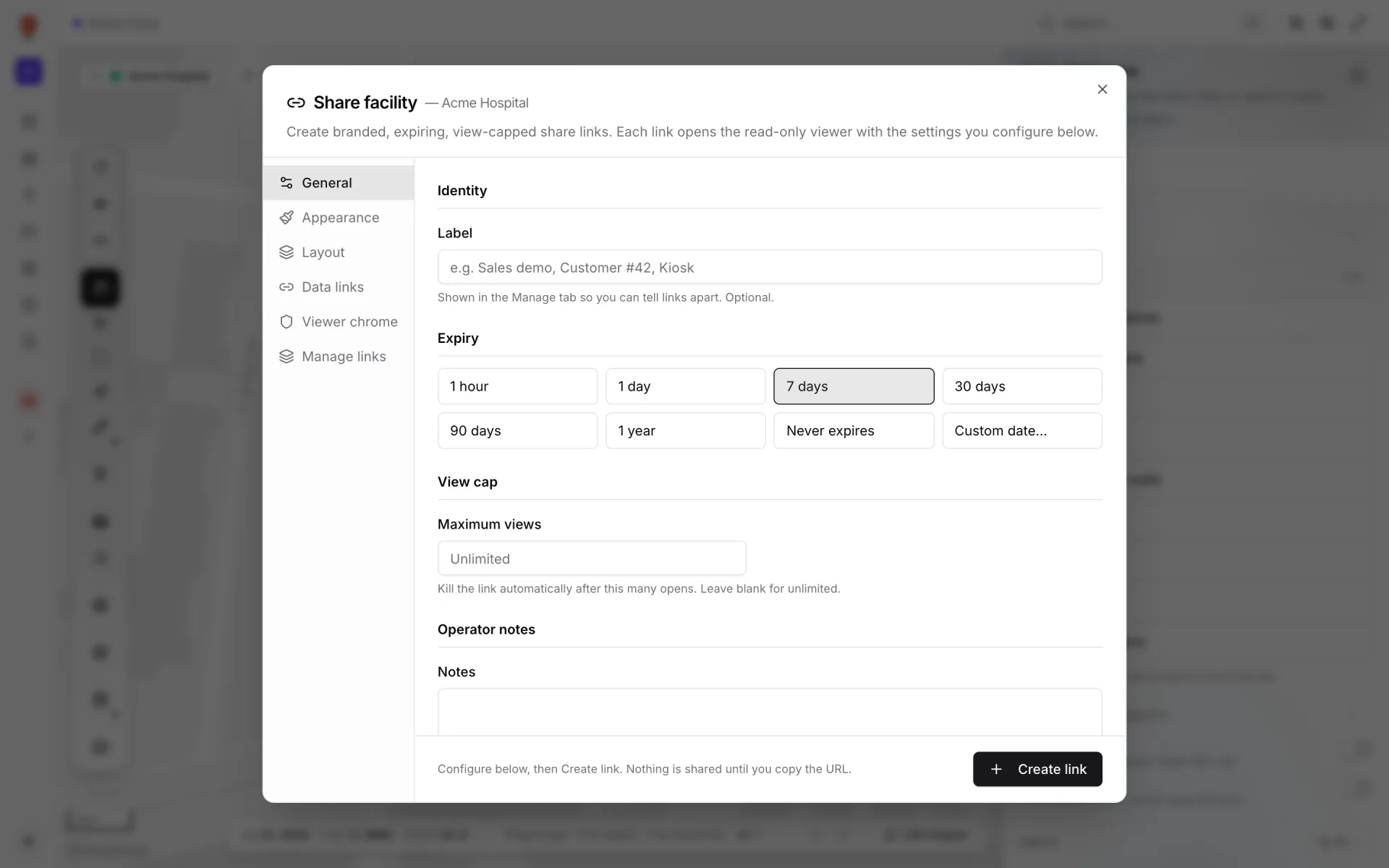
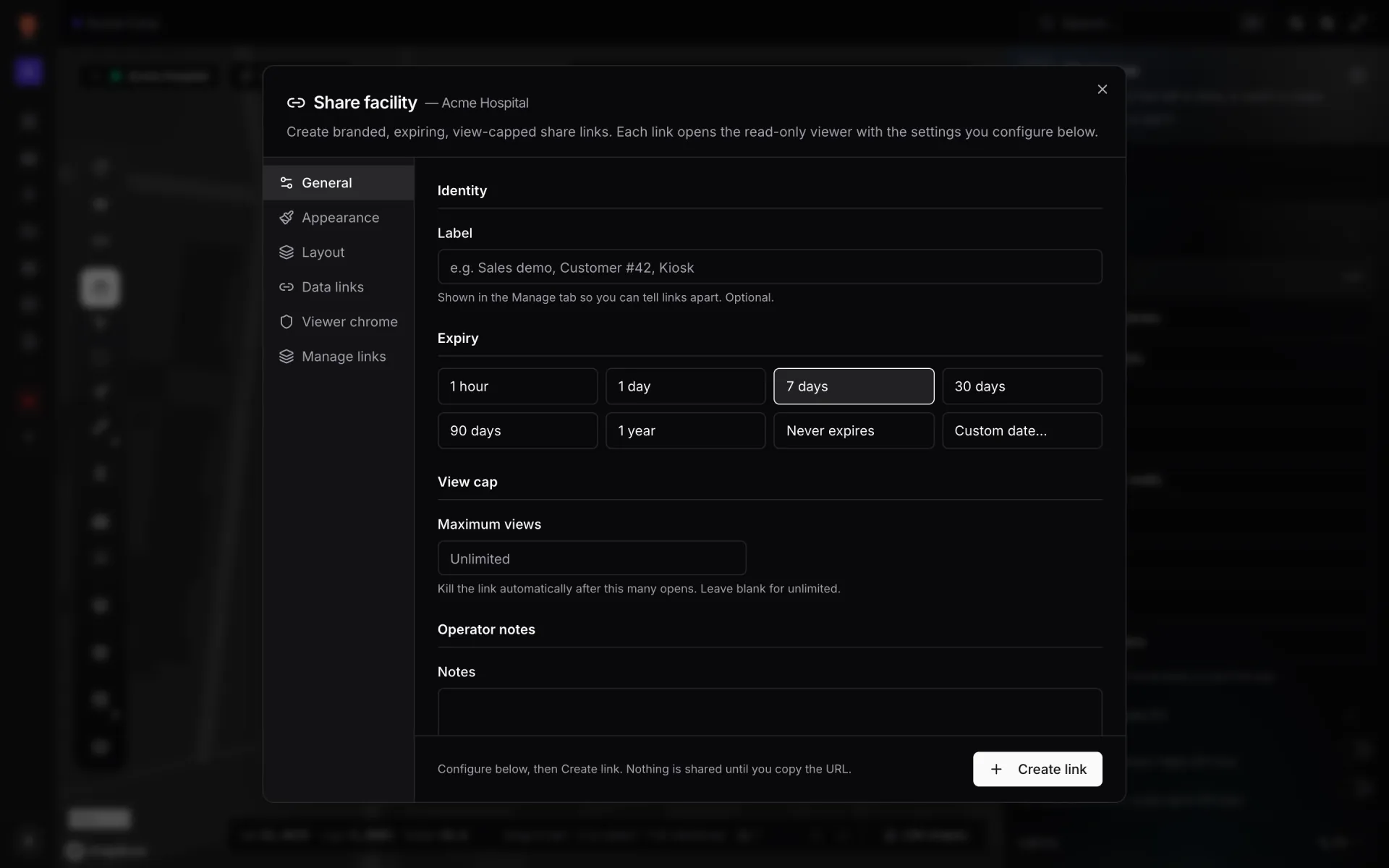
Label
The Label names the link so you can tell it apart from others: "Shown in the Manage tab so you can tell links apart. Optional." It appears on Manage links, on the link's chip in the Facilities list view, and in the guest's "Shared view — <label>" badge.
- Optional. An unlabelled link shows as "Untitled link".
- Up to 120 characters.
Expiry
Pick one of eight buttons. A new link starts on 7 days. Fixed durations are counted from the moment you click Create link or Save changes.
| Button | The link stops working |
|---|---|
| 1 hour | 1 hour after saving |
| 1 day | 24 hours after saving |
| 7 days | 7 days after saving (the default) |
| 30 days | 30 days after saving |
| 90 days | 90 days after saving |
| 1 year | 365 days after saving |
| Never expires | Only when you revoke or delete it |
| Custom date… | At the date and time you pick, in your own time zone |
Custom date… shows a date-and-time picker with a Clear button. Clear switches the expiry to Never expires.
View cap
Maximum views: "Kill the link automatically after this many opens. Leave blank for unlimited." Enter a whole number of 1 or more, or leave it empty (the placeholder reads "Unlimited").
- Every time the page loads counts as a view, including a refresh, a second visit by the same person, and your own Open in new tab from Manage links.
- Once the count reaches the cap, the next visit shows "This link doesn't work" and the link's status becomes Capped.
- The count and cap are shown on Manage links, e.g. "12 views · Cap 50".
Operator notes
Notes is a box (up to 500 characters) for your team, e.g. "Sales demo — expires end of quarter". It's only shown in this dialog, never on the guest's page.
Saving
Nothing on this tab is saved as you type. When creating, the footer reads "Configure below, then Create link. Nothing is shared until you copy the URL." Click Create link and the dialog switches to Manage links, where you copy the URL. When editing, the footer reads "Editing existing link — Save updates it in place." Click Save changes, or Cancel to drop your edits.
More in Viewer & sharing
- Viewer & sharing · ViewerThe Viewer: a read-only facility mapOpen a facility read-only in the Viewer: floors, layers, live data links, a detail drawer and indoor directions, for teammates on /view and guests on /share.
- Viewer & sharing · ViewerShow and hide layers in the ViewerUse the Viewer's Layers panel to hide shape kinds, list and zoom to items, and switch data-link layers off for your visit or turn them off for everyone.
- Viewer & sharing · ViewerSwitch floors in the ViewerShow one floor, several or all of them in the Viewer's floor switcher, see how share links lock a floor, and set a building shell to Auto, Shell or Interior.
- Viewer & sharing · ViewerFilter live data in the ViewerThe Viewer's Filters pill lets anyone pick a saved filter per data link and fill in runtime values, then Apply. It appears once a link has saved filters.