
Every asset, where it is — tracked, checked out and maintained on one map.
Spatial Map Asset Management is indoor asset management software that places every item in your asset register on a live 3D floor plan, using RFID and BLE tag data to show where equipment really is, with checkouts, work orders and reports by department, floor and building.
No credit card. Runs in the browser. Pro is $60/month for up to 4 facilities.
Last updated:
Download brochure(PDF, 2.3 MB)Open in a new tab — Asset Management brochure, PDF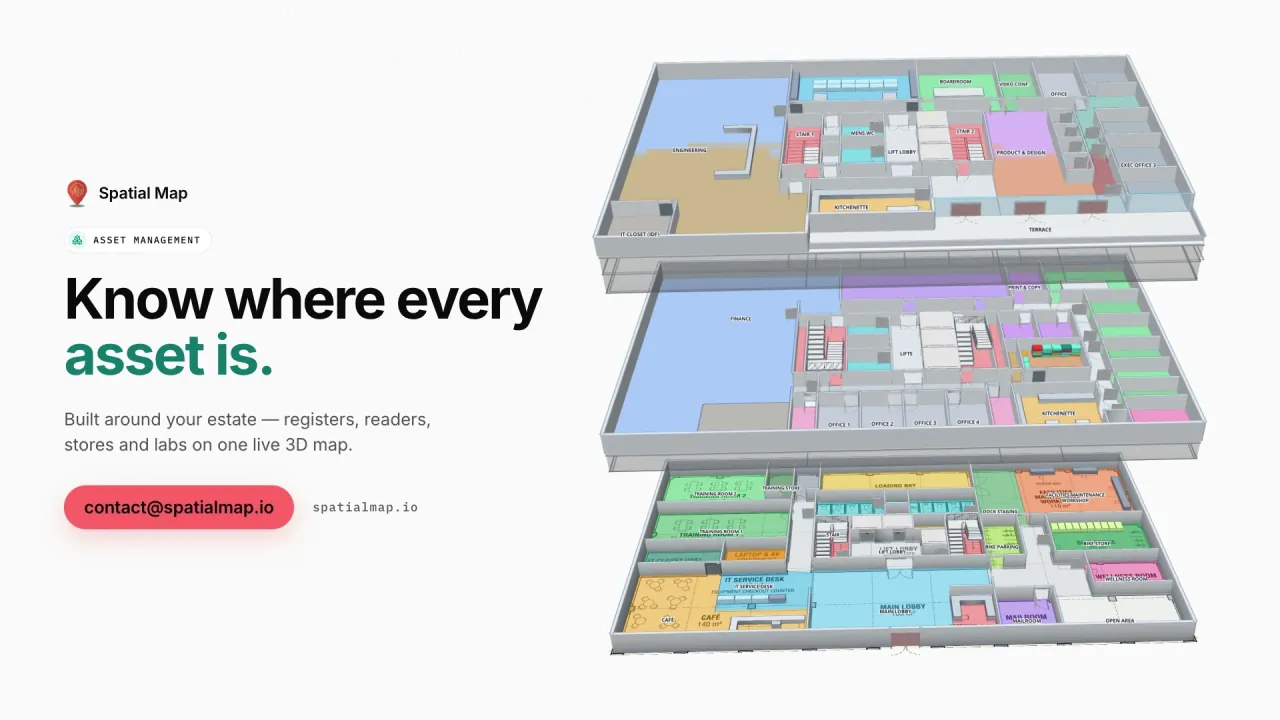
What gets in the way today
The register says it exists, not where
Asset lists carry a cost centre and a serial number, but nobody knows which room the thing is in today.
Equipment hunts eat working time
Shared kit ends up in the wrong lab, room or floor, and finding it means phone calls and walking.
Maintenance without a map
Work orders, spares and checkouts live in separate tools that never show the floor.
What your asset management team sees
Stills from the Asset Management film, made from the product’s demo facilities, and screenshots of the app where the film doesn’t go.
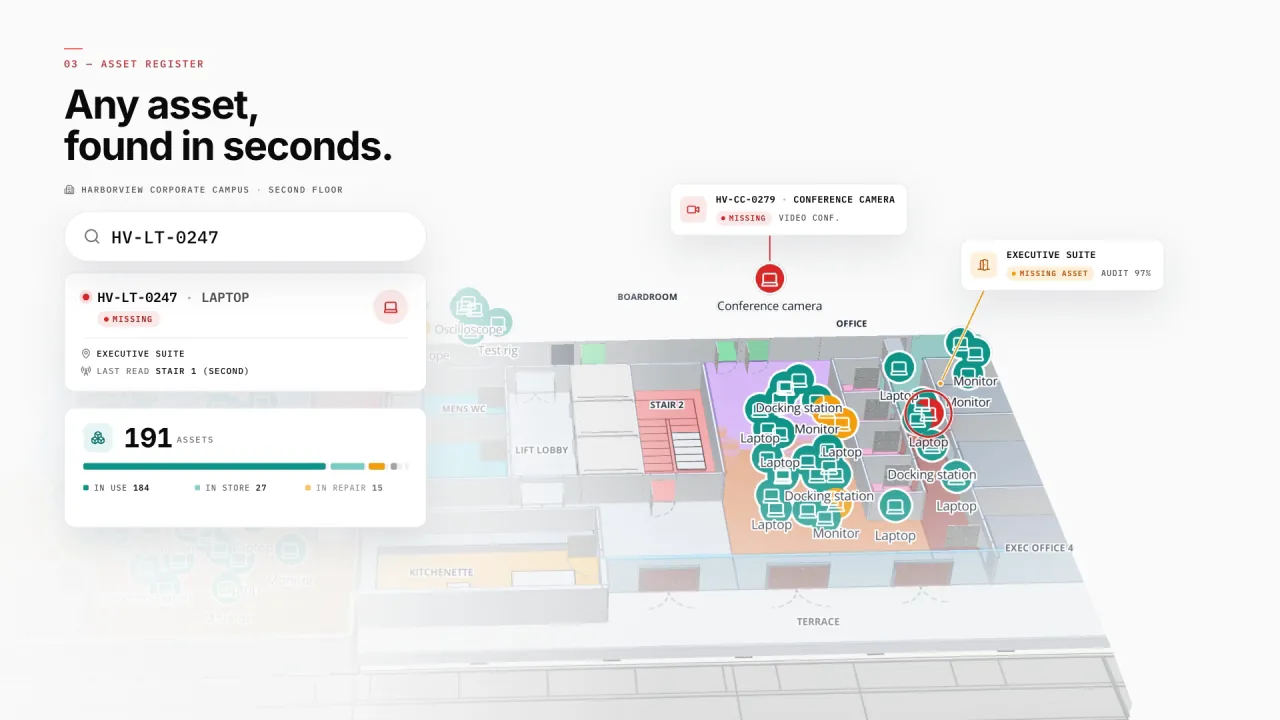
Assets on the office floor
Harborview’s three floors carry the asset register, equipment checkout by department, printers, meeting rooms and stores — each asset where its last RFID or BLE read put it. Search a tag and the map goes to it.
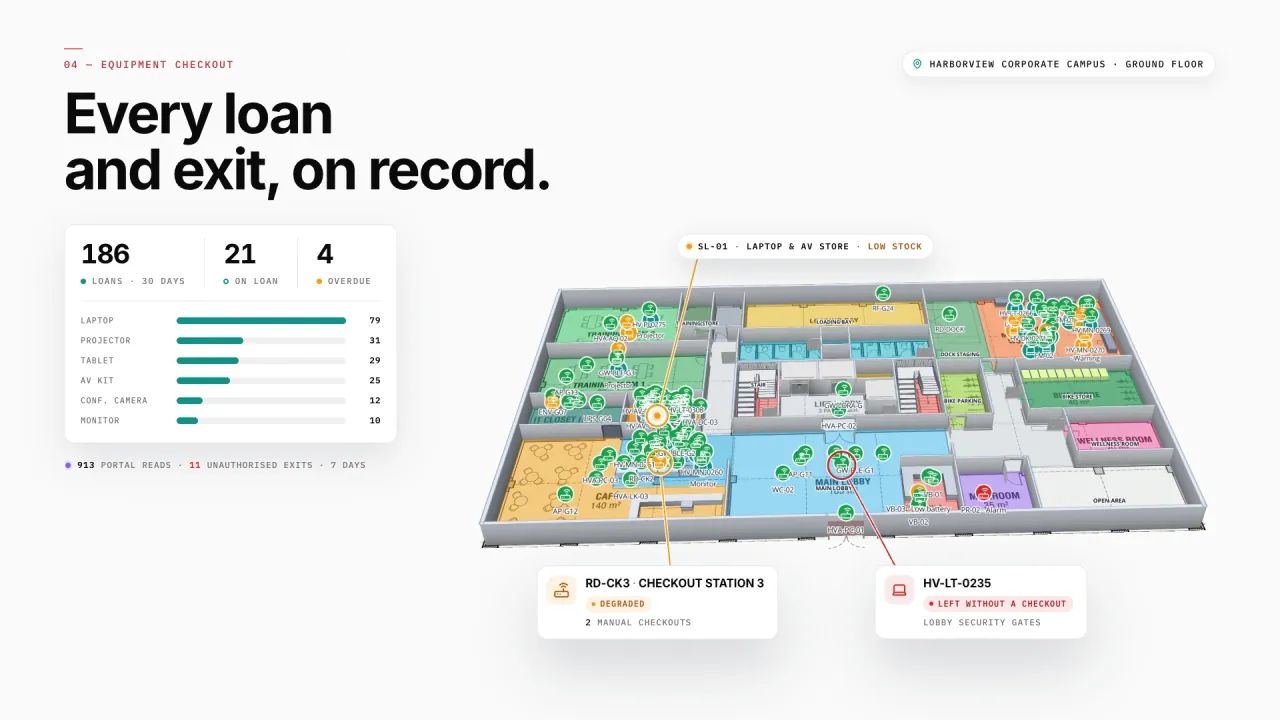
Every loan and exit, on record
Equipment checkout by department: loans, overdue items and checkout stations sit on the ground floor plan, and the lobby gates flag kit that leaves without a checkout.
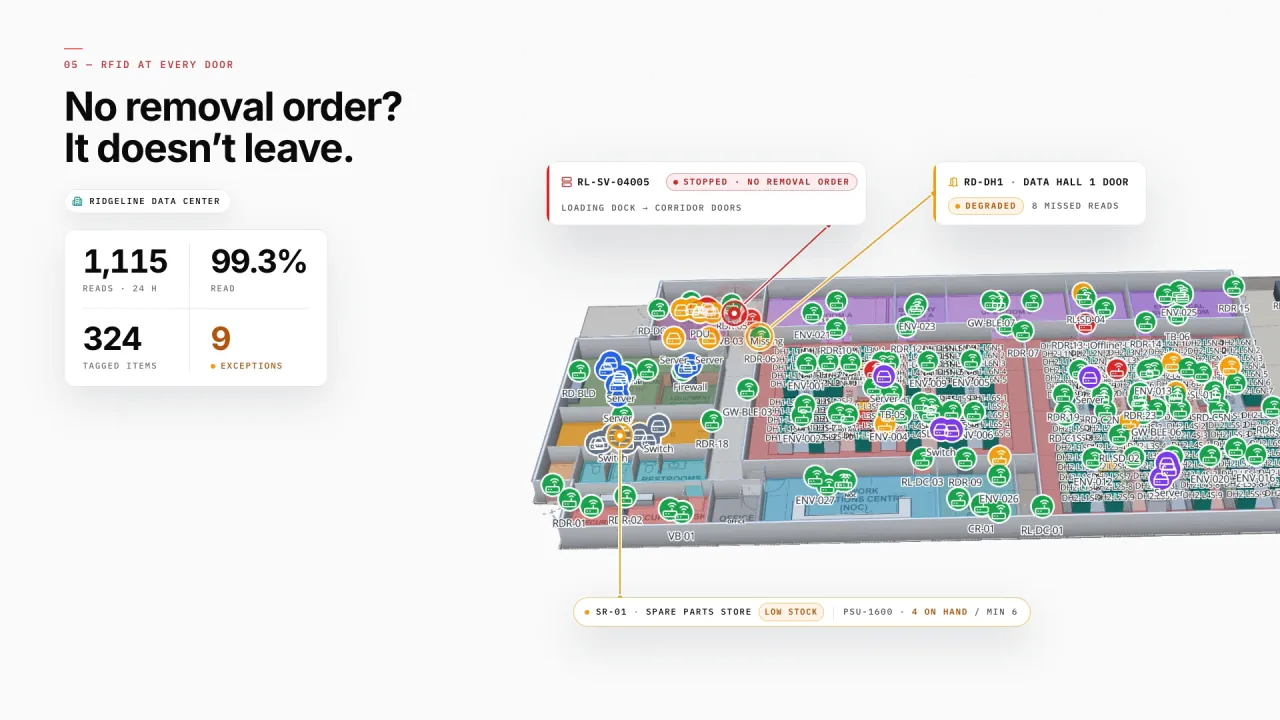
Cabinets, cages and IT assets
In a data hall every cabinet is a rack cell: capacity, power and cooling roll up per cage, and IT assets and spares are tied to the cabinet or store they sit in. Readers at the doors show what is on its way out — and whether it has a removal order.
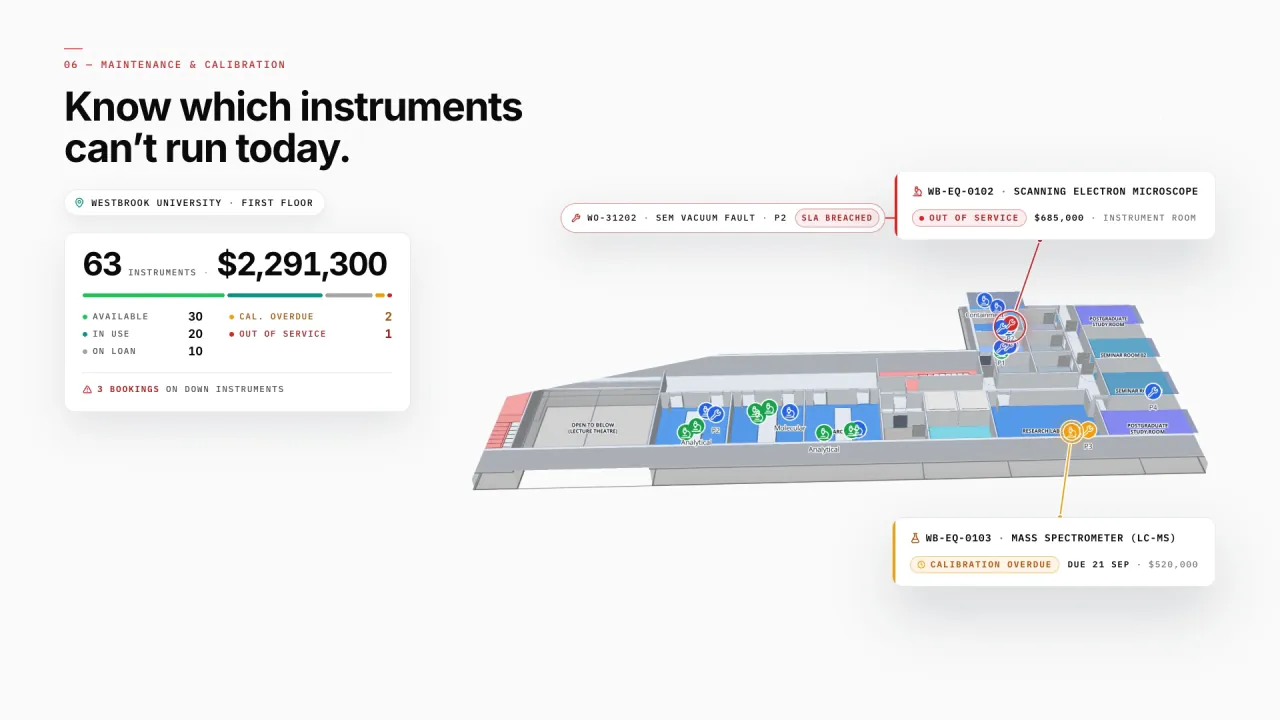
Lab equipment and its condition
Instruments carry their bookings, service state and calibration dates, with work orders beside them — so the lab sees which instruments can’t run today, and where they are.
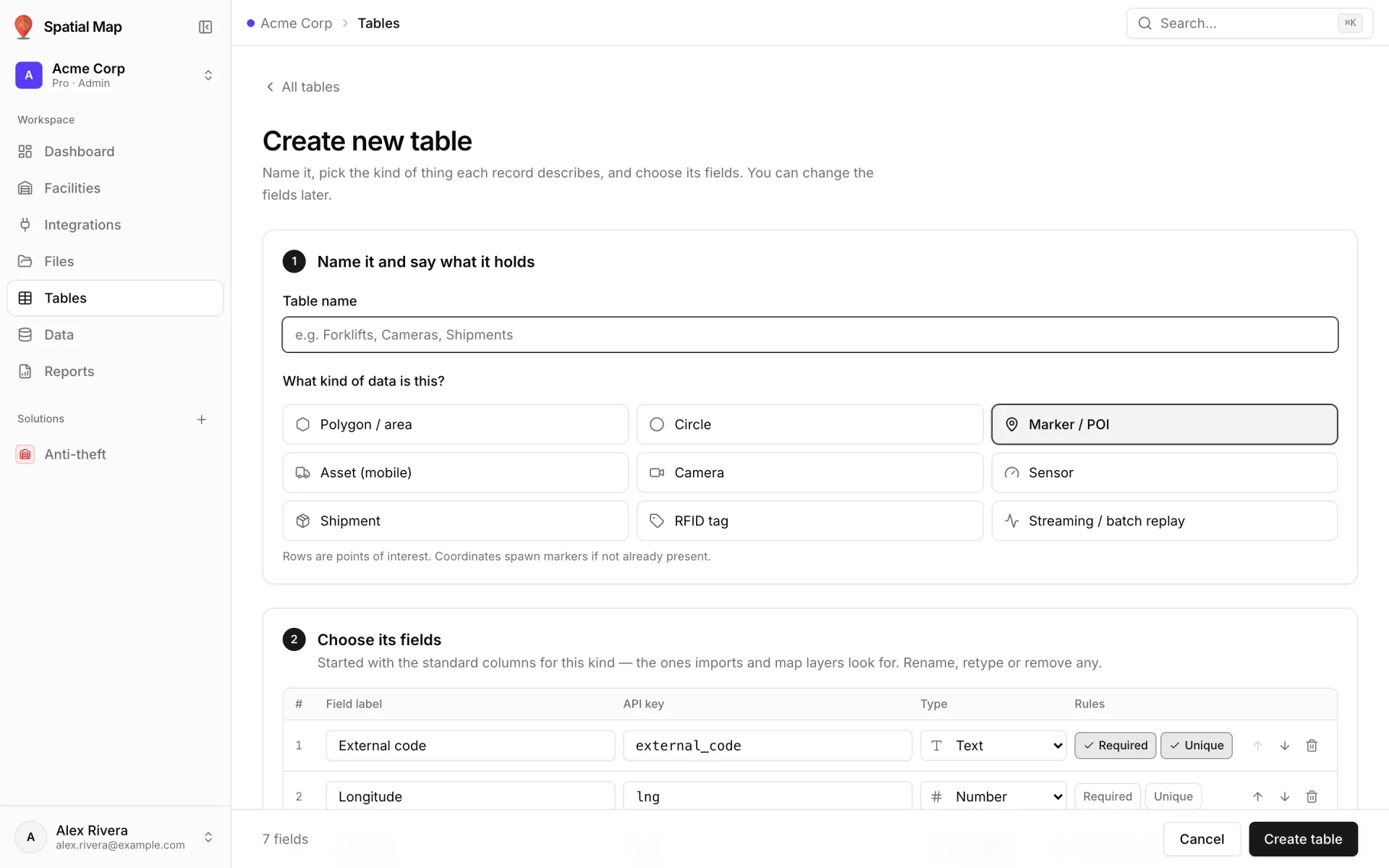
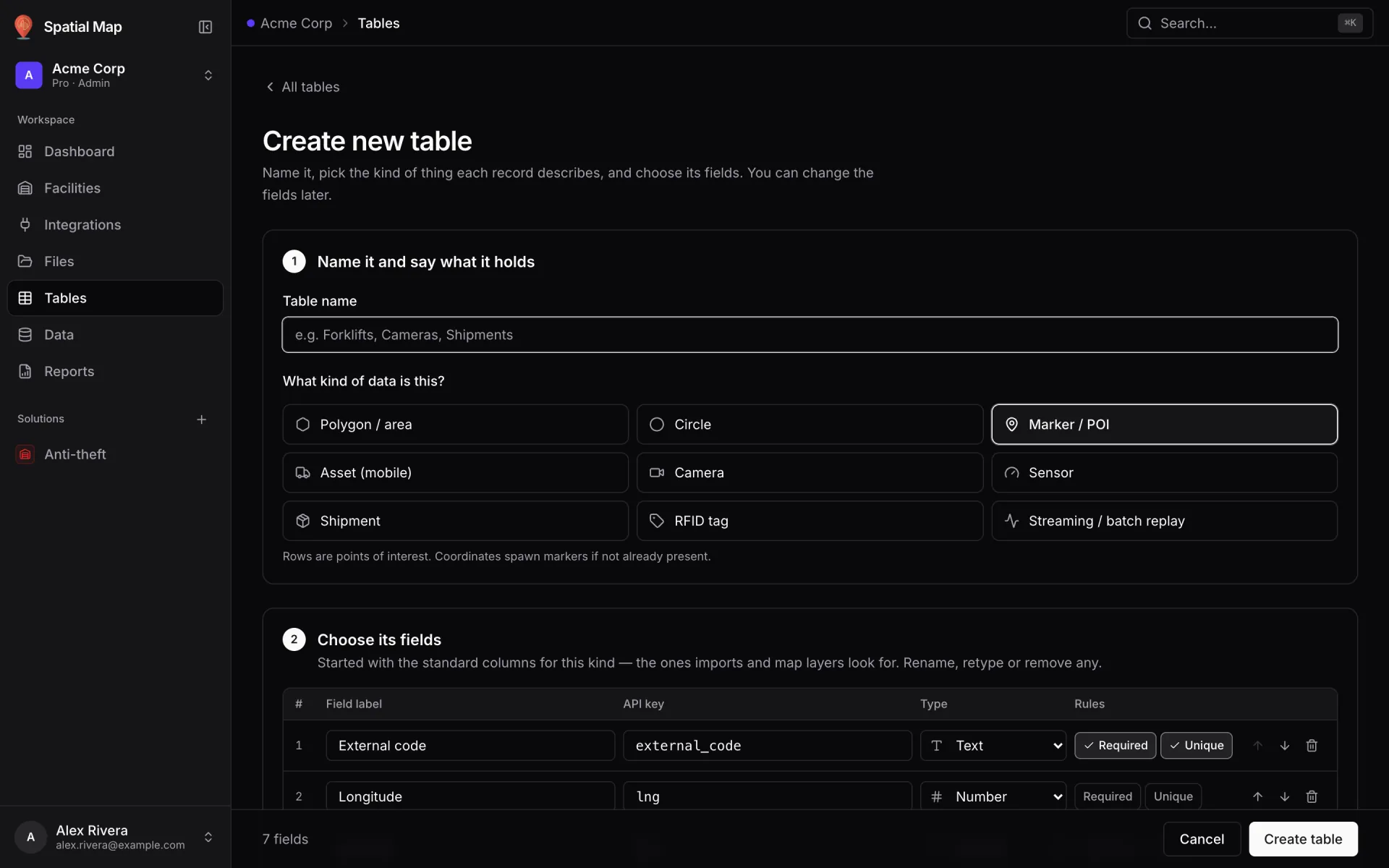
A table for every register
Create a table for assets, checkouts or work orders, pick its kind and fields, and post rows to it with an API key — or let it pull from your REST endpoint on a schedule.
Asset Management on 4 real demo facilities
Mapped from real floor plans, with live sensors, RFID, BLE tags and gateways, tables, reports and simulators.
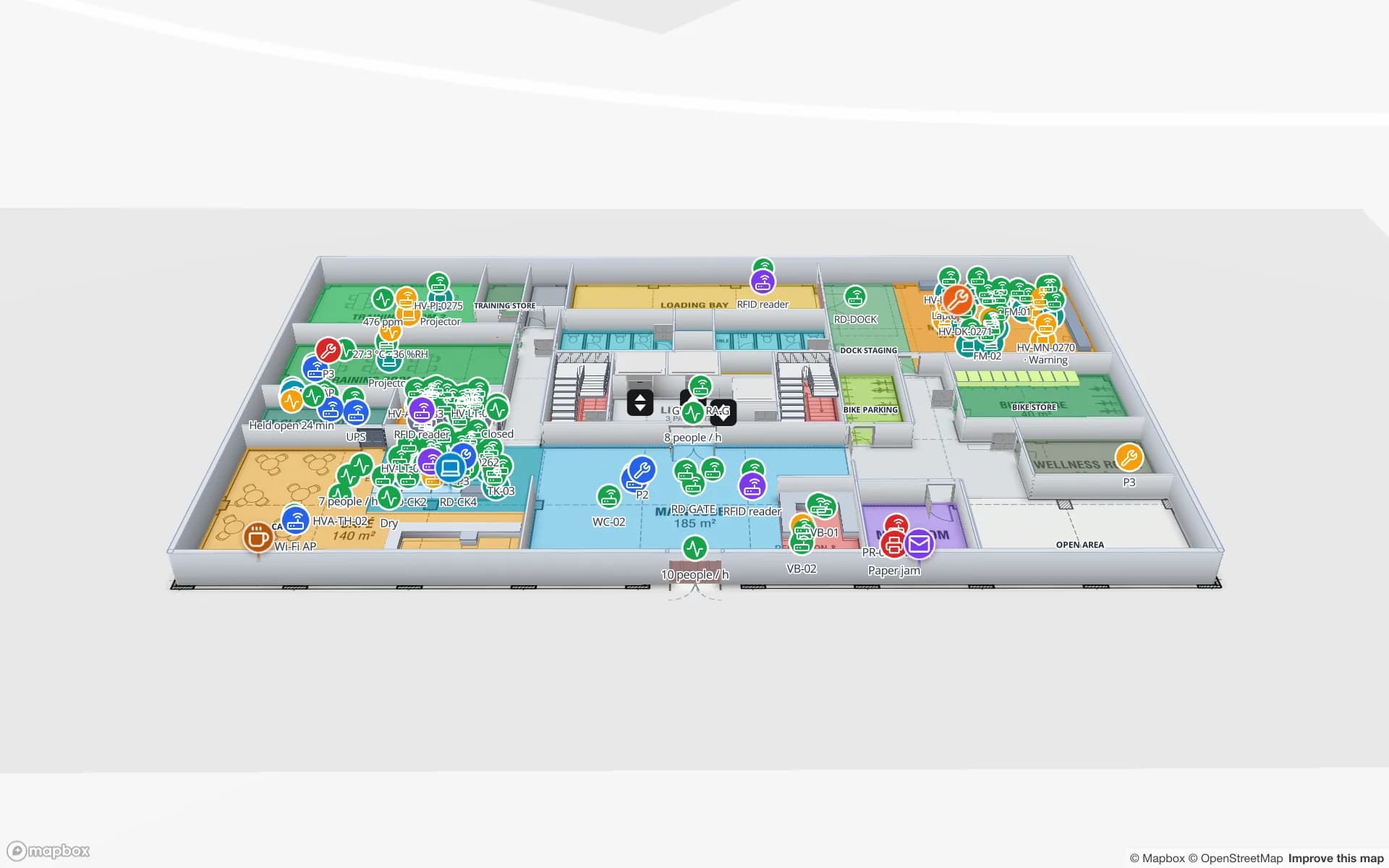
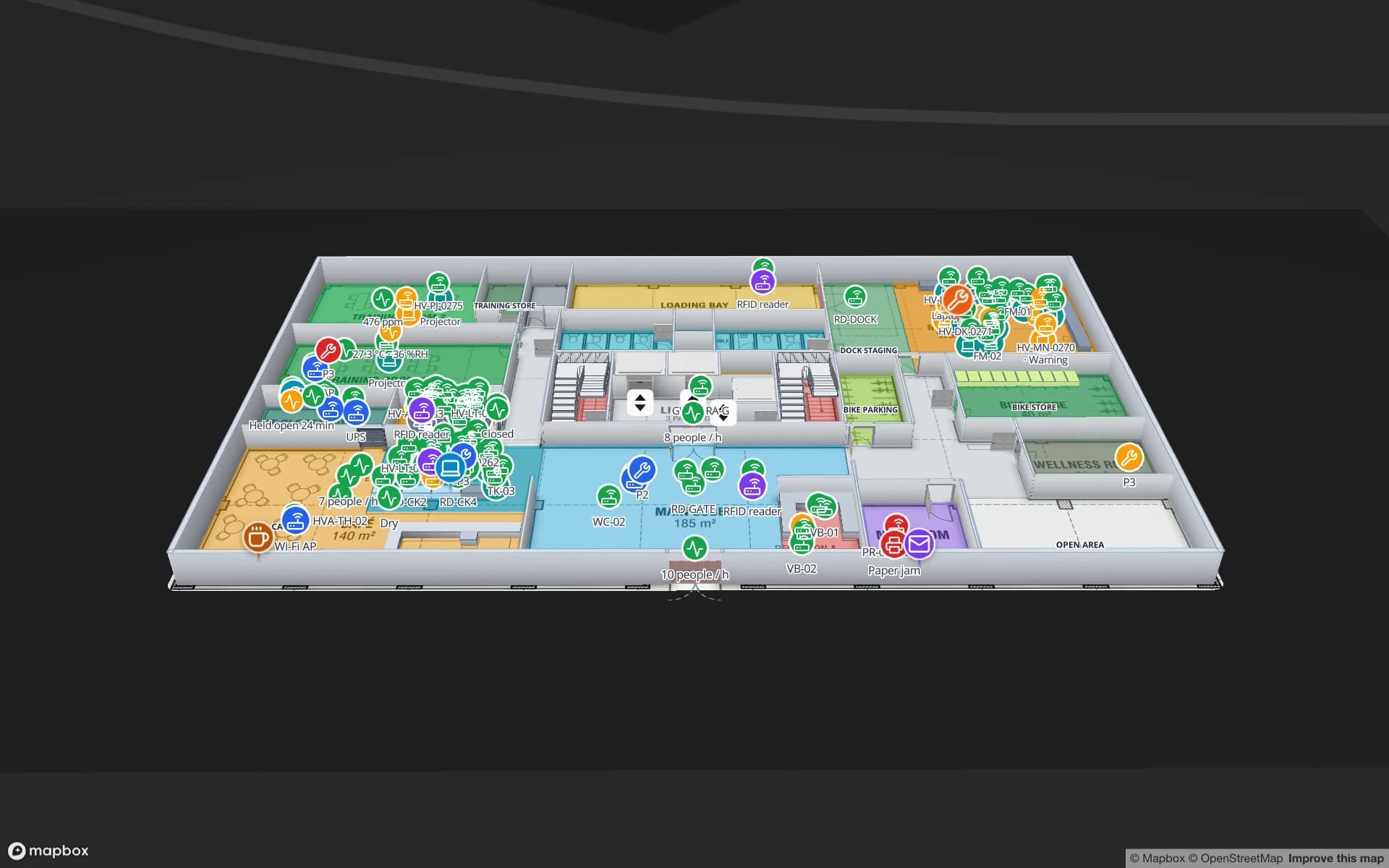
Harborview Corporate Campus — Building A
3 floors · 22 tables · 19 reports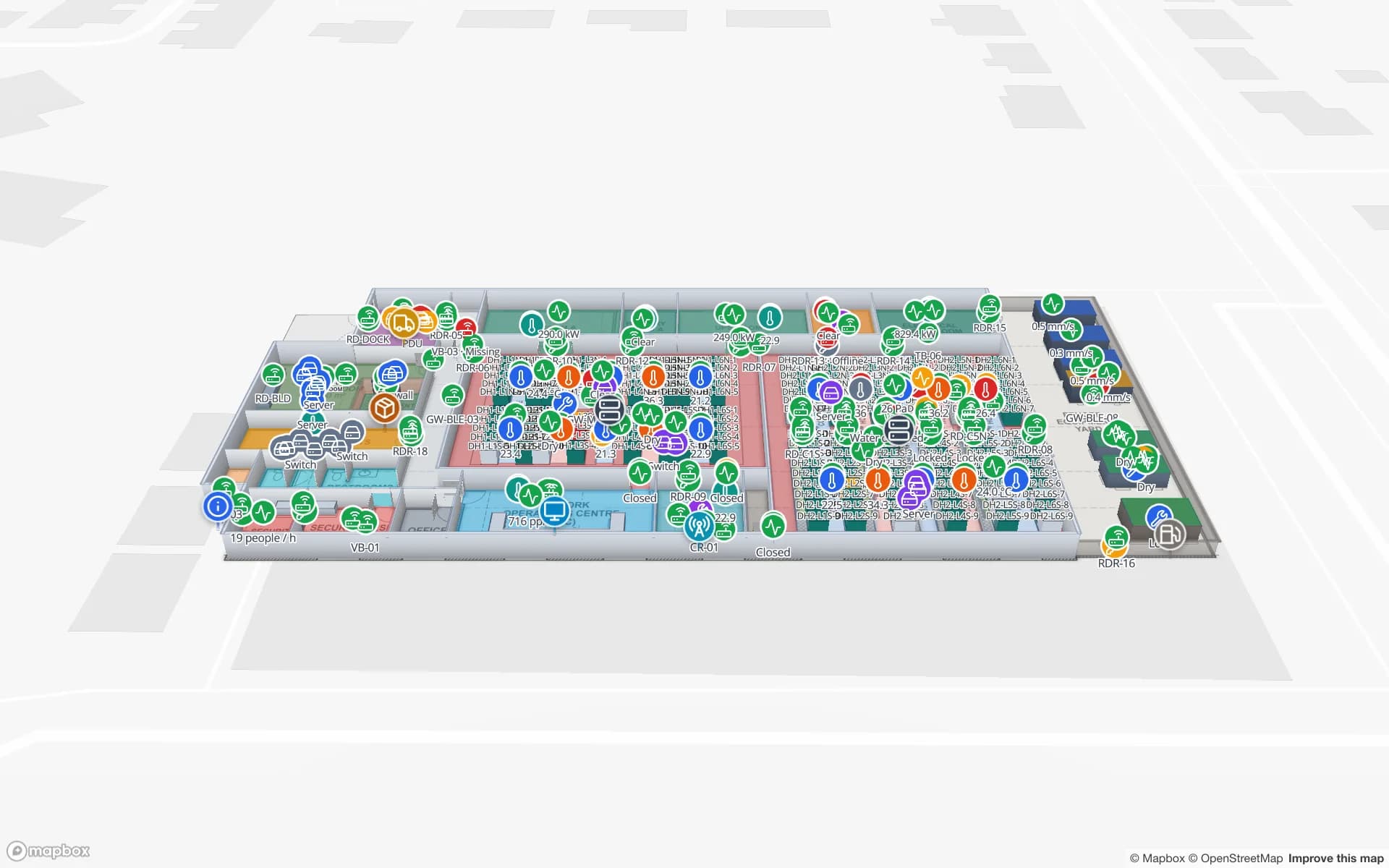
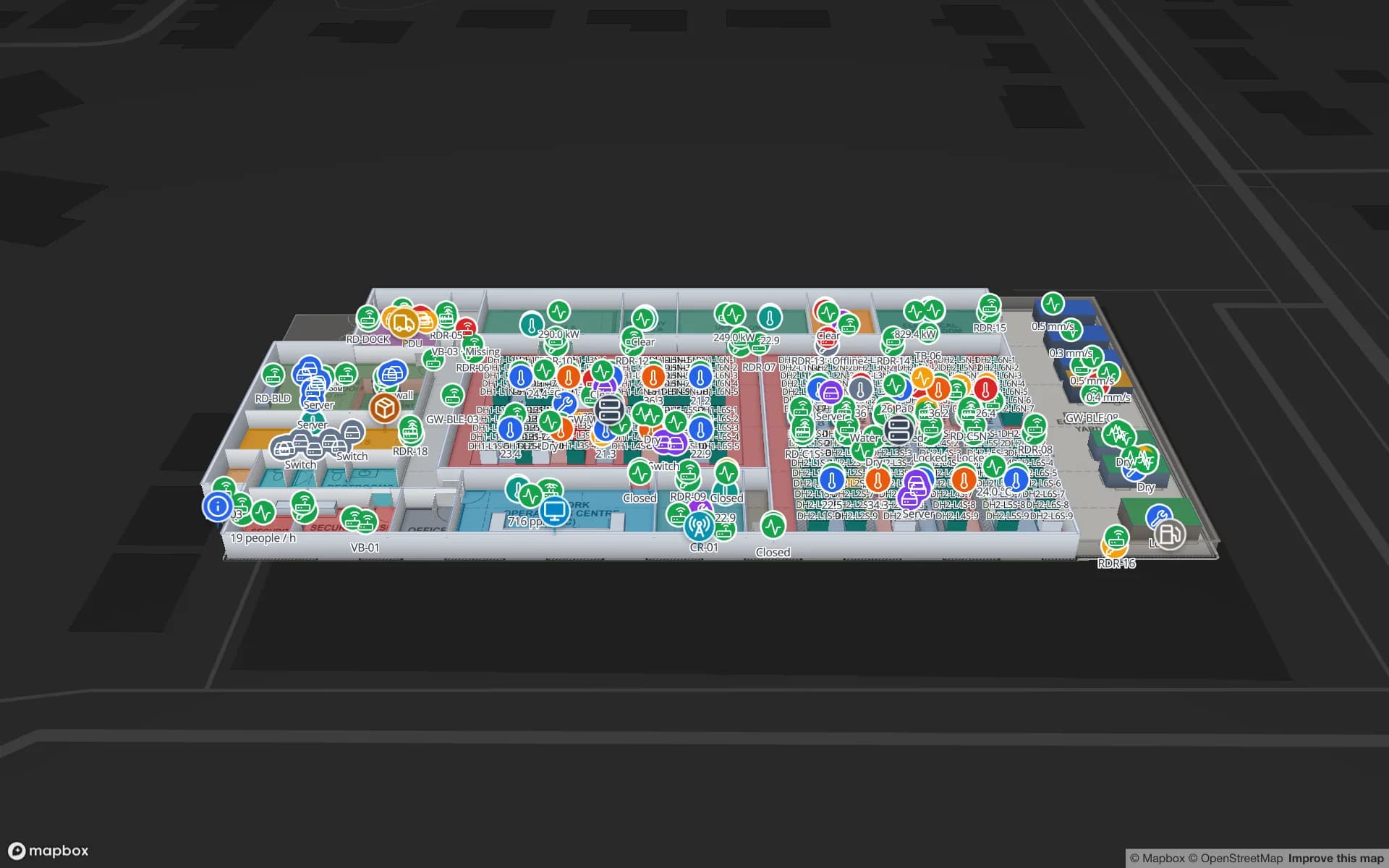
Ridgeline Data Center
1 floor · 22 tables · 19 reports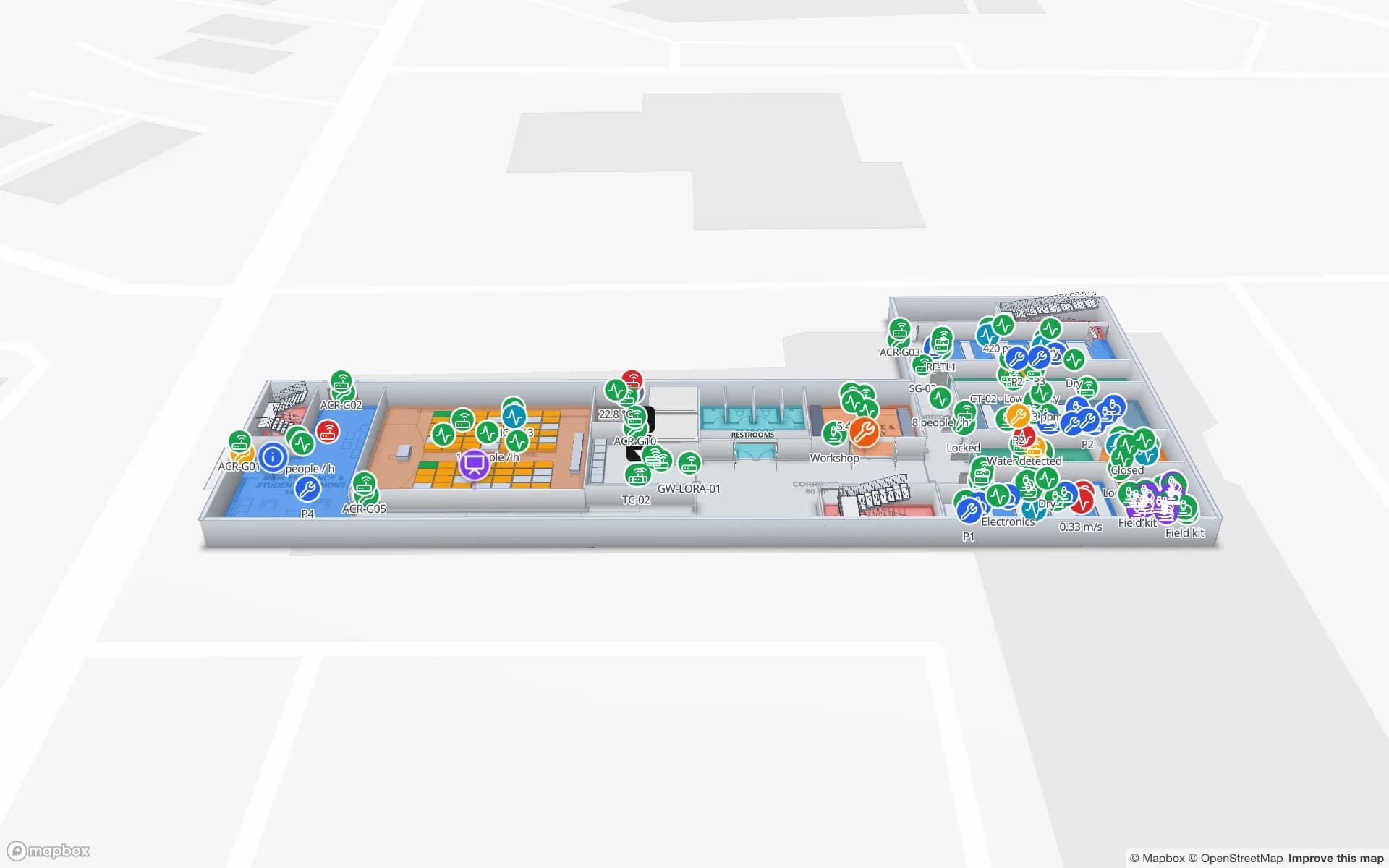
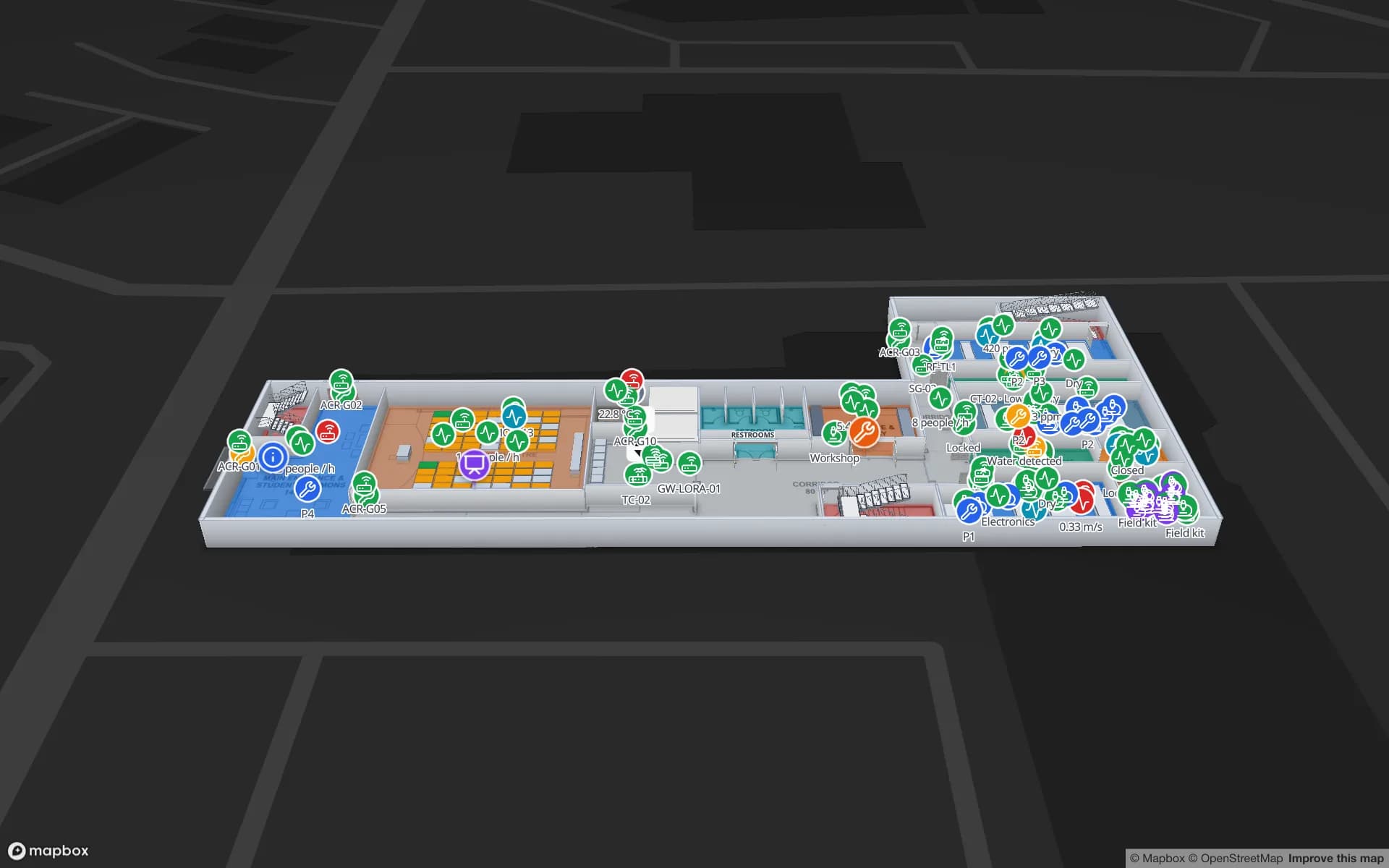
Westbrook University — Science Building
2 floors · 20 tables · 18 reports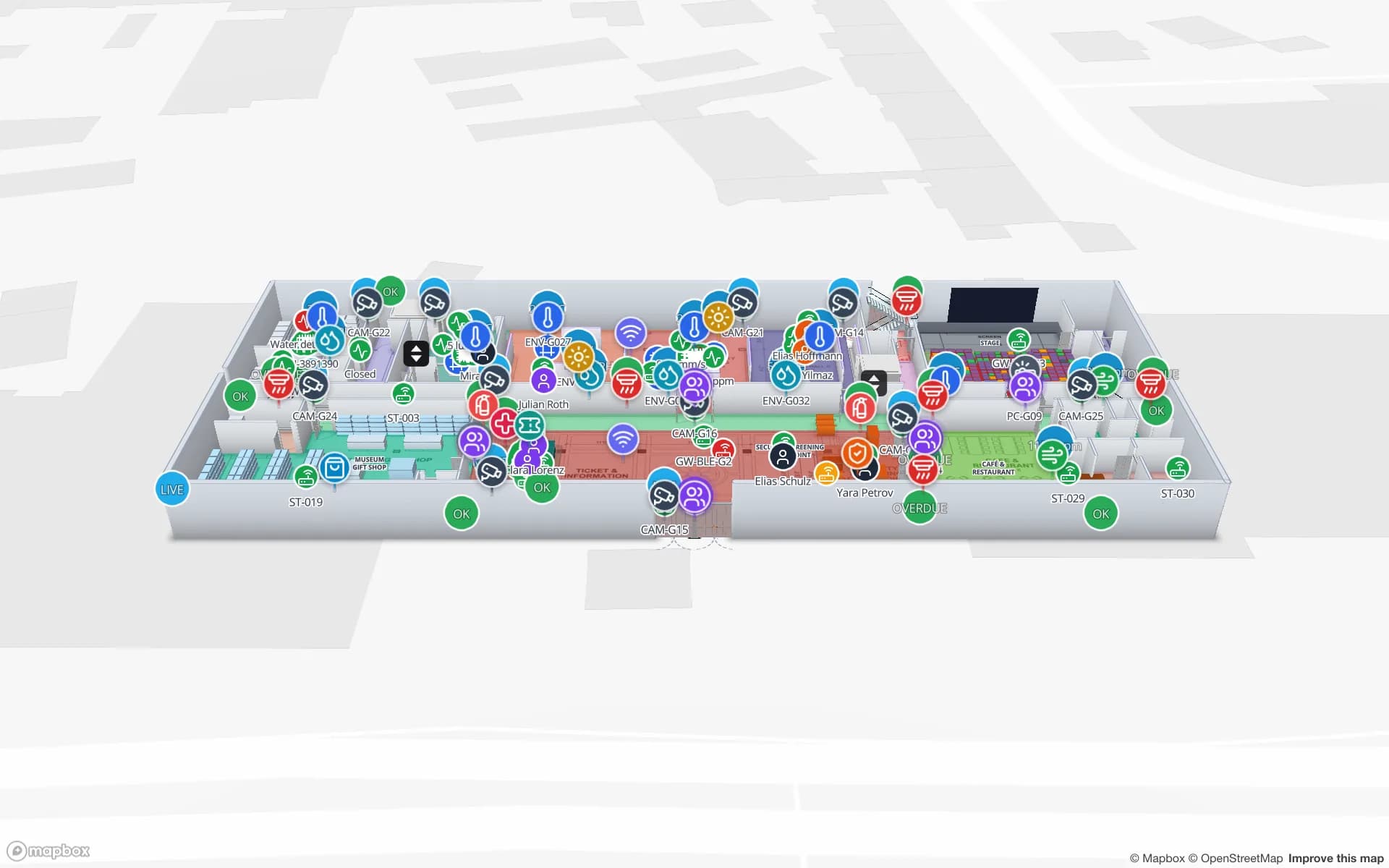
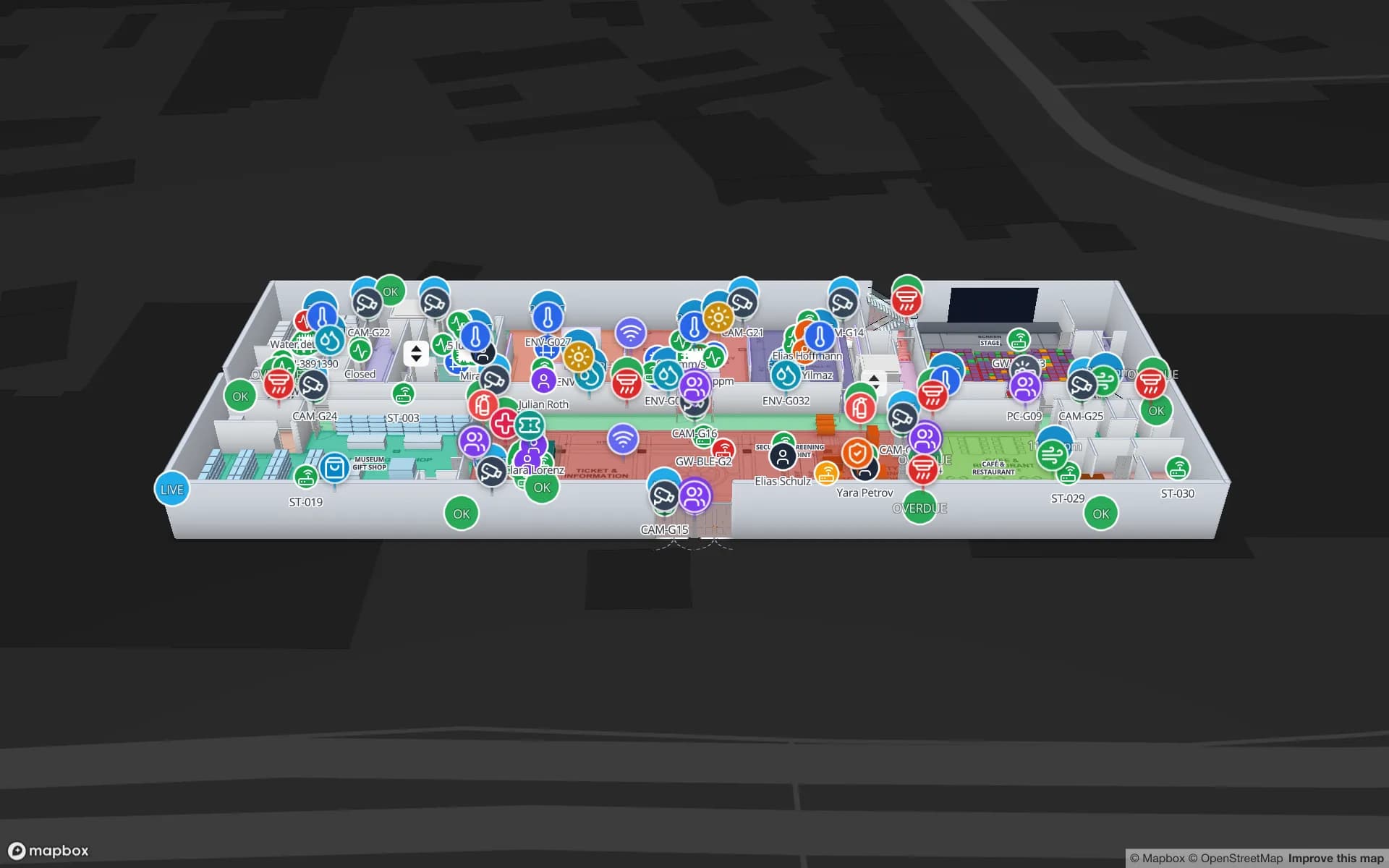
Production Museum
3 floors · 19 tables · 19 reportsReports built from the same data
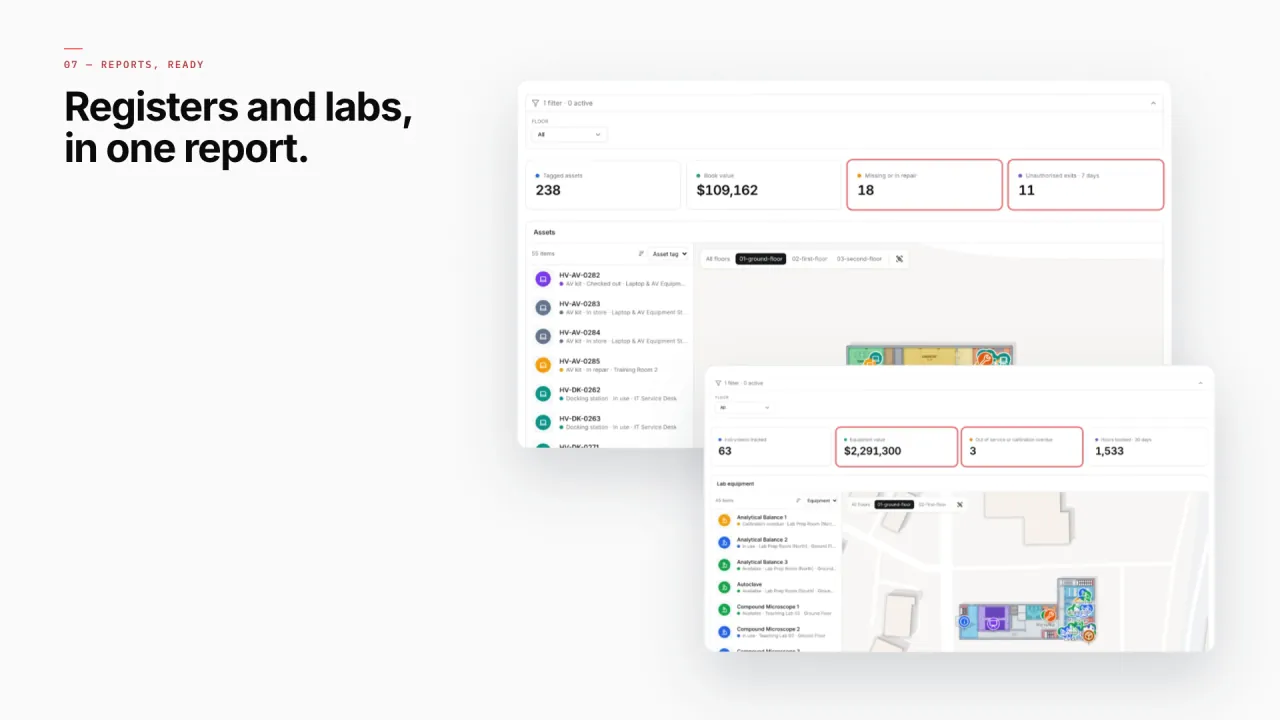
Every facility gets eight built-in reports — Overview, Floors, Areas, Racks, Markers & sensors and more. Your own asset, checkout, maintenance and RFID tracking reports sit next to them, each with its map, and all export to PDF, Excel, CSV or JSON.
- Harborview · Asset Register & Locations — Every asset with its location, owner and status.
- Harborview · Equipment Checkout & Departments — What is checked out, by whom and for which department.
- Harborview · Maintenance & Work Orders — Open and closed work orders by room and asset.
- Ridgeline · Halls, Cages & Cabinet Capacity — Used vs contracted power, utilisation and hot spots per cage.
- Westbrook · Lab Equipment & Bookings — Bookings and availability for shared lab equipment.
- RFID and BLE tracking — One RFID and one BLE tracking report per facility, plus Device & Gateway Health.
Connect what you already run
- Asset registers and CMMS exports as CSV or Excel uploads
- RFID and BLE (RTLS) platforms writing reads into a Table via its write API
- Booking, checkout and work-order systems polled from a REST API
- Sensor gateways pulled on a schedule by a Table
Data comes in through REST sources pulled on a schedule, file uploads, and your own tables with a write API — see integrations.
Live in four steps
- 01
Map the buildings
A PDF, DWG or image per floor, scaled, placed on the site and stacked.
- 02
Load the register
Upload your asset list or create a table for it; place fixed assets, stores and rooms on the plan.
- 03
Connect the tags
RFID and BLE reads into tables, bound to the map with live location data links.
- 04
Group and report
A solution per estate, built-in reports per facility and your own for checkouts and maintenance.