RFID · Asset & inventory tracking

RFID asset tracking software that shows every read on a live 3D floor plan

Spatial Map is RFID asset tracking software that shows every reader read on a live 3D floor plan of your building. Your readers already know which tag passed which antenna; Spatial Map puts those reads where they happened — on the dock door, the cage gate, the escalator — so a read log becomes a live map of tagged assets, cartons and pallets, with reports and playback built from the same data.

Last updated:

No credit card. Runs in the browser. Pro is $60/month for up to 4 facilities. Book a demo

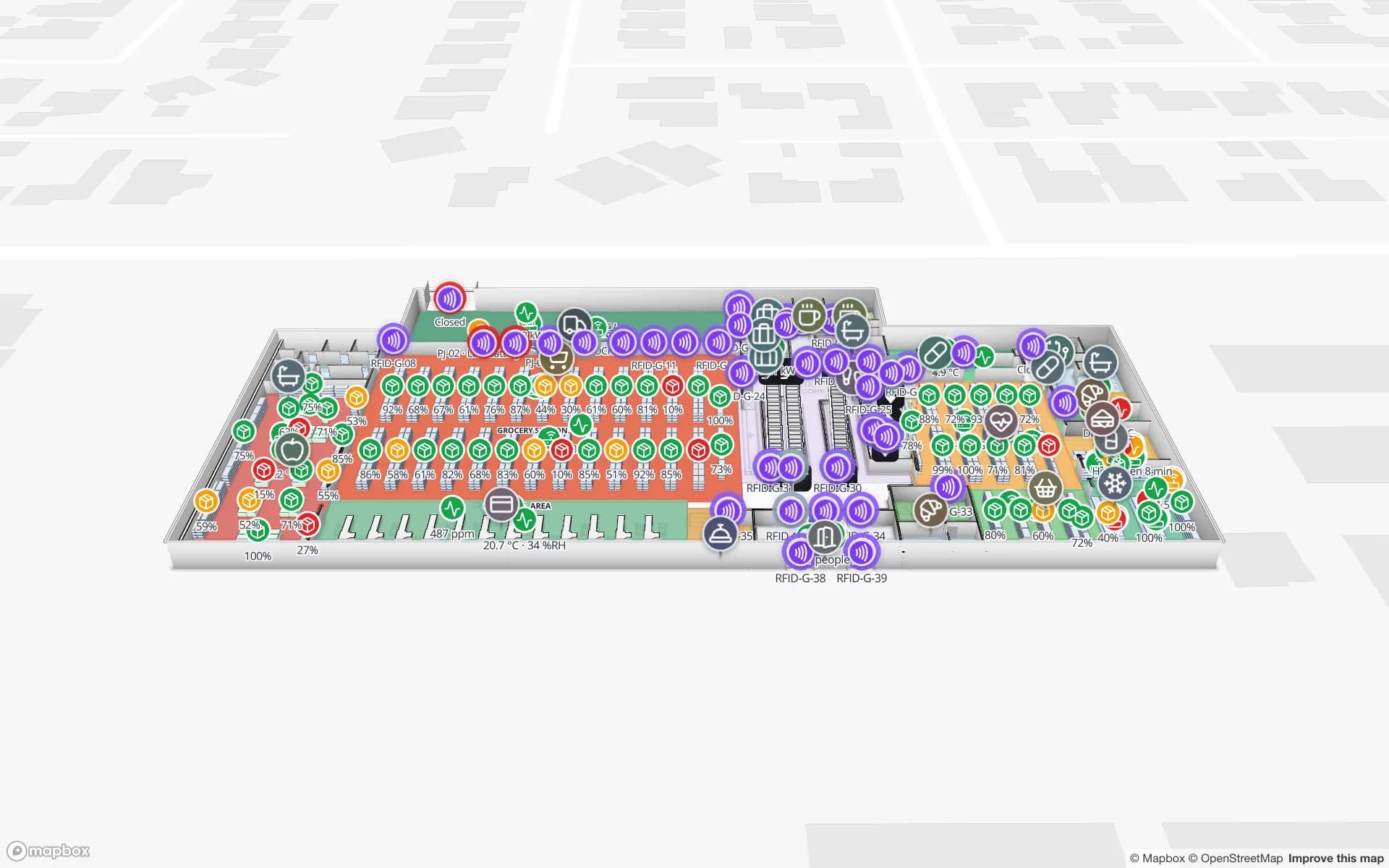
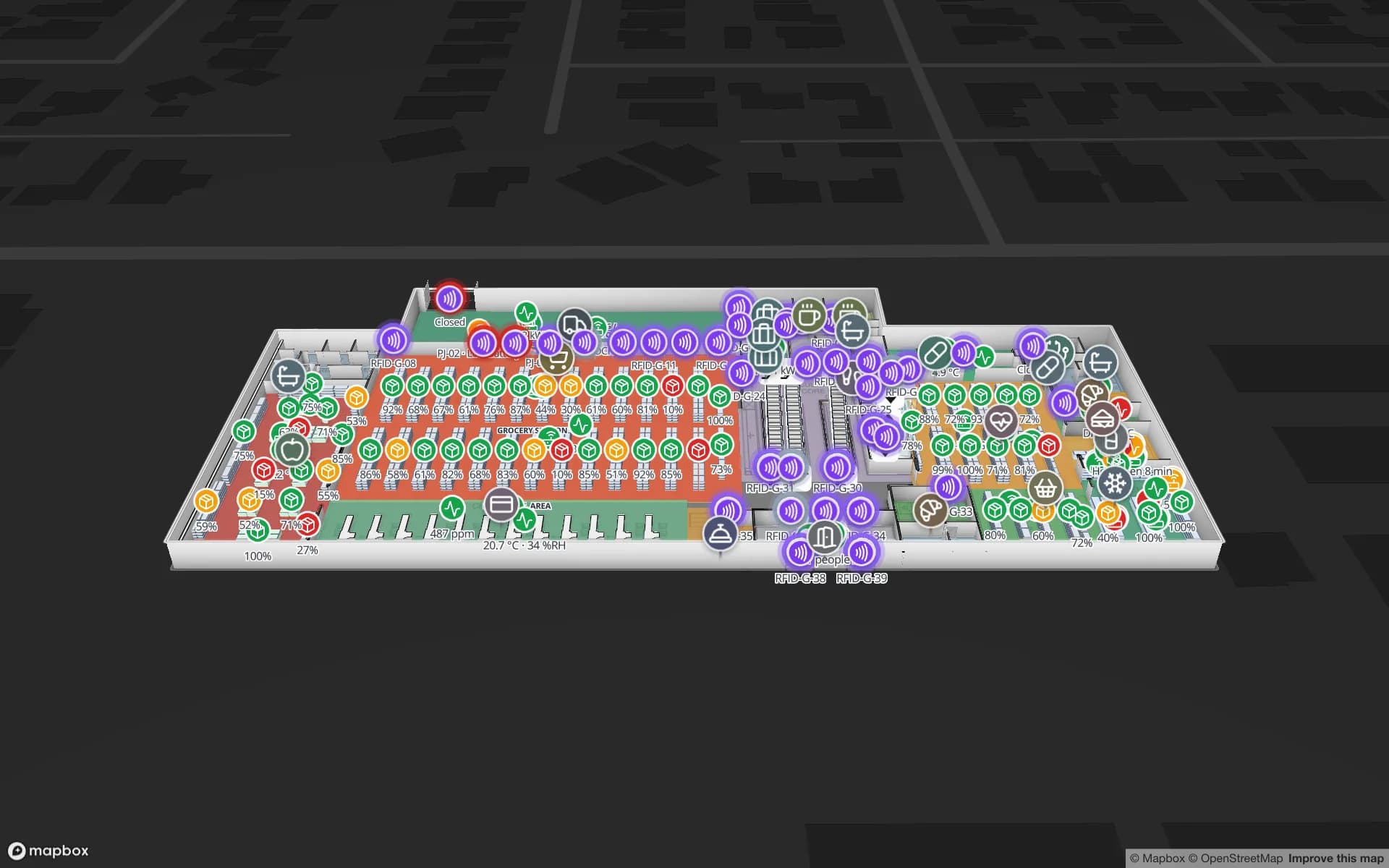
Retail Mart Store, a three-floor retail store demo, in the Spatial Map 3D viewer with live device markers
Retail Mart Store
Retail Mart, a three-floor demo store: RFID readers at every door, escalator and lift pulse with their reads; offline readers show a red ring.
Demo facilities with live RFID, BLE and sensor data
13
RFID-tagged units in the Northgate demo
863
RFID pallets at the Eastport cross-dock demo
1,180
Free trial, no credit card
7 days

What RFID tracking software has to do

An RFID system has three layers. Tags on items, cartons, pallets, tools or returnable containers. Readers and antennas — fixed portals at dock doors and exits, overhead arrays, handhelds, gates. And software that turns raw reads into answers: where is this item, what passed this door, which zone is short, which reader has gone quiet.

Most RFID middleware is very good at the first half of that job (filtering duplicate reads, mapping antennas to locations, pushing events) and stops at a table of timestamps. Operators still have to picture the building in their heads. Spatial Map is the second half: the live map, the history and the reports.
How Spatial Map handles RFID

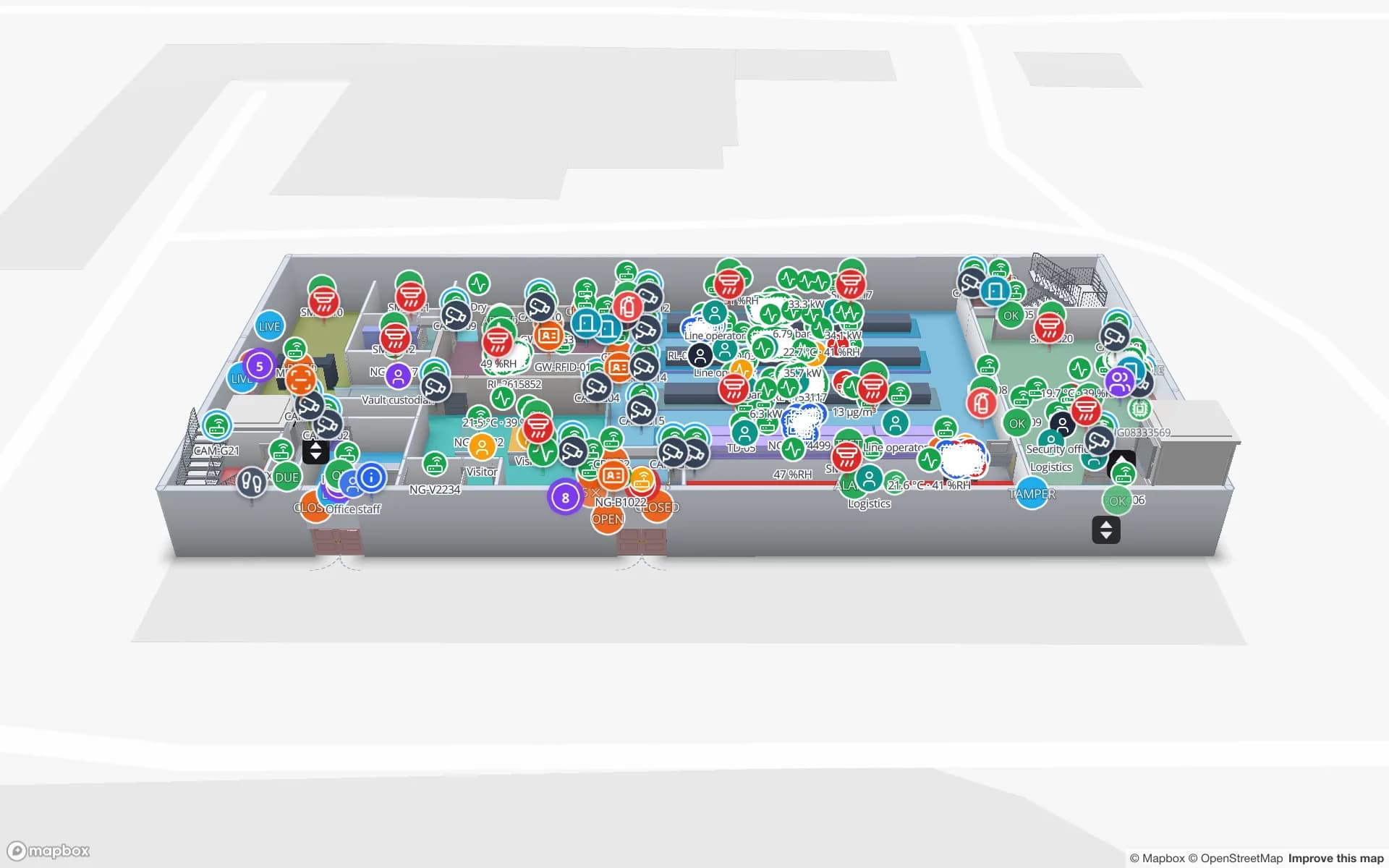
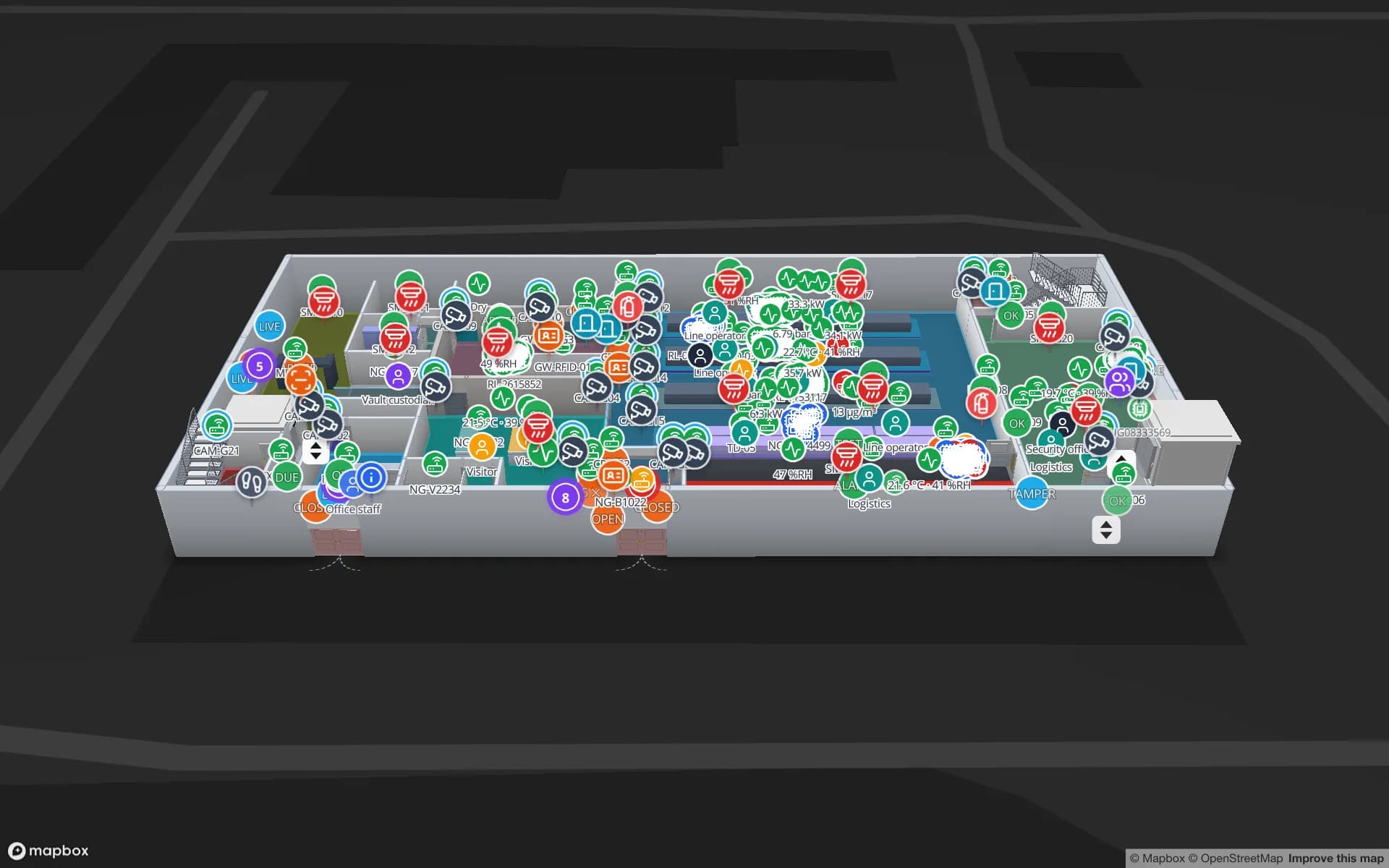
You draw — or import — the facility once: floors, rooms, racks, doors, stairs and lifts in 3D. Each reader becomes a marker or a zone on the plan. Your reads arrive in a Spatial Map table, and a data link binds the table to the map: a reader shows its last read and read count, a tagged item sits at the reader or zone that last saw it, and style rules colour zones and racks from the data.

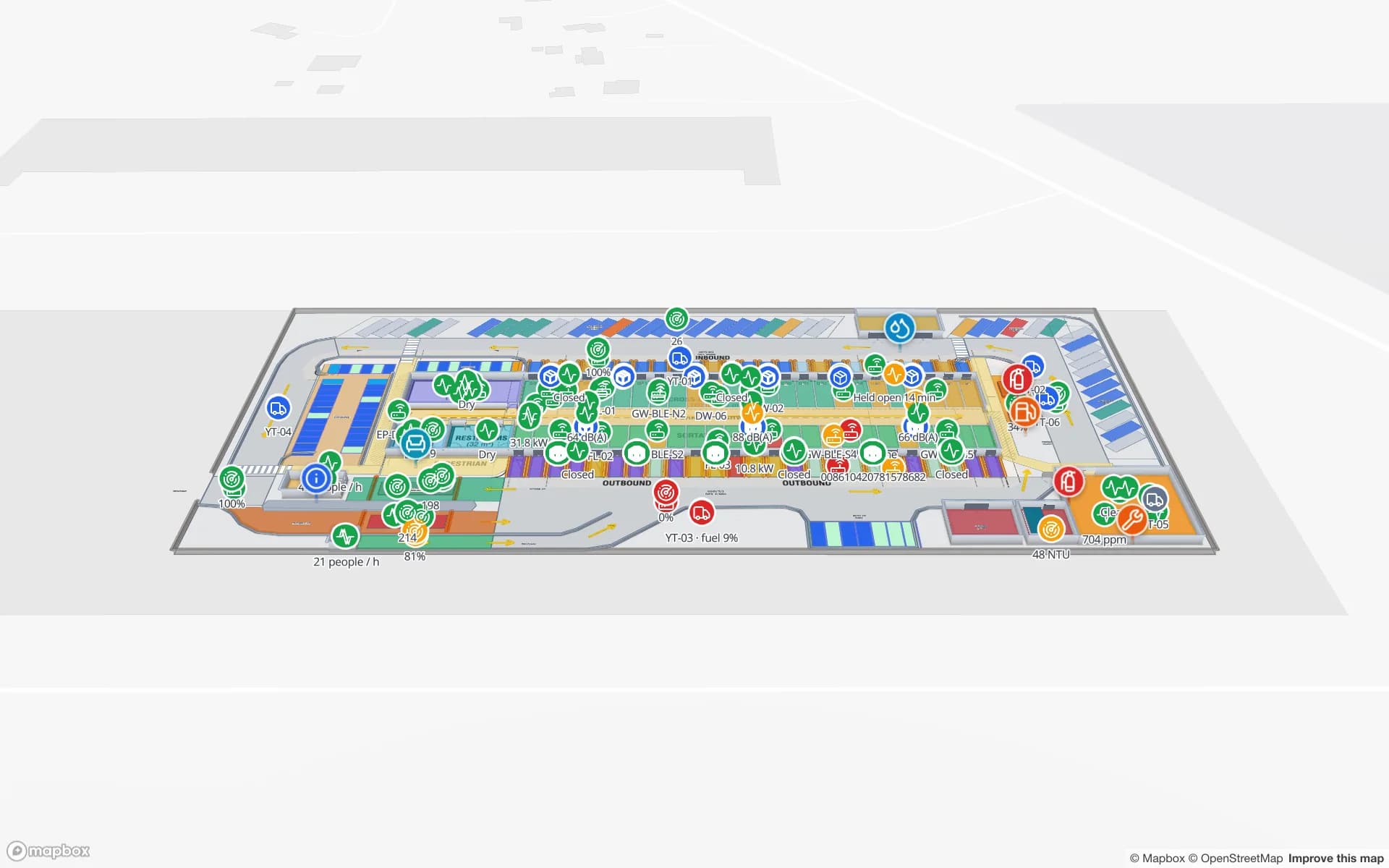
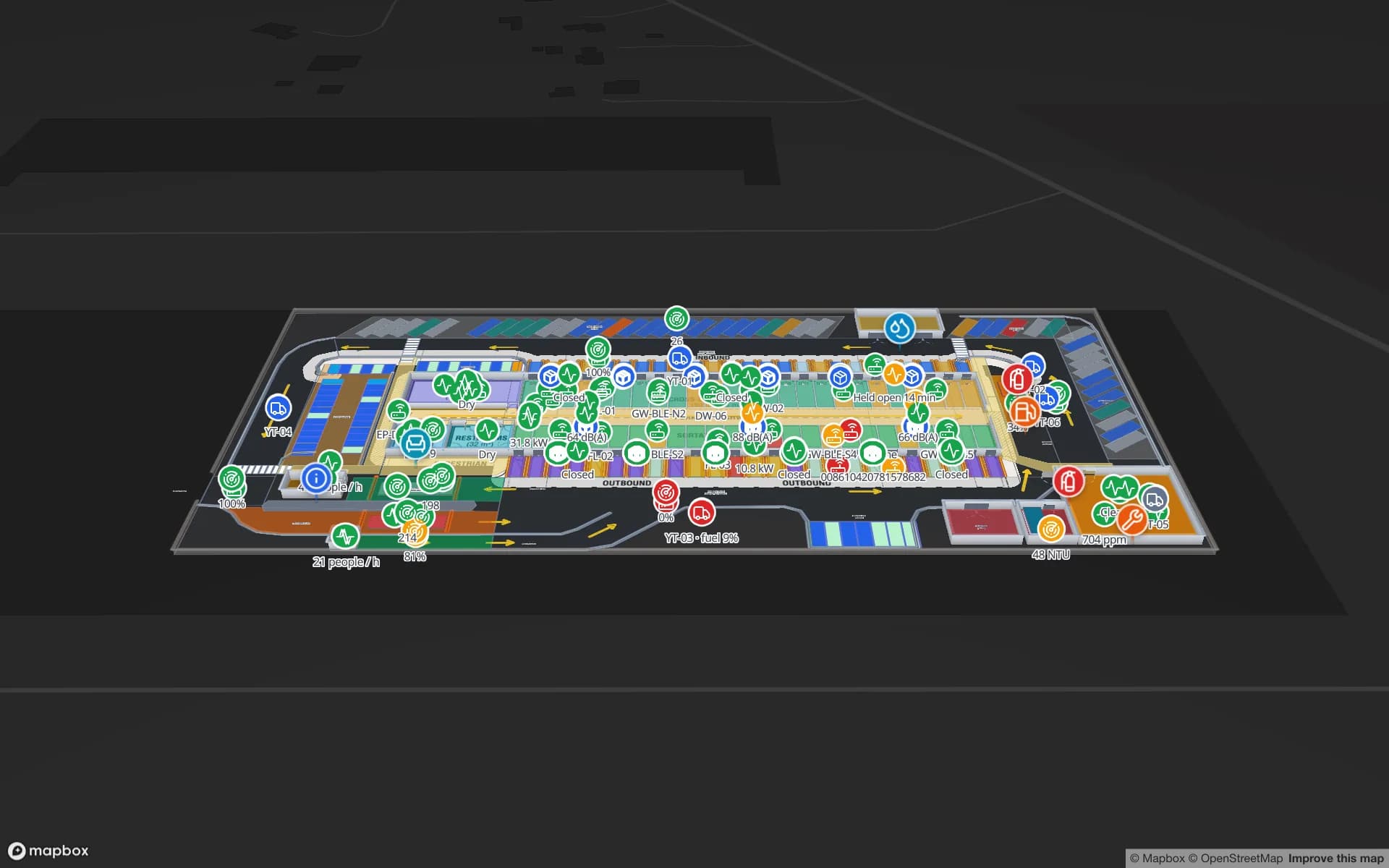
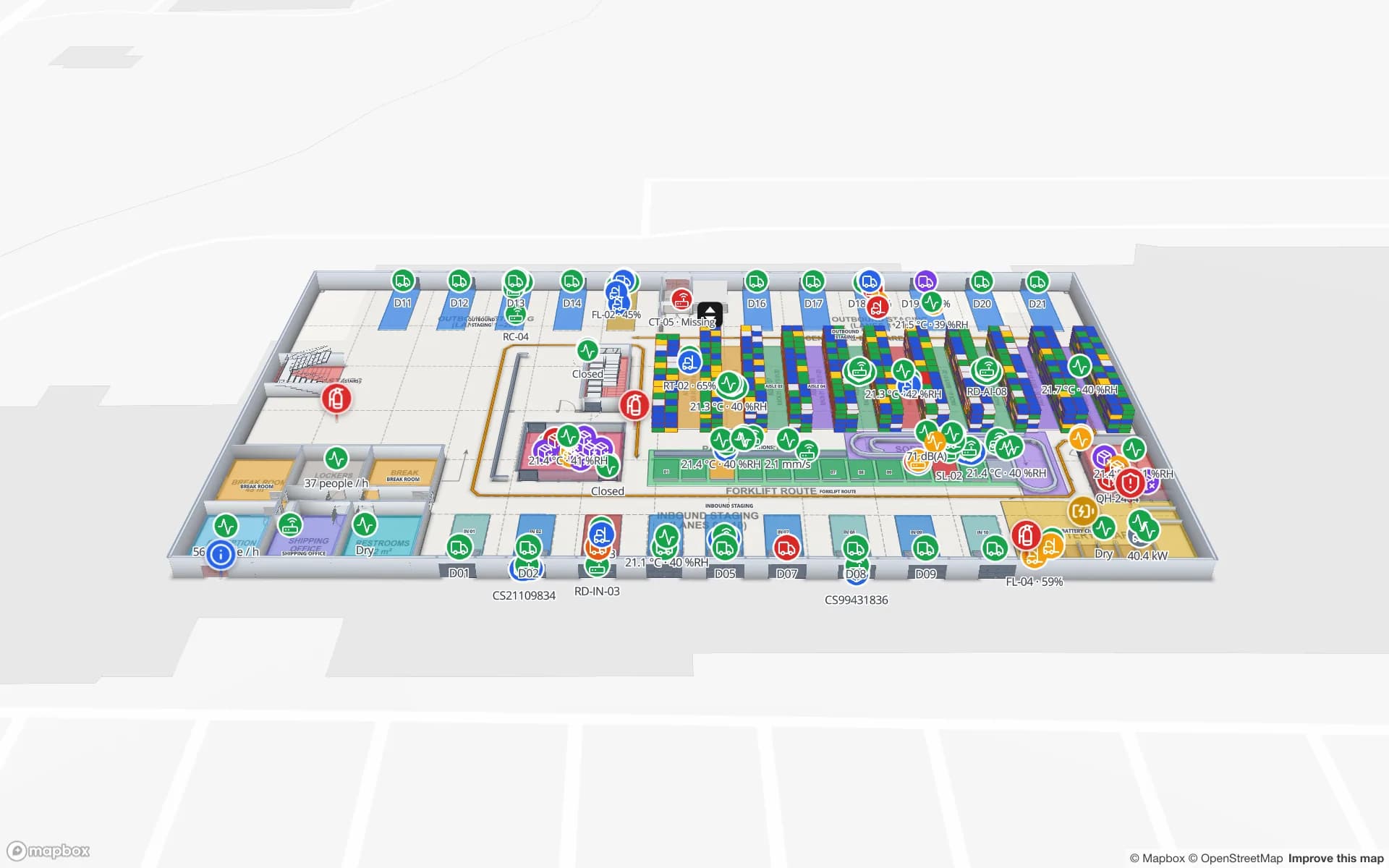
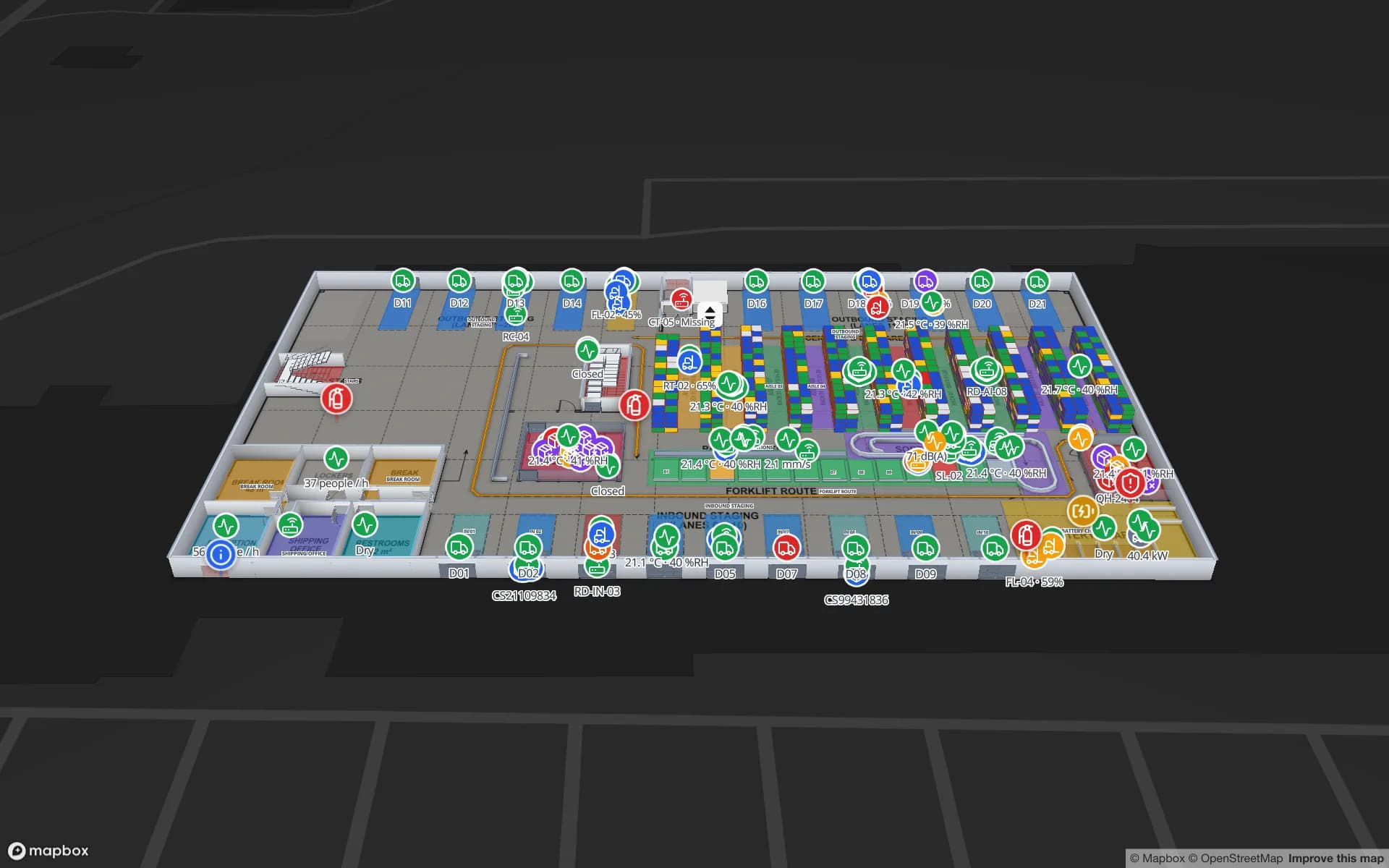
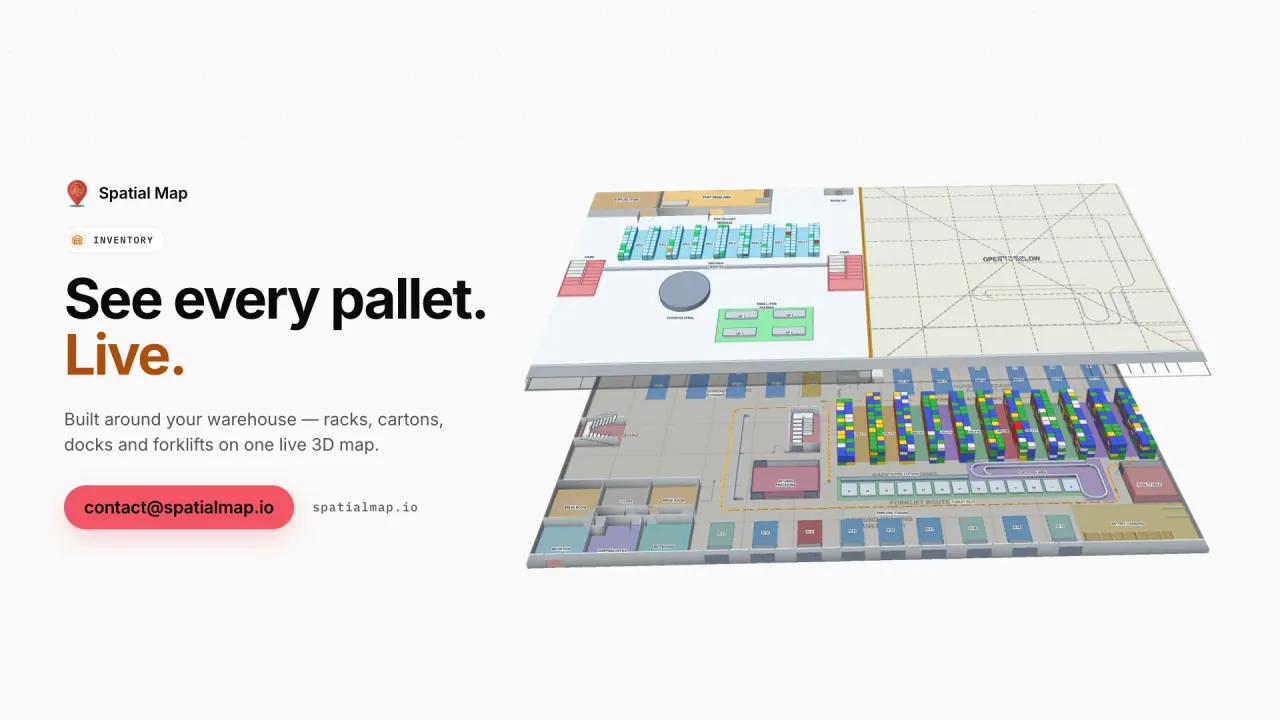
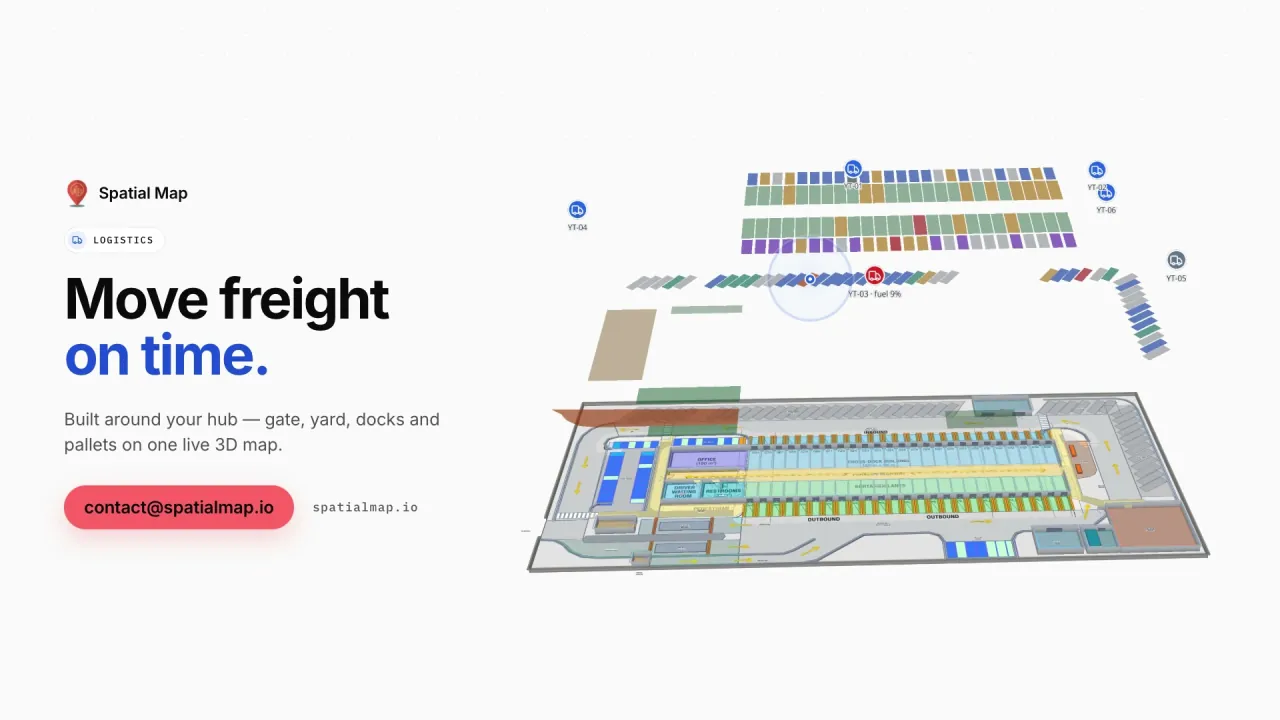
In the Retail Mart demo, readers at entrances, escalators and lifts pulse with their reads across three floors and offline readers turn red. At Northgate Electronics, 863 tagged units are followed reader by reader — SMT line, test & QC, cage gate, dock — and the History player replays a unit’s path. At Eastport Cross-Dock, 1,180 RFID pallets show which lane and door they are staged at.

  • Live reader map — every portal, gate and antenna zone with its last read, read rate and health.
  • Item and pallet location — last-seen reader or zone per tag, searchable from the viewer.
  • Read trails and playback — replay how a tagged item moved, from a table’s change history.
  • Reports — eight built-in reports per facility plus your own, exported to PDF, Excel, CSV or JSON.
  • Share links — read-only views for a client, auditor or store manager, with expiry and view caps.

Works with the readers you already run

Spatial Map is hardware-agnostic: it does not sell tags or readers and has no reader drivers to install. Anything that can produce a JSON row — your RFID middleware, a reader’s own HTTP output via a small relay, your WMS or ERP — can feed it. Three ways in:

  • Table write API — your middleware or relay posts reads to a table over HTTPS with a bearer key (bulk upsert, 60 requests a minute per key, so batch your reads). See the table write API.
  • REST polling — Spatial Map pulls JSON, GeoJSON or CSV from an endpoint you already expose, on a schedule. See integrations.
  • File upload — CSV, Excel, JSON or GeoJSON for a first look, a stock count or a one-off load.

What it does not do

Spatial Map does not decode tag data, tune antennas or compute positions from signal strength — your RFID middleware or RTLS engine does that. It does not send alerts either: it shows state on the map and in reports, and your existing systems keep raising the alarm. Being clear about that line is what makes it easy to drop into an existing RFID project.

How Spatial Map does it

From read log to live map in four steps

  1. 01

    Map the building

    Import a PDF or DWG floor plan, then trace rooms, racks, doors, stairs and lifts — or let our team do it.

  2. 02

    Place the readers

    Drop a marker or zone for every portal, gate and antenna group. Names must match the reader IDs in your data.

  3. 03

    Send the reads

    Post reads to a table with the write API, or let Spatial Map poll your middleware’s REST endpoint.

  4. 04

    Link, report, share

    Bind the table with a data link, add style rules, build reports and share a read-only view.

RFID use cases by industry

Retail loss prevention

Reads at exits, escalators and fitting rooms next to the stock they protect, with offline readers in red.

Secure stores and high-value stock

Units followed reader by reader through cages and vaults, with a read trail for the incident report.

Warehouse inventory

RFID cartons and pallets placed on rack locations and staging lanes, coloured by status.

Cross-dock and yard

Pallets by dock door and lane, mis-staged freight and short loads before cut-off.

Asset management

Laptops, instruments and equipment located by the last reader that saw them; removal at the doors.

Airports and venues

Bag tags, loan equipment and crates tracked from dock to hall on a multi-floor venue map.

See it on real demo facilities

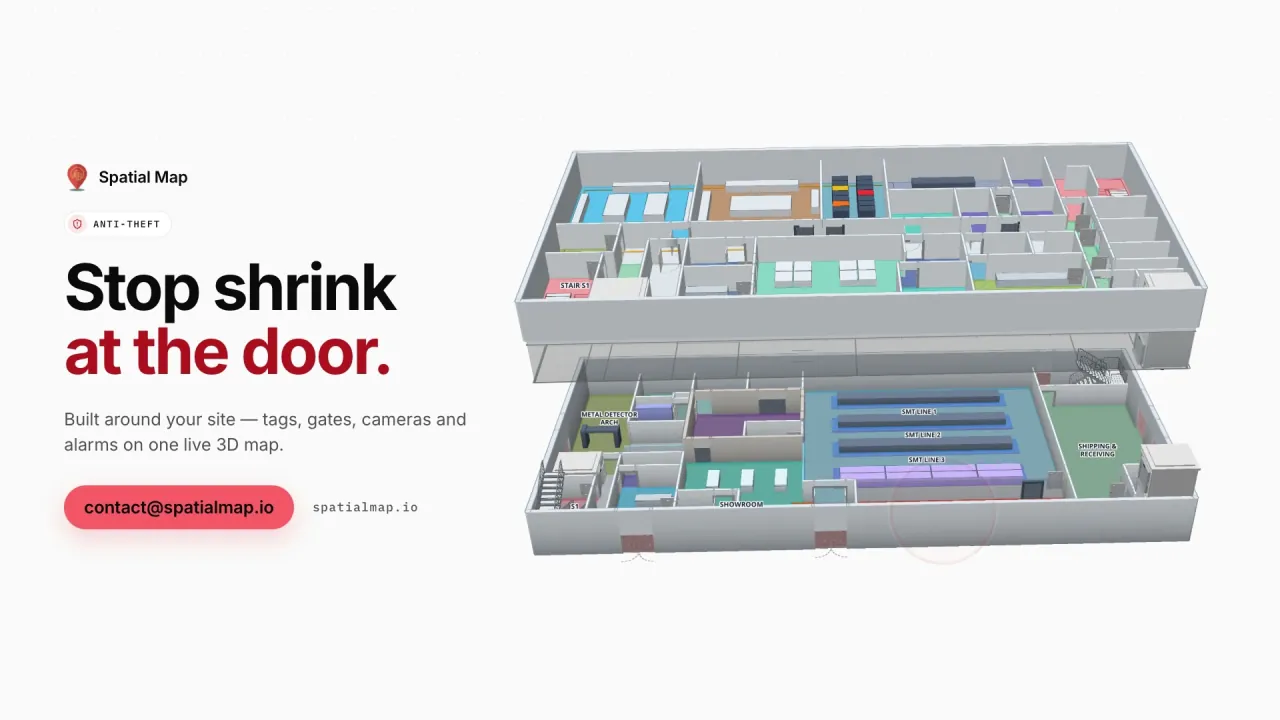
Fictional names, real floor plans, live sensors, RFID, BLE tags and gateways — open any of them in the browser.

All 13 demo facilities

RFID tracking — frequently asked questions

Any reader or middleware whose reads can reach a JSON row — fixed UHF portals, overhead arrays, gates or handhelds. Spatial Map has no reader drivers; your middleware (or a small relay) posts reads to a table, or Spatial Map polls an endpoint you expose.

No. It shows the location your system reports: the reader, antenna zone or coordinates of the last read. Read filtering and positioning stay in your RFID middleware or RTLS engine.

Yes. Every change to a table row is kept, and a data link set to Historical movement adds a History player that replays the reads on the map.

No. Spatial Map shows state on the map and in reports; your EAS gates, access control or middleware keep raising alarms. Offline readers and exceptions are coloured so they stand out.

A 7-day free trial covers up to 5 facilities with no credit card. Pro is $60 a month or $600 a year for up to 4 facilities. Larger estates and done-for-you integration are quoted as custom services.

Put your RFID reads on a map this week.

Start a free trial and open the RFID demos, or send us your floor plan and a sample of your read data and we will show you your own building.