
Data tables: schema, records and API keys
Create your own data tables in Spatial Map: pick a kind, define fields, edit records in a grid, mint API keys and pull rows from a REST URL.
What a table is
A table is your own data set inside Spatial Map — its fields, its records and its API. Where a REST integration or a file import pulls data from somewhere else, a table gives you an editable grid plus a REST API that is generated for you, so your own systems can push rows in with an API key.
Tables belong to the workspace, so one table can drive data links on any facility. For example, a rooms table with a `room_name` and a `status` field can tint every room on a facility's map, and a Staff table can place a marker for each person on shift.
| Part of the page | What it does |
|---|---|
| KPI cards | Tables (and how many kinds of data), Records across every table, Updated today (written in the last 24 hours) and Not ready (no fields or no records yet). |
| Status tabs | All, Receiving data, No records yet, Needs fields, each with a count. |
| Search and filters | "Search by name, kind, or field", a kind filter (All kinds), and a sort menu: Name (A–Z), Last write, Most records, Schema changed. |
| Layout | Grid cards or a List. Each card shows the kind, record count, last write and the first few field keys. |
Create a table
Click Create new table (or Add integration → Table on the Integrations screen). Creating a table needs the Owner or Admin role; other members see "Only owners and admins can create tables".
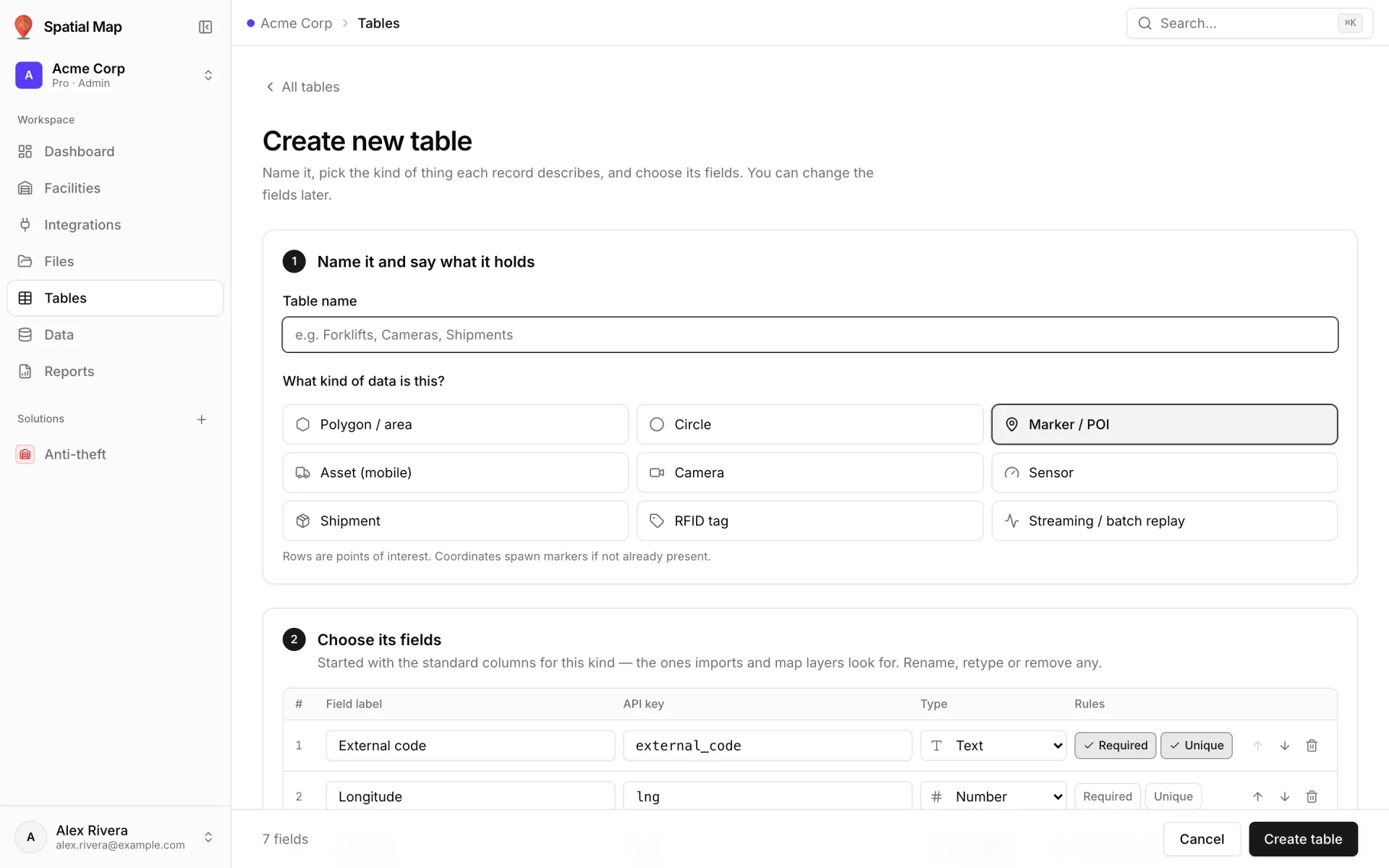
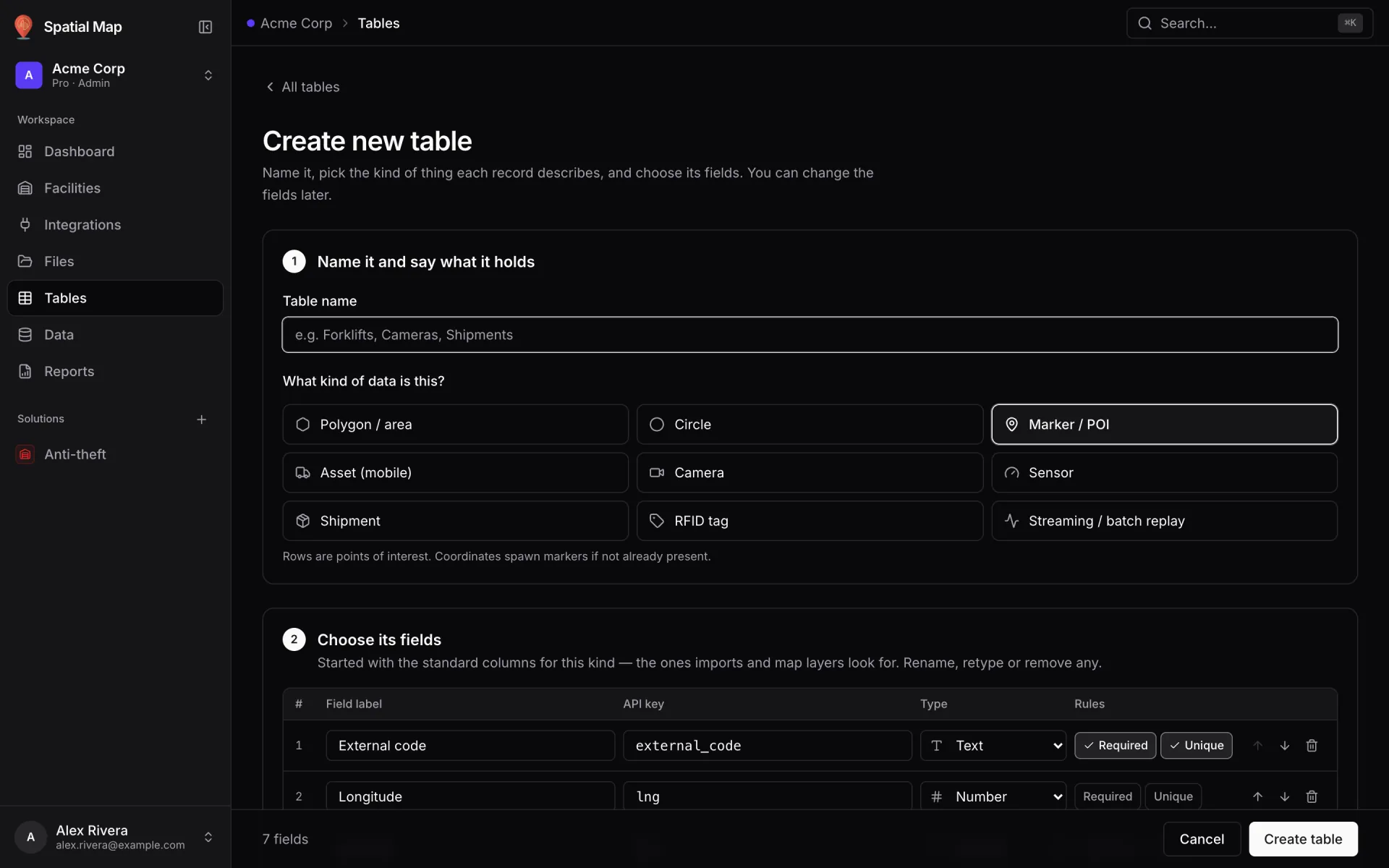
- 1Name it and say what it holds
Enter a Table name (for example "Rooms"), then answer What kind of data is this?: Polygon / area, Circle, Marker / POI, Asset (mobile), Camera, Sensor, Shipment, RFID tag or Streaming / batch replay. A line under the cards explains what rows of that kind become on the map.
- 2Choose its fields
"Started with the standard columns for this kind — the ones imports and map layers look for. Rename, retype or remove any." Each row has a Field label, an API key, a Type and Required / Unique toggles. Use Add field for more. A preview shows "One record, as your systems send it".
- 3Create table
You land on the table's page: "Add your first record, or copy the API key from API & access." To connect a system, open API & access and click Create key — see Write rows with the table API.
Field types and rules
The type picker has thirteen types in five groups. The type decides how the grid edits a value (date pickers, toggles, number inputs) and the sample values in the API examples.
| Group | Types |
|---|---|
| Text | Text · Long text · Email · URL · Phone · UUID |
| Numeric | Number · Integer |
| Boolean | Boolean |
| Date & time | Date · Date & time · Time |
| Structured | JSON |
The table page
A table's page shows its status (Receiving data, No recent writes, No records yet or Needs fields), kind, record count and last write. The ⋯ menu holds Edit schema, Manage API keys, Copy table ID and delete. Three tabs sit below.
| Tab | What lives there |
|---|---|
| Records | The editable grid — search, sort, paging, inline edit, Add row, delete with undo and per-row history. |
| API & access | API keys, the 12 generated endpoints with copyable curl examples, and Pull from a REST API. The tab badge counts active keys. |
| Schema | The table name, kind and field editor, with Save changes. Owners and admins can edit; everyone else sees it read-only. |
Read and edit records
- Inline edit — "Click a cell to edit — Enter saves, Esc cancels."
- Add row opens a form with every field; fields marked * are required. The row key is "a unique ID for this row — writing the same key again updates it."
- Delete is immediate, with a toast that lets you restore the row.
- Row history — a side panel with the row's changes, newest first: each edit, import or API write adds a step (Created, Updated, Deleted).
- Search looks at the record key and every field value; click a column header to sort; pick Rows per page.
- Owners, admins and editors can edit records. Viewers see the grid read-only.
Change the schema
If the table lacks columns that imports and map layers look up by key, a notice lists them — "Without them this table will not match shapes or place points automatically." — with Add them. You don't have to: a rooms table can match its rooms to shapes by `room_name` through its data link instead.
Pull rows from a REST API
Instead of pushing, a table can fetch rows itself: "we call your URL on a schedule and upsert every item it returns." On API & access, fill in Pull from a REST API:
- Poll URL — a full http:// or https:// URL.
- Interval (seconds) — at least 30.
- Row key field in the response and Where the items are (JSON path), for example `data.items`.
- Headers (Add header), Field mapping (external → internal) (Add mapping), and Position lat field / Position lng field for rows that should become points.
Click Start polling. The first run happens within a minute ("Waiting for the first run (within a minute).") and the card then shows "Polling every N s" and the last run. Unlike a REST integration, this runs on the server, so it keeps going with no map open. Stopping it keeps the rows already imported. Setting up polling needs the Owner or Admin role.
Delete a table
Delete from the card or page menu. The confirmation names what goes: the records, their history and the table's API keys. It can't be undone. A table still used by a data link can't be deleted until you remove those links.
More in Data
- Data · Data screenInspect and clean up ingested dataUse the Data screen to inspect every record, bin, file and ingest run in your workspace, filter by source and time, export CSV and delete data safely.
- Data · FilesManage floor plan and 3D model filesSee every floor plan, image plane and 3D model your workspace stores, which facilities use them, and safely free up storage taken by unused files.