
Connect fields: coordinates, labels and elevation
Tell a data link which fields hold longitude, latitude, label, value and elevation — so staff, equipment and sensor markers land in the right place and floor.
What Connect fields does
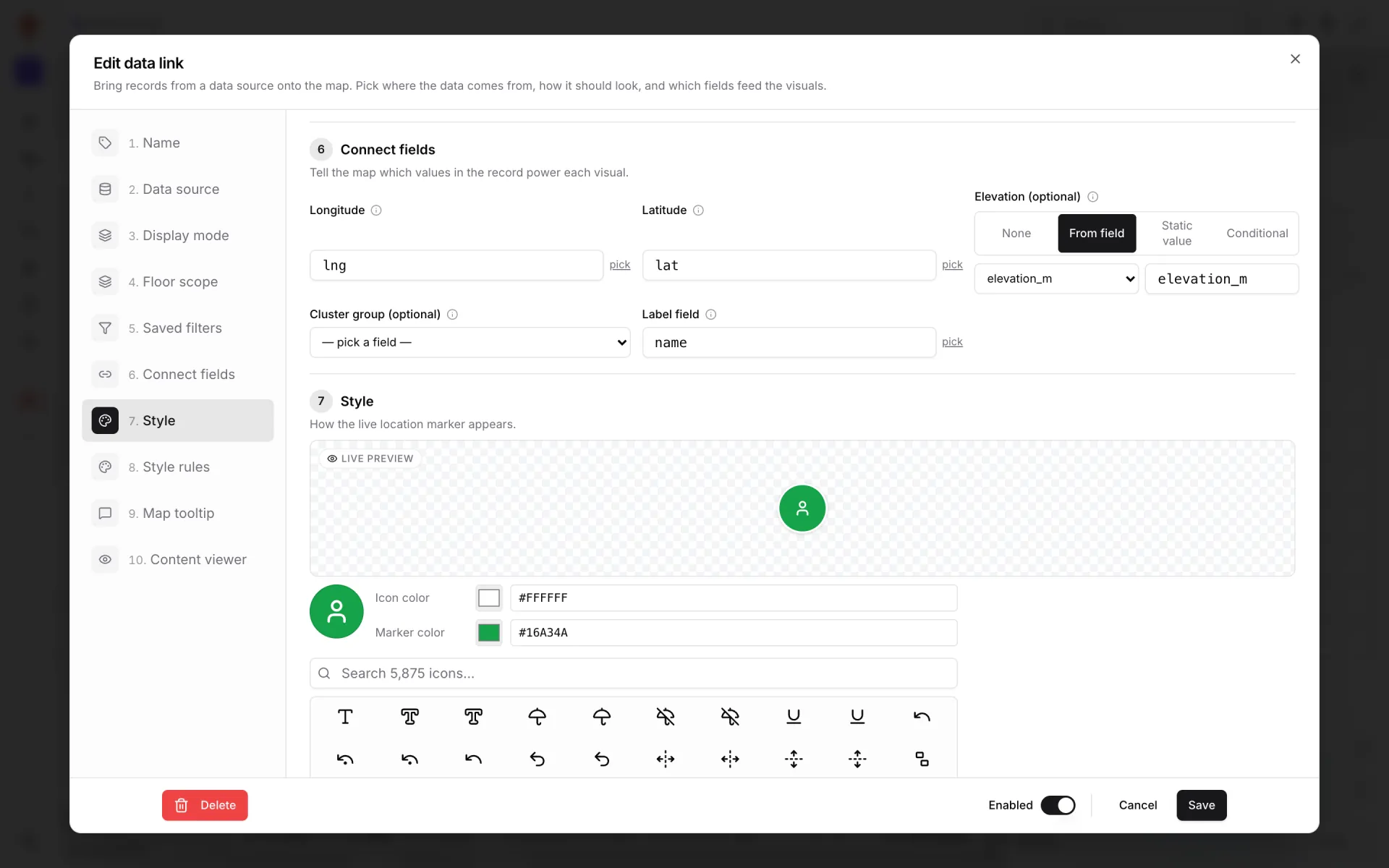
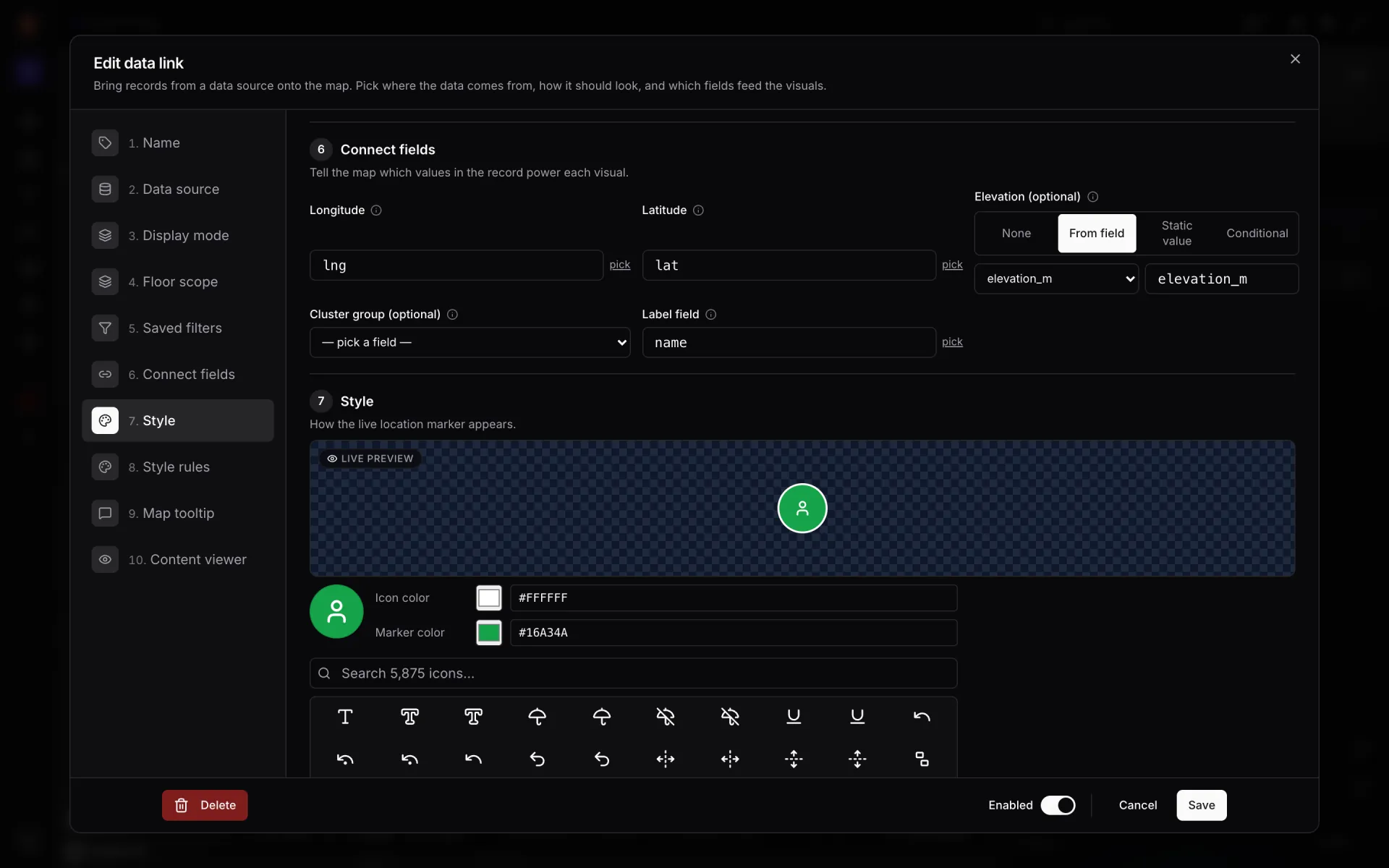
Connect fields — "Tell the map which values in the record power each visual." Each box names a field in your rows: where a marker goes, what it is labelled, how high it floats. Only the boxes the display mode uses appear.
| Display mode | Boxes shown |
|---|---|
| Live location marker · Historical movement | Longitude, Latitude, Elevation (optional), Cluster group (optional), Label field |
| Heatmap of activity | Longitude, Latitude |
| Movement trails | Longitude, Latitude, Label field, Entity ID field |
| Info marker on shape · Pulsing zone activity | Label field |
| Camera field of view | Label field, plus a note on the fixed camera fields |
| Value badge on shape | Value field |
| Color a shape | None — the shape comes from Attach to shapes and the colour from Style and style rules |
Picking a field
Each box is a menu of the fields in the sample row, shown as `field · value` so you can see what you are picking. Choose "✏ type a custom path…" to type a path instead — `position[0]` or `location.lng` — and pick to go back to the menu. A saved field that isn't in the current sample stays selected, marked "(not in sample)".
When the sample loads, empty boxes are filled in for you where the names are obvious: longitude from `lng`, `longitude`, `lon` or `position[0]`; latitude from `lat`, `latitude` or `position[1]`; the label from `label`, `name`, `title` or `id`. Nothing you picked is overwritten.
Longitude and latitude
The menus list number fields only, but a typed path accepts anything that holds a number. The demo staff, equipment and sensor tables carry `lng` and `lat`, so all three links use those.
Elevation
Elevation (optional) — "Metres above ground — lifts markers onto the right floor plan." Four choices:
| Choice | What you set | Example |
|---|---|---|
| None | Nothing — markers sit on the ground. | A single-storey store. |
| From field | A number field, picked or typed. | Staff, Equipment and Environmental sensors tables can each carry an `elevation_m` field (a badge at 1.6 m, a tagged cart at 0.9 m, a wall sensor at 2.4 m). |
| Static value | One height for every row. | Ceiling-mounted readers at 3 m. |
| Conditional | Rules of field · equals / contains / starts with / ends with · value → metres, checked top-down (first match wins), plus a fallback. | `floor_name` equals "Level 2" → 4.5 m, fallback 0. |
Label field and Value field
- Label field — "Field displayed as the marker / entity label." Staff uses `name`, Equipment `asset_name`, Environmental sensors `reading_label` (so the map reads "21.8 °C").
- Value field (Value badge on shape) — "Numeric field shown as the badge value. Falls back to a field called `value` if empty." For cold rooms you could badge `temperature_c`.
The two share one setting, so switching between a label mode and the badge mode keeps your pick.
Cluster group and Entity ID
Cluster group (optional) — "Only cluster points that share this value. Set to `currentRoomId` so bubbles never merge across rooms. Empty = plain distance clustering." It matters only when clustering is on in Style; turn clustering off when every person and tagged item should stay visible on its own.
Entity ID field appears for Movement trails ("Field that uniquely identifies each moving entity"). That mode needs a live stream and isn't available today — see display modes.
Camera field of view
Camera cones read three fixed fields from each row: "FOV cones read `yaw`, `fovDeg`, and `viewDistanceM` from the payload today." Name your fields that way. Colour, fill opacity and outline width are set in Style. Next: Style and style rules.
More in Data links
- Data links · OverviewData links: put live data on the mapA data link turns rows from a table, REST API or file into markers, tinted shapes, badges or heatmaps on a facility map. Learn the modes and the editor.
- Data links · ManagerManage a facility's data linksOpen the Data links list for a facility to search, switch on or off, edit and delete every data link — and find the shortcuts from the toolbar and shapes.
- Data links · Source and modePick a data source and display modeThe first three sections of a data link: name it, pick the table, REST API or file it reads, and choose one of nine display modes for the map.
- Data links · Shapes and floorsAttach data link records to shapes and floorsMatch each data-link record to a shape by name, role or external code, or pin a link to one shape, then choose which floors of the facility the layer shows on.