IoT sensors · Temperature, occupancy, counters

IoT sensor monitoring on a live floor plan of your building

Spatial Map is IoT sensor monitoring software that puts every sensor reading where the sensor hangs — on a live 3D floor plan of your building — so temperatures, humidity, occupancy and counts read as a picture of the building. A dashboard tells you probe 14 reads 9.2 °C; the map shows that probe 14 is in the cold room next to the dock door that has been open for twenty minutes, so an excursion is a coloured room you can walk to.

Last updated:

No credit card. Runs in the browser. Pro is $60/month for up to 4 facilities. Book a demo

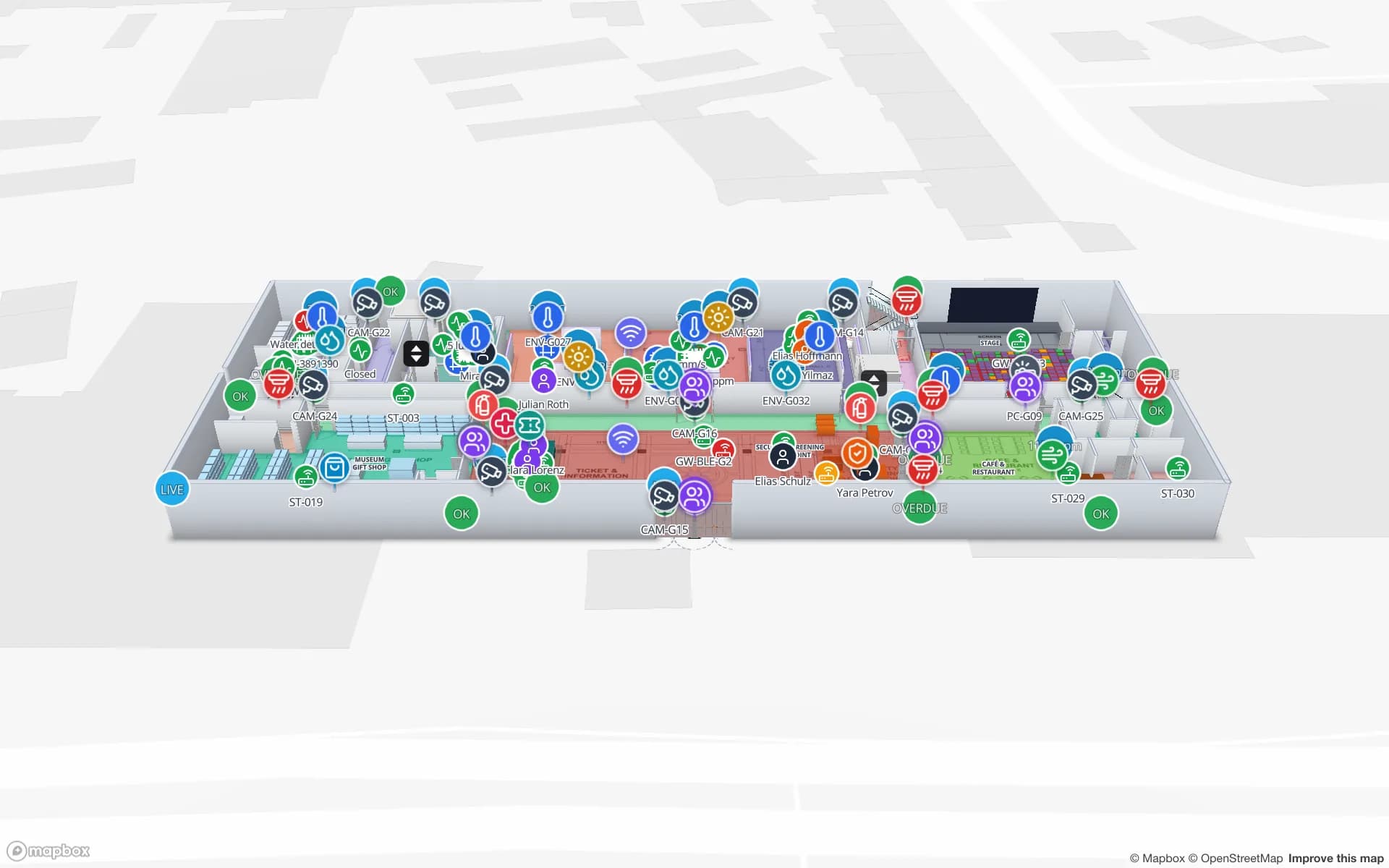
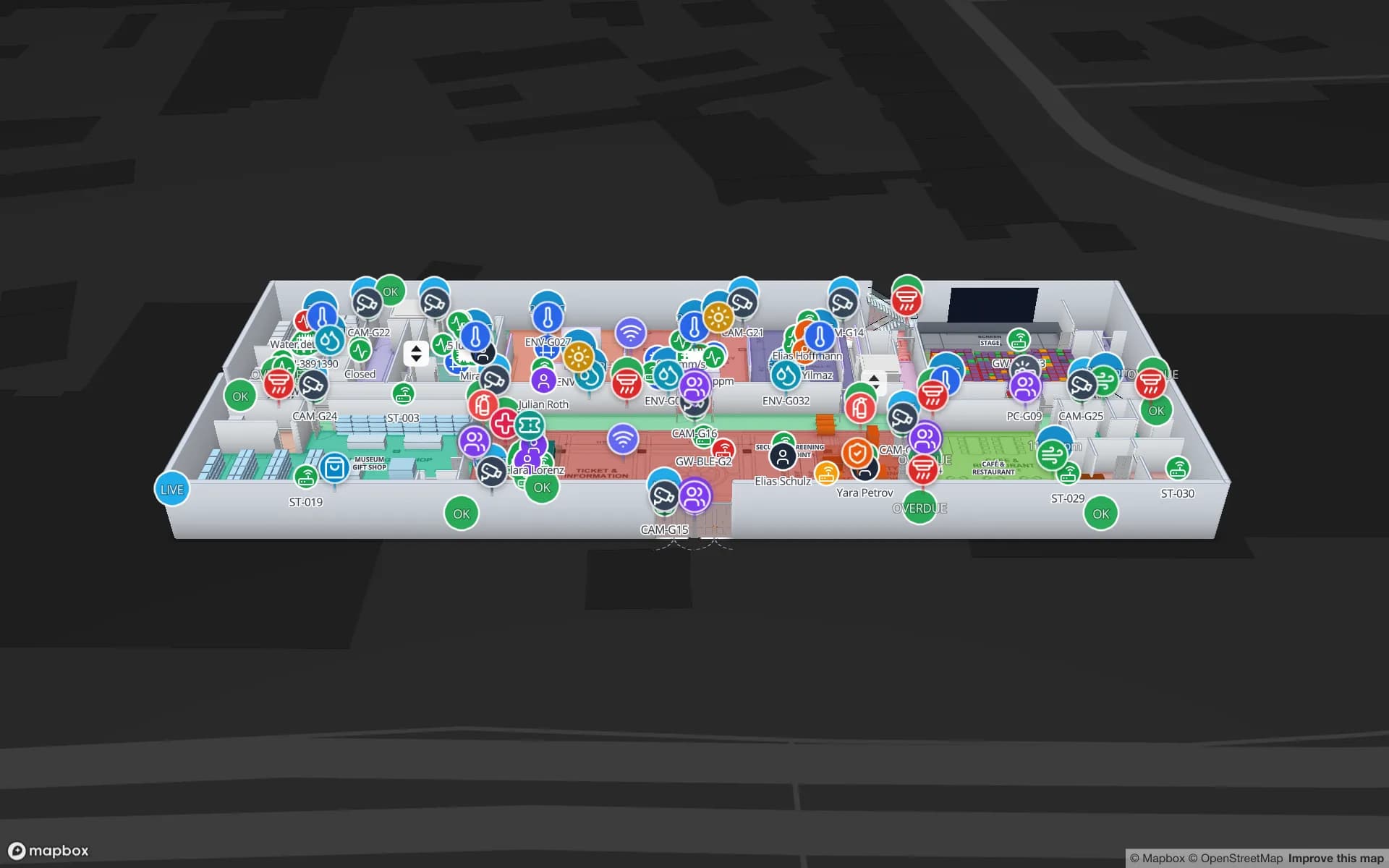
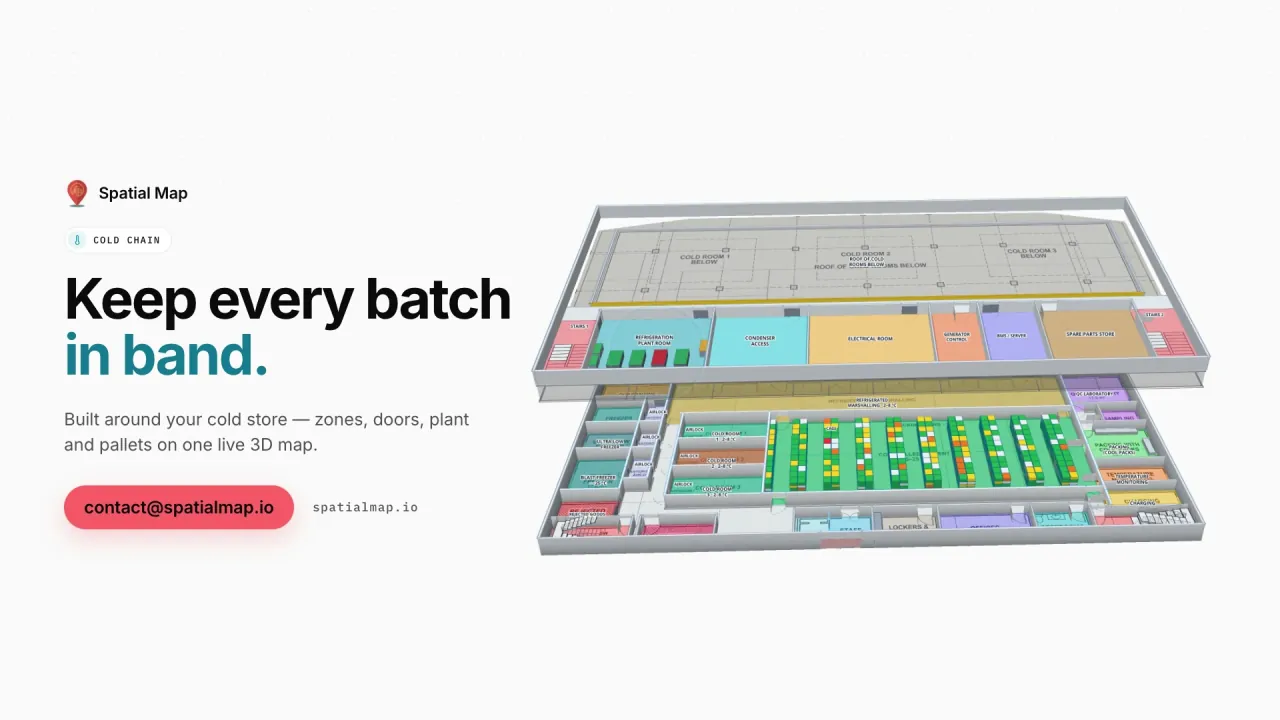
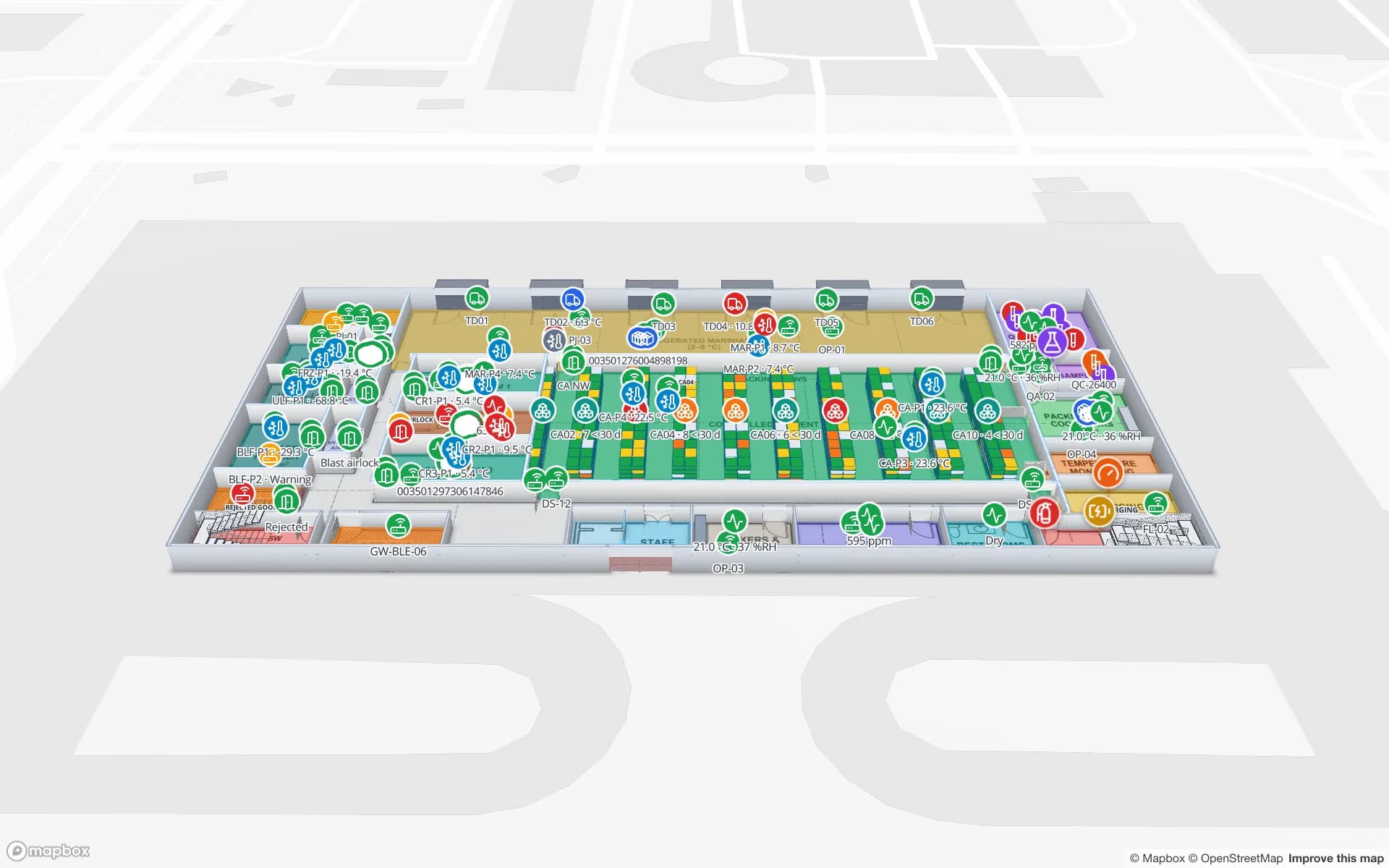
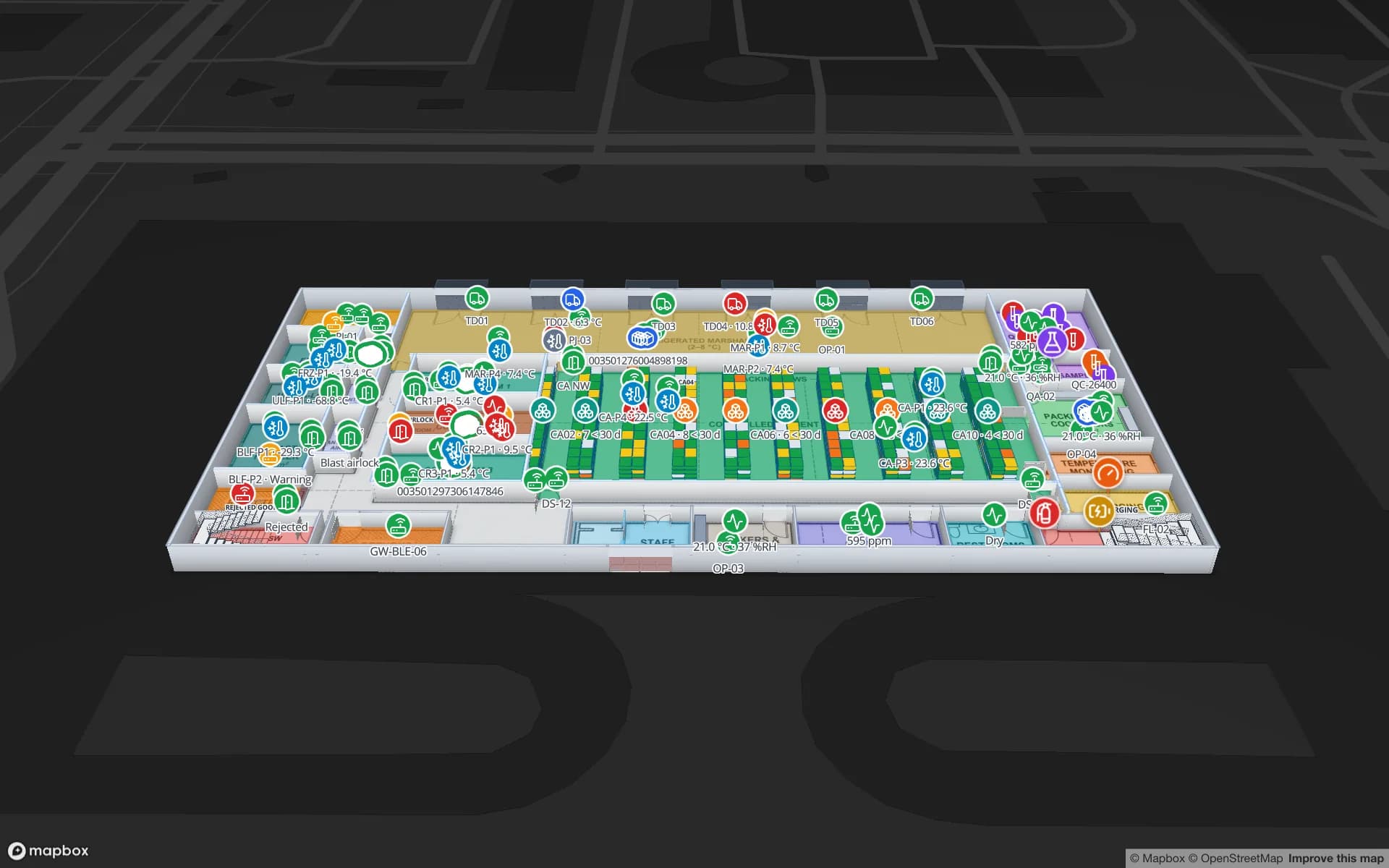
Polar Pharma — Cold Storage & QC Facility, a pharmaceutical cold store & qc lab demo, in the Spatial Map 3D viewer with live device markers
Polar Pharma — Cold Storage & QC Facility
Polar Pharma, a demo pharma cold store and QC lab: cold rooms, freezers and controlled-ambient zones coloured by live temperature, with doors and plant beside them.
Rack locations in the Polar Pharma cold-store demo
1,140
Built-in reports per facility
8
Recent changes kept per row for history
500
Free trial, no credit card
7 days

Sensors you can put on the map

If a device produces a reading with an identifier, Spatial Map can show it. The common ones:

  • Temperature and humidity — cold rooms, freezers, fridges, controlled-ambient stores, galleries, server rooms.
  • Occupancy and people counters — desk and room occupancy, footfall counters, turnstiles, queue sensors.
  • Door contacts — cold-room doors, dock doors, fire exits, secure cages: open, closed and for how long.
  • Energy and plant — compressors, chillers, AHUs, meters and their running state.
  • Gateways — the LoRaWAN, Wi-Fi or BLE gateways that carry the readings, with their own health and last seen.
Four ways a reading shows up

Readings arrive in a table and a data link binds the table to shapes on the map by name — the sensor named “Cold Room 2” drives the room named Cold Room 2. From there you choose how each reading should look:

  • Value badges — the live number (9.2 °C, 61 % RH, 340 people) floating over the sensor or the room.
  • Coloured rooms and areas — style rules colour a room by value: in band, warm, out of band; under capacity, busy, over capacity.
  • Heatmaps — spread readings across a floor to see warm spots, dense crowds or dead zones.
  • Markers and pulsing zones — a door contact or a counter that changes state stands out from the rest of the plan.

Where it earns its place

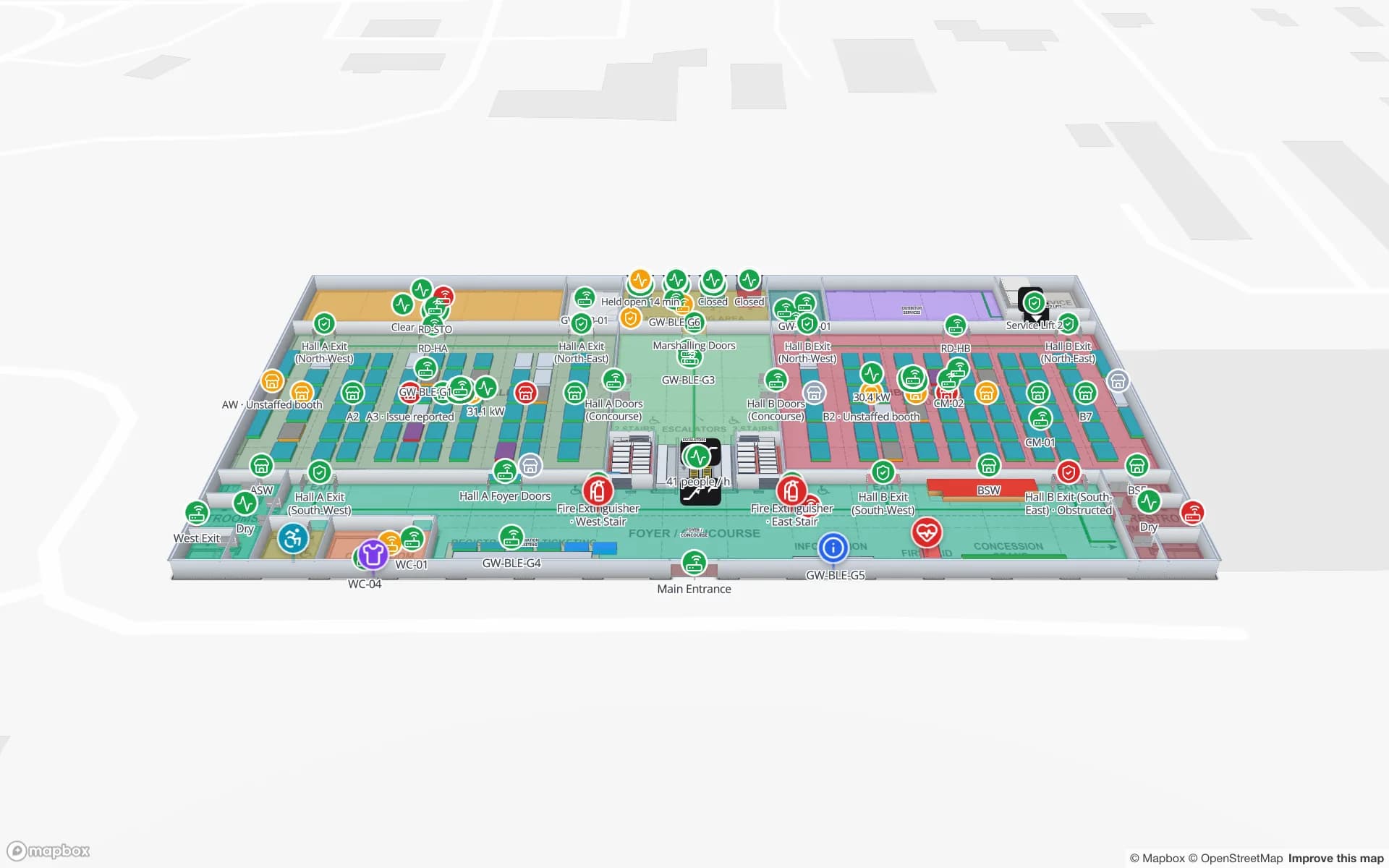
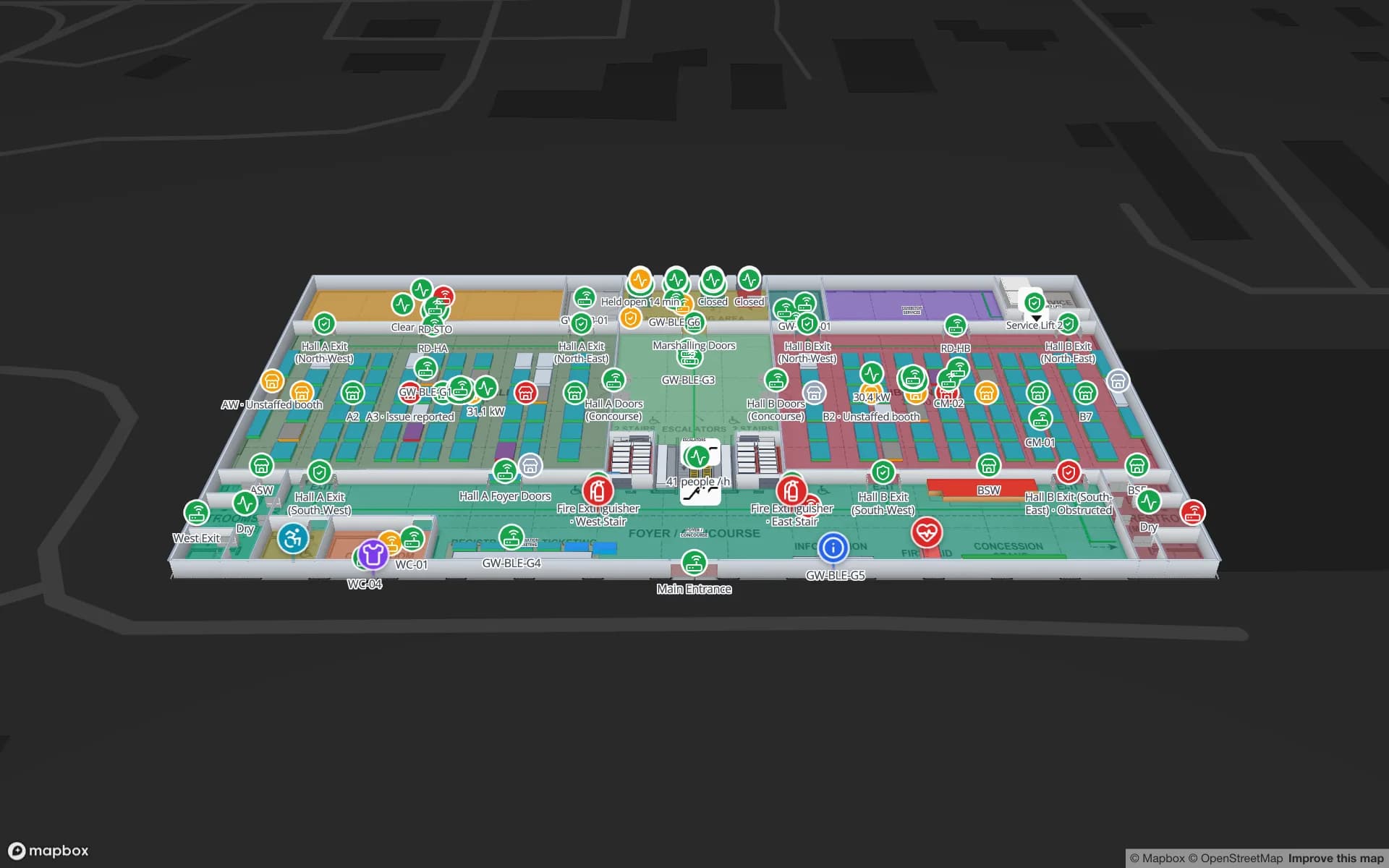
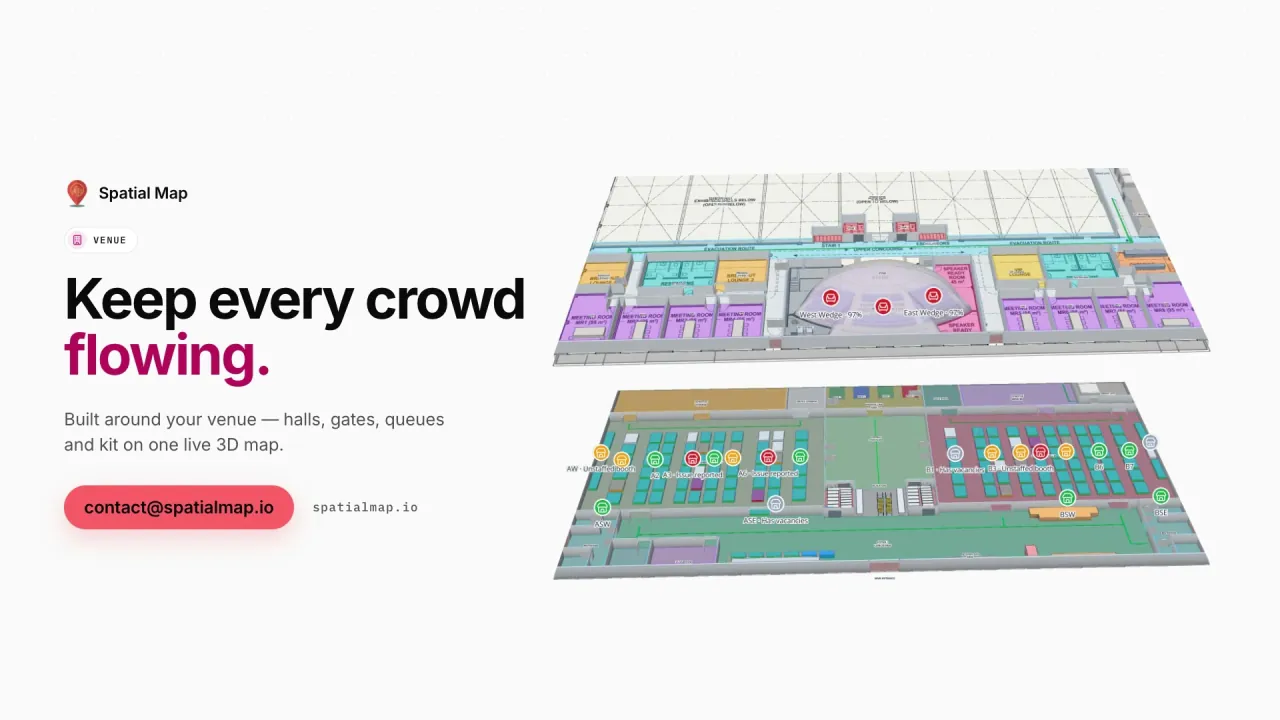
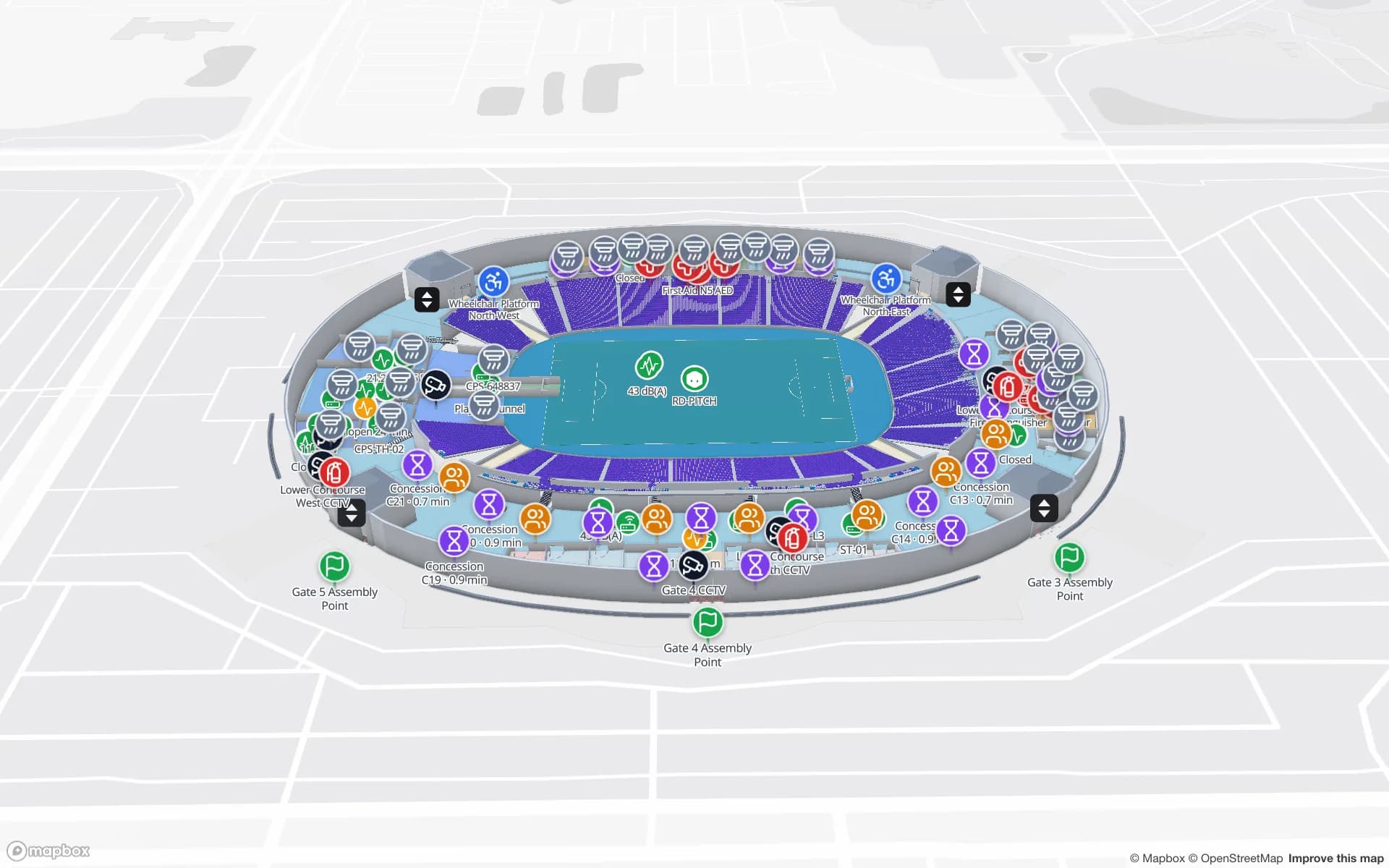
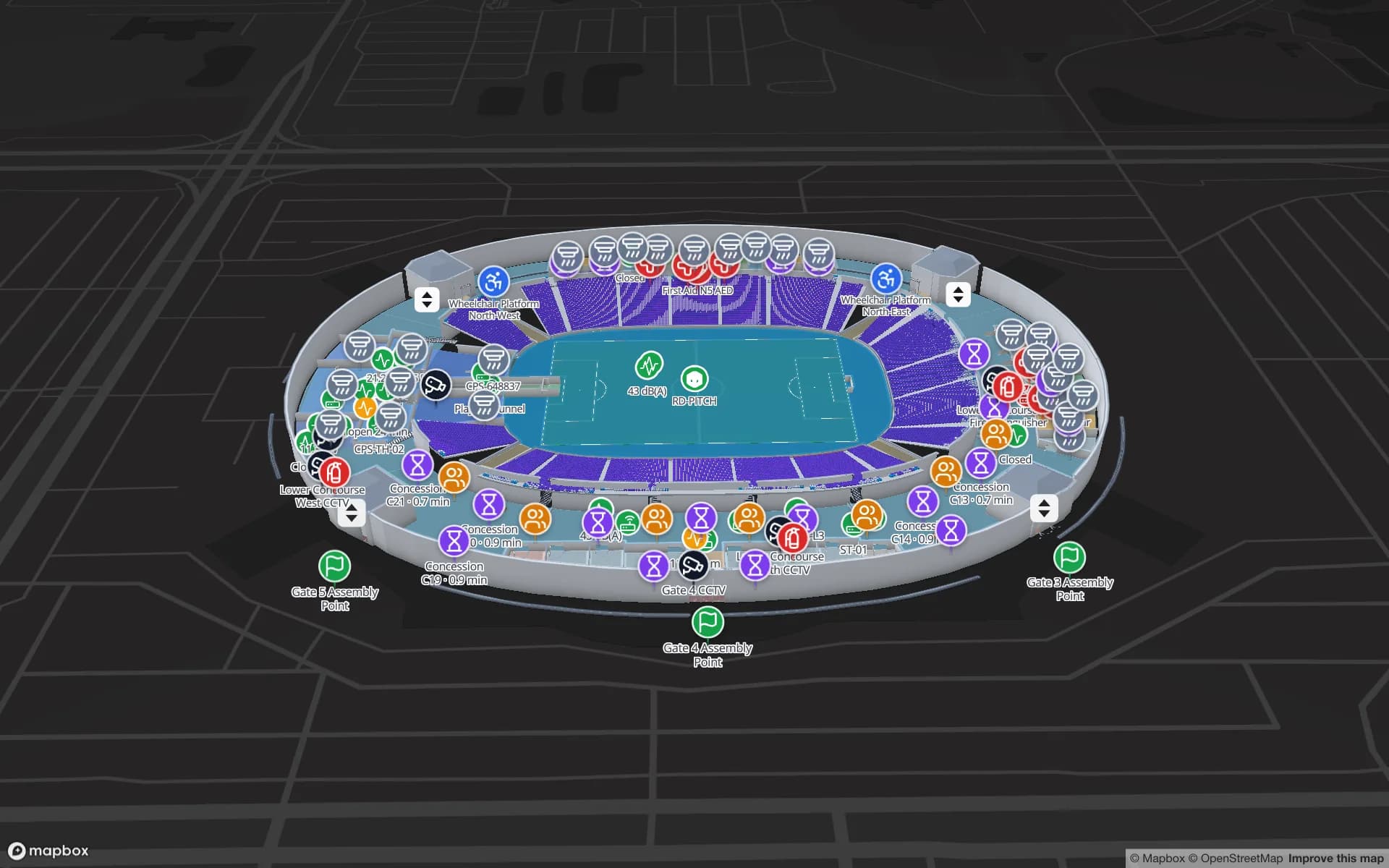
In the Polar Pharma demo, cold rooms, freezers and controlled-ambient zones carry live probe readings; when Cold Room 2 leaves its 2–8 °C band it changes colour, next to the door state and the plant serving it, and pallets on hold sit on their rack locations. At Retail Mart, fridge and freezer cabinets on three floors feed the Cold-Chain Sensors report. At Crown Park Stadium, turnstile scans and crowd counters show which gates and concourses are filling up, and at Lakeside Convention Center rooms over capacity are coloured as the sessions fill.

The same approach fits a museum, where the Production Museum demo shows environment sensors across three gallery floors, or a data center, where racks drawn with the rack tool can carry the inlet temperatures your monitoring platform reports — the Ridgeline Data Center demo shows racks and assets on the floor.

History you can show an auditor

Every change to a table row is kept, so each sensor has a row history in the detail drawer (up to 500 recent changes) and a data link set to Historical movement can be replayed with the History player. Reports turn the same tables into tables and charts — eight built-in reports per facility plus your own in the report builder — exported to PDF, Excel, CSV or JSON.

That makes Spatial Map useful evidence alongside your quality process: it helps make an excursion, its location and its duration visible. Your validated monitoring system and your QA procedures remain the record, and nothing on this page should be read as a claim that a regulation is satisfied by a map.

Your platform keeps the alarms

Spatial Map does not send alarms, SMS or notifications, and it does not talk to sensors directly. Your IoT platform, BMS or gateway software stays in charge of collection and escalation; it posts readings to a table with the table write API, or Spatial Map polls a REST endpoint it already exposes on a schedule. Excel and CSV uploads work for back-filling a logger export. Spatial Map is the shared picture on top: the map the shift lead, the facilities team and the auditor all look at.

How Spatial Map does it

From sensor feed to coloured floor plan

  1. 01

    Draw the spaces

    Import the floor plan and draw rooms, cold rooms, racks and doors — named the way your sensors are named.

  2. 02

    Feed the readings

    Your IoT platform posts readings to a table, or Spatial Map polls its REST endpoint; uploads work for a first test.

  3. 03

    Choose the look

    Bind the table as value badges, coloured rooms or a heatmap, and set style-rule bands for in range and out of range.

  4. 04

    Review and report

    Check row history, replay a shift, and export a weekly report to PDF or Excel for QA and facilities.

IoT sensor use cases

Pharma cold rooms and freezers

Rooms coloured by temperature band, door states and plant alongside, pallets on hold on their locations.

Retail fridges and freezers

Cabinet temperatures on every floor of the store, with a cold-chain report the store manager can export.

Crowd counters and turnstiles

Gate scans and concourse counts as badges and heatmaps on match day.

Rooms over capacity

Halls and meeting rooms coloured against their capacity as sessions fill and empty.

Museum environment

Temperature and humidity across galleries and floors, so conservation teams see a drifting room in context.

Data-center racks

Rack readings from your monitoring platform on a rack-level floor plan, next to the tracked assets.

See it on real demo facilities

Fictional names, real floor plans, live sensors, RFID, BLE tags and gateways — open any of them in the browser.

All 13 demo facilities

IoT sensor monitoring — frequently asked questions

Any platform that can post JSON rows over HTTPS or expose a REST endpoint returning JSON, GeoJSON or CSV. Spatial Map does not connect to sensors or gateways directly and has no device drivers; your IoT platform, BMS or gateway software is the source.

No. It shows excursions on the map — a room changes colour when a reading leaves its band — and in reports. Alarms, SMS and escalation stay in your monitoring system or BMS.

By name. A data link matches a field in your data, such as the sensor or room name, to the shape of the same name on the map, scoped to the right floor. Style rules then colour the shape by value.

Yes. Every change to a table row is kept, up to 500 recent changes per row in the detail drawer, and reports can be exported to PDF, Excel, CSV or JSON for a shift or a week.

No. Spatial Map helps make excursions and their location visible and exportable. Your validated monitoring system and your QA procedures remain the record.

The app interface is available in English, Spanish, French, German, Arabic (full right-to-left) and Chinese. See the regional pages for how teams in the Middle East, Europe and the USA use it.

Put your sensor readings where the sensors are.

Start a free trial and open the Polar Pharma and Crown Park demos, or send us a floor plan and a sample of your sensor data and we will colour your own building.