
Lock a share link to one floor and hide layers
On the Share dialog's Layout tab, open a link on all floors or lock guests to one floor, and switch off kinds of shapes such as markers, doors or live data.
4 min readUpdated
What Layout sets
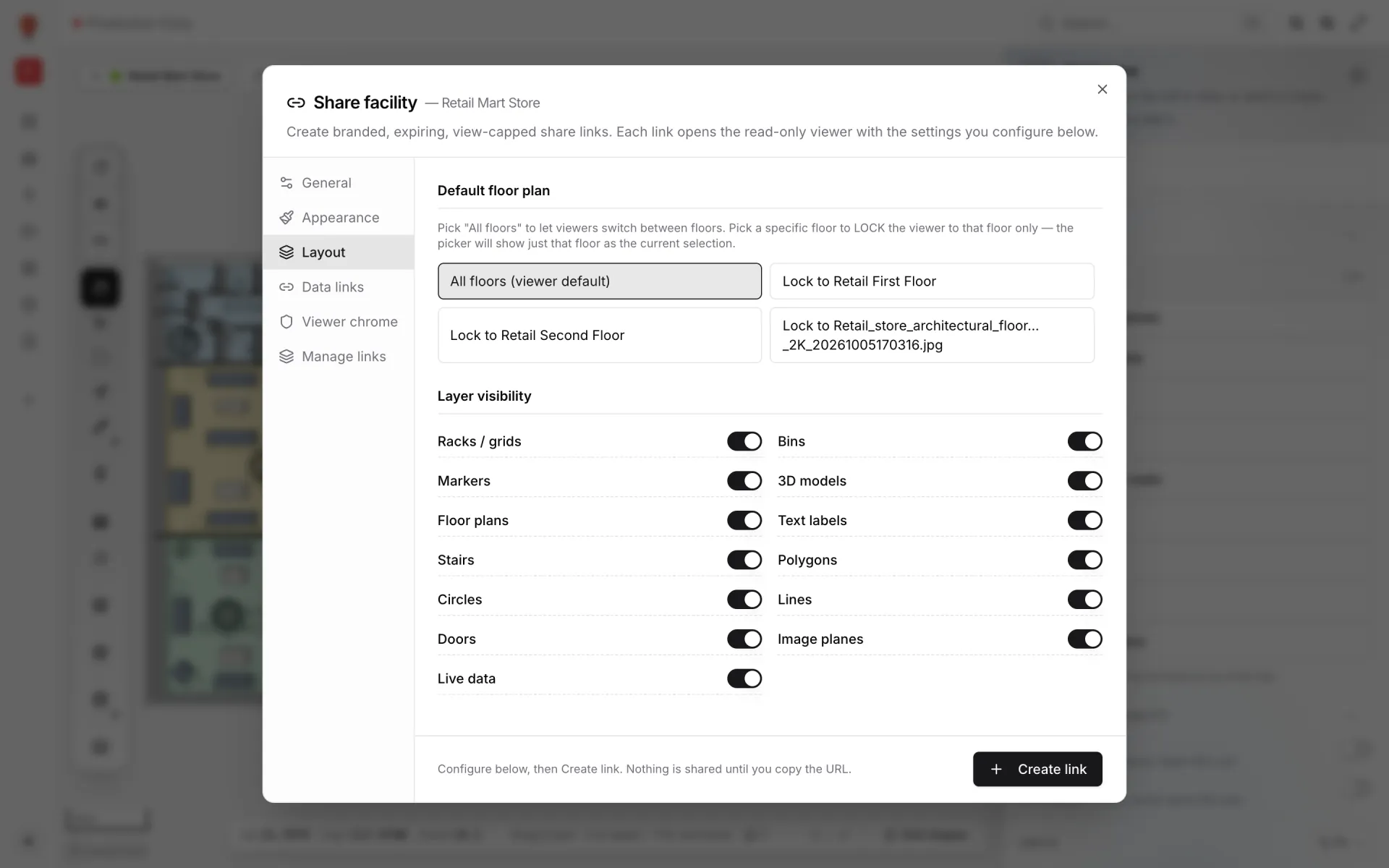
Layout decides what part of the facility a link's guests look at. It has two sections: Default floor plan (which floor guests start on, and whether they can leave it) and Layer visibility (which kinds of shapes are shown at all).
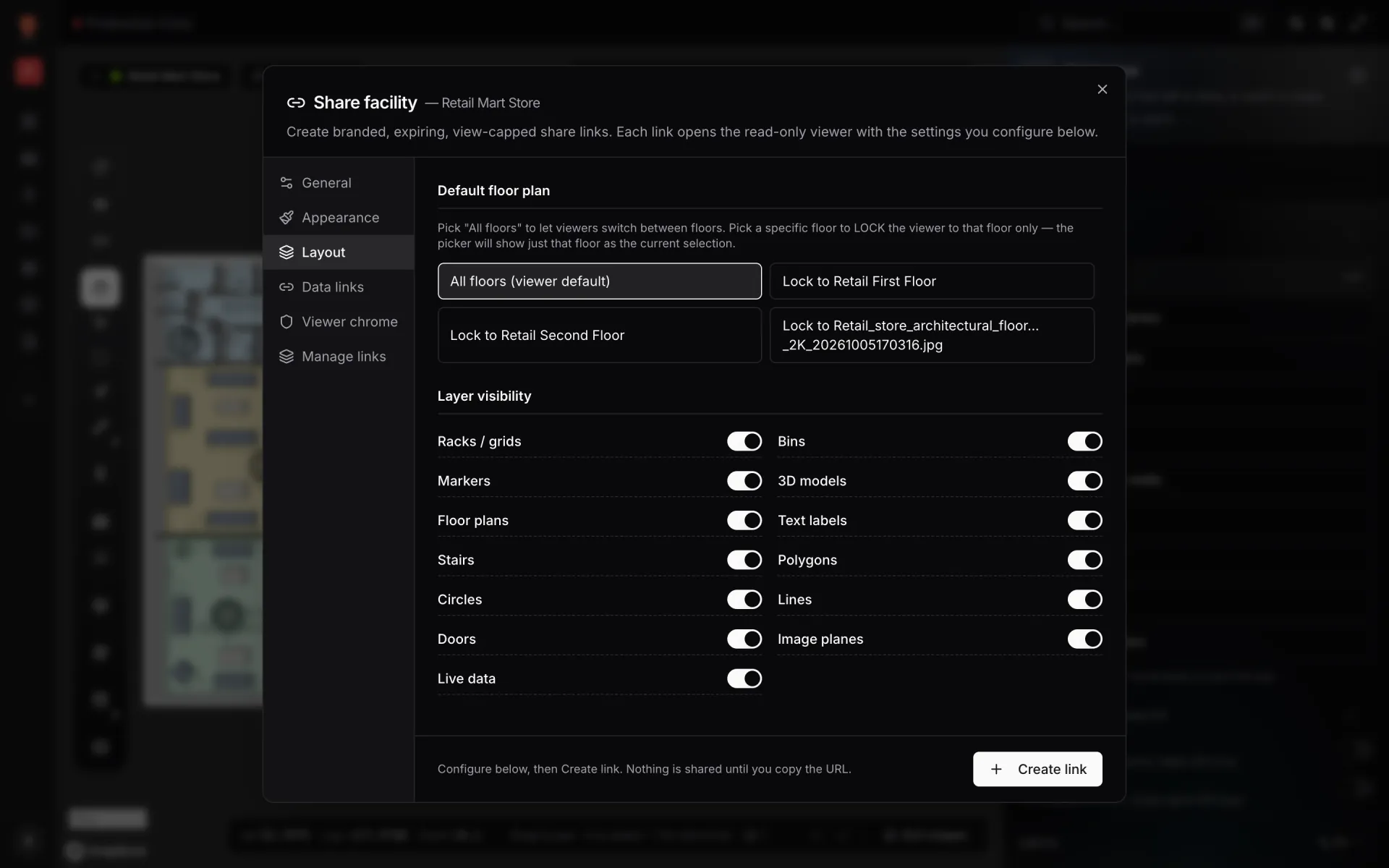
Screenshot · Layout tab of the Share dialog
Default floor plan
Choose one button. You can't lock a link to two floors.
| Choice | What the guest gets |
|---|---|
| Nothing chosen | The guest starts on the first floor, like a member would, and can switch freely. (The All floors button looks selected in this state.) |
| All floors (viewer default) | The guest starts with every floor showing and can switch freely. |
| Lock to <floor name> | The guest starts on that floor and can't leave it. The floor switcher lists only that floor, without an "All floors" row. |
Layer visibility
Thirteen switches, all on by default. Turn one off and that kind of shape disappears for the link's guests. They can't bring it back from their Layers panel.
| Switch | Turning it off hides |
|---|---|
| Racks / grids | Racks. Their cell colours are a separate switch (Bins). |
| Bins | The status colours painted on rack cells. |
| Markers | Placed markers. |
| 3D models | Placed 3D models. |
| Floor plans | The floor-plan images. |
| Text labels | Text labels. |
| Stairs | Staircases, lifts and escalators. |
| Polygons | Areas. |
| Circles | Circles and circle grids. |
| Lines | Walls and aisles. |
| Doors | Doors. |
| Image planes | Image planes. |
| Live data | Every data-link layer at once. |
Common set-ups
| For | Default floor plan | Switch off |
|---|---|---|
| A sales walkthrough | All floors (viewer default) | Nothing |
| A lobby screen on the ground floor | Lock to the ground floor | Whatever clutters the view, e.g. Doors or Circles |
| A contractor who needs access routes | Lock to their floor | Racks / grids, Bins and Live data |
| A stable screenshot | Lock to the floor in the shot | Live data, if moving markers would get in the way |
More in Viewer & sharing
- Viewer & sharing · ViewerThe Viewer: a read-only facility mapOpen a facility read-only in the Viewer: floors, layers, live data links, a detail drawer and indoor directions, for teammates on /view and guests on /share.
- Viewer & sharing · ViewerShow and hide layers in the ViewerUse the Viewer's Layers panel to hide shape kinds, list and zoom to items, and switch data-link layers off for your visit or turn them off for everyone.
- Viewer & sharing · ViewerSwitch floors in the ViewerShow one floor, several or all of them in the Viewer's floor switcher, see how share links lock a floor, and set a building shell to Auto, Shell or Interior.
- Viewer & sharing · ViewerFilter live data in the ViewerThe Viewer's Filters pill lets anyone pick a saved filter per data link and fill in runtime values, then Apply. It appears once a link has saved filters.