
Export a weekly report to PDF and Excel
Many teams send a weekly operations pack. Any report exports to PDF, Excel, CSV or JSON, and single widgets export on their own. Exports are manual — there is no scheduled email — so this is a two-minute routine rather than an automation.
Steps
- 1
Open the report and set the view
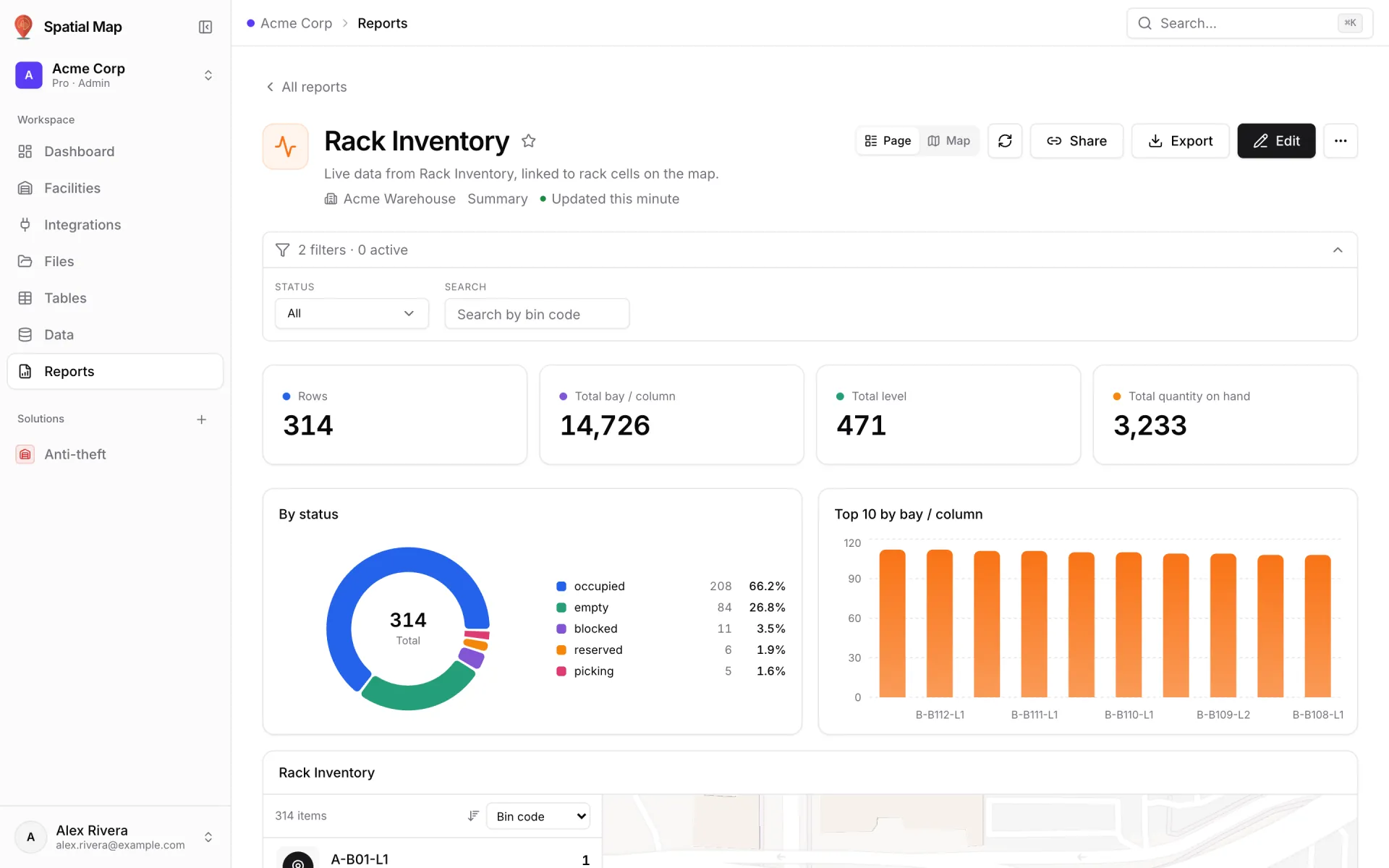
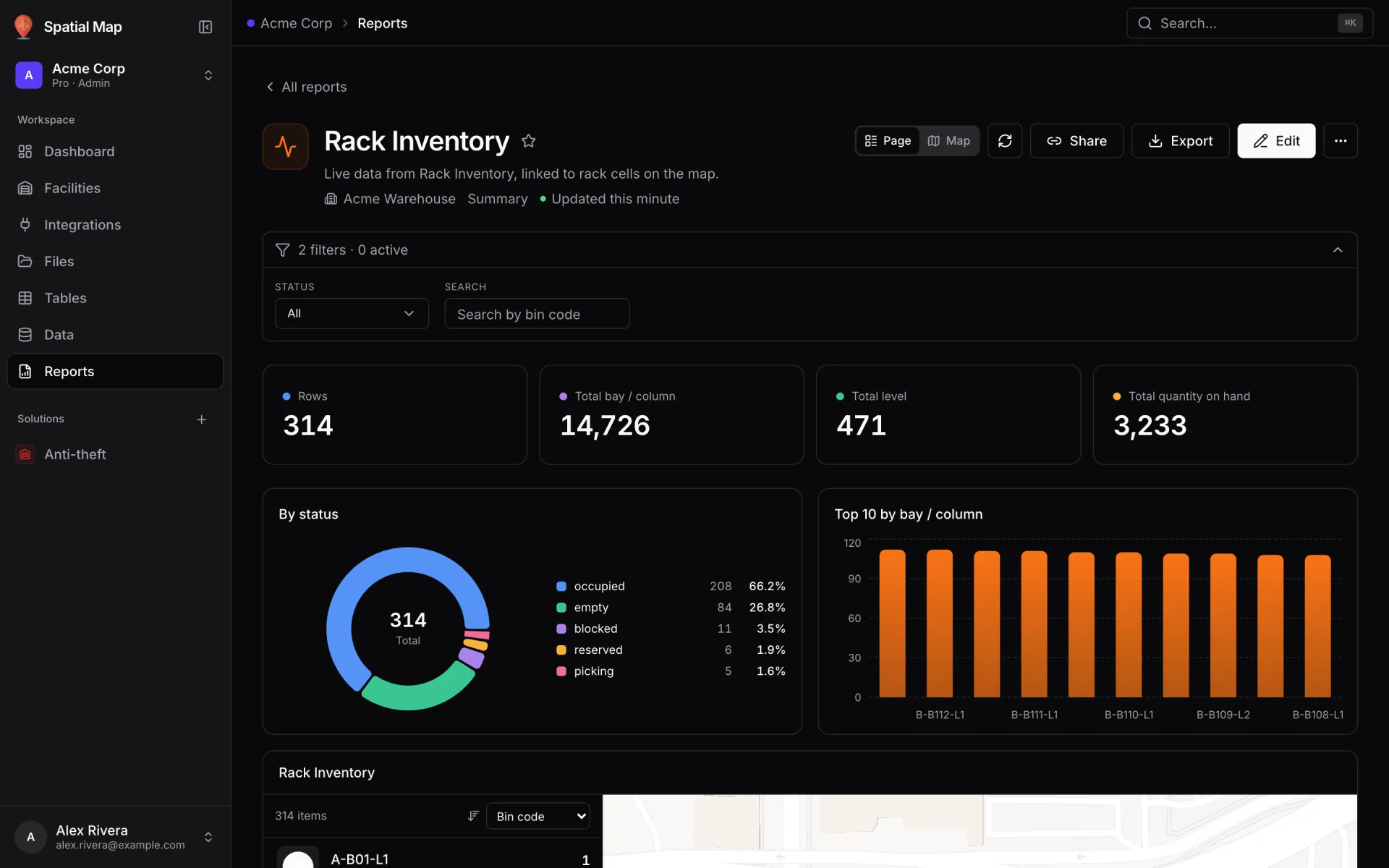
Open the report from Reports (for example Rack Inventory). If it has a filters bar, set it to what you are reporting on — for a weekly pack, the week — and click the refresh button to pull the latest rows.
- 2
Open Export
Click Export in the report header. The Export report dialog asks you to "Choose a format, what to include and how it should look."
- 3
Export the PDF
Choose PDF ("The report as it looks — charts, colours, full tables. Print or save."). Under Include, keep the widgets you want. Under Options, set Rows (As on screen or All loaded rows), Paper (A4 or Letter), Orientation, Colour or Greyscale, and keep Show applied filters and Show when it was generated on. Click Open print dialog and choose "Save as PDF".
- 4
Export the Excel workbook
Open the dialog again and choose Excel ("A sheet per table and chart, real numbers and dates, colours kept."). Turn on Keep conditional colours, Freeze header row and Add filter buttons, then Download.
- 5
Grab single widgets if needed
For a slide, open a widget’s menu and use Export PNG, or Copy for a spreadsheet to paste a table straight into a sheet. CSV exports are one file per table, with options for the separator and an Excel-friendly encoding.
- 6
Share the live version
Click Share to copy a link: "It opens with the filters you have set now." Colleagues in the workspace can check the live numbers behind the PDF.
Related
More reports & exports recipes
- Build an operations summary reportBuild a Summary report over your store or site tables: KPI cards for transactions, revenue and staff, plus bar charts of foot traffic and revenue by lane.
- Build a full-map command centerTurn the report generated for a linked table into a full-map command center: the live facility map fills the page, with records, KPIs and insights around it.