
Change map style and graphics quality in the Viewer
Switch between eight map styles and turn 3D shadows, ambient occlusion and "Hide items under floors" on or off in the Viewer, remembered in your browser.
Map style
The second pill in the Viewer's top-right stack shows the current map style, for example Light. Click it to pick another. The active style has a tick. There are eight:
- Standard (the default)
- Standard Simple
- Monochrome Light
- Monochrome Dark
- Dusk
- Streets
- Dark
- Light
The Viewer remembers your last pick in this browser, separately from the editor's map style. While the new style loads, the map's layers disappear for a moment and then come back on top of it.
Graphics quality
The Quality pill opens the Graphics quality dialog: "Toggles that trade GPU cost for visual richness. Saved to this browser." Each switch takes effect straight away. Click Done to close it.
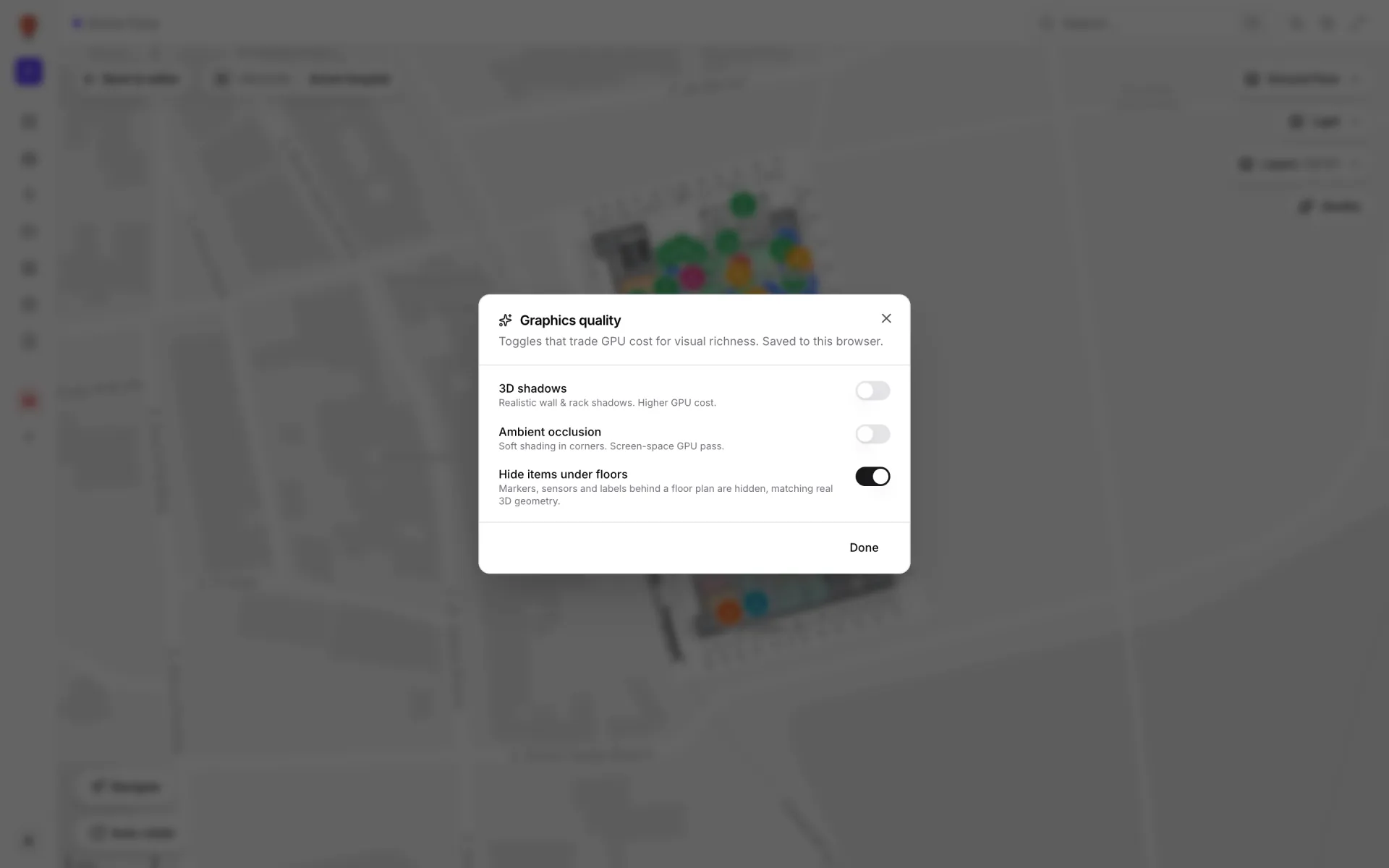
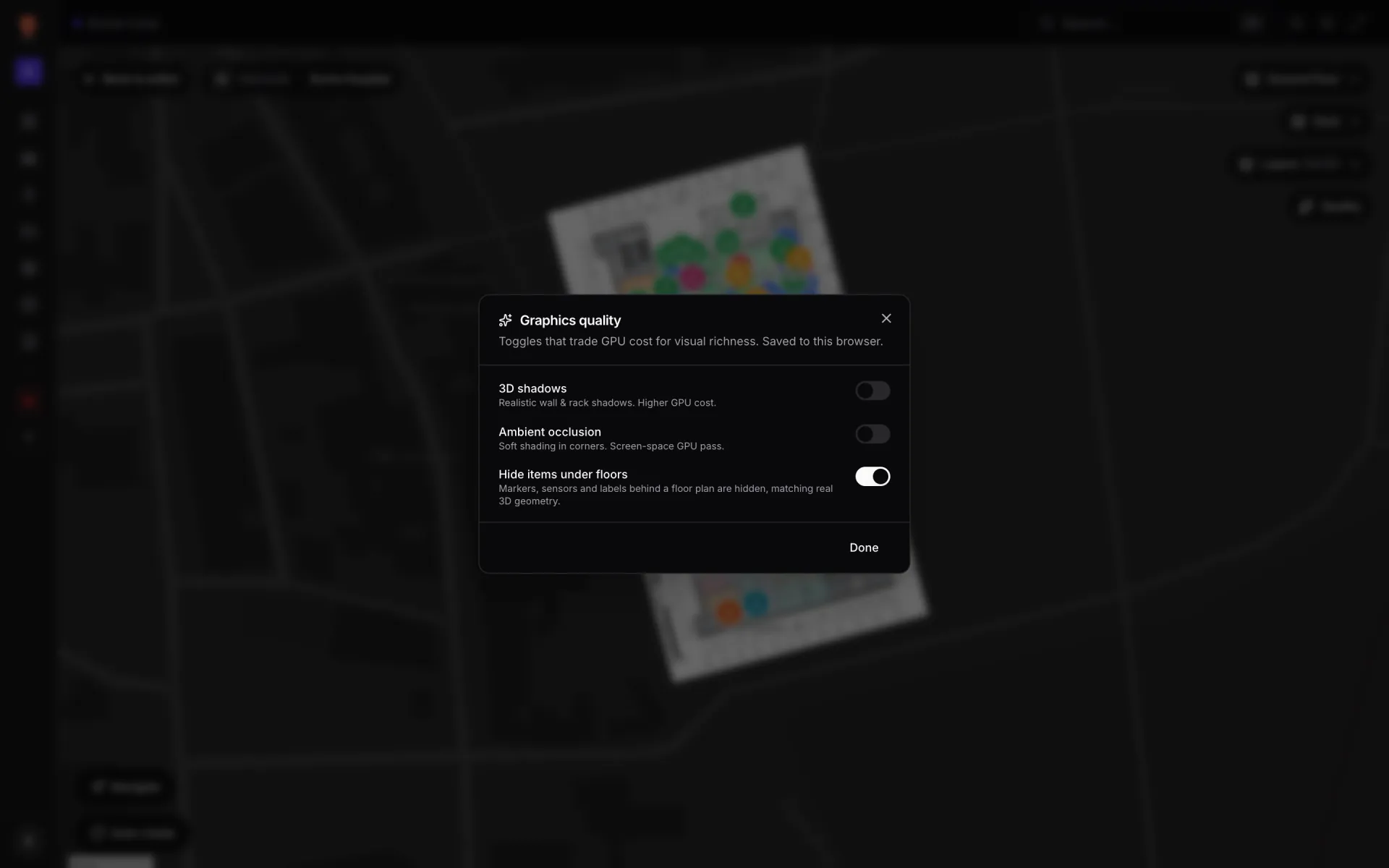
| Switch | Default | What it does |
|---|---|---|
| 3D shadows | Off | Shadows cast by walls, racks and 3D models. The heaviest setting, so leave it off on slower computers. It works with every map style. |
| Ambient occlusion | Off | Soft shading in corners and along the base of raised shapes. Cheaper than shadows. |
| Hide items under floors | On | Hides markers that sit behind a floor plate, wall or staircase, so a multi-floor stack seen from above shows the top floor's markers, not every floor's at once. |
Text labels, door and rack labels and data-link points are always hidden behind solid geometry, whatever the third switch says. Only geometry that is showing counts, so if you hide Floor Plans in the Layers panel, the slabs stop hiding anything.
More in Viewer & sharing
- Viewer & sharing · ViewerThe Viewer: a read-only facility mapOpen a facility read-only in the Viewer: floors, layers, live data links, a detail drawer and indoor directions, for teammates on /view and guests on /share.
- Viewer & sharing · ViewerShow and hide layers in the ViewerUse the Viewer's Layers panel to hide shape kinds, list and zoom to items, and switch data-link layers off for your visit or turn them off for everyone.
- Viewer & sharing · ViewerSwitch floors in the ViewerShow one floor, several or all of them in the Viewer's floor switcher, see how share links lock a floor, and set a building shell to Auto, Shell or Interior.
- Viewer & sharing · ViewerRow history and the History playerSee every change to a table row in the Viewer's detail drawer, and replay a table's changes on the map with the History player for Historical movement layers.