BLE · Beacons, tags & gateways

BLE asset tracking and indoor positioning on a live 3D floor plan

Spatial Map is BLE asset tracking and indoor positioning software: it shows the positions or room presence your Bluetooth Low Energy system already computes on a 3D model of your building, floor by floor. BLE tags are cheap, small and last for years on a coin cell, which is why they end up on trolleys, wheelchairs, tools, forklifts and lab instruments — the hard part is answering “where is it now, and where has it been” in a way a supervisor can read at a glance.

Last updated:

No credit card. Runs in the browser. Pro is $60/month for up to 4 facilities. Book a demo

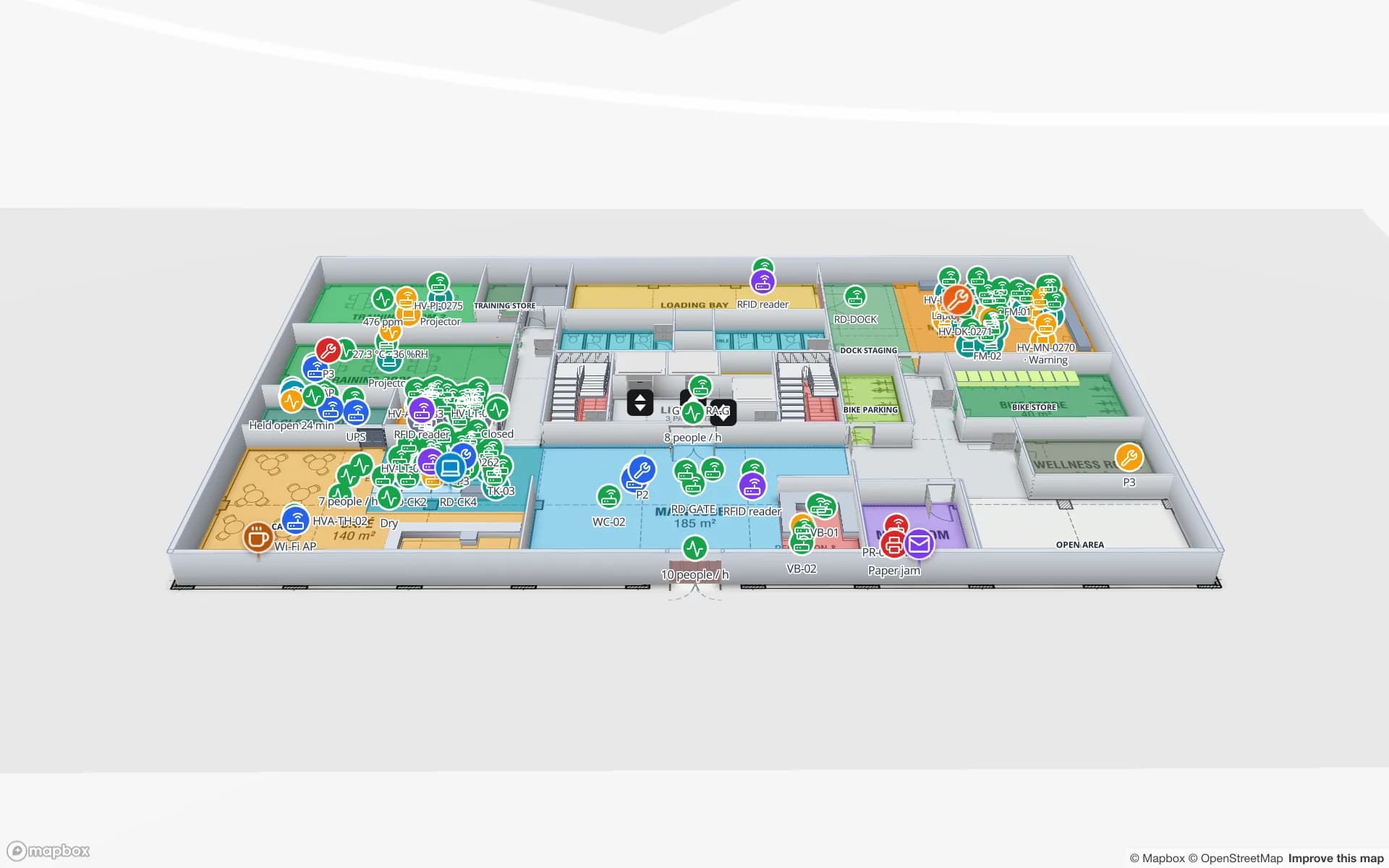
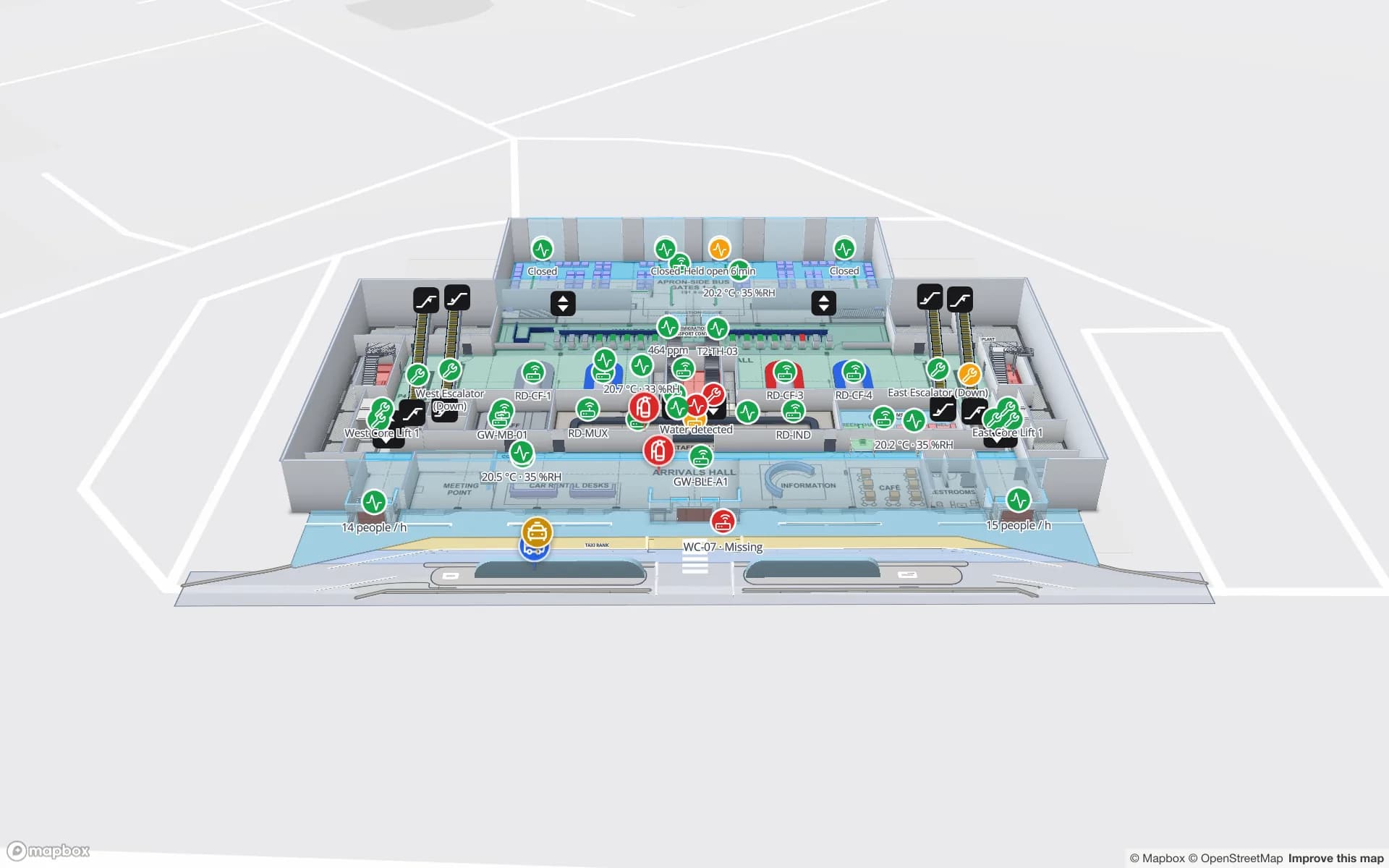
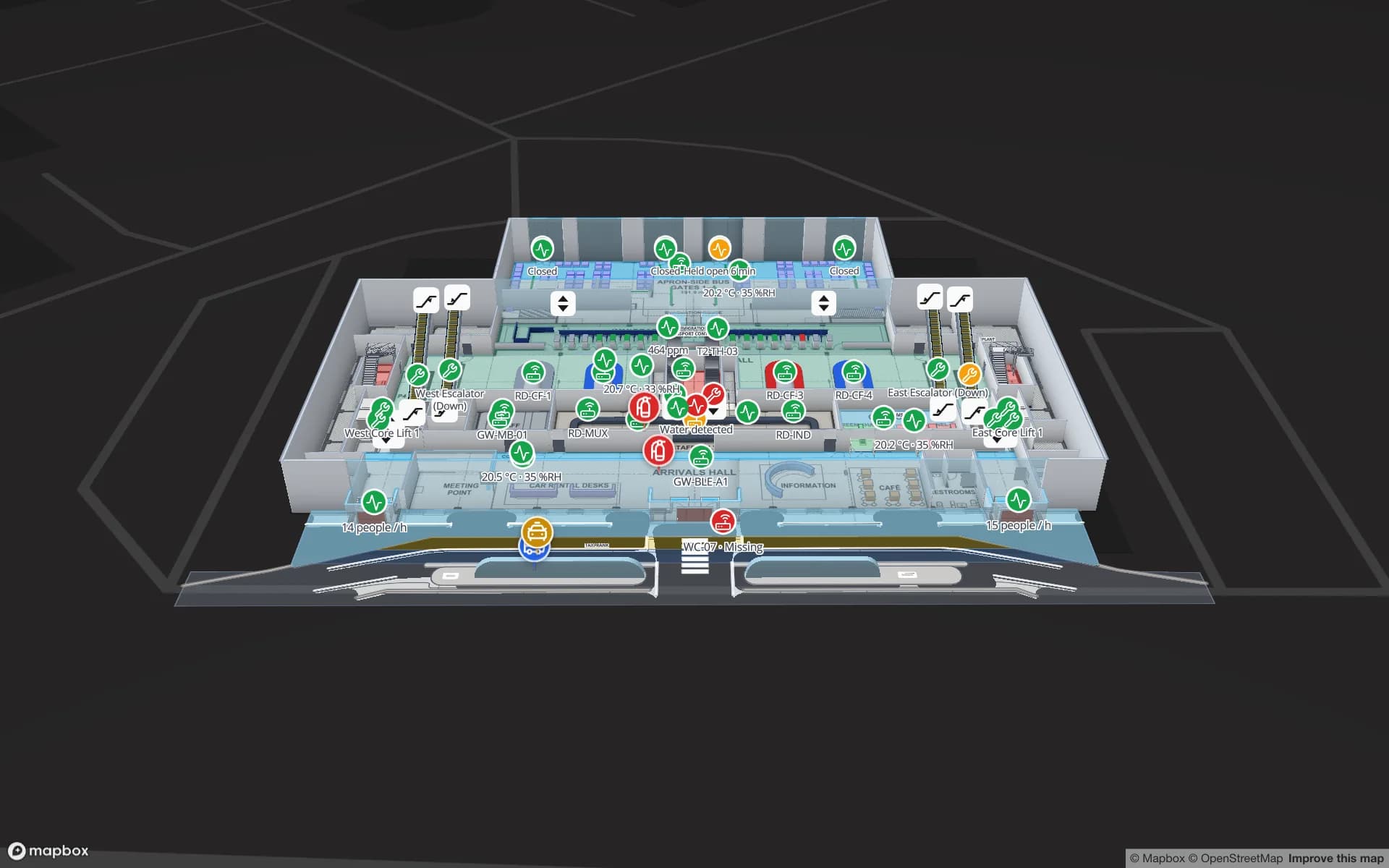
Silverbay International Airport — Terminal 2, a airport terminal demo, in the Spatial Map 3D viewer with live device markers
Silverbay International Airport — Terminal 2
Silverbay Airport Terminal 2, a demo terminal: loan wheelchairs, gates and queues on one live map of the building.
Demo facilities with live BLE, RFID and sensor data
13
Recent changes kept per row for trails and history
500
Installs — it runs in the browser
0
Free trial, no credit card
7 days

Tags, beacons and gateways — who does what

BLE vocabulary gets used loosely, so it is worth pinning down. A BLE tag is the small battery device you attach to the thing you want to find: a cart, a pump, a toolbox, a pallet jack. A beacon is usually a fixed transmitter mounted on a wall or ceiling; in phone-based or “reverse” setups the mobile device listens to beacons and works out where it is. A gateway (or locator, or anchor) is a fixed receiver, powered and networked, that hears tags nearby and forwards what it hears to a server.

On top of that hardware sits an RTLS engine or the gateway vendor’s software. That is where signal strength, angle-of-arrival or trilateration maths happens, and where a raw stream of sightings becomes something useful: a tag’s coordinates, or simply the room or zone it is in.
Room presence or coordinates: pick the accuracy you need

Most BLE projects fall into one of two patterns, and Spatial Map shows both.

  • Zone or room-level presence — each gateway covers a room, a bay or an aisle. Your software reports “tag 0417 is in Store Room B”. In Spatial Map the room named Store Room B lights up or lists the tag, because the gateway or zone name in your data matches the shape name on the map. Cheap to deploy, and enough for “which floor, which room”.
  • Coordinate positioning — a denser grid of anchors and an RTLS engine report x/y positions. Spatial Map places each tag as a live marker at those coordinates on the right floor, so you see a forklift moving down an aisle rather than just “in Zone 3”.

What you see in Spatial Map

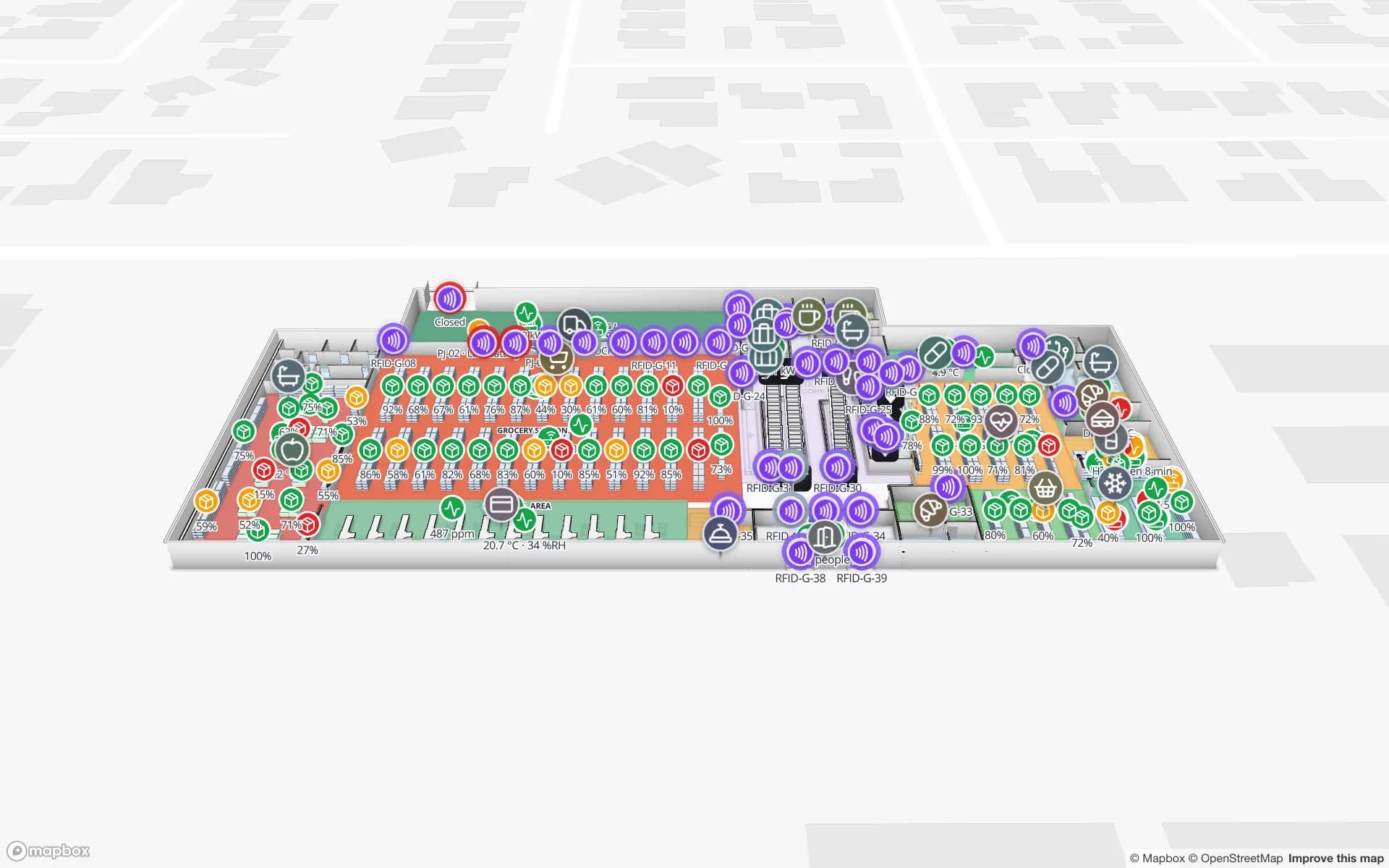
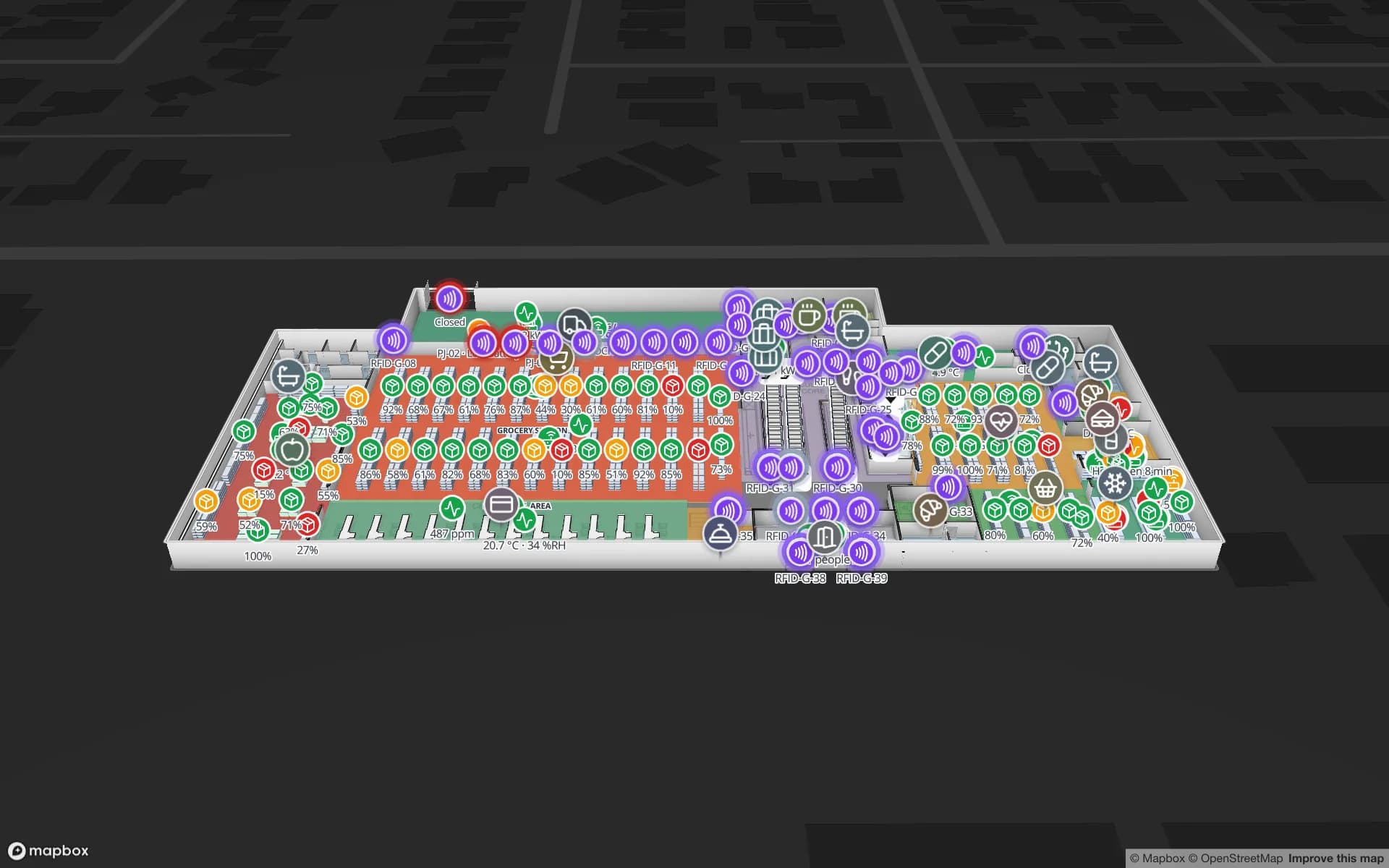
Your BLE data lands in a Spatial Map table, one row per tag or per gateway, and a data link binds that table to the map. Tags become live markers or room presence; style rules colour them by type, status or battery; the detail drawer shows every field your system sends. Gateways get their own layer with health and last seen, so a gateway that has dropped off the network is visible on the floor where it hangs, not buried in a device list.

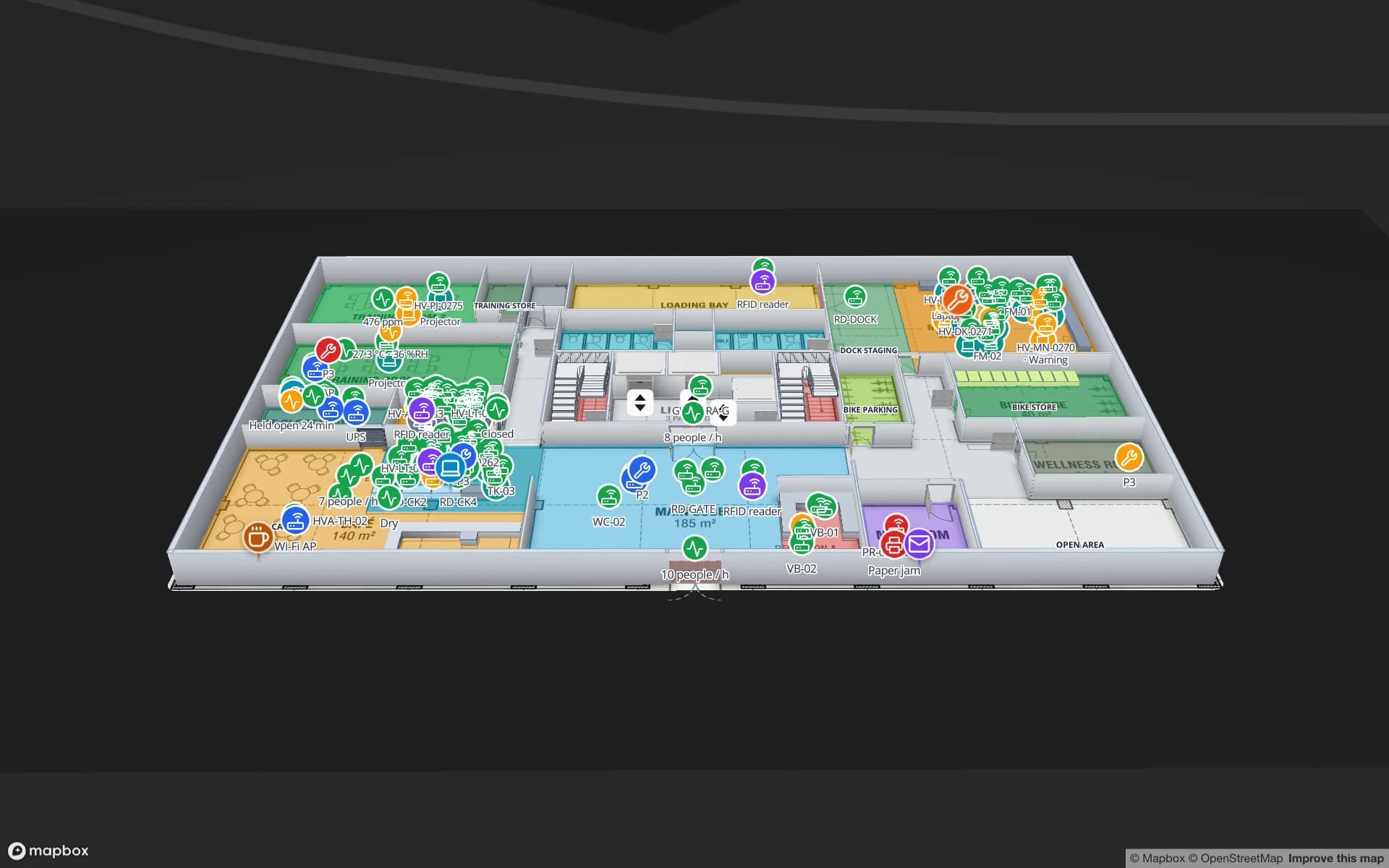
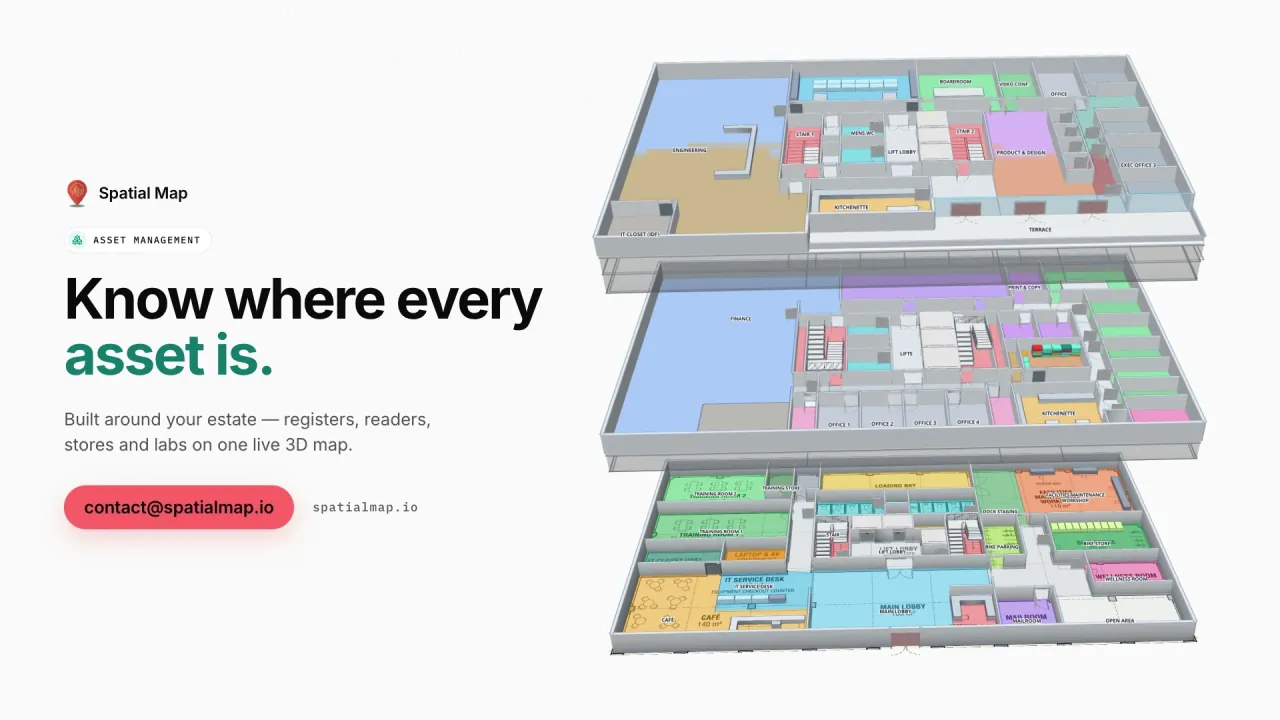
In the Retail Mart demo, BLE trolleys and staff move across three floors with escalators and lifts, and the BLE Trolley & Staff Tracking and Device & Gateway Health reports are built from the same tables. Because every change to a row is kept, a data link set to Historical movement adds a History player that replays a tag’s trail — useful when the question is “where did that trolley go between ten and noon”.

  • Live markers at the coordinates your RTLS engine reports, scoped to the right floor.
  • Room presence coloured by count or status, from gateway-to-room name matches.
  • Gateway health — last seen, online or offline, on the map and in a report.
  • Trails and playback from row history, plus exports to PDF, Excel, CSV or JSON.

Hardware-agnostic, and honest about the boundary

Spatial Map does not sell tags or gateways and does not compute positions from RSSI. It shows what your BLE platform reports, whichever vendor that is. Your gateway software or middleware posts rows to a table with the table write API (HTTPS, bearer key, bulk upsert, 60 requests a minute per key — batch your sightings), or Spatial Map polls a REST endpoint your RTLS engine already exposes. A CSV or Excel export works for a first look.

It also does not send alarms or notifications. It shows state on the map and in reports; geofence rules, escalation and SMS stay in the systems that already do them. That keeps Spatial Map easy to add to an existing BLE rollout without re-wiring it.

Tag equipment first; tag people with care

BLE is equally good at following staff badges, but tracking people is a policy decision before it is a technical one. Location data about employees or visitors is personal data in most jurisdictions, so it needs a clear purpose, consent or another legal basis, and a works council or HR sign-off where that applies. Many teams start by tagging equipment — trolleys, wheelchairs, tools, forklifts — and show staff only as anonymous counts per zone. If you do process personal data in Spatial Map, our data processing agreement is available.

How Spatial Map does it

From BLE sightings to a live map in four steps

  1. 01

    Model the floors

    Import PDF or DWG floor plans and draw rooms, aisles, doors, stairs and lifts — name rooms the way your RTLS zones are named.

  2. 02

    Place the gateways

    Add a marker per gateway or anchor so health and last seen show where the device actually hangs.

  3. 03

    Connect your RTLS

    Post tag positions or room presence to a table, or let Spatial Map poll your engine’s REST endpoint on a schedule.

  4. 04

    Link, replay, report

    Bind tags as live markers or room presence, switch on Historical movement for trails, and build the reports your team needs.

BLE tracking use cases

Trolleys and staff in retail

Shopping trolleys and staff positions across a multi-floor store, with gateway health beside them.

Shared equipment in offices

Projectors, laptops and pool equipment found by room on a three-floor corporate campus, with check-in and check-out.

Lab instruments

Instruments located by lab and floor, so calibration rounds start from the map instead of a hunt.

Tools on the plant floor

Torque tools, fixtures and carts by line and cell, next to the WIP and racks they serve.

Loan wheelchairs and venue equipment

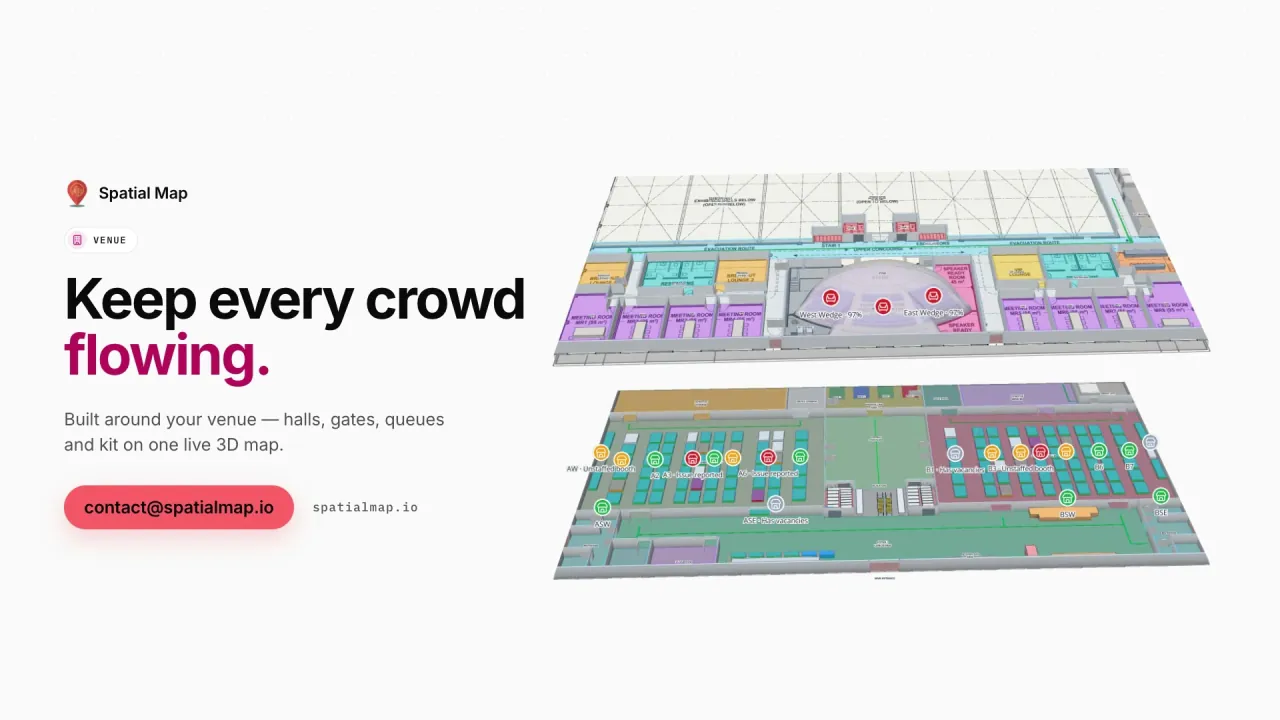
Wheelchairs, buggies and event kit found across terminals and halls, with History playback for the last handover.

Forklifts in the warehouse

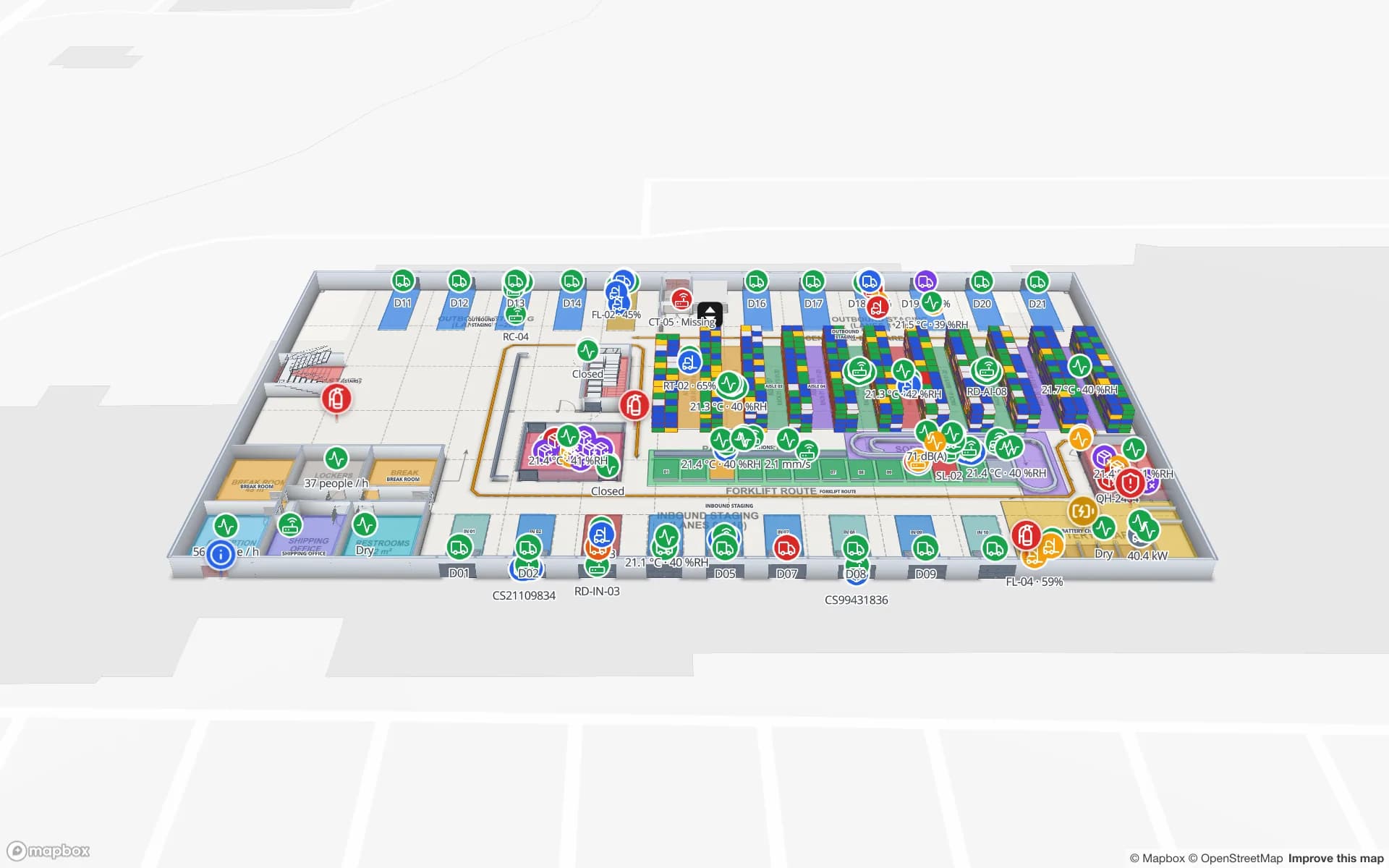
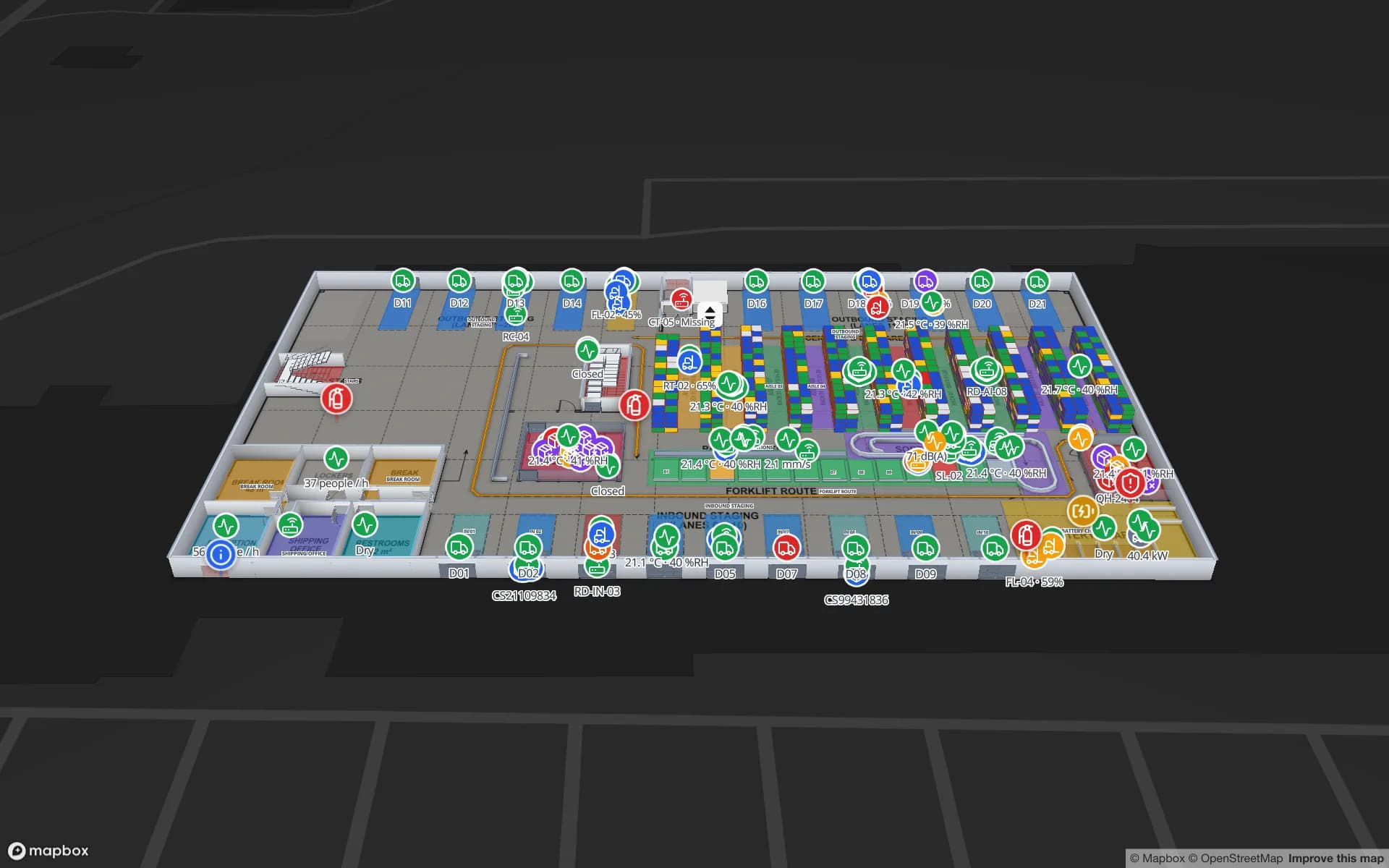
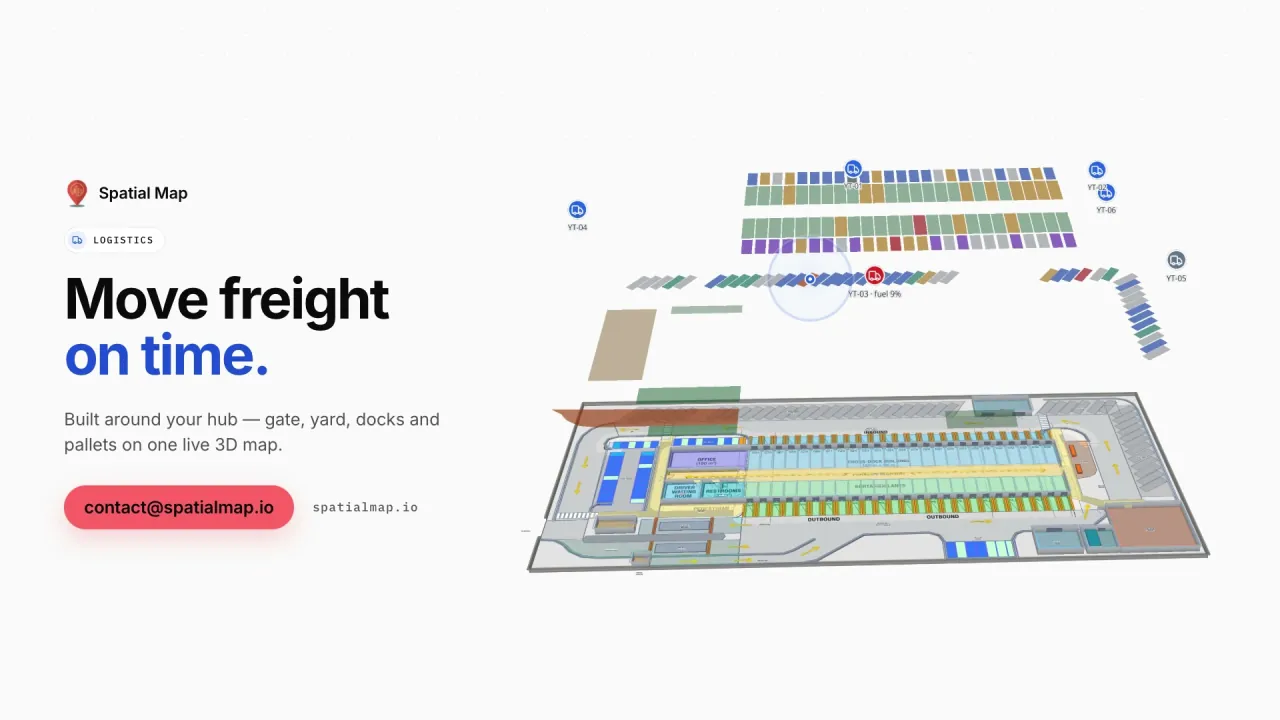
Forklifts and pallet jacks as live markers among racks, staging lanes and docks.

See it on real demo facilities

Fictional names, real floor plans, live sensors, RFID, BLE tags and gateways — open any of them in the browser.

All 13 demo facilities

BLE asset tracking — frequently asked questions

Any vendor whose RTLS engine, gateway software or middleware can produce a JSON row or a REST endpoint. Spatial Map has no hardware drivers; your platform posts tag positions or room presence to a table, or Spatial Map polls it on a schedule.

No. RSSI, angle-of-arrival or trilateration stays in your RTLS engine or gateway software. Spatial Map displays the coordinates or the room presence it reports, on the correct floor.

Yes. If your system reports a gateway or zone name per tag, a data link matches that name to the room or area of the same name on the map and colours it or lists the tags inside.

Every change to a table row is kept (up to 500 recent changes per row in the detail drawer). A data link set to Historical movement adds a History player that replays the tags’ movement on the map.

No. Spatial Map shows state on the map and in reports, and does not send notifications. Geofence rules and escalation stay in your RTLS platform; Spatial Map makes the situation visible.

Technically yes, but people tracking needs a clear purpose and a legal basis such as consent, plus internal policy sign-off. Many teams tag equipment first and show staff as anonymous zone counts. A DPA is available.

See your BLE tags on your own floor plan.

Start a free trial and open the Retail Mart and Silverbay demos, or send us a floor plan and a sample export from your RTLS engine and we will map it for you.