
Docks, yard and freight flow — your logistics site, live in 3D.
Spatial Map Logistics is yard and dock management software that models dock doors, yard slots, gate lanes and sortation on a live 3D map and shows trailers, tractors, pallets and crews from your WMS, TMS and scanners, with dock-turn and yard reports.
No credit card. Runs in the browser. Pro is $60/month for up to 4 facilities.
Last updated:
Download brochure(PDF, 2.2 MB)Open in a new tab — Logistics brochure, PDF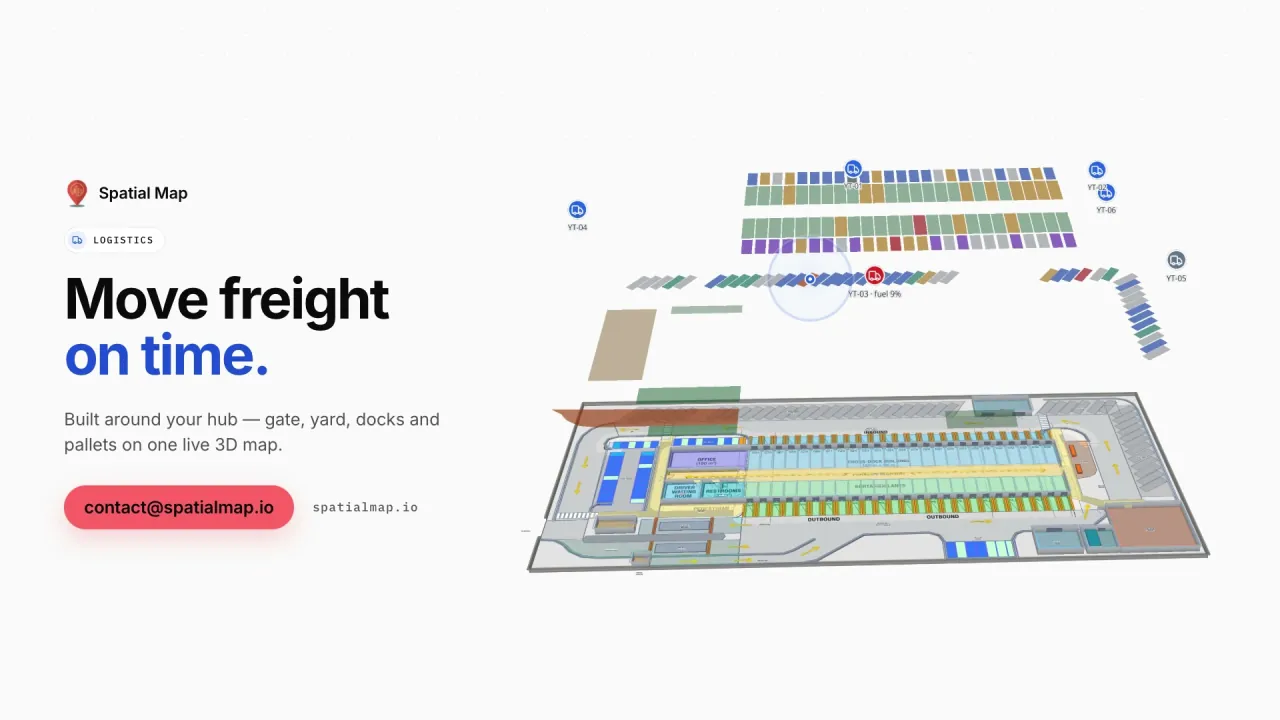
What gets in the way today
Dock status on a whiteboard
Which door is loading, which trailer is waiting — tracked by radio and memory.
The yard is a blind spot
Trailers, tractors and parking are spread across an outdoor site nobody can see at once.
Movement without context
Forklift and scanner events don’t show where congestion actually builds up.
What your logistics team sees
Stills from the Logistics film, made from the product’s demo facilities, and screenshots of the app where the film doesn’t go.
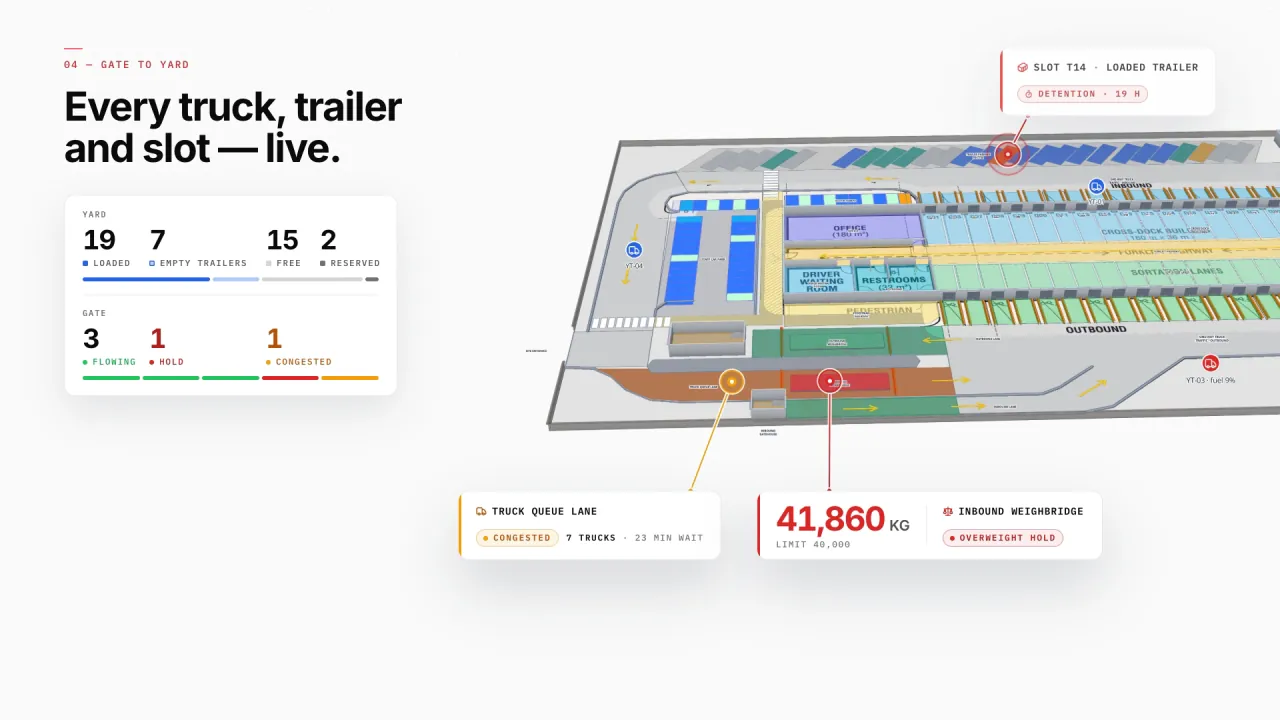
Dock doors, yard and gates in 3D
Eastport’s dock doors, sortation lanes, yard slots, gate lanes and parking sit on the real site plan, with trailers, tractors and sensors live — a loaded trailer in detention, a congested truck lane and an overweight hold show where they are.
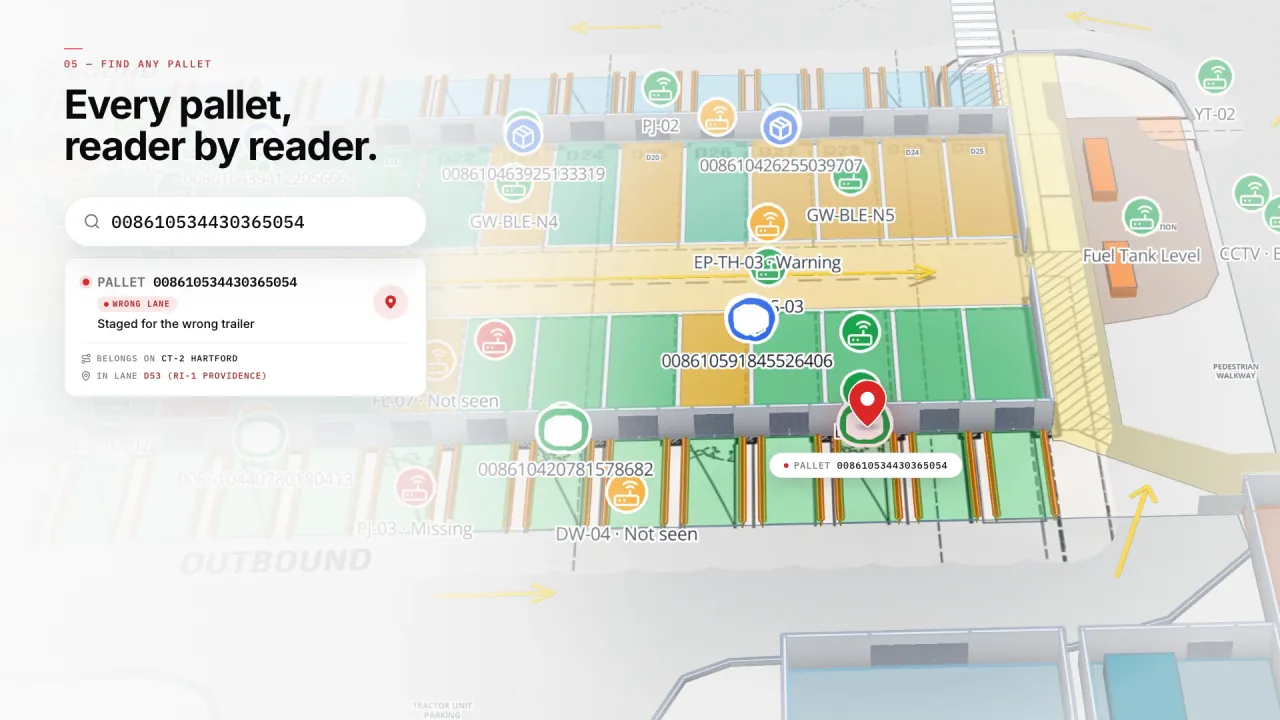
Any pallet, found
Search a pallet ID and the map goes to its last read — here a pallet staged in the wrong lane, pulled back before it was loaded.
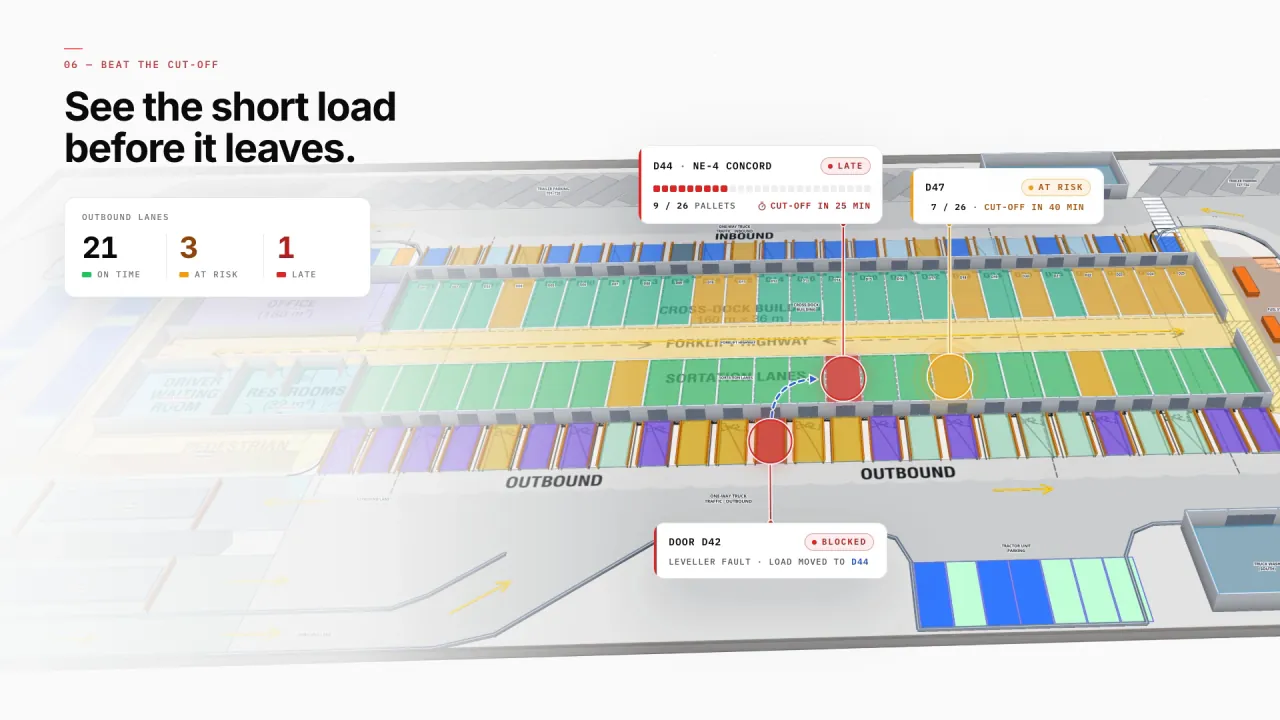
Short loads before they leave
Outbound doors show pallets loaded against each trailer’s cut-off, so a late load or a blocked door is visible while there is still time to move it.
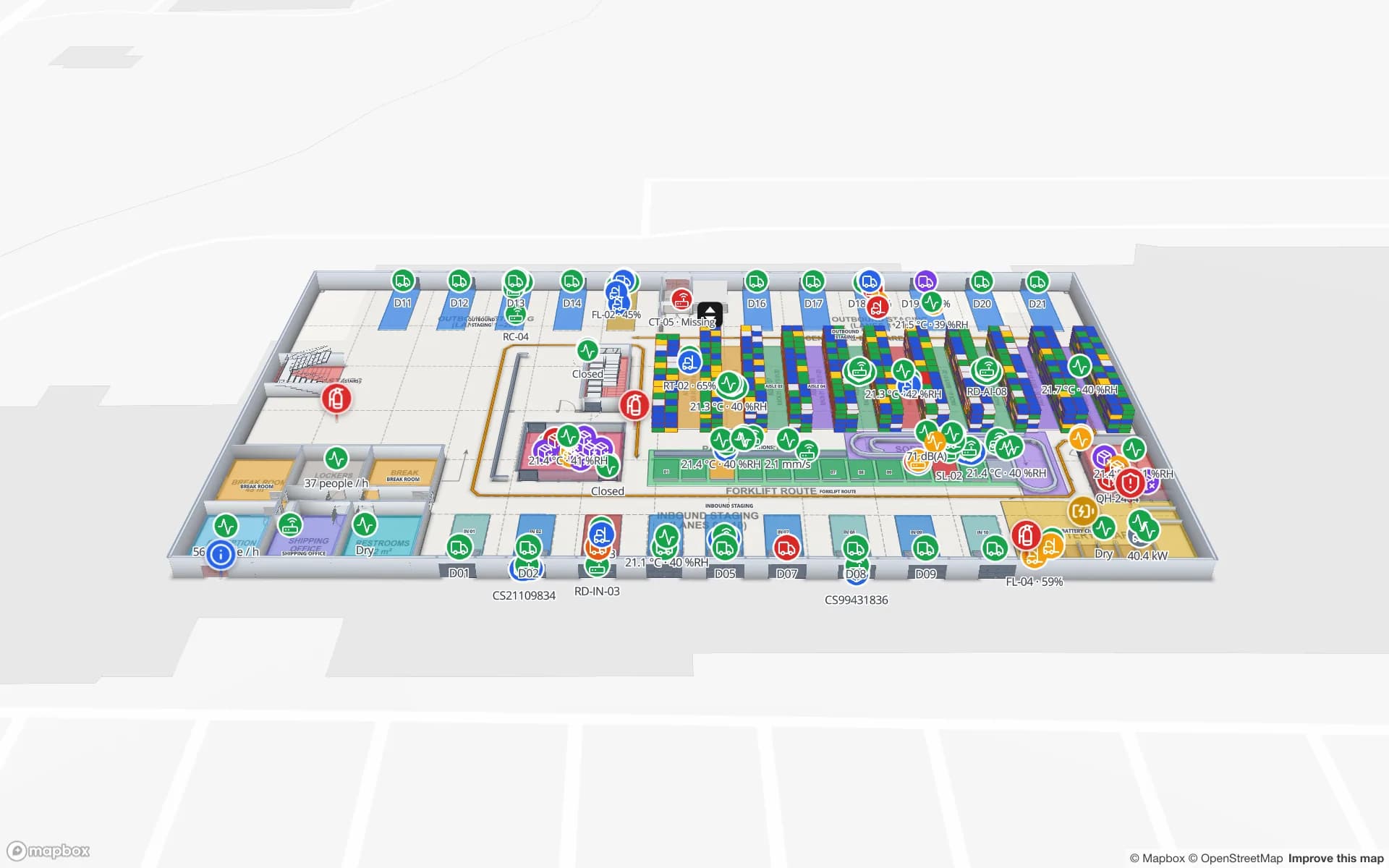
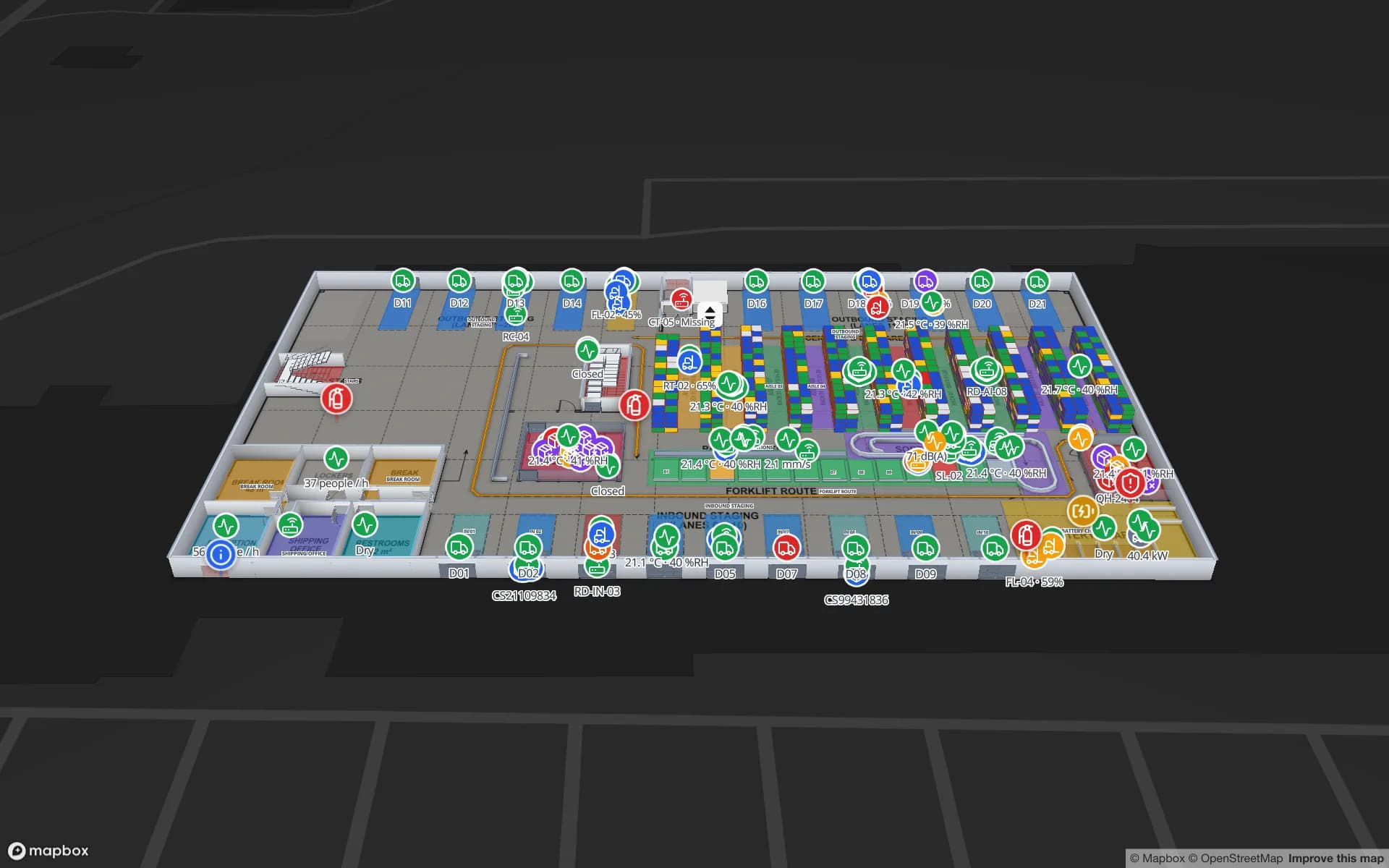
Docks and staging in the warehouse
At Crestline, dock doors and staging lanes connect the trailer yard to the racks, so inbound and outbound show up next to the stock.
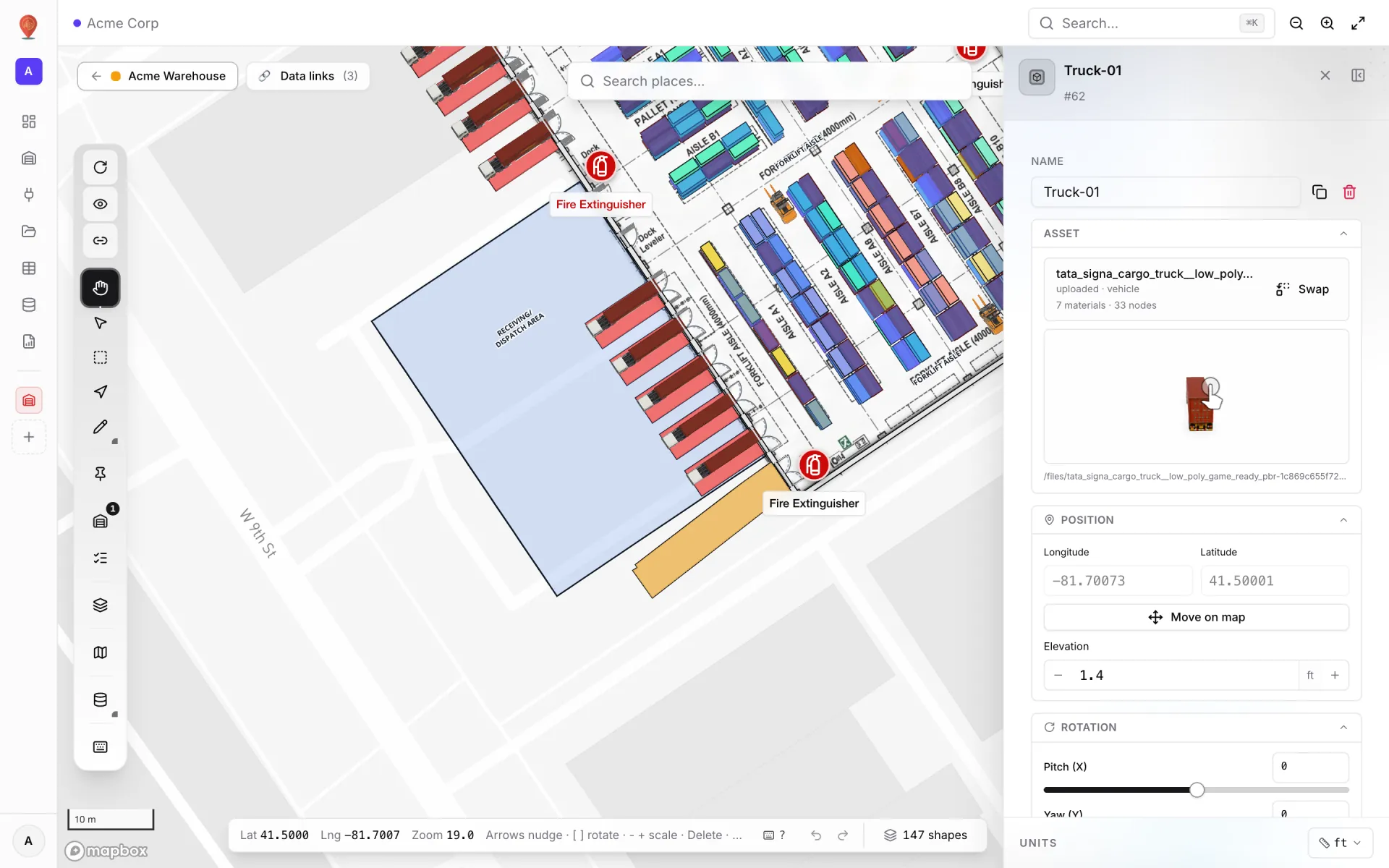
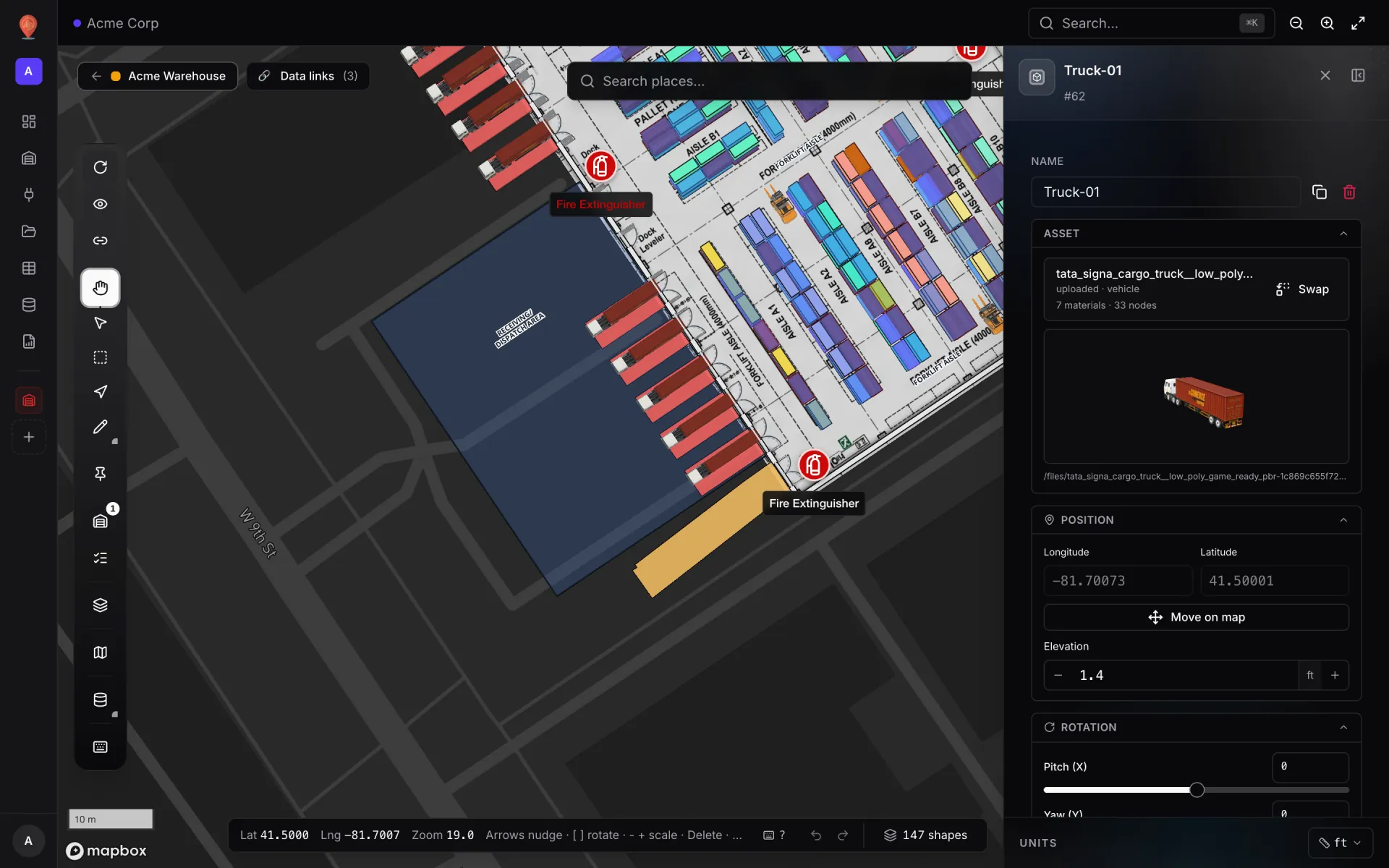
Trucks and forklifts as 3D models
Place trucks at the doors and forklifts in the aisles from the model library or your own .glb files.
Connect what you already run
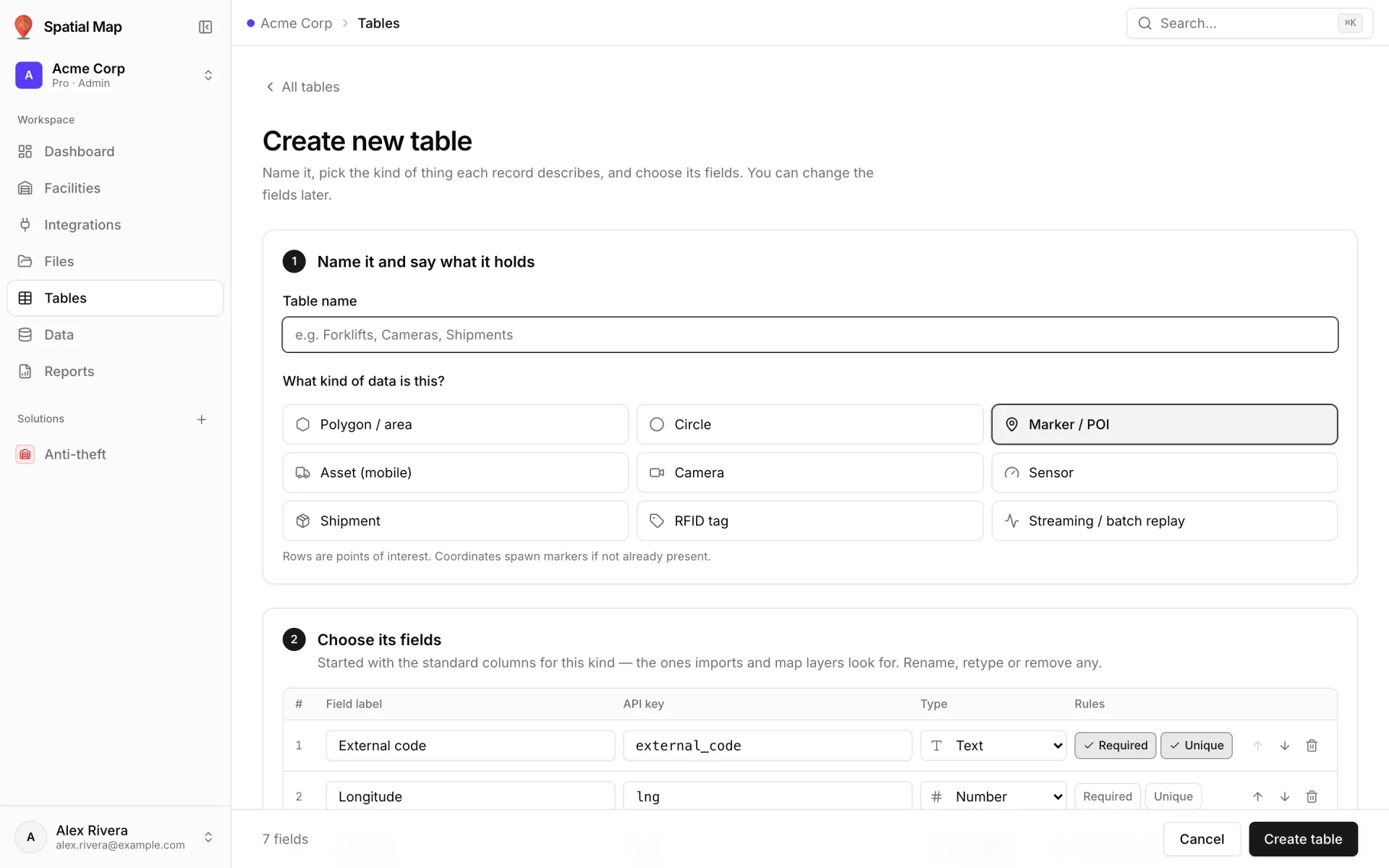
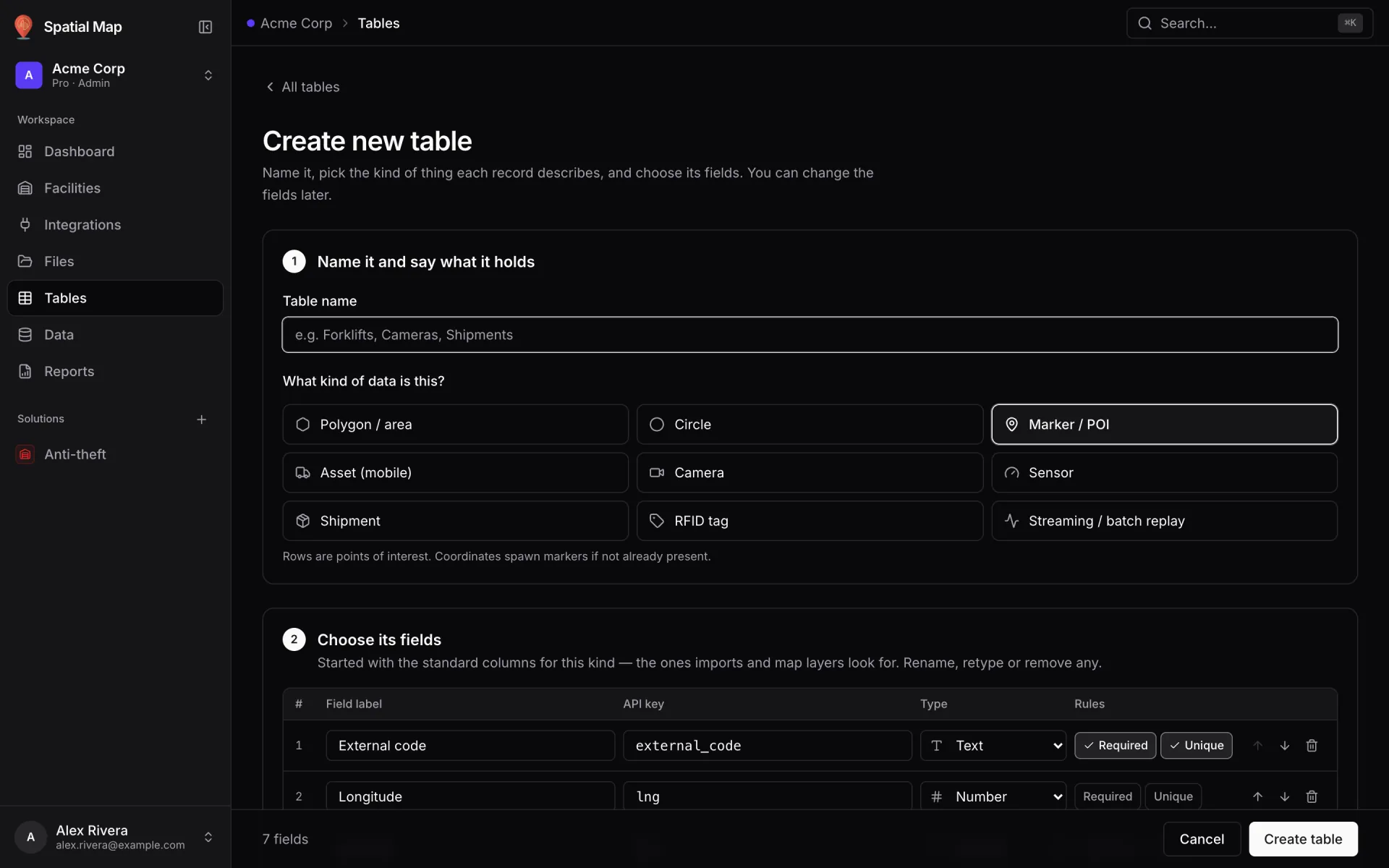
Poll your WMS, TMS or yard system over REST, upload manifests as files, or have scanners write into a table with its API key.
Logistics on 2 real demo facilities
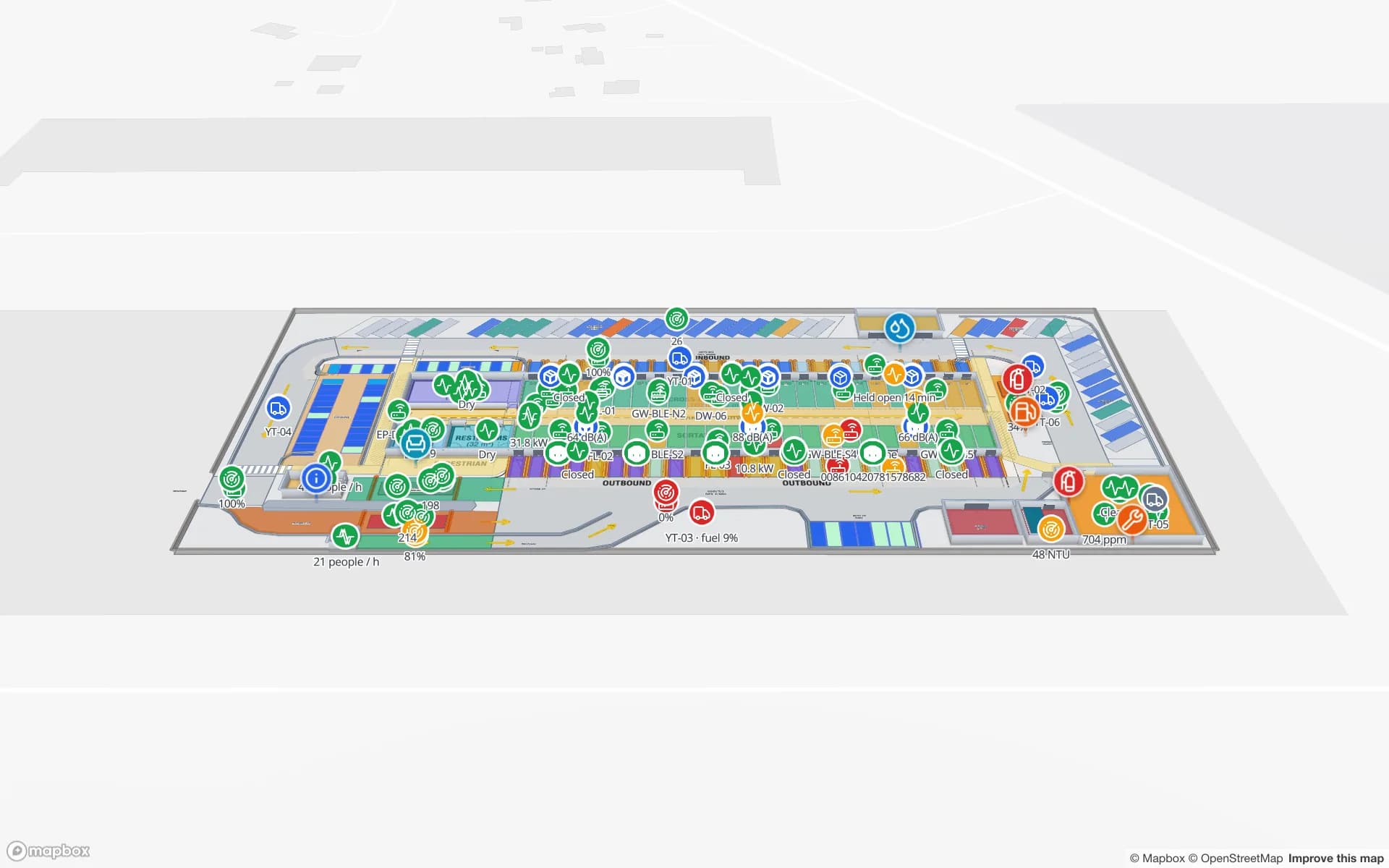
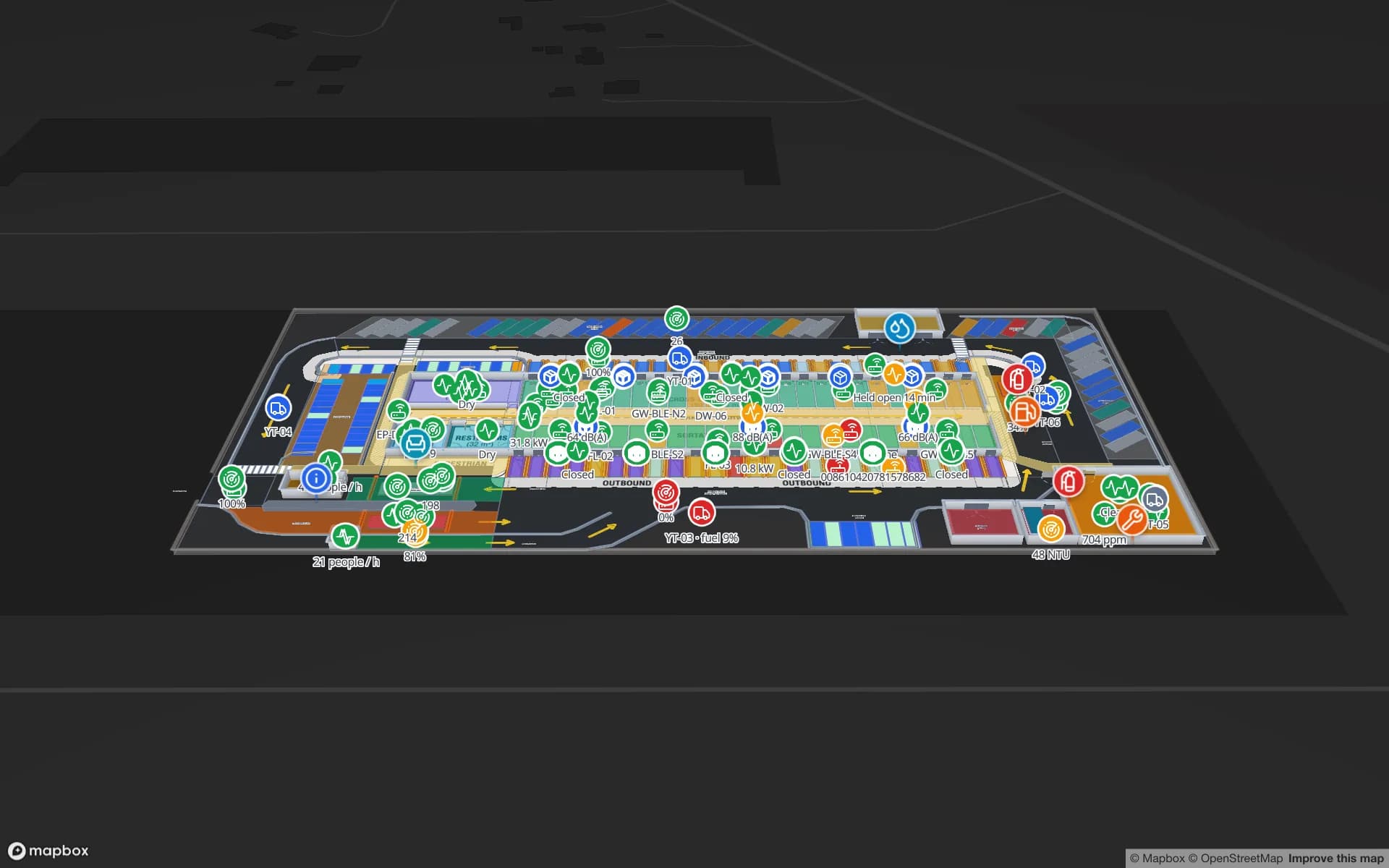
Mapped from real floor plans, with live sensors, RFID, BLE tags and gateways, tables, reports and simulators.
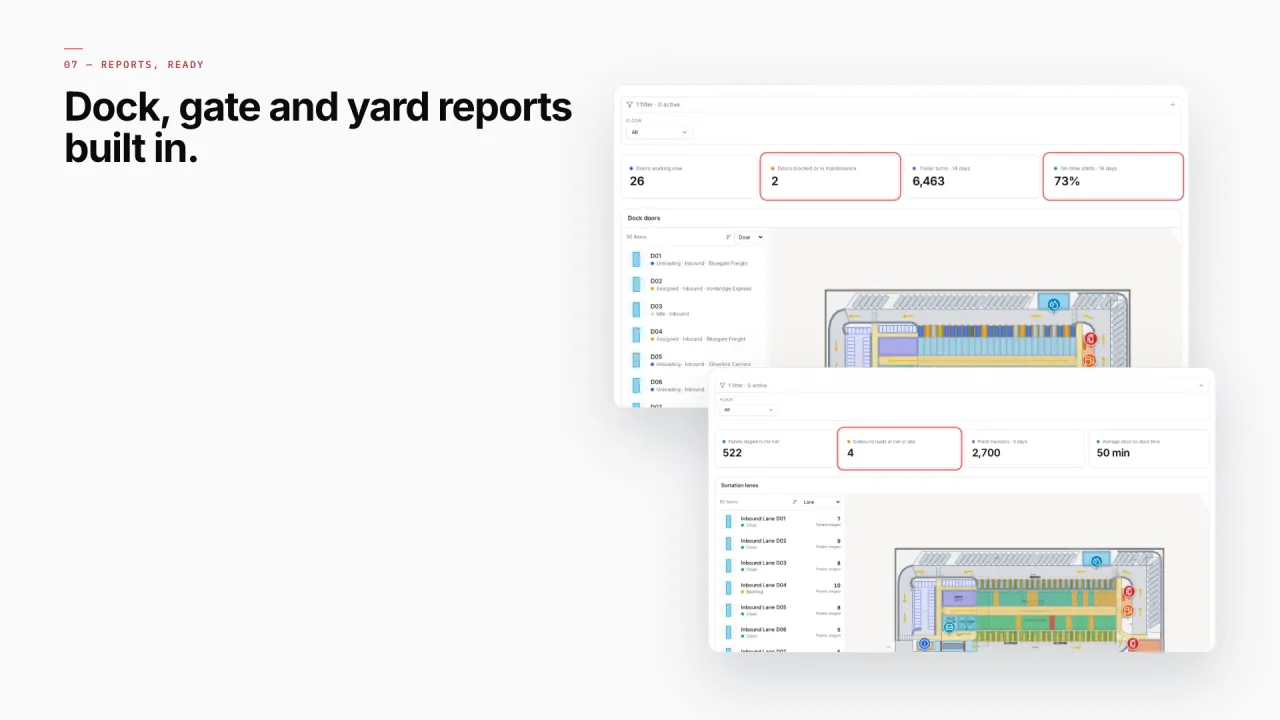
Reports built from the same data
Turn dock, yard and gate tables into KPIs, charts and lists in the report builder — detail, summary, editable or history reports, filterable by time window and parameters, each with the site map beside it. Every report exports to PDF, Excel, CSV or JSON.
- Eastport · Trailer Yard — Yard slots and the trailers in them.
- Eastport · Dock Doors — Dock turns and door status.
- Eastport · Gate & Weighbridges — Gate transactions and weighbridge lanes.
- Eastport · Yard Tractors — Tractor moves and fleet status.
- Eastport · Cross-Dock Flow — Pallet transfers through the sortation lanes.
- Crestline · Docks & Trailer Yard — Trailer visits at the fulfillment center.
Connect what you already run
- WMS and TMS movements polled from a REST API
- Gate, scanner and dock events written into a Table via its write API
- Yard-tractor and forklift telematics bridged into a Table
- Shipment manifests as CSV or Excel uploads
Data comes in through REST sources pulled on a schedule, file uploads, and your own tables with a write API — see integrations.
Live in four steps
- 01
Model the site
Floor plan, dock doors, sortation lanes, yard slots and gate lanes.
- 02
Connect events
Trailers, moves and positions from your TMS, WMS and telematics, through REST or tables.
- 03
Pick how it looks
Markers on docks, coloured yard slots, heatmaps of activity for congestion.
- 04
Report and route
Dock, yard and gate reports; walking directions for drivers and new staff.
Questions logistics teams ask
From the blog
- Cross-dock and yard visibility on a live map: dock doors, trailers and gates10 min read
- WMS integration guide: REST, webhooks and WebSockets for a live warehouse map11 min read
- Real‑time indoor asset tracking: from RTLS tag to a live marker on your floor plan9 min read
- AMR / AGV navigation and your facility map: what Spatial Map gives a robotics team (and what it doesn’t)9 min read
- Warehouse KPI dashboards with a live 3D map: a builder tutorial10 min read