
Crowds, queues and services — every level of your venue on one live map.
Spatial Map Venue is stadium and venue operations software that stacks every level of a stadium, airport terminal, convention centre, museum or mall in live 3D, with crowd counters, turnstiles, queues, bookings and staff on the map and turn-by-turn directions for visitors.
No credit card. Runs in the browser. Pro is $60/month for up to 4 facilities.
Last updated:
Download brochure(PDF, 2.9 MB)Open in a new tab — Venue brochure, PDF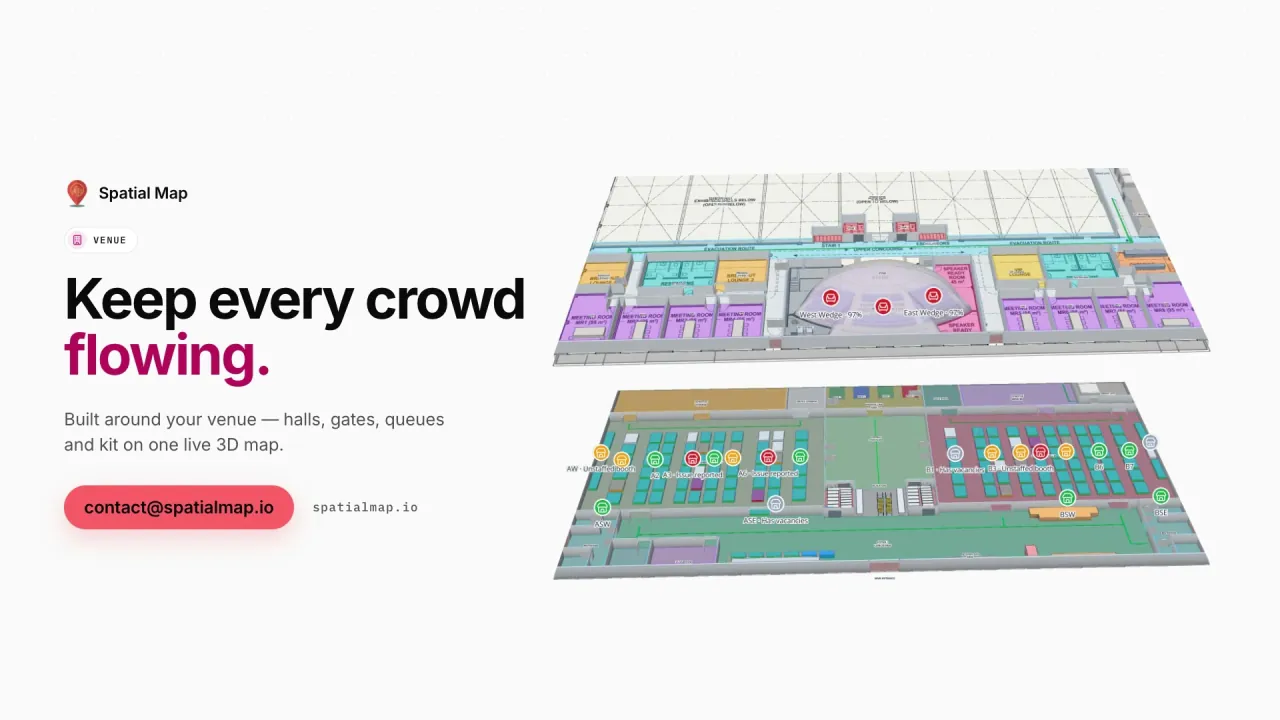
What gets in the way today
Every team has its own floor plan
Security, cleaning, events and guest services each keep a different, out-of-date drawing.
Crowds are a number, not a place
Turnstile counts and queue times don’t show which concourse, gate or hall is filling up.
Partners need a view, not a login
Sharing a floor plan with exhibitors, contractors or tenants means emailing an outdated PDF.
What your venue team sees
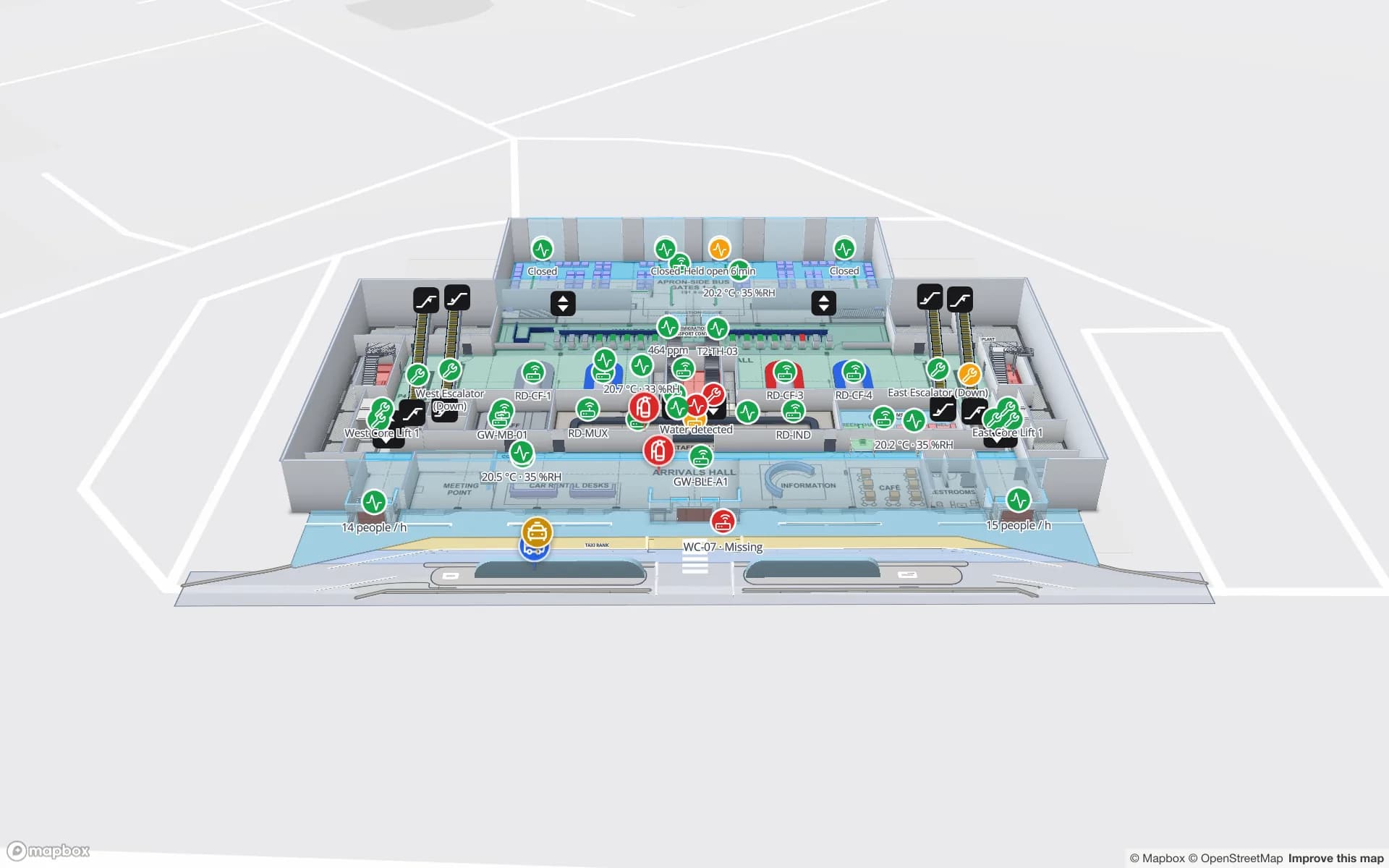
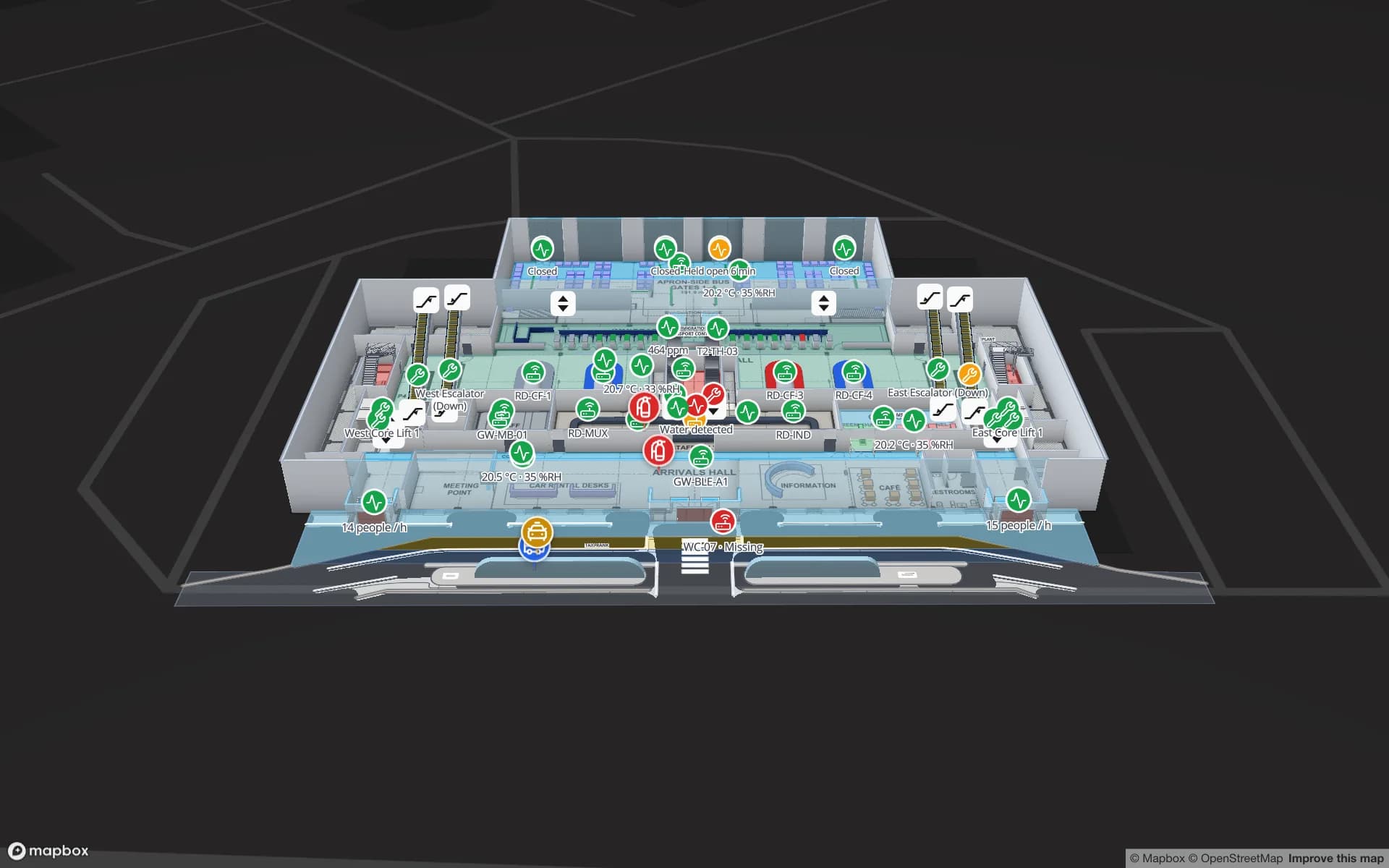
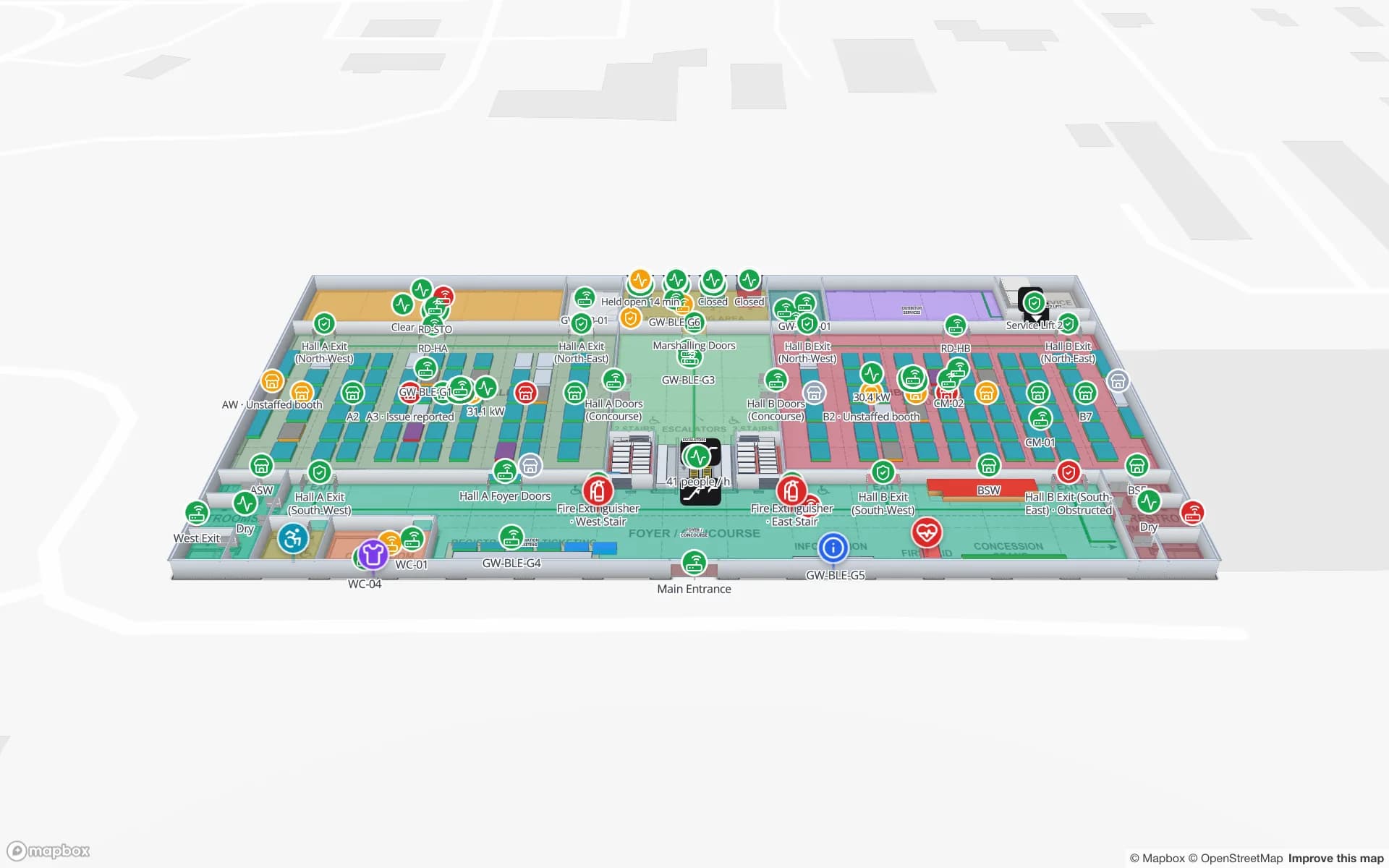
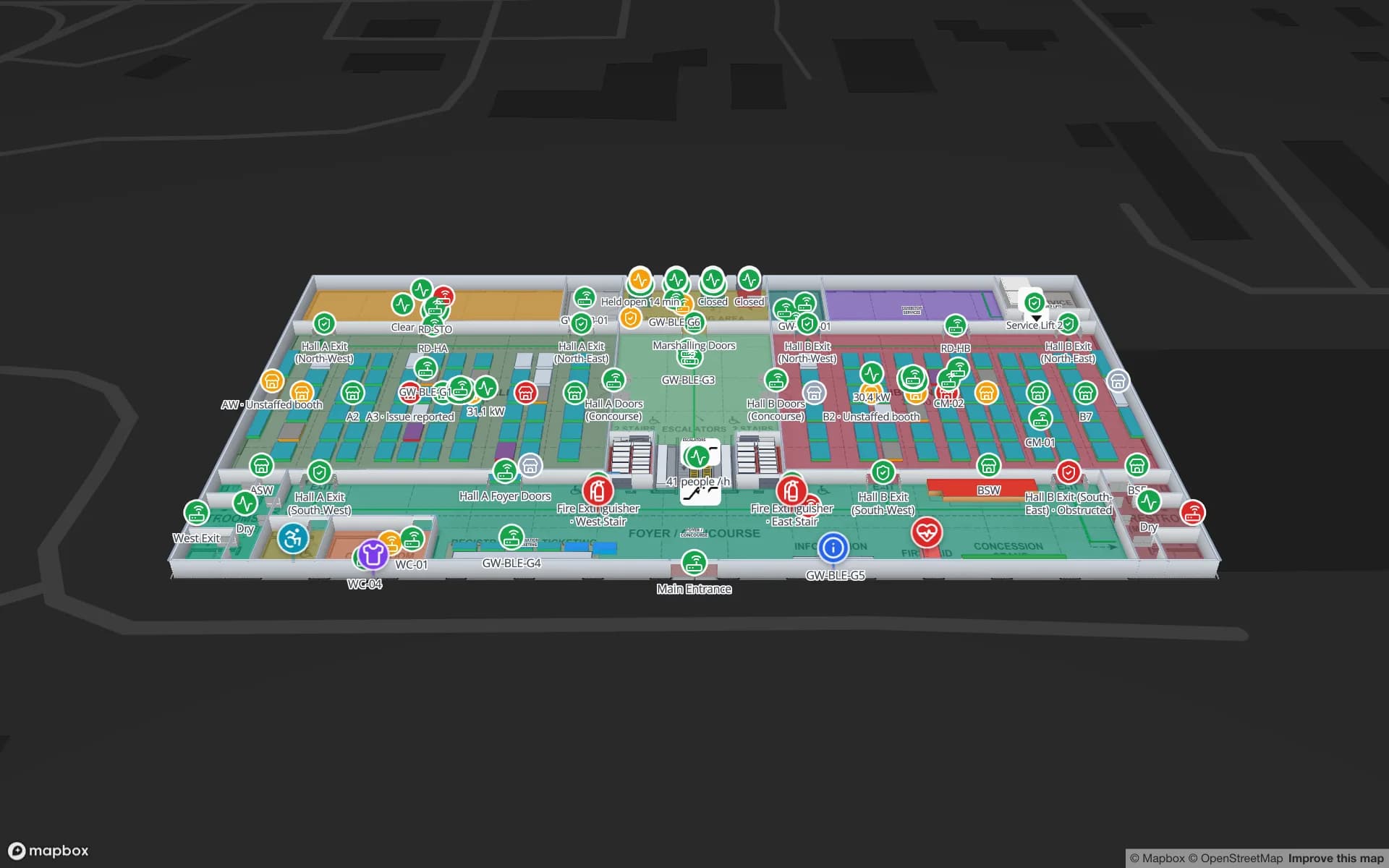
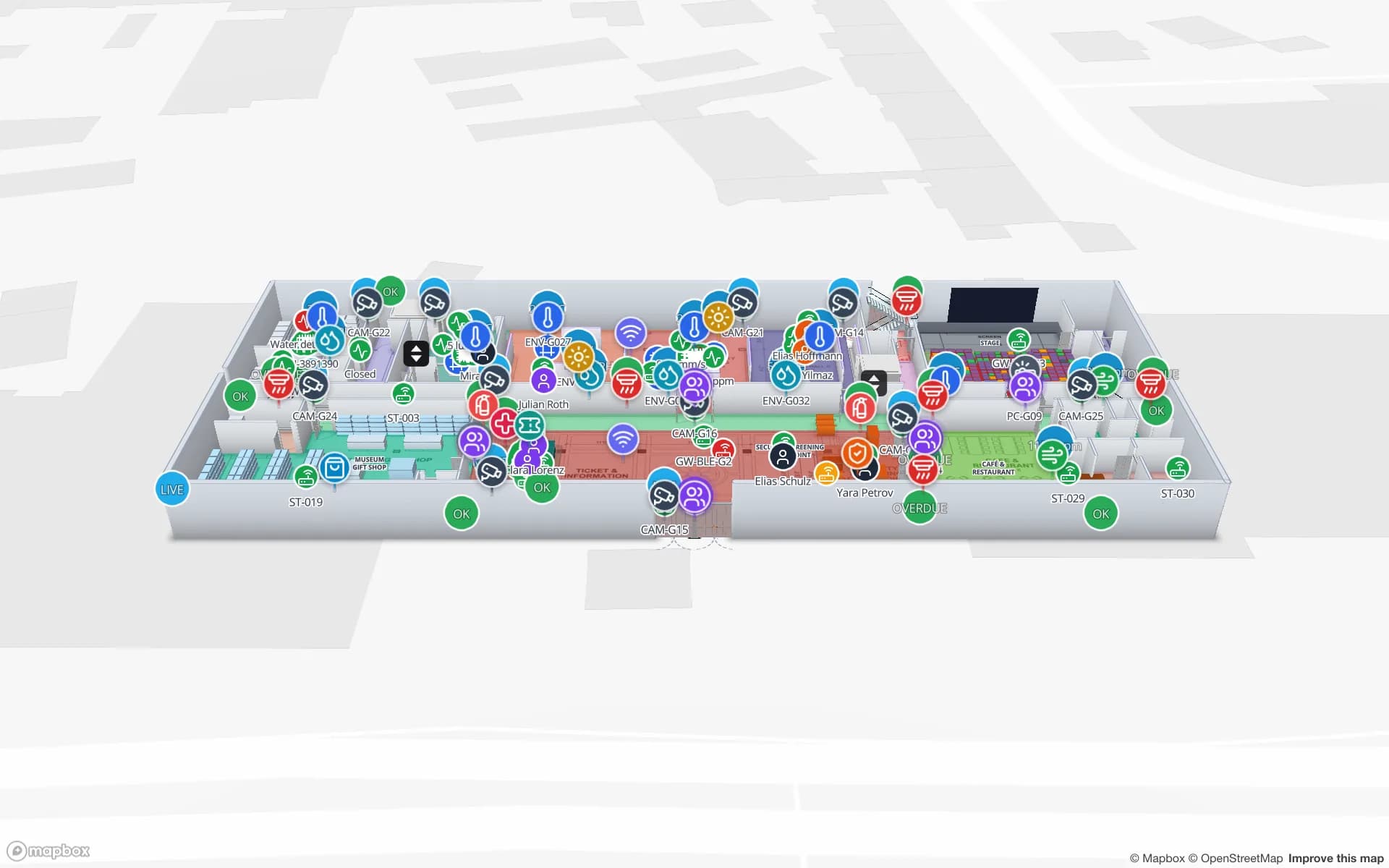
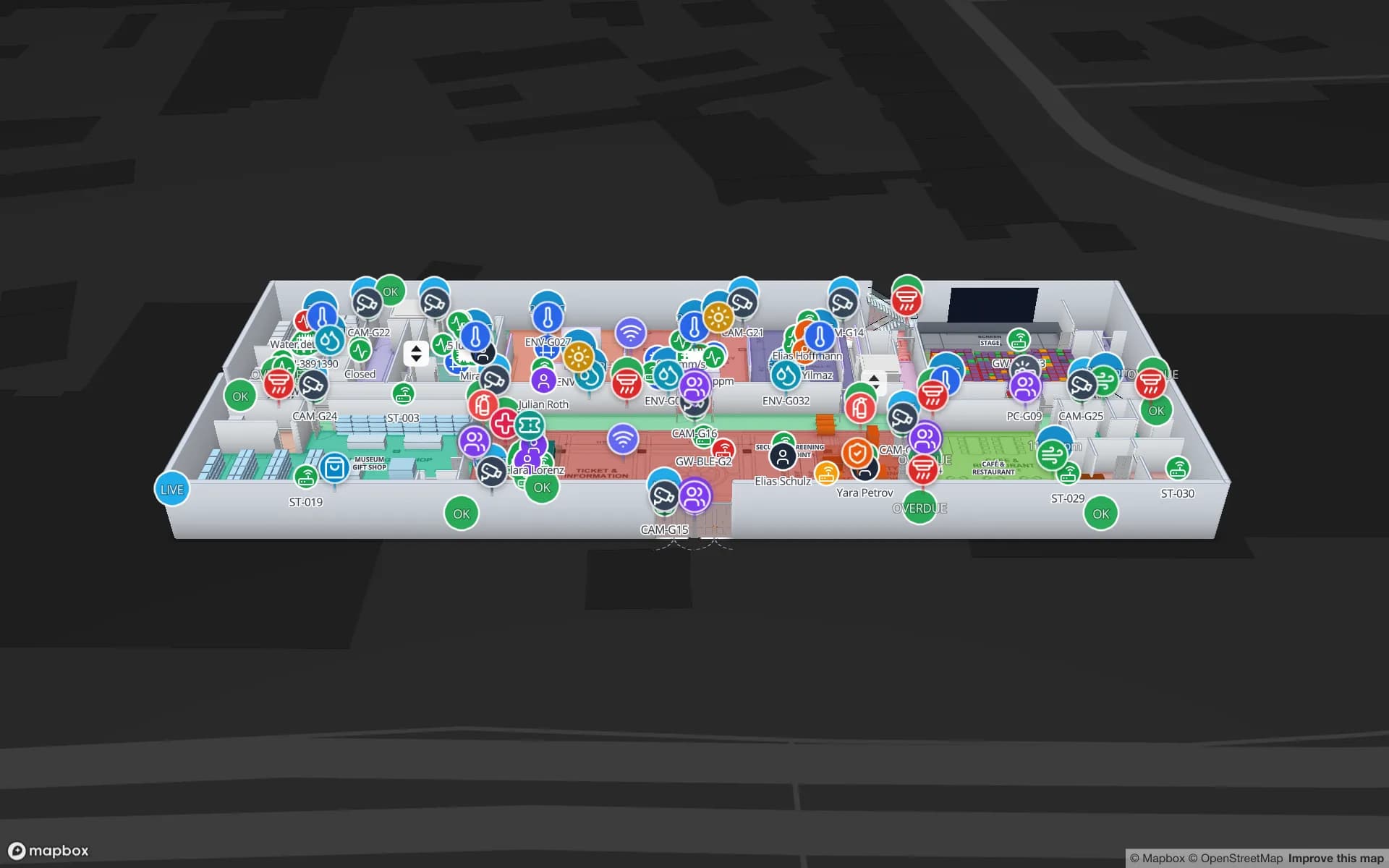
Stills from the Venue film, made from the product’s demo facilities, and screenshots of the app where the film doesn’t go.
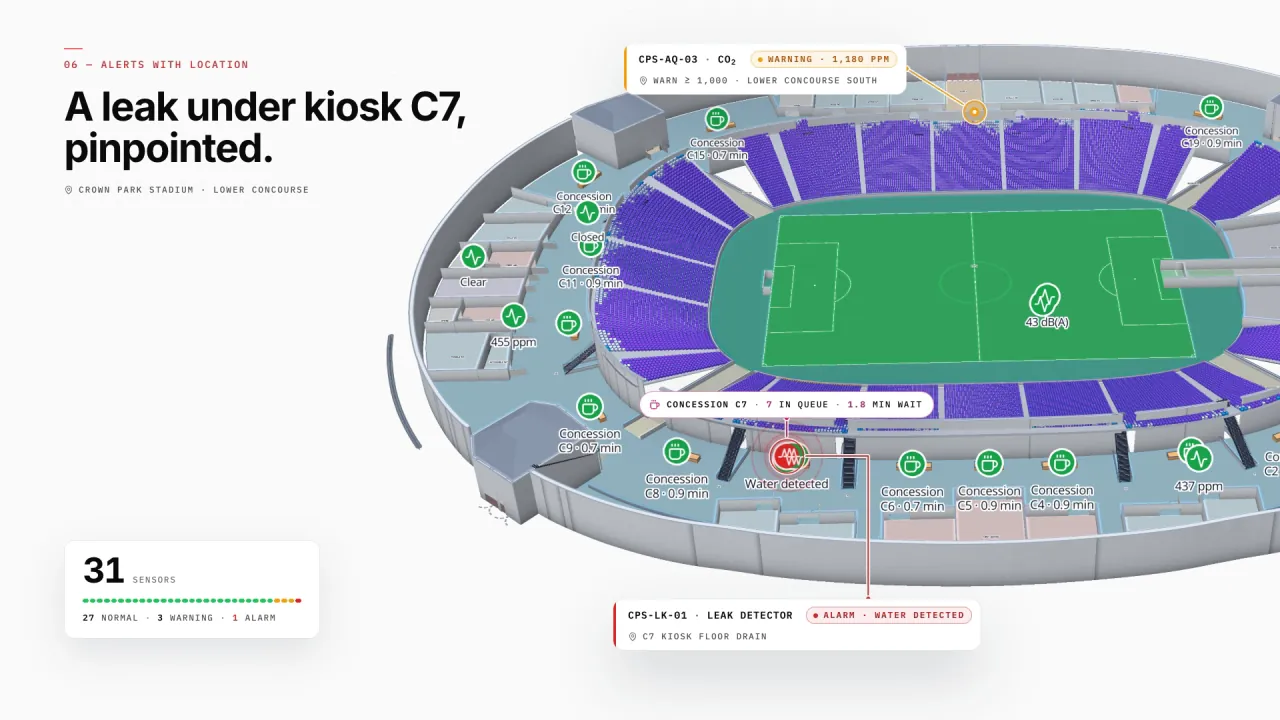
30,000+ seats, gates and concourses
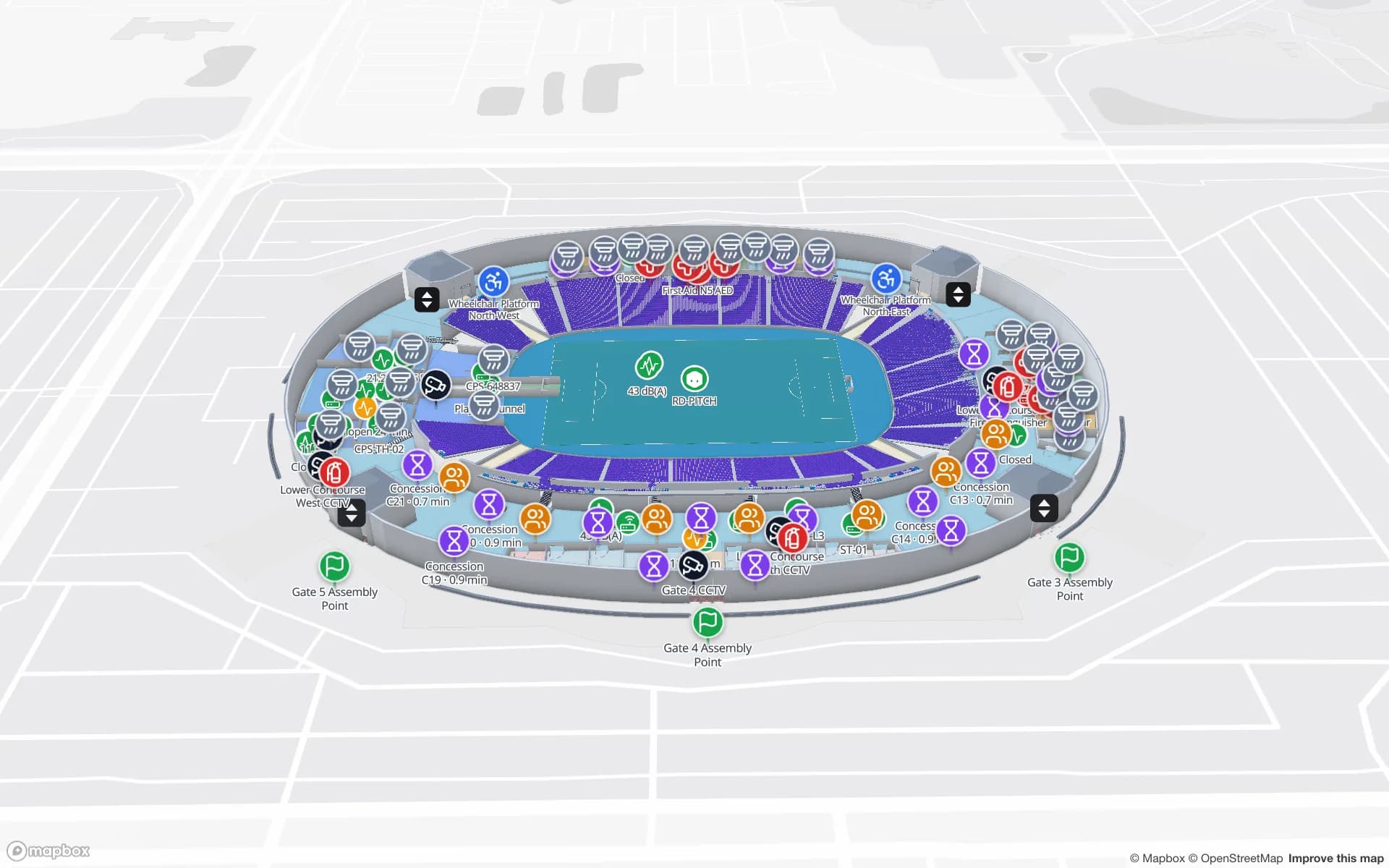
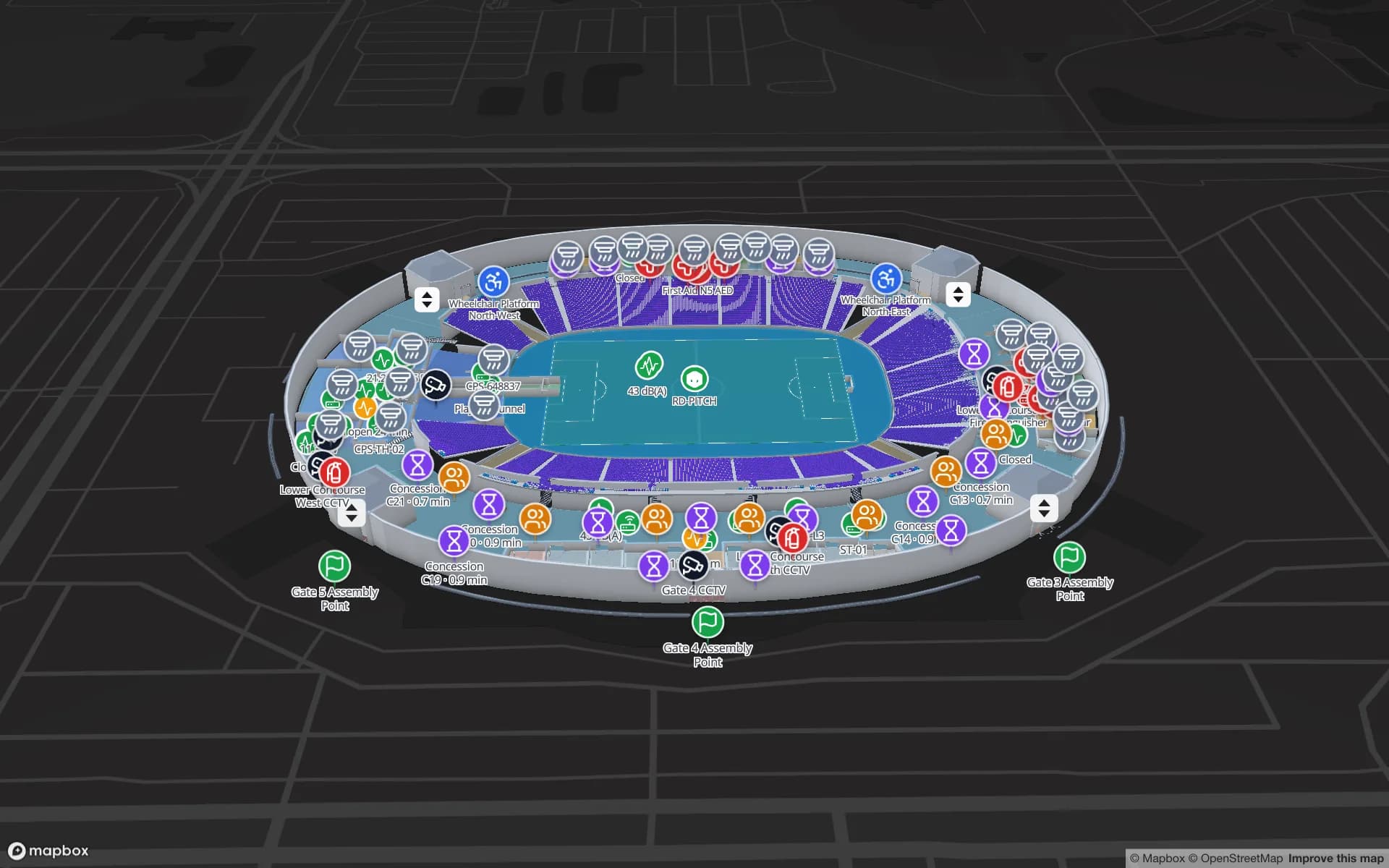
Crown Park draws every seat as a cell in its seating section, with turnstiles, crowd counters, concessions, first aid and hospitality on the concourse map — and every concourse sensor where it sits, like the leak detector under kiosk C7.
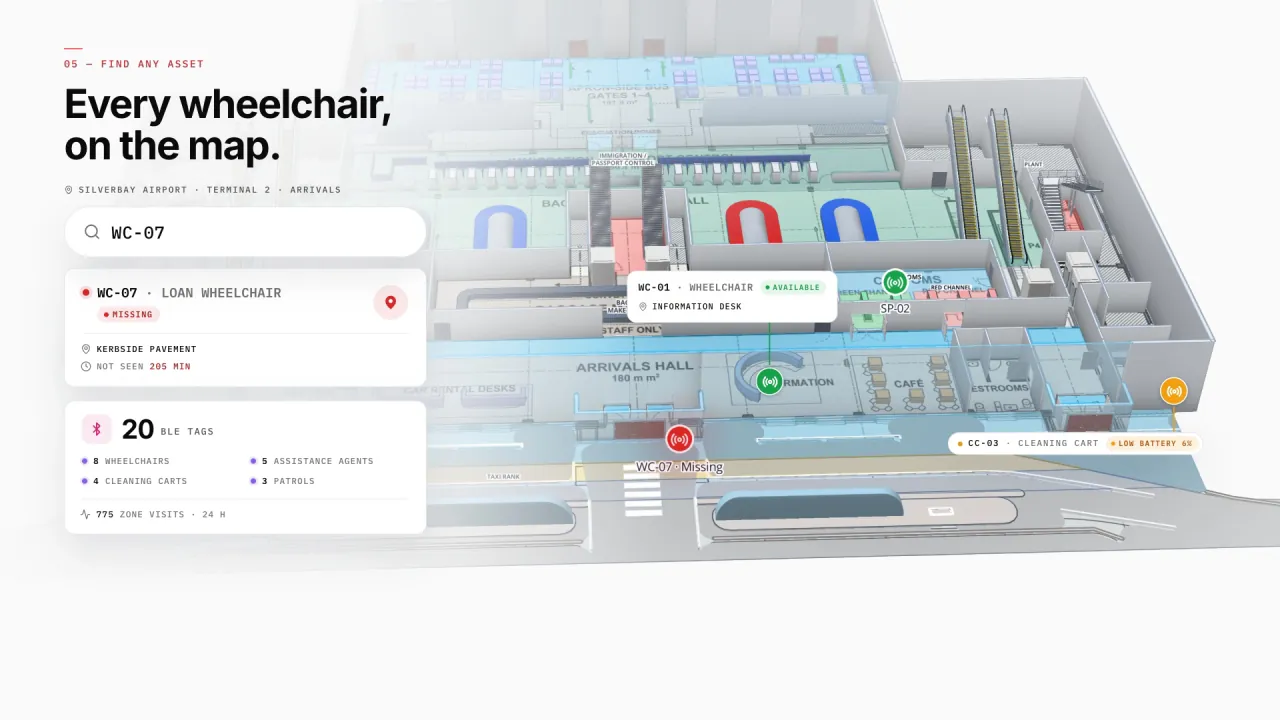
Check-in to gate in a terminal
Silverbay’s check-in islands, security lanes, immigration booths, gates and carousels report throughput and crowding, with lifts, escalators and jet-bridges between levels — and BLE-tagged wheelchairs and carts show where they were last seen.
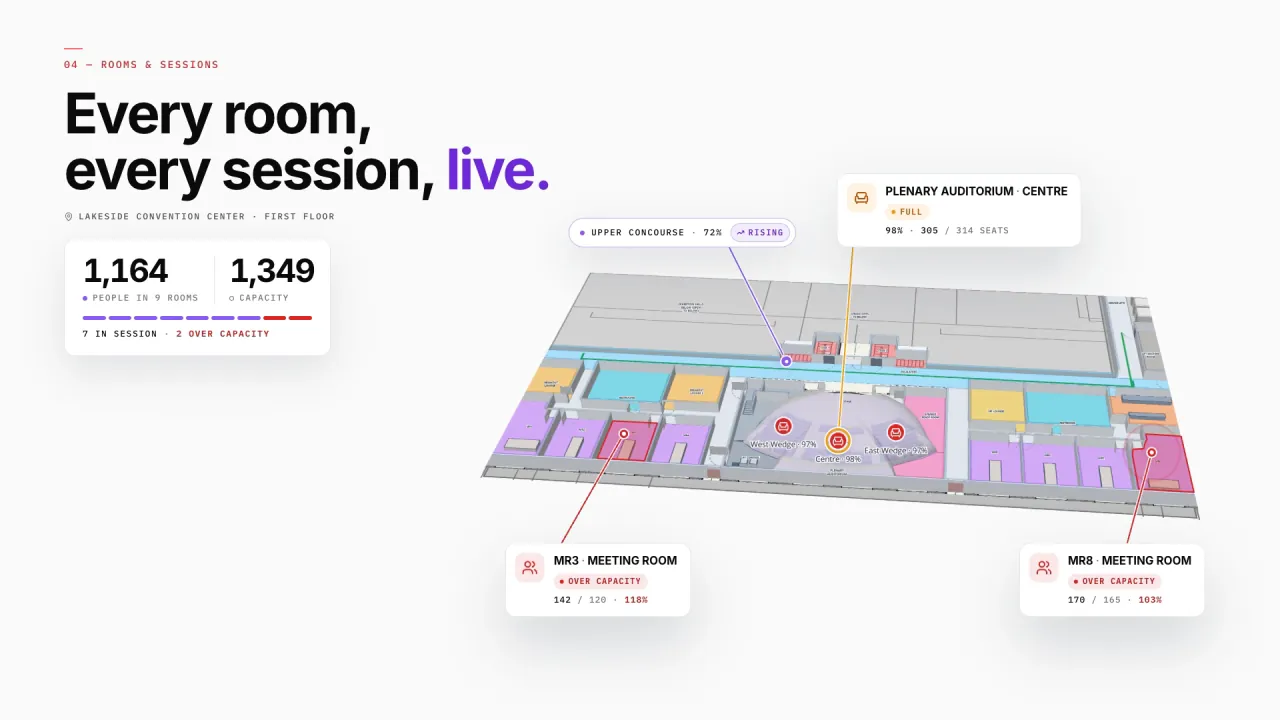
Halls, booths and sessions
At Lakeside, halls carry live occupancy, booths and session rooms their bookings, and registration, F&B and freight docks sit on the same map — so a room over capacity shows up mid-session.
A view per audience
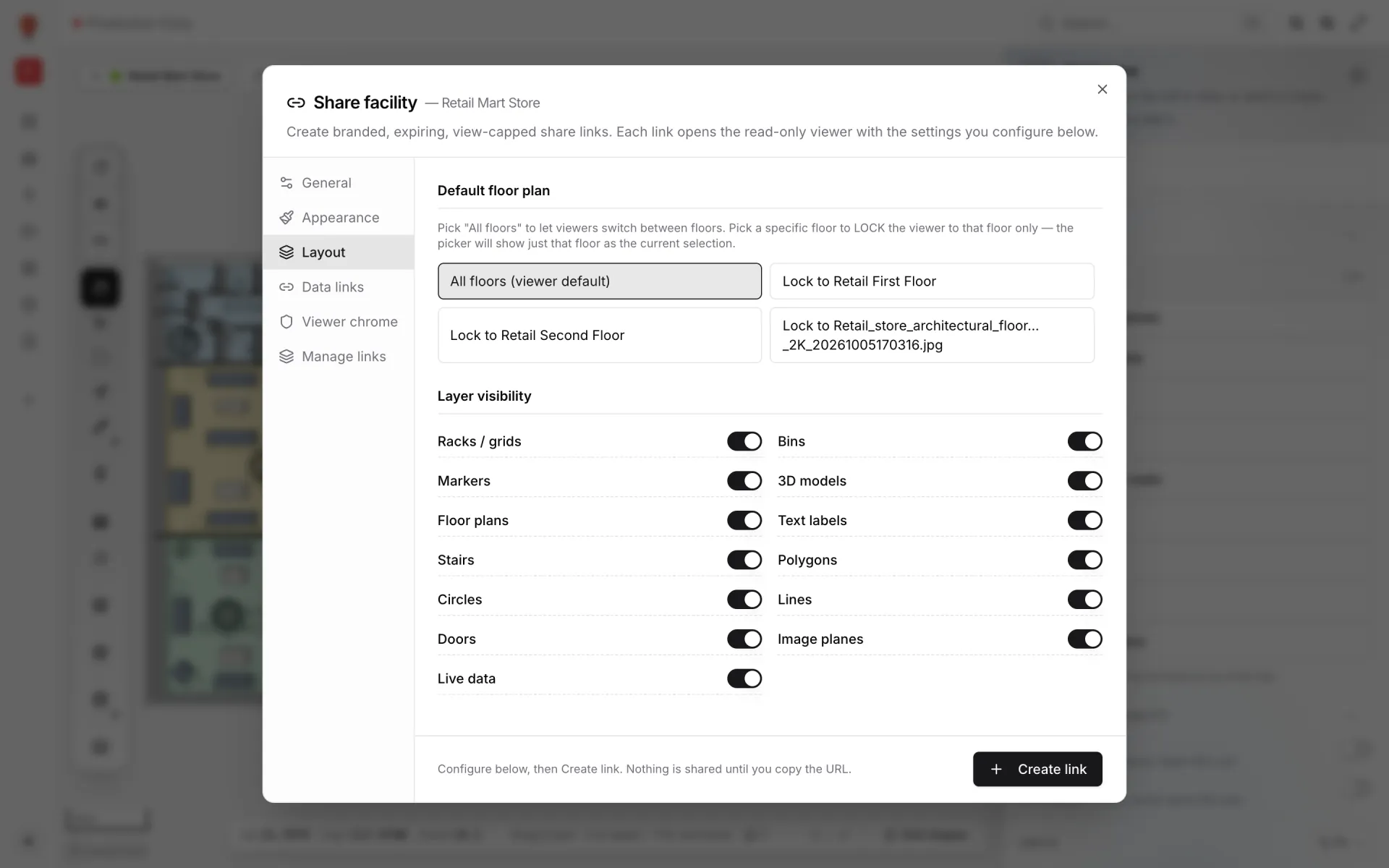
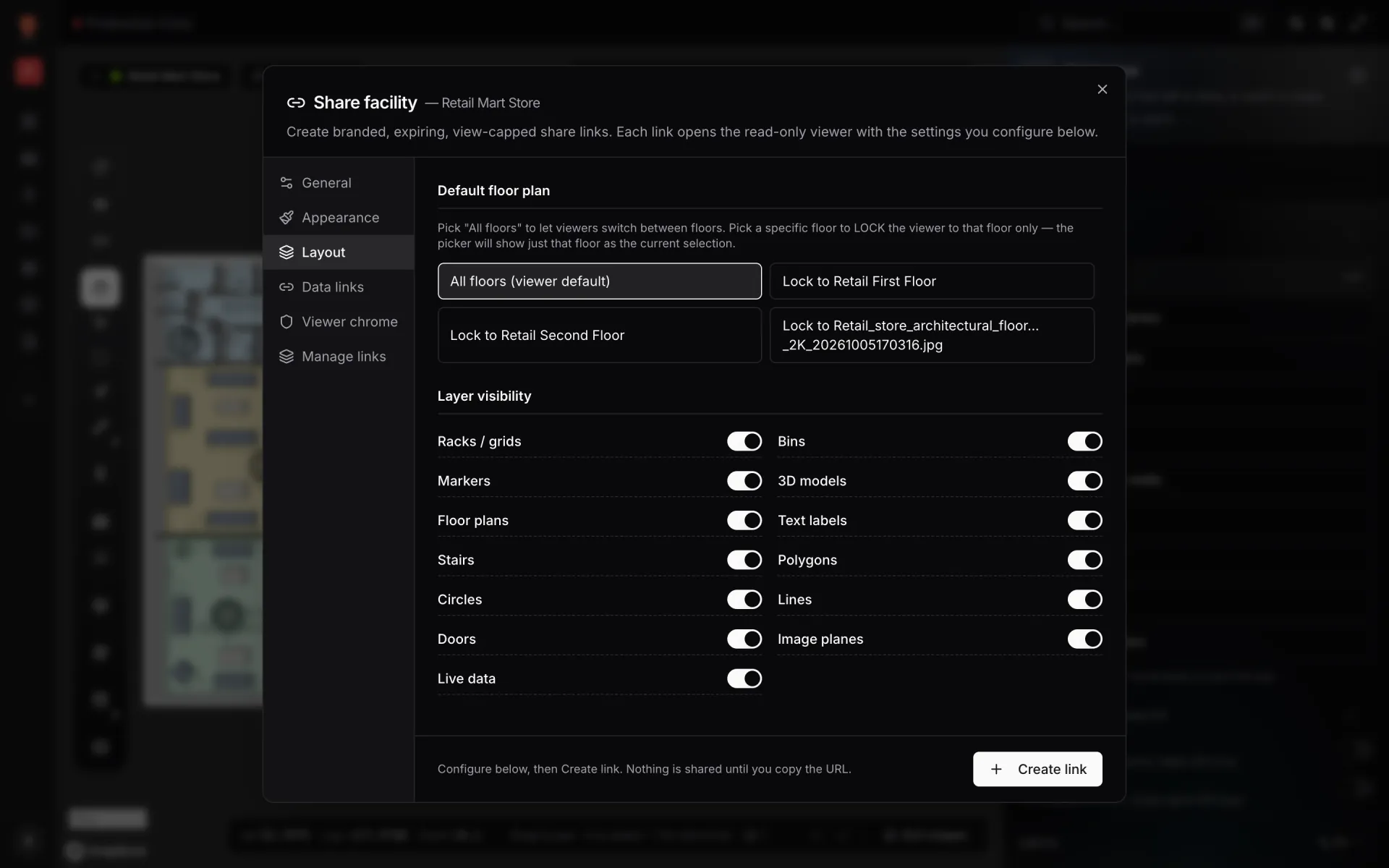
Share links open a read-only viewer with no account. Lock a link to one floor, choose which layers show, and set expiry and a view cap.
Venue on 4 real demo facilities
Mapped from real floor plans, with live sensors, RFID, BLE tags and gateways, tables, reports and simulators.
Reports built from the same data
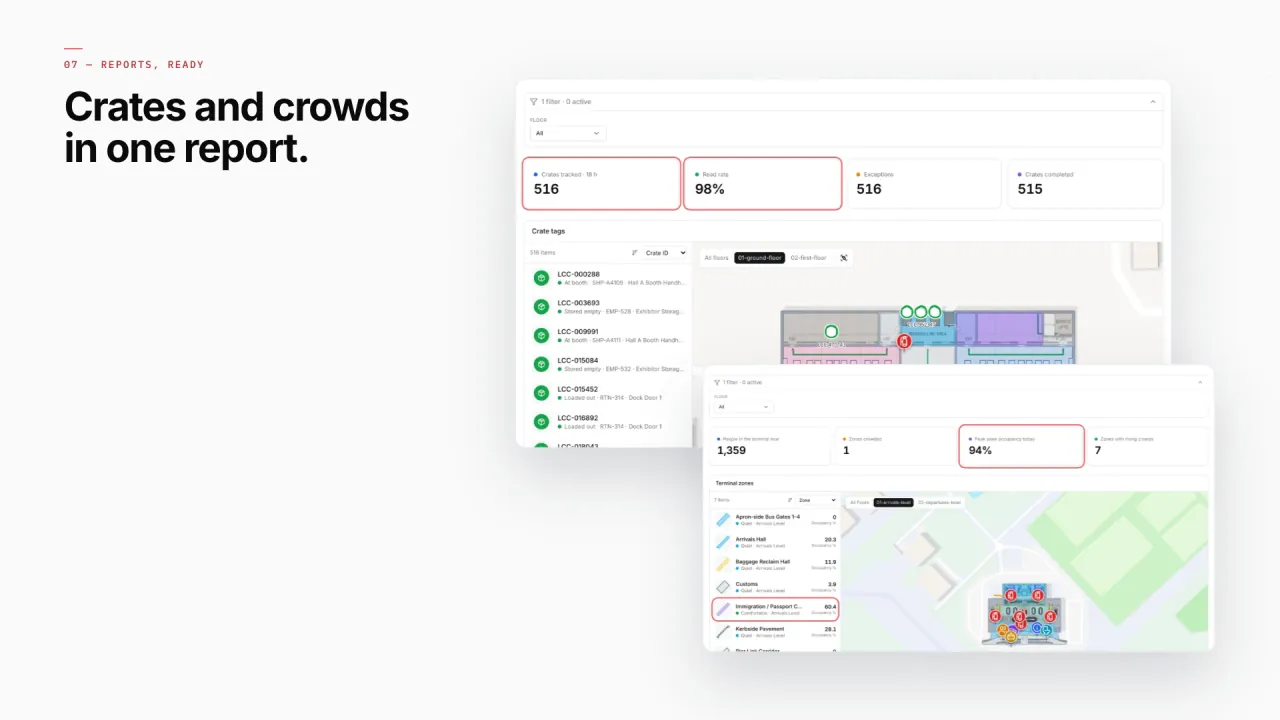
Live counts, capacity and read rates by area, with the venue map beside them — the same widgets work for halls, concourses and terminal zones. Exports to PDF, Excel, CSV or JSON.
- Crown Park · Gates & Turnstiles — Turnstile scans per gate.
- Crown Park · Crowd & Occupancy — Live occupancy by zone and concourse.
- Silverbay · Security Screening — Throughput per security lane.
- Silverbay · Gates & Departures — Departures by gate.
- Lakeside · Crowd & Occupancy — Hall occupancy over the event day.
- Museum · Visitor Counters — Visitor counts by gallery.
Connect what you already run
- Turnstile, badge and crowd-counter platforms polled from a REST API
- Queue, service-request and safety-check apps writing into a Table via its write API
- Seating plans, booth plans and schedules as CSV or Excel uploads
- Sensor gateways pulled on a schedule by a Table
Data comes in through REST sources pulled on a schedule, file uploads, and your own tables with a write API — see integrations.
Live in four steps
- 01
Map every level
Place each floor’s plan, draw halls, seating, gates and service points, add escalators, lifts and stairs.
- 02
Bring in your data
REST polling, file uploads or tables your systems write to.
- 03
Choose how it looks
Live markers, coloured zones, value badges, heatmaps or pulsing zones — no code.
- 04
Share a view per audience
Read-only links for partners and contractors, with only the floors and layers they need.
Questions venue teams ask
From the blog
- Stadium and venue operations on a live 3D map: gates, seats, concourses and crews10 min read
- Airport terminal operations on a live map: RFID bag tags, queues and gates9 min read
- Mall operations on one live 3D map: floors, units, devices and tenants9 min read
- Retail footfall heatmaps: map store and mall traffic zone by zone8 min read
- Indoor wayfinding software: turn-by-turn directions on your floor plan9 min read