
Plans, pricing and billing
Spatial Map’s 7-day free trial and the Pro plan at $60/month or $600/year: facility limits, how to upgrade, when a trial ends, cancelling and refunds.
Trial and Pro
Each workspace has its own plan. A new workspace starts on the free trial. To keep using it after the trial, the workspace owner subscribes to Pro. Billing is handled by Stripe, and prices are in US dollars.
| Free trial | Pro | |
|---|---|---|
| Price | Free, no card needed | $60 a month, or $600 a year |
| How long | 7 days from when the workspace is created | Renews every month or year until you cancel |
| Facility limit | Up to 5 facilities | Up to 4 facilities |
| Layout editor, integrations, tables, data links, reports, solutions, share links, member roles | Included | Included |
| Priority email support | — | Included |
Paying yearly costs $600 instead of $720, which the page shows as Save 17% ("That’s $50 a month, billed yearly").
Keeping track of the trial
The owner sees how much of the trial is left in three places:
- A banner at the top of every page, "N days left in your free trial", with a View plans button.
- The Plan card on the Dashboard, with a "Facilities: used / limit" bar and Manage plan.
- The workspace’s card on the Workspaces page, which shows the days left (or "Trial ends today").
Other members don’t see the banner or the Plan card. The Facilities KPI on the Dashboard shows everyone "N of M on your plan".
The Plan & billing page
Open it from the account menu (Plan & billing), from View plans on the trial banner, or from Manage plan on the Dashboard’s Plan card. Anyone in the workspace can open it, but only the owner can subscribe or manage billing.
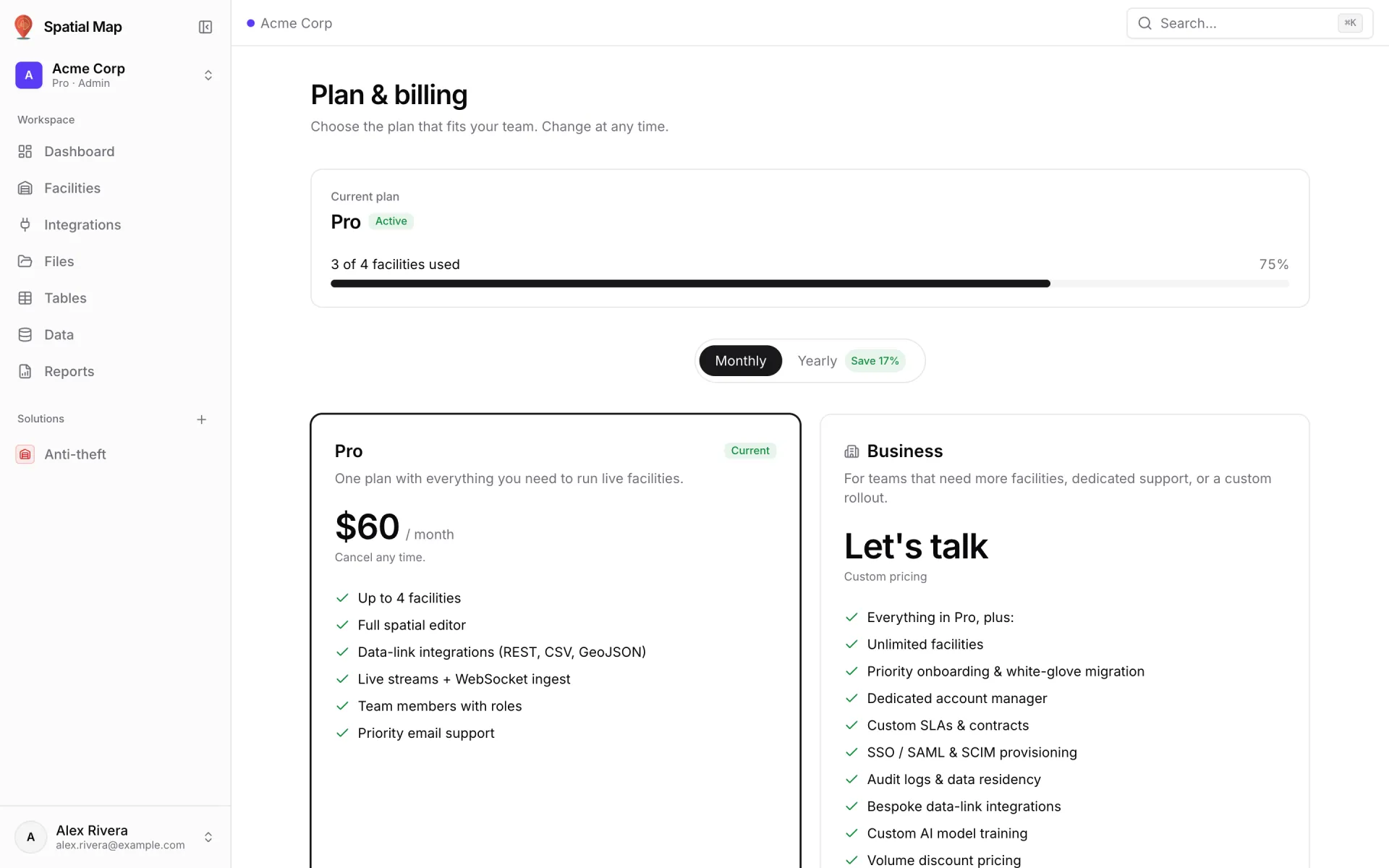
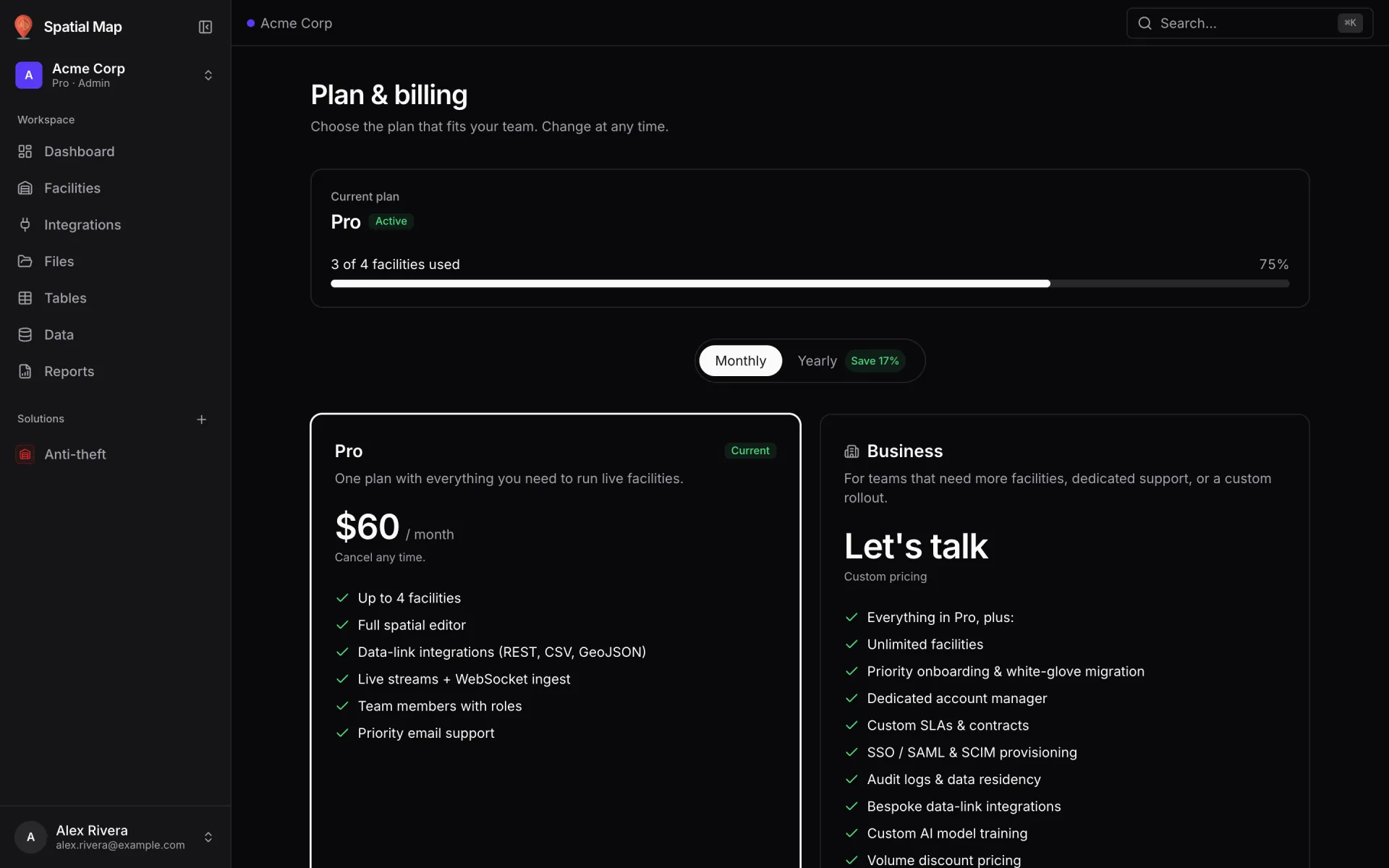
| Part of the page | What it shows |
|---|---|
| Current plan | The plan name and a status badge: N days left in trial, Active, Cancels at period end or Locked. Under it, the trial-end, renewal or end date, and a "N of M facilities used" bar. |
| Manage billing | Owner only, once subscribed. Opens Stripe’s billing portal to update your card, see invoices or cancel. |
| Monthly / Yearly | Switches the price shown on the Pro card. |
| Pro card | Subscribe, or Your plan if you are already on Pro. Members who aren’t the owner see "Ask your workspace owner to upgrade". |
| Business card | "Let’s talk": for more facilities, single sign-on or a custom contract. Contact us opens a short form. |
| Questions | Short answers about cancelling, the end of the trial, the facility limit and invoices. |
Upgrade to Pro
- 1Open Plan & billing
You must be the workspace owner.
- 2Choose Monthly or Yearly
Use the switch above the plans.
- 3Click Subscribe
You go to Stripe’s secure checkout page to enter your card details. Spatial Map never sees your card number.
- 4Come back to Spatial Map
After payment, the Welcome to Pro page shows "Activating your plan…" and then "Plan activated." Click Continue to dashboard. The badge in the switcher now reads Pro.
When the trial ends
Nothing is deleted. Your facilities, data, reports and share links all stay as they are. Until the owner subscribes:
- The banner reads "Your free trial has ended." and the Dashboard’s Plan card turns red with Upgrade now.
- The owner is sent to Plan & billing from every page except Profile and Members. The workspace card shows Locked — trial ended.
- No one in the workspace can create a new facility. The attempt fails with "your trial has ended — please upgrade to keep creating warehouses".
Subscribing unlocks everything in place. If you belong to other workspaces, you can switch to them as usual. Each workspace has its own plan.
Cancel, invoices and refunds
- Cancel from Manage billing on Plan & billing. The plan stays active until the end of the period you have paid for, and the badge reads Cancels at period end until then. After that the workspace locks in the same way as an ended trial. Your data stays.
- Invoices and receipts are kept by Stripe. Download them from Manage billing, where you can also update your card.
- Refunds: a first payment can be refunded in full if you ask within 14 days. Cancelling doesn’t issue a refund on its own. The full rules and how to ask are in the Refund Policy.
Need more than 4 facilities?
Click Contact us on the Business card. The Contact sales form asks for your name, email, company and "How can we help?". A team member replies within one business day. For a custom build of your facilities, see professional services.
More in Workspace & team
- Workspace & team · WorkspacesWorkspaces: switch, create and manageWhat a Spatial Map workspace holds, how to switch between workspaces, create a new one, rename it, leave or delete it, and read its Trial and Pro badges.
- Workspace & team · MembersInvite members and set rolesAdd teammates to a Spatial Map workspace as Admin, Editor or Viewer, change a role, remove a member, and see exactly what each of the four roles can do.