
Brand a share link: map style, theme and watermark
On the Share dialog's Appearance tab, set a share link's map style, light or dark mode and one of 46 accent colours, and add a watermark like CONFIDENTIAL.
What Appearance sets
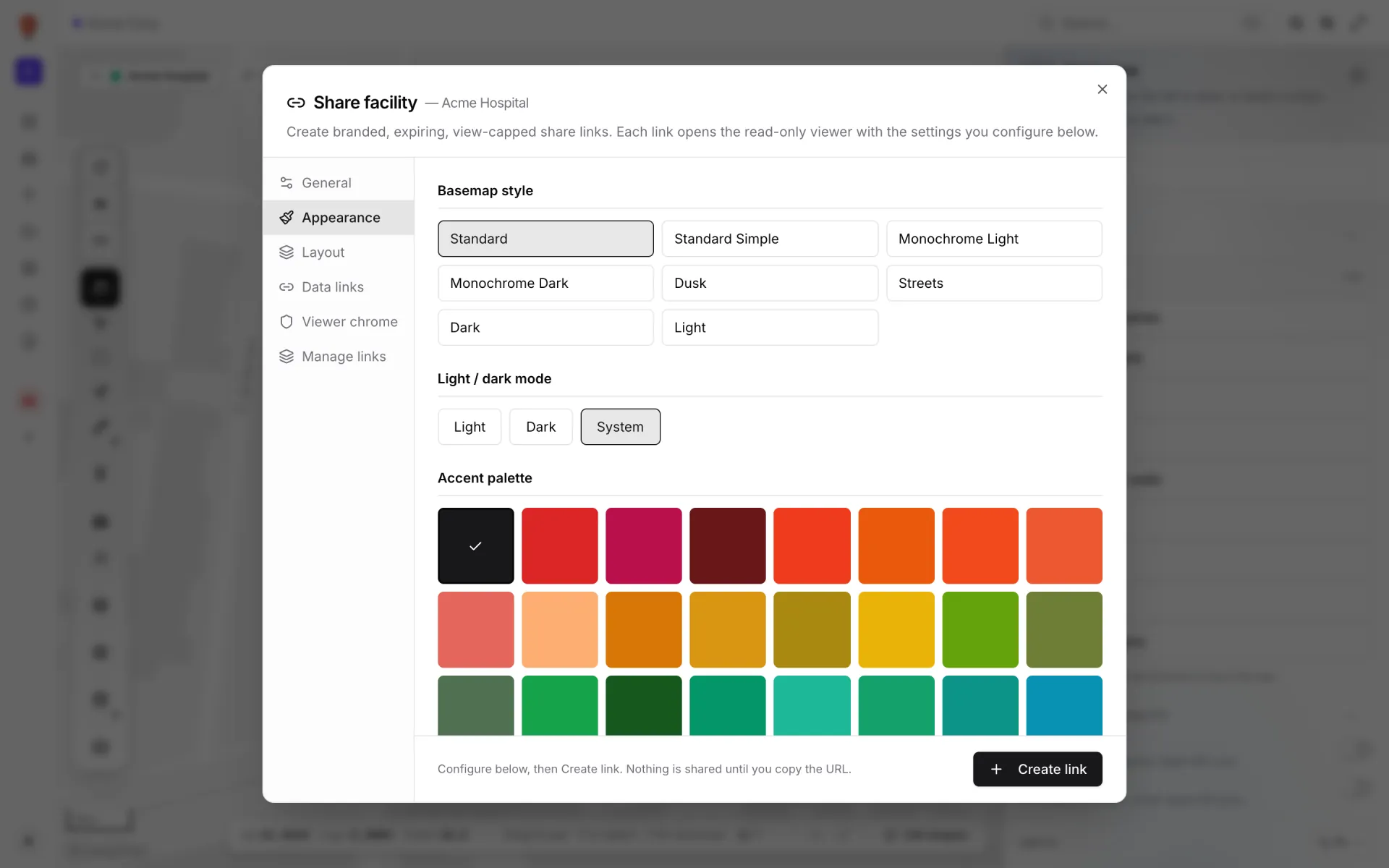
Appearance dresses the Viewer for one link's audience. It has four sections: Basemap style, Light / dark mode, Accent palette and Watermark text. Everything is optional. The settings are applied when a guest opens the link.
Basemap style
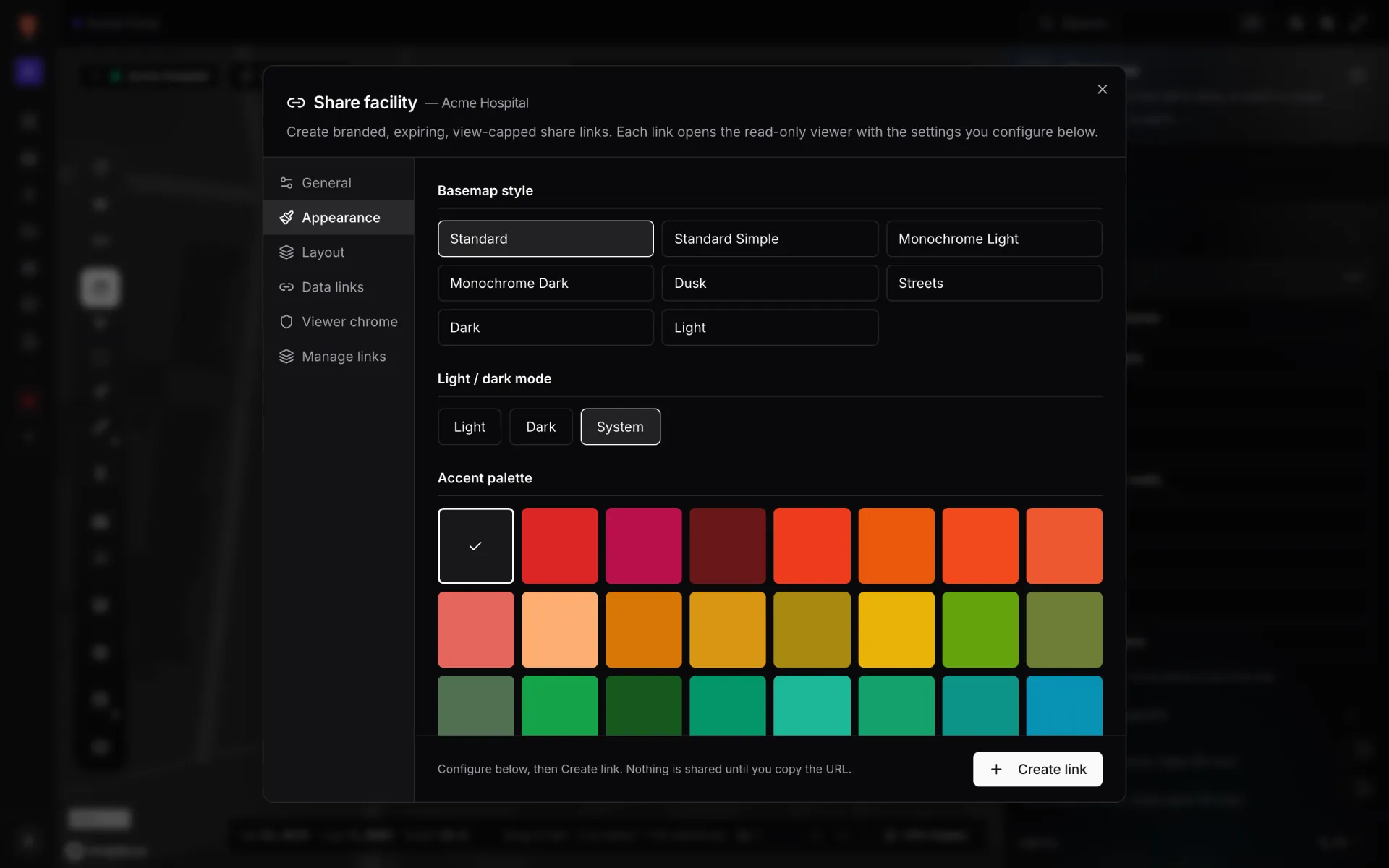
The same eight styles as the Viewer's map-style pill: Standard, Standard Simple, Monochrome Light, Monochrome Dark, Dusk, Streets, Dark and Light. The one you pick is what guests see first. Standard is highlighted until you choose another.
Light / dark mode
| Button | The guest sees |
|---|---|
| Light | The light theme, whatever their device is set to. |
| Dark | The dark theme. |
| System | Whatever their device or browser prefers. This is also what happens when you leave the mode alone. |
The share page has no light/dark control of its own, so guests stay in the mode you set. Pair the mode with a matching basemap. Dark mode with Monochrome Dark, for example, suits a control-room screen.
Accent palette
The accent colour tints the Viewer's controls: highlighted pills, active states and buttons. It doesn't recolour your shapes or data links, which keep their own colours. There are 46 swatches. Hover one to see its name. The picked swatch has a tick.
| Family | Palettes |
|---|---|
| Default | Default (near-black) |
| Reds | Red, Crimson, Maroon, Scarlet |
| Oranges | Orange, Tangerine, Coral, Salmon, Peach |
| Yellows | Amber, Gold, Mustard, Yellow |
| Greens | Lime, Olive, Sage, Green, Forest, Emerald, Mint, Jade, Teal |
| Blues | Cyan, Ocean, Sky, Blue, Navy, Royal, Indigo, Periwinkle |
| Purples and pinks | Violet, Lavender, Purple, Plum, Fuchsia, Magenta, Mauve, Pink, Rose |
| Neutrals | Slate, Stone, Bronze, Copper, Mocha, Midnight |
For a customer-facing link, pick the swatch closest to the customer's brand colour. There's no palette picker on the share page, so guests keep the colour you chose.
Watermark
The Watermark field ("Small text drawn over the viewer. Useful for "CONFIDENTIAL" or a customer name.") puts a small pill of text at the bottom centre of the guest's map, for example "CONFIDENTIAL — Do not distribute". Up to 80 characters. It doesn't block clicks on the map, and the guest can't close it.
If you leave the tab alone
Guests keep whatever their own browser already uses: the map style they last picked in the Viewer, their light or dark setting, and their accent colour. A first-time visitor gets Standard, System and Default. There's no watermark.
More in Viewer & sharing
- Viewer & sharing · ViewerThe Viewer: a read-only facility mapOpen a facility read-only in the Viewer: floors, layers, live data links, a detail drawer and indoor directions, for teammates on /view and guests on /share.
- Viewer & sharing · ViewerShow and hide layers in the ViewerUse the Viewer's Layers panel to hide shape kinds, list and zoom to items, and switch data-link layers off for your visit or turn them off for everyone.
- Viewer & sharing · ViewerSwitch floors in the ViewerShow one floor, several or all of them in the Viewer's floor switcher, see how share links lock a floor, and set a building shell to Auto, Shell or Interior.
- Viewer & sharing · ViewerFilter live data in the ViewerThe Viewer's Filters pill lets anyone pick a saved filter per data link and fill in runtime values, then Apply. It appears once a link has saved filters.