Open source · MIT licence · Self-hosted with Docker

Open-source indoor mapping software you can self-host

Spatial Map is open-source indoor mapping software as well as a hosted cloud app. The same editor and 3D viewer that run at app.spatialmap.io are on GitHub under the MIT licence: clone the repository, add a free Mapbox token and start it on your own server with Docker Compose. Turn PDF and DWG floor plans into multi-floor indoor maps, link them to your own data, and build reports — with no plans and no limits.

GitHub stars for Siraj-zaki/spatial-map

Last updated:

No credit card. Runs in the browser. Pro is $60/month for up to 4 facilities. Book a demo

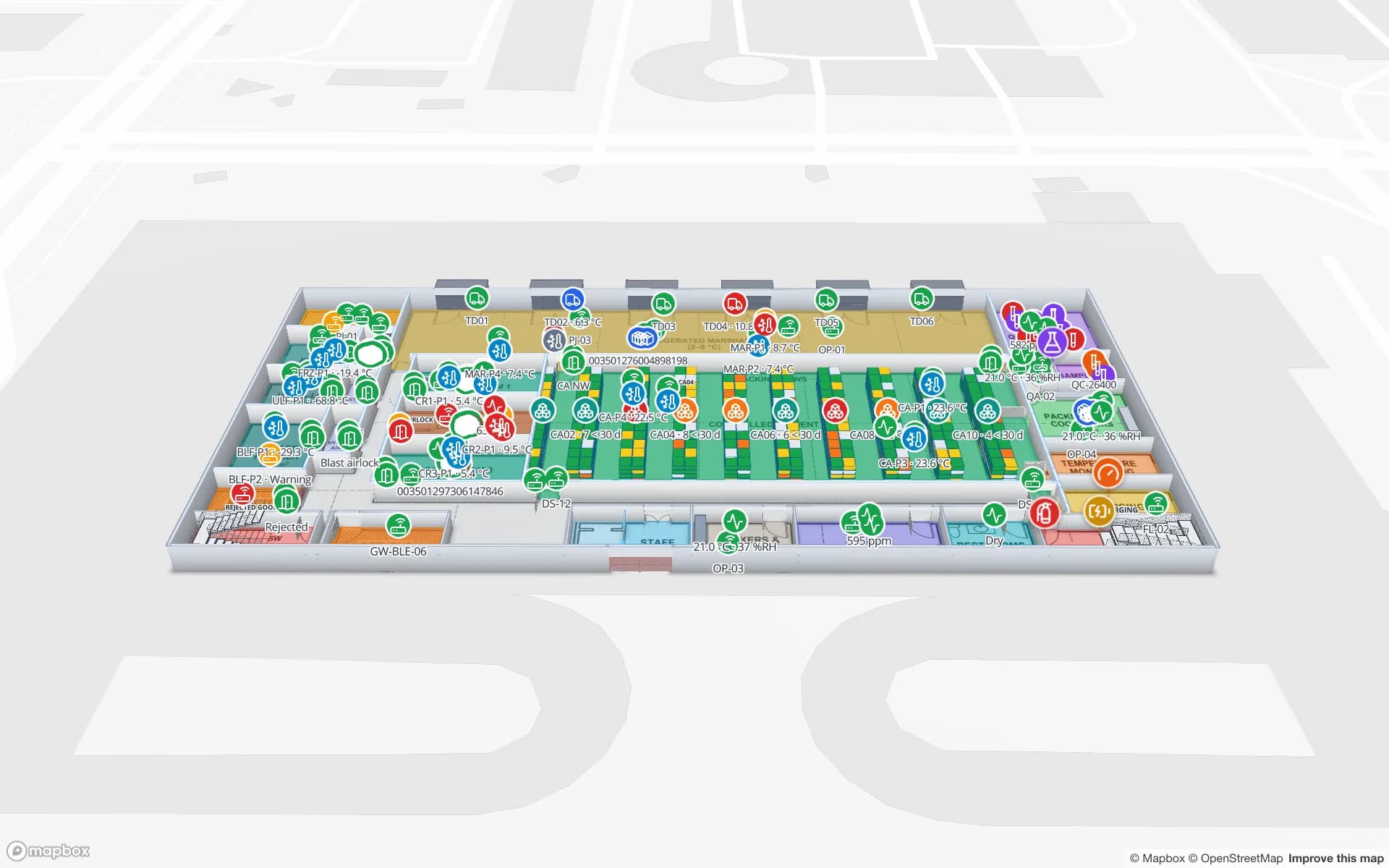
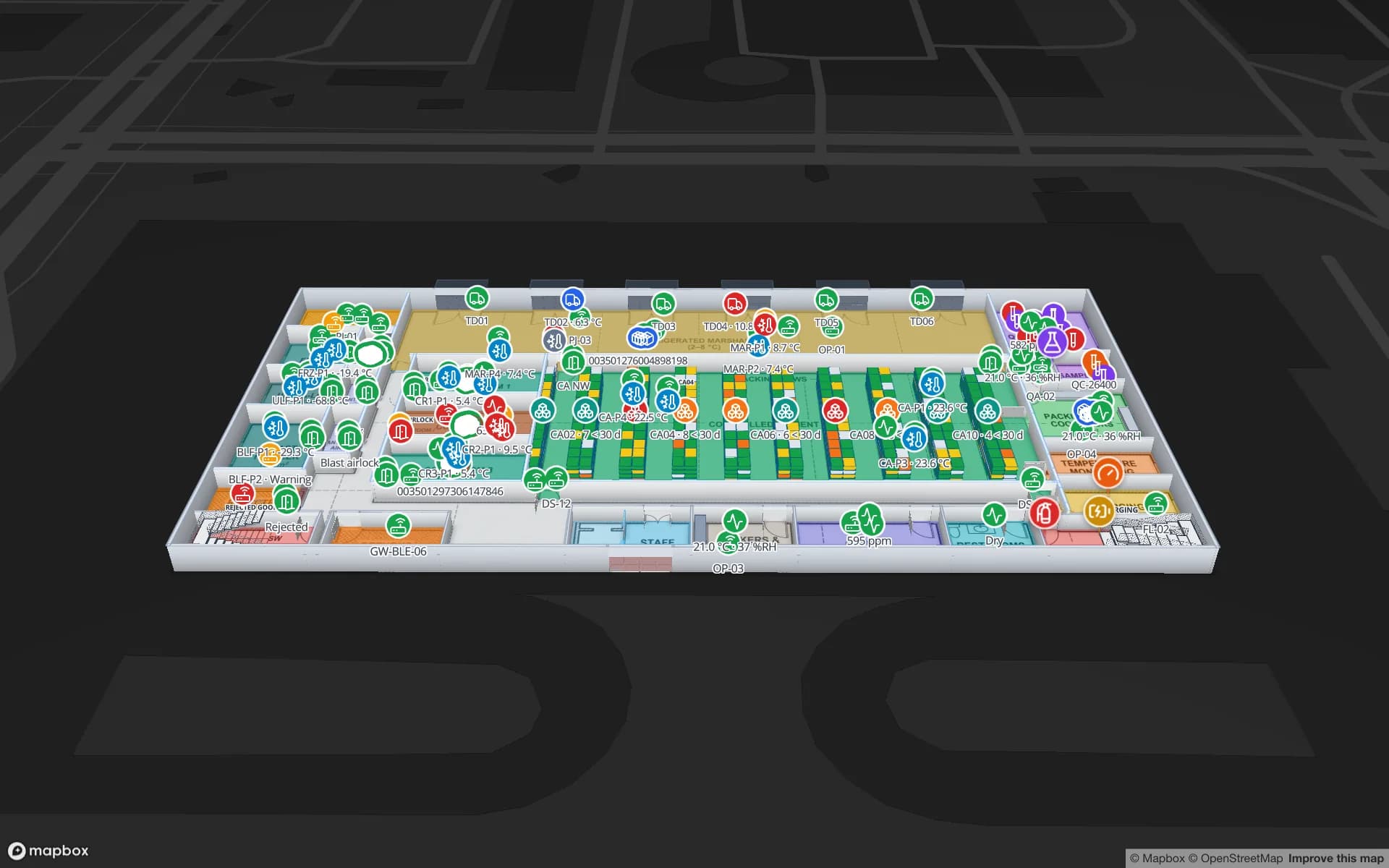
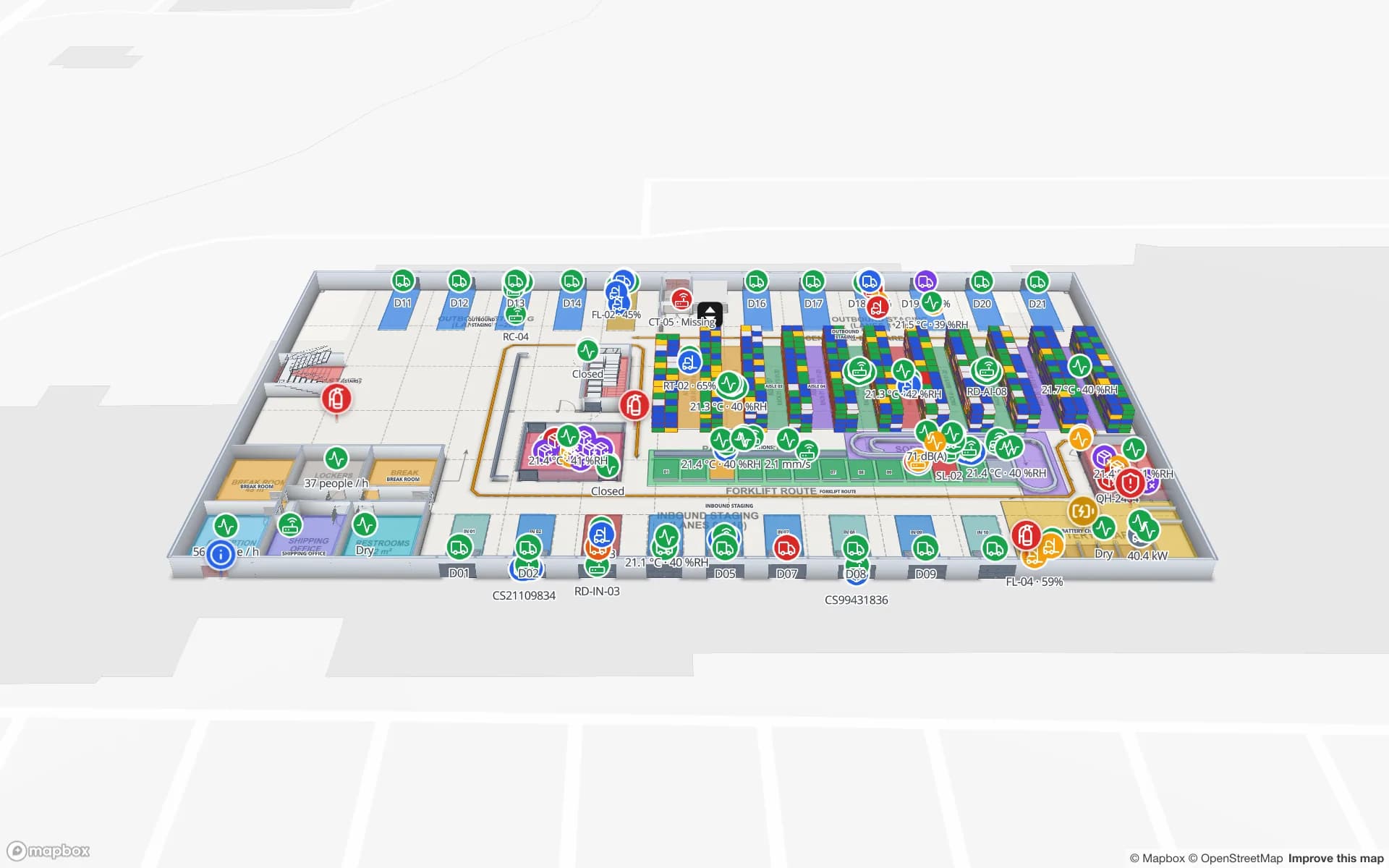
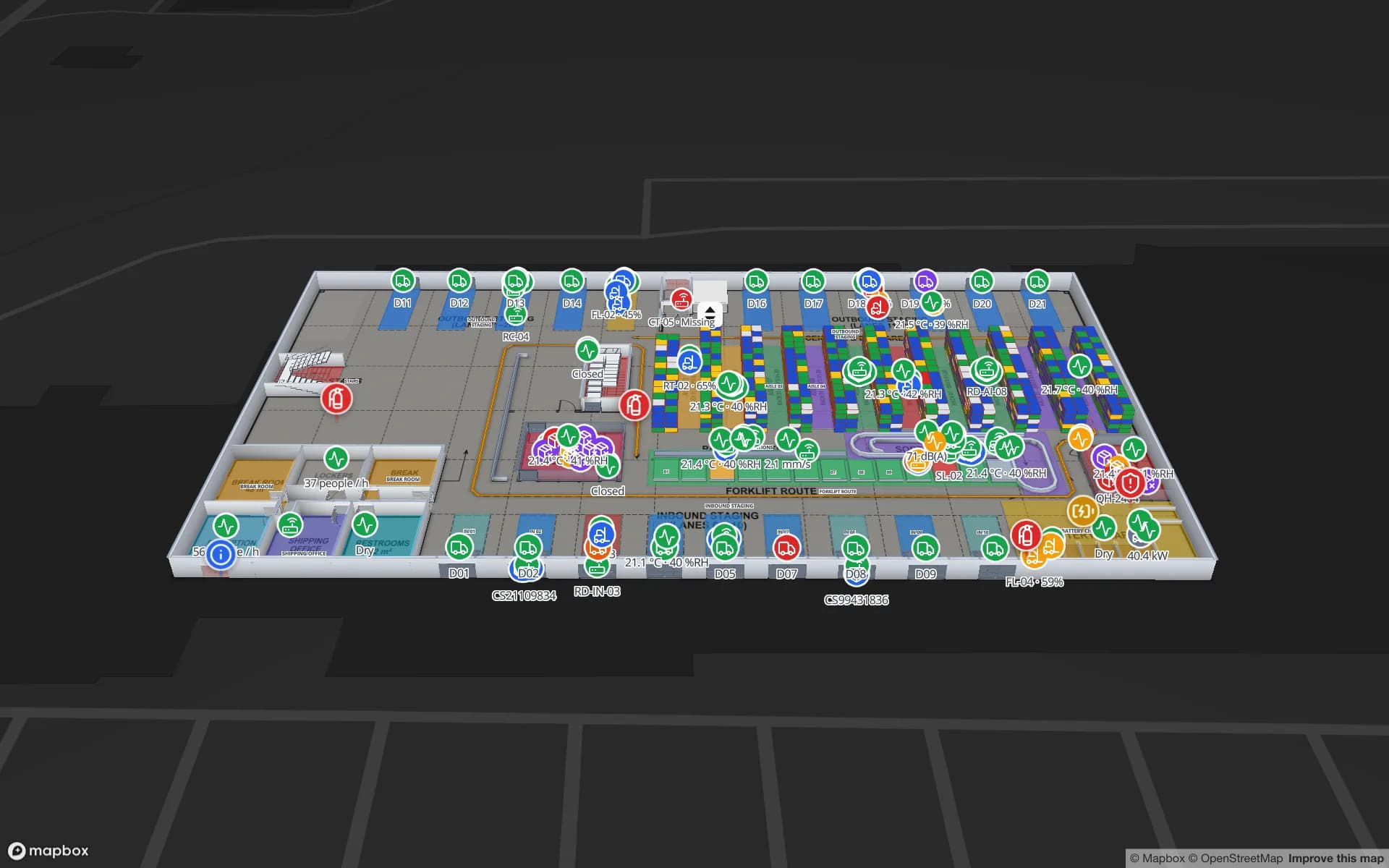
Crestline Fulfillment Center, a fulfillment center demo, in the Spatial Map 3D viewer with live device markers
Crestline Fulfillment Center
Crestline Fulfillment Center from the cloud demo. The open-source edition is the same editor and viewer, running on your own servers.
Licence — use, change and redistribute
MIT
docker compose up -d
1 command
Interface languages, including Arabic RTL
6
Ready-made reports in the bundled demo workspace
84

What the open-source edition is

It is the Spatial Map app itself, not a cut-down sample: a React and TypeScript single-page app on Mapbox GL, a Go API, PostgreSQL with PostGIS, MinIO for files and Redis, packaged as one Docker Compose project. Self-hosted, everything is unlocked — there are no plans, facility limits or billing screens.

Teams pick it when their data has to stay on their own network, when they want to change the code, or when they want to evaluate an indoor map solution in depth before buying anything. If you would rather not run servers, the cloud version is the same product, managed for you.

  • Facility editor — import PDF, DWG or image floor plans and draw areas, walls, doors, stairs, lifts, racks, markers, labels and 3D models, with snapping, bulk editing and undo/redo.
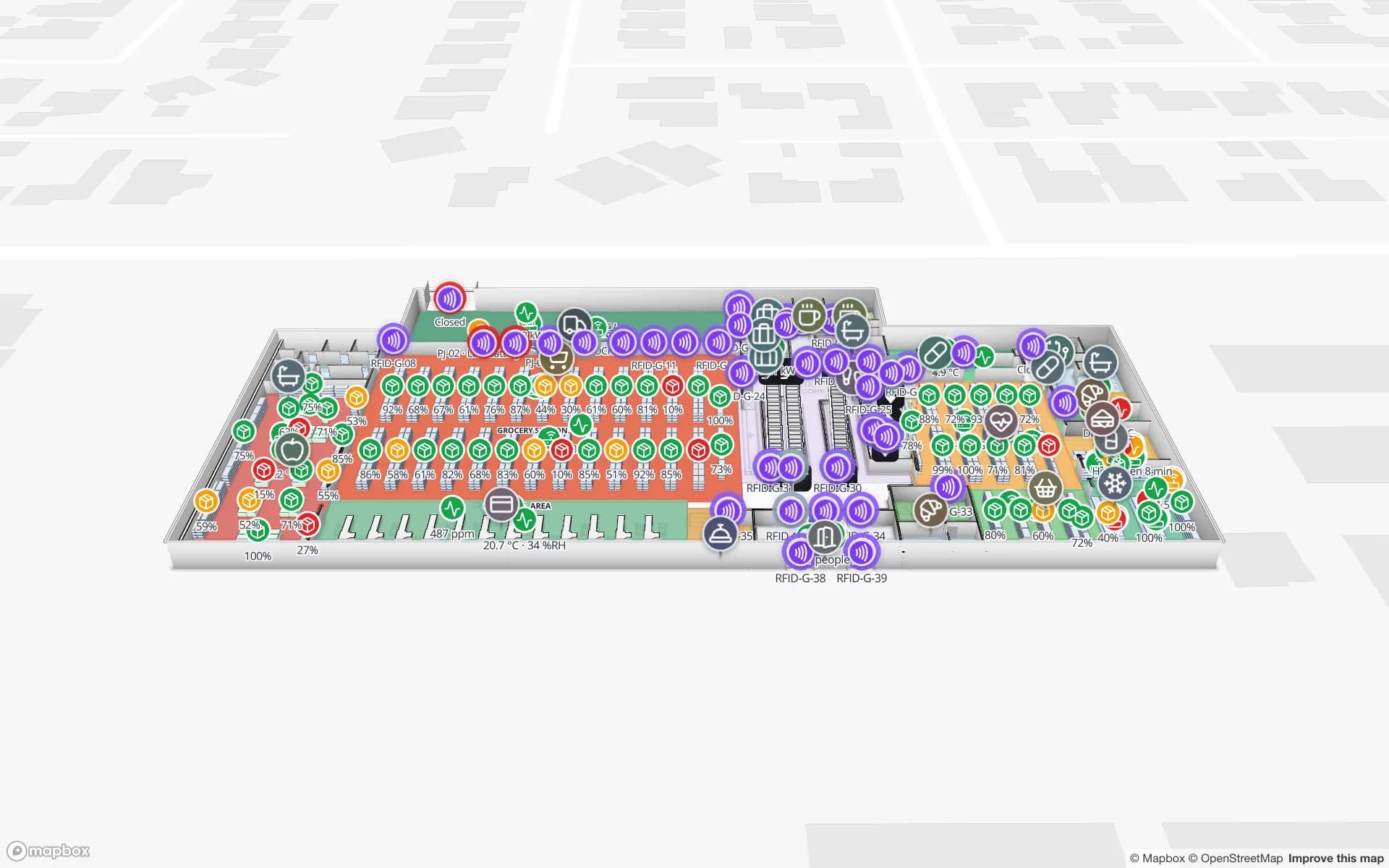
  • Live 3D viewer — every floor, rack, bin, area and model on a real map, coloured and labelled by your own rules, with read-only share links.
  • Tables and data links — built-in tables with CSV/XLSX import and a REST API per table, REST sources, and data links that bind any row to a shape by name, code or coordinates.
  • Reports and dashboards — a report builder with KPIs, charts, tables and filters, ready-made reports per facility and a full-map layout that refreshes itself.
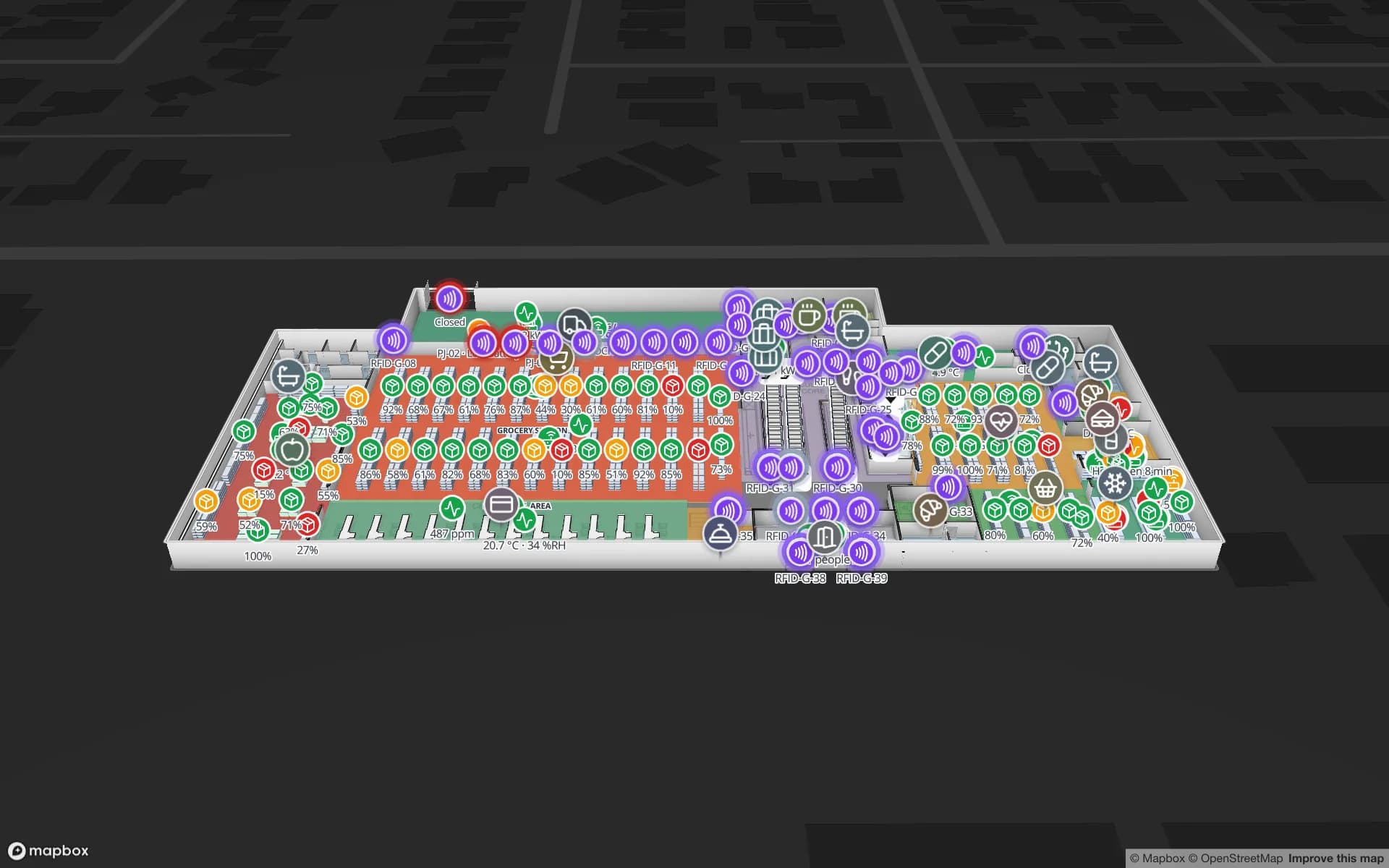
  • Workspaces, roles and solutions — Owner, Admin, Editor and Viewer; solutions group facilities and reports; six languages, light and dark themes.
What you take on when you self-host

Running it yourself means a few jobs the cloud version does for you. None is unusual for a Docker app, but it is worth knowing before you start:

  • A Mapbox access token (Mapbox has a free tier) for the basemap and 3D rendering.
  • SMTP for sign-up and password-reset codes — until it is set, the codes are printed in the API log.
  • A TLS reverse proxy (Caddy, nginx or Traefik) in front of port 3000 for anything public, and real secrets: with SPATIAL_MAP_MODE=production the app refuses to start on placeholder values.
  • Backups and upgrades of the database and object storage; new versions are published as GitHub releases.

A Mapbox indoor map you can read and change

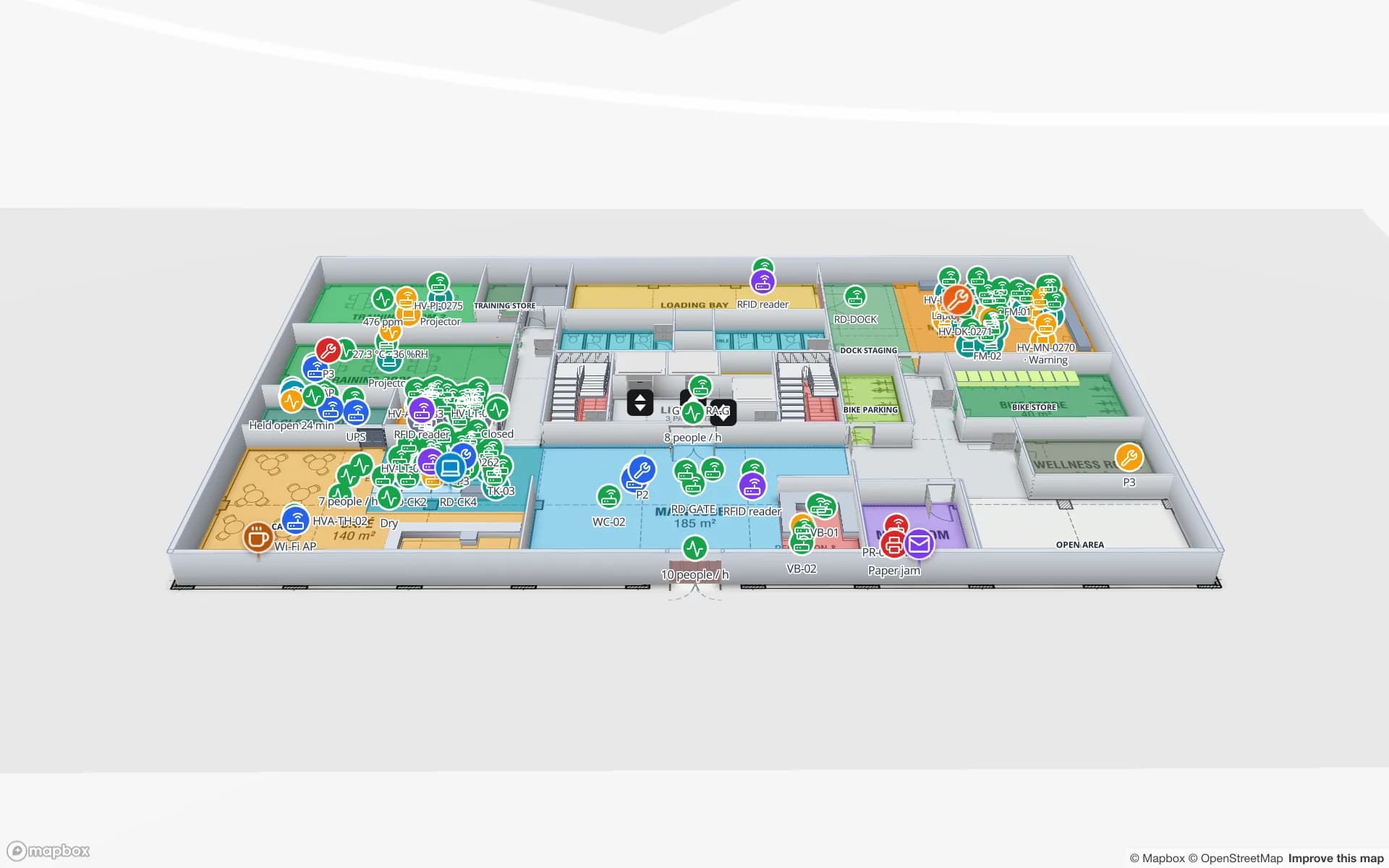
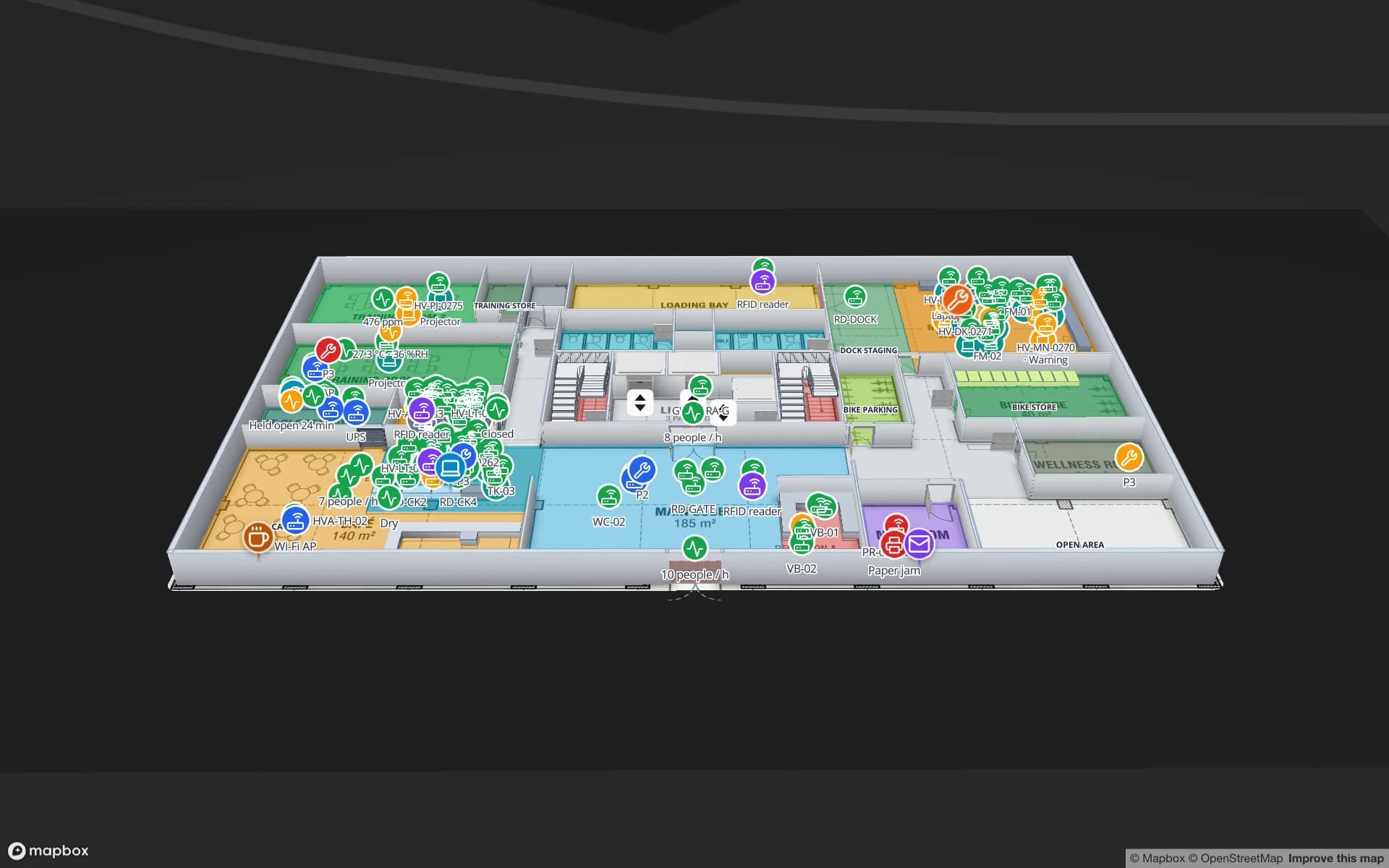
If you came here looking for a Mapbox indoor map built on Mapbox GL JS — floors stacked in 3D, extruded rooms and walls, racks, doors, stairs, live markers and heatmaps — the repository is a complete, working example. ARCHITECTURE.md lists every file, route and table, and the docs/ folder covers the frontend, backend, CAD import and known pitfalls.

The user guide at spatialmap.io/docs describes the cloud version; the self-hosted edition is the same app without plans or billing, so the guides apply to both. Good places to start: getting started, floor plans, data links, tables and the REST API and share links.

Licence and contributing

The code is MIT licensed: you can use it commercially, modify it and redistribute it, as long as the licence notice stays with it. The bundled 3D models are CC BY 4.0 and need attribution (listed in CREDITS.md); map data and tiles are © Mapbox and © OpenStreetMap contributors.

Issues and pull requests are welcome on GitHub. Read CONTRIBUTING.md and AGENTS.md first — the codebase has a few firm conventions — and report security issues privately as described in SECURITY.md.

Open-source edition vs cloud version

Same editor, viewer, data links, reports and share links. The difference is who runs it.

Open source (self-hosted)Cloud (spatialmap.io)
Licence and priceMIT, free7-day free trial, then Pro at $60/month or $600/year
LimitsNone — no plans, every feature unlockedPro covers up to 4 facilities per workspace
HostingYour servers or cloud account, with Docker ComposeManaged at app.spatialmap.io — nothing to run
Mapbox and emailBring your own Mapbox token and SMTP serverIncluded
Upgrades and backupsYou run them; versions ship as GitHub releasesHandled for you
AI floor-plan toolOptional worker (docker compose --profile ai) that drafts rooms and walls for reviewComing soon
Demo dataA demo workspace with five sample facilities and 84 reports, loaded on first startThe thirteen showcase facilities with live device data
HelpGitHub issues and pull requestsEmail support and custom services

Docker quick start

You need Docker with Compose v2.20 or newer and a free Mapbox access token.

bash·Terminal
git clone https://github.com/Siraj-zaki/spatial-map.git
cd spatial-map
cp .env.example .env          # set VITE_MAPBOX_ACCESS_TOKEN=pk....
docker compose up -d          # first run builds the images (a few minutes)

# open http://localhost:3000 and sign up; without SMTP the code is in the API log:
docker compose logs api | grep -i "verification code"

Run docker compose pull before up to use the published images instead of building. Set SPATIAL_MAP_DEMO=false before the first start to begin with an empty database. Every option is documented in .env.example.

How Spatial Map does it

From clone to a live indoor map in four steps

  1. 01

    Get a Mapbox token

    Create a free public token in your Mapbox account and put it in .env.

  2. 02

    Start the stack

    Run docker compose up -d; the first build takes a few minutes. Open port 3000 and sign up.

  3. 03

    Map a building

    Open the demo workspace, or create a facility, import a PDF or DWG floor plan and trace it in 3D.

  4. 04

    Send it your data

    Post rows to a table’s REST API with a bearer token, link the table to shapes and watch the map update.

What teams build with it

Every use case below runs the same way in both editions; the demos are the cloud showcase.

Warehouse inventory maps

Racks and bin locations coloured by stock from your WMS, kept on your own network.

Asset tracking on campus

Tagged equipment from RFID or BLE positioned room by room across several floors.

Cold-chain monitoring

Temperature and humidity sensors on the rooms they measure, with history and reports.

Retail loss prevention

RFID reads at exits and fitting rooms next to the stock they protect.

Venue operations

Counts, gates and staff on a multi-floor venue map for a control room.

Your own product

Fork it as the base of an internal tool or a product of your own — MIT allows it.

See it on real demo facilities

Fictional names, real floor plans, live sensors, RFID, BLE tags and gateways — open any of them in the browser.

All 13 demo facilities

Open-source indoor mapping — frequently asked questions

Yes. The code is MIT licensed, so you can run it, change it and use it commercially at no cost. You pay only for your own servers and, if you go past Mapbox’s free tier, for Mapbox usage.

It is the same app. Self-hosted, there are no plans or limits and you run hosting, email, upgrades and backups yourself. The cloud version at spatialmap.io is managed for you and costs $60 a month for up to 4 facilities after a 7-day free trial.

Docker with Compose v2.20 or newer and a free Mapbox access token. The Compose project starts PostgreSQL with PostGIS, MinIO, Redis, the Go API and the web app. The optional AI floor-plan worker needs about 1.7 GB more.

PDF, AutoCAD DWG (placed as a picture at real-world units) and PNG or JPG images. You then trace rooms, walls, doors, racks, stairs and lifts over the plan. See floor plans.

Yes. Every table has its own REST API with bearer tokens, plus CSV and Excel import; REST sources can pull JSON on a schedule. Data links then bind rows to shapes by name, code or coordinates. See tables and the write API.

Open an issue or a pull request on GitHub. Report security issues privately, as described in SECURITY.md.

Run it yourself, or let us run it.

Clone the repository and start it with Docker in minutes — or start a free trial of the cloud version and skip the servers entirely.