
From inbound materials to outbound shipments — your plant, live on one map.
Spatial Map Supply Chain is manufacturing digital twin software that maps assembly lines, workstations, racks and docks on a live 3D plant floor and shows production, andon calls, WIP and material flow from your MES and ERP, with OEE and quality reports.
No credit card. Runs in the browser. Pro is $60/month for up to 4 facilities.
Last updated:
Download brochure(PDF, 2.2 MB)Open in a new tab — Supply Chain brochure, PDF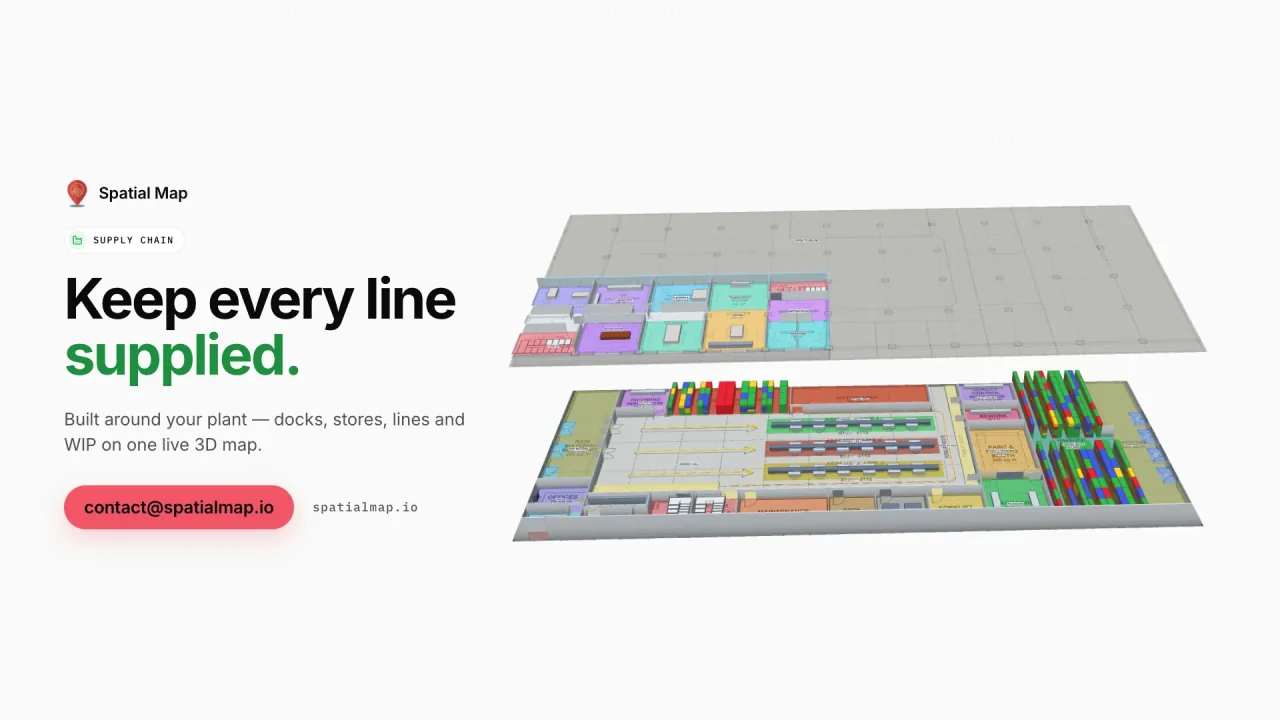
What gets in the way today
OEE without a floor plan
Line dashboards show percentages, not which station is starving the line.
WIP disappears between stations
Carriers and kits are somewhere on the floor, and finding them stops the line.
Inbound and outbound in separate tools
Dock appointments, raw materials and finished goods never meet on one screen.
What your supply chain team sees
Stills from the Supply Chain film, made from the product’s demo facilities, and screenshots of the app where the film doesn’t go.
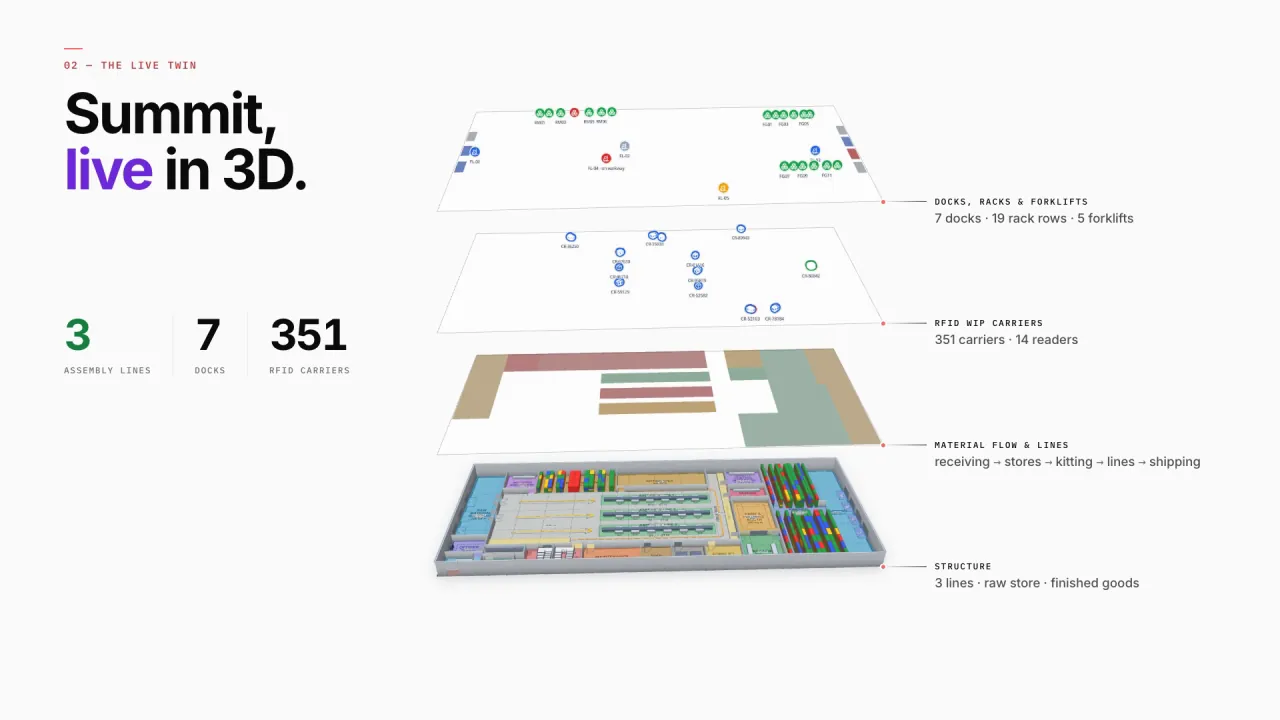
Lines, stations and racks in 3D
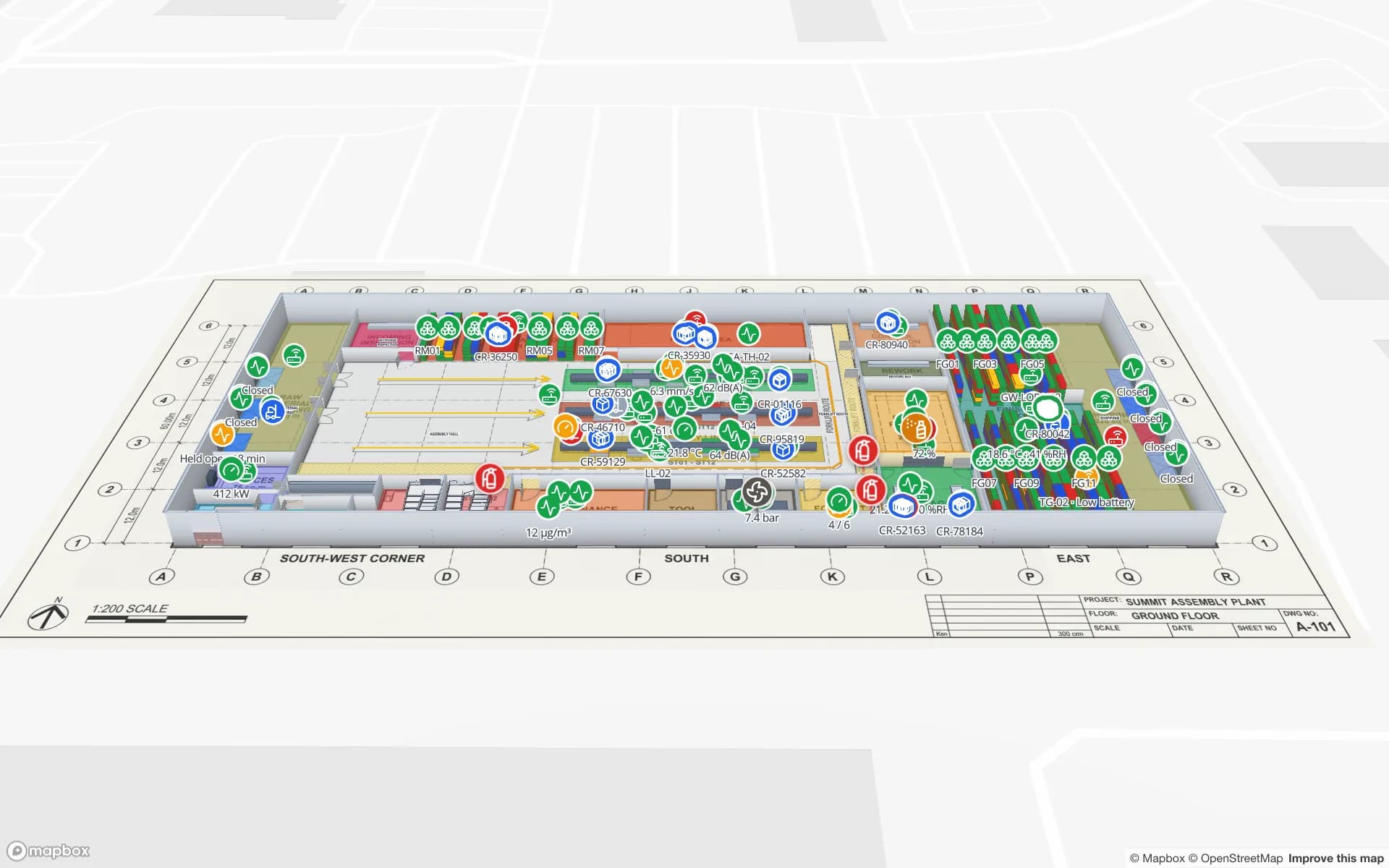
Summit’s assembly lines and workstations report output and andon calls, with raw-material and finished-goods racks and the docks on the same plan — material flows from receiving to stores, kitting, the lines and shipping.
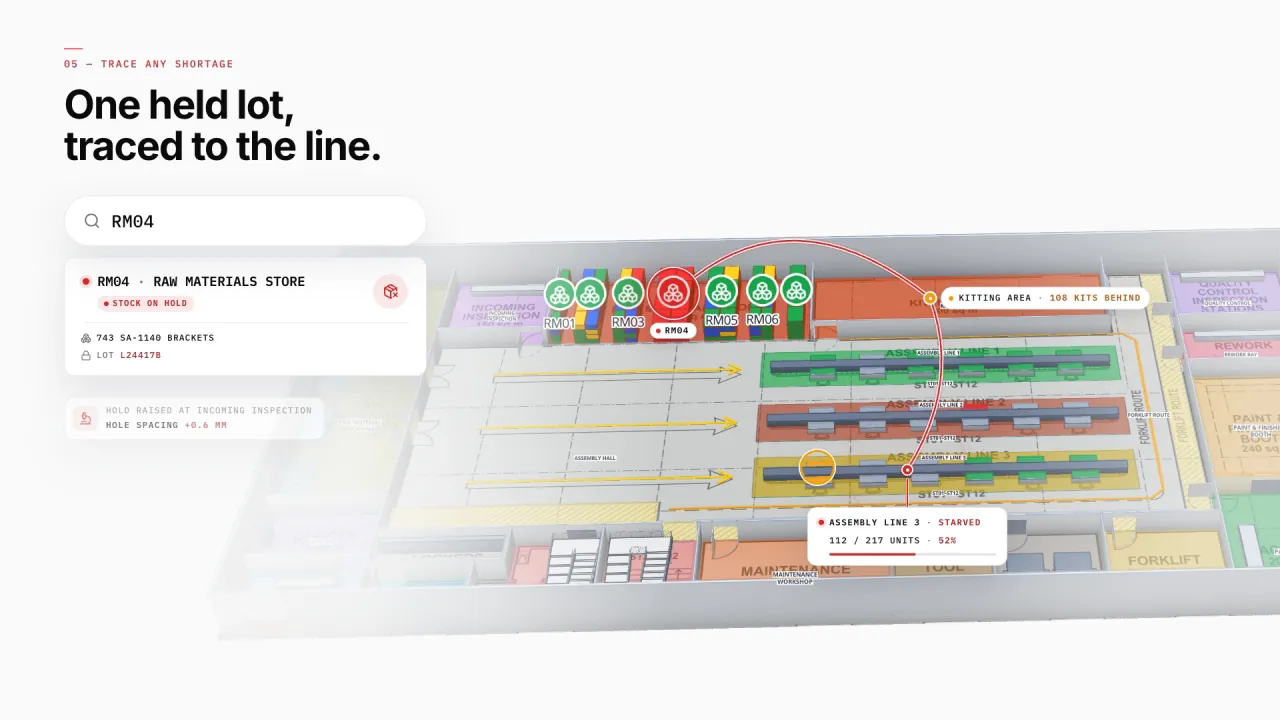
One held lot, traced to the line
Search a store or a lot and follow it to the line it feeds — here a lot on hold in the raw materials store leaves kitting behind and Line 3 starved.
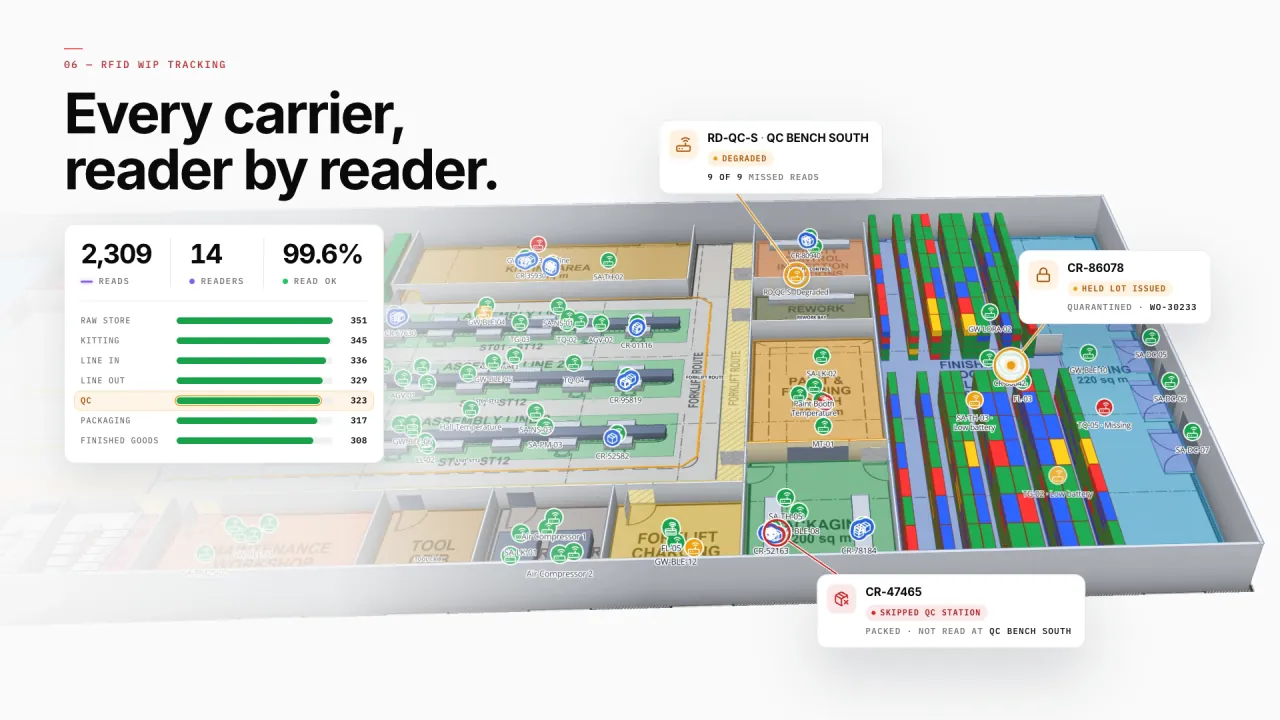
Every WIP carrier, reader by reader
Readers at each station read the WIP carriers, so a carrier packed without a QC read — or a reader that stops reading — shows up where it happened.
Production next to the secure store
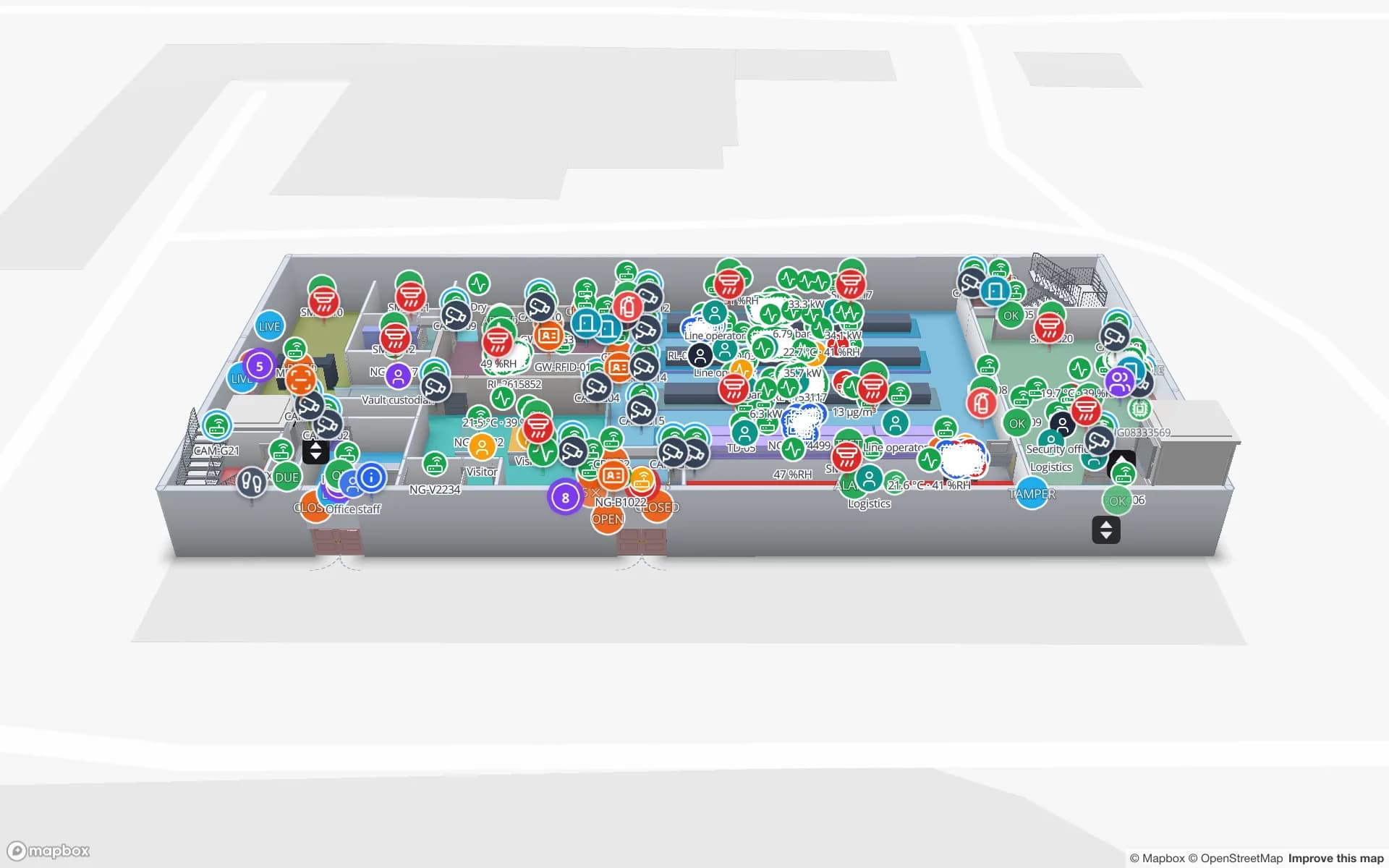
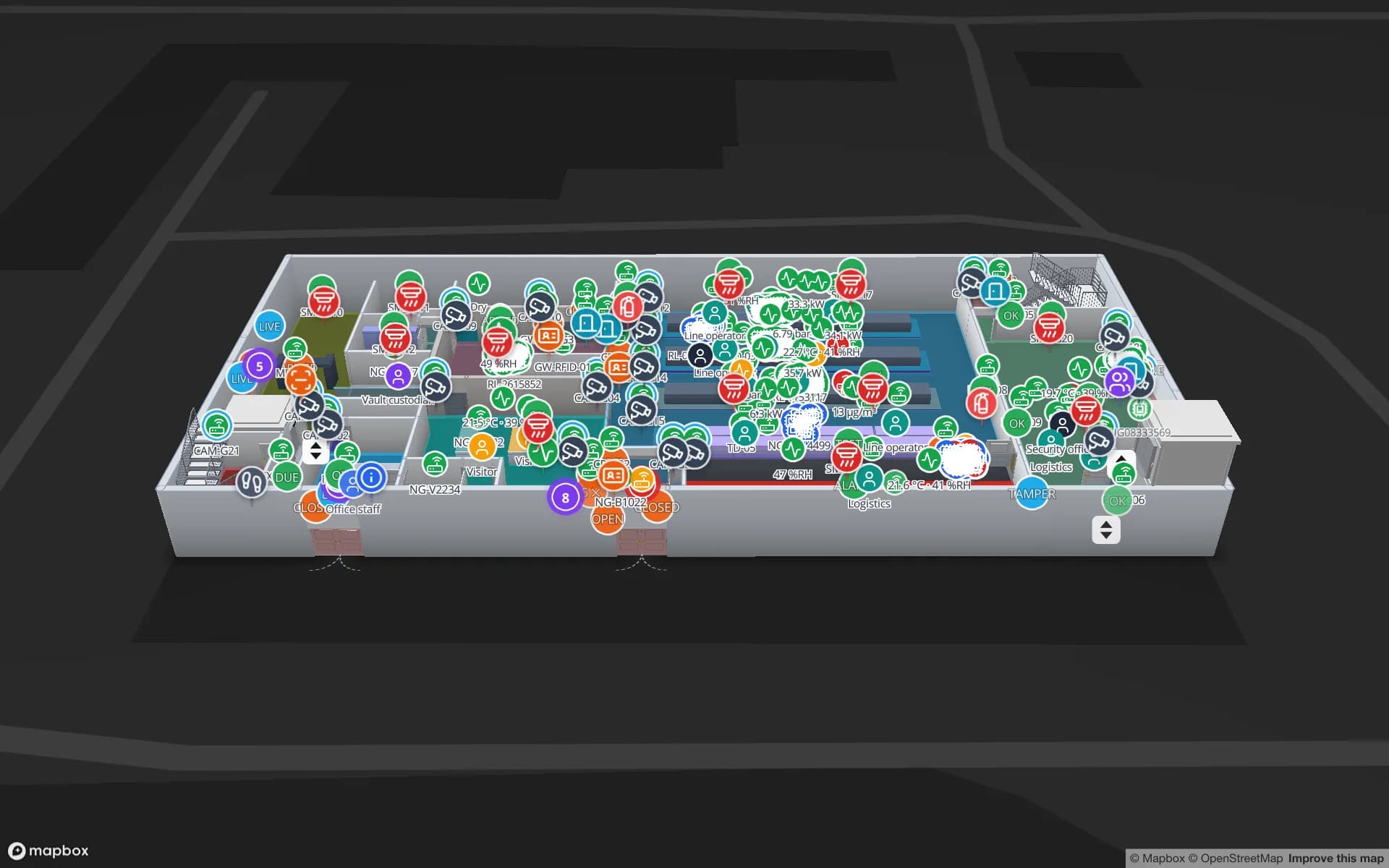
At Northgate, production lines sit next to the secure store that feeds them, so component issues and shrink show up beside line output.
A table per production feed
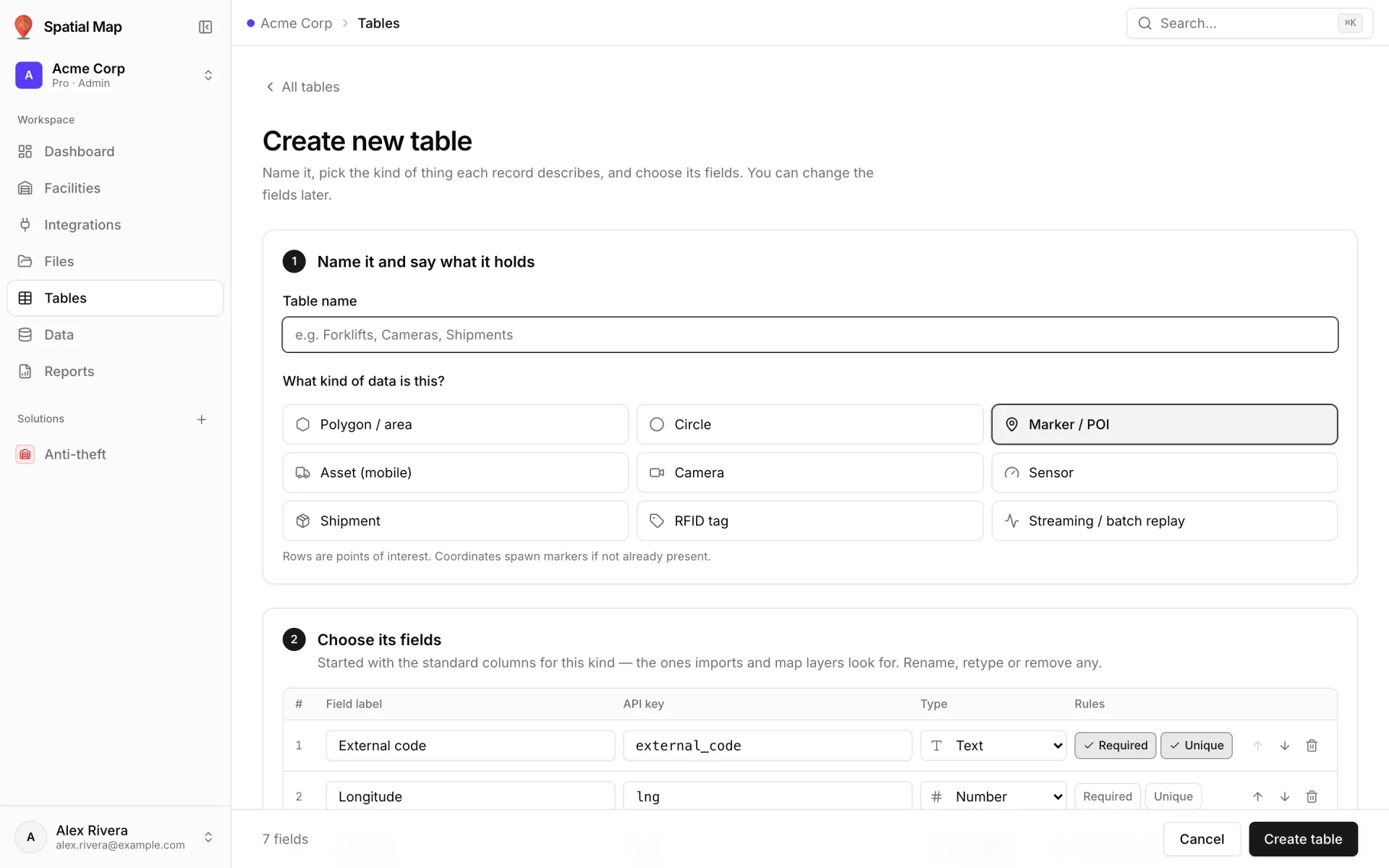
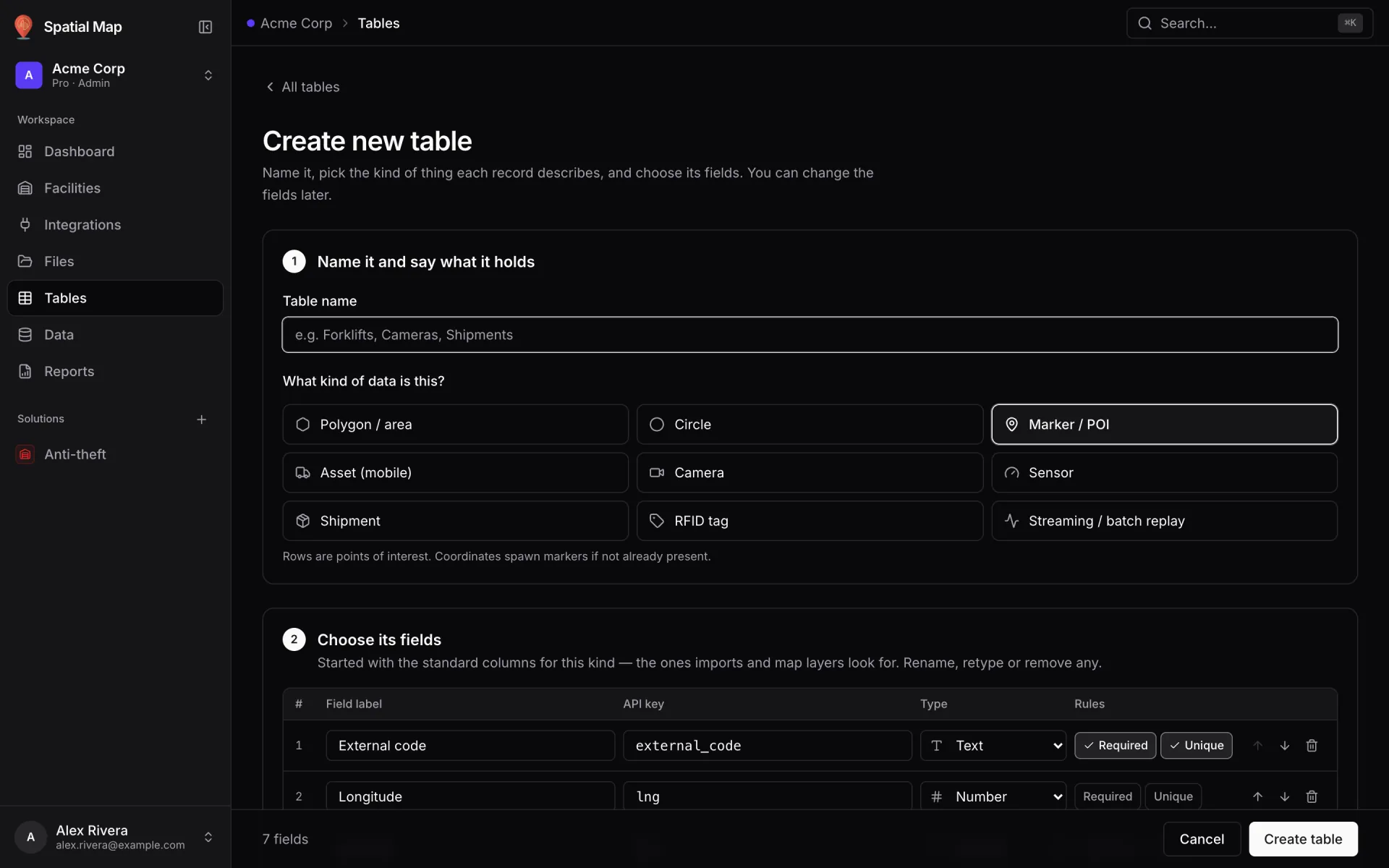
Production orders, andon events, inspections and WIP tags each get a table with its own write API — or pull from your MES over REST.
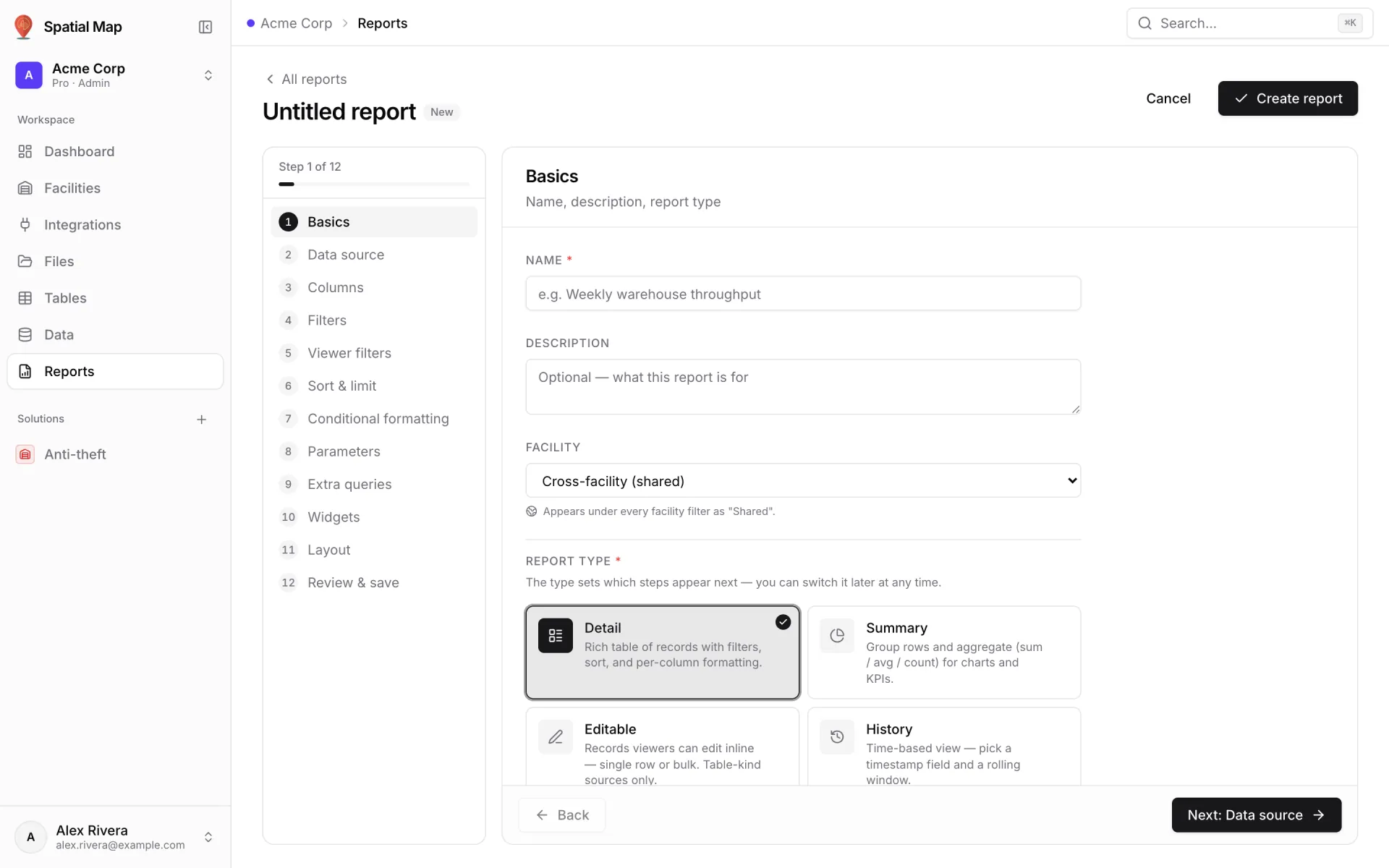
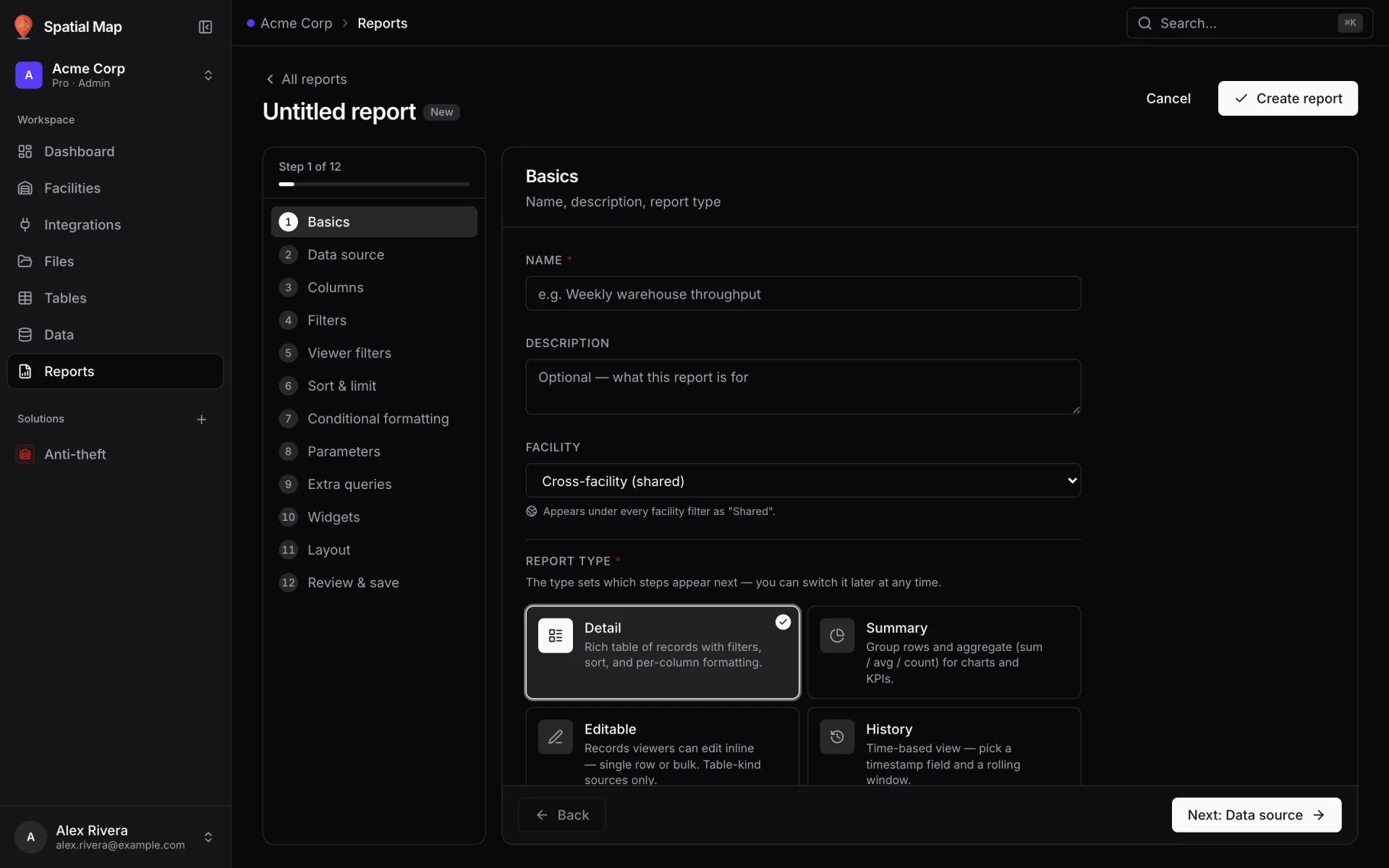
Reports from the same tables
Start a report from any production or quality table — detail, summary, editable or history — then add KPIs, charts and lists, filterable by time window and parameters.
Supply Chain on 2 real demo facilities
Mapped from real floor plans, with live sensors, RFID, BLE tags and gateways, tables, reports and simulators.
Reports built from the same data
Lay a line-performance or quality report out as a document, a grid of widgets or a full-screen map with the site in the middle. Every report exports to PDF, Excel, CSV or JSON.
- Summit · Line Performance & OEE — Output, availability and OEE per line.
- Summit · Workstations & Andon — Andon calls and station status.
- Summit · Quality & Inspection — Inspections and results by quality area.
- Summit · Raw Materials & Finished Goods — Rack stock on both ends of the line.
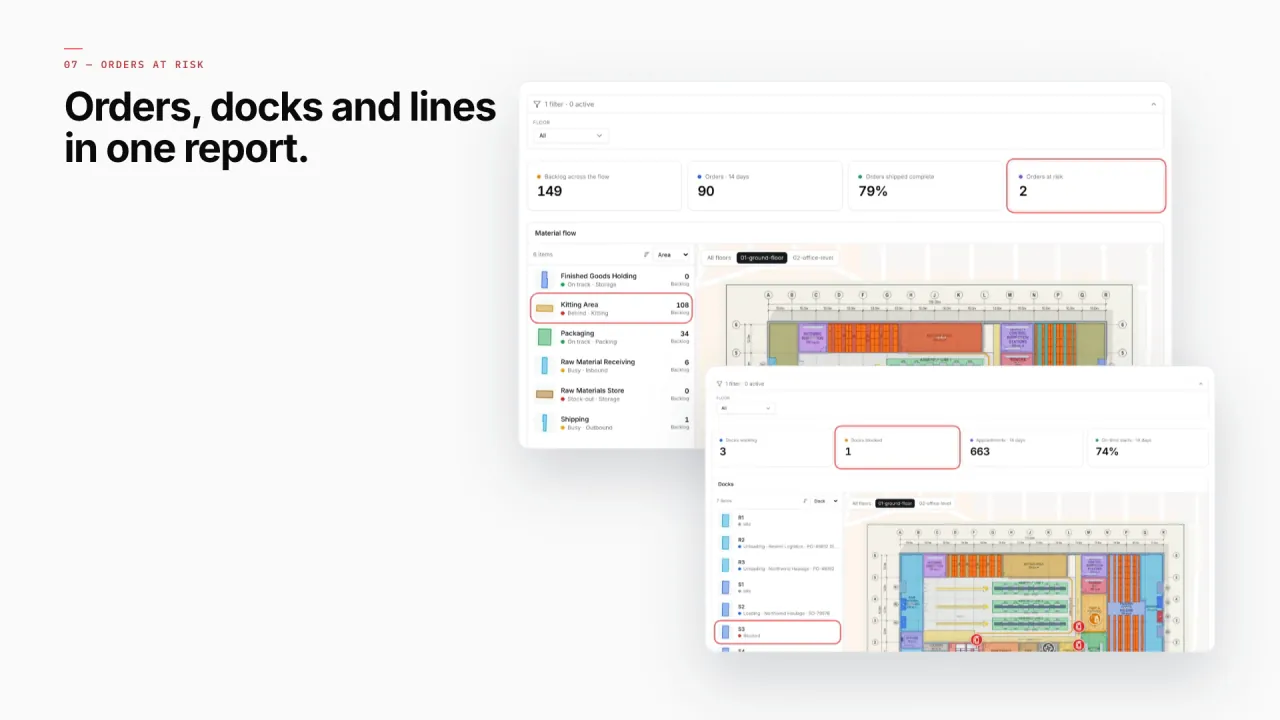
- Summit · Material Flow & Orders — Production orders and material moves.
- Northgate · Line Output & Component Shrink — Line output beside component issues.
Connect what you already run
- MES and ERP data polled from a REST API
- Andon, inspection and WIP-tag events written into a Table via its write API
- Dock appointments and production orders as CSV or Excel uploads
- Utility meters and sensors pulled on a schedule by a Table
Data comes in through REST sources pulled on a schedule, file uploads, and your own tables with a write API — see integrations.
Live in four steps
- 01
Map the plant
Floor plan, lines, workstations, racks, docks and quality areas.
- 02
Connect production
Orders, andon calls and WIP reads from your MES and scanners.
- 03
Choose how it looks
Coloured stations, value badges on lines, live markers for carriers and forklifts.
- 04
Report the flow
OEE, quality and material-flow reports, shared with read-only links.
Questions supply chain teams ask
From the blog
- Supply-chain visibility inside the plant: lines, WIP, racks and docks on one live map10 min read
- Real‑time indoor asset tracking: from RTLS tag to a live marker on your floor plan9 min read
- AMR / AGV navigation and your facility map: what Spatial Map gives a robotics team (and what it doesn’t)9 min read
- Warehouse KPI dashboards with a live 3D map: a builder tutorial10 min read