Indoor map solution · Indoor mapping software

The indoor map solution for buildings and facilities

Spatial Map is an indoor map solution and indoor mapping software for the teams who run buildings. Start from the floor plan you already have — a PDF from the architect, a DWG from facilities, a scan on someone’s desktop — and create an indoor map of every floor in the browser, in 3D. Then put your live data on it: RFID reads, BLE tags, sensor readings and stock from your WMS. One map for operations, reports, wayfinding and the people you share it with.

Last updated:

No credit card. Runs in the browser. Pro is $60/month for up to 4 facilities. Book a demo

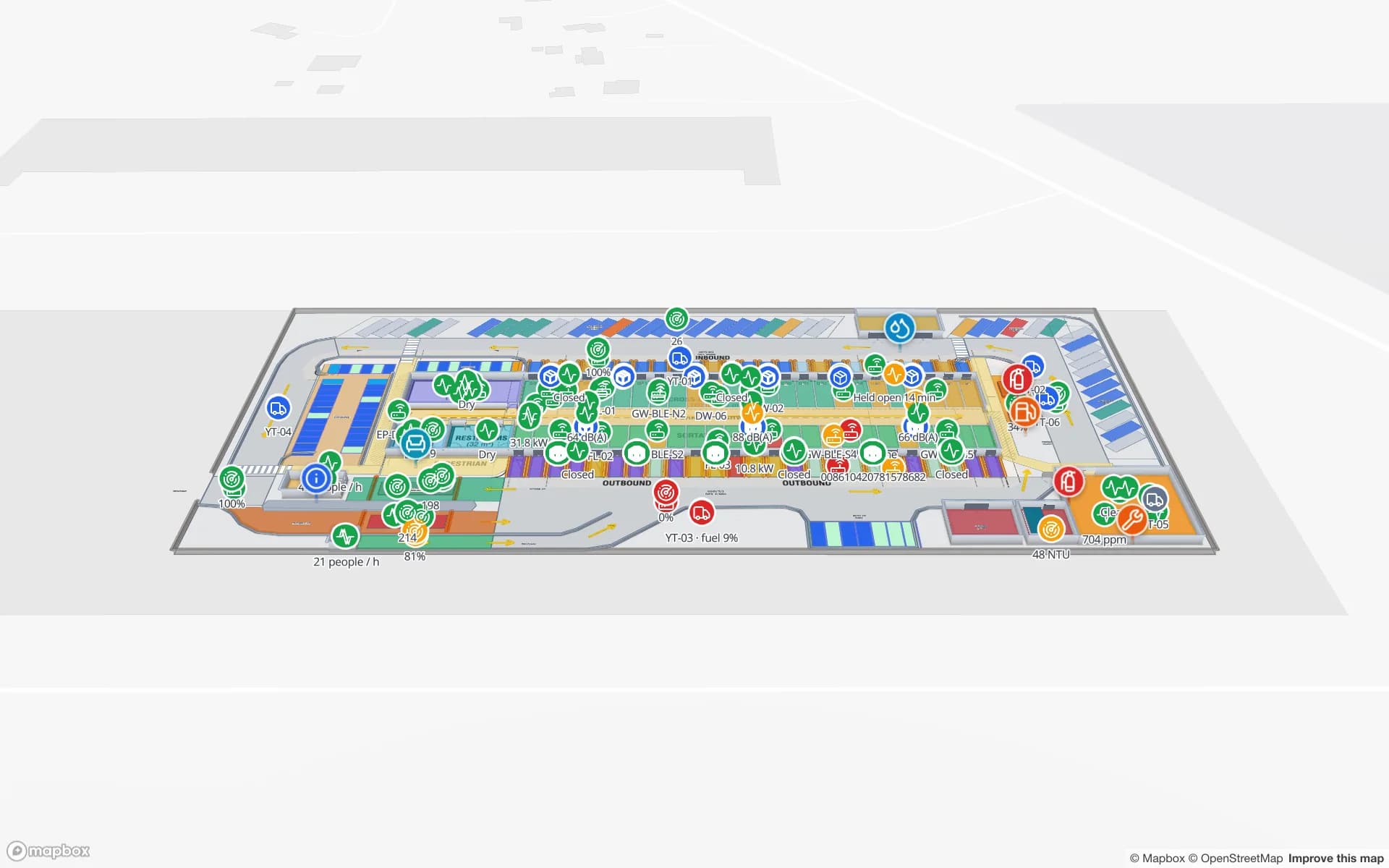
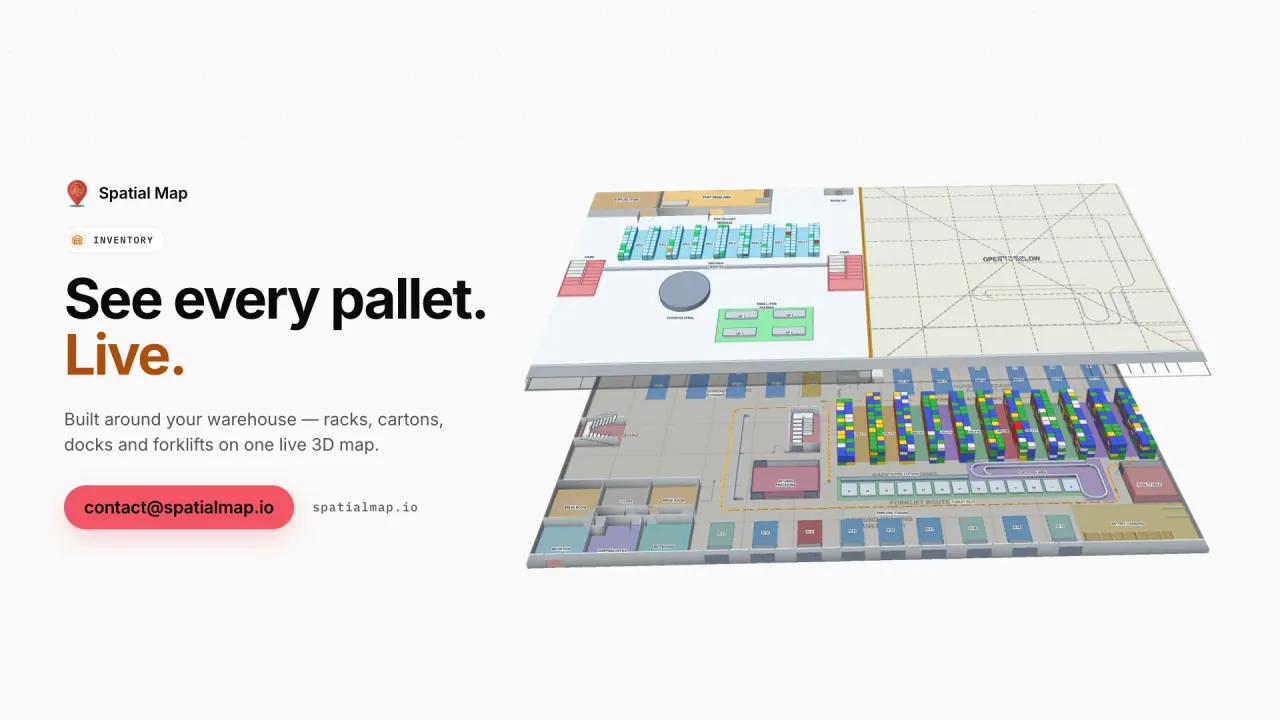
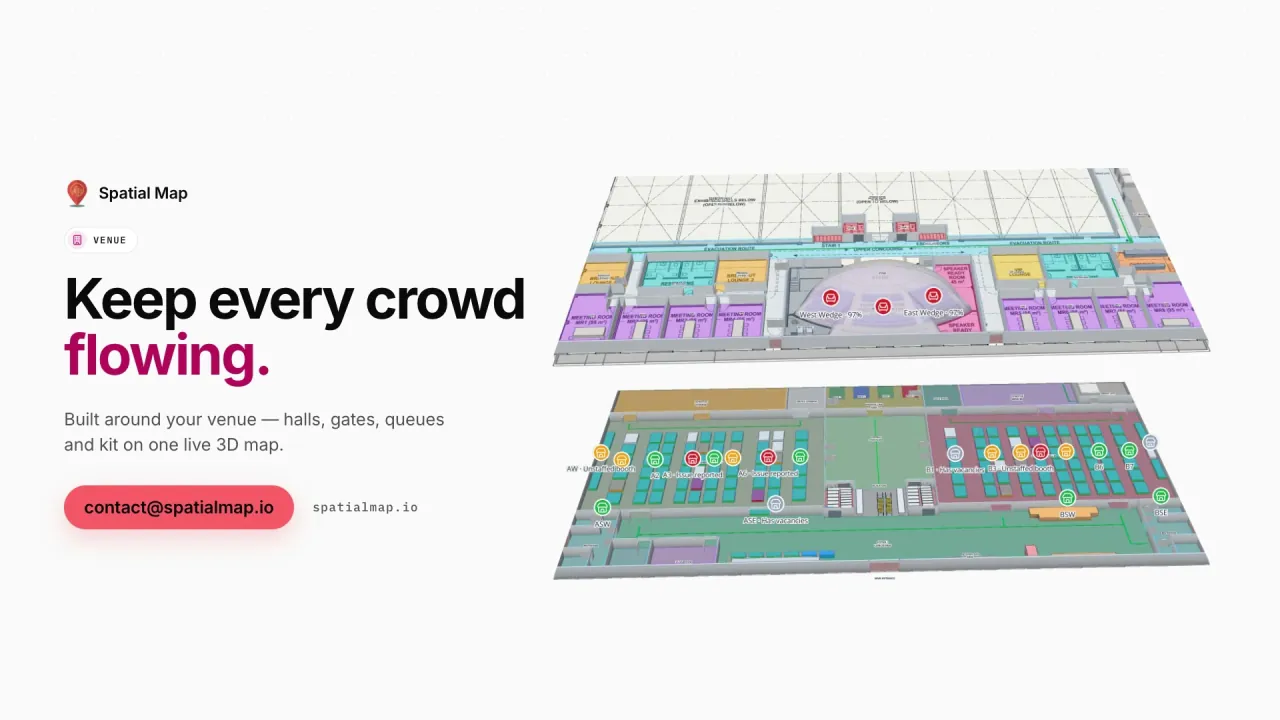
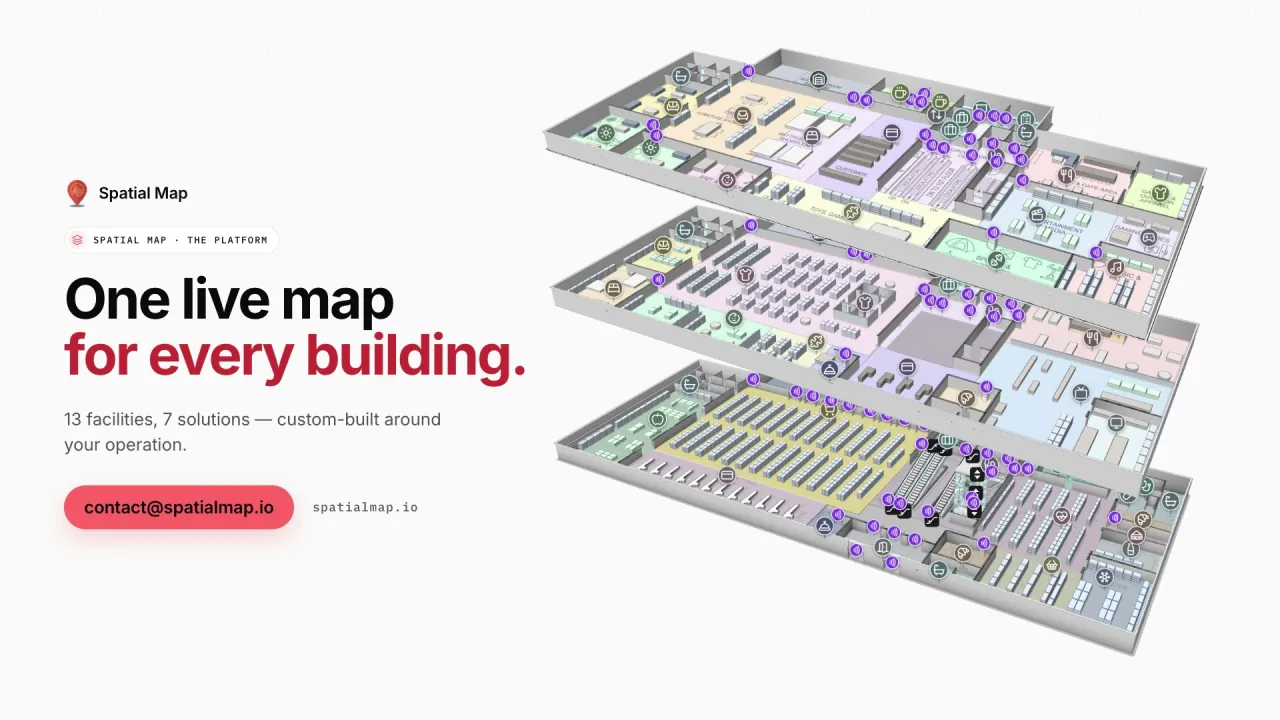
Platform film: “One live map for every building” beside three stacked floors of a demo warehouse in 3D
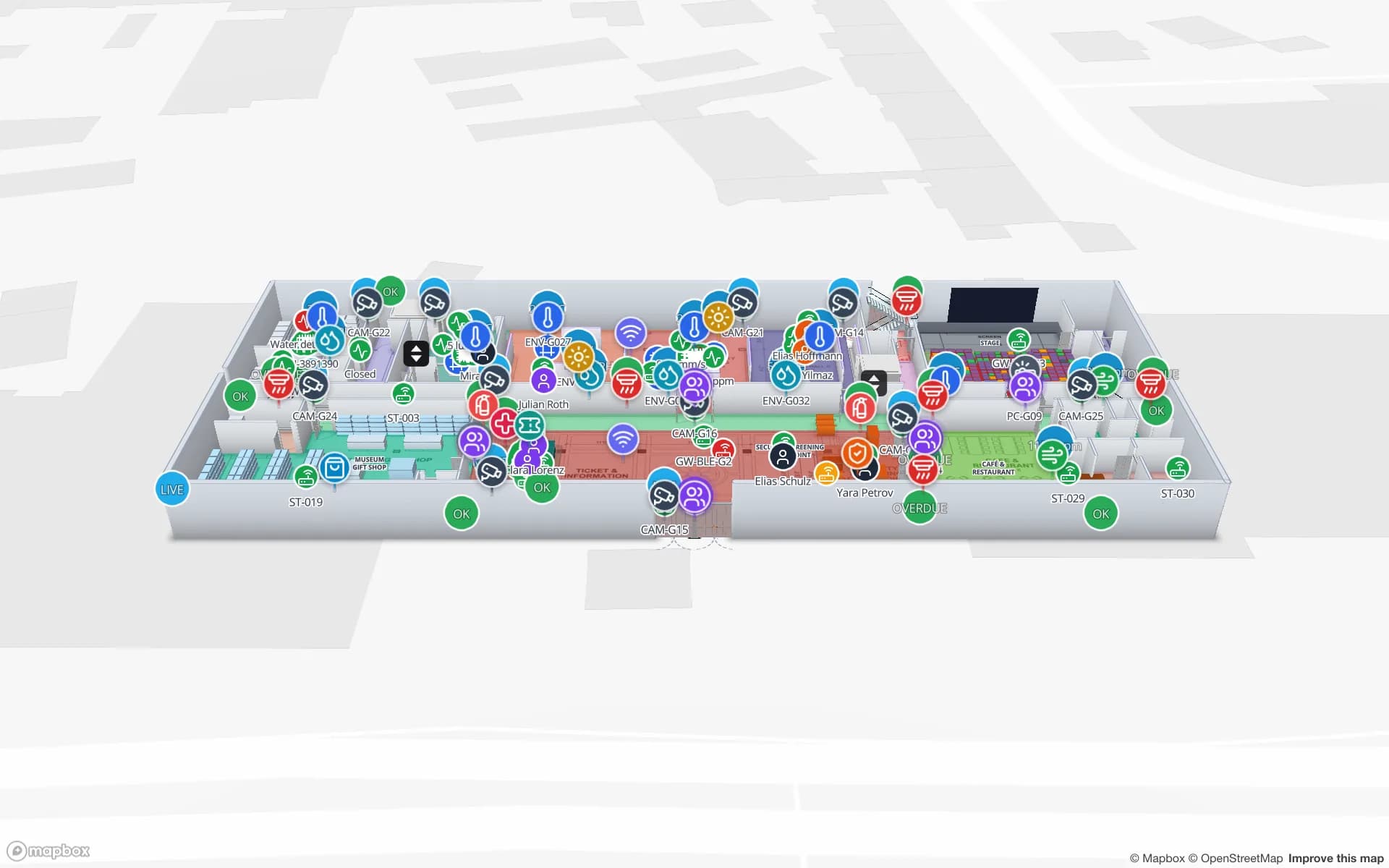
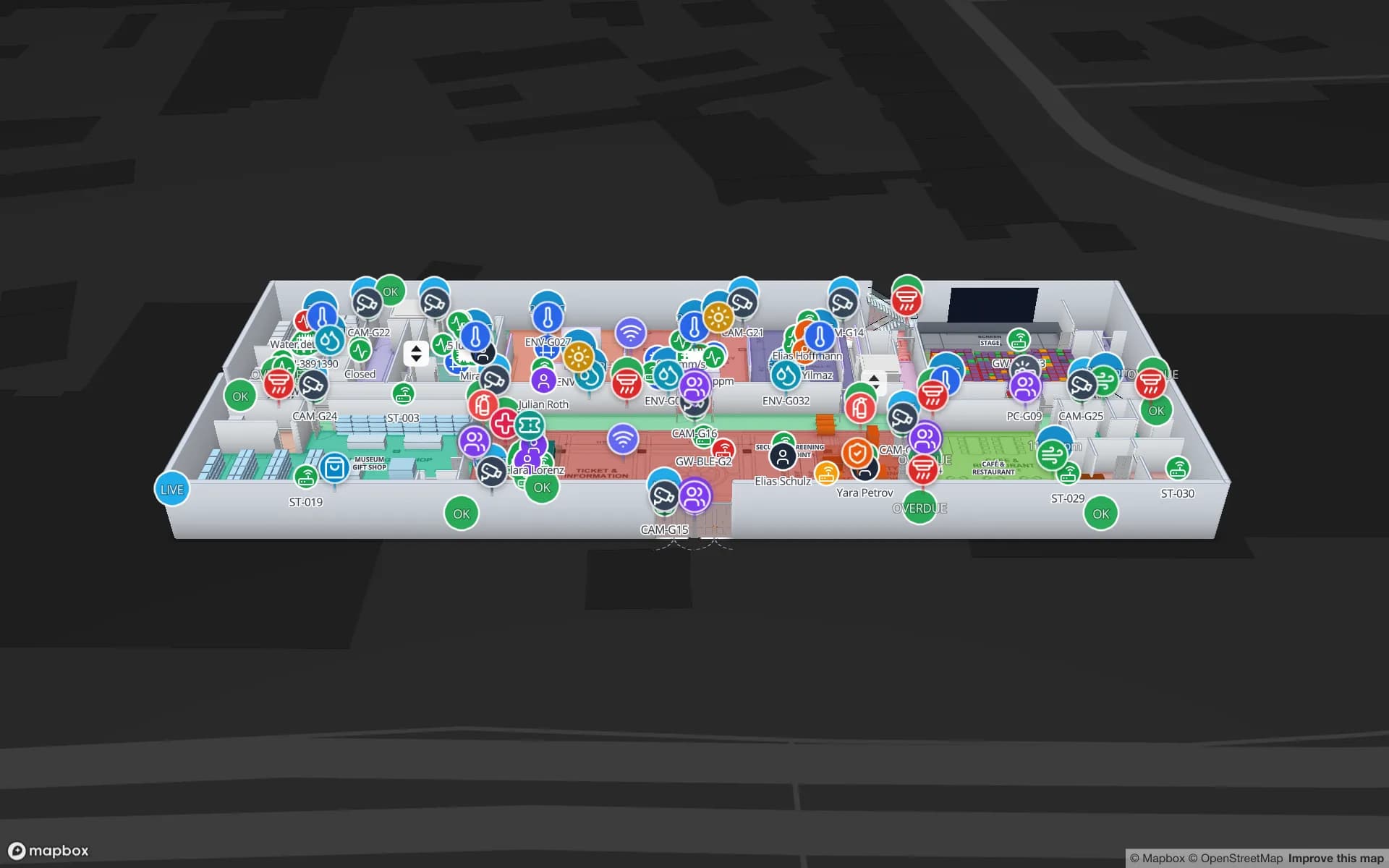
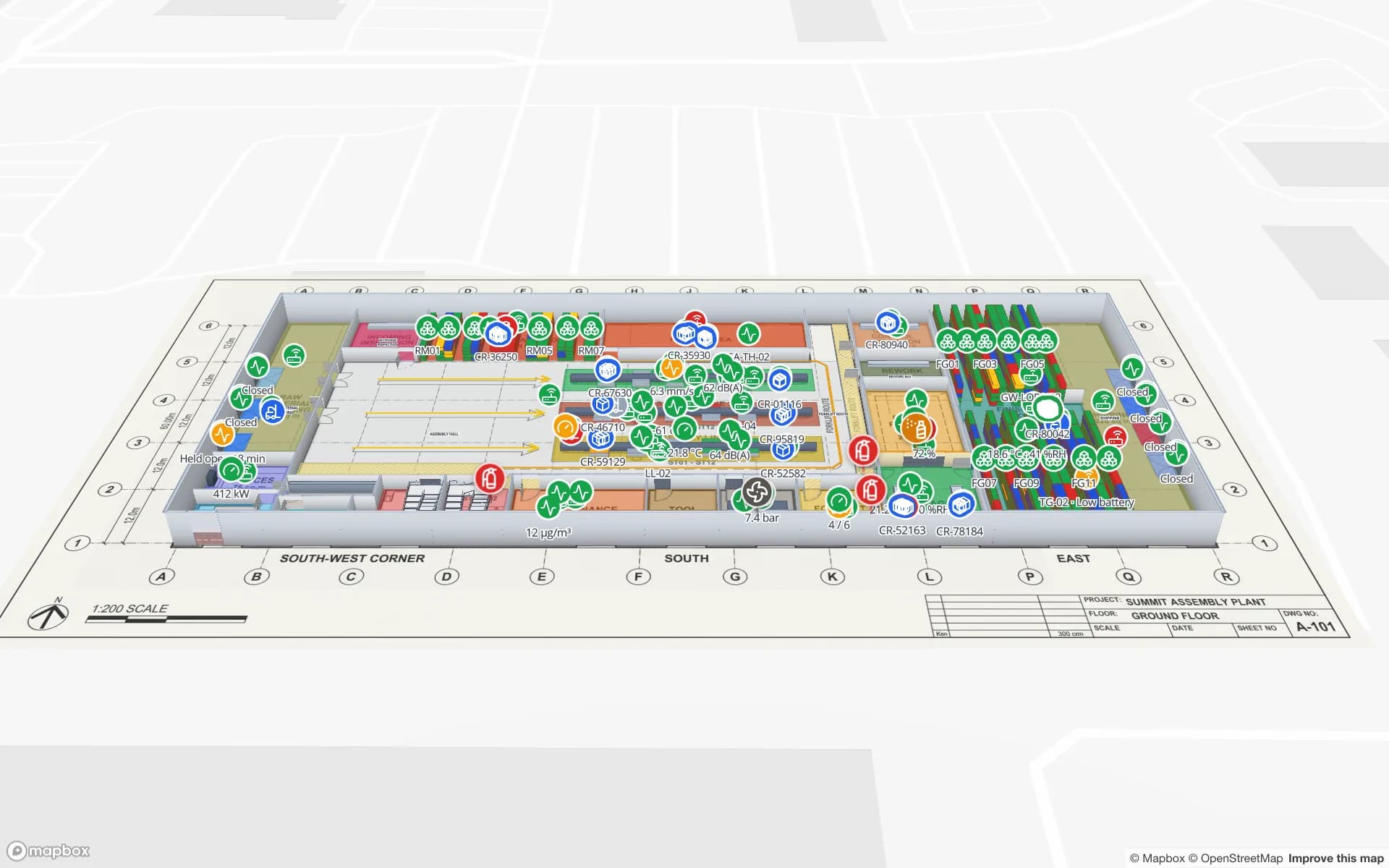
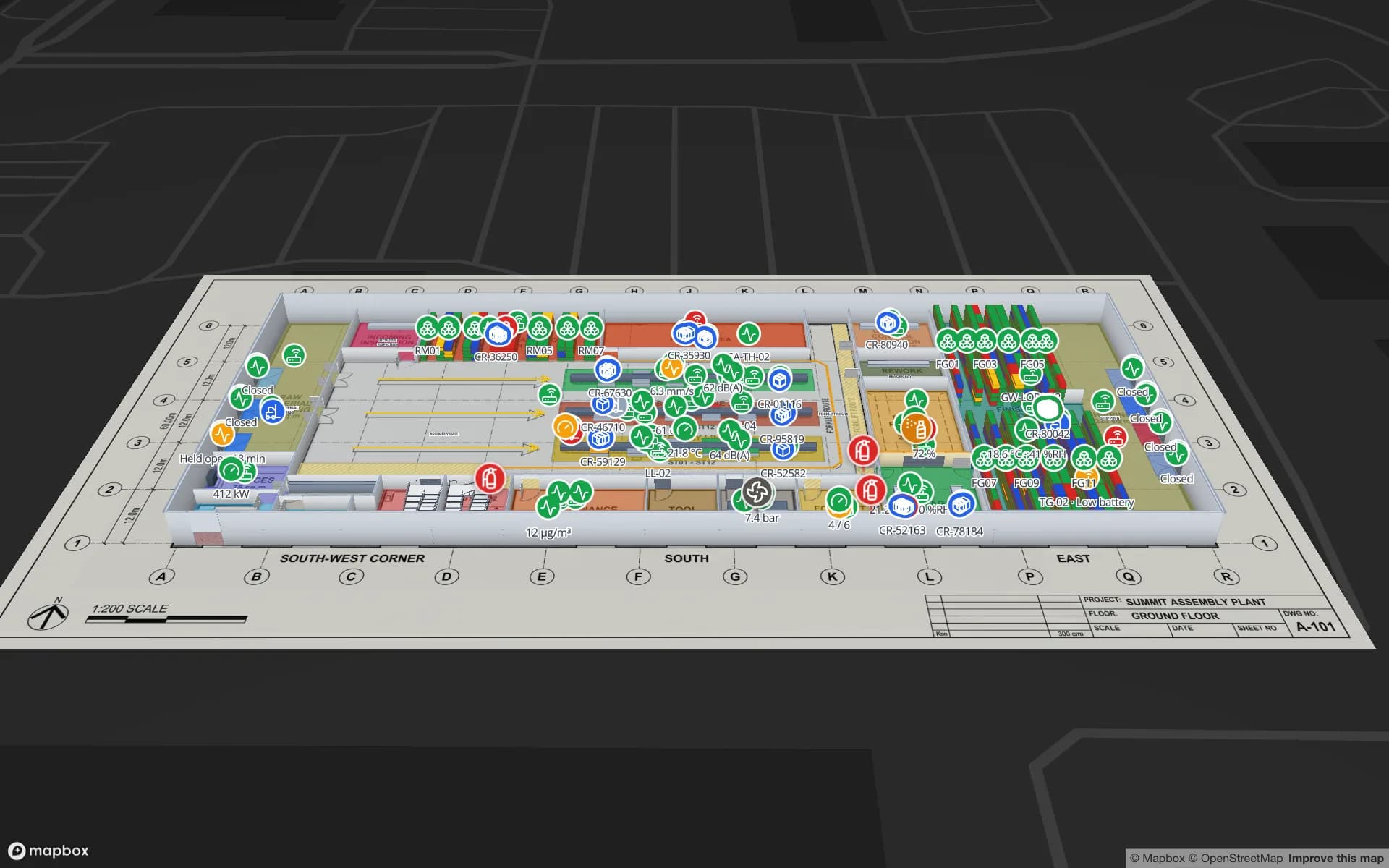
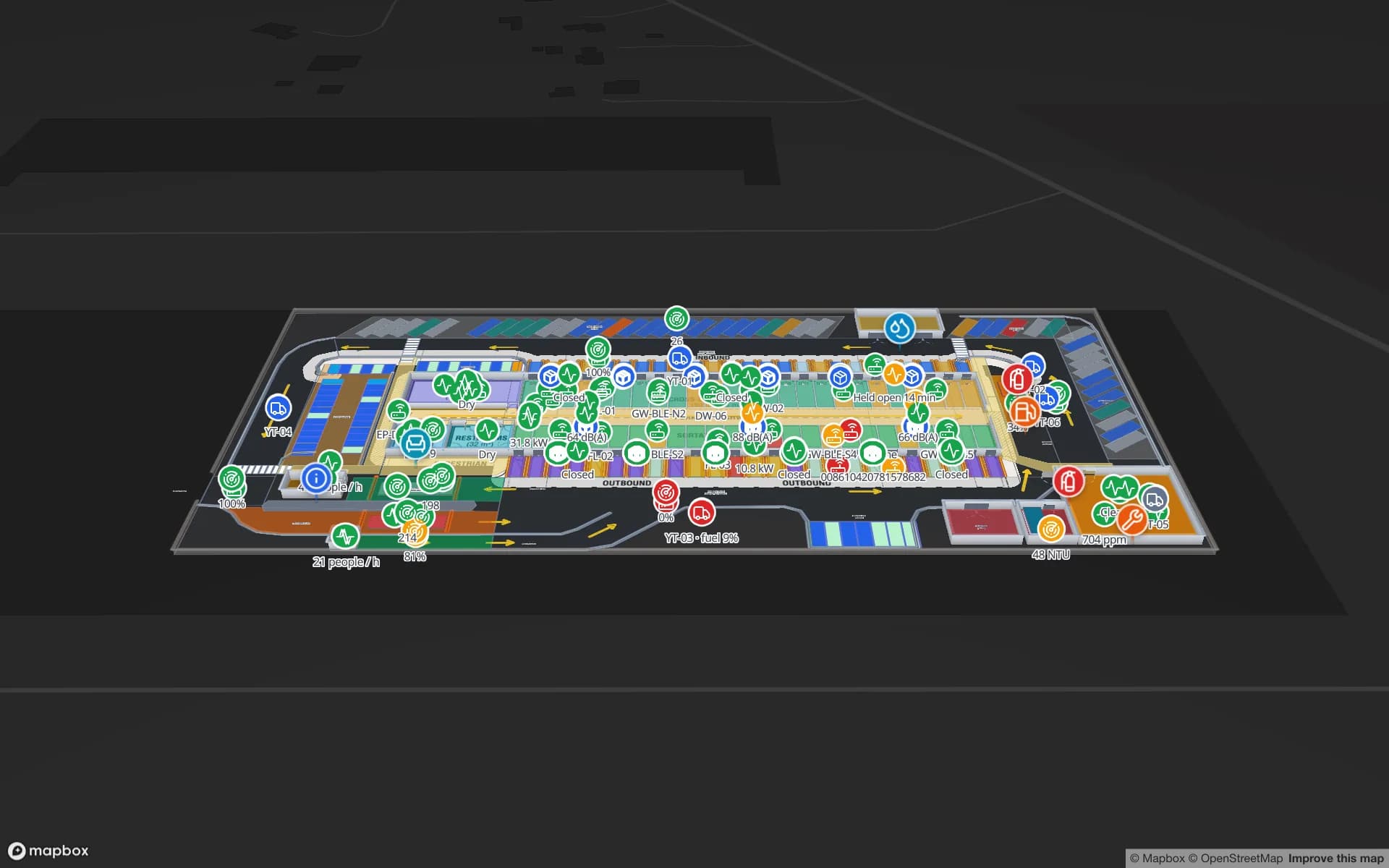
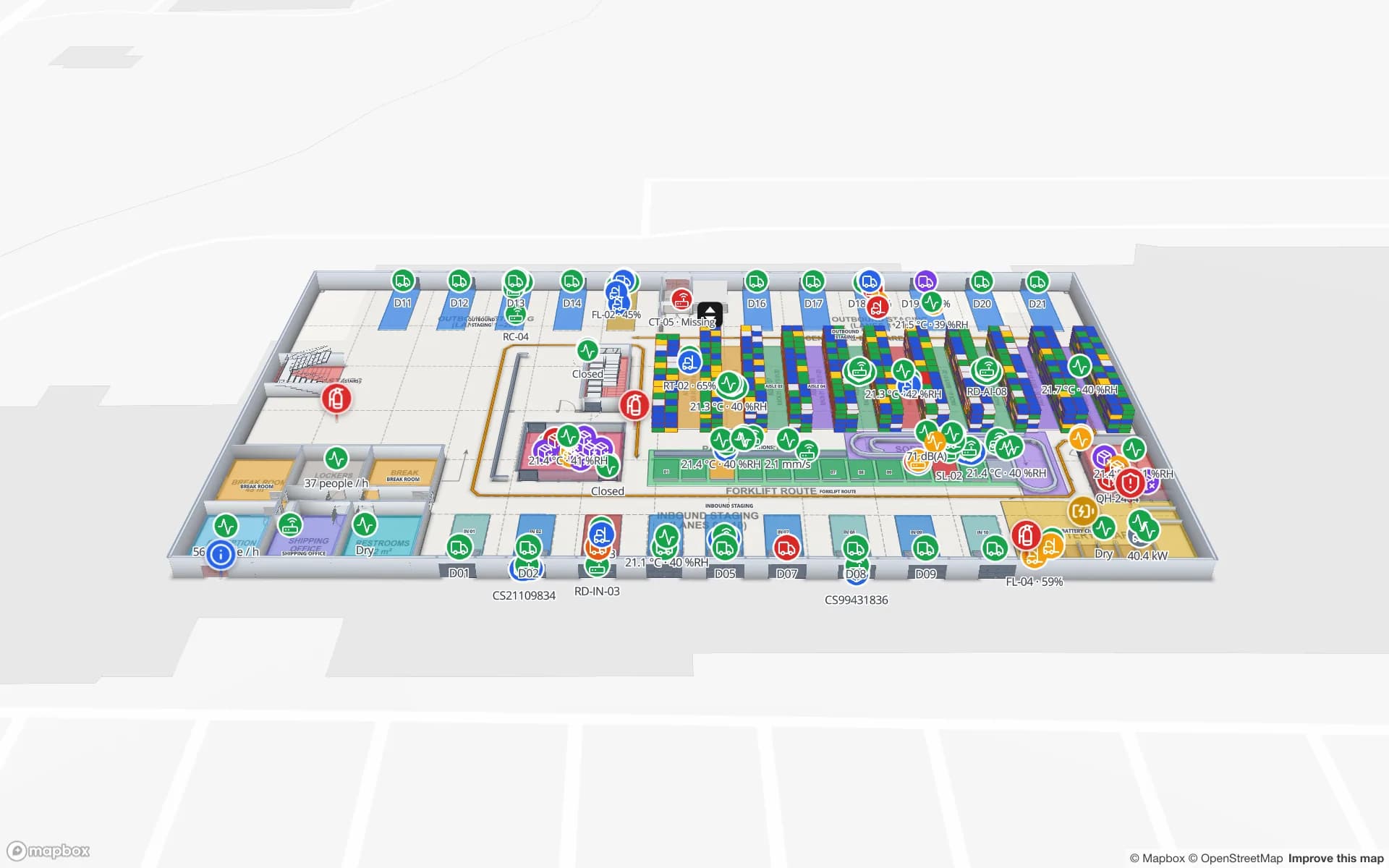
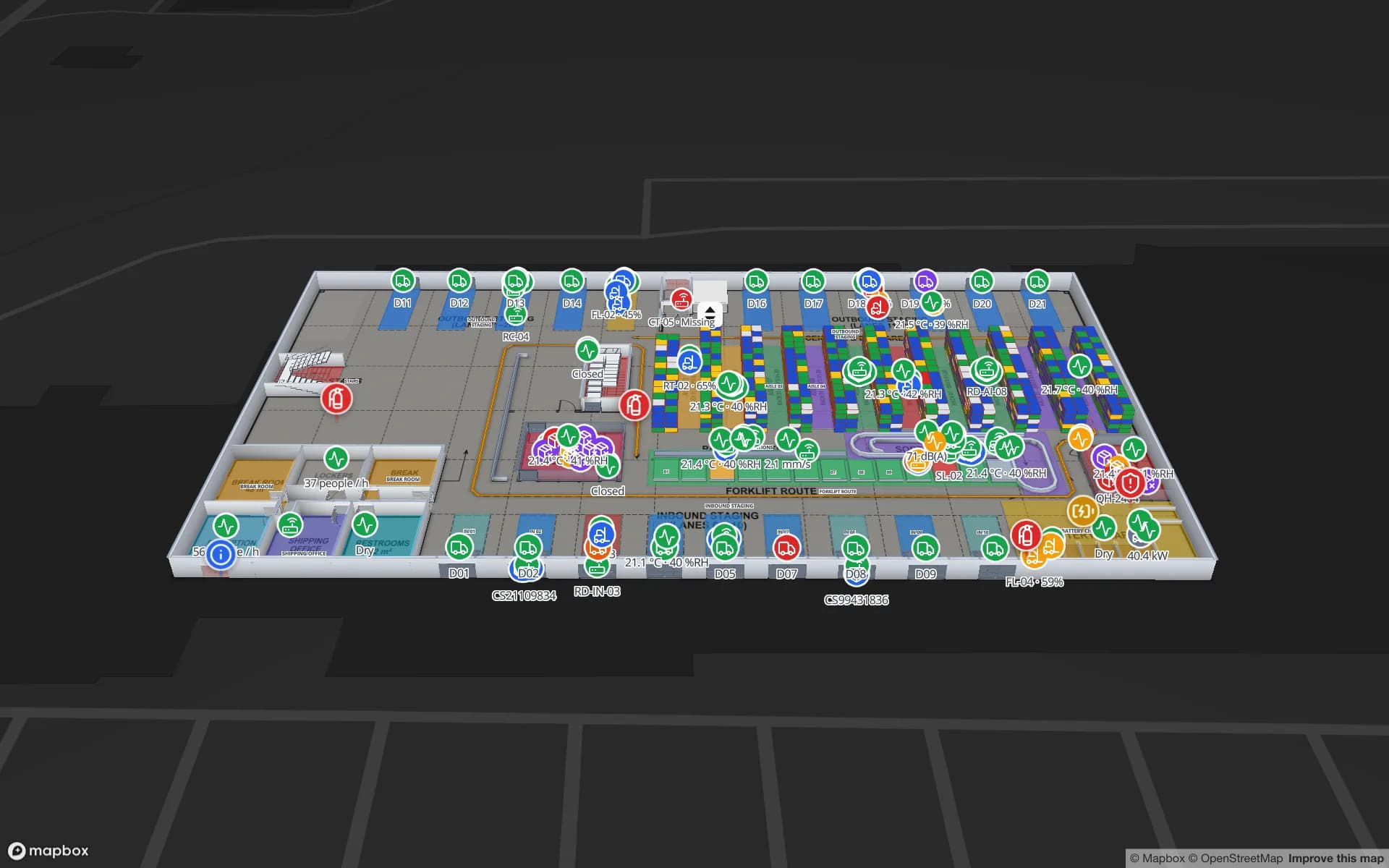
The Production Museum’s three floors modelled to scale, then Crestline Fulfillment Center’s devices layered over the floor plan.
Demo facilities to explore
13
Interface languages, including Arabic RTL
6
AutoCAD DWG versions imported
R2004–R2018
Installs — it runs in the browser
0

What is an indoor map solution?

An indoor map solution turns the inside of a building into a digital map people and systems can use: each floor’s rooms, corridors, doors, stairs, lifts and fixed equipment, drawn to scale and placed at real-world coordinates. Unlike a floor-plan PDF, an indoor map knows what every shape is — so you can search it, route through it, colour it by data and show it floor by floor in 3D.

The software is the map maker and the map viewer in one: a way to create indoor maps from the plans you have, keep them up to date, connect them to the systems that know where things are, and share them. Our guide to indoor mapping explains the concepts; the rest of this page is how Spatial Map does it.
How it works

Four steps take a building from paper to a live indoor map: import the floor plan of each floor at real-world scale, draw rooms, walls, doors, racks, stairs and lifts over it, connect your data through tables and REST sources, and share read-only views, reports and directions. Everything happens in the browser — there is nothing to install for editors or viewers.

Start from the floor plan you already have

Upload the plan and Spatial Map places it on the map as the base of a floor. For PDF plans you pick the sheet and its drawing scale, such as 1:100; the sheet size is read from the page, so the plan lands at true size. DWG files from AutoCAD R2004 to R2018 are rendered as a picture at real-world units. PNG and JPG scans work too — set the width and height and align them. Read more in CAD and PDF import.

The plan is a reference layer, not the model. You trace on top of it, which means a messy or half-updated drawing never ends up baked into your digital twin — and an old scan is as good a starting point as a clean CAD file.

Draw the building in 3D

The editor has a tool for each thing a building contains: rooms and areas, walls (including magic walls, generated around the rooms you have drawn), doors, racks with locations and bins, aisles and routes, stairs, lifts and escalators, text labels, circles, image planes, assets and 3D models. Every floor stacks into a multi-floor 3D model you can orbit and explore floor by floor, with stairs, lifts and escalators connecting the levels.

Names matter: the room you call “Cold Room 2” or the rack you call “A-12” is the key your live data uses to find it. The step-by-step example goes from a PDF to a finished facility.

Then add live data: RFID, BLE and IoT sensors

A floor plan becomes a digital twin when it shows what is happening now. Data arrives in tables three ways — REST sources pulled on a schedule, file uploads (CSV, Excel, JSON, GeoJSON) and a per-table write API — and data links bind table rows to the map as live markers, value badges, coloured rooms, heatmaps, camera cones or pulsing zones. Each technology has its own page:

  • RFID tracking software — reader reads, tagged items, pallets and cartons by portal, zone and rack.
  • BLE asset tracking — tags and gateways from your RTLS engine, as live markers or room presence.
  • IoT sensor monitoring — temperature, humidity, occupancy, counters and door contacts on the rooms they measure.
  • WMS and ERP stock — bin-level inventory on rack locations, coloured full, low, empty or blocked.

Operate, report and share from the same map

Once the data is linked, the map is the place people work from. Every change to a table row is kept, so the History player can replay movement. Each facility comes with eight built-in reports, and the report builder adds your own, including a live full-map layout for a control-room screen; exports go to PDF, Excel, CSV or JSON.

  • Wayfinding — the Navigate button builds walking routes around walls and through doors, turn by turn, on one floor. See wayfinding.
  • Share links — read-only views with chosen layers and floors, expiry, view caps and revocation; viewers need no account.
  • Solutions — group facilities, reports and data into named solutions such as “Cold chain” or “Anti-theft” inside a workspace.
  • Roles — Owner, Admin, Editor and Viewer, with every workspace isolated from the others.

Built for teams, not installers

Everything runs in the browser, so there is nothing to install on a control-room PC, a laptop or a contractor’s machine. The interface is available in English, Spanish, French, German, Arabic with full right-to-left layout, and Chinese. If you would rather not draw the building yourself, our services team maps it for you from your plans — a fixed-price proposal within three business days, working remotely in six languages.

You do not have to imagine any of this. Thirteen demo facilities — a retail store, a fulfillment center, a pharma cold store, a cross-dock, an assembly plant, an airport terminal, a stadium, a museum and more — run with live sensors, RFID, BLE and gateways in the showcase.

Cloud or open source — your choice

Spatial Map runs as a managed cloud service at app.spatialmap.io: a 7-day free trial, then Pro at $60 a month or $600 a year for up to 4 facilities. If your data has to stay on your own network, or you want to change the code, the same app is available as open-source indoor mapping software under the MIT licence, self-hosted with Docker.

Comparing options? The buyer’s guide to indoor mapping software sorts the market into wayfinding platforms, indoor positioning, indoor GIS and operational digital twins, and the comparison pages set Spatial Map next to the best-known alternatives.

How Spatial Map does it

From floor plan to digital twin in four steps

  1. 01

    Import the plan

    Upload a PDF, a DWG (R2004–R2018) or a PNG/JPG and place it at real-world scale on each floor.

  2. 02

    Draw in 3D

    Trace rooms, walls, doors, racks, stairs, lifts and escalators; the floors stack into one 3D model.

  3. 03

    Connect the data

    Bring RFID, BLE, sensor or stock data in through REST polling, uploads or the table write API, then link it to shapes.

  4. 04

    Use it every day

    Navigate, replay history, run reports and send read-only share links to the people who need them.

Indoor mapping by facility type

Warehouses and fulfillment

20 racks and 2,204 rack locations, packing, staging lanes and the trailer yard on one 3D map.

Multi-floor retail

Three floors joined by escalators and lifts, with stock by department and readers at every door.

Plants and assembly

Lines, WIP, raw-material and finished-goods racks and docks mapped for supply-chain visibility.

Cross-docks and freight hubs

50 dock doors, 44 yard slots, the gate and the weighbridge on one plan.

Museums and venues

Three gallery floors with exhibits, visitor counts and environment sensors, plus wayfinding for visitors.

Offices and campuses

Meeting rooms, tagged assets and work orders across a three-floor corporate campus.

See it on real demo facilities

Fictional names, real floor plans, live sensors, RFID, BLE tags and gateways — open any of them in the browser.

All 13 demo facilities

Indoor map solution — frequently asked questions

Software that turns a building’s floor plans into a digital, multi-floor map — rooms, walls, doors, stairs and lifts as real objects at real-world scale — and lets you put information on it: directions, asset positions, sensor readings, stock and reports.

Yes. Spatial Map is an indoor map maker in the browser: import a PDF, DWG or image floor plan, then draw rooms, walls, doors, racks, stairs and lifts with the drawing tools. Or send us the plans and our services team maps the building for you.

Yes, on one floor. The viewer’s Navigate button gives turn-by-turn walking directions routed around walls and racks and through doors. Routes do not change floors yet. See wayfinding.

Yes. The same app is open source under the MIT licence; you self-host it with Docker and a free Mapbox token.

PDF (scale read from standard sheet sizes), AutoCAD DWG from R2004 to R2018 (placed as a picture at real-world units) and PNG or JPG images. DXF is not supported; save it as DWG or PDF first.

Not yet. AI room and door detection is coming soon. Today you trace rooms, walls, doors and racks over the imported plan with the drawing tools, or our services team does it for you.

Yes. Each floor has its own plan and shapes, the floors stack into one 3D model, and stairs, lifts and escalators connect them. Wayfinding routes are built within one floor.

Through tables: REST sources pulled on a schedule, file uploads (CSV, Excel, JSON, GeoJSON) or a per-table write API over HTTPS. Data links then bind rows to shapes by name. See the RFID, BLE and IoT sensor pages.

A 7-day free trial covers up to 5 facilities with no credit card. Pro is $60 a month or $600 a year for up to 4 facilities. Larger estates and done-for-you mapping are quoted as custom services.

Turn your floor plan into a 3D digital twin.

Start a free trial and import a PDF or DWG, explore the thirteen demo facilities, or send us your plans and we will map the building for you.