Custom software · RFID inventory system

RFID inventory system development, from receiving to variance report

Spatial Map is browser-based indoor mapping and 3D digital twin software that shows RFID inventory live on a floor plan; the inventory system underneath it — receiving, tag encoding, custody, counts and variance — is software we build as a client project. This page is about RFID inventory system development: what such a system includes, how we build it, and how it connects to the map. We have delivered systems of this kind for clients and do not publish their names.

Spatial Map: no credit card for the trial, runs in the browser, Pro is $60/month for up to 4 facilities. Explore the live demo

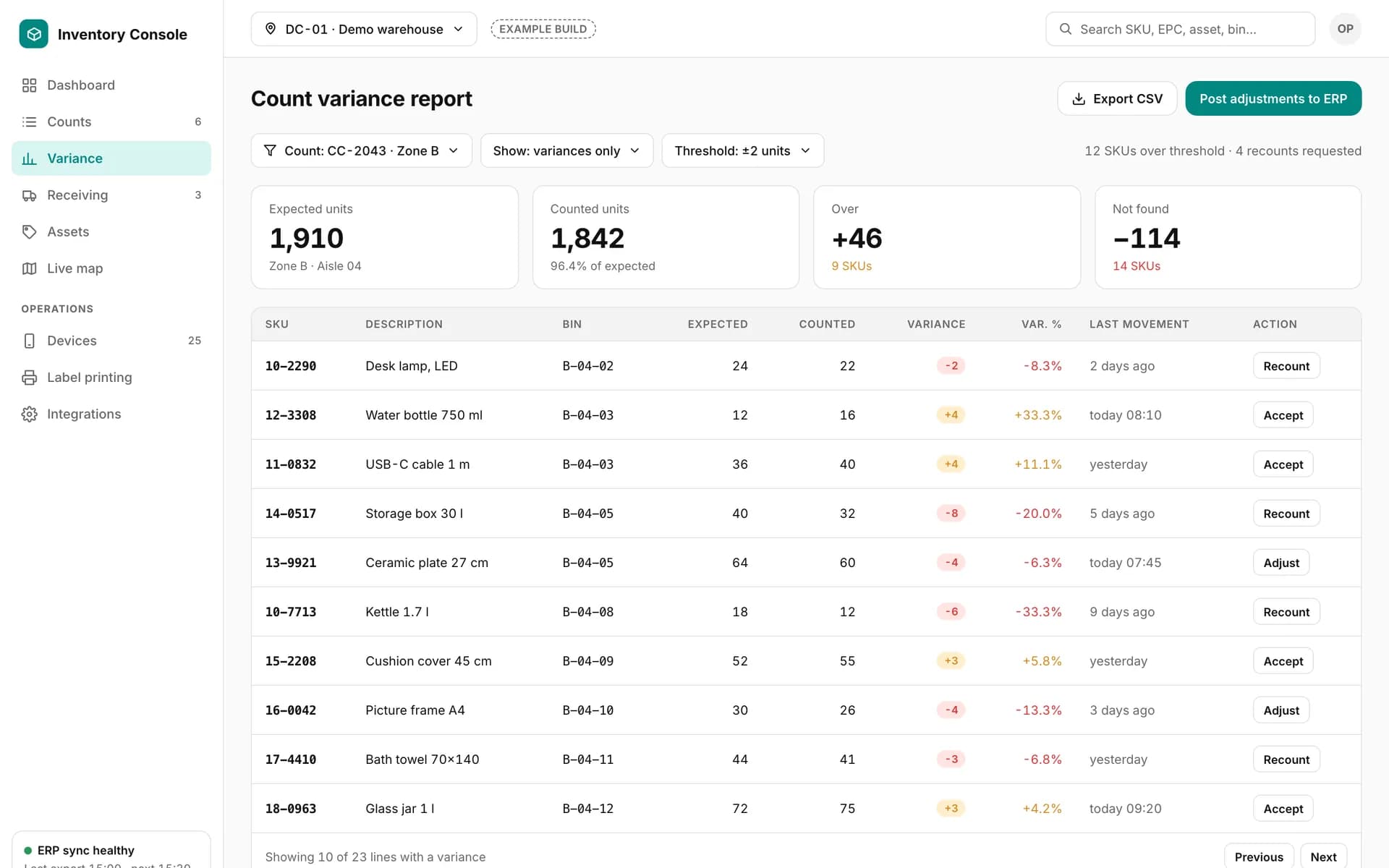
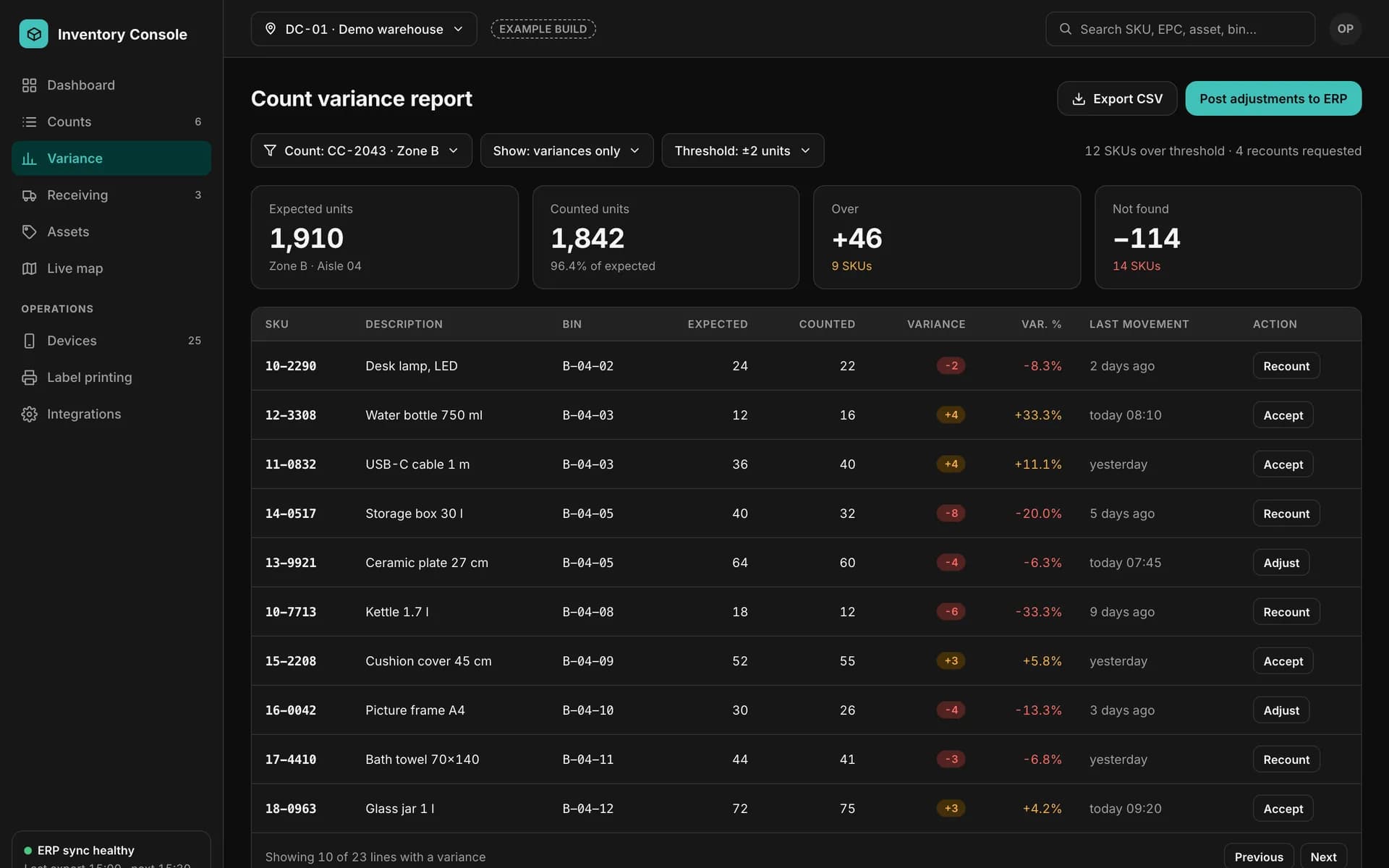
Example count variance report: expected, counted, over and not-found totals, and a table of SKUs with variance, last movement and recount, accept or adjust actions.
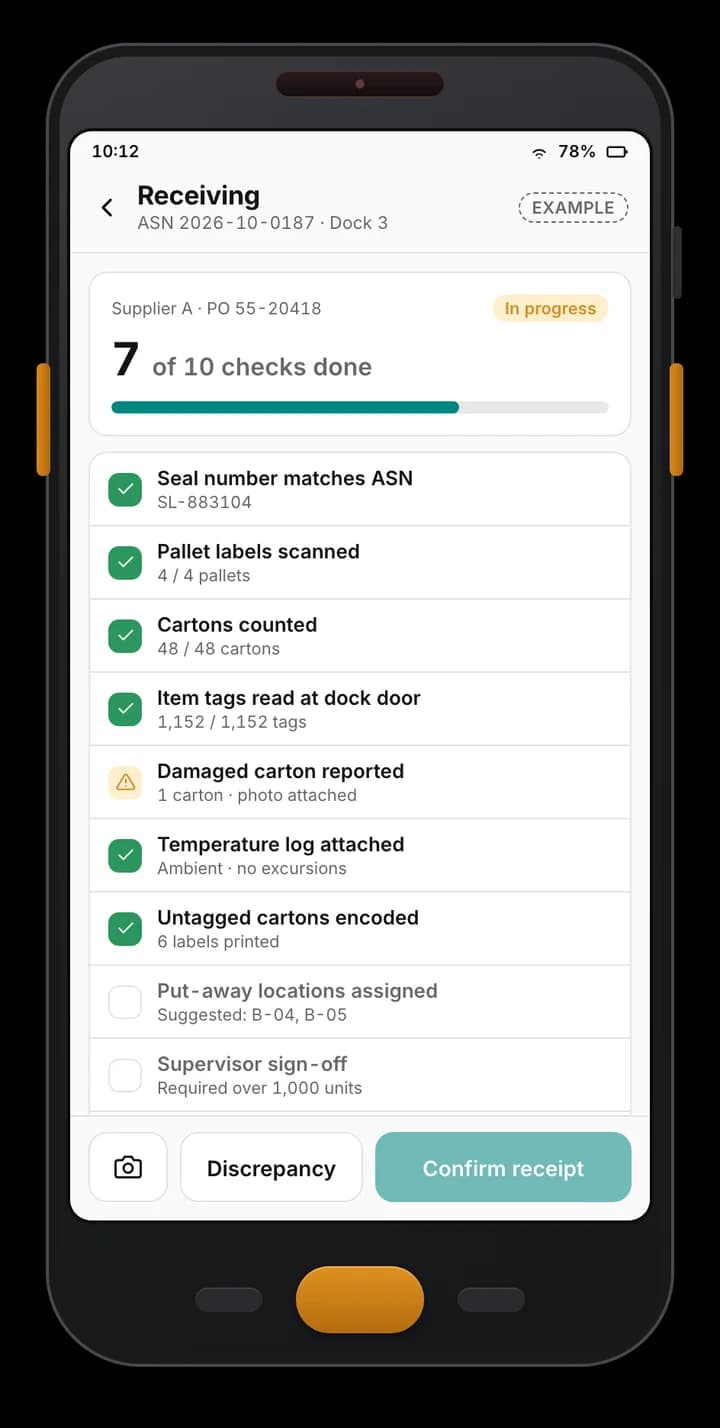
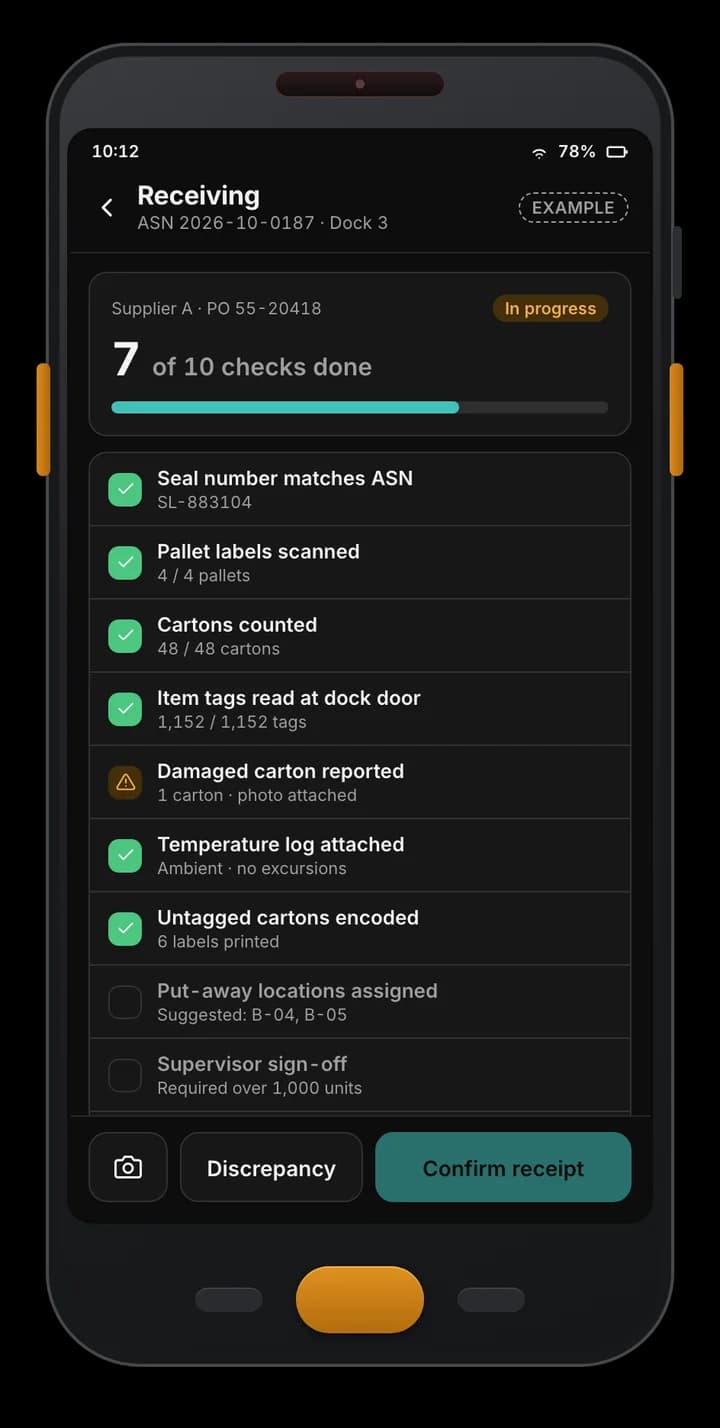
Example handheld receiving app: an ASN checklist at a dock door with seal, pallet labels, cartons, tag reads, a damaged carton and pending sign-off.
Example of a custom app we build — not part of the Spatial Map product.

Works with hardware from

Zebra, Chainway, SATO and Sanray are trademarks of their respective owners. Spatial Map is not affiliated with or endorsed by them; we integrate devices our clients own — or source for a project through normal channels — using the vendors’ SDKs and APIs.

Product page or project?

If you want to see what RFID inventory looks like on a floor plan with the tools you already have, read RFID inventory management system. If your process does not exist as software yet — or the software you have cannot encode tags, track custody or reconcile a bill of materials — this page is the one: we write the system around your process, and Spatial Map shows its live state.
From ASN to shelf: receiving

Receiving is where an RFID inventory is won or lost, because it is the moment items get their identity. A typical build:

  • ASN or PO import — expected deliveries arrive from your ERP, from suppliers as files or API calls, or are entered by hand.
  • Receiving on the handheld — pallets and cartons are read, compared with the ASN, and every line is marked matched, short, over or wrong item; damage is photographed.
  • Discrepancy handling — short and over shipments go to a supervisor queue with sign-off, and the result is posted to the ERP.
  • Put-away — scan-to-confirm into a location, so stock is findable from the first hour.

Tag encoding and printing

Many clients tag items themselves. The system holds the numbering scheme — whatever your industry or customer requires — and drives the printer.

  • Encode and print jobs — sent to RFID printers in their own command language (ZPL-style printer languages are common) or through the vendor’s SDK, with a label layout per item type.
  • Verify after writing — the tag is read back before the label goes on the item; failures are voided and reprinted.
  • EPC register — every tag number is recorded against a SKU, serial or batch, so duplicates are impossible and any tag can be traced.
  • Commissioning — one scan links the tag to the item and its first location.

Readers, gates, custody and bills of materials

Fixed infrastructure and handhelds feed the same stock record:

  • Fixed readers and gates — an edge service reads tag events through the reader vendor’s SDK or network interface, maps antennas to doors and zones, removes duplicate reads and batches the rows. See RFID gates.
  • Custody and transfer — an item or box moves from person to person or from location to location with a scan on both sides, an in-transit state and a signed hand-over, so you know who holds what.
  • Bill of materials — an assembly or kit has a list of components; the system reads what is in the box, flags what is missing or extra and records which tags went into which assembly.
  • Zones and doors — which items are in which area, and which crossed a door, with read history behind it.

Stock counts and variance reports

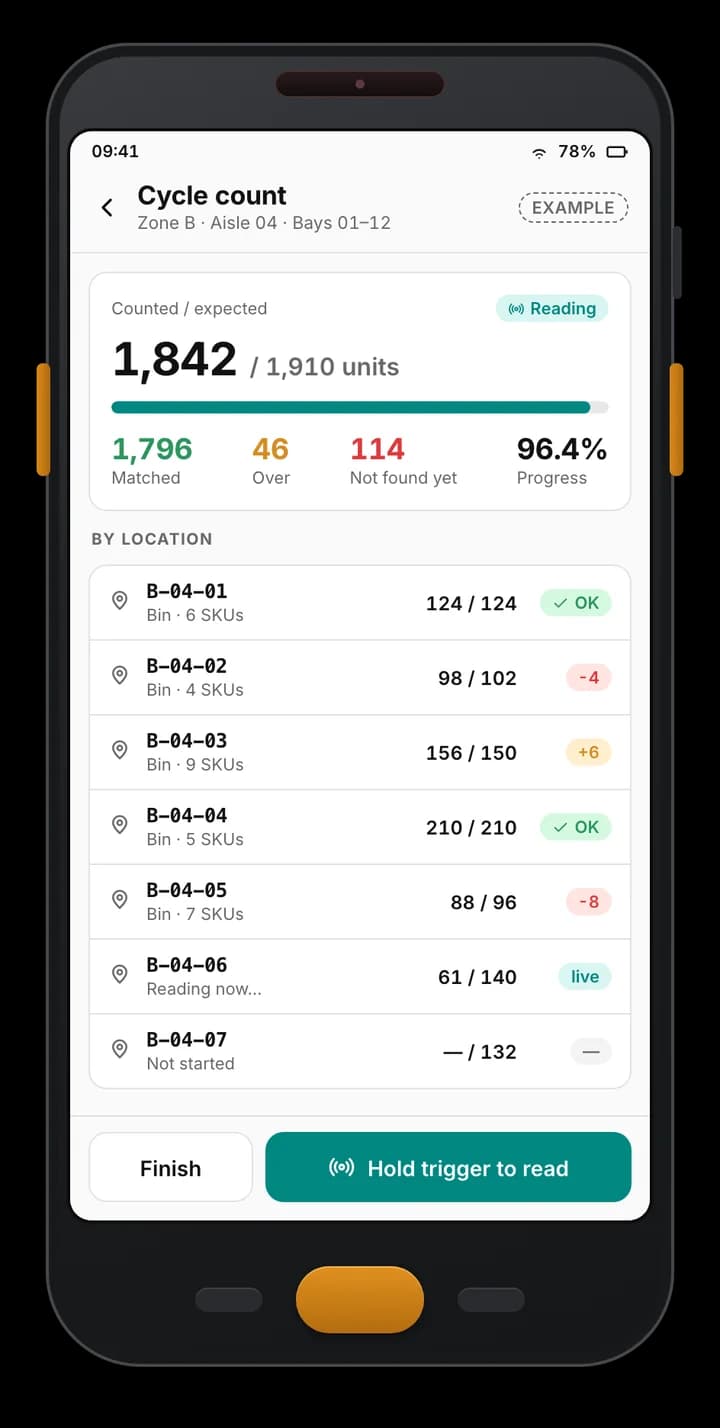
Counts are run on RFID handhelds against the expected list for a zone, shelf or room. The system shows matched, over and not-found items, requests recounts for outliers and posts approved adjustments to the ERP. Variance reports then show where the book and the physical stock disagree — by SKU, zone, supplier, period or person — with the trend over time. See RFID stock counting for how counting works and RFID mobile app development for the handheld side.

Connecting to ERP, WMS and the live map

The ERP or WMS stays the system of record: item masters and expected stock go in, approved results come out through the system’s own API or import format. The same rows are written to Spatial Map through the table write API (HTTPS, bearer key, bulk upsert, 60 requests a minute per key), so stock by zone, count progress, items in transit and quiet readers appear on the 3D plan, with built-in reports and share links for stakeholders. Spatial Map does not write back to your ERP; that part is built into the project.

How we build it, host it and hand it over

Discovery maps your items, tag types, numbering scheme and processes. Design fixes data model, screens and device list. Build goes module by module — receiving first, usually. Integrate connects readers, printers, ERP and the map. Hand-over is a pilot area, training, documentation and a runbook for IT.

It can run in your cloud account, in ours, or on-premises, with reader connectors on your local network. Ownership is written into the proposal; the usual position is that you own the code written for you, your data and the accounts it runs in. Third-party components keep their licences, and hardware is bought from the manufacturers — or sourced for you on request, quoted per project. Scope and price are set per project.

Examples

Example screens

Receiving, scanning, counting and variance in a custom RFID inventory system — fictional data, designed per client.

Example handheld receiving app: an ASN checklist at a dock door with seal, pallet labels, cartons, tag reads, a damaged carton and pending sign-off.

Receiving checklist

Example of a custom app we build — not part of the Spatial Map product.
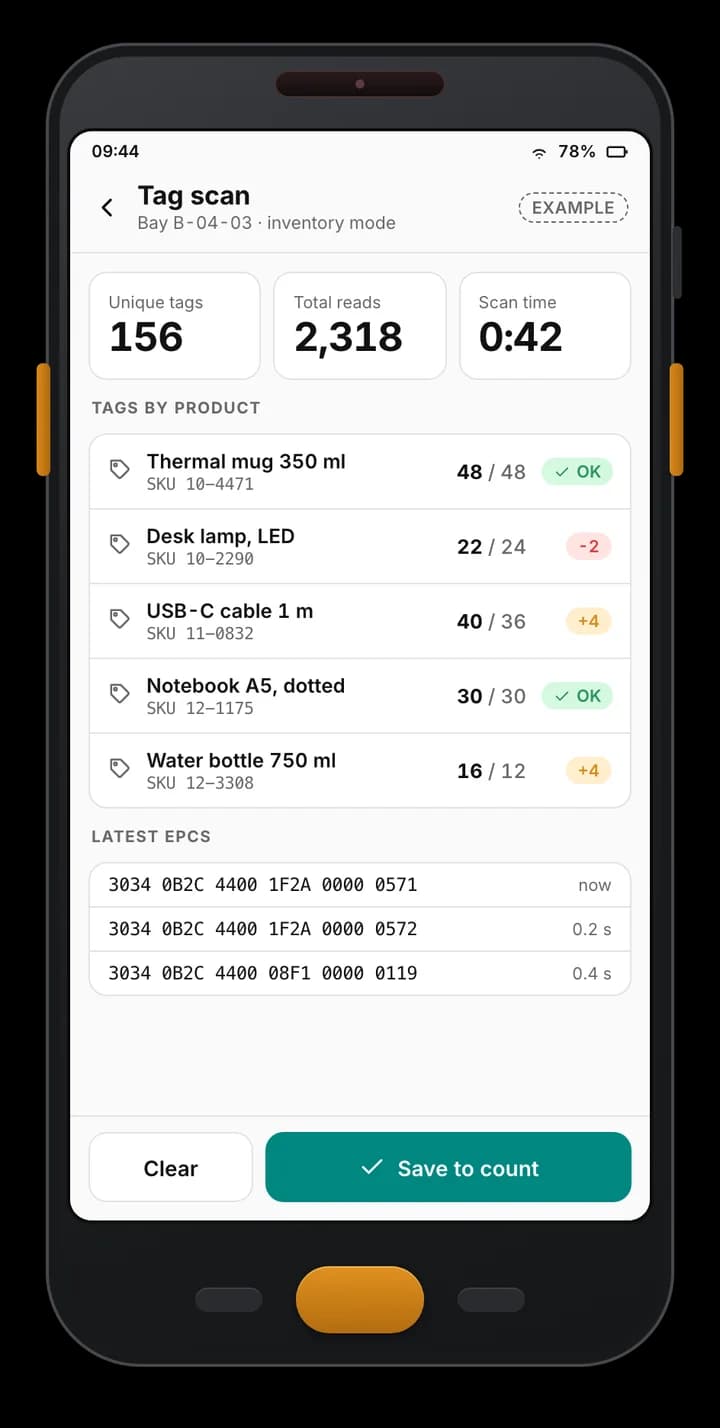
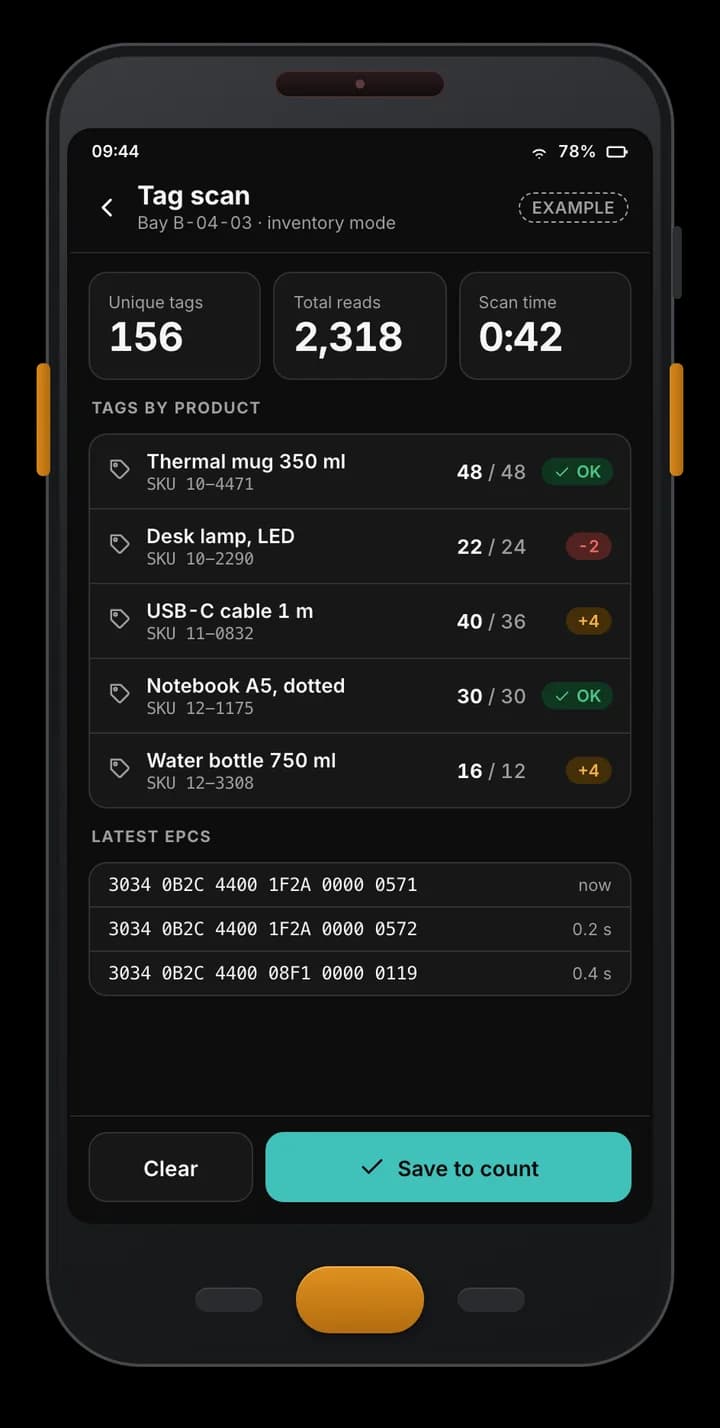
Example handheld app scan screen: 156 unique tags and 2,318 reads in one bay, tag counts per product against expected, and the latest EPCs read.

RFID tag scan

Example of a custom app we build — not part of the Spatial Map product.
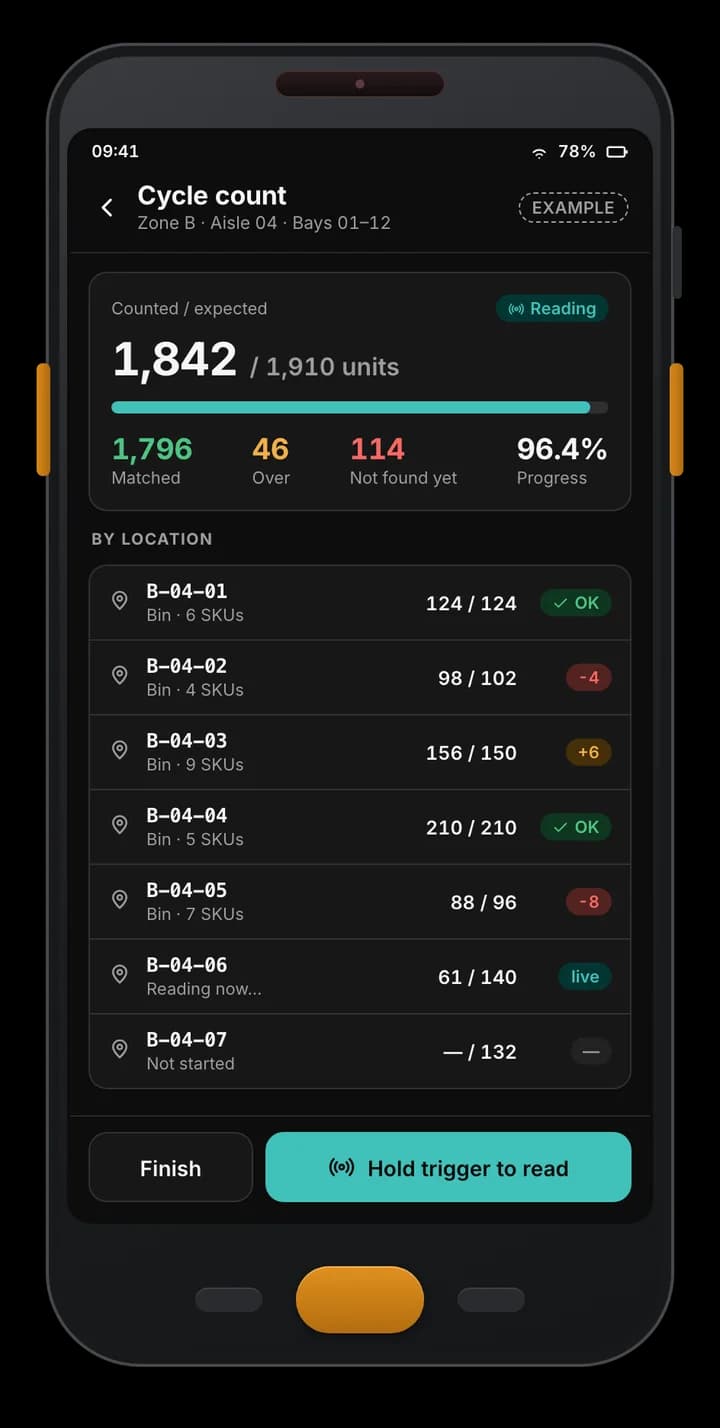
Example Android RFID handheld app: a cycle count of one aisle with 1,842 of 1,910 units counted, matched, over and not-found totals, and progress per bin.

Cycle count in progress

Example of a custom app we build — not part of the Spatial Map product.
Example count variance report: expected, counted, over and not-found totals, and a table of SKUs with variance, last movement and recount, accept or adjust actions.

Count variance report

Example of a custom app we build — not part of the Spatial Map product.
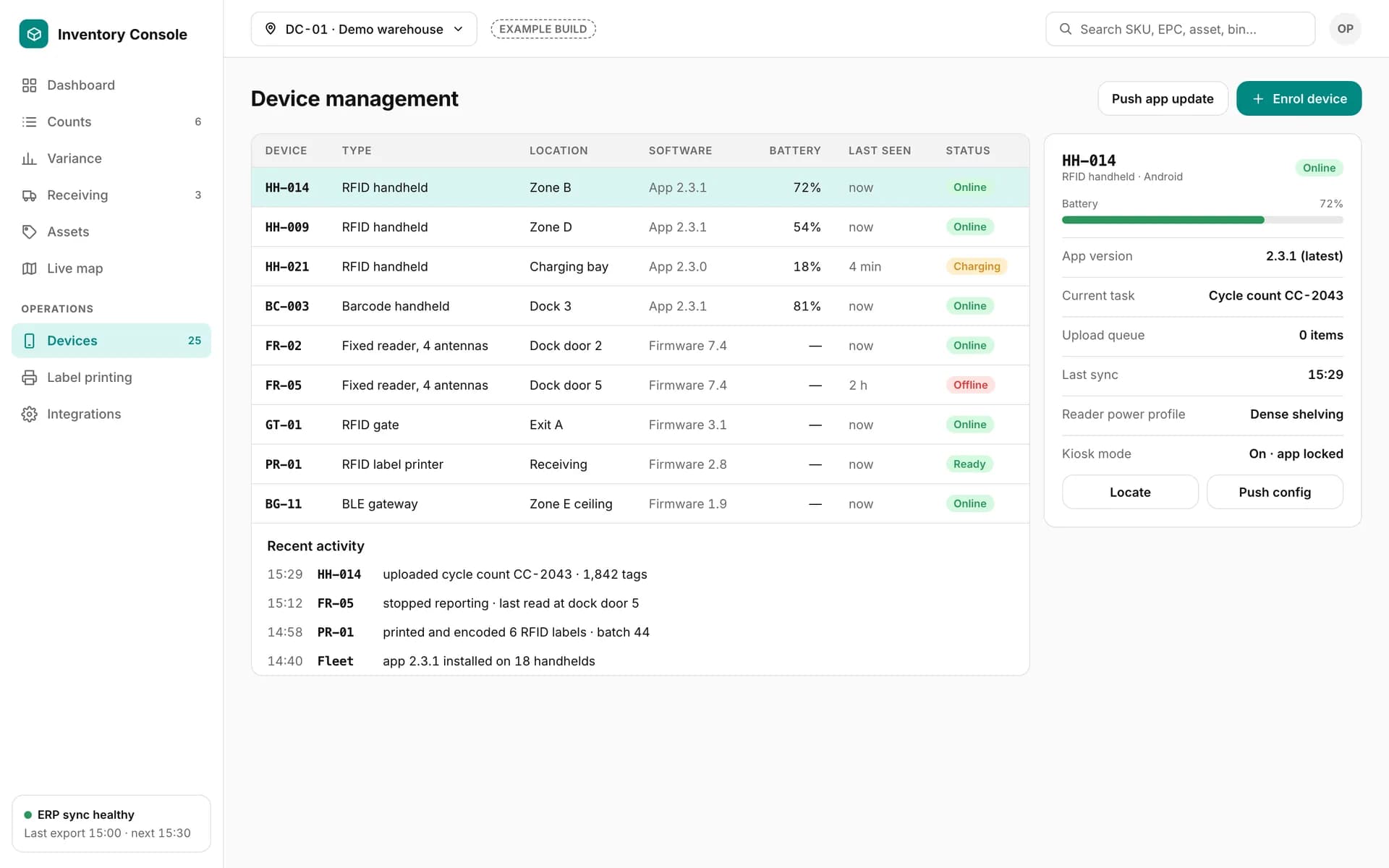
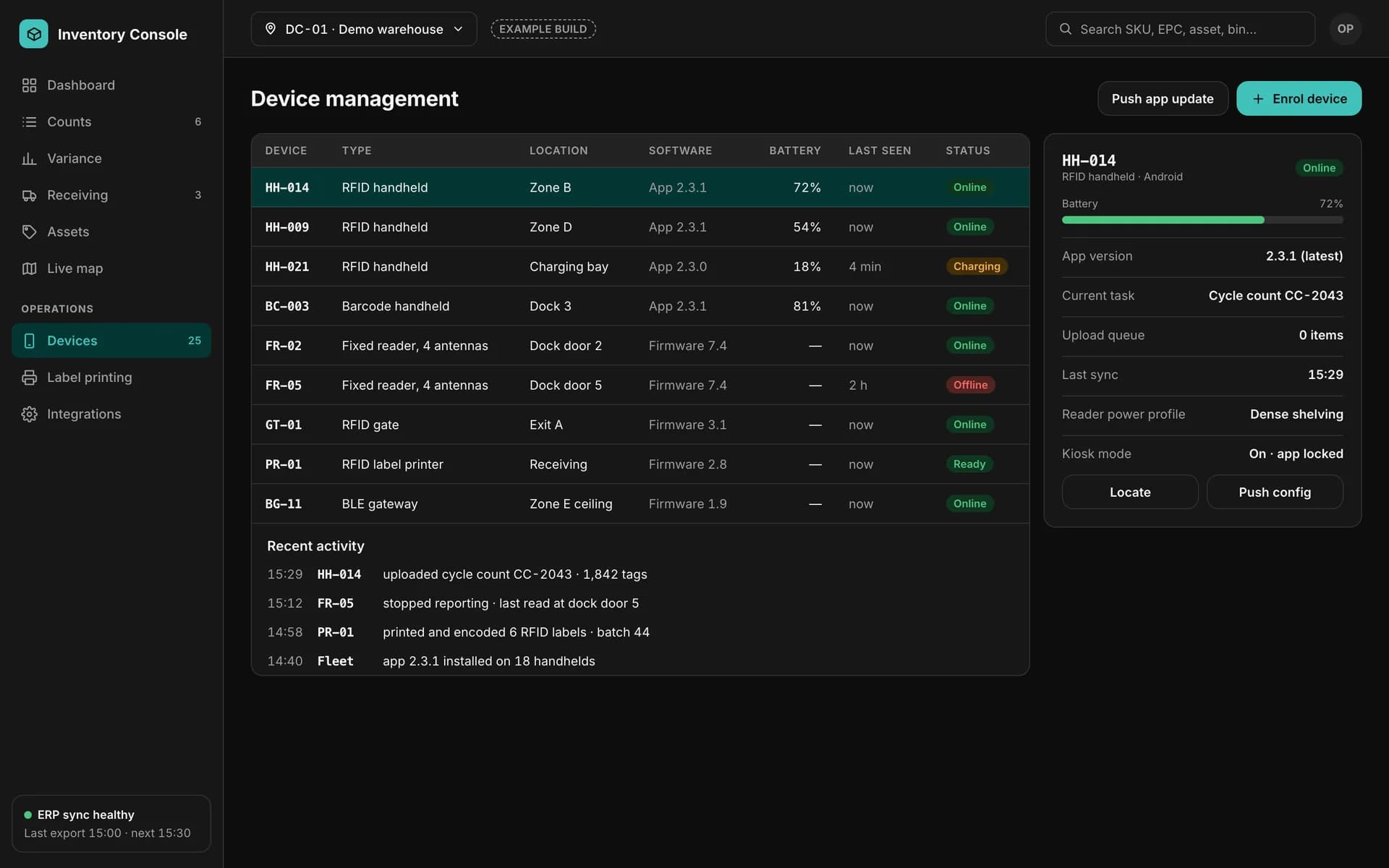
Example device management screen: RFID handhelds, fixed readers, a gate, a label printer and a BLE gateway with battery, software version, last seen and status.

Device management

Example of a custom app we build — not part of the Spatial Map product.

Devices an RFID inventory system connects

Illustrations of device types, not vendor product photos. See hardware we integrate and RFID readers and tags.

  • RFID handhelds

    Counts, receiving, put-away and custody scans, offline-first.

  • RFID printers

    Print-and-encode jobs with read-back verification and an EPC register.

  • Fixed readers

    Dock doors, portals and shelf zones, filtered by an edge service.

  • Gates

    Movement events at doors, mapped to zones.

How it connects

How the pieces fit together

  1. 01

    Devices

    Handhelds, printers, fixed readers and gates.

  2. 02

    Inventory system

    Receiving, encoding, custody, counts, BOM and variance.

  3. 03

    ERP / WMS

    Item masters and expected stock in; approved results out.

  4. 04

    Spatial Map

    Rows through the table write API → live map, reports and share links.

RFID inventory system development — frequently asked questions

That page describes RFID inventory shown live on a Spatial Map floor plan. This one is about building the inventory system itself — receiving, tag encoding, custody, counts and variance — as a custom project.

Yes. Encode-and-print jobs go to RFID printers using their command language or SDK, tags are read back to verify, and each EPC is recorded in a register against the item.

Yes. Components are read against the BOM, missing and extra parts are flagged, and the tags used in each assembly are recorded.

Android handhelds and readers whose vendor publishes an SDK, and fixed readers and gates with a documented interface. We confirm each model in the proposal.

No. Write-back of approved counts, receipts and adjustments is built into the custom system, which posts them through your ERP’s own API or import format.

Yes. It can run on-premises, in your cloud account or in ours, with reader connectors on your local network.

Scoped and quoted per project, from a written proposal. We start with the modules that matter most, usually receiving or counting.

Describe your inventory process. We’ll build the system around it.

Tell us what you receive, how items are tagged, the readers and printers you use and the systems involved. We will reply with a scoped proposal — and a live map of your site.