Custom software · Integrations

RFID, ERP and WMS integration development for a live indoor map

Most operations data already exists — in readers, handhelds, printers and the ERP or WMS. We build the connectors between them: edge services next to fixed readers, sync jobs for handheld apps, print-and-encode workflows, and ERP or WMS read and write-back — with Spatial Map receiving the rows that belong on the floor plan.

Spatial Map: no credit card for the trial, runs in the browser, Pro is $60/month for up to 4 facilities. Explore the live demo

Illustrations of device types — not vendor product photos.

Works with hardware from

Zebra, Chainway, SATO and Sanray are trademarks of their respective owners. Spatial Map is not affiliated with or endorsed by them; we integrate with devices our clients already own using the vendors’ SDKs and APIs.

Connectors we build

Every connector is small, documented and specific to your devices and systems:

  • Reader edge services — read tag events from fixed readers and gates through the vendor’s SDK or network interface, map antennas to doors and zones, drop duplicates, and batch rows.
  • Handheld sync — move counts, receipts and audits from offline-first handheld apps to your systems and to Spatial Map.
  • Print and encode — label and encode jobs for RFID printers from your item data, with an EPC register.
  • ERP and WMS — read item masters, expected stock and asset registers; write back approved counts, receipts and adjustments.
  • RTLS and BLE — bring room presence from gateways, or coordinates from a positioning engine you run, into map tables.
  • Notifications — Spatial Map has no built-in alerting; a connector can watch the rows and notify your team, as part of the project.
How data reaches Spatial Map

Spatial Map takes data three ways, and connectors use whichever fits: the table write API (HTTPS, a bearer key per system, bulk upsert, 60 requests a minute per key — so connectors batch), REST polling of an endpoint you already expose (it runs in the browser of whoever has a map open, so the API must allow requests from the app), and file upload of CSV, Excel, JSON or GeoJSON for one-off loads. Details: integrations and the table write API.

Not the same as our setup services

Our indoor mapping services set Spatial Map up for you: floor plans, tables, data links and reports, wired to data you already expose. Integration development is for the software that doesn’t exist yet — the edge service, the handheld sync, the ERP write-back. Many projects use both.

Examples

Example screen

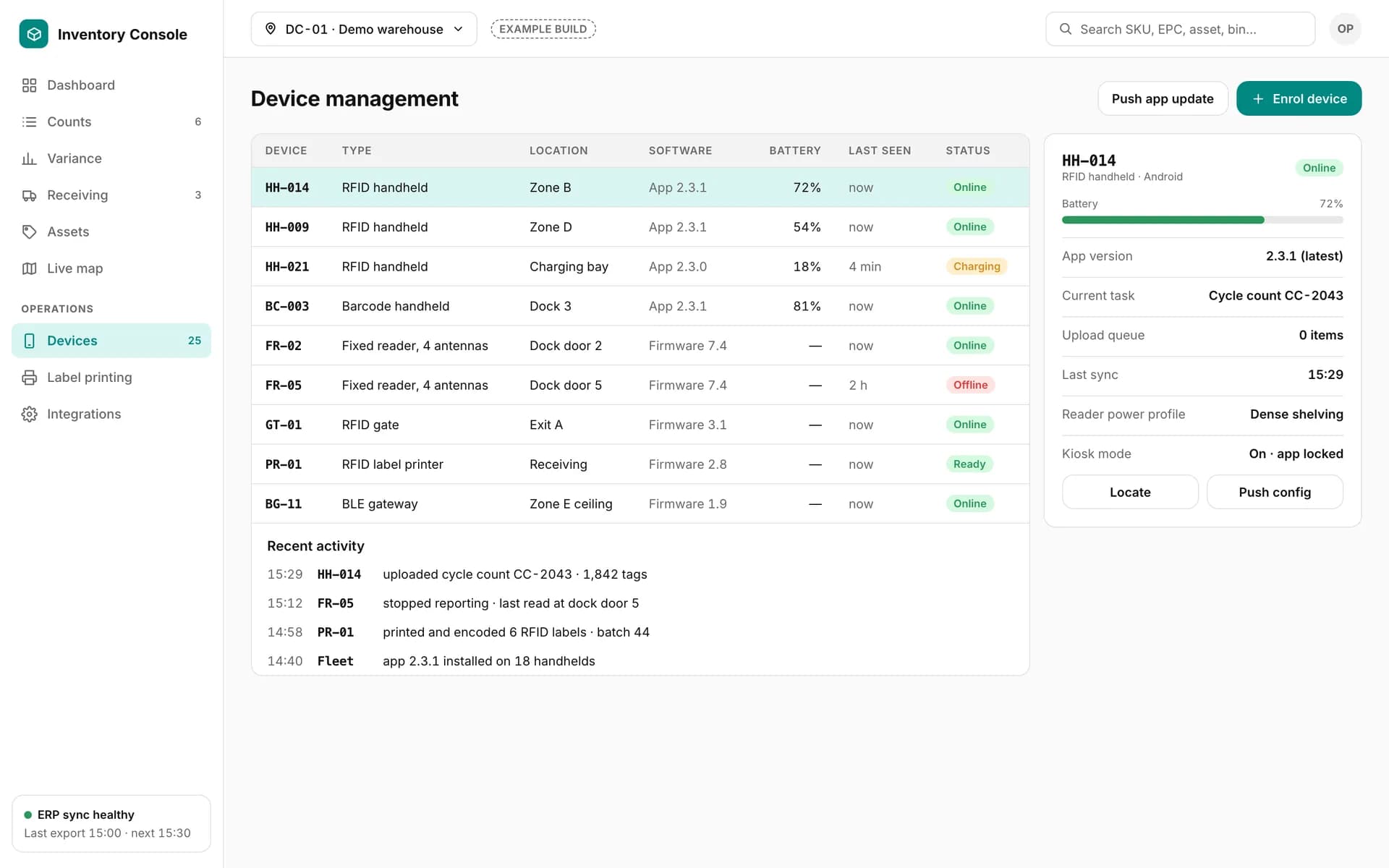
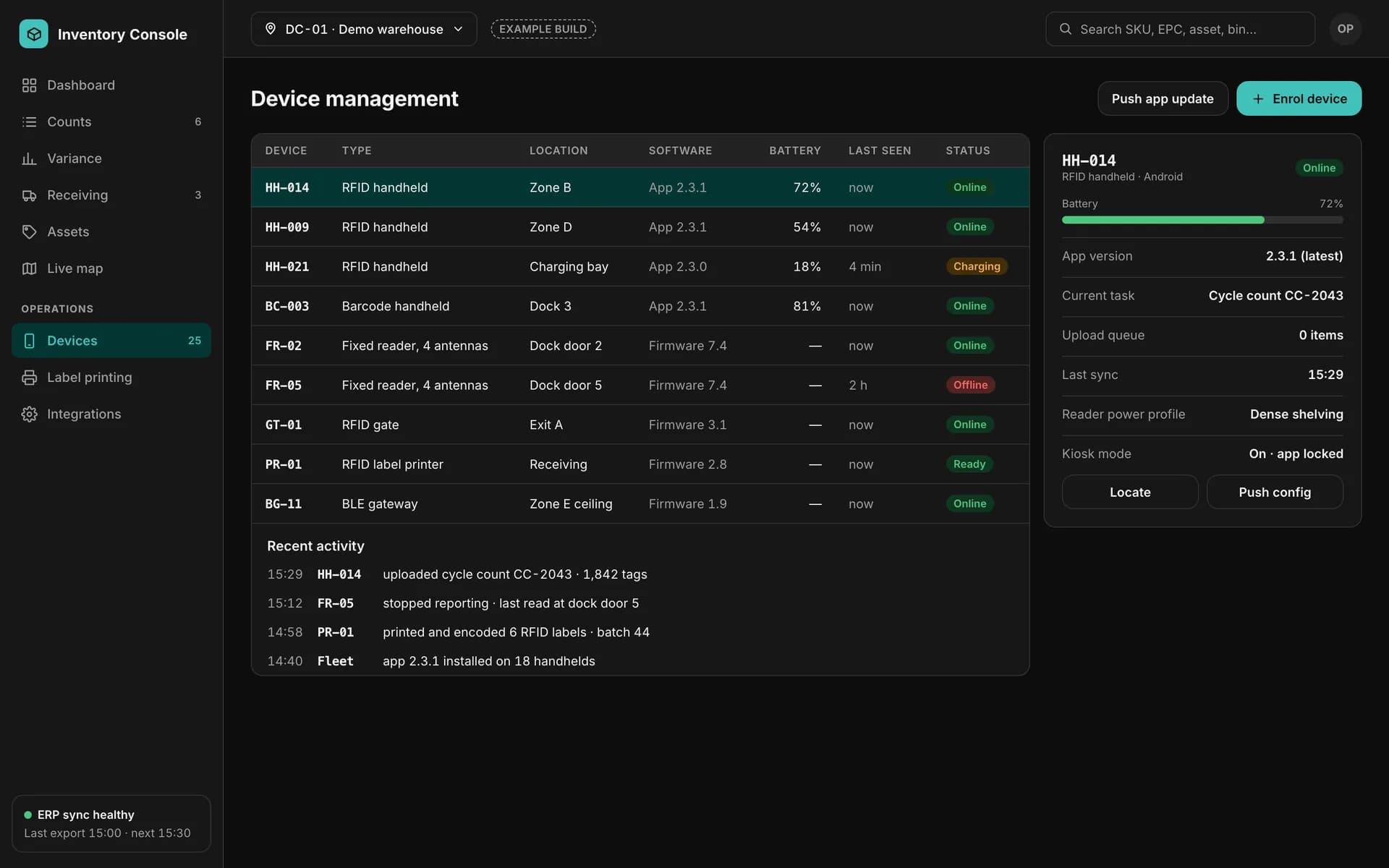
Device health from the connectors, in a custom back office.

Example device management screen: RFID handhelds, fixed readers, a gate, a label printer and a BLE gateway with battery, software version, last seen and status.

Device management

Example of a custom app we build — not part of the Spatial Map product.
How it connects

A typical integration

  1. 01

    Devices

    Readers, gates, handhelds, printers and gateways you own — see hardware.

  2. 02

    Edge and sync

    Edge services and sync jobs collect, filter and batch the data.

  3. 03

    ERP / WMS

    Item master and expected stock in; approved results out.

  4. 04

    Spatial Map

    Rows through the write API → data links → live map, reports, share links.

What you get

Working connectors

Deployed where they need to run — on your network next to the readers, or as a hosted service.

Documentation

Data flows, field mappings, keys and a runbook for your IT team.

Live map

The connected data on the 3D floor plan, with reports and share links.

Integration development — frequently asked questions

No. Data comes in through the table write API, REST polling or file upload. A connector built for you can sit in front of any webhook or stream your systems produce and write rows to a table.

Any system with a documented API, database export or file interface. We confirm the route in the proposal once we have seen the system’s documentation.

Reader connectors usually run on your local network next to the readers; others can run in your cloud or ours. It is agreed per project.

Connect what you already have.

List your devices and systems and what should flow between them. We will scope the connectors and show the result on a live map of your site.