RFID · Inventory management

RFID inventory management system: see tagged stock where it actually is

Spatial Map is the map layer of an RFID inventory management system. It takes the reads your readers and middleware already produce and shows tagged stock, cartons and pallets on a live 3D floor plan — by rack location, zone, staging lane and door — with reports and a replay of how stock moved.

Last updated:

No credit card. Runs in the browser. Pro is $60/month for up to 4 facilities. Book a demo

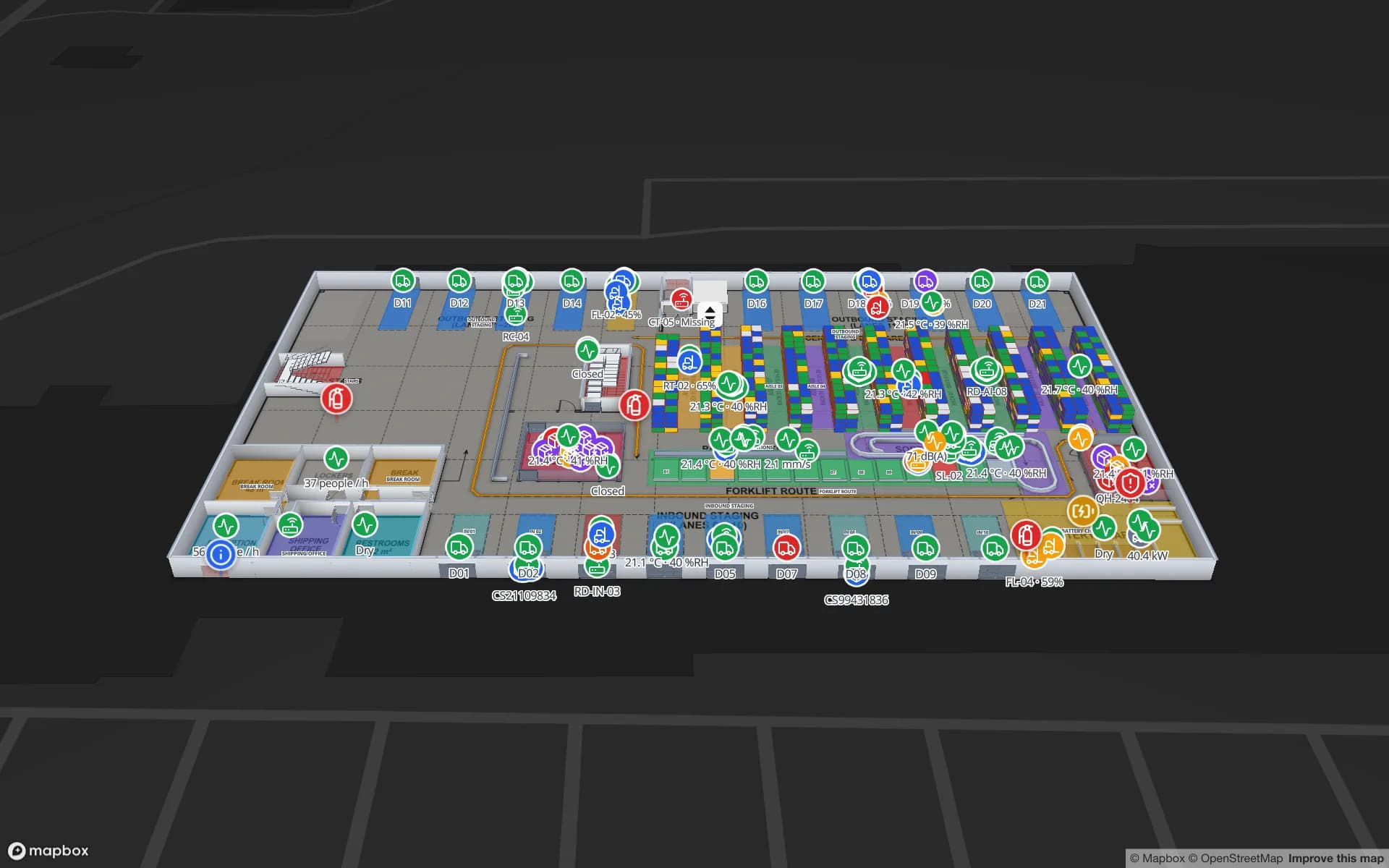
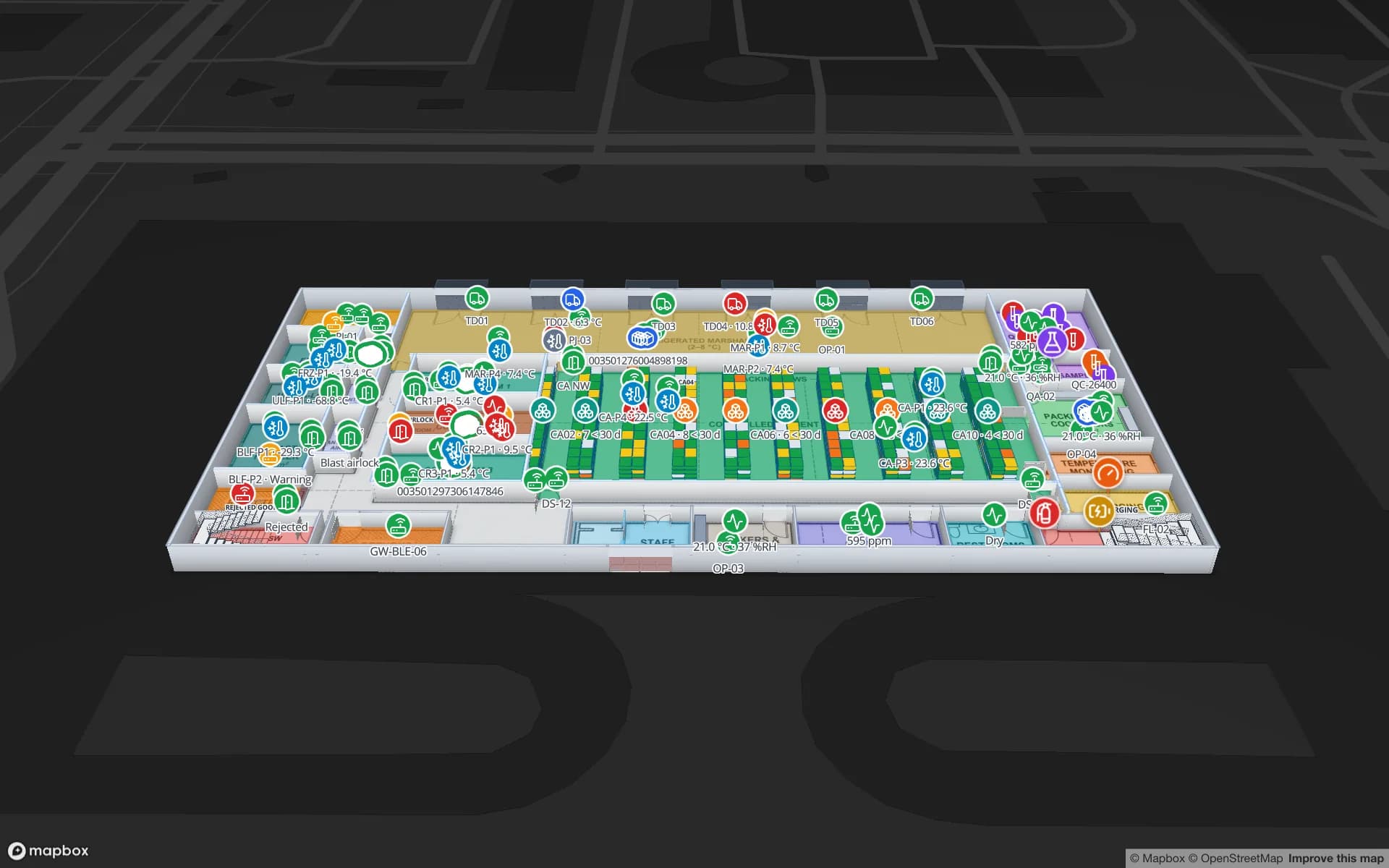
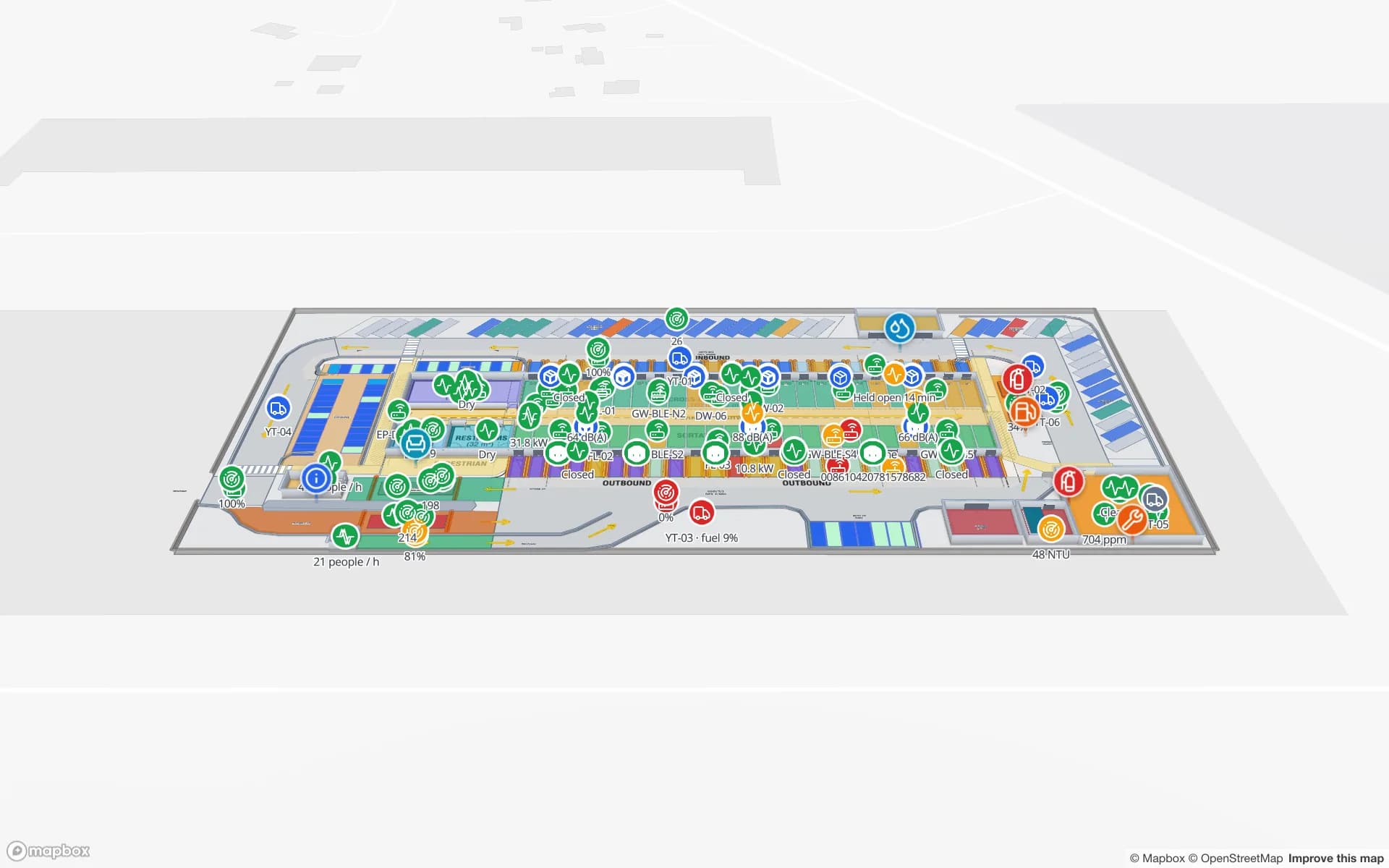
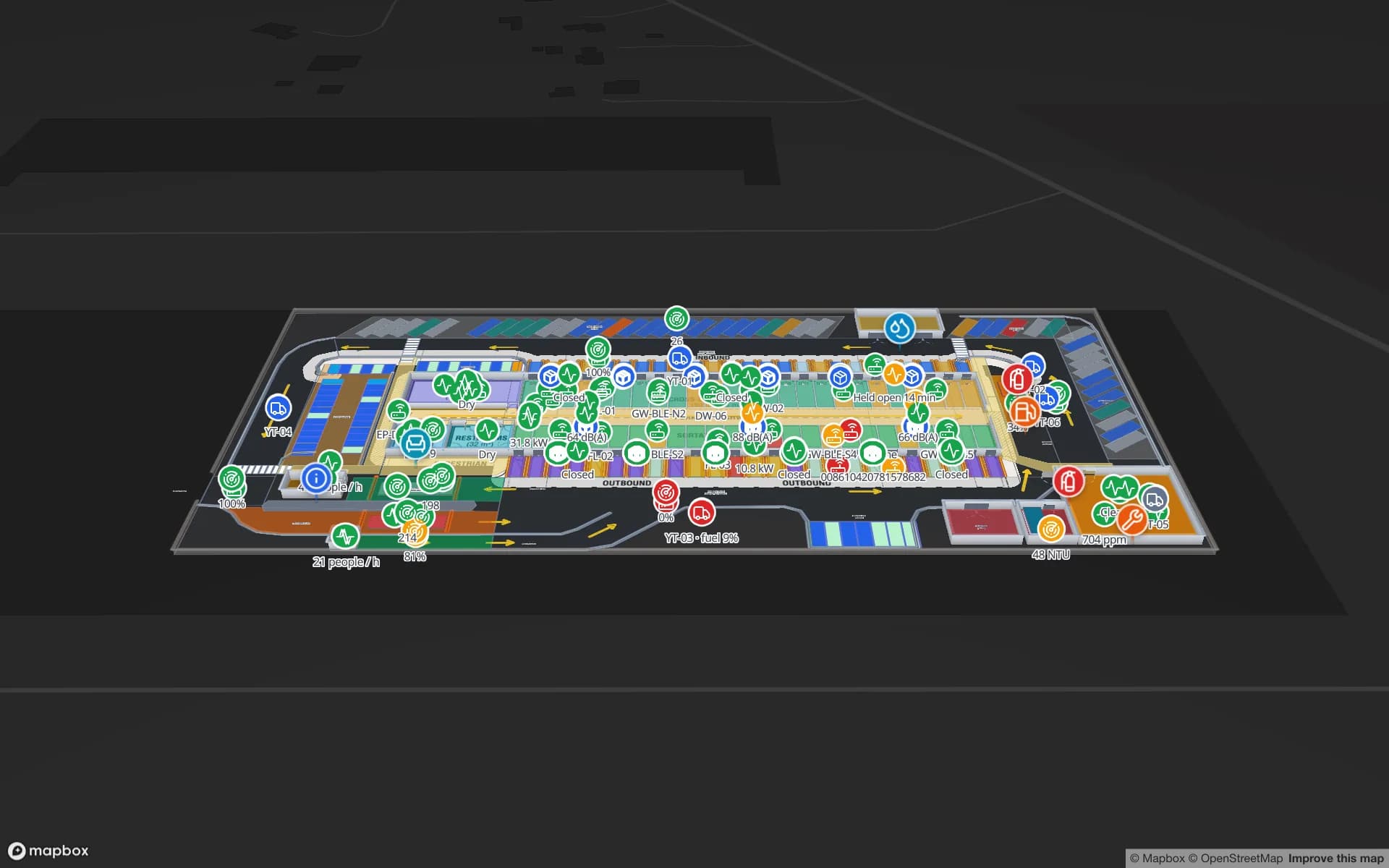
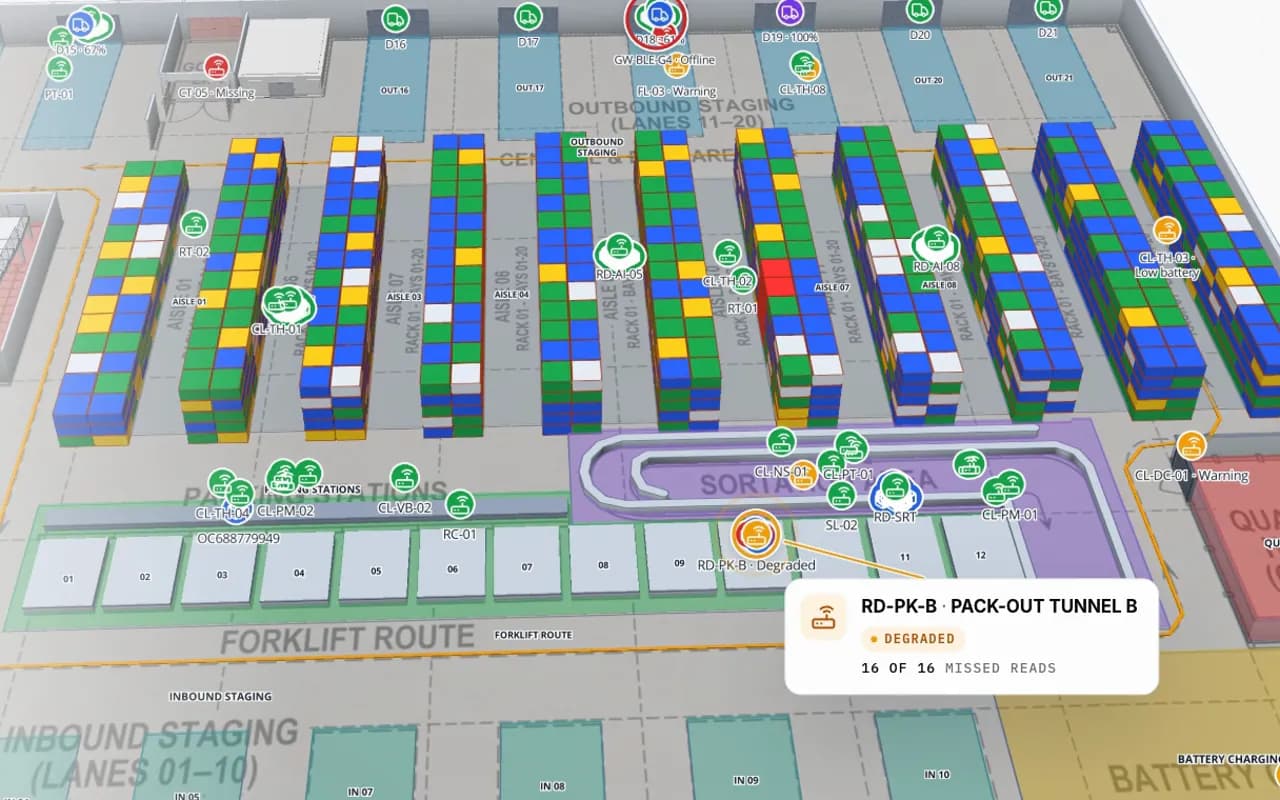
Crestline Fulfillment Center in 3D: racks coloured by stock status, RFID carton markers moving between readers and a pack-out tunnel reader showing missed reads
Crestline Fulfillment Center
Crestline Fulfillment Center (demo): RFID cartons move between pack-out, sortation and staging while every rack location keeps its stock colour. Cut from the Inventory film.
Pallet locations coloured by status in the Crestline demo
1,484
RFID cartons followed door to door in the same demo
627
Ways in: write API, REST polling, file upload
3
Free trial, no credit card
7 days

What an RFID inventory management system is made of

An RFID inventory system has four layers. Tags on items, cartons or pallets. Readers — fixed portals at doors, overhead antennas, gates and handhelds for counts. Middleware that filters duplicate reads and turns an antenna into a location. And a system of record — your WMS, ERP or store system — that owns the stock figures.

What is usually missing is the picture. Read logs and stock tables tell you what; they rarely show where, in a way a shift lead can act on. Spatial Map adds that layer without replacing any of the four: it is a live 3D map of the building with your inventory data on it.
From reads to stock on the floor plan

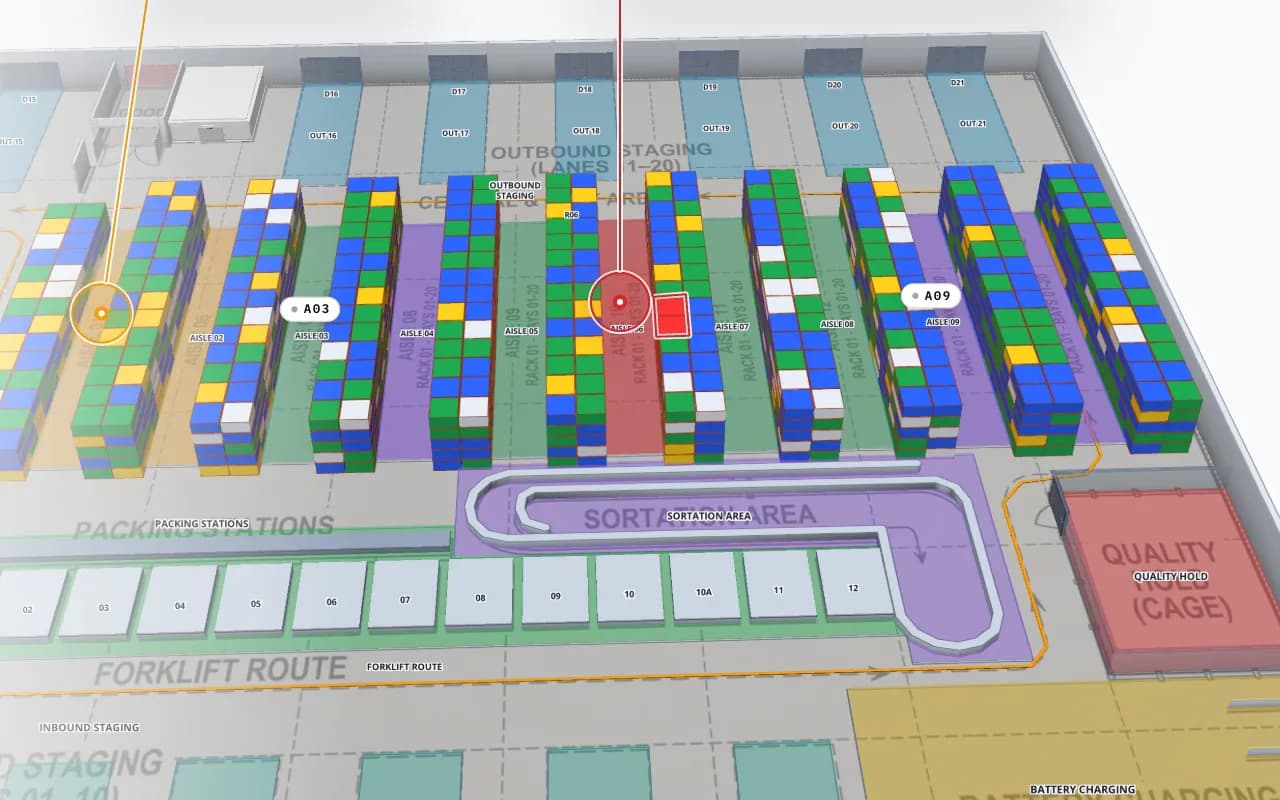
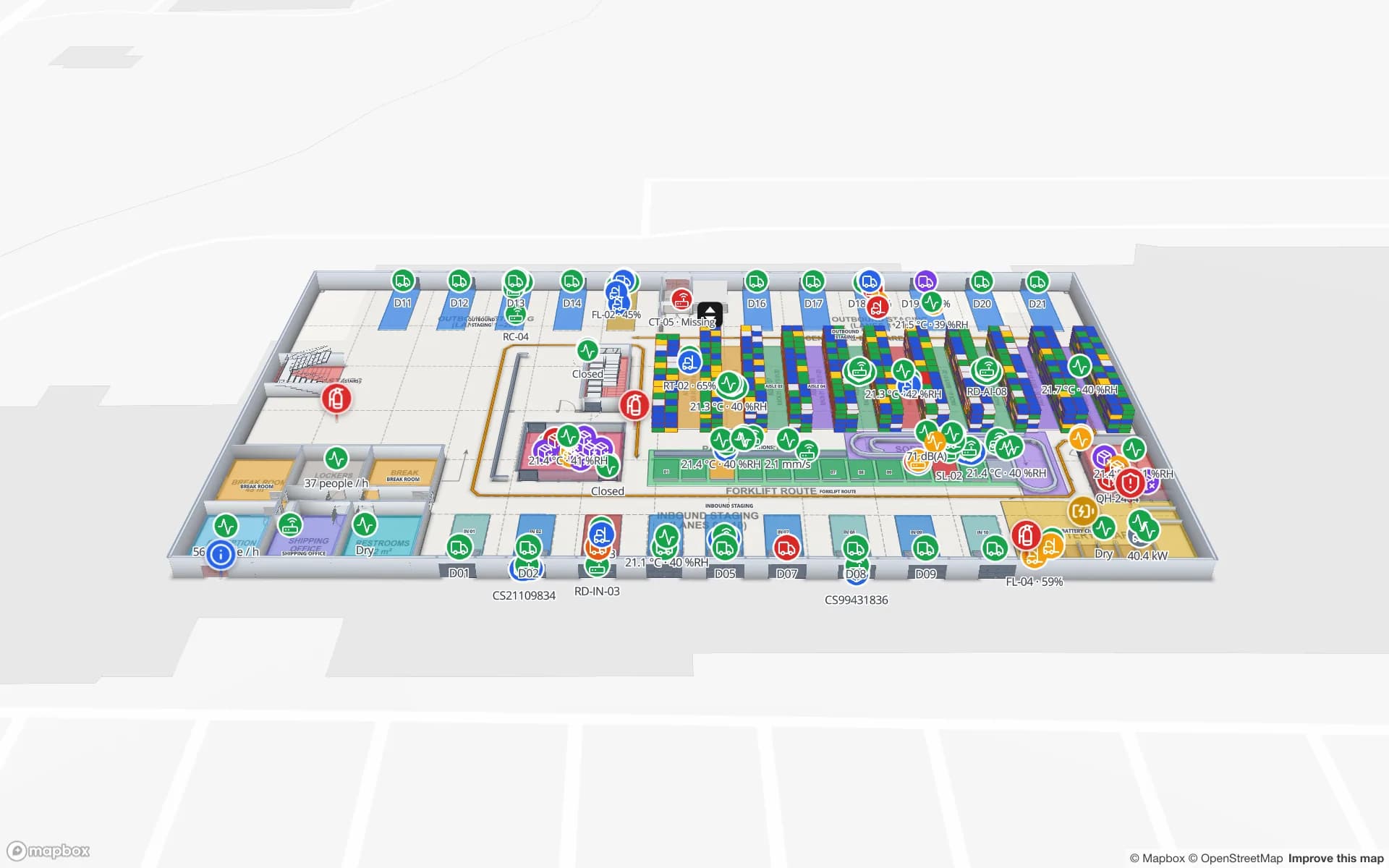
You build the facility once — racks, bins, zones, docks, doors — by tracing a PDF or DWG floor plan, or our team does it. Reads and stock arrive in a Spatial Map table; a data link matches each row to a shape by location name or code, and style rules colour it. In the Crestline demo, every one of 1,484 pallet locations is coloured full, OK, low, empty or blocked from a stock table, and 627 RFID cartons sit at the reader or zone that last saw them.

Because every change to a table row is kept, a data link set to historical movement adds a History player: you can replay how a carton travelled from receiving to pack-out, which is often faster than reading a log.

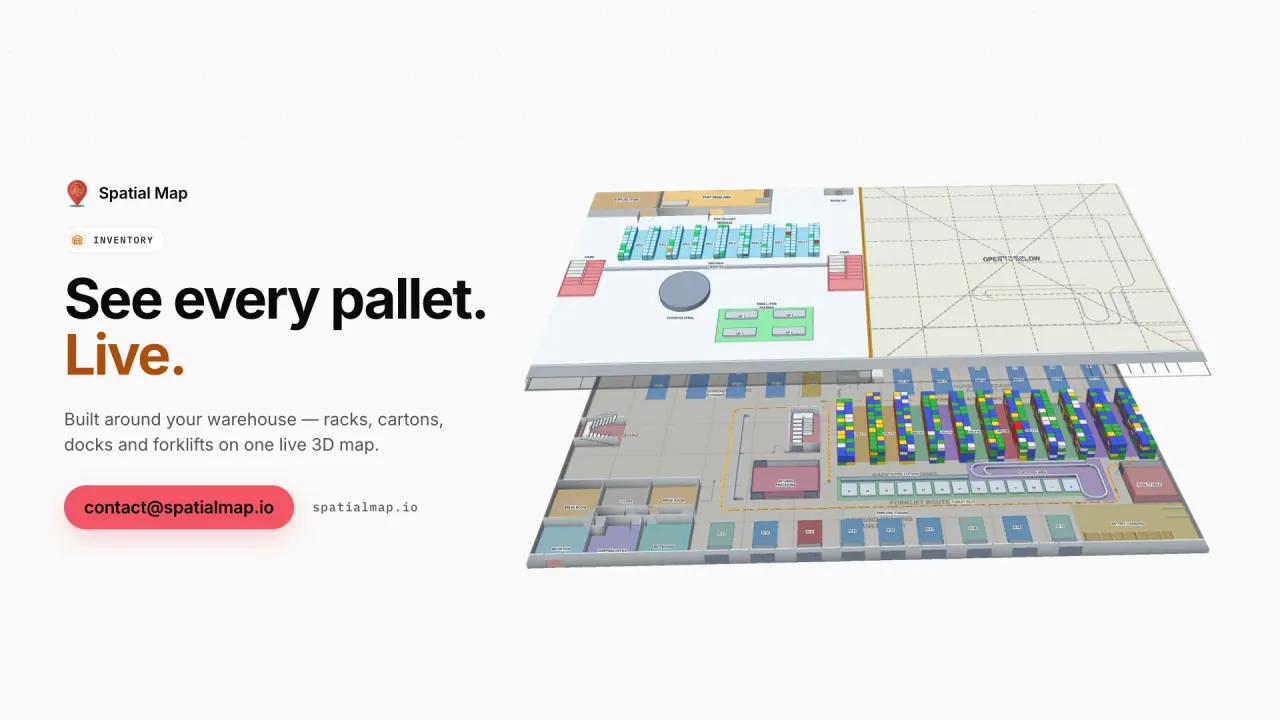
Crestline Fulfillment Center in 3D with every rack location coloured full, OK, low, empty or blocked, and a blocked location highlighted in red
Crestline Fulfillment Center
The same warehouse, coloured by stock status per rack location — full, OK, low, empty and blocked (Crestline demo).

What changes for the inventory team

Typical questions the map answers in seconds rather than a walk of the floor:

  • Where is it? Search a SKU, EPC or carton ID in the viewer and fly to the rack, lane or door that last read it.
  • Is the system right? Colour locations by the gap between the system quantity and the last RFID count.
  • What is stuck? See cartons sitting in staging or at a dock door longer than they should.
  • Are the readers healthy? Readers that stop reporting stand out on the map, so a quiet portal is not mistaken for an empty zone.
  • Who else needs to see it? Send a read-only share link to a client, auditor or store manager — no account needed.

What stays in your other systems

Spatial Map does not post stock transactions, decode tags, tune antennas or compute positions from signal strength — your WMS, middleware or RTLS engine do that. It does not send alerts either: it shows state on the map and in reports. Connecting it is usually a small job: anything that can produce a JSON row can feed a table, and our team can build the relay or a full integration as custom development.

Barcode vs UHF RFID for inventory, in practice

Typical figures; real results depend on the tag, the product, the reader and the site. See UHF vs HF vs NFC for the frequency choice.

BarcodeUHF (RAIN) RFID
Line of sightNeeded, one label at a timeNot needed; tags inside cartons can be read
Reads per passOneHundreds of tags per second with a handheld or portal
Typical read distanceCentimetres to a few metresUp to several metres handheld, often 5–10 m for fixed readers in good conditions
Where it strugglesDamaged or hidden labelsMetal and liquids without the right tag; stray reads from nearby zones
Cost per labelFractions of a centA few cents for paper inlays; more for on-metal or rugged tags
How Spatial Map does it

An RFID inventory map in four steps

  1. 01

    Map the building

    Import a PDF or DWG floor plan and trace racks, bins, zones and doors — or let our team do it.

  2. 02

    Use your location codes

    Name racks and zones exactly as your WMS and middleware do, so rows match shapes without a lookup table.

  3. 03

    Send stock and reads

    Post to a table with the write API, let Spatial Map poll a REST endpoint, or upload a CSV count.

  4. 04

    Link, colour, report

    Bind the table with a data link, add style rules, build reports and share a read-only view.

RFID inventory on the map, by site

Fulfillment and DC racks

Pallet locations coloured by stock status, cartons by last read, docks and staging lanes in the same view.

Store floor and backroom

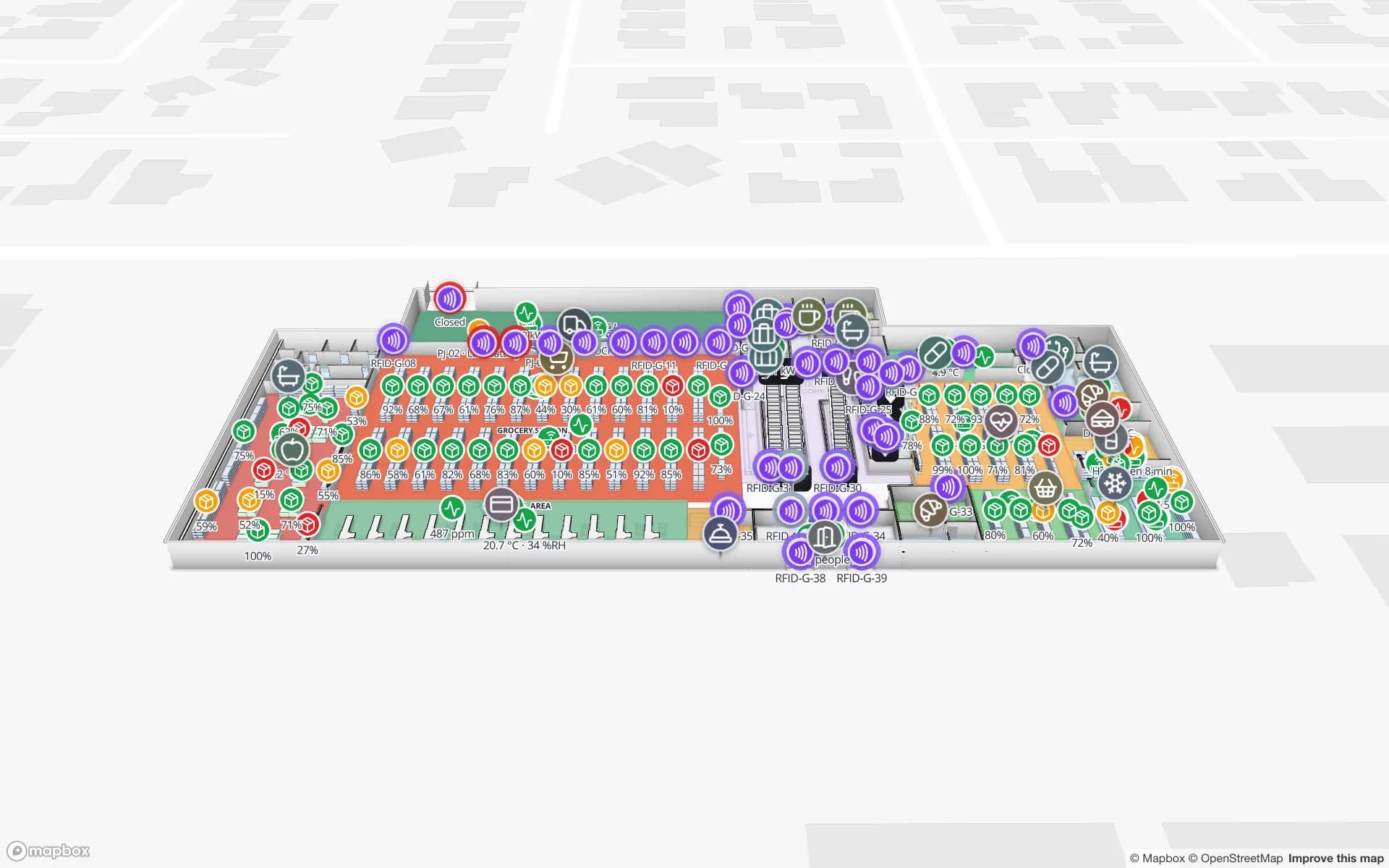
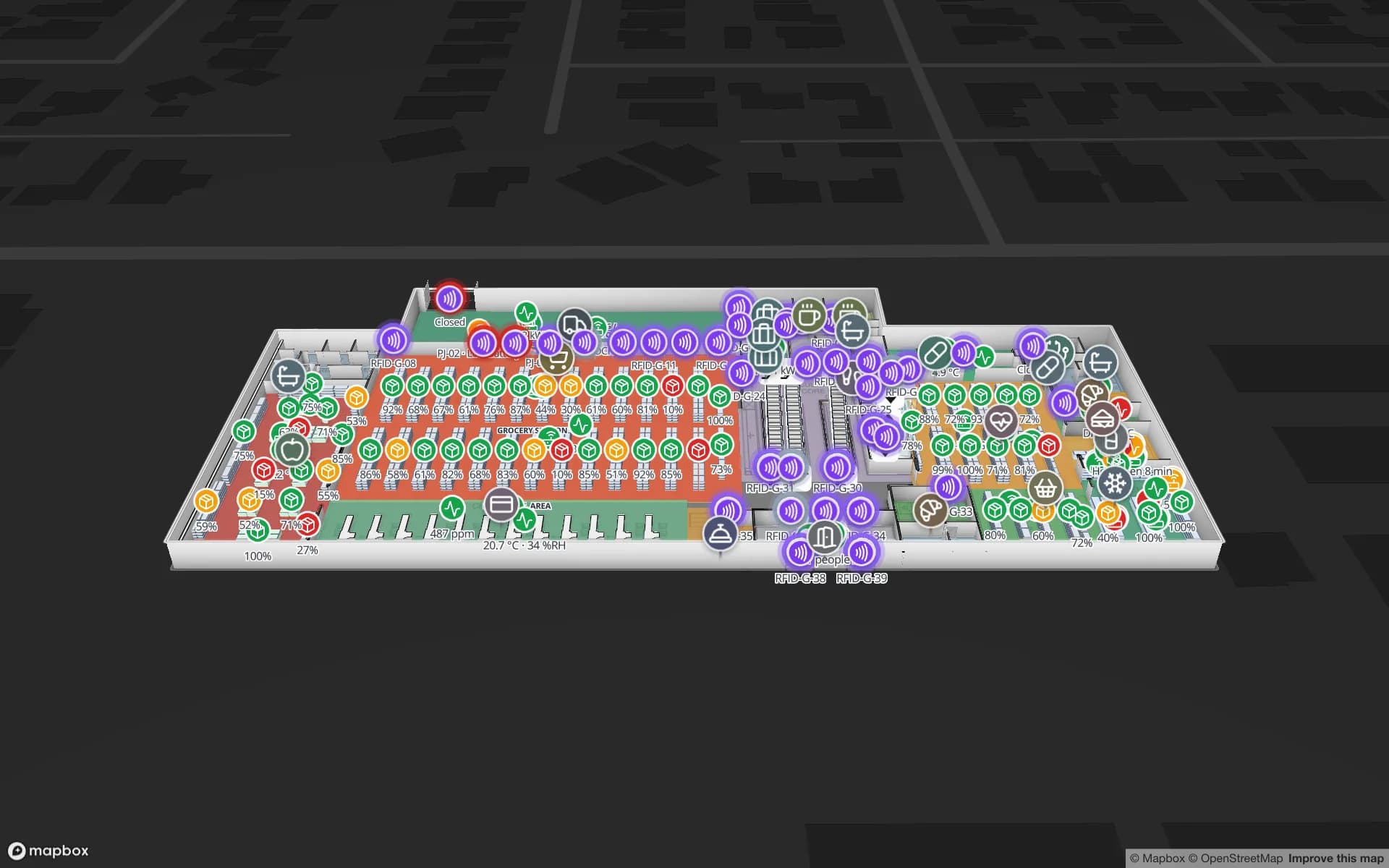
Item-level counts by department and floor, readers at exits and escalators next to the stock they protect.

Cold stores

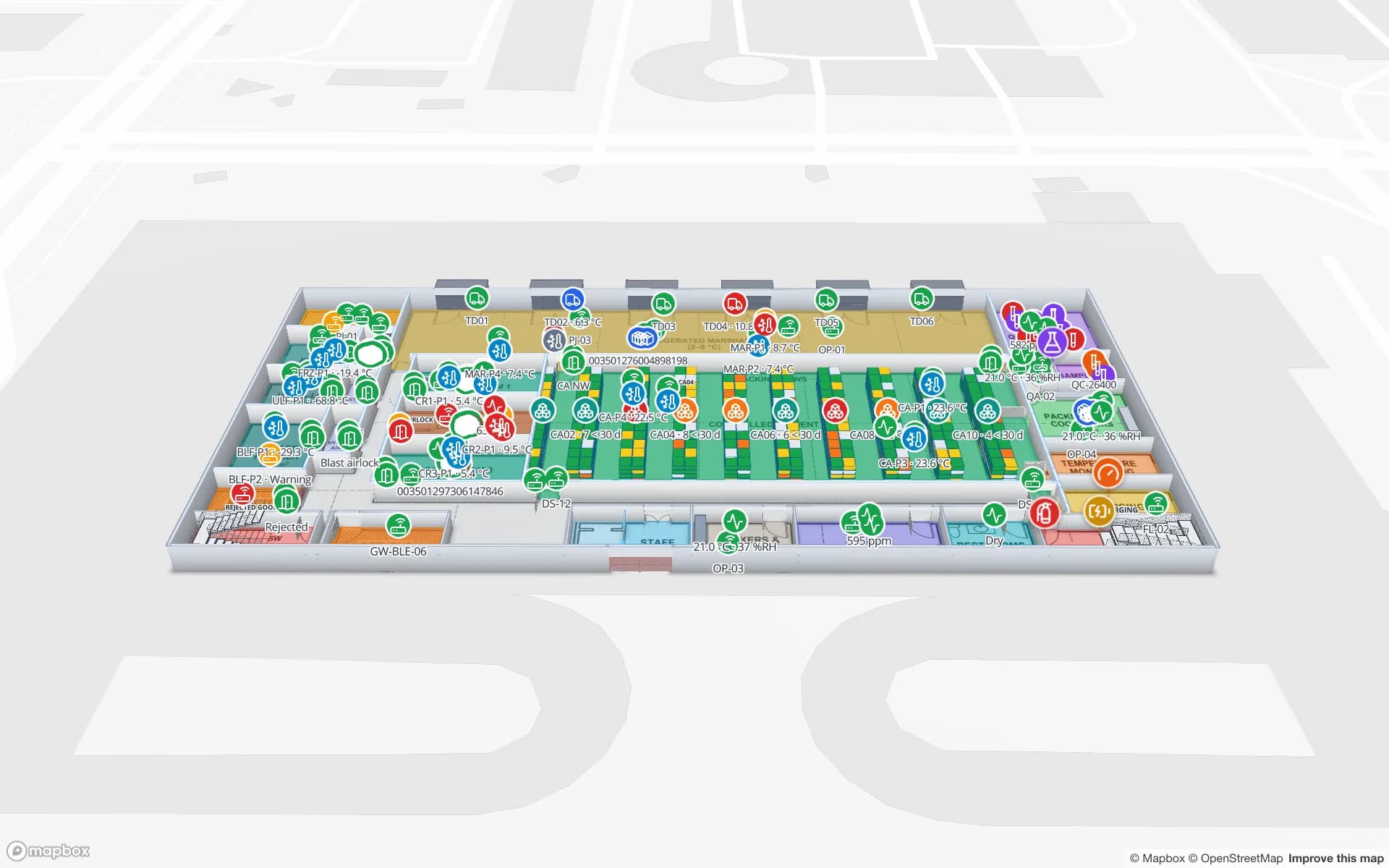
RFID pallets read at every door, placed in cold rooms whose temperature sits on the same map.

Cross-docks

Pallets by dock door and lane, so a mis-staged pallet shows up before the trailer leaves.

Line-side stock and WIP

RFID carriers and kitting stock by line and station in an assembly plant.

See it on real demo facilities

Fictional names, real floor plans, live sensors, RFID, BLE tags and gateways — open any of them in the browser.

All 13 demo facilities

RFID inventory management — frequently asked questions

It is the visual and reporting layer of one. Tags, readers and middleware capture the reads; your WMS or ERP keeps the stock figures; Spatial Map shows both on a live 3D map of the building, with reports, playback and share links.

No. Your WMS stays the system of record. Spatial Map reads stock and reads from it (or from your middleware) and shows them by location. See warehouse digital twin vs WMS.

Any whose reads can reach a JSON row — fixed UHF portals, overhead arrays, gates or handhelds, e.g. readers from Zebra, Chainway, SATO or Sanray (trademarks of their owners). Spatial Map has no reader drivers; your middleware or a small relay posts the reads. See RFID hardware.

Yes, as long as your data has a location per row. Large item tables are usually aggregated per location (count by SKU per rack or zone) before they reach the map, which keeps the view fast and readable.

A 7-day free trial covers up to 5 facilities with no credit card. Pro is $60 a month or $600 a year for up to 4 facilities. Integration with your readers and middleware, and larger estates, are quoted as custom services or custom development.

See your inventory where it actually is.

Start a free trial and open the Crestline demo, or send us a floor plan and a sample of your stock and read data — we will show you your own warehouse.