Custom software · Handheld apps

RFID mobile app development for rugged Android handhelds

We build custom Android apps for the RFID handhelds and barcode computers your team already carries — for stock counts, receiving, put-away, picking, asset audits and tag encoding. The apps use the device vendor’s SDK, work offline, and sync results to your ERP or WMS and to Spatial Map, where counts and audits show up on the floor plan. The screens below are examples, not a Spatial Map app.

Spatial Map: no credit card for the trial, runs in the browser, Pro is $60/month for up to 4 facilities. Explore the live demo

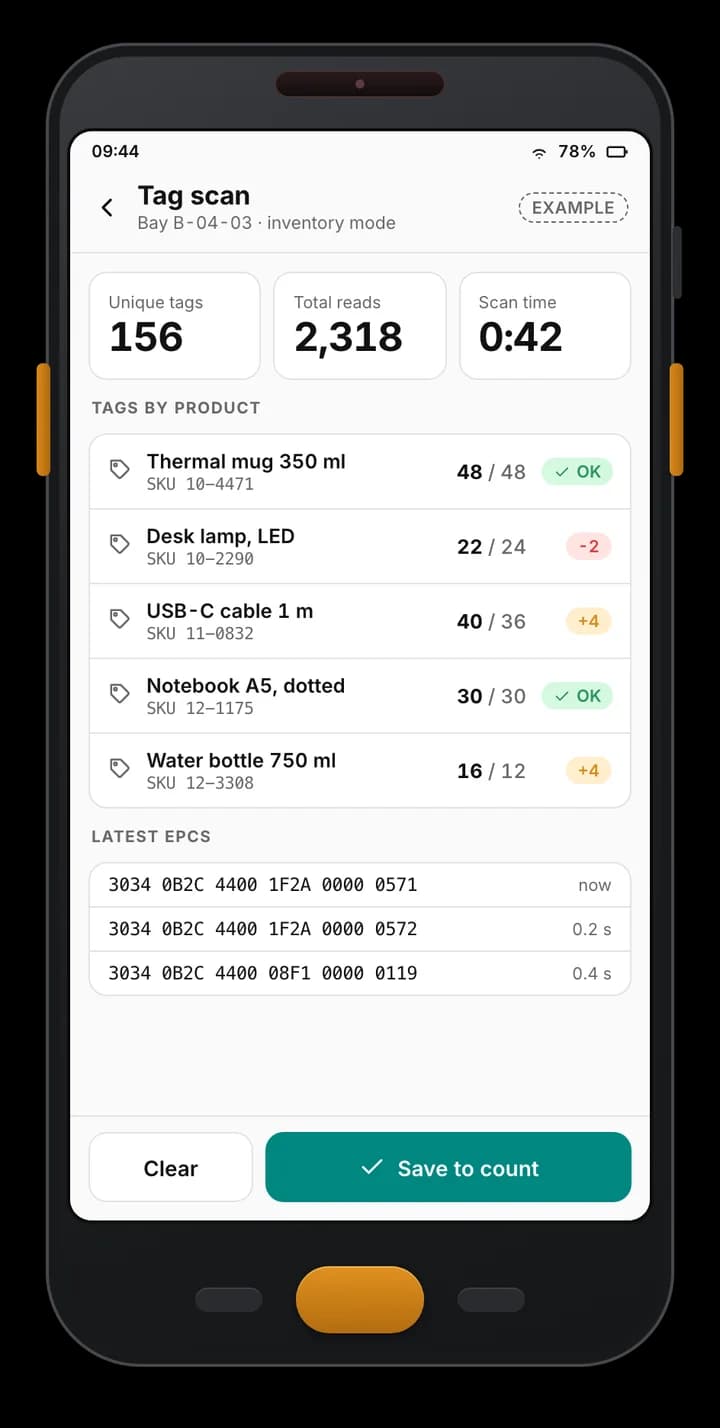
Example handheld app scan screen: 156 unique tags and 2,318 reads in one bay, tag counts per product against expected, and the latest EPCs read.
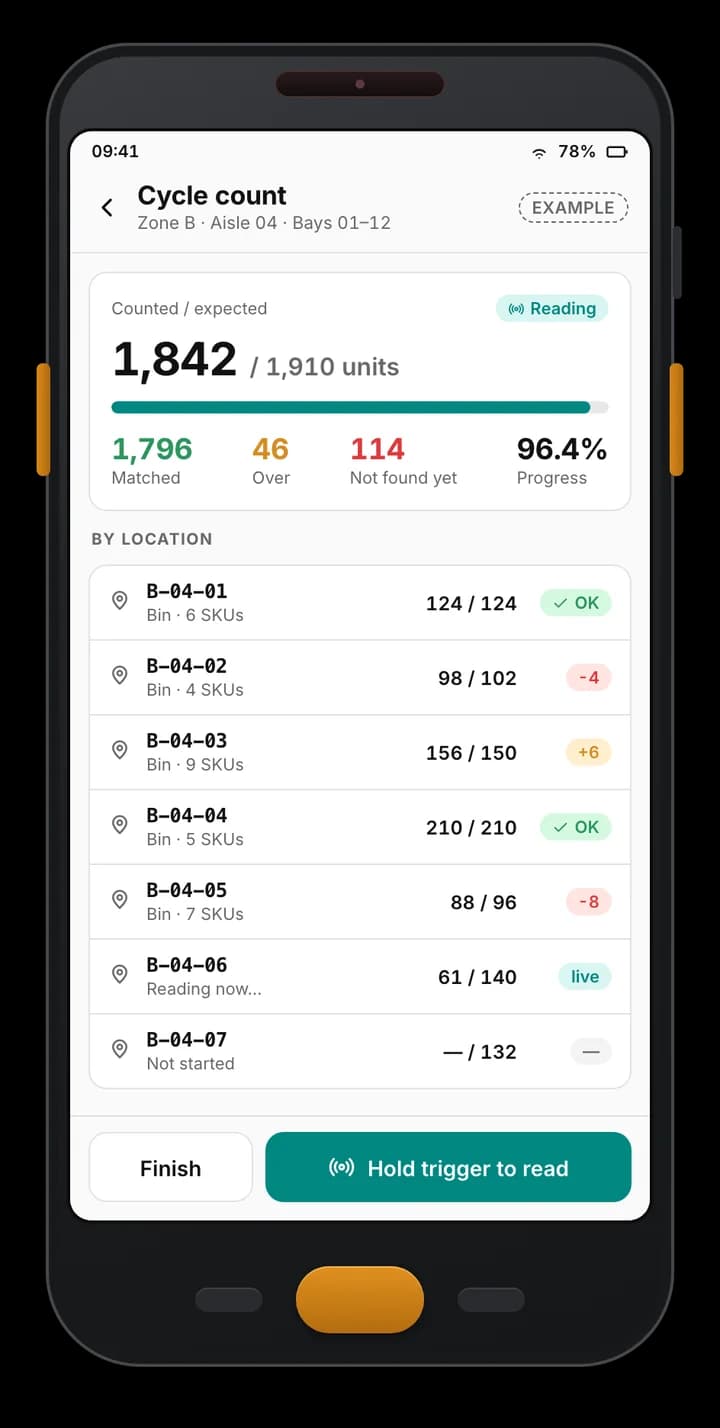
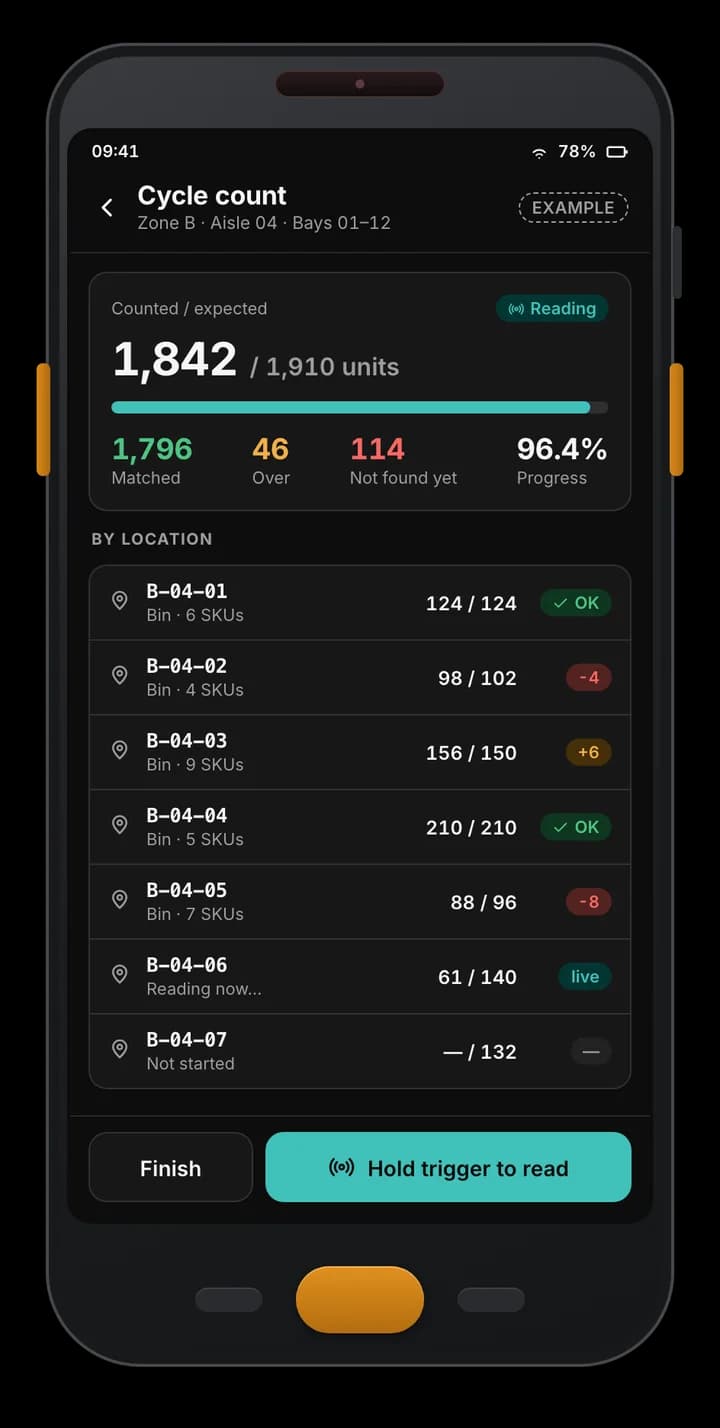
Example Android RFID handheld app: a cycle count of one aisle with 1,842 of 1,910 units counted, matched, over and not-found totals, and progress per bin.
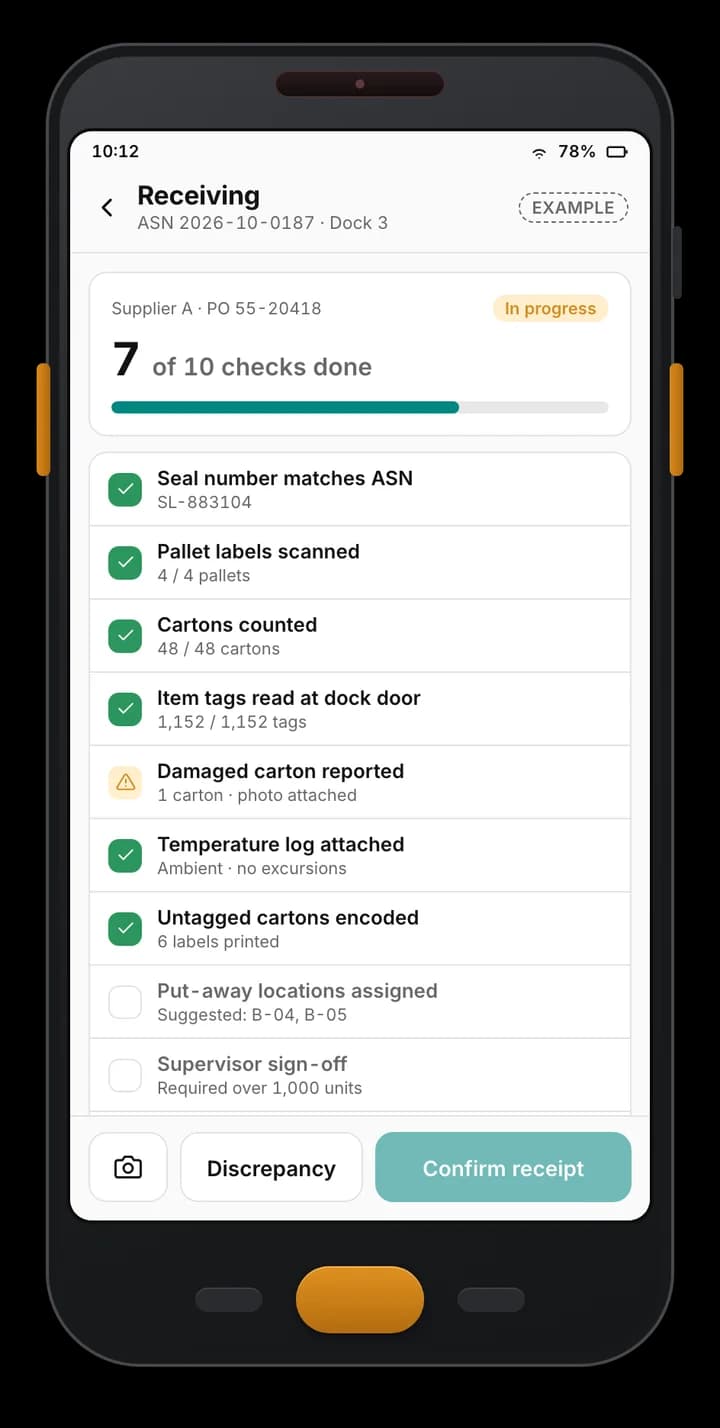
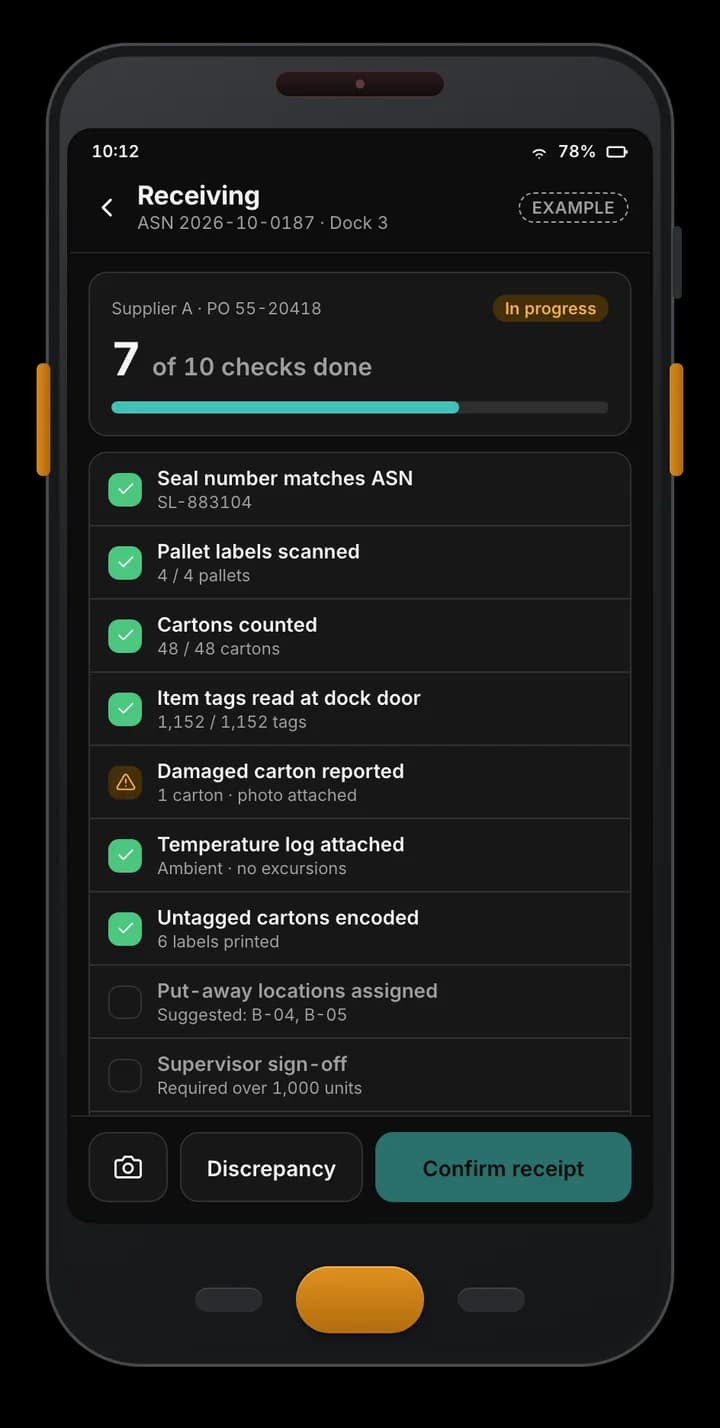
Example handheld receiving app: an ASN checklist at a dock door with seal, pallet labels, cartons, tag reads, a damaged carton and pending sign-off.
Example of a custom app we build — not part of the Spatial Map product.

Works with hardware from

Zebra, Chainway, SATO and Sanray are trademarks of their respective owners. Spatial Map is not affiliated with or endorsed by them; we integrate with devices our clients already own using the vendors’ SDKs and APIs.

Workflows we build

Each app is designed around one site’s process, but most combine a handful of these:

  • Stock count and cycle count — counted against expected per bin, with matched, over and not-found totals and recount requests.
  • Receiving — ASN or PO checklists at the dock: seals, pallet labels, carton counts, tag reads, damage photos, sign-off.
  • Put-away and picking — suggested locations, scan-to-confirm, and short-pick handling.
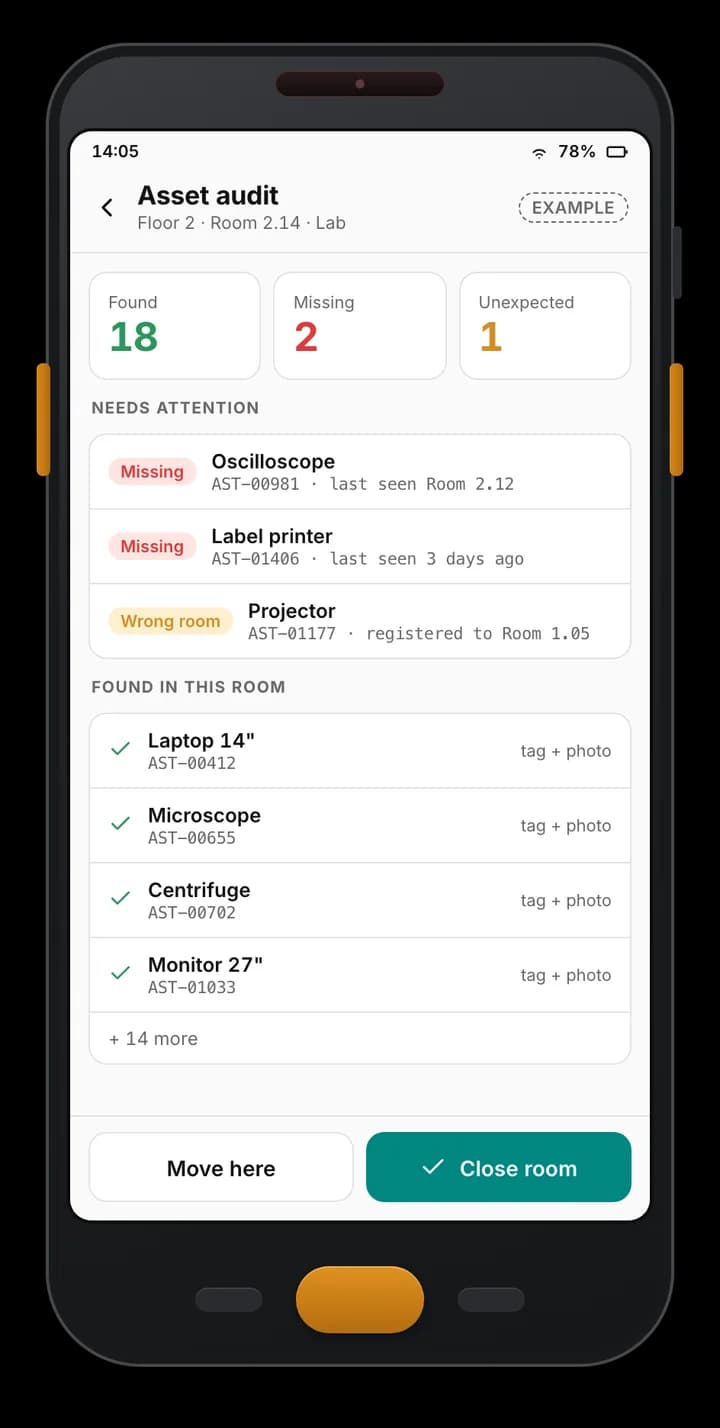
  • Asset audit — room by room: found, missing and in the wrong room, with the last place each asset was seen.
  • Tag search — find one tagged item in a crowded area, guided by the handheld’s reader.
  • Tag encoding — write EPCs on the handheld or send print-and-encode jobs to an RFID printer, recording which tag went on which item.
Built for the floor, not the office

Handhelds work in cold stores, basements and yards. The apps are designed for that:

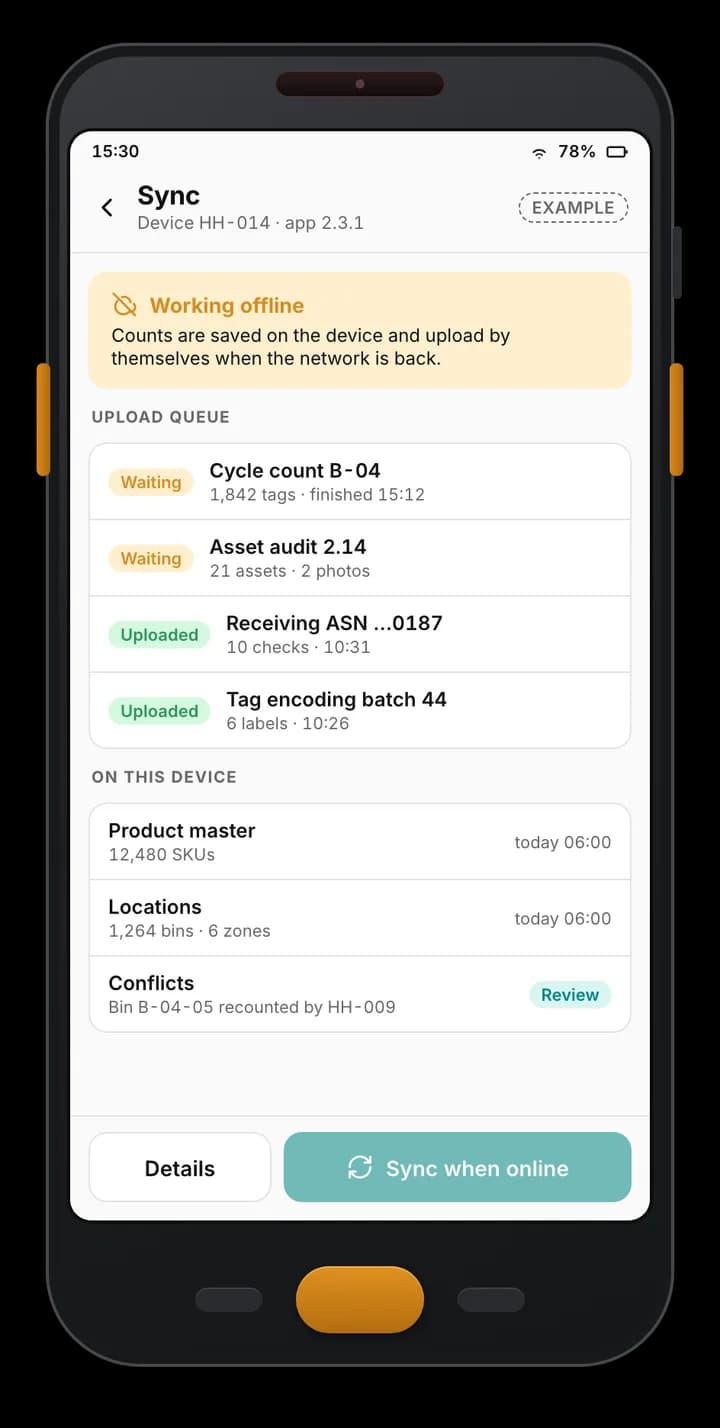
  • Offline-first — product master and locations cached on the device; counts and audits queue and upload when the network is back, with conflicts flagged for review.
  • Trigger-driven — the scan trigger starts and stops reading; big touch targets for gloves; one task per screen.
  • Fleet-ready — app updates, settings and kiosk mode pushed from the back office or your device-management tool.
  • Vendor SDKs — built on the SDK the handheld’s vendor publishes, so reader power, sessions and filters stay under the device’s control.

Where the results go

Approved results go to your ERP or WMS, which stays the system of record. The same results are written to Spatial Map tables through the table write API, so supervisors see count progress and variance by zone on the 3D floor plan, and audits place assets in the room they were found — see the inventory solution and the Crestline demo.

Examples

Example screens

Made with fictional data on a rugged-handheld frame. Tag counts only — the apps do not need signal strength to count.

Example Android RFID handheld app: a cycle count of one aisle with 1,842 of 1,910 units counted, matched, over and not-found totals, and progress per bin.

Cycle count in progress

Example of a custom app we build — not part of the Spatial Map product.
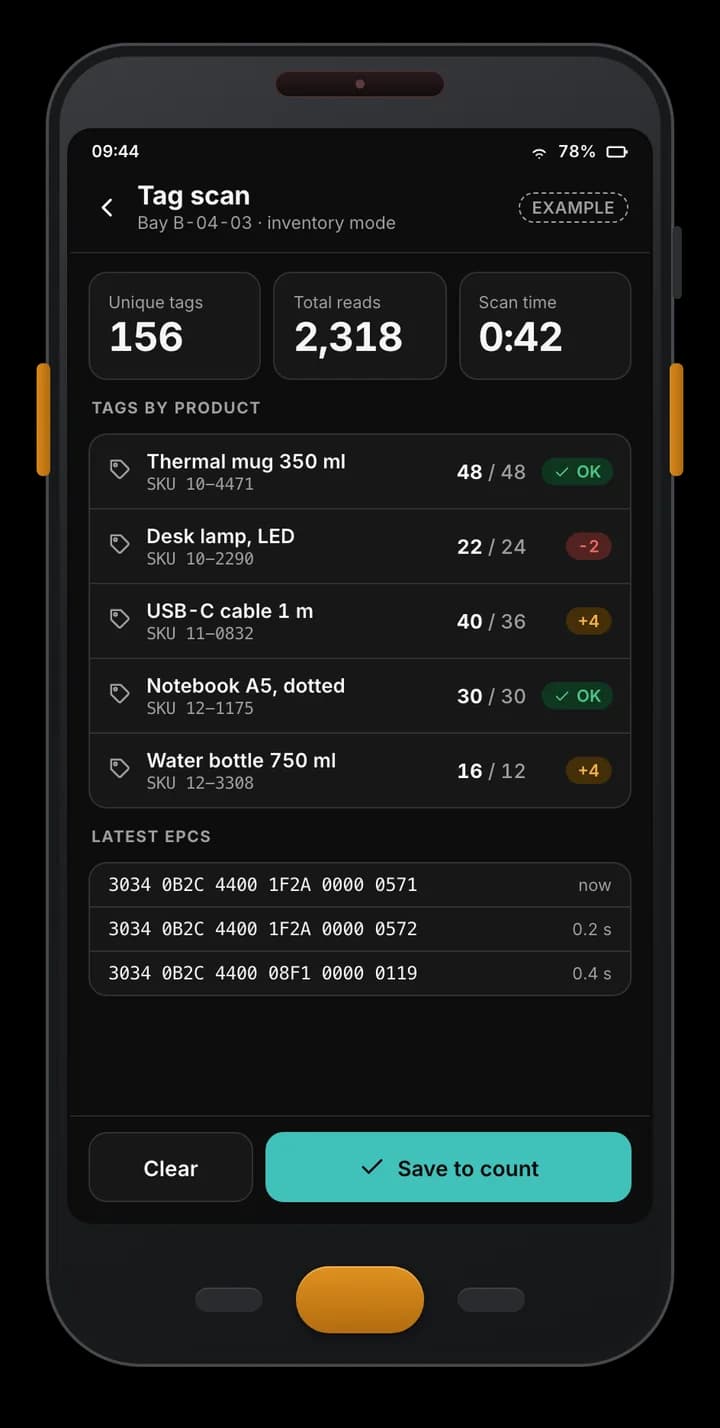
Example handheld app scan screen: 156 unique tags and 2,318 reads in one bay, tag counts per product against expected, and the latest EPCs read.

RFID tag scan

Example of a custom app we build — not part of the Spatial Map product.
Example handheld receiving app: an ASN checklist at a dock door with seal, pallet labels, cartons, tag reads, a damaged carton and pending sign-off.

Receiving checklist

Example of a custom app we build — not part of the Spatial Map product.
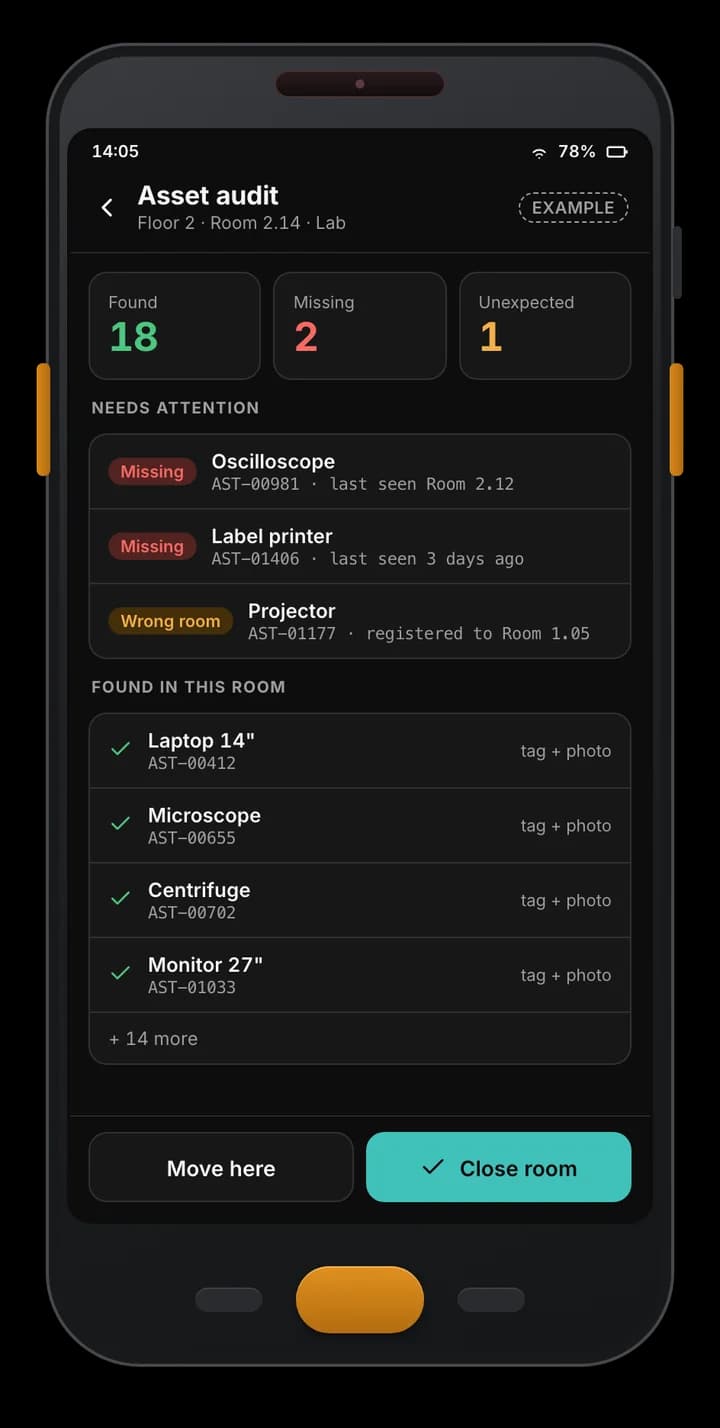
Example asset audit app: 18 assets found, 2 missing and 1 in the wrong room, with tag IDs and last-seen rooms.

Room-by-room asset audit

Example of a custom app we build — not part of the Spatial Map product.
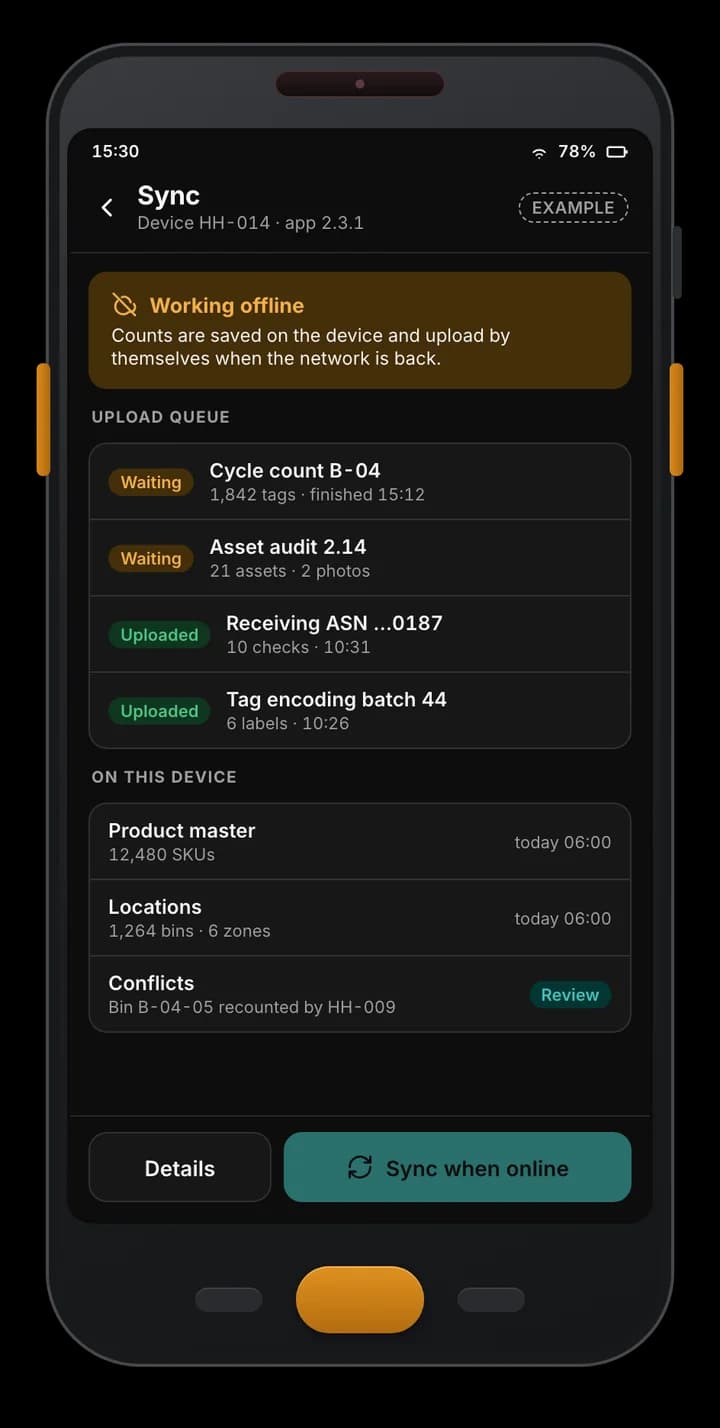
Example handheld app working offline: counts queued on the device, uploads already sent, product master and locations cached, and one conflict to review.

Offline-first sync

Example of a custom app we build — not part of the Spatial Map product.

Devices the apps run on

Illustrations of device types, not vendor product photos.

  • RFID handhelds with a pistol grip

    Built-in or sled UHF readers on Android — the main device for counts and audits.

  • Rugged barcode computers

    For barcode-only items and receiving, in the same app.

  • RFID printers

    Print-and-encode jobs sent from the handheld during receiving.

What you get

The Android app

Your workflows, installed on your handhelds, with a release process for updates.

Sync service

The service that takes results from the devices to your ERP or WMS and to Spatial Map.

Back office (optional)

Approvals, variance and device screens — see back-office development.

Live map

Count progress and audit results on the floor plan, with reports and share links.

RFID mobile apps — frequently asked questions

No. There is no Spatial Map mobile app. These are custom apps built per client and installed on that client’s handhelds; the screens on this page are examples with fictional data.

Android RFID handhelds and barcode computers whose vendor publishes an SDK — for example Zebra or Chainway devices. Mixed fleets are scoped per project.

No. The apps are offline-first: everything needed for the count is cached on the device, and results upload when it reconnects.

Counts and audits don’t need it — they work from which tags were read where. A tag-search screen can use the reader’s feedback to guide a user to one item, as part of the app.

Count faster on the handhelds you already own.

Tell us your count, receiving or audit process and the devices you use. We will scope the app — and show the results on a live map of your site.