Platform · Deployment

Cloud indoor mapping software, with self-hosted and hybrid options

Spatial Map is cloud indoor mapping software at app.spatialmap.io that you can also run yourself. There are three ways to deploy it: the managed cloud, a self-hosted copy of the MIT-licensed open-source edition on your own servers, or a hybrid in which the cloud app stays managed and a small on-site agent sits next to your RTLS and devices on the local network. The editor, the 3D viewer, data links and reports are the same product in each; what changes is who runs it and where the data sits.

Last updated:

No credit card. Runs in the browser. Pro is $60/month for up to 4 facilities. Book a demo

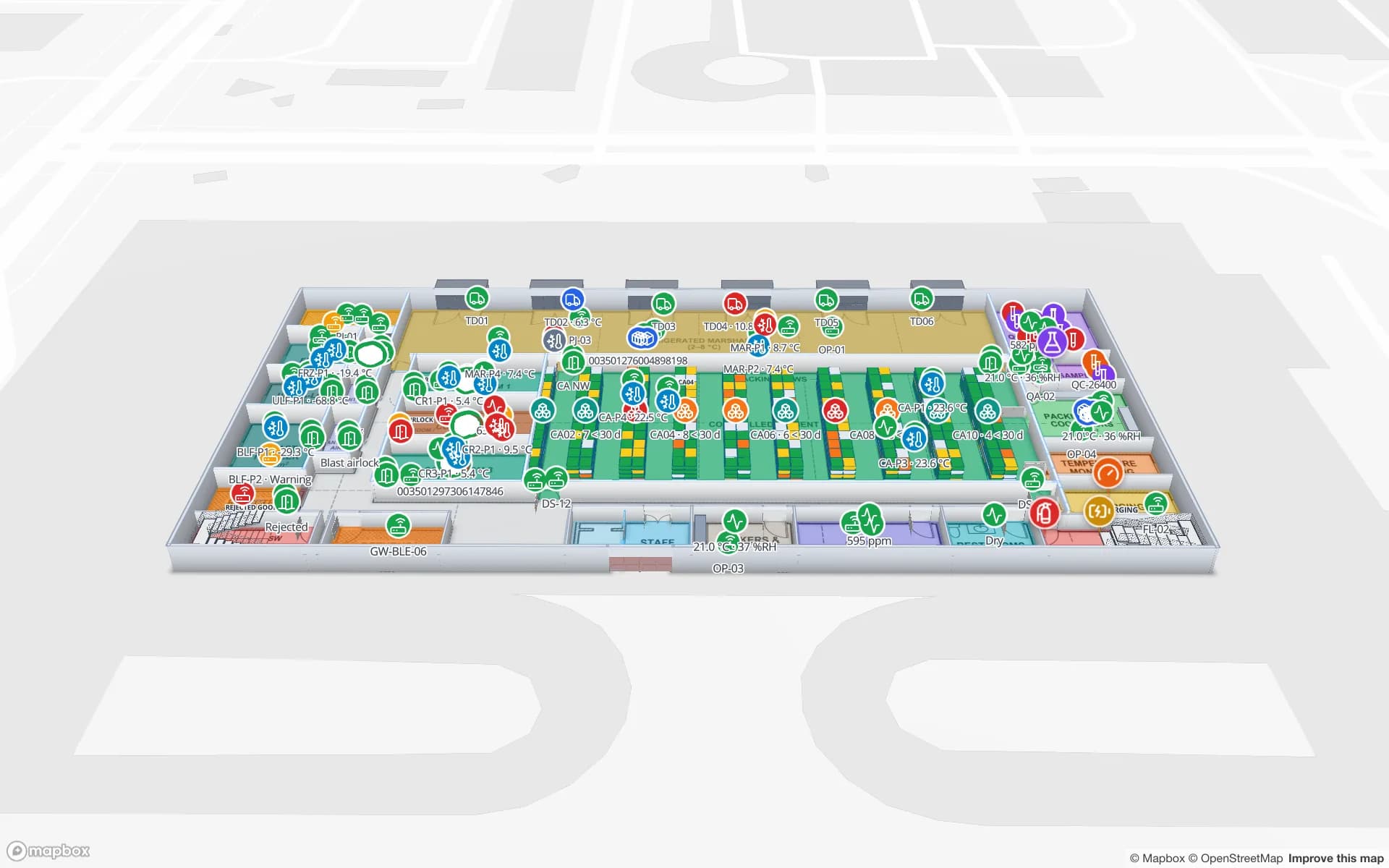
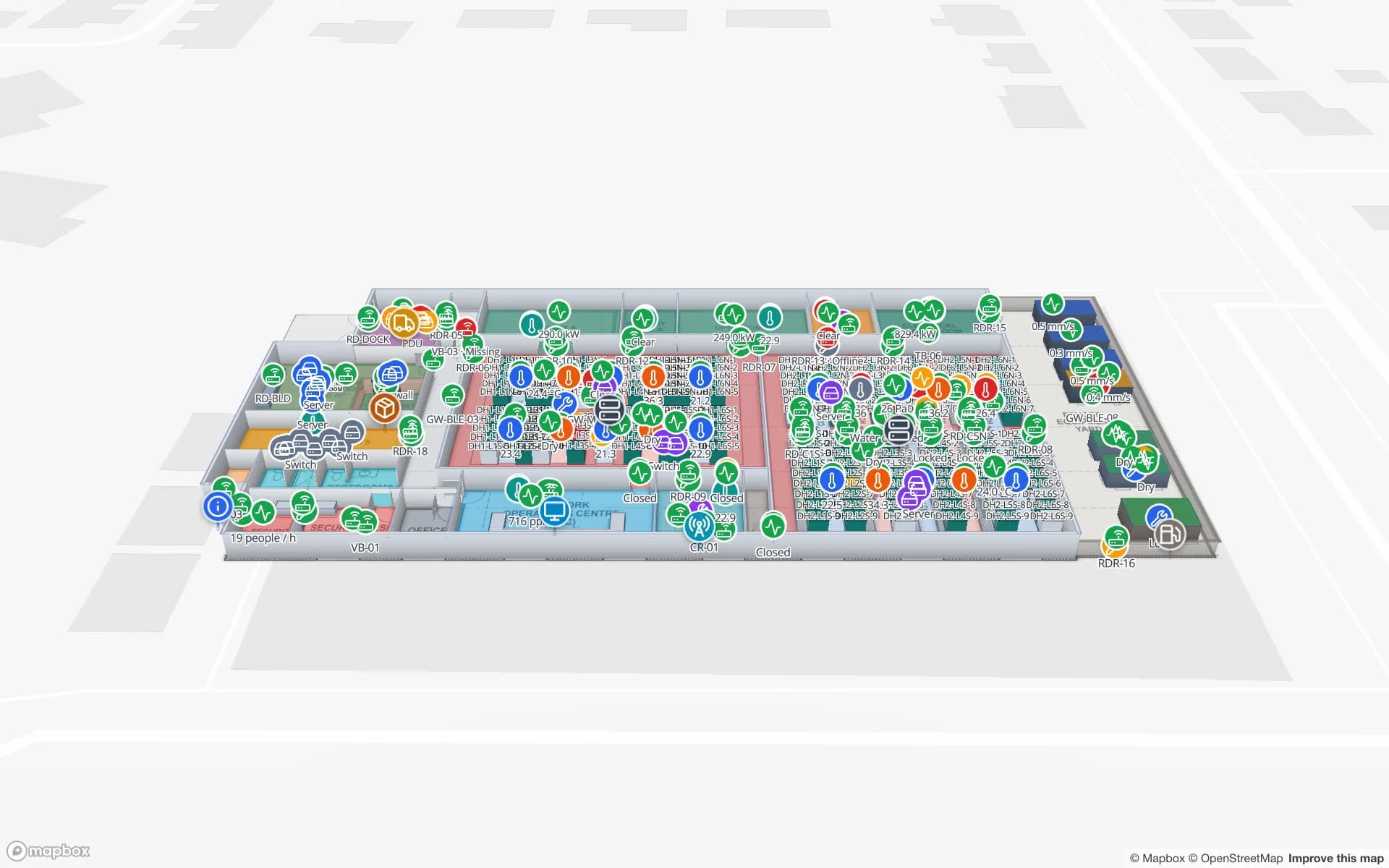
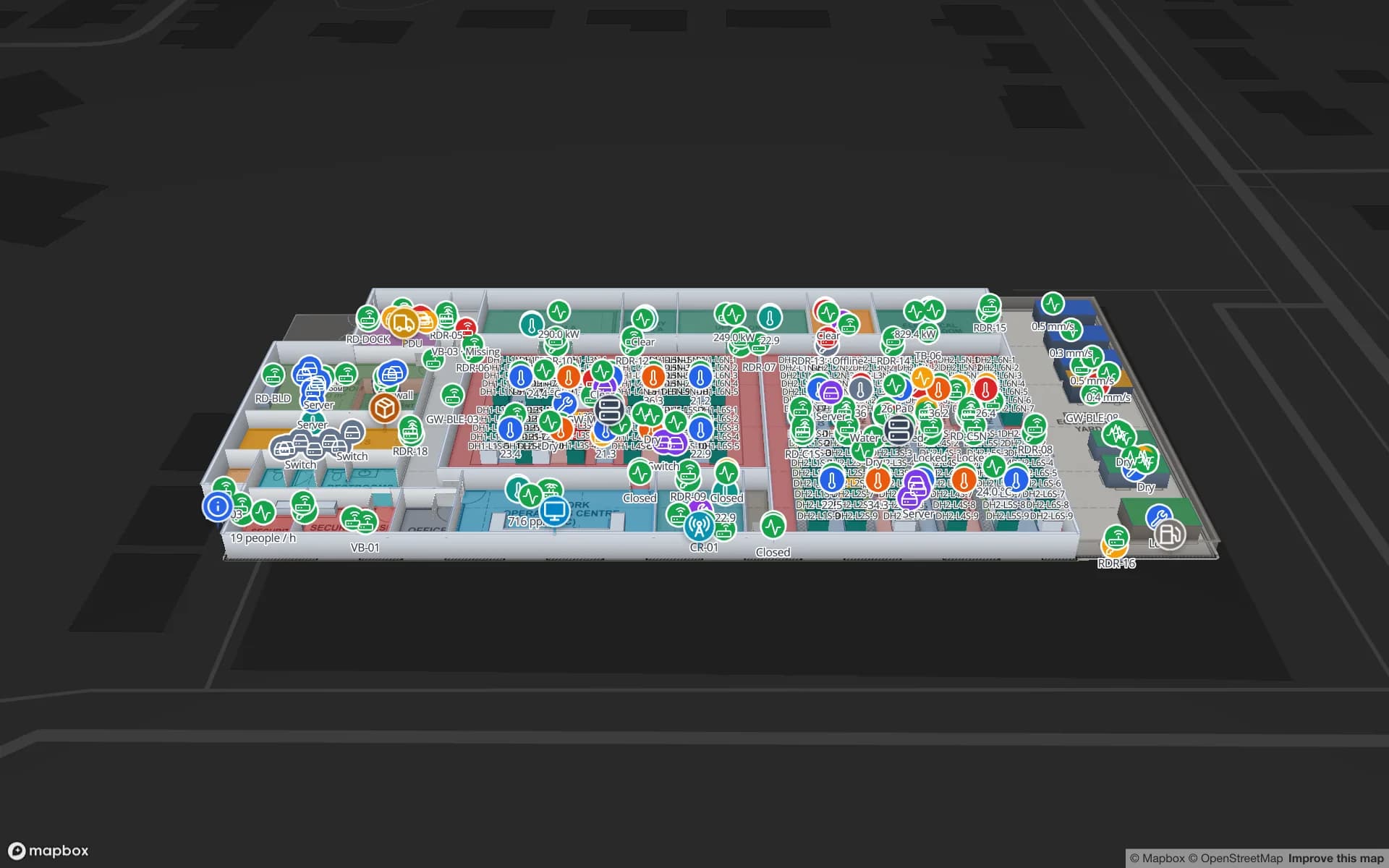
Ridgeline Data Center, a data center demo, in the Spatial Map 3D viewer with live device markers
Ridgeline Data Center
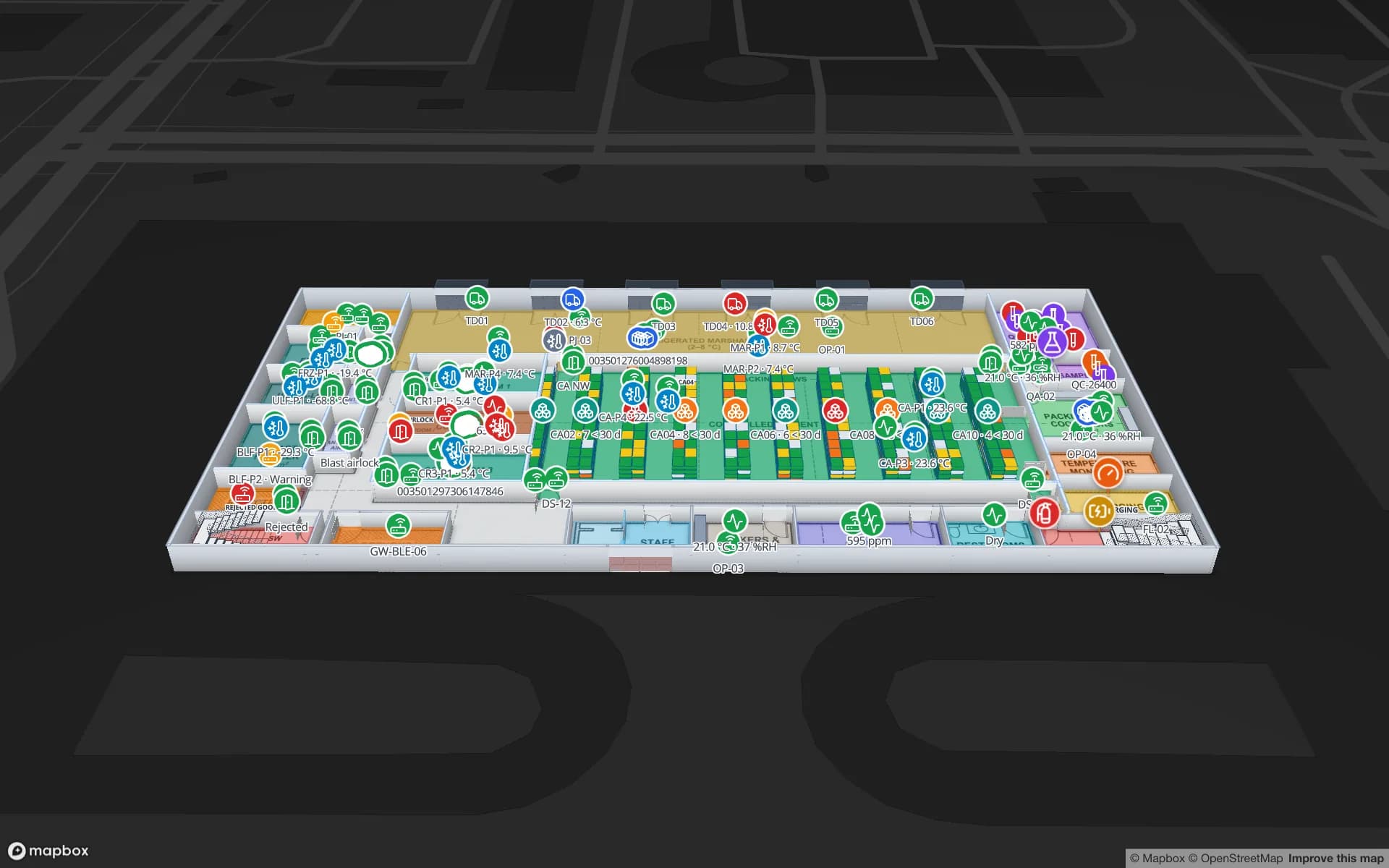
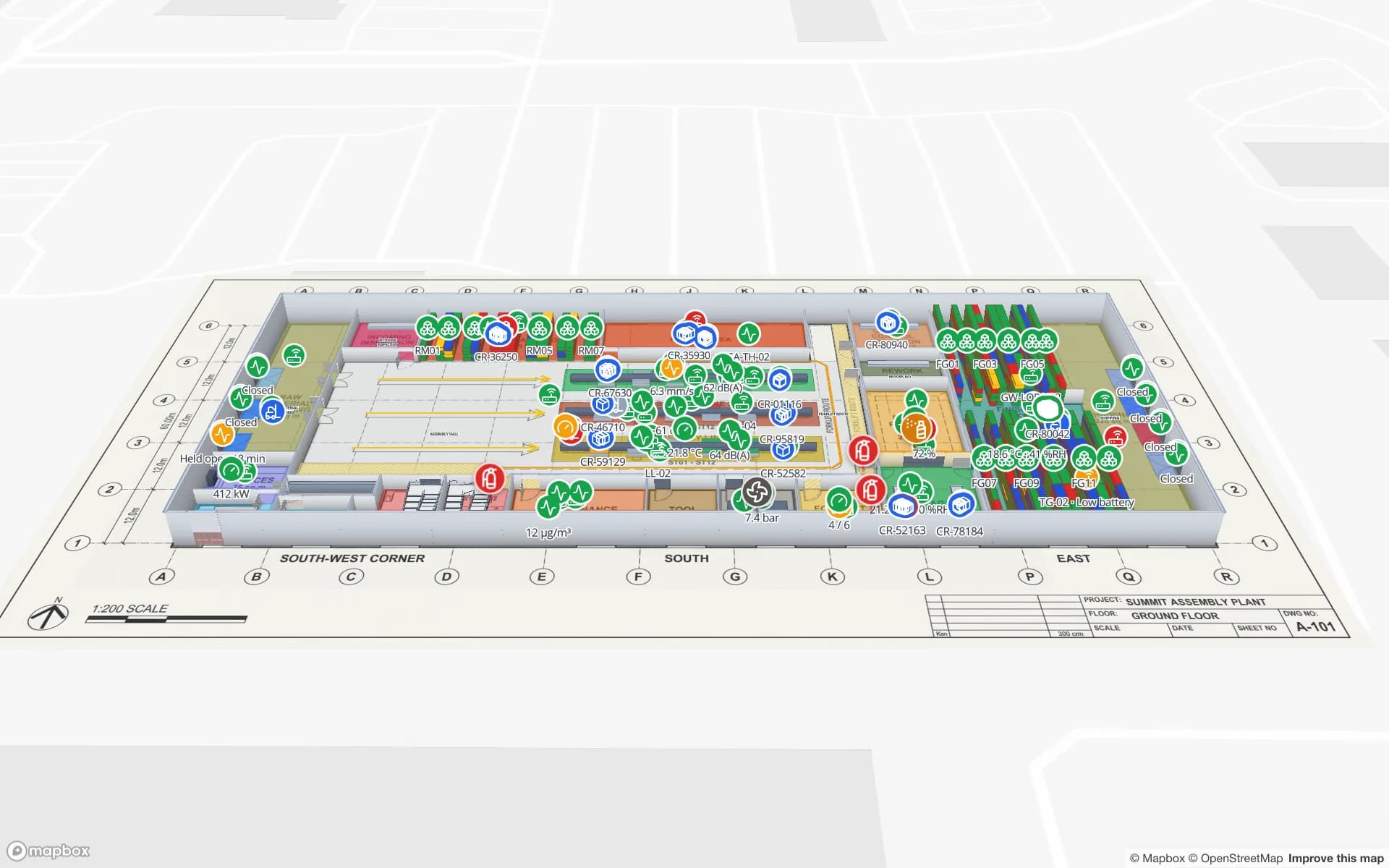
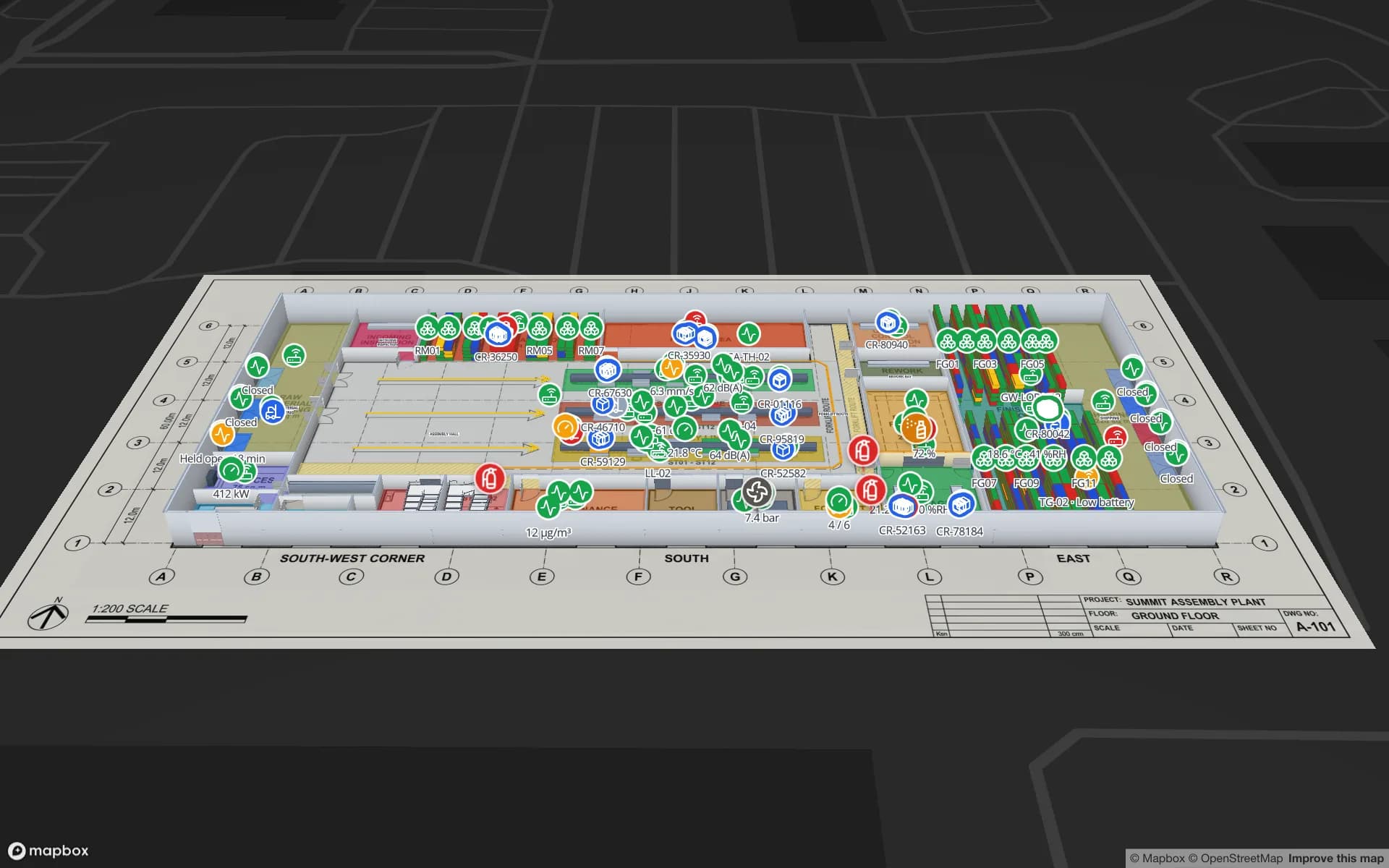
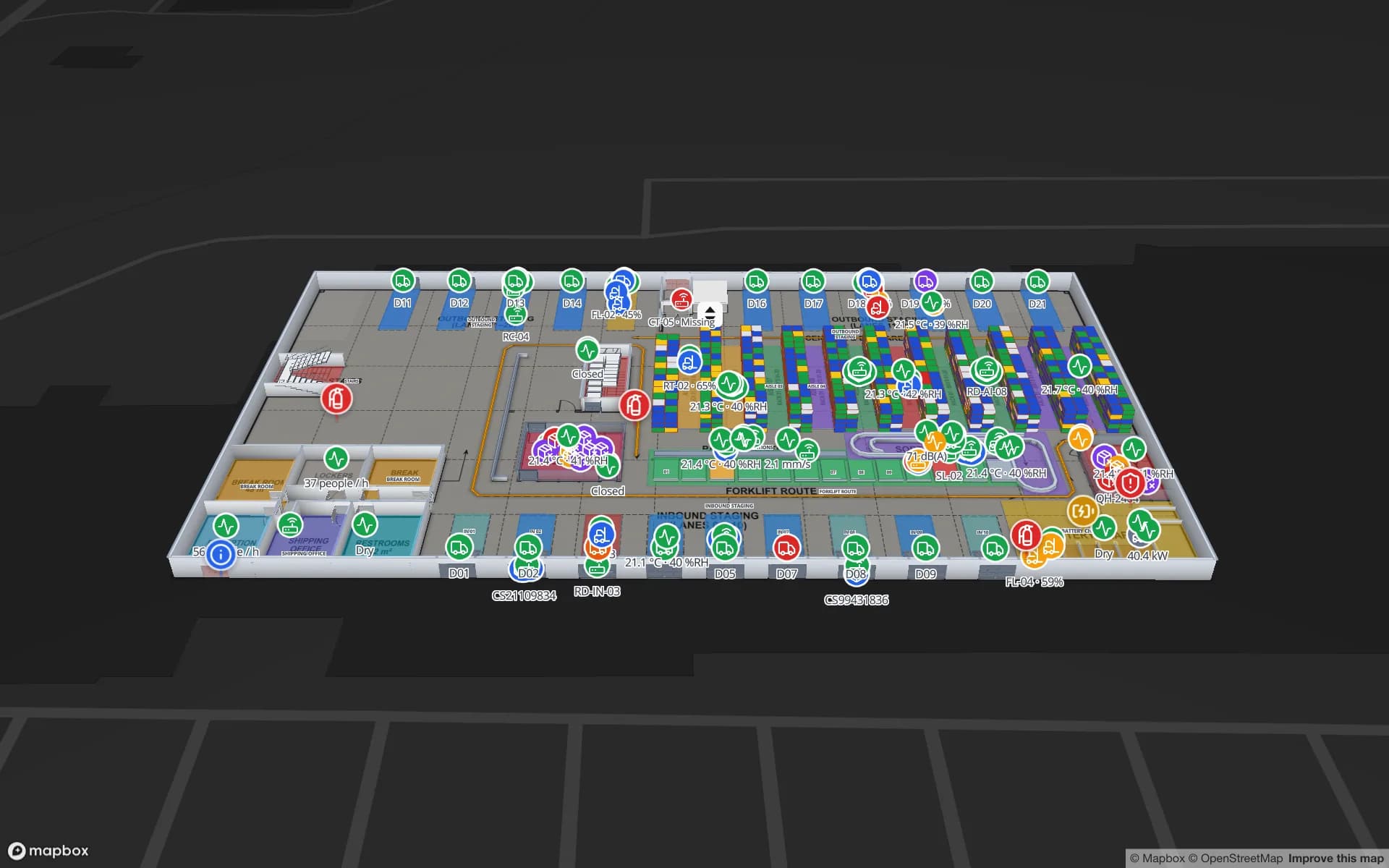
Ridgeline Data Center (demo): the same map works in the cloud, on your own servers, or fed by an on-site agent on the local network.
Ways to run it: cloud, self-hosted, hybrid
3
Licence of the self-hosted open-source edition
MIT
Free cloud trial, no credit card
7 days
Interface languages, including Arabic right-to-left
6

Three ways to run Spatial Map

Most teams start in the cloud because there is nothing to install: sign up, import a floor plan and the map is working the same day. Some sites cannot or will not do that, usually because the map’s data has to stay on a network they control, or because the devices live on a LAN that must not take inbound connections. So the product comes in three shapes:

  • Cloud — app.spatialmap.io, managed for you. Updates, hosting and backups are ours.
  • Self-hosted — the open-source edition, MIT-licensed, started with Docker Compose on your servers or your own cloud account. You run it.
  • Hybrid — the cloud app, plus sgv-edge, a small on-site agent that runs on a PC on your network, talks to the RTLS or devices there and sends their data out over HTTPS.
Cloud: nothing to run

The cloud edition is the quickest way in and the one every plan, trial and support channel is built around. A 7-day free trial covers up to 5 facilities with no credit card. After that Pro costs $60 a month or $600 a year for up to 4 facilities, at the same US dollar price worldwide. Mapbox and email are included, new versions arrive without you doing anything, and AI Map (paid plans and the trial, with a monthly limit) and Ask AI (beta) are part of it.

What you give up is hosting control. Your workspace lives on our infrastructure. The security page sets out how it is protected (encryption in transit and at rest, isolation between workspaces, role-based access) and the Data Processing Addendum lists the sub-processors we use and the categories of data involved. We don’t publish more than those two pages say, so if your review needs something else, ask us.

Self-hosted: your servers, your upkeep

The open-source edition is the app itself, not a sample: the React single-page app on Mapbox GL, the Go API, PostgreSQL with PostGIS, MinIO for files and Redis, packaged as one Docker Compose project. There are no plans, facility limits or billing screens, and it is MIT-licensed, so you can run it commercially and change the code.

The trade is operations. You supply a free Mapbox token for the basemap, an SMTP server for sign-up and reset codes, a TLS reverse proxy in front of port 3000 for anything public, real secrets in production mode, and backups and upgrades of the database and object storage. Help is through GitHub issues, not the email support of the cloud. On-premise indoor mapping software goes through what that involves.

Hybrid: cloud app, on-site agent

Positioning and device systems usually sit on a factory, hospital or warehouse LAN that you would rather not expose. In a hybrid set-up the agent lives inside that network. It is a small program you start on any PC on the LAN; it reaches your BlueIOT RTLS server there, and sends the data to your Spatial Map workspace over outbound HTTPS only. No ports are opened on your side, it buffers to disk while the link is down and catches up afterwards, and the app shows whether it is Online with the time of its last heartbeat.

Tags then move live on the cloud map with the room they are in, room visits and dwell, and the vendor’s alarms as alerts. Only BlueIOT has a built-in driver today; other RTLS engines write to a table through the write API or REST polling. See device connections for the set-up.

Be clear about what hybrid is not. The map and its data are still in the cloud workspace; the agent keeps your device network closed, it does not keep the data on-site. If the data itself must stay on your own network, that is the self-hosted edition.

Where your data lives, and who is responsible

In the cloud, we host and you control access: you choose the members, their roles and what is shared. The security page and the DPA are the references for protection and sub-processors. Self-hosted, the data sits on infrastructure you choose, and encryption, patching, access to the servers, backups and retention are yours to set up and look after. In a hybrid set-up the workspace is in the cloud and the agent’s buffer sits on the on-site PC you put it on.

Neither choice is a certification. Where data lives can make a review simpler, but whether your obligations are met is for you and your auditors to decide.

Cloud vs self-hosted vs hybrid

One product, three ways to run it. Pick by who should operate it and where the data has to be.

CloudSelf-hostedHybrid (cloud + on-site agent)
Where it runsapp.spatialmap.io, managedYour servers or cloud account, Docker ComposeCloud app, plus sgv-edge on a PC on your LAN
Who runs updates and backupsUsYou — new versions ship as GitHub releasesUs for the app; you keep the agent’s PC running
Where the data sitsOur cloud workspace — see /security and /dpaYour infrastructureCloud workspace; device traffic leaves your LAN over outbound HTTPS
Price7-day trial, then Pro $60/month or $600/year for up to 4 facilitiesMIT, free — no plans, no limitsSame plans as the cloud
Mapbox and emailIncludedYour own Mapbox token and SMTP serverIncluded
Getting devices inDevice connections, write API, REST polling, uploadsTable REST API with bearer tokens, REST polling, file importAgent next to the devices, plus the cloud ways in
AI floor-plan toolAI Map drafts walls, doors, racks, labels, areas, stairs, lifts and escalators for reviewOptional worker (docker compose --profile ai) that drafts rooms and walls for reviewSame as the cloud
HelpEmail support and custom servicesGitHub issues; custom services quotedEmail support and custom services
Fits bestTeams that want to start todaySites whose data must stay on their own networkSites with a closed device network and no objection to a cloud workspace

The cloud is the only edition with plans, a trial and email support. There is no separate enterprise on-premise licence.

How Spatial Map does it

Choosing how to run it, in four steps

  1. 01

    Start in the cloud

    Open a free trial and map one facility. It costs nothing, takes no installation and shows whether the product fits.

  2. 02

    Decide where the data may sit

    If your policy says it must stay on your own network, plan the self-hosted edition from the start.

  3. 03

    Look at the device network

    If the RTLS or devices sit on a LAN that should stay closed, put the on-site agent beside them.

  4. 04

    Ask for help where it matters

    Installation, mapping and integrations can be quoted as a custom service.

Which option teams choose

Illustrations on the demo facilities, not customer stories.

A warehouse team that wants it running this week

Cloud: import the floor plans, link the stock table and share a read-only link, with nothing to install.

A cold store whose data stays inside

Self-hosted: probes and pallet reads land on your own server, and the map is only reachable from your network.

A plant with a closed RTLS network

Hybrid: the agent sits next to the positioning server and only makes outbound HTTPS calls to the cloud map.

See it on real demo facilities

Fictional names, real floor plans, live sensors, RFID, BLE tags and gateways — open any of them in the browser.

All 13 demo facilities

Cloud, self-hosted and hybrid — frequently asked questions

Cloud means we host it at app.spatialmap.io and handle updates and backups. On-premise means you run the open-source edition on your own servers with Docker Compose, and you handle hosting, email, upgrades and backups. The editor, viewer, data links and reports are the same app.

Both editions are the same app, so what you learn carries over. Moving a workspace’s data from one to the other is not an automatic button; if you expect to move, say so when you contact us and we will tell you what is involved.

It runs on a PC on your network, connects to the BlueIOT RTLS server there and forwards the data to your Spatial Map workspace over outbound HTTPS. It opens no ports, buffers to disk when the connection drops and shows Online with the last heartbeat in the app.

No. In a hybrid set-up the workspace is in the cloud. The agent keeps your device network closed to inbound traffic; it does not store the map or its data locally. For data that must stay on your network, use the self-hosted edition.

The security page describes encryption, isolation between workspaces and access control, and the DPA lists sub-processors and data categories. If you need more than those pages say, ask us.

The software is free under the MIT licence, with no plans or limits. You pay for your own servers and, past Mapbox’s free tier, for Mapbox usage. Installation help is optional and quoted as a custom service.

The cloud has a 7-day free trial (up to 5 facilities, no credit card), then Pro at $60 a month or $600 a year for up to 4 facilities. The self-hosted open-source edition is MIT-licensed and free, with no plans or limits. Installation help, mapping and integrations are quoted as custom services.

Start in the cloud, or host it yourself.

Open a free trial and map a facility today, clone the open-source edition, or tell us about your network and we will suggest the right set-up.