Custom software · Asset management system

Asset management system development: register, custody and audits

Spatial Map is browser-based indoor mapping and 3D digital twin software that shows where assets are and when they were last seen; the system that holds the register, who has each asset and the audit trail is software we build as a client project. This is asset management system development: an asset register around your buildings, rooms and teams, handheld audits, custody and reports, connected to the live map.

Spatial Map: no credit card for the trial, runs in the browser, Pro is $60/month for up to 4 facilities. Explore the live demo

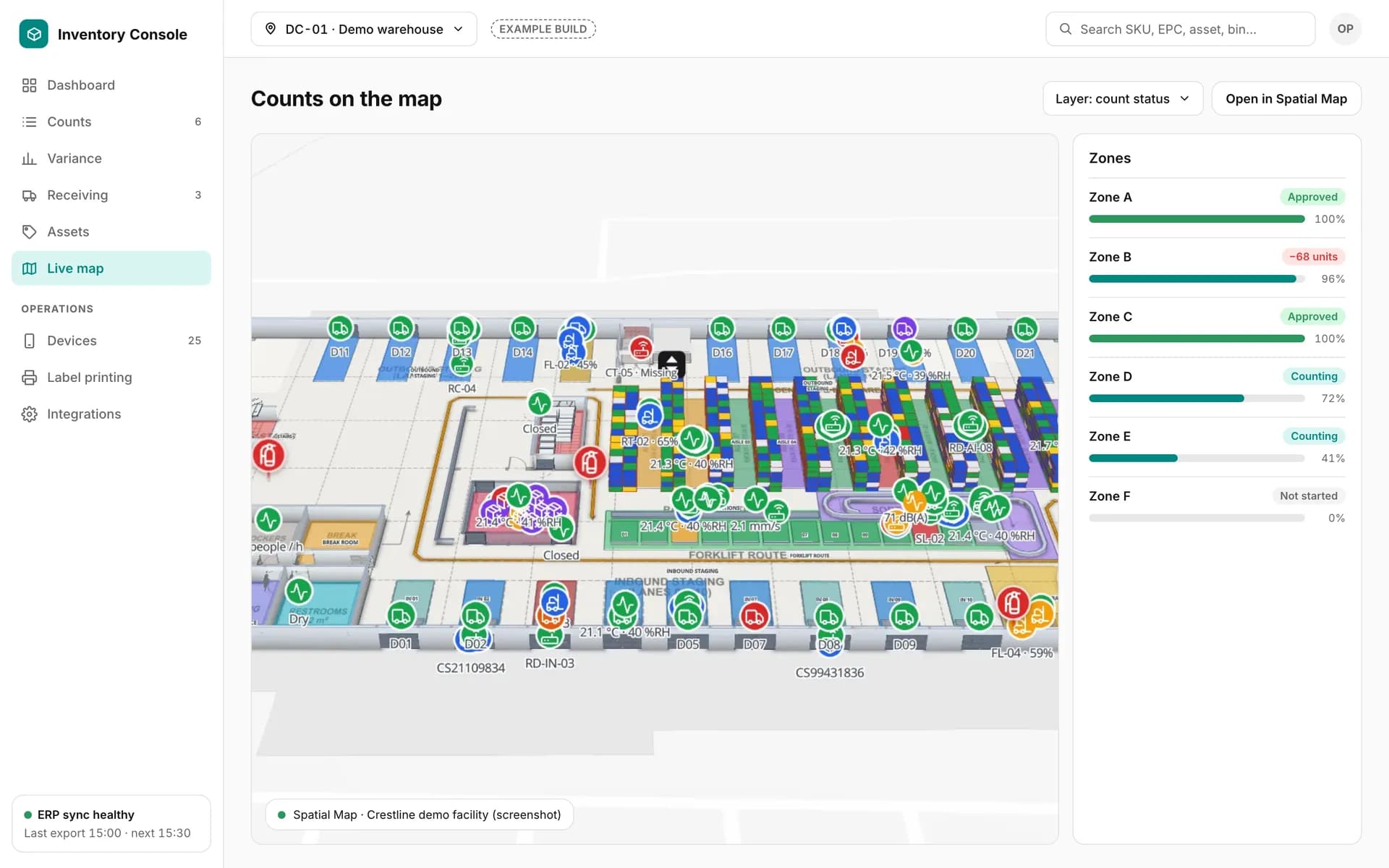
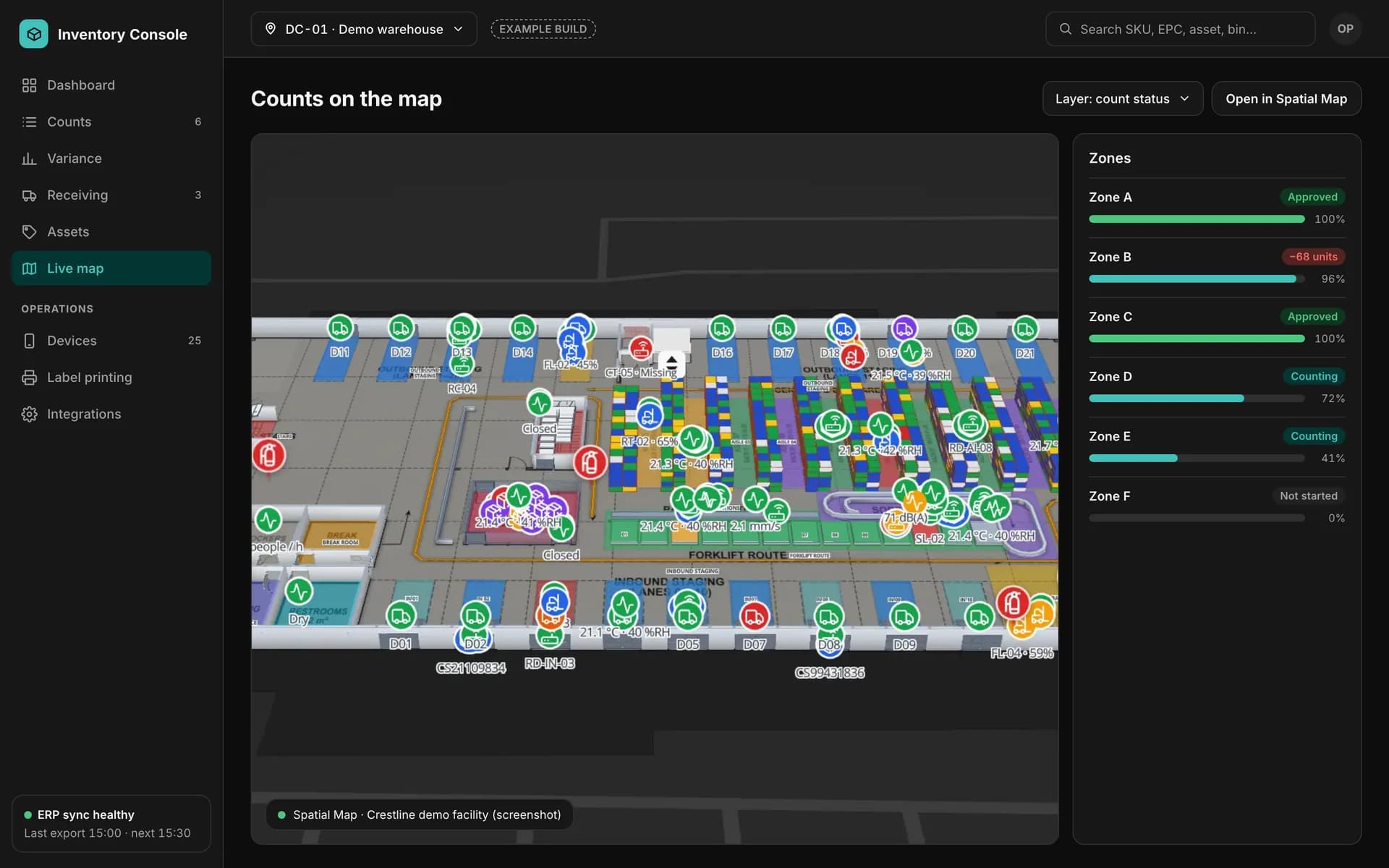
Example back office with count progress per zone next to a screenshot of the Crestline demo facility in Spatial Map.
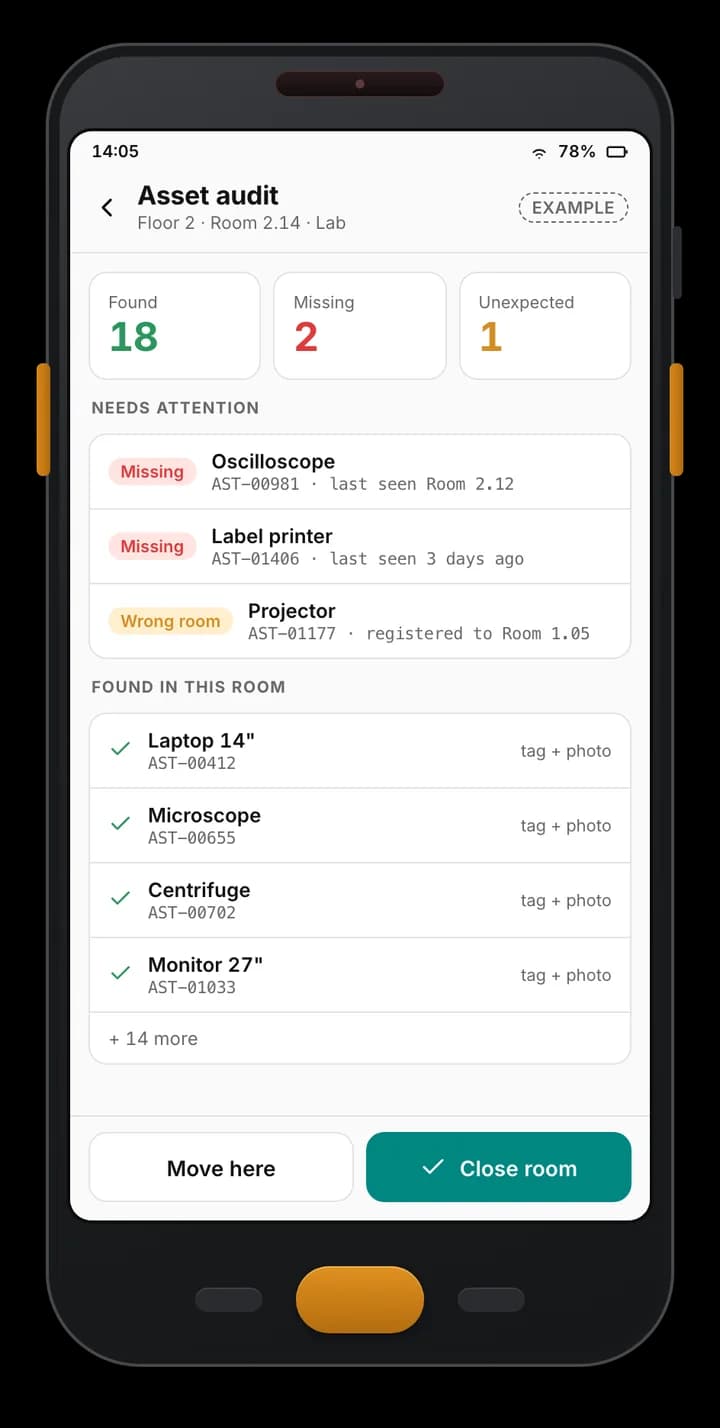
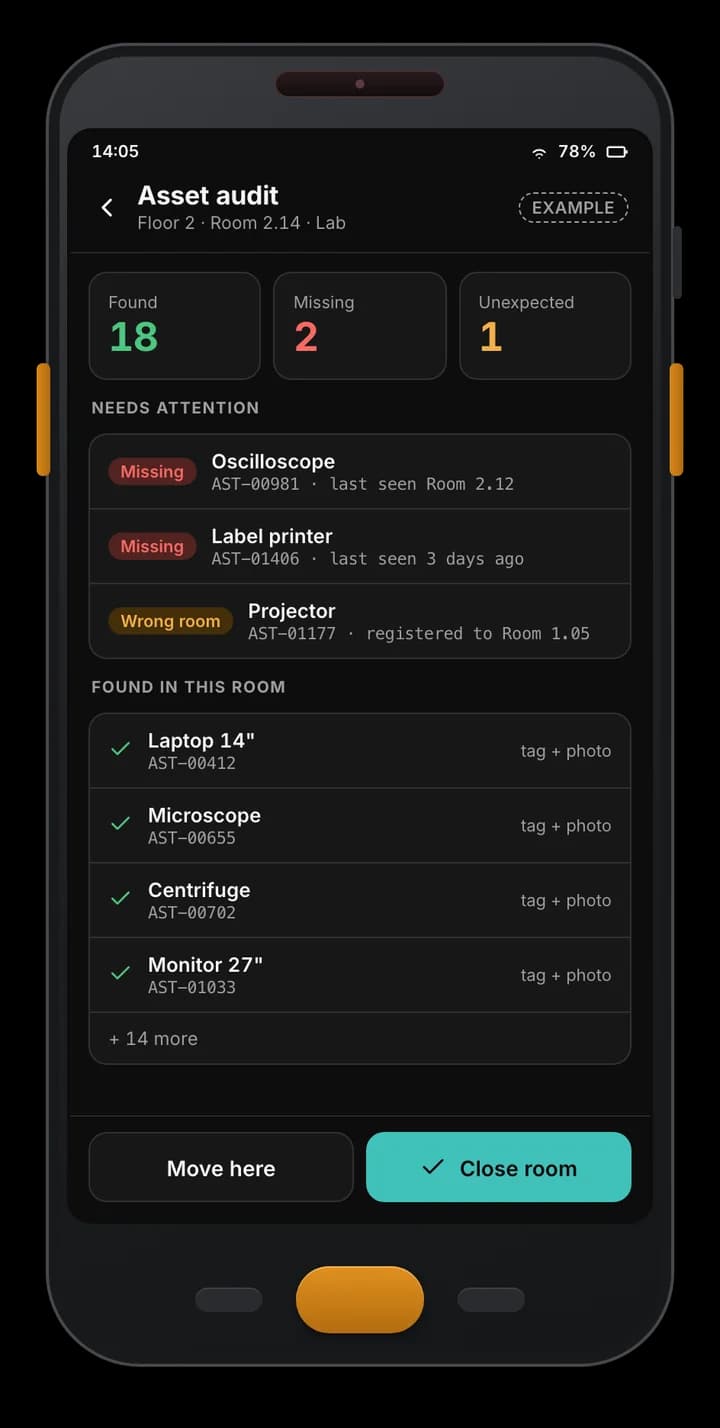
Example asset audit app: 18 assets found, 2 missing and 1 in the wrong room, with tag IDs and last-seen rooms.
Example of a custom app we build — not part of the Spatial Map product.

What the system holds

An asset management system is, first, a trustworthy register. We design the fields around what your organisation actually needs to answer, then keep them lean enough that people maintain them:

  • Identity — asset ID, tag IDs (RFID, BLE or barcode), category, make, model, serial number, photos and documents.
  • Ownership and cost — owner, department or cost centre, supplier, purchase date, cost, warranty and contract dates.
  • Status — in use, in store, on loan, in repair, missing, retired.
  • Custom fields — whatever your sector needs, such as calibration dates or software licences.
  • History — every move, assignment, audit and edit, with who and when.
Buildings, levels and rooms

Assets live somewhere, so the register has a location tree: site, building, level, room, and optionally bay or shelf. We build it to match the floors and rooms of your Spatial Map facility and use the same room codes in both, so a row in the register and a shape on the map name the same place. Moving an asset between rooms is one action with a history entry, and reports can group by any level of the tree.

Custody and assignment

Knowing who holds an asset matters as much as knowing where it is:

  • Assignment — to a person, team or room, with a start date and optional end date.
  • Check-out and return — scan on hand-over and on return, with a due date for loans and overdue lists.
  • Acknowledgement — the receiver confirms on screen, and the record shows it.
  • Leaver and transfer workflows — list everything assigned to a person or team so nothing is forgotten when someone moves on.

Audits with handhelds

Audits keep the register honest. A supervisor plans an audit by room, level or building; the handheld app downloads the expected list, works offline and reads tags room by room, then reports each asset as found, missing or in the wrong room, with the last place it was seen. Unresolved items go to a follow-up list with owners and deadlines, and a closed audit becomes a signed record. See RFID mobile app development for the device side and RFID IT asset audit for the technology.

Depreciation fields, maintenance and reports

Finance teams need the register to feed their books. We add the fields they define — cost, useful life, residual value, depreciation method and start date — and calculate schedules to the rules your finance team gives us, or export the data to your accounting system, which remains the system of record. We build to your policy and give no accounting advice. Maintenance, service due dates, warranty expiry and disposal records sit in the same register.

Reports cover the register by location, audit results, missing assets, custody by person and depreciation schedules, exported to Excel, CSV or PDF. Spatial Map’s own reports and read-only share links cover map-based views without code.

Connecting to the live map

The register stays the system of record and writes rows to Spatial Map tables through the table write API (HTTPS, bearer key, bulk upsert, 60 requests a minute per key). Where RFID readers or BLE gateways report sightings, the same table can show the room an asset was last seen in; missing assets can be highlighted on the plan; and Spatial Map’s in-app alerts can flag assets not seen for N minutes. Email or SMS follow-up is built into the custom system. See asset tracking and the asset management solution for the map side.

How we build it, host it and hand it over

The stages are discovery (what you register, who needs what answer, which tags are in use), design (fields, location tree, roles and screens), build (register, custody, audits, reports), integrate (handhelds, readers, accounting, directory, optionally the map) and hand-over (data import, a pilot building, training, documentation).

The system can run in your cloud account, in ours or on-premises. Ownership is written into the proposal; the usual position is that you own the code written for you and your data. Scope and price are set per project.

Examples

Example screens

A handheld asset audit and the back office beside the live map — fictional data, designed per client.

Example asset audit app: 18 assets found, 2 missing and 1 in the wrong room, with tag IDs and last-seen rooms.

Room-by-room asset audit

Example of a custom app we build — not part of the Spatial Map product.
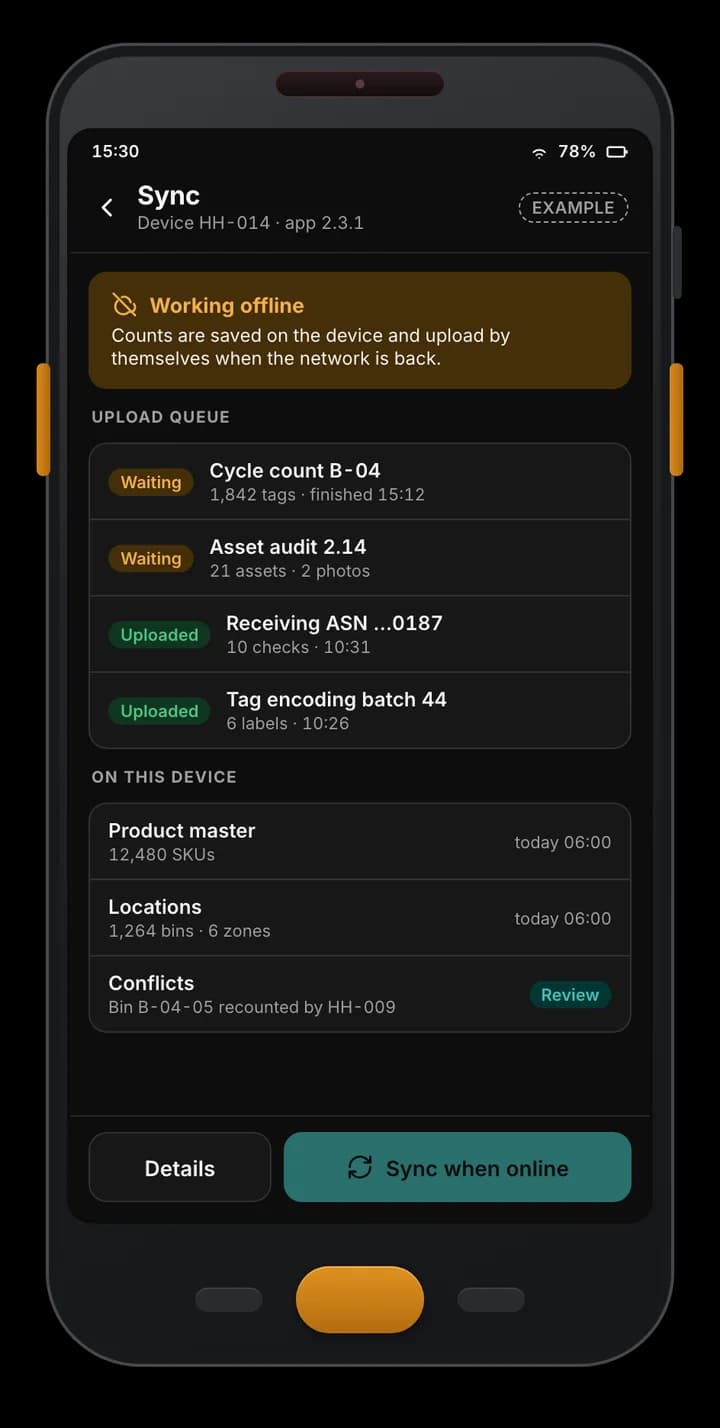
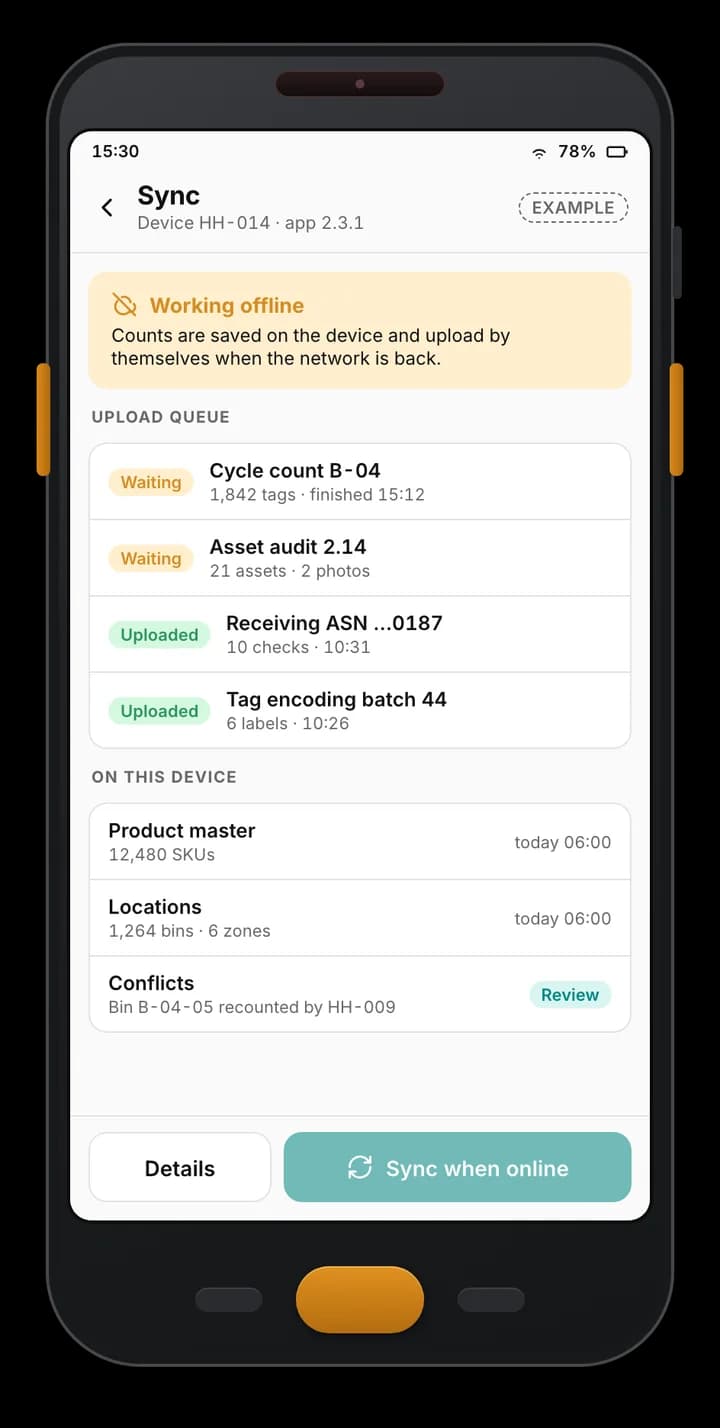
Example handheld app working offline: counts queued on the device, uploads already sent, product master and locations cached, and one conflict to review.

Offline-first sync

Example of a custom app we build — not part of the Spatial Map product.
Example back office with count progress per zone next to a screenshot of the Crestline demo facility in Spatial Map.

Counts next to the map

Example of a custom app we build — not part of the Spatial Map product. The map panel is a screenshot of the Crestline demo facility in Spatial Map.
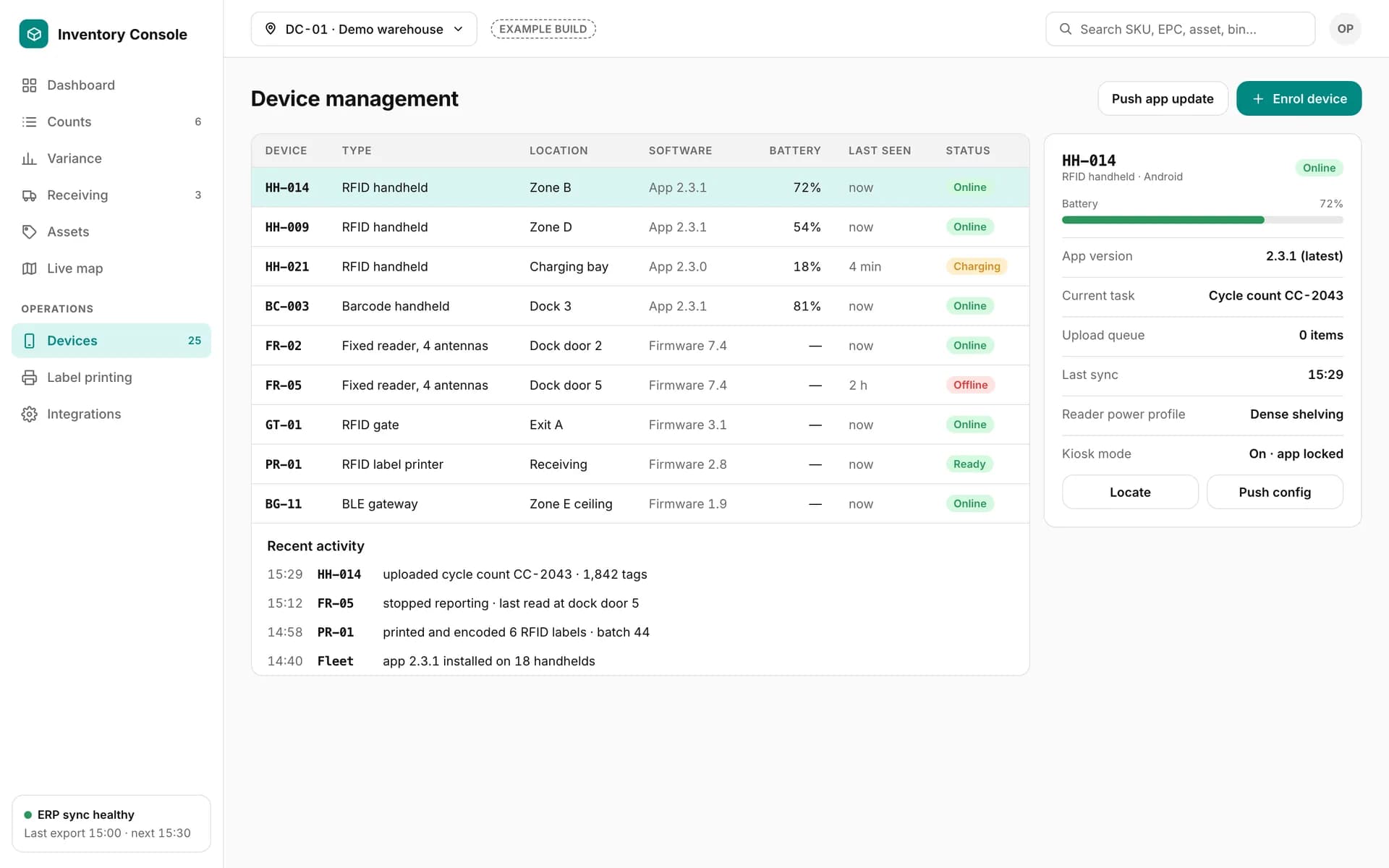
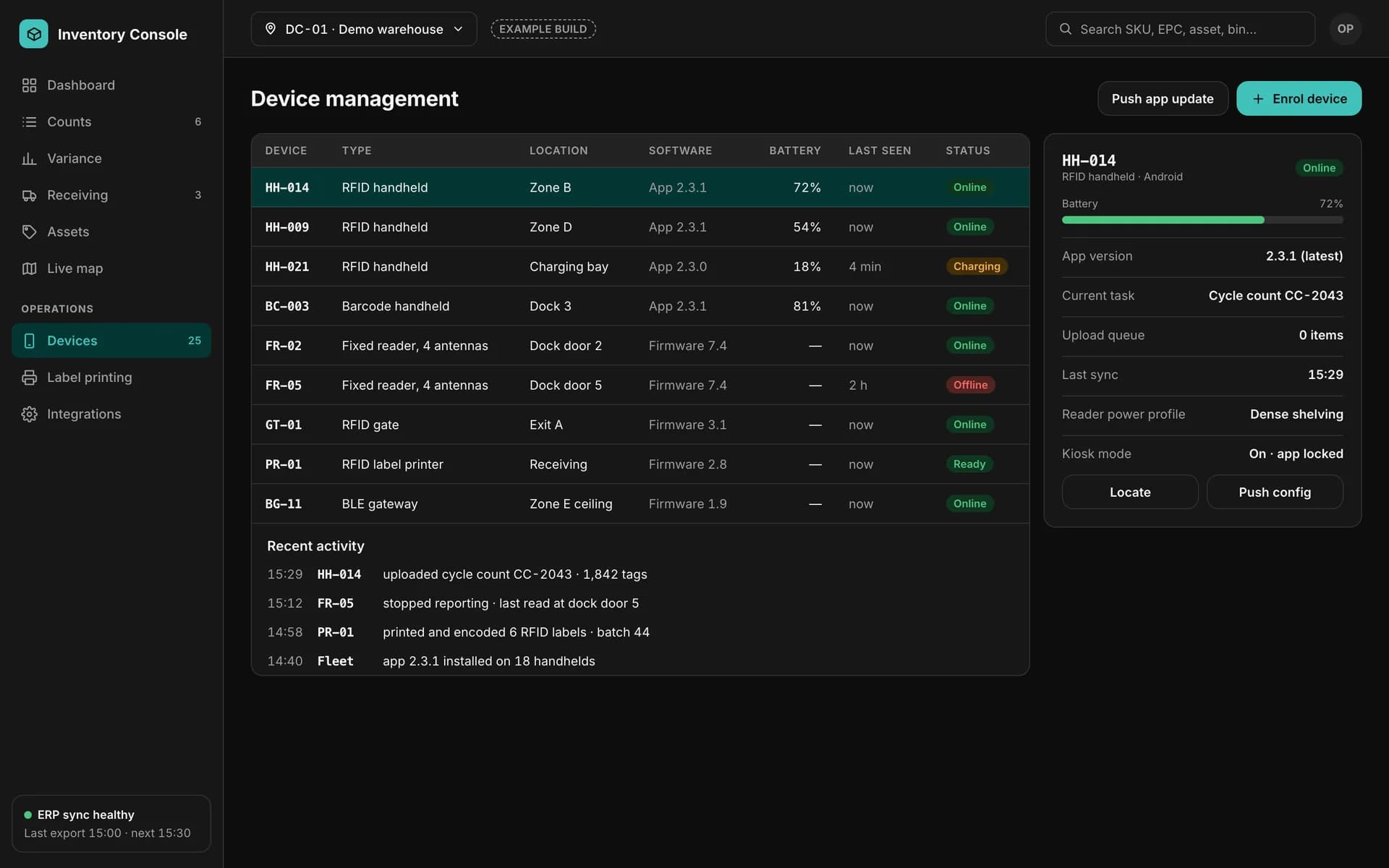
Example device management screen: RFID handhelds, fixed readers, a gate, a label printer and a BLE gateway with battery, software version, last seen and status.

Device management

Example of a custom app we build — not part of the Spatial Map product.
How it connects

How the pieces fit together

  1. 01

    Tags and devices

    RFID, BLE or barcode tags; handhelds, readers and gateways.

  2. 02

    Asset system

    Register, location tree, custody, audits and reports.

  3. 03

    Finance and directory

    Accounting export, depreciation inputs and people from your directory.

  4. 04

    Spatial Map

    Rows through the table write API → last-seen rooms and missing assets on the live map.

Asset management system development — frequently asked questions

Not on its own. Spatial Map shows where assets are on a live floor plan, with reports and history. The asset register, custody and audit workflows are custom software built for one client, which can feed the map.

Yes. The location tree is built to match your floors and rooms, using the same room codes as the Spatial Map facility.

Yes. The handheld app works offline, reads tags room by room and reports found, missing and in-the-wrong-room assets, with follow-up tasks for the gaps.

It can store the fields your finance team defines and calculate schedules to the rules they give us, or export to your accounting system. We build to your policy and give no accounting advice.

RFID, BLE and barcode or QR labels, or a mix. The register keeps the tag ID with the asset whatever the technology.

Yes. Existing spreadsheets and system exports are cleaned and imported during the project.

Scoped and quoted per project, from a written proposal after we have seen your asset types, locations and systems.

Tell us what you need to know about your assets.

Share your asset types, locations, tags and the systems involved, and a floor plan. We will reply with a scoped proposal — and a live map of where your assets are.