RFID · Stock counting & cycle counting

RFID stock counting: cycle counts you can see, zone by zone

Spatial Map turns an RFID stock counting run into a map. Your handheld app or middleware sends what was read in each zone; Spatial Map colours every rack, shelf and department by counted, missing and unexpected stock, so the team knows where to recount before the count is closed.

Last updated:

No credit card. Runs in the browser. Pro is $60/month for up to 4 facilities. Book a demo

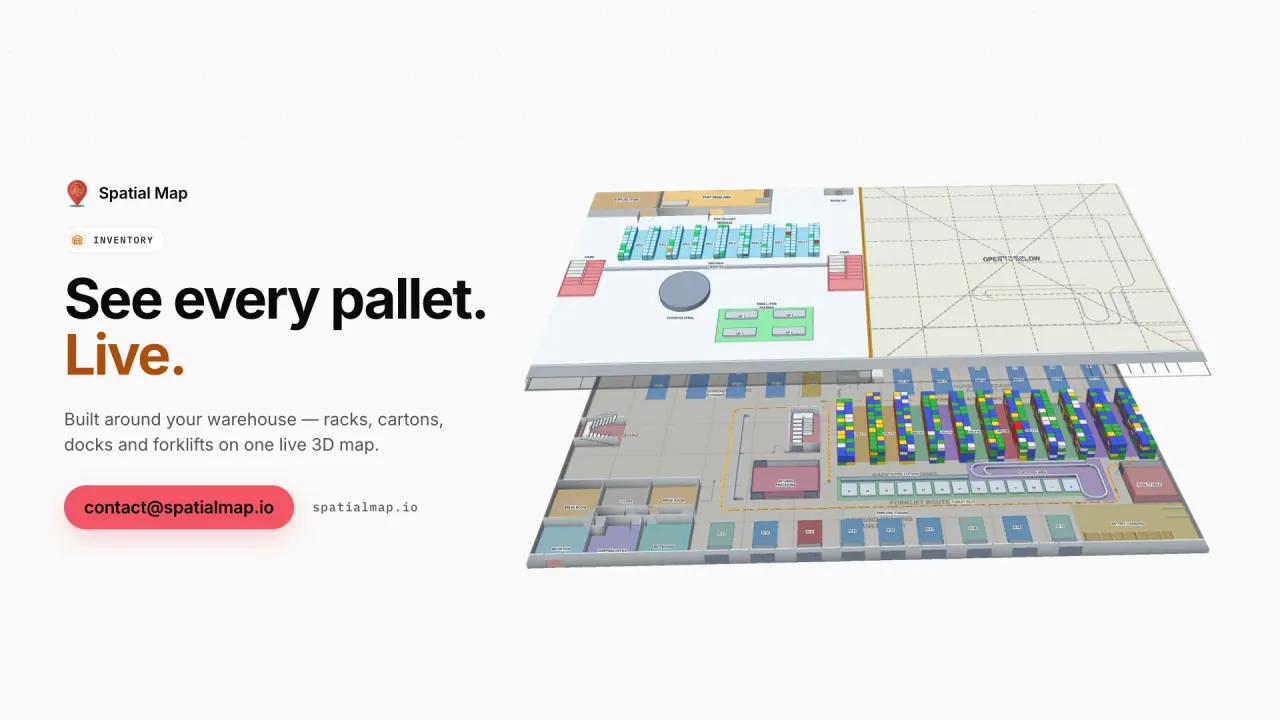
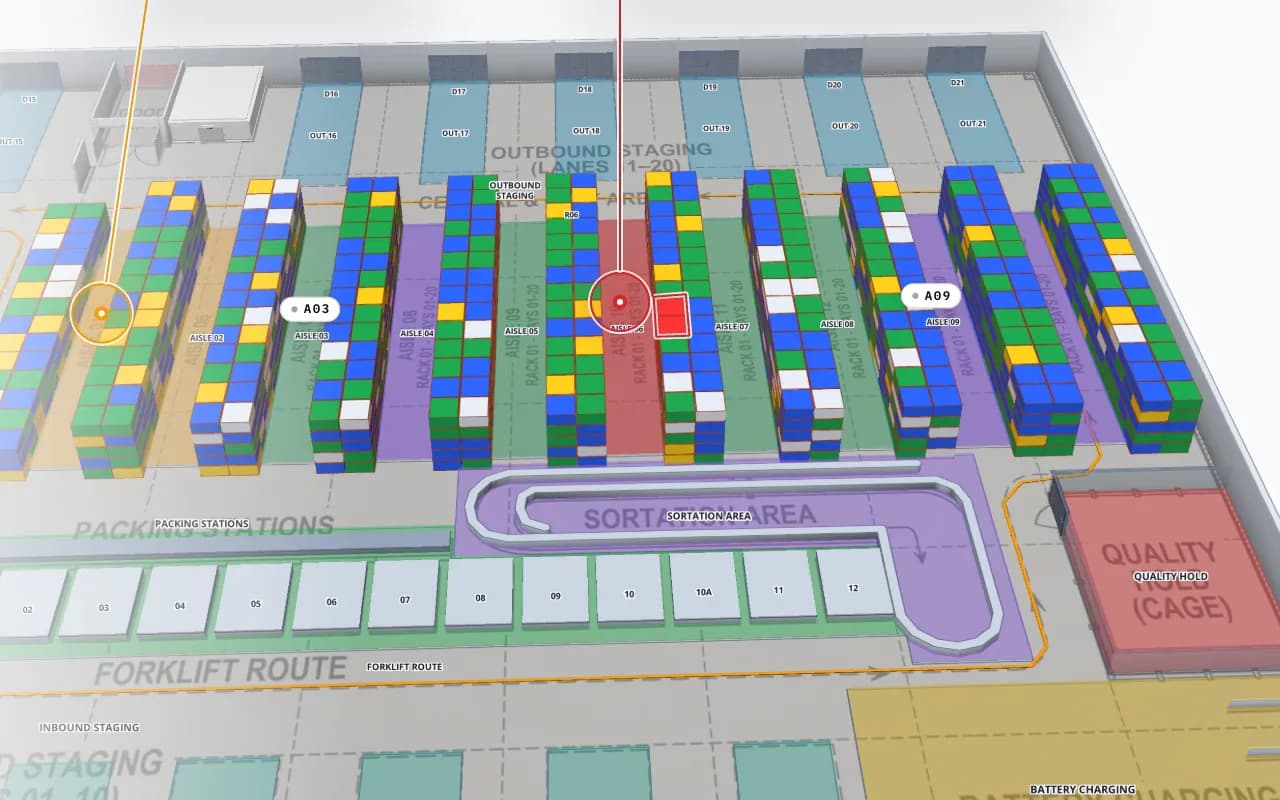
Crestline Fulfillment Center in 3D with every rack location coloured full, OK, low, empty or blocked, and a blocked location highlighted in red
Crestline Fulfillment Center
Crestline Fulfillment Center (demo): every rack location coloured from a stock table — full, OK, low, empty or blocked.
Status colours per location in the Crestline demo
5
Built-in reports per facility, plus your own
8
Export formats: PDF, Excel, CSV, JSON
4
Free trial, no credit card
7 days

How an RFID stock count works

A person walks the zone with a UHF handheld (or a phone with an RFID sled) and reads every tag in range — typically hundreds per second, without line of sight. The handheld app de-duplicates the reads and compares them with the expected stock for that zone. Fixed readers can do the same continuously for areas they cover, such as a stockroom or a dock.

The result has three parts: found (expected and read), missing (expected, not read) and unexpected (read, but booked elsewhere). The quality of a count depends far more on the walk — speed, distance, covering every shelf — than on the reader. The detail, including how accurate RFID counts really are, is in how RFID stock counting works.
Why counts belong on a map

A count report lists a 3 % gap; a map shows that the gap is one aisle that nobody walked, a metal shelf that blocks reads, or a back room booked as a separate location. In Spatial Map each zone, rack or department is a shape on the floor plan, so you colour it by count status and see the pattern at a glance.

  • Coverage — zones with no reads in this count stand out before the count is closed.
  • Accuracy by zone — colour by the percentage of expected items found, from your count table.
  • Unexpected stock — items read in the wrong zone appear where they were found, not where they are booked.
  • History — each count is kept in the table history, so last week’s run can be compared with today’s.

What the count data looks like

One row per zone per count is enough: zone code, expected, found, missing, unexpected, timestamp. Your handheld app or middleware posts it to a Spatial Map table with the write API at the end of each zone, or you upload the CSV export. Item-level rows also work for drill-down in the shape detail drawer.

Spatial Map does not run the handheld or reconcile stock — your counting app and WMS do that. If you need a counting app or middleware built for your readers, that is custom development.

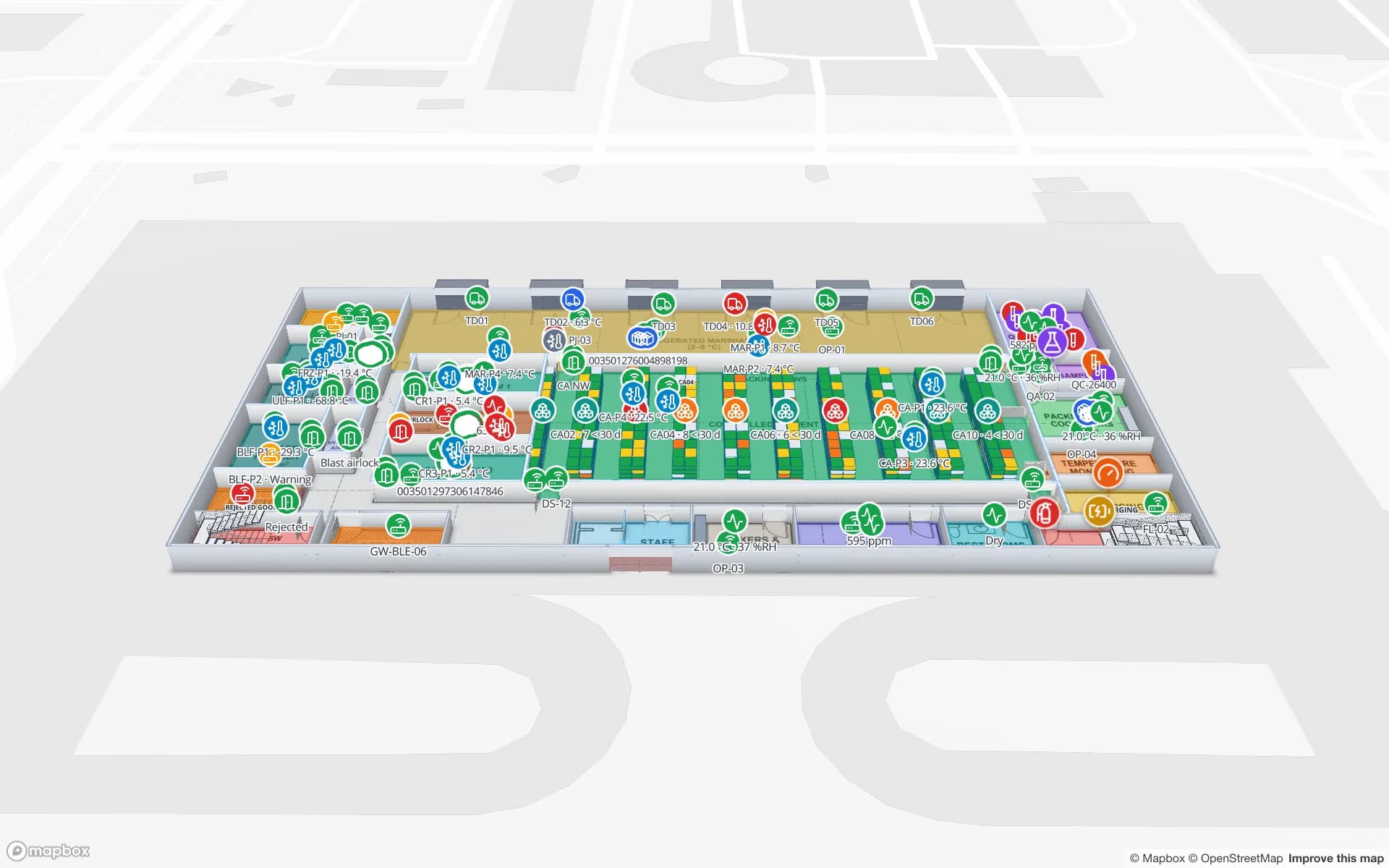
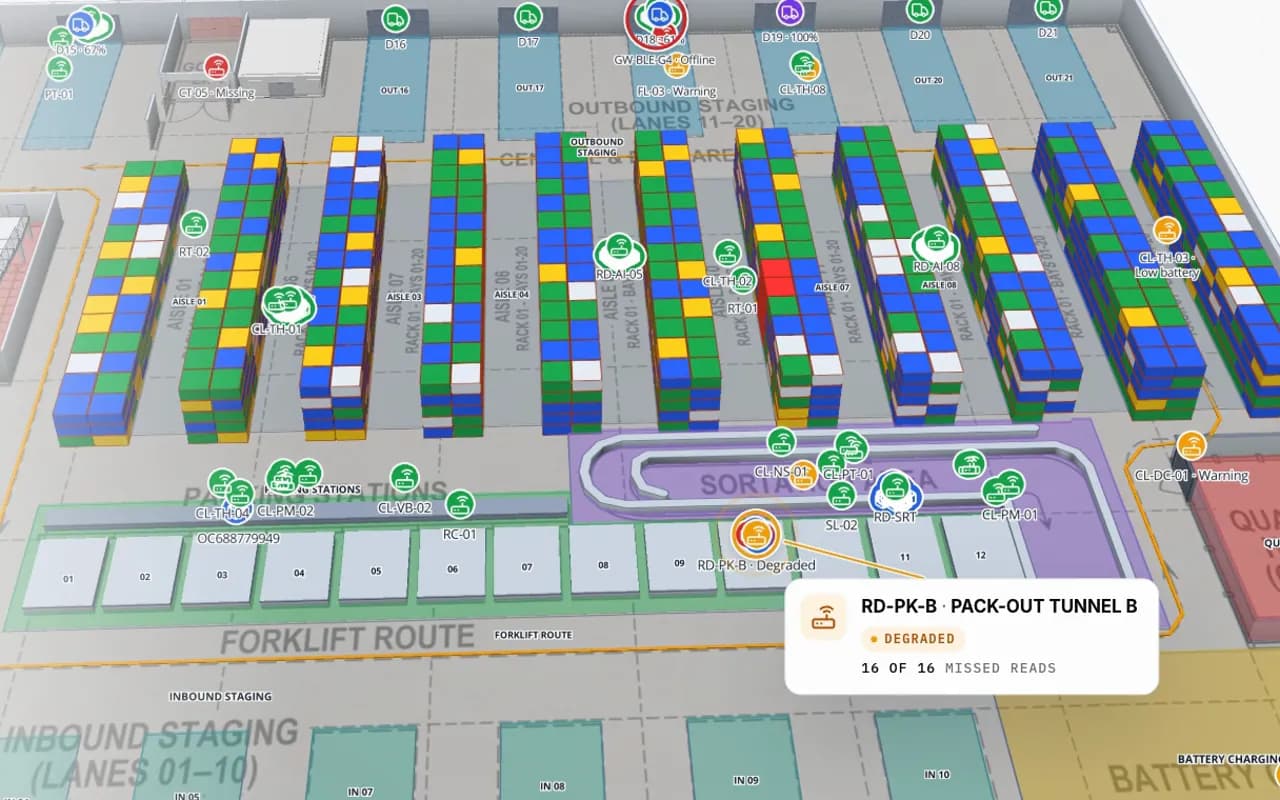
Crestline Fulfillment Center in 3D: racks coloured by stock status, RFID carton markers moving between readers and a pack-out tunnel reader showing missed reads
Crestline Fulfillment Center
Reads arriving live: cartons placed at the reader that saw them, and a pack-out tunnel reader with missed reads flagged (Crestline demo).

Cycle count options compared

Manual / barcodeRFID handheldRFID fixed readers
SpeedItem by itemA zone at walking paceContinuous, no walk
Line of sightNeededNot neededNot needed
HardwareScanner or noneOne handheld per counterReaders and antennas per zone
Best forLow volume, few SKUsStores, stockrooms, racksDoors, stockrooms, high-value cages
Main riskHuman error, skipped itemsMissed shelves, stray readsDead spots, cost of coverage

Choosing hardware? See RFID handheld vs fixed reader vs gate and RFID hardware.

How Spatial Map does it

Counts on the map in four steps

  1. 01

    Draw the count zones

    Trace racks, shelves and departments on your floor plan, named with the zone codes your counting app uses.

  2. 02

    Count as usual

    Walk each zone with your RFID handheld app; nothing changes for the counter.

  3. 03

    Post the results

    Send a row per zone (or per item) to a table with the write API, or upload the count export.

  4. 04

    Colour and report

    Style rules colour zones by found %, and a report lists gaps — exported to PDF, Excel, CSV or JSON.

Where RFID counts pay off

Apparel and general retail

Item-level counts by department and floor; unexpected items found on the wrong floor.

Warehouse cycle counts

Rack locations coloured by count accuracy, with blocked and empty locations in the same view.

Asset audits

Annual or quarterly audits of laptops, instruments and servers by room.

Cold stores and pharma

Pallet counts by cold room without keeping doors open for barcode scanning.

See it on real demo facilities

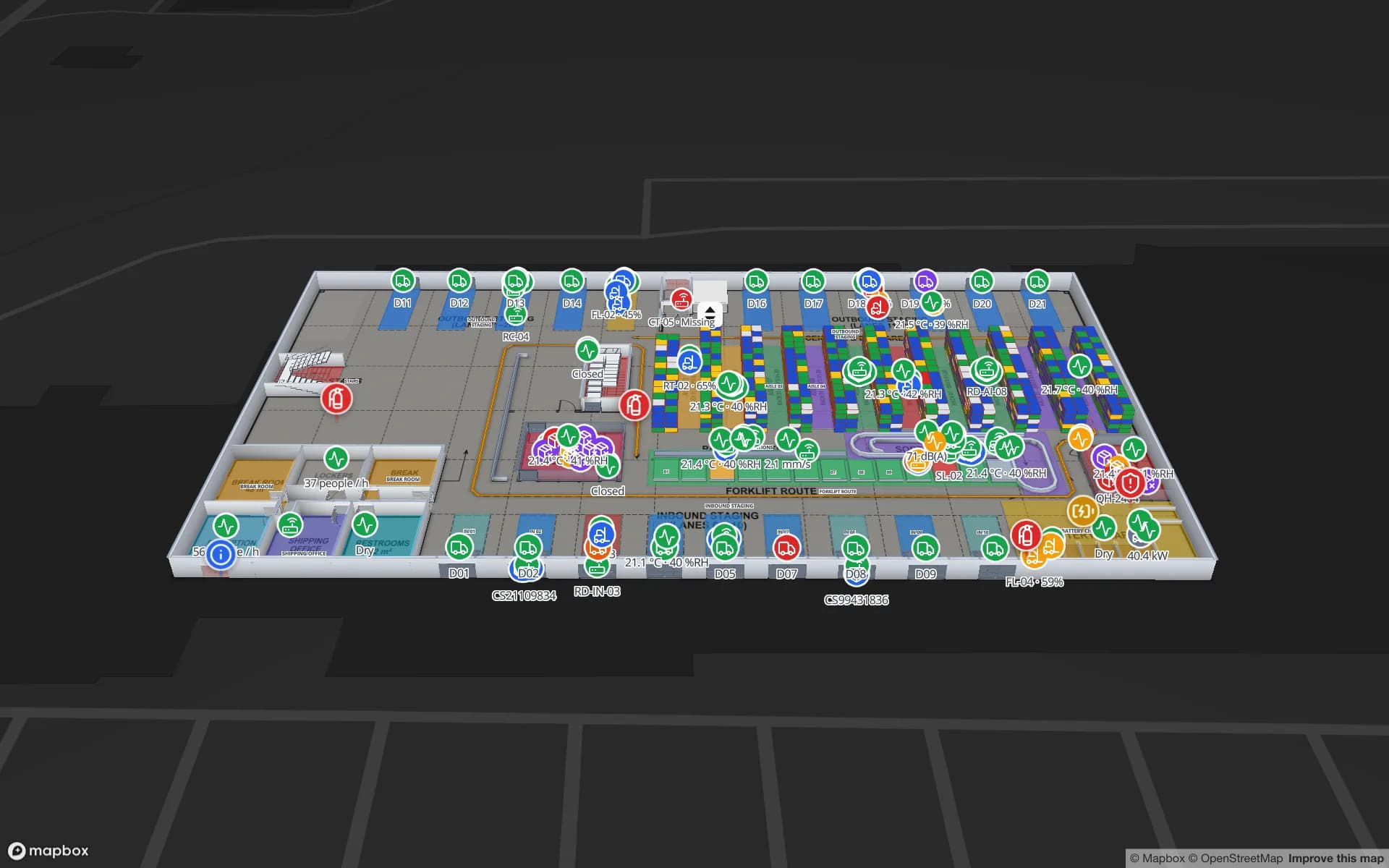
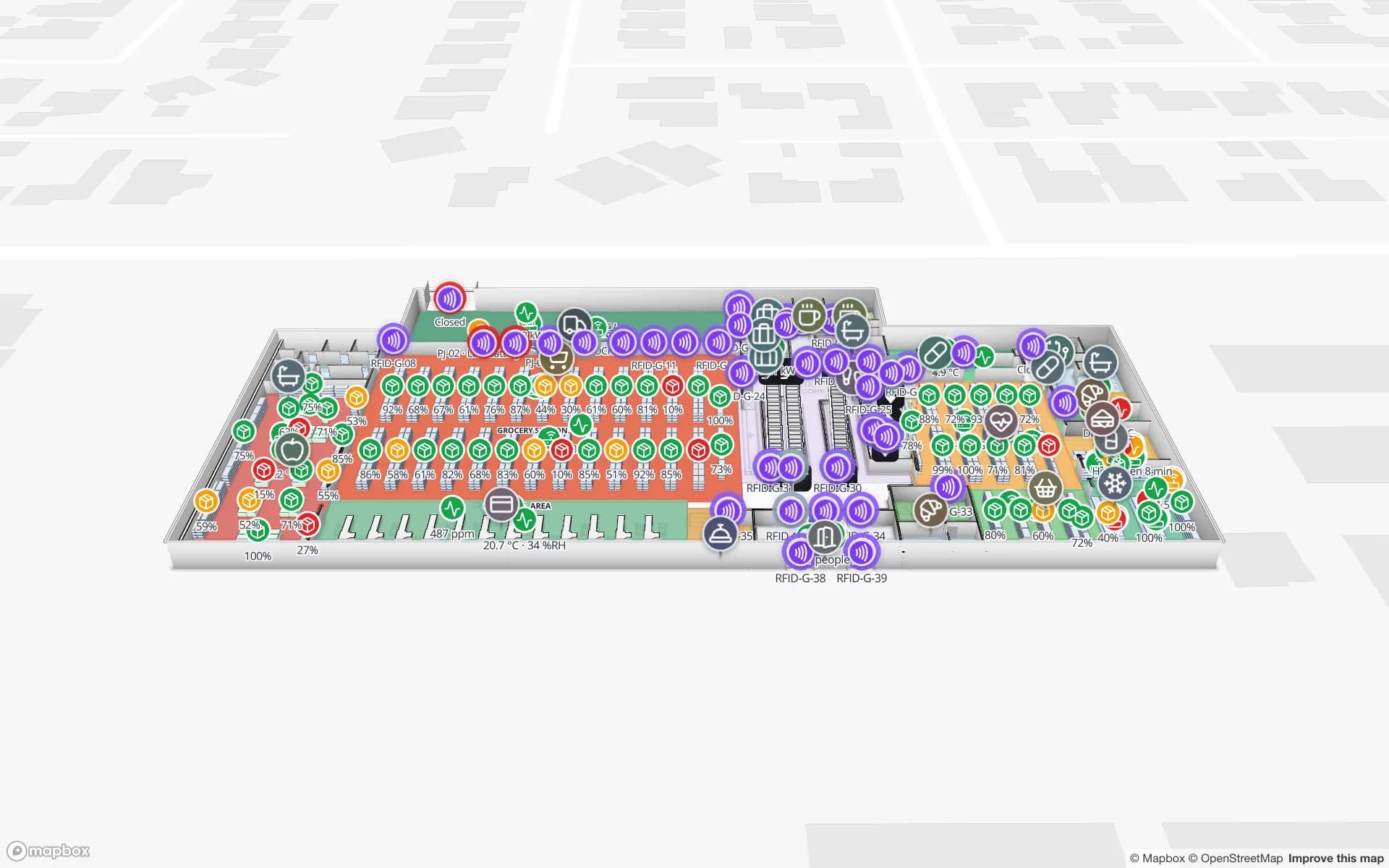
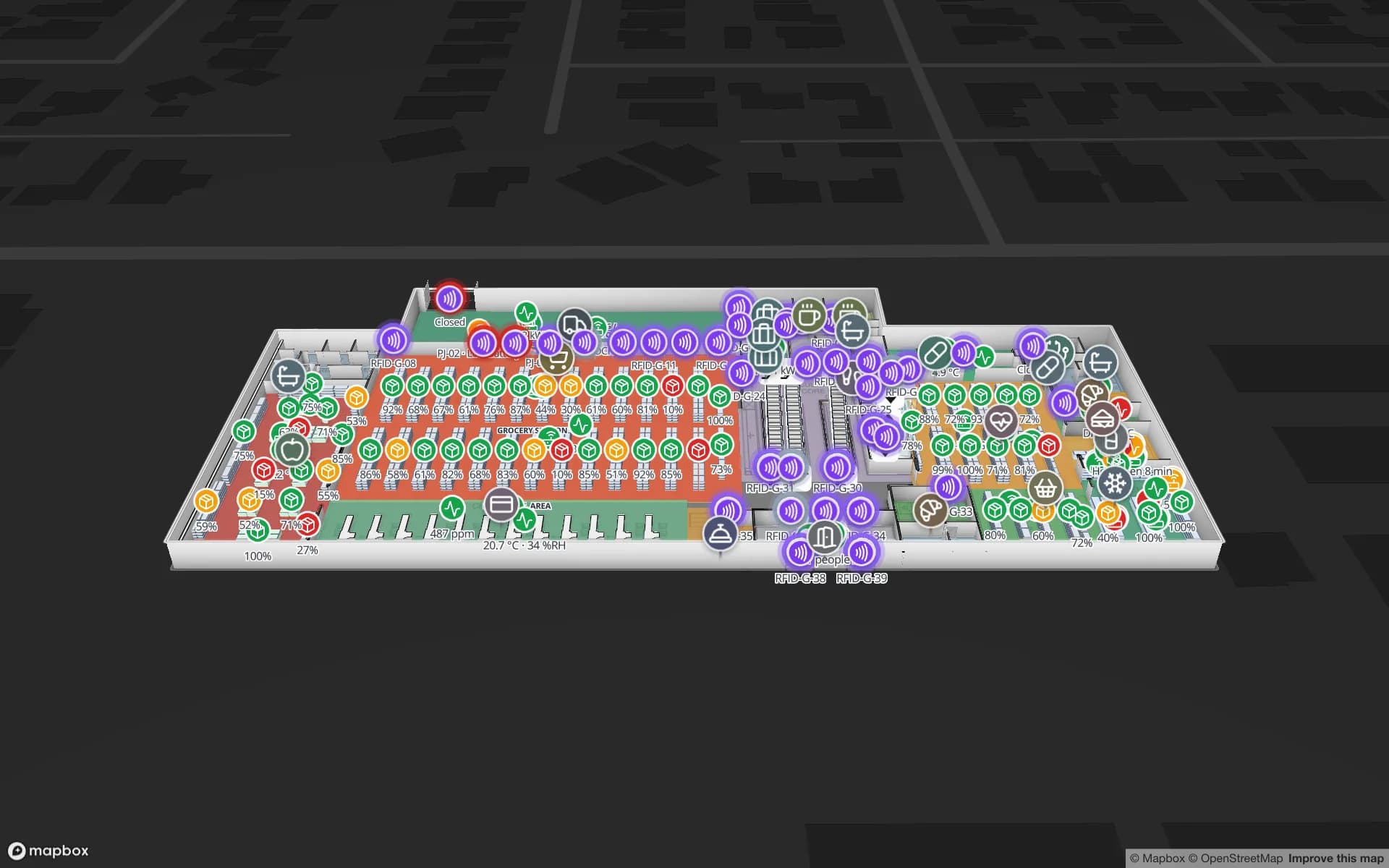
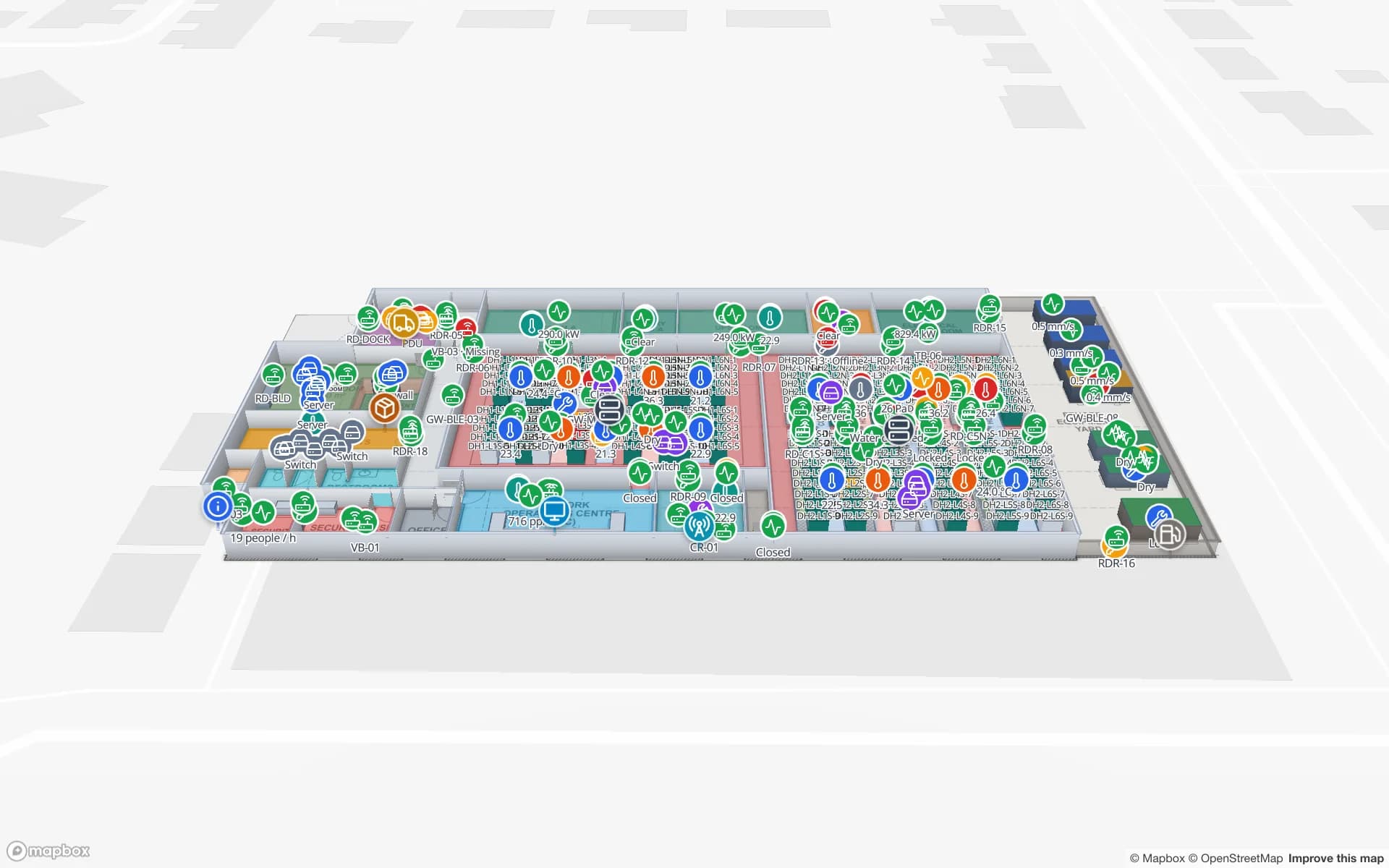
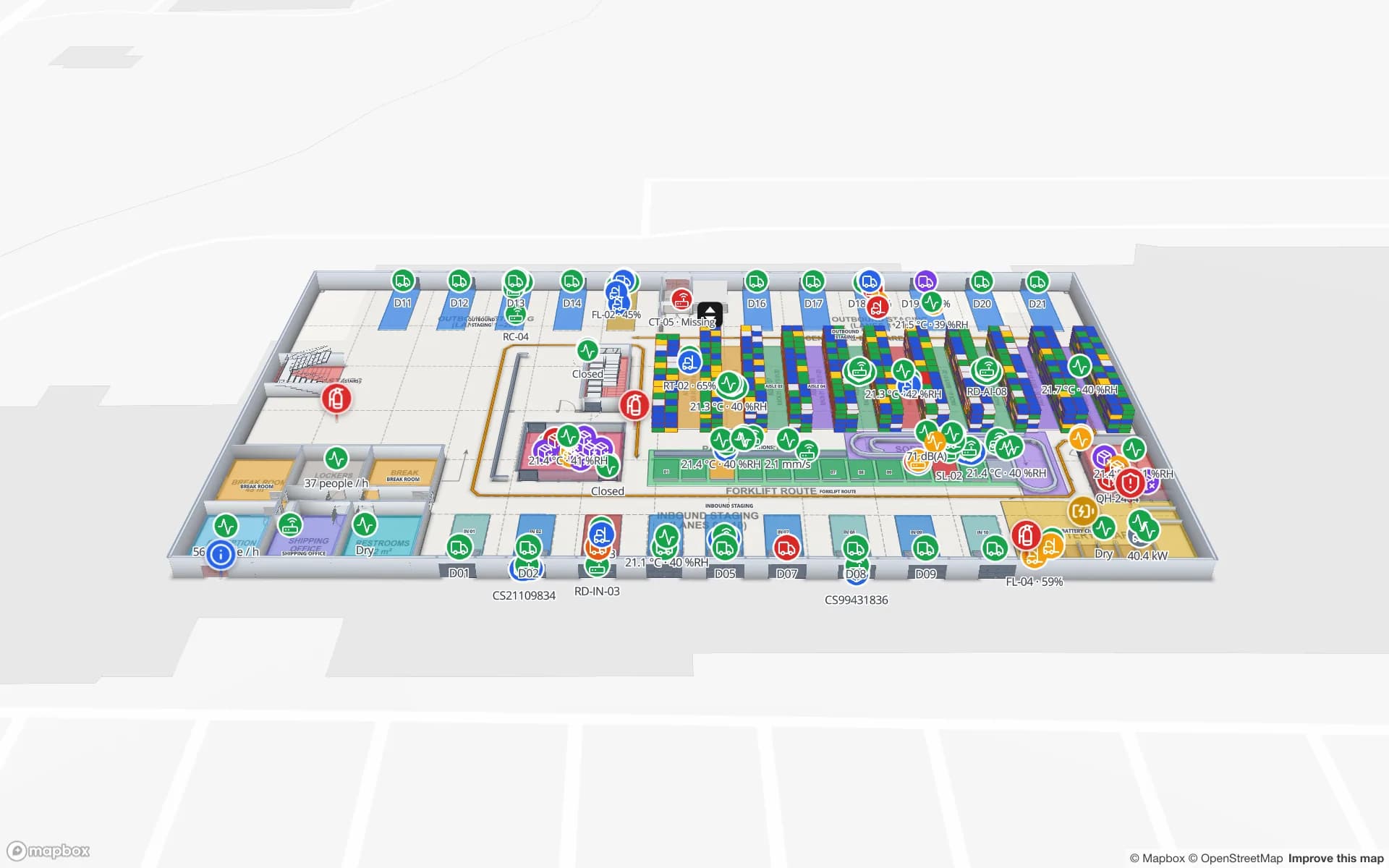
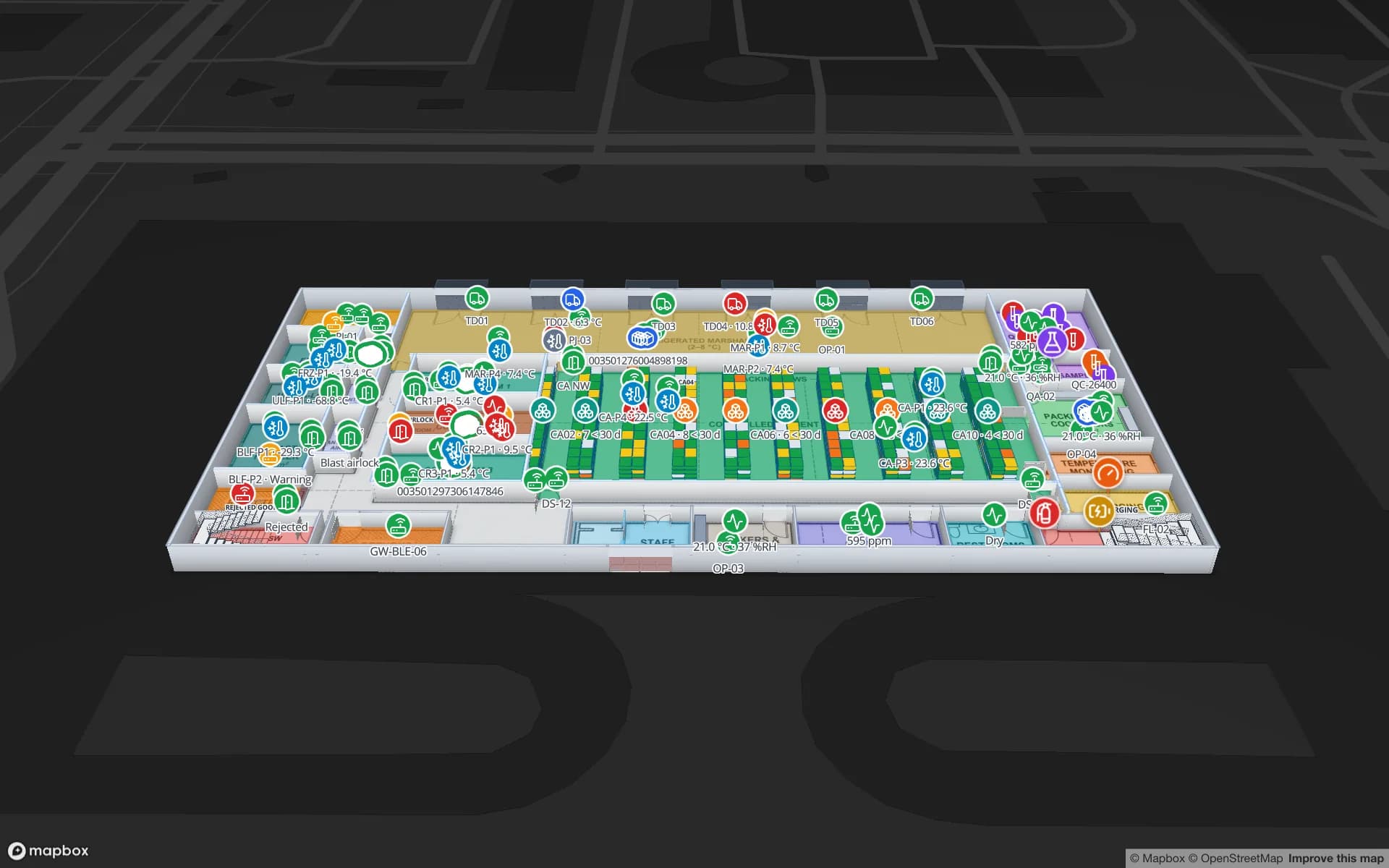
Fictional names, real floor plans, live sensors, RFID, BLE tags and gateways — open any of them in the browser.

All 13 demo facilities

RFID stock counting — frequently asked questions

With well-chosen tags and a disciplined walk, item-level read rates in the high 90s per cent are common in retail; metal, liquids and dense stacks need the right tags and more care. The gap between “read” and “in stock” is mostly process, not radio. See how RFID stock counting works.
No. Keep the counting app your reader vendor or integrator provides; Spatial Map only needs its results as rows. If you have no app, one can be built as custom development.

It shows the zone, rack or shelf your data reports. A handheld count reports the zone being counted; finer positions need fixed antennas per shelf or an RTLS system.

Yes. Every change to a table row is kept, so reports and the History player can compare runs. Keep one row per zone per count and add the count date as a field.

A 7-day free trial covers up to 5 facilities with no credit card. Pro is $60 a month or $600 a year for up to 4 facilities. Integration with your readers and middleware, and larger estates, are quoted as custom services or custom development.

Close your next count with a map, not a spreadsheet.

Start a free trial, draw your count zones on a floor plan and upload your last count export — the gaps will show up by zone.