RFID · Gates & portals

RFID gate system: every portal, door and exit on one live map

Spatial Map shows an RFID gate system on a live 3D floor plan: every portal, dock door, cage gate and exit with its last read, read count and health, the items that passed it, and the trail of reads from one gate to the next — so a wall of gate logs becomes a map you can read at a glance.

Last updated:

No credit card. Runs in the browser. Pro is $60/month for up to 4 facilities. Book a demo

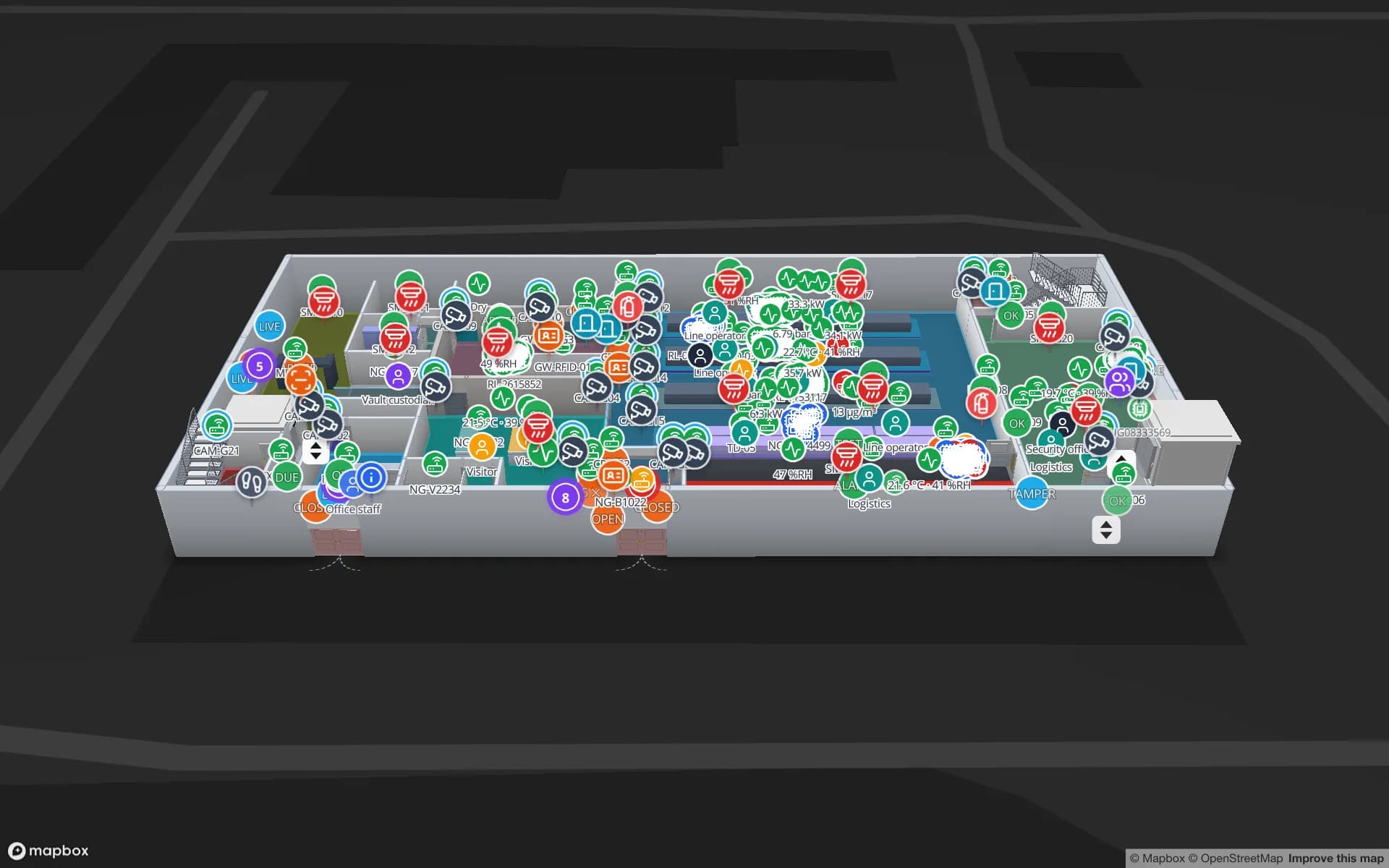
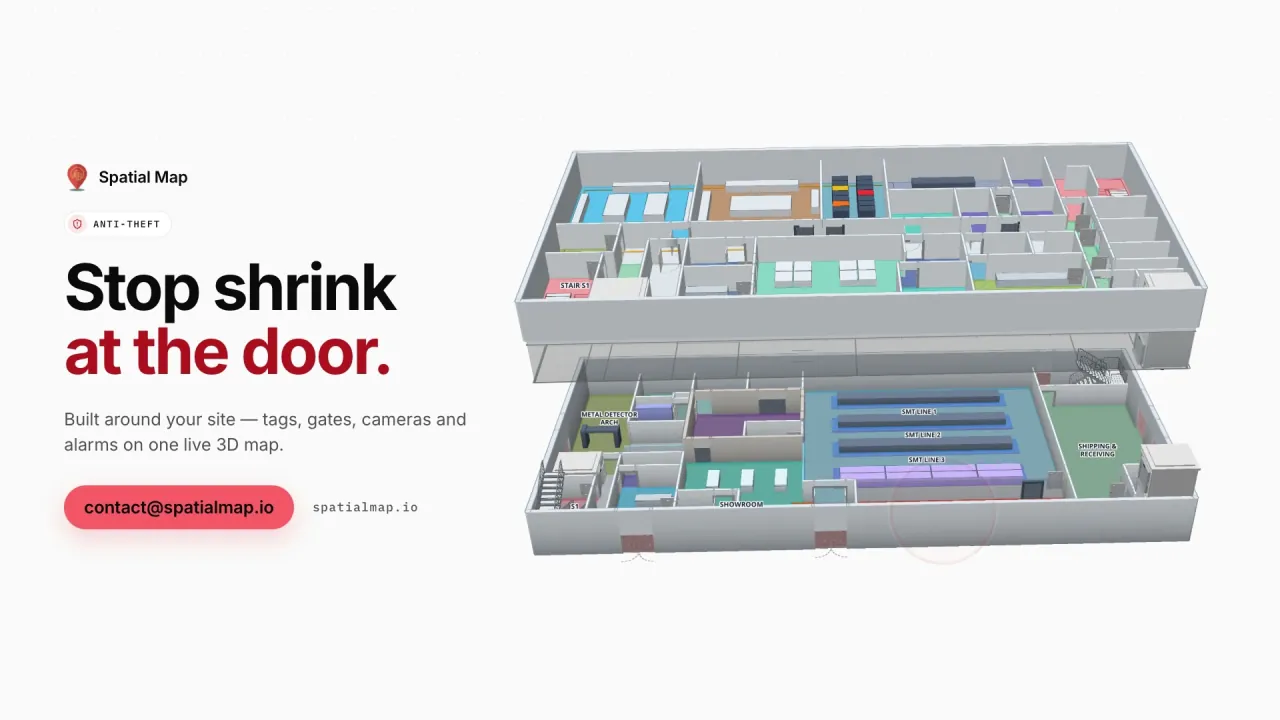
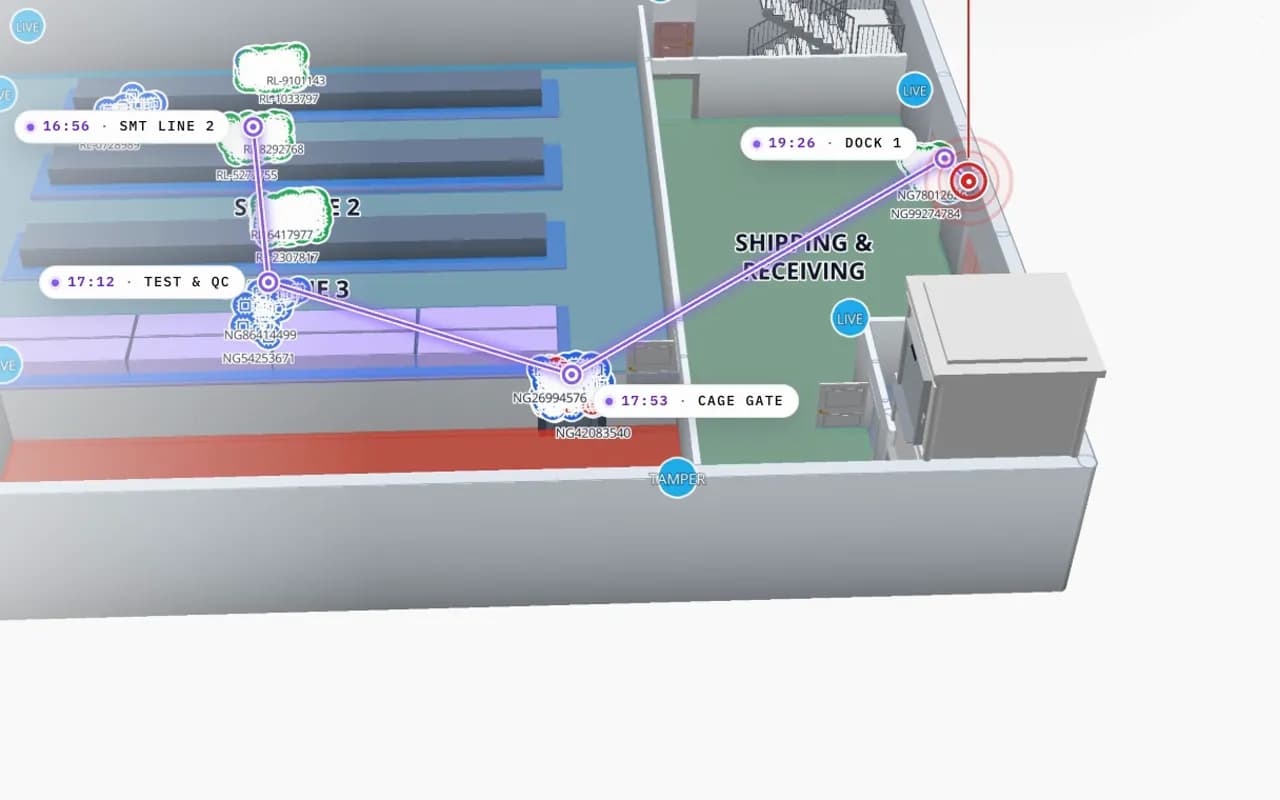
Northgate Electronics in 3D: an RFID read trail drawn from SMT line 2 through test and QC to the cage gate and dock 1, with the time of each read
Northgate Electronics — Assembly & Secure Store
Northgate Electronics (demo): one unit read at SMT line 2, test & QC, the cage gate and dock 1, with the time of each read.
Devices in the Northgate demo, gates included
217
Security zones on the same map
42
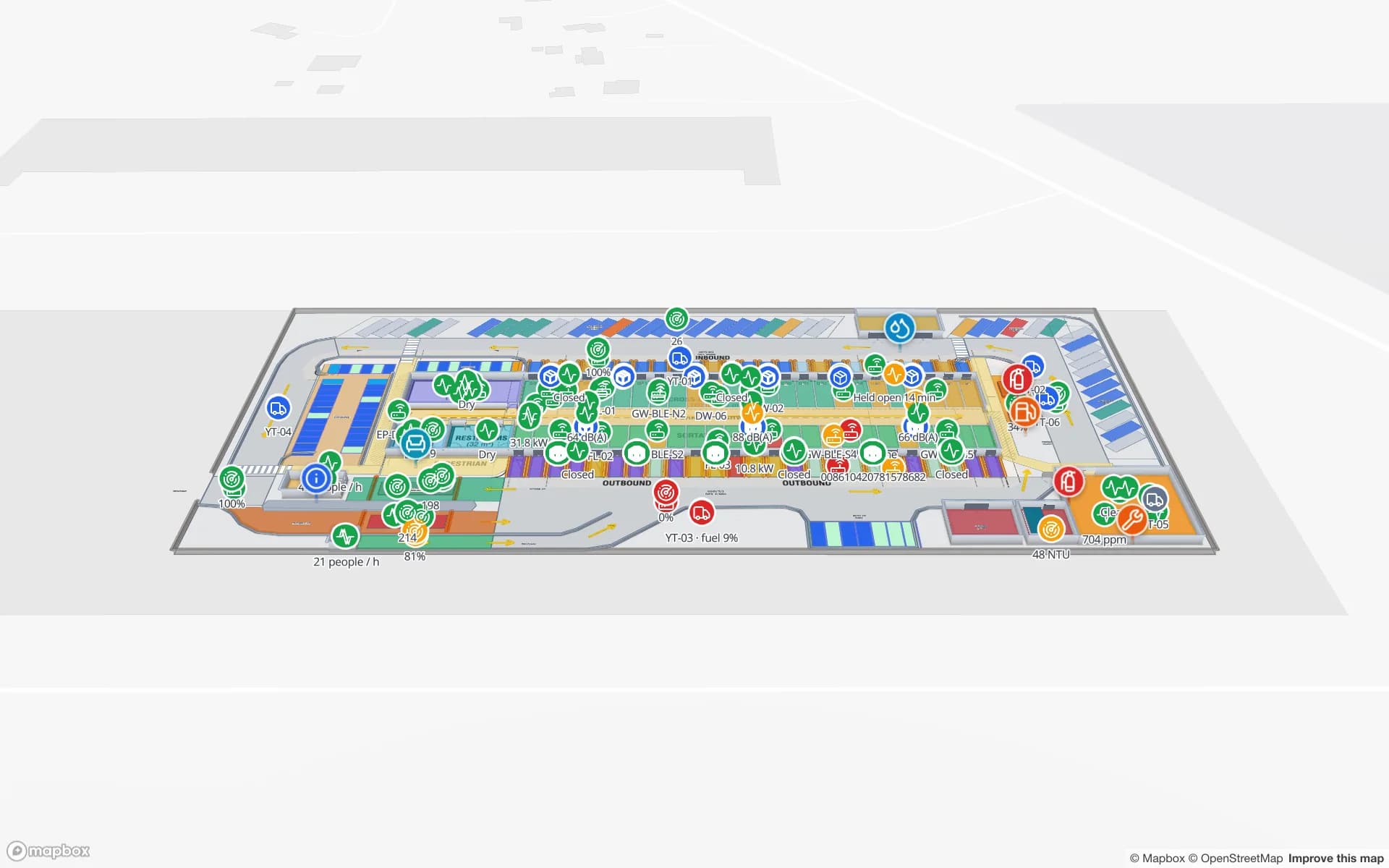
Dock-door portals in the Eastport demo
50
Free trial, no credit card
7 days

What an RFID gate does — and what it does not

An RFID gate or portal is a fixed reader with one or more antennas framing a passage: a dock door, a cage gate, a store exit, a corridor. Every tag that passes through the read field is reported with the gate, the antenna and the time. With two antenna zones, middleware can infer direction from the order in which the zones see the tag.

Gates answer “what passed here, when, and which way?”. They do not say where an item is between gates, and they need tuning: read fields spill into neighbouring doors, tags shielded by bodies, metal or liquids get missed, and items that linger near a gate produce repeated reads. That is why the map shows gate health and read counts, not just reads.
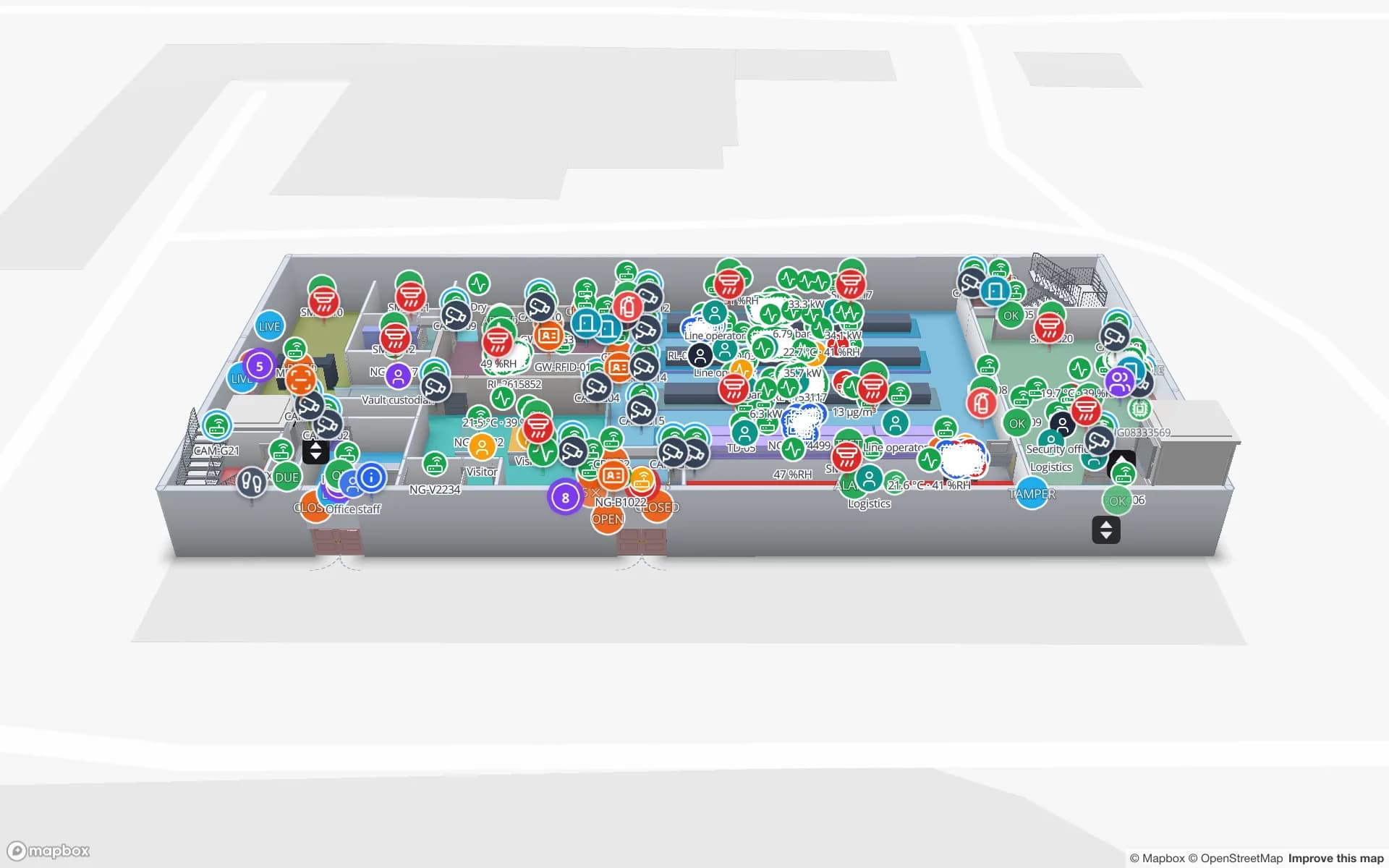
Every gate on the floor plan

In Spatial Map each gate is a marker or zone on the 3D floor plan, bound to a table of reads or gate states from your middleware. Style rules show which gates are reading, quiet or offline; the detail drawer lists recent reads. Items appear at the last gate that saw them, and the History player draws a read trail from gate to gate.

  • Gate status — reading, quiet, offline — so a dead portal is noticed before an audit.
  • Read counts and direction — per gate, from your middleware’s events.
  • Read trails — replay an item’s path through the building for an incident report.
  • Removal control — items read at an exit without the right status are shown at that exit.
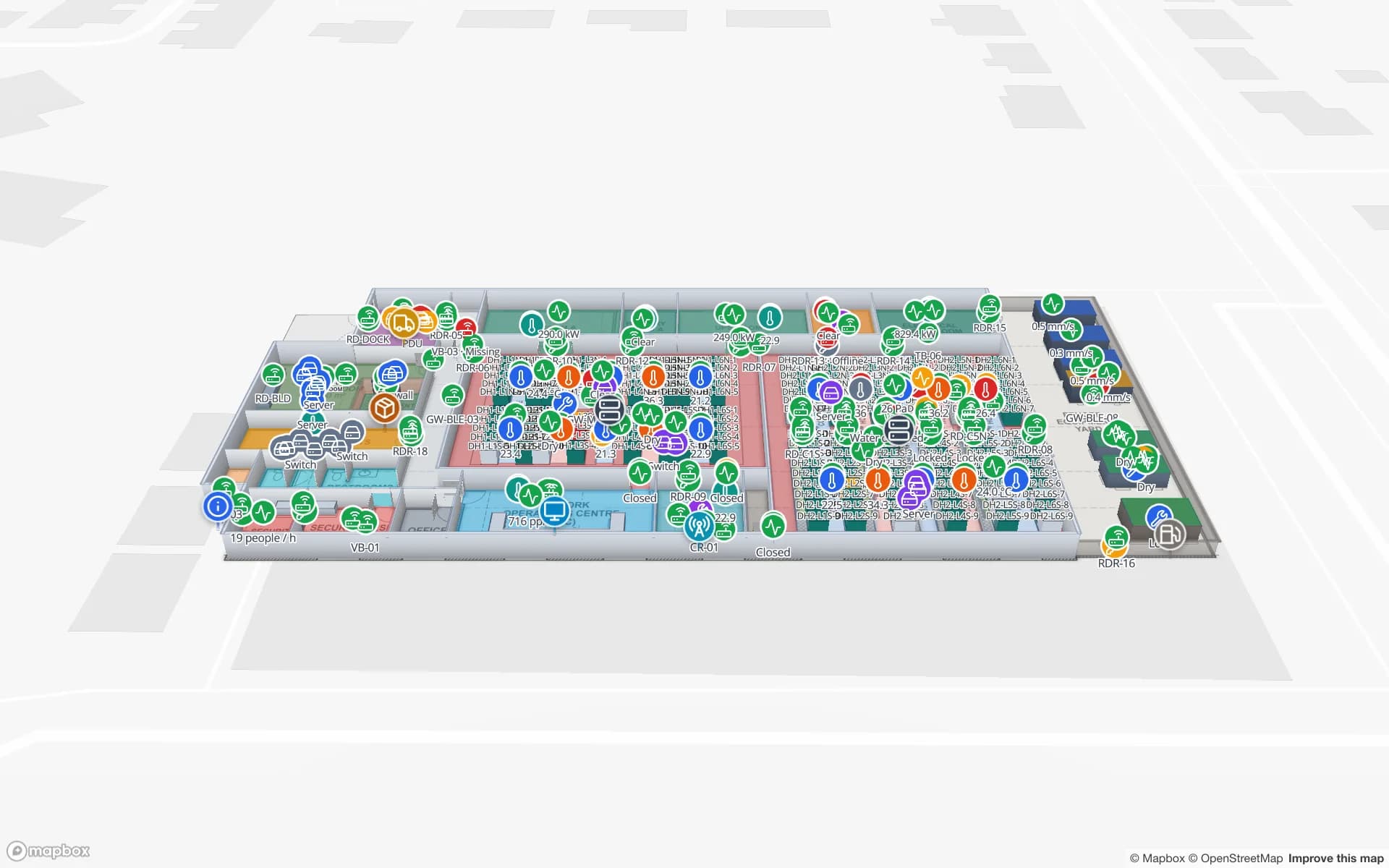
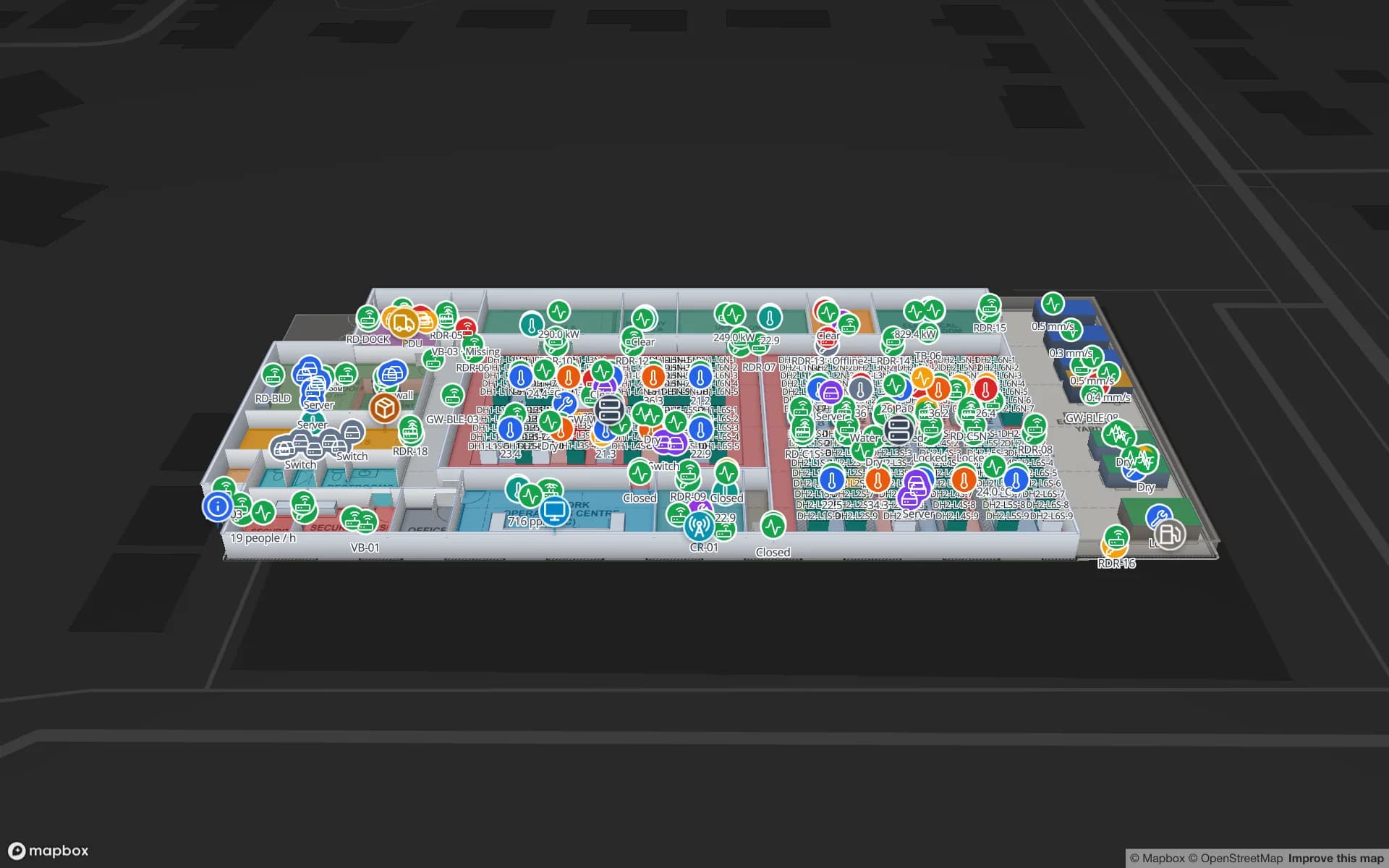
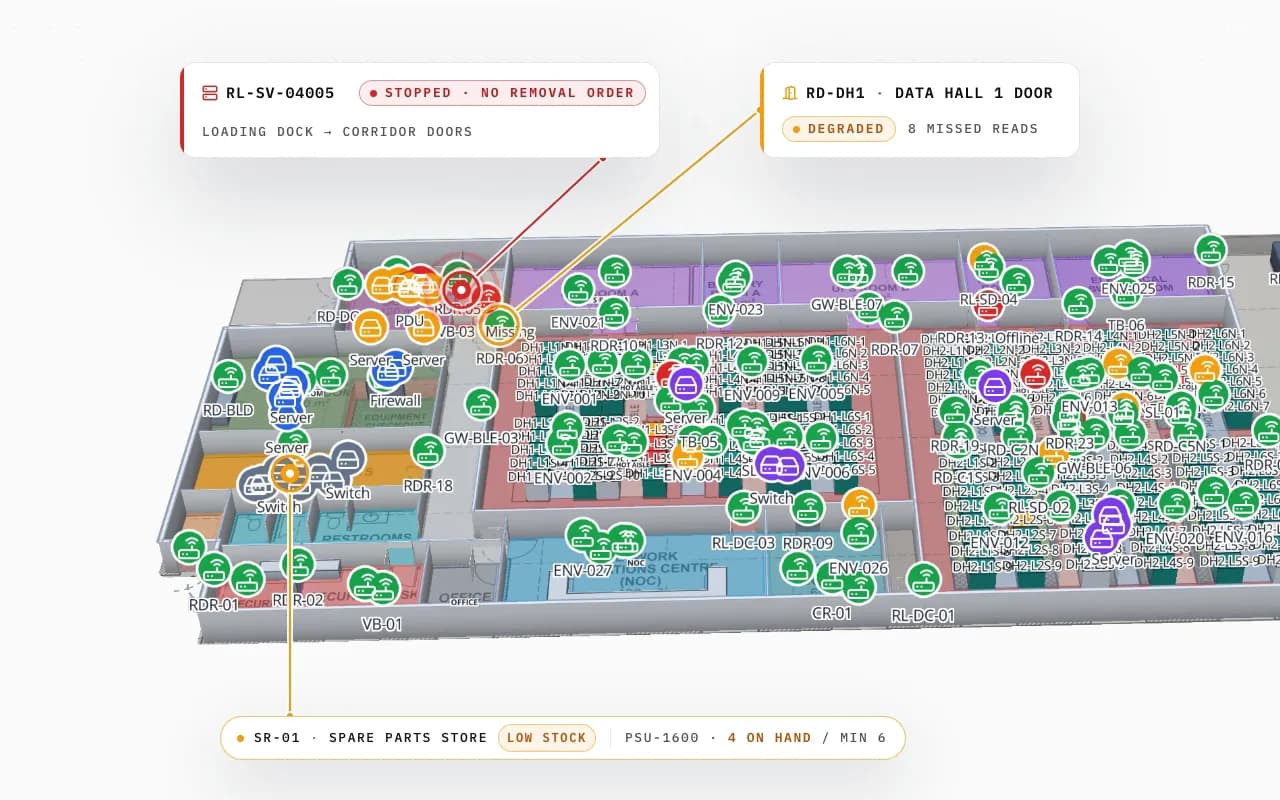
Ridgeline Data Center in 3D with hundreds of tagged servers and devices; a server read at the loading-dock door without a removal order is called out, with a degraded door reader and a low-stock spare-parts store
Ridgeline Data Center
Ridgeline Data Center (demo): a server read at the loading-dock door without a removal order, and a door reader with missed reads.

Gate, handheld or fixed reader?

Gates suit choke points — doors and exits that everything must pass. Handhelds suit counts and searches. Overhead fixed readers suit continuous coverage of a room or zone. Most sites combine them; RFID handheld vs fixed reader vs gate explains the trade-offs, and RFID hardware covers the readers we work with (e.g. from Zebra, Chainway, SATO or Sanray — trademarks of their owners).

Spatial Map has no reader drivers and does not sound alarms; your gate system and middleware keep doing that. If you need middleware to filter, de-duplicate and add direction to raw gate reads, that is custom development.

How Spatial Map does it

Your gates on a live map in four steps

  1. 01

    Map the building

    Import the floor plan and trace doors, exits, cages and corridors.

  2. 02

    Place every gate

    A marker or zone per portal, named with the reader or gate ID your middleware reports.

  3. 03

    Send gate events

    Middleware posts reads, direction and gate health to tables with the write API.

  4. 04

    Colour, replay, report

    Gate status rules, read trails in History and per-gate reports.

RFID gates by site

Secure stores and cages

Units followed gate by gate to the cage and the dock.

Store exits

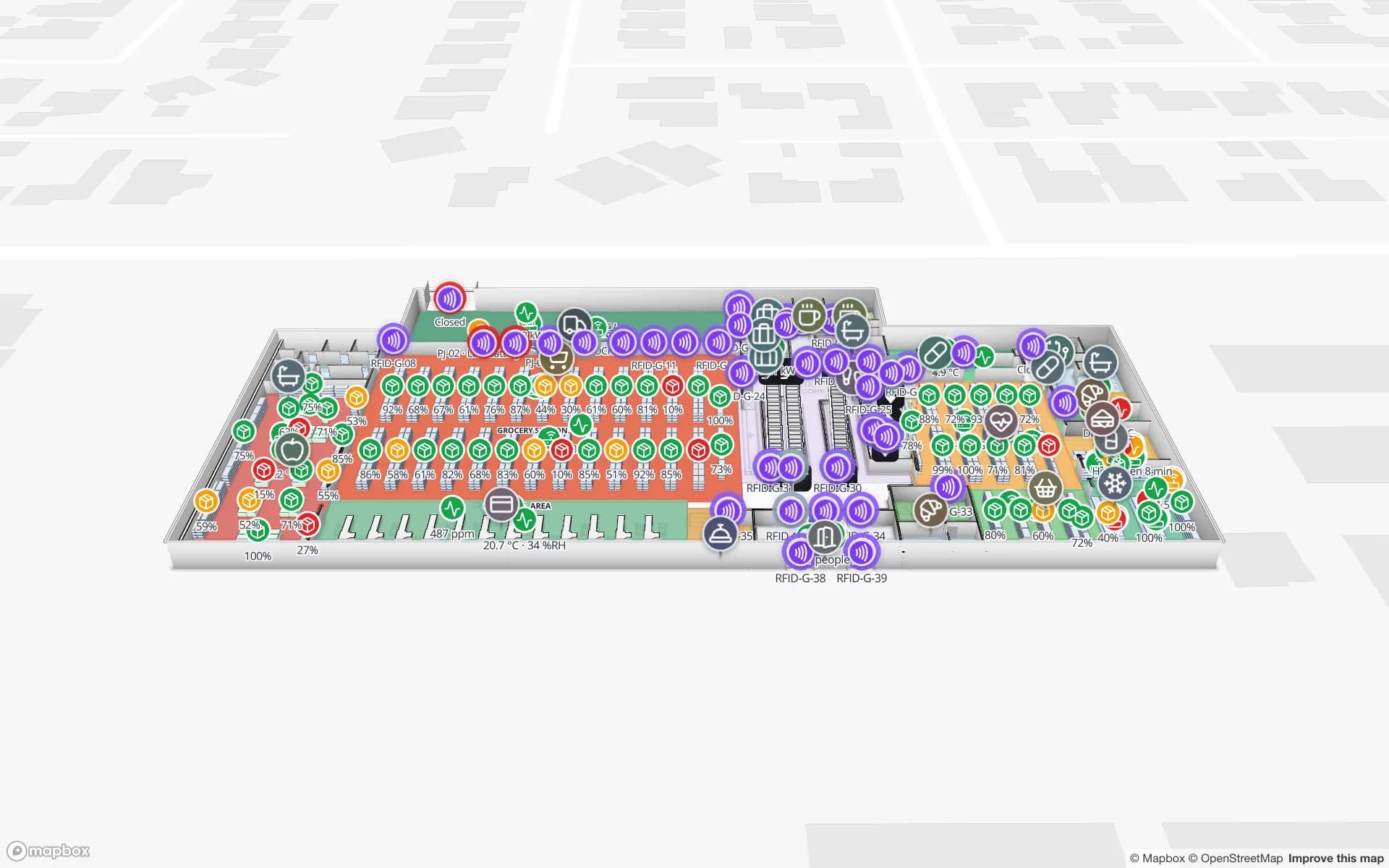
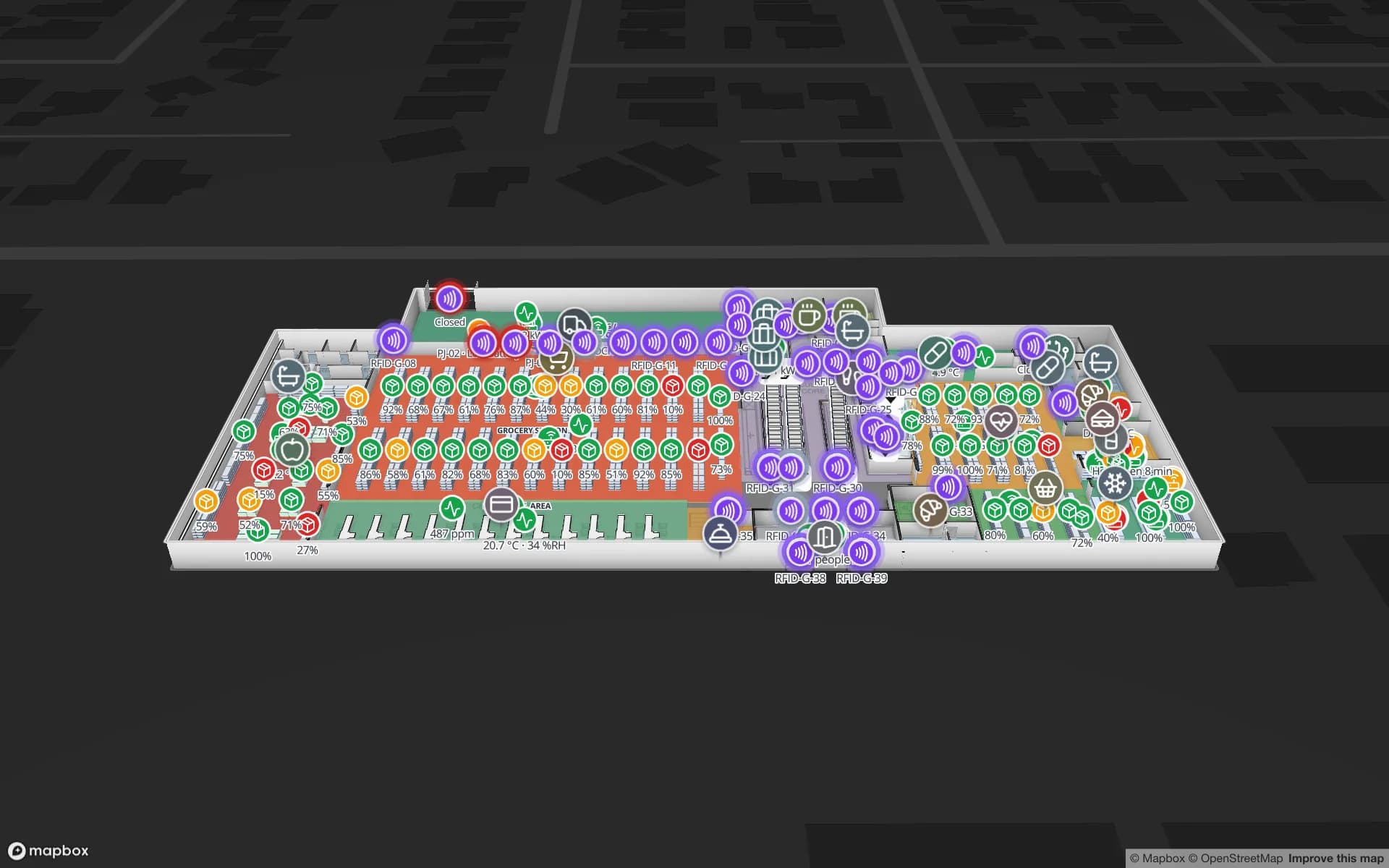
Readers at doors, escalators and lifts, with offline readers in red.

Dock-door portals

Pallets read door by door at a cross-dock, with direction and lane.

Data-hall doors

Servers read at data-hall and loading-dock doors, checked against removal orders.

Cold-room doors

Pallets read at every cold-room door, next to the room’s temperature.

See it on real demo facilities

Fictional names, real floor plans, live sensors, RFID, BLE tags and gateways — open any of them in the browser.

All 13 demo facilities

RFID gates — frequently asked questions

It shows the direction your gate or middleware reports. Direction is worked out from the order in which two antenna zones see a tag; Spatial Map then places or colours the item accordingly.

No. Spatial Map shows gate reads, status and exceptions on the map and in reports. Alarms, lights and sounders stay with your gate system.

If your middleware reports a heartbeat or last-read time per gate, a style rule colours gates that have gone quiet or offline, so they stand out on the map.

The write API takes bulk upserts at up to 60 requests a minute per key, so middleware should batch reads (for example, the latest state per gate and per item every few seconds) rather than post every raw read.

A 7-day free trial covers up to 5 facilities with no credit card. Pro is $60 a month or $600 a year for up to 4 facilities. Integration with your readers and middleware, and larger estates, are quoted as custom services or custom development.

Turn your gate logs into a live map.

Start a free trial and open the Northgate and Eastport demos, or send us your floor plan and a sample of gate events — we will show you your own gates.