Busan · New Port, North Port and the free trade zone

RFID tracking in Busan, from the quay to the zone warehouse

Spatial Map puts RFID reads on a live 3D map of the building where they happen, so a tag at a dock door becomes a pallet in a bay, a carton in a work order or a trailer waiting at a door. RFID tracking in Busan is port-zone work: boxes arrive at New Port or North Port, are moved into hinterland buildings for storage and value-added handling, and leave again, often for another ship. The interface is English; names and labels you write can be in Korean.

No credit card. Runs in the browser. Pro is $60/month for up to 4 facilities. Book a demo

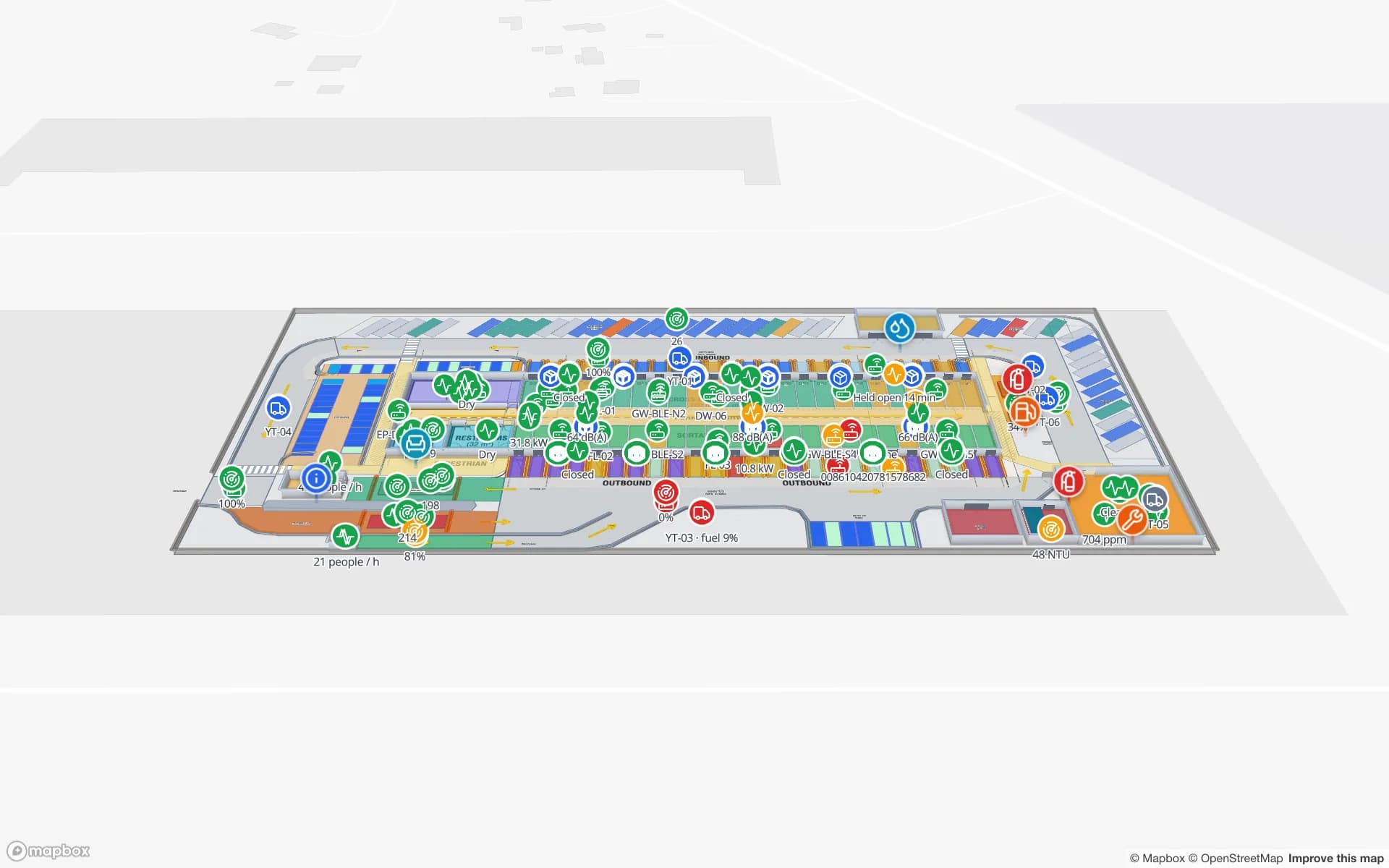
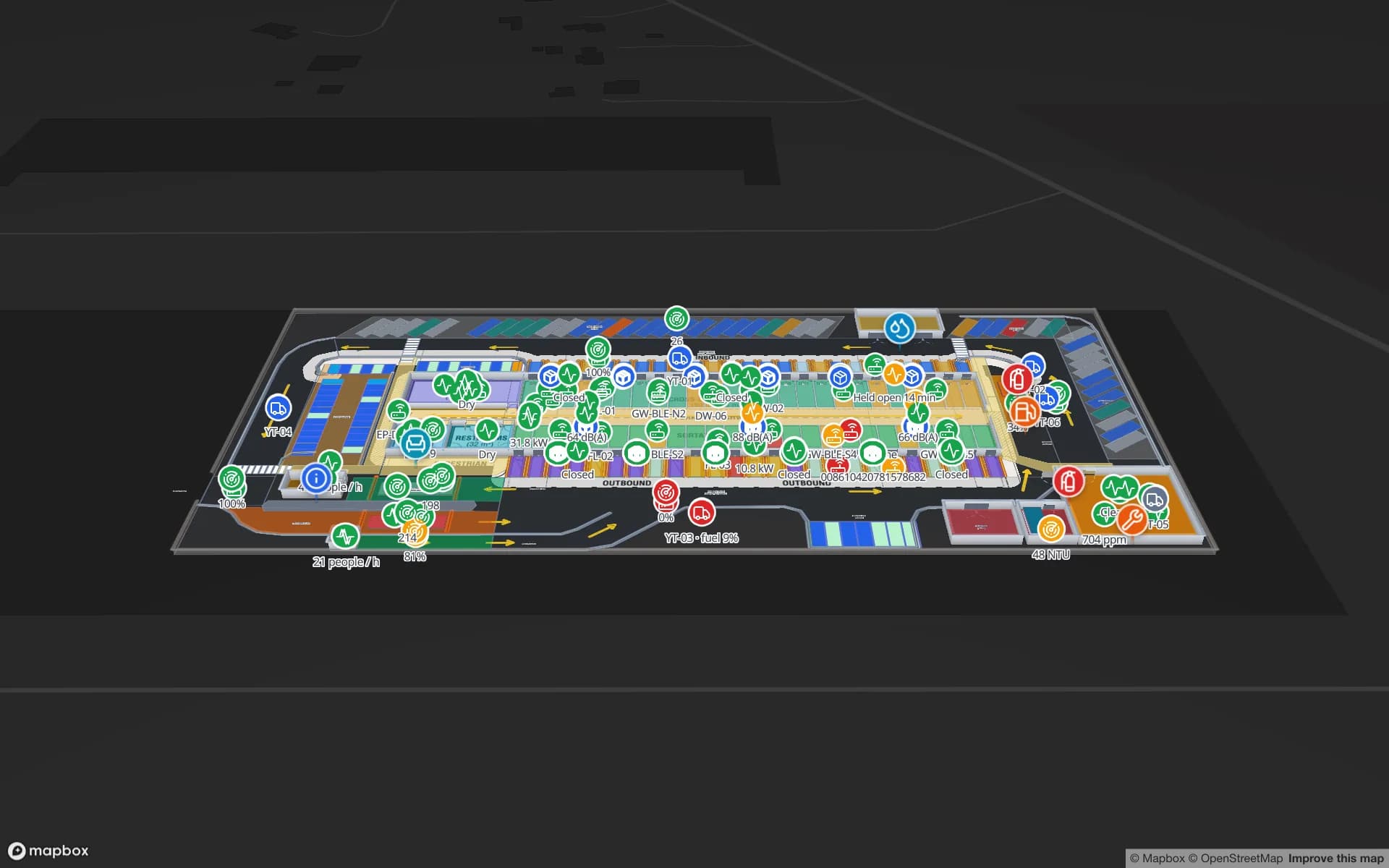
Eastport Cross-Dock Freight Hub, a cross-dock & trailer yard demo, in the Spatial Map 3D viewer with live device markers
Eastport Cross-Dock Freight Hub
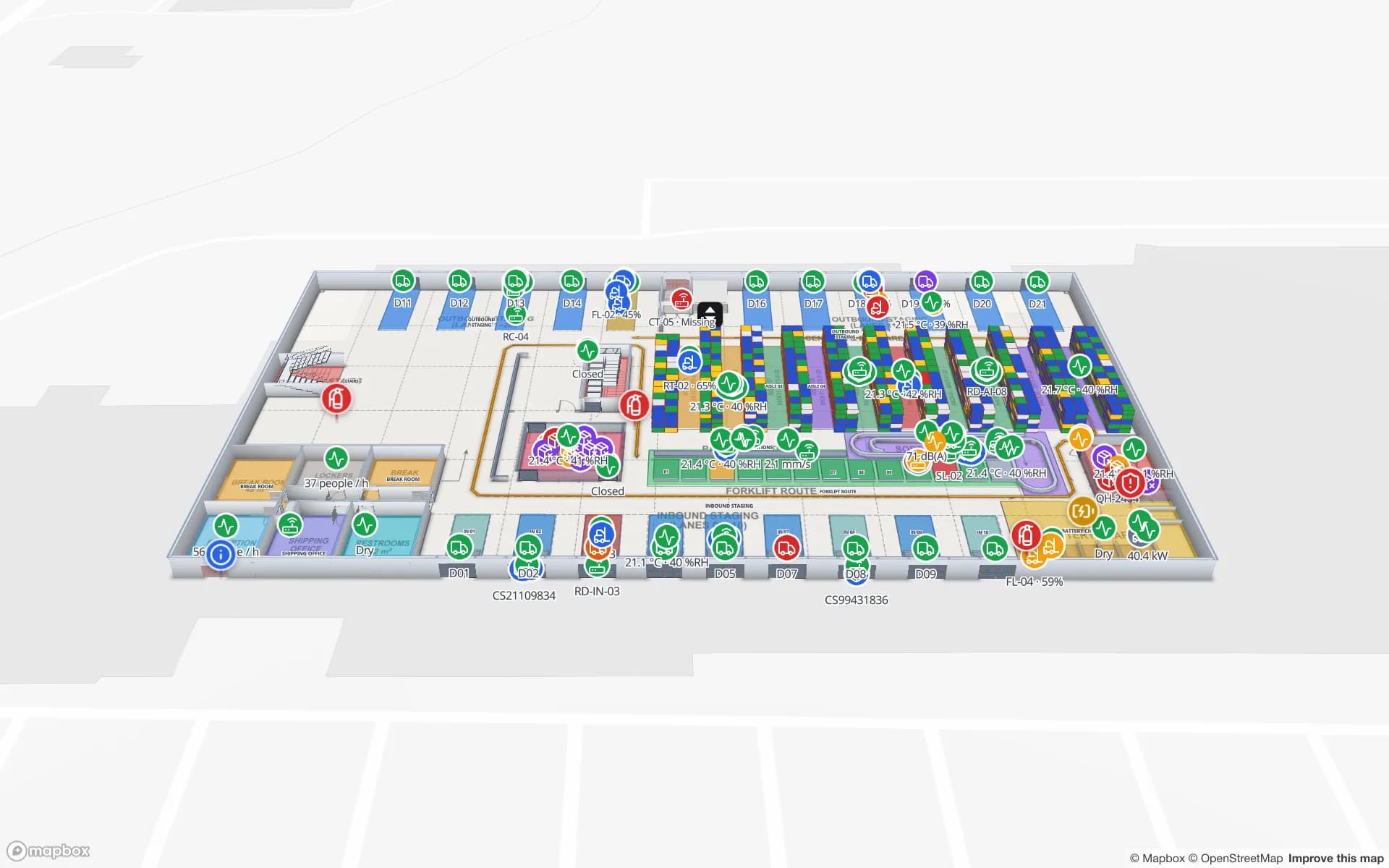
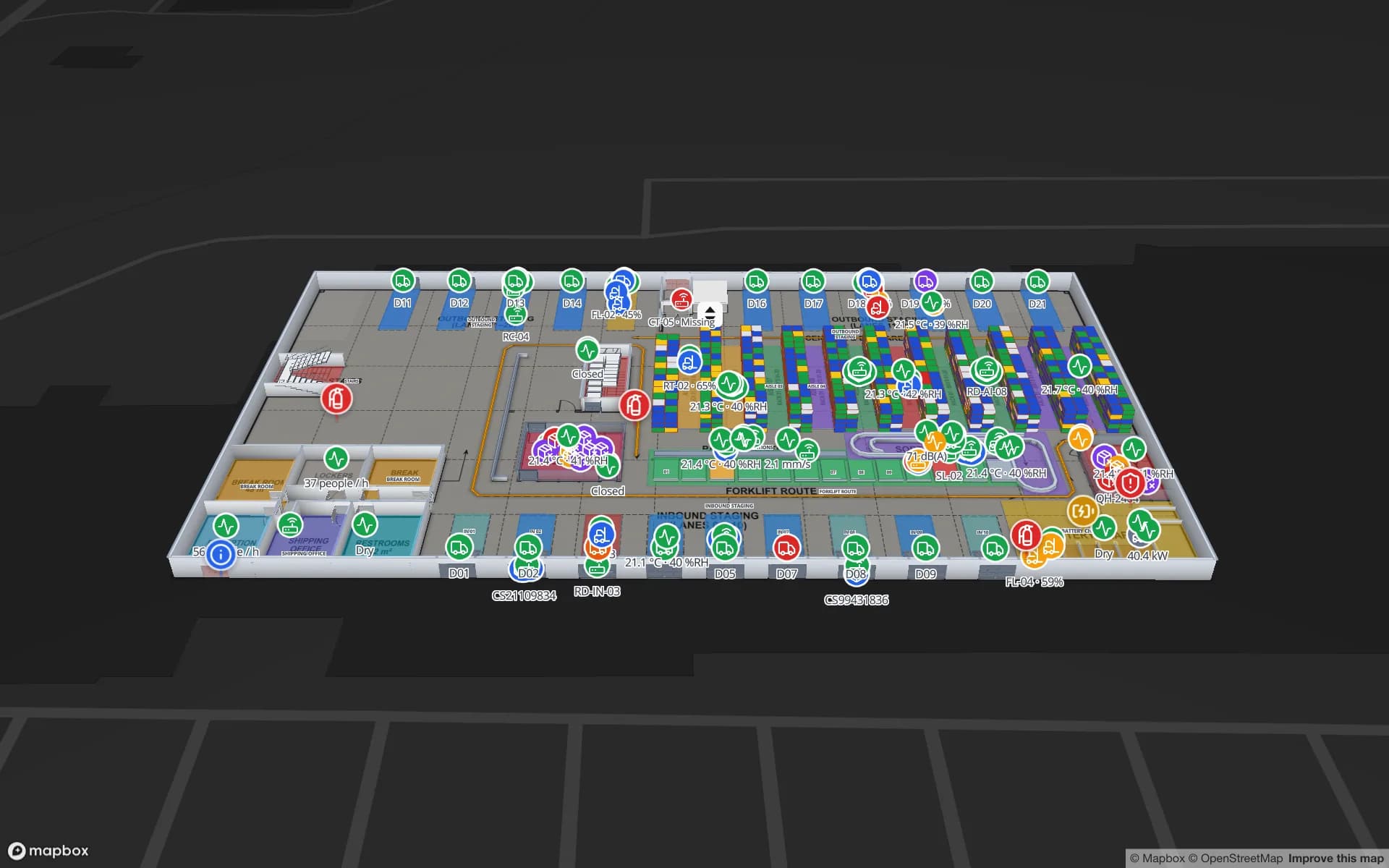
Eastport Cross-Dock, a demo freight hub: 50 dock doors, 44 yard slots and 1,180 RFID pallets, with the gate and weighbridge.
Dock doors in the Eastport cross-dock demo
50
RFID pallets moving through Eastport
1,180
Rack locations in the Summit assembly-plant demo
867
Free trial, up to 5 facilities, no card
7 days

A port since 1876, a zone since 2003

Busan’s port opened in 1876, and the Busan Port Authority was established in 2004. The Busan-Jinhae Free Economic Zone was designated on 30 October 2003, with a development period that runs to 2027. Within it, the Busan Port Free Trade Zone is where most warehouse operators will find themselves: its page describes a zone that facilitates value-added logistics activities, taking advantage of its geographical position.

For a warehouse operator that sentence means work, not just storage: unpacking, relabelling, repacking, assembly and re-export. Each step changes a unit’s status, and each status has a place. Spatial Map models the places and colours them from the status your system holds; see RFID warehouse management for dock-door and staging patterns.
New Port and North Port: two kinds of ground

The free trade zone has two parts. Busan New Port, which lies across Gangseo District of Busan and Jinhae District of Changwon, covers 10,798,000 square metres, of which 5,813,000 are container terminal and 4,985,000 are a hinterland complex. Busan North Port, with the Sinseondae container terminal in Nam District, covers 1,170,000 square metres and is used for container unloading.

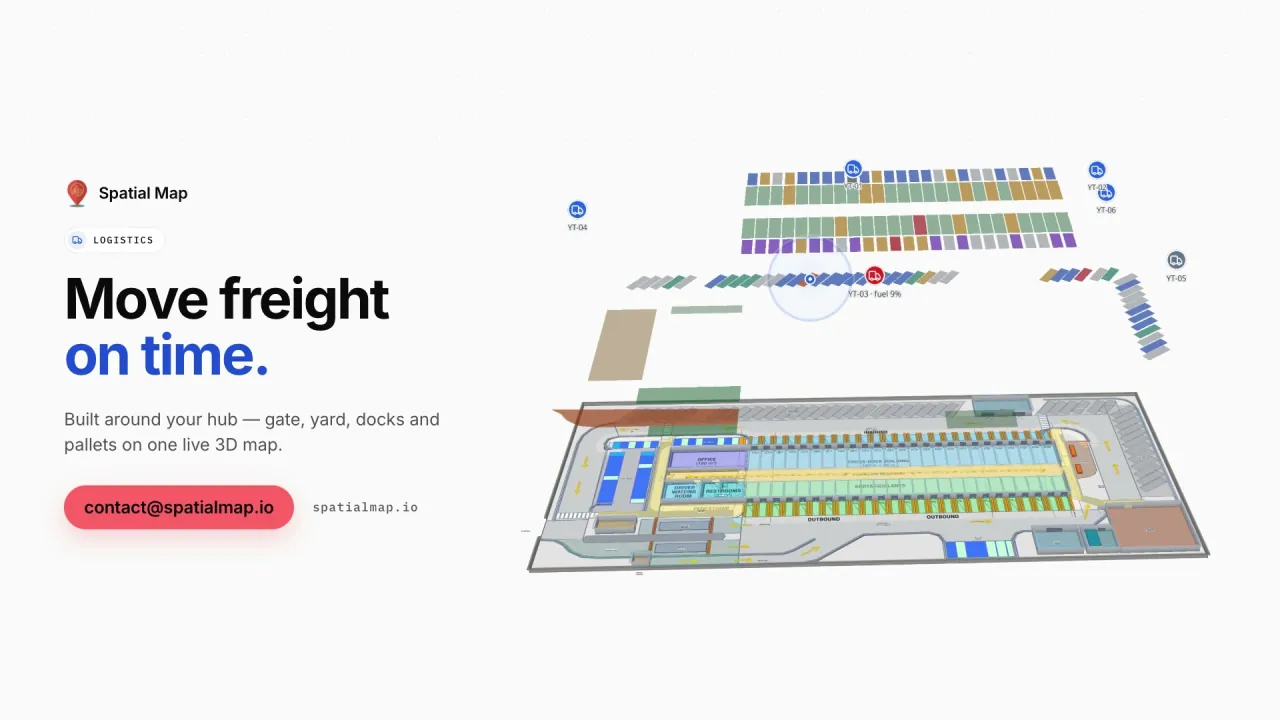
The hinterland complex is the part that suits a building-scale map: logistics buildings with docks, racks and staging, standing behind the terminal gates. A cross-dock there looks like the Eastport demo, with 50 dock doors, 44 yard slots and 1,180 RFID pallets, and yard visibility at dock doors explains the setup. Spatial Map is not a terminal operating system; it does not see cranes or vessel plans, and it makes no link to the terminal operators’ or the authority’s systems.

Transshipment stock: changing owner, not place

The free economic zone’s own page describes Busan as a major transshipment port. For warehouse teams transshipment is a stock problem in its purest form: goods arrive on one voyage, wait in a bay, and leave on another, sometimes with a repack in between. The unit that matters is the pallet or carton, and what the map must answer is where it is, since when, and for which onward voyage.

Tag cartons or pallets at receiving, read them at the door they leave through, and keep a table of expected departures. The map colours bays by how long a unit has waited, an alert rule raises “in bay more than N hours” in the app, and the History player replays a night shift. Bonded or released status comes from your own system and is shown as a colour or a badge; Spatial Map is not a customs system and makes no compliance claim. Tag choice for cartons, metal and liquids is covered in RFID tags for metal, liquids and apparel.

Value-added work on the floor

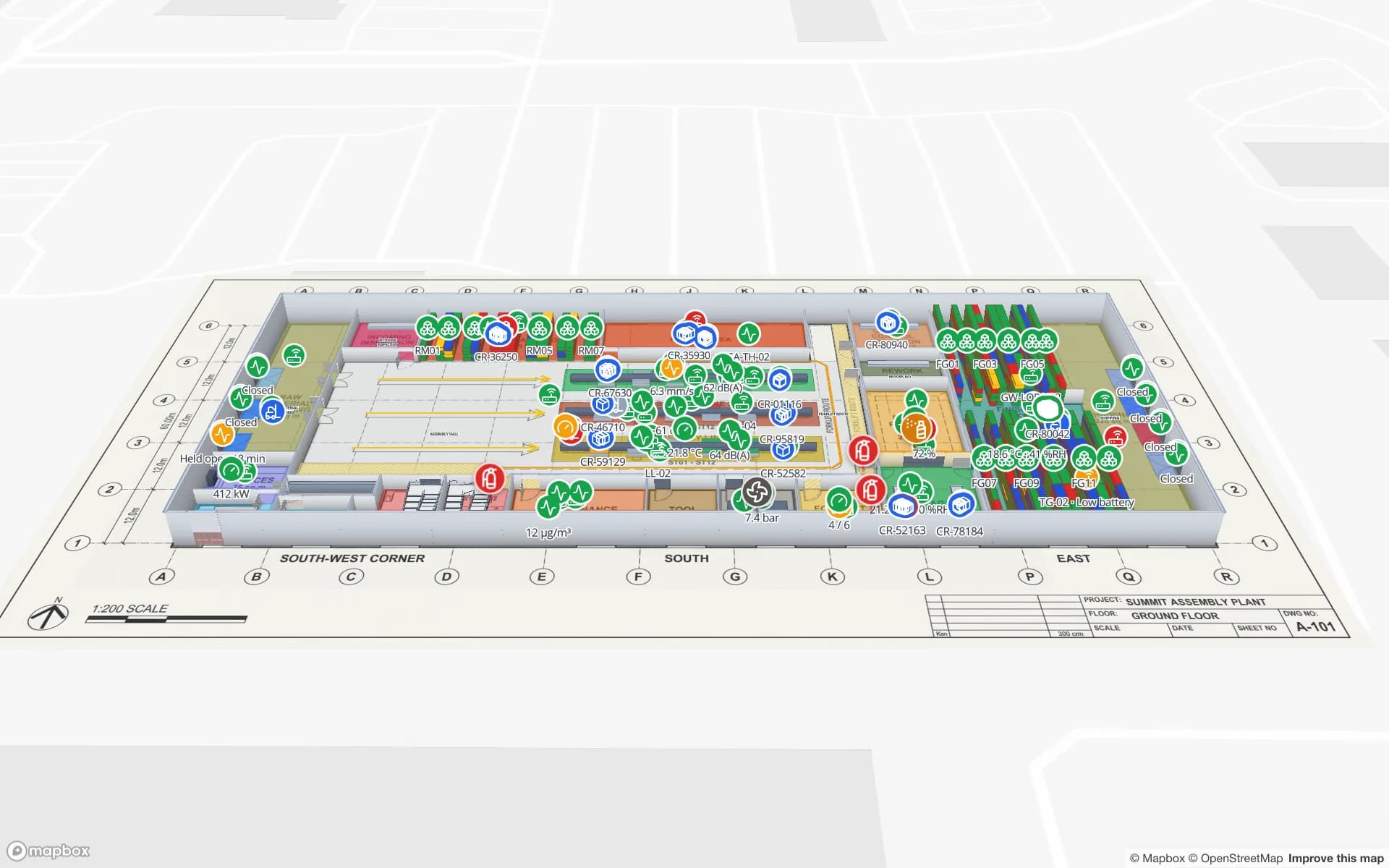
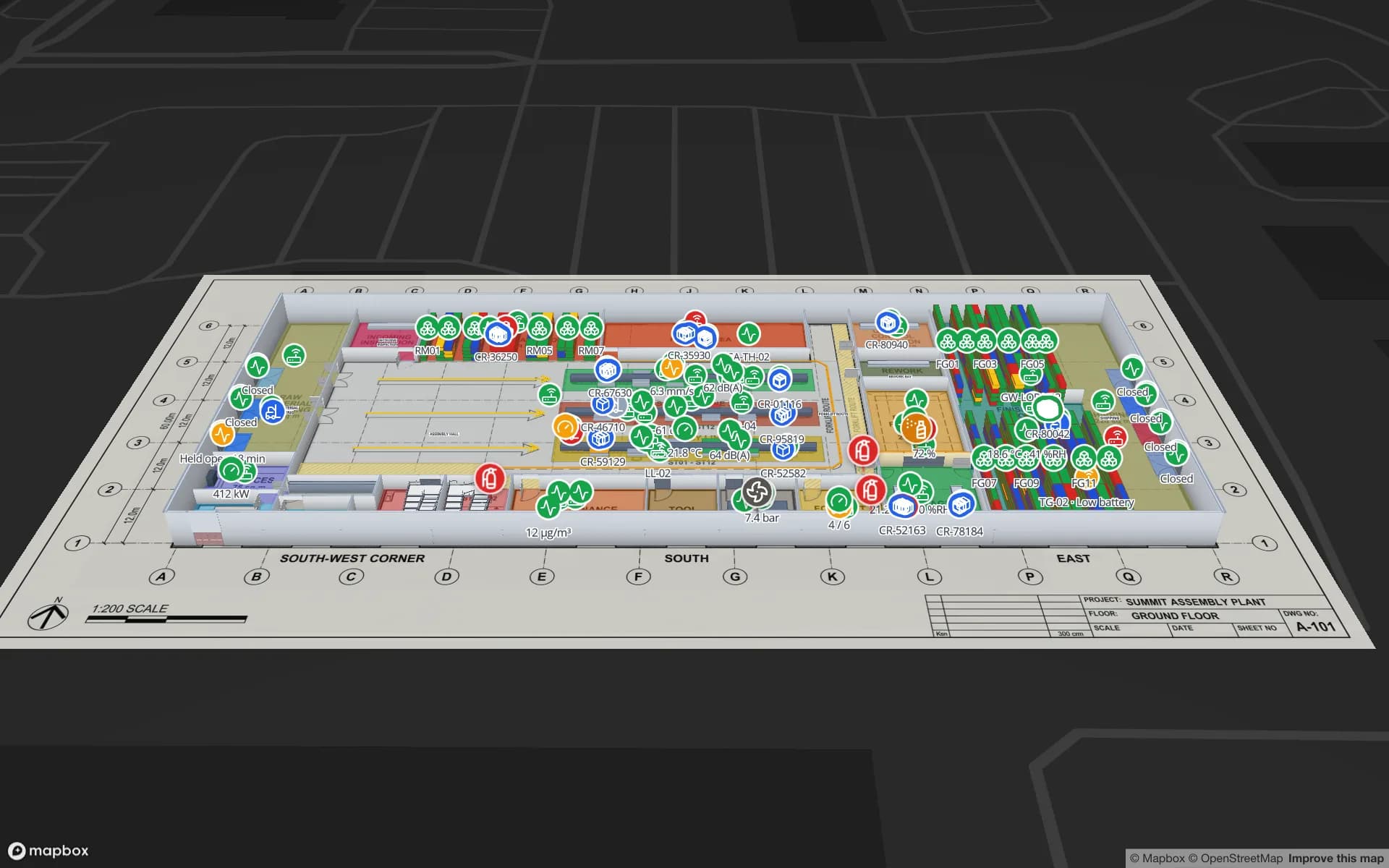
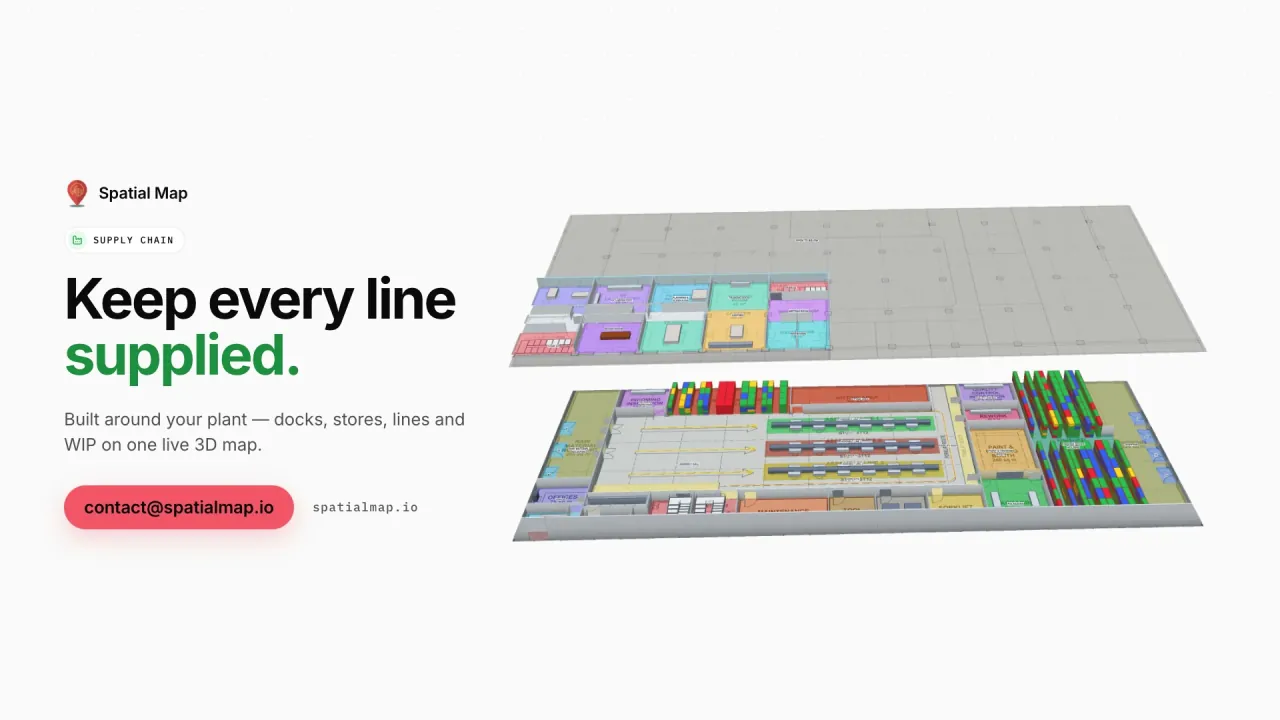
Assembly and repacking turn one stock line into another, and the usual loss is between the two. Model the work area as its own zone, with a table of work orders: input units, output units, status. RFID reads at the area’s entry and exit show which orders are open and how long they have been open. The Summit demo shows workstations, WIP carriers between stations and 867 rack locations for raw material and finished goods.

Where a plant needs no tags yet, a CSV or Excel list of bins with a rack code is enough to start; the post on CSV bin inventory to a live rack map shows the steps. Later a handheld count or fixed readers update the same table. Your developers can post rows through the table write API.

Services for teams in Busan

Busan teams usually follow this order:

  • Zone warehouses and forwarders start with inventory tracking: racks and bays from the plan, then RFID reads at the dock doors.
  • Asset tracking follows for cages, returnable containers and forklifts once stock is in order.
  • RTLS and UWB is for large yards and plants where vehicles must be located continuously; most buildings will not need it first.
  • If you have no readers or tags yet, our team can source them on request, quoted per project, with manufacturer warranty: see RFID readers and tags on request.
  • WMS bridges and handheld apps are built as client projects, for example an RFID inventory system. The product runs as cloud or on-premises.

Also served nearby

The same page covers Changwon and Jinhae on the New Port side, Gimhae and Yangsan, Ulsan, and Gwangyang to the west. Warehouses anywhere in the south-east are mapped the same way and cost the same.

How Spatial Map does it

From the zone gate to the despatch door

  1. 01

    Pick one building

    A hinterland warehouse, a cross-dock or a repack floor, wherever a missing carton costs most.

  2. 02

    Map doors, bays and racks

    Upload the plan, photo or sketch; AI Map drafts the floor for review, and you name read points as your middleware does.

  3. 03

    Connect reads and status

    RFID middleware and your WMS post rows through the write API, a polled REST endpoint or CSV and Excel uploads.

  4. 04

    Add dwell and silence rules

    In-app alerts for units in a bay too long, short loads before departure and readers that stopped reporting.

What Busan teams track

Hinterland cross-docks

Dock doors, yard slots and pallets staged for the right trailer.

Transshipment bays

Pallets and cartons by bay, with time waited and the next departure.

Value-added work areas

Work orders, WIP and finished goods tied to the zone they sit in.

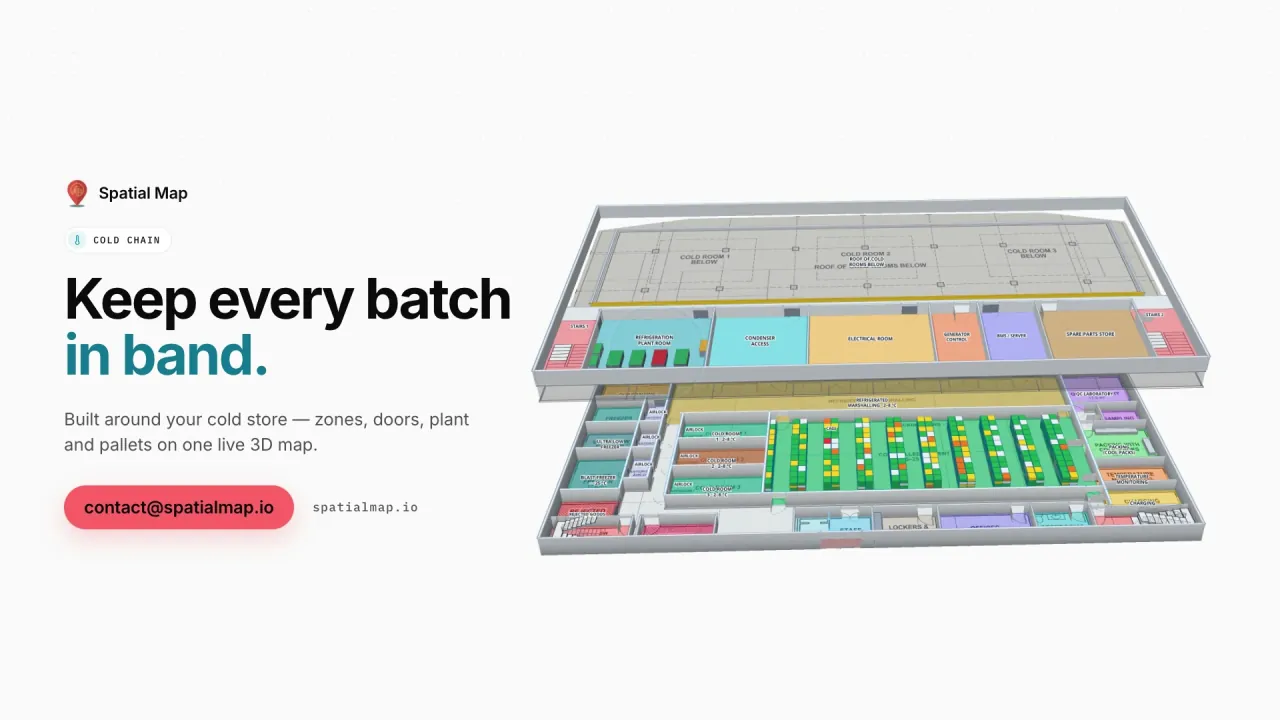
Cold rooms in port-side stores

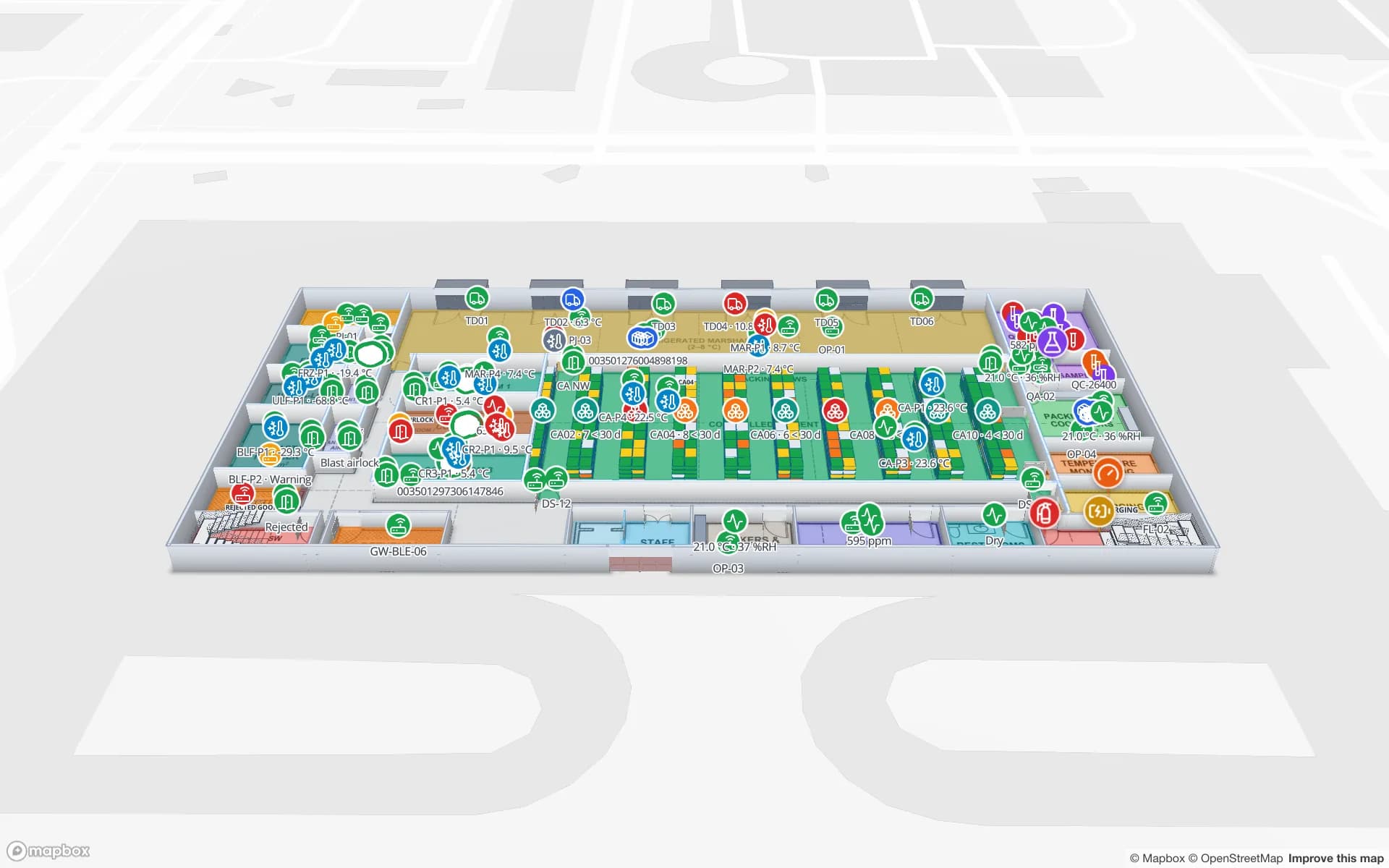
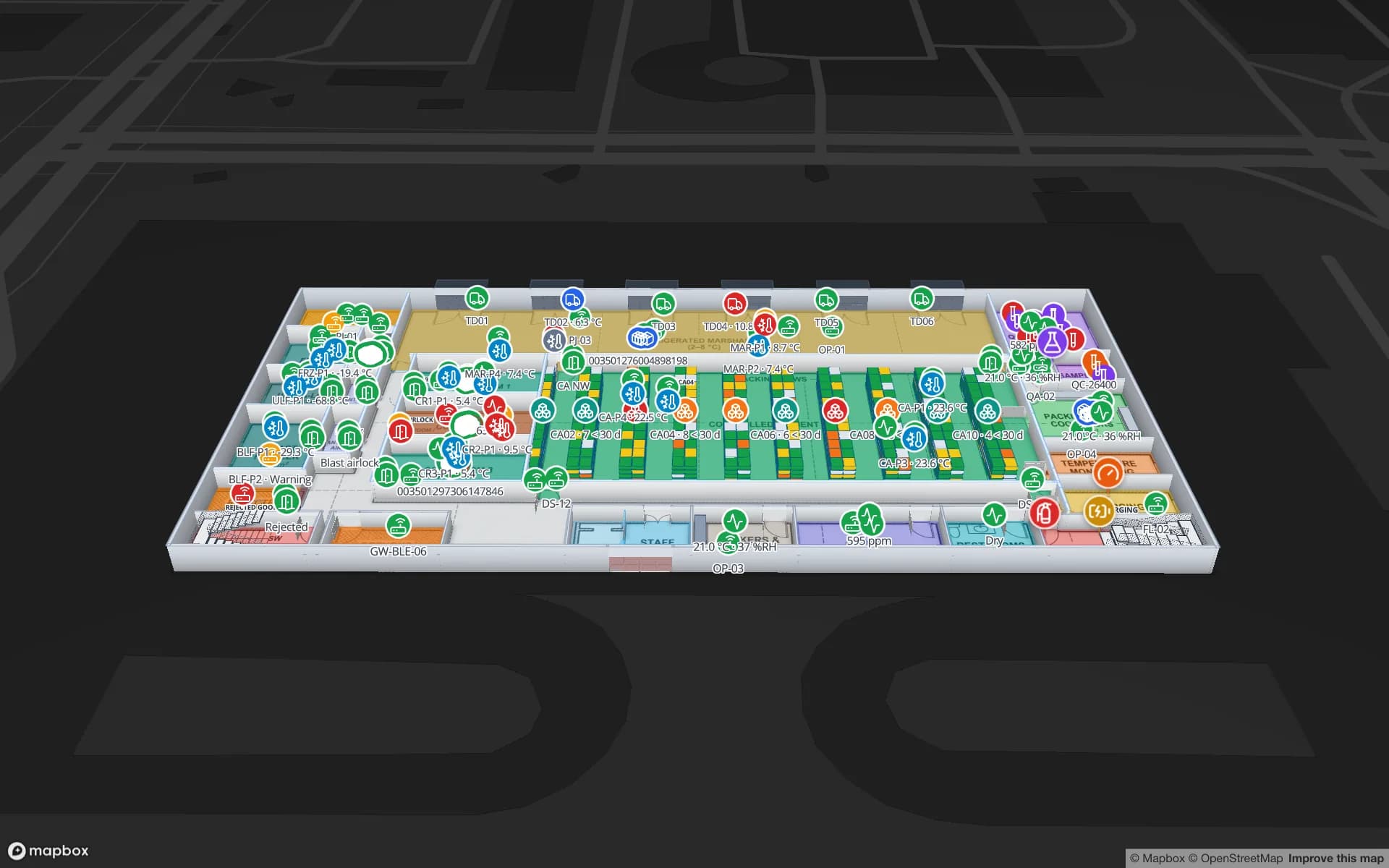
Rooms coloured by live temperature, with in-app alerts.

See it on real demo facilities

Fictional names, real floor plans, live sensors, RFID, BLE tags and gateways — open any of them in the browser.

All 13 demo facilities

RFID tracking in Busan: questions we get

No. It has no link to terminal operating, port community or customs systems. It shows what happens inside your own building from your own RFID reads and warehouse system, so it complements those systems rather than replacing them.

It can colour or badge units by a status field your own system supplies. It is not a customs system and makes no compliance claim; your customs and quality records stay where they are.

That depends on tag choice, placement and the read portal, so test on your own goods first. Spatial Map does not make hardware; it shows the reads your system reports, and an in-app alert when a reader stops reporting.

No. The app is in English, Spanish, French, German, Arabic and Chinese. Labels, bay names and table values you write can be in Hangul and appear as written.

Yes. Your developers can push rows to a table through the write API (HTTPS, bearer API key, bulk upsert, 60 requests per minute per key), or expose a REST endpoint that Spatial Map polls. If you would rather not build it, our team does integrations as client projects.

No. Spatial Map is sold online and our team works with customers in South Korea remotely, in English, by video call and through the contact form. There are no local resellers or partners.

In US dollars, the same worldwide: a 7-day free trial for up to 5 facilities with no card, then Pro at $60 a month or $600 a year for up to 4 facilities. RFID hardware, if you ask us to source it, is quoted per project and is not part of the subscription.

Map one Busan dock before the next vessel.

Start the free trial and open the Eastport demo, or send us the plan of a zone warehouse or cross-dock and a sample of your reads through the contact form.