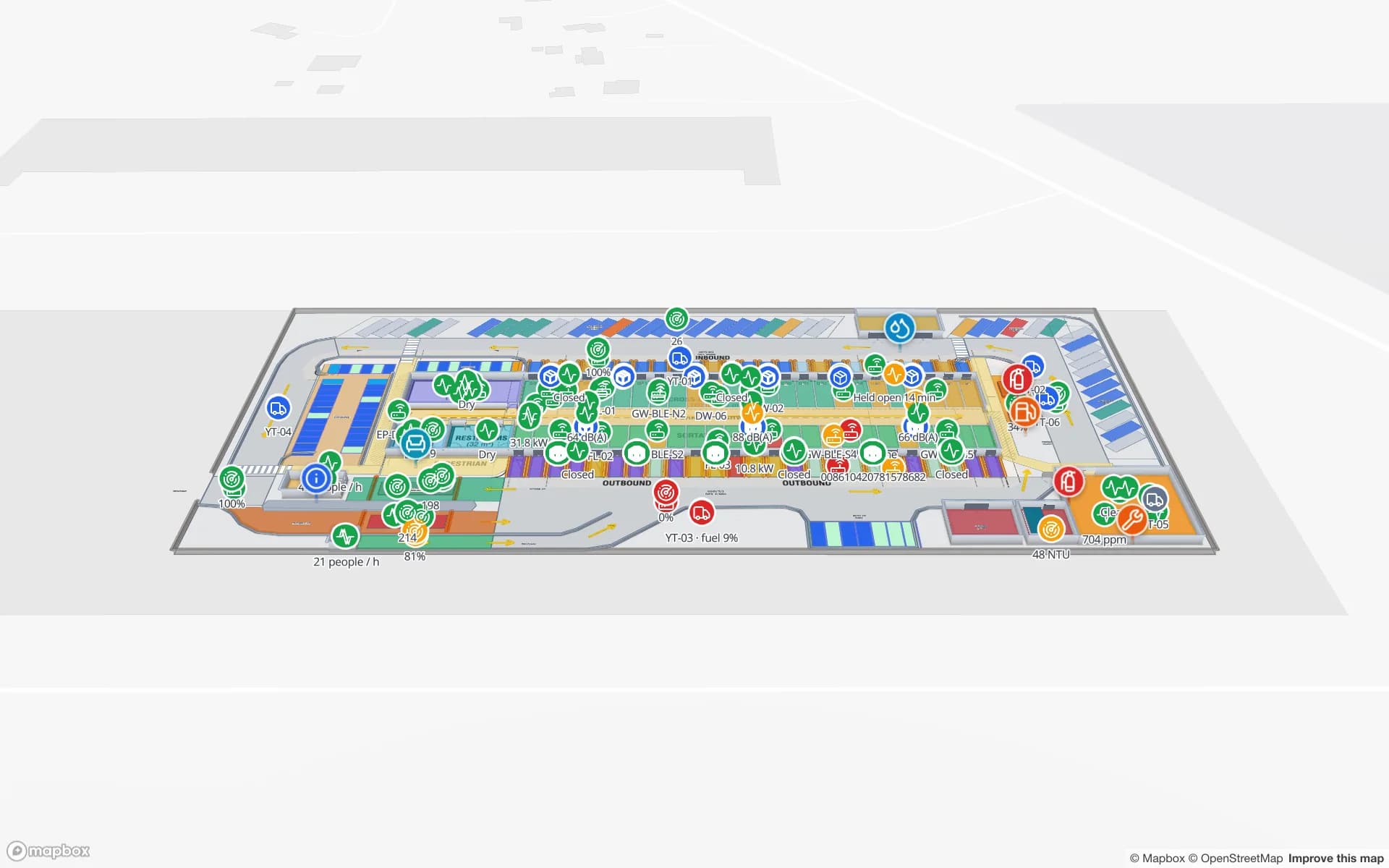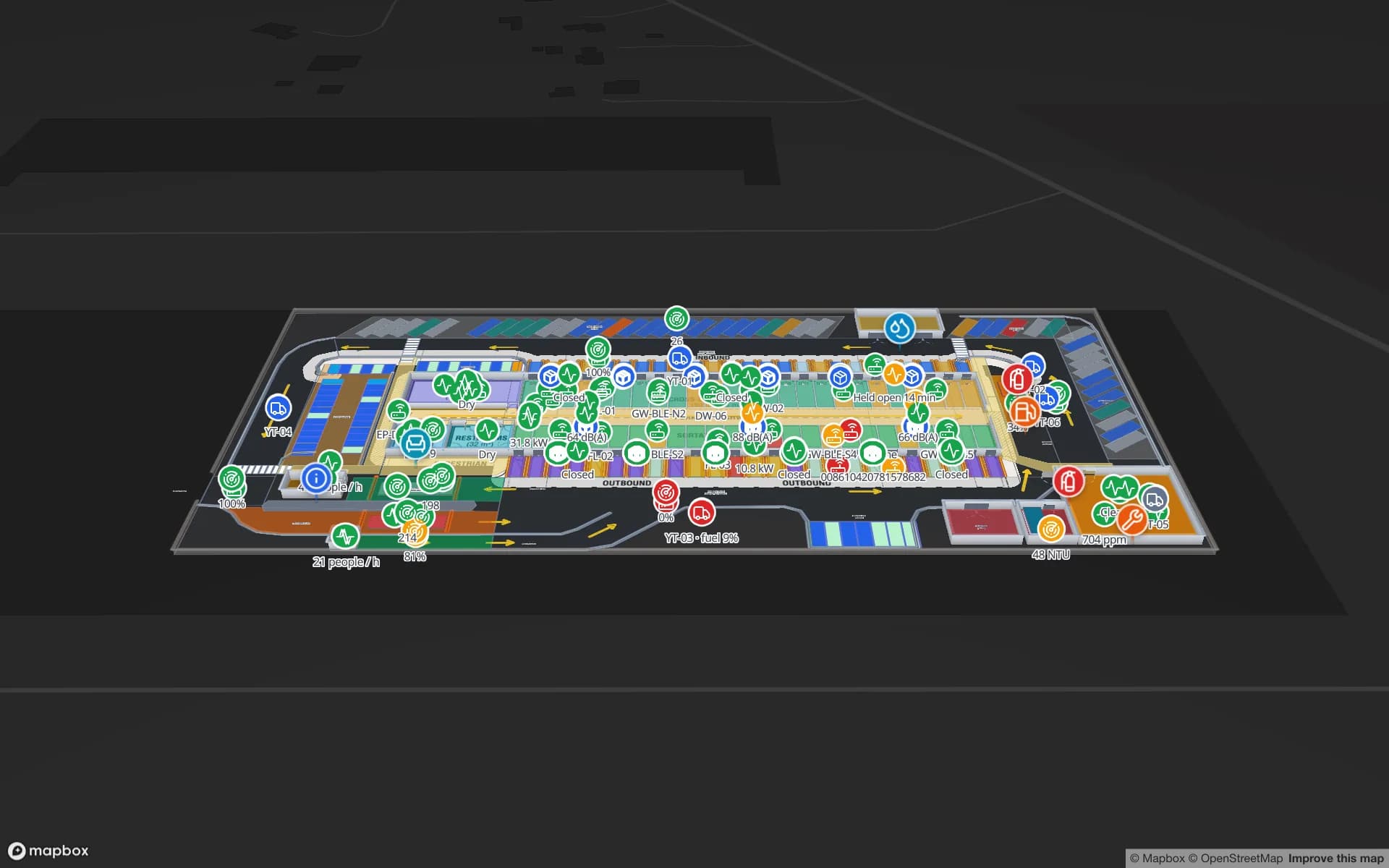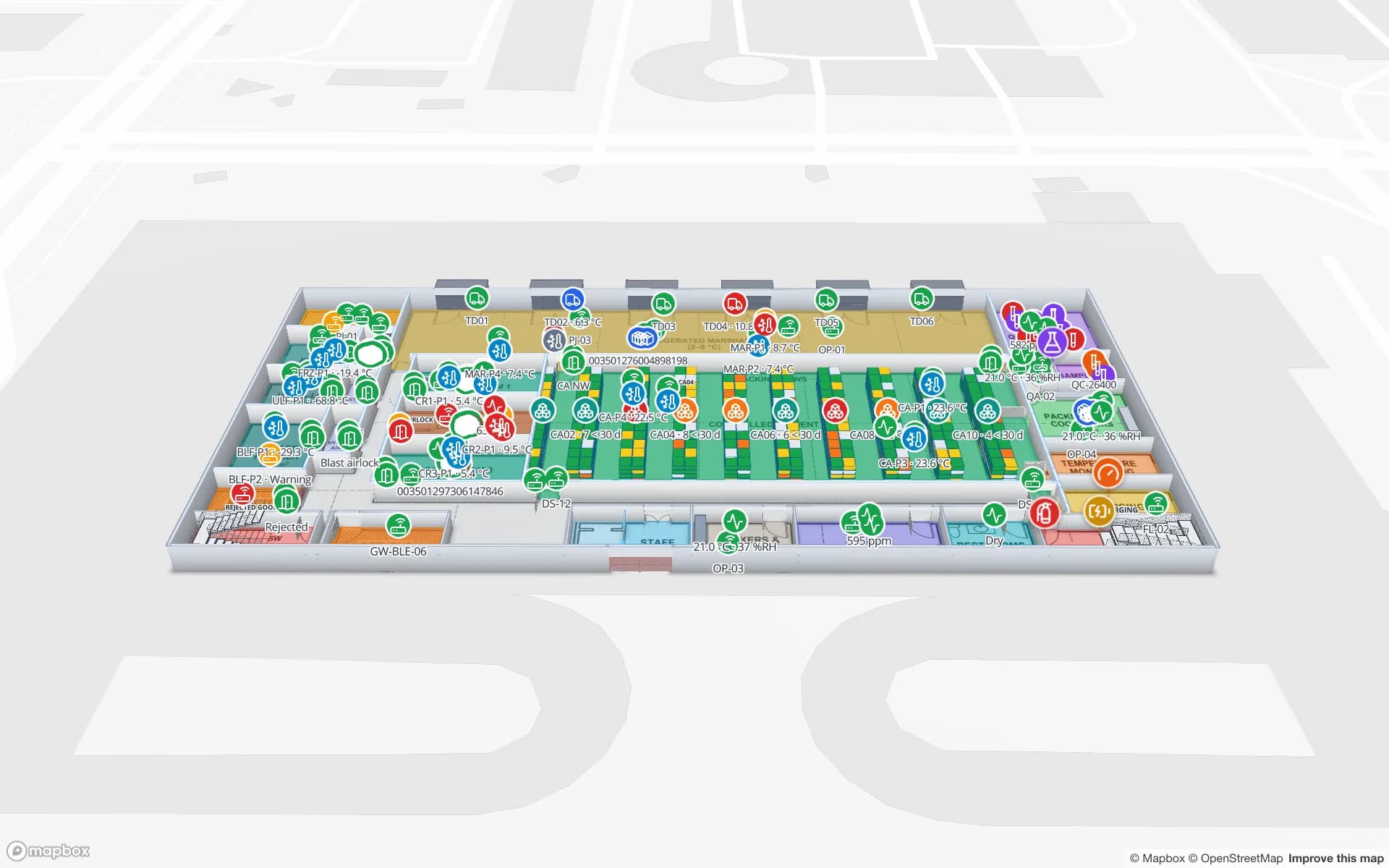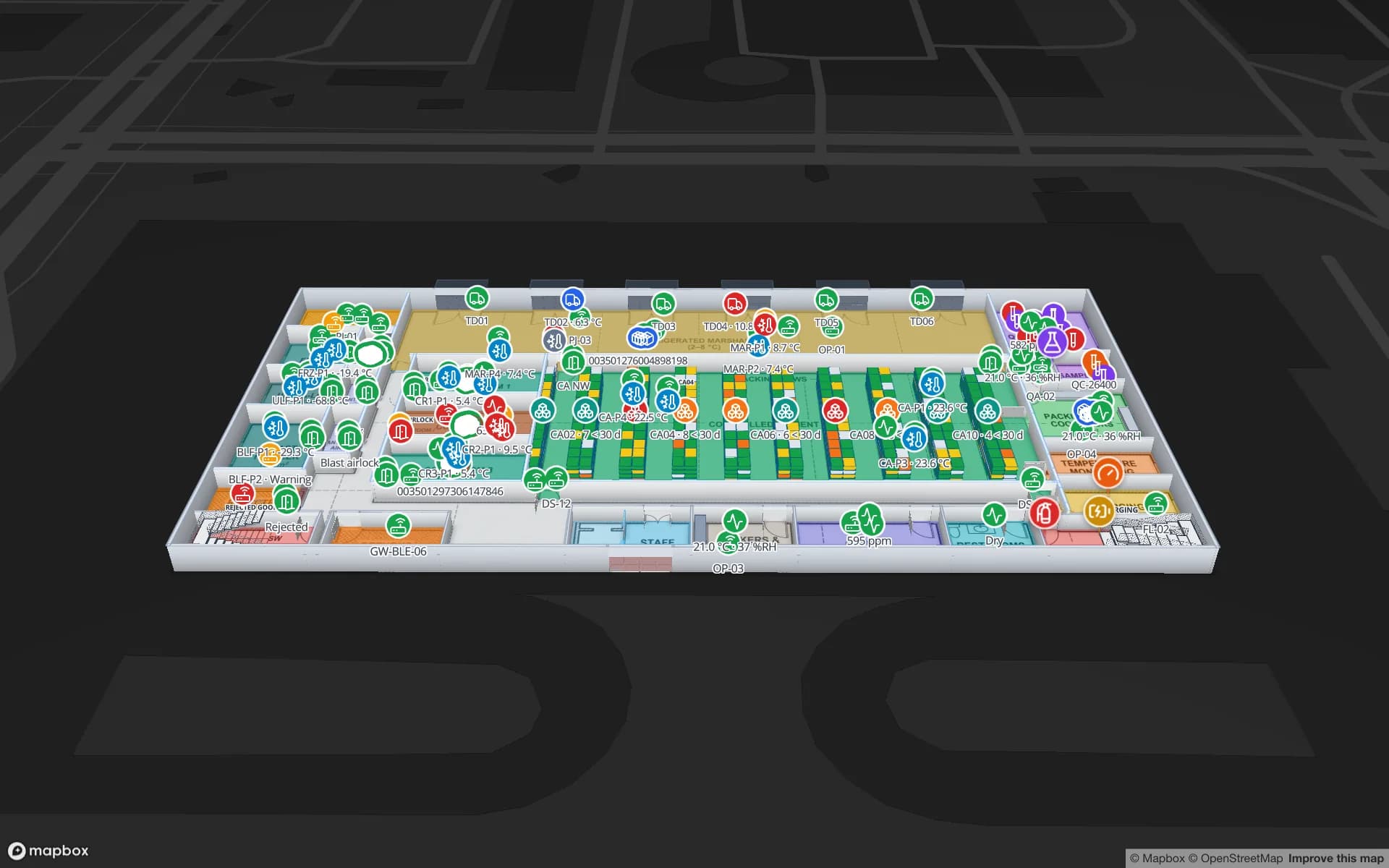
What a warehouse map needs that a drawing does not have
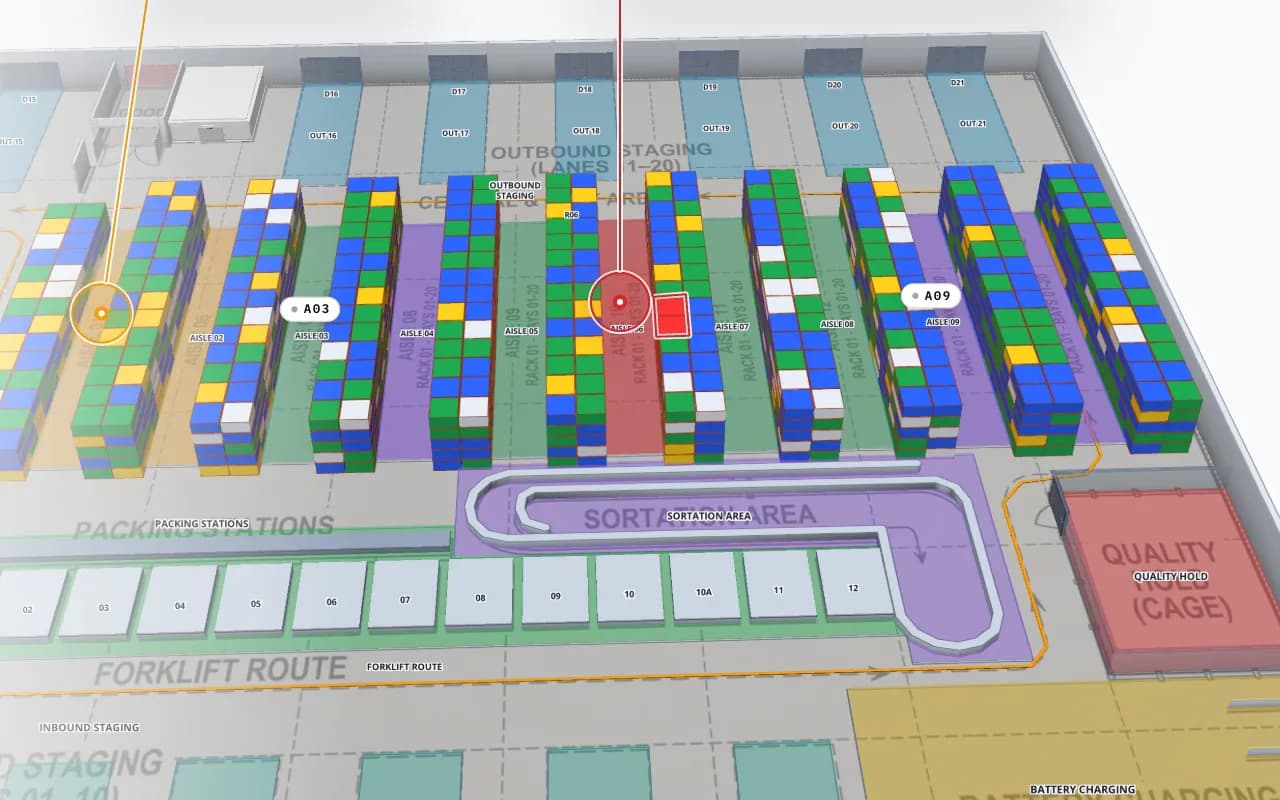
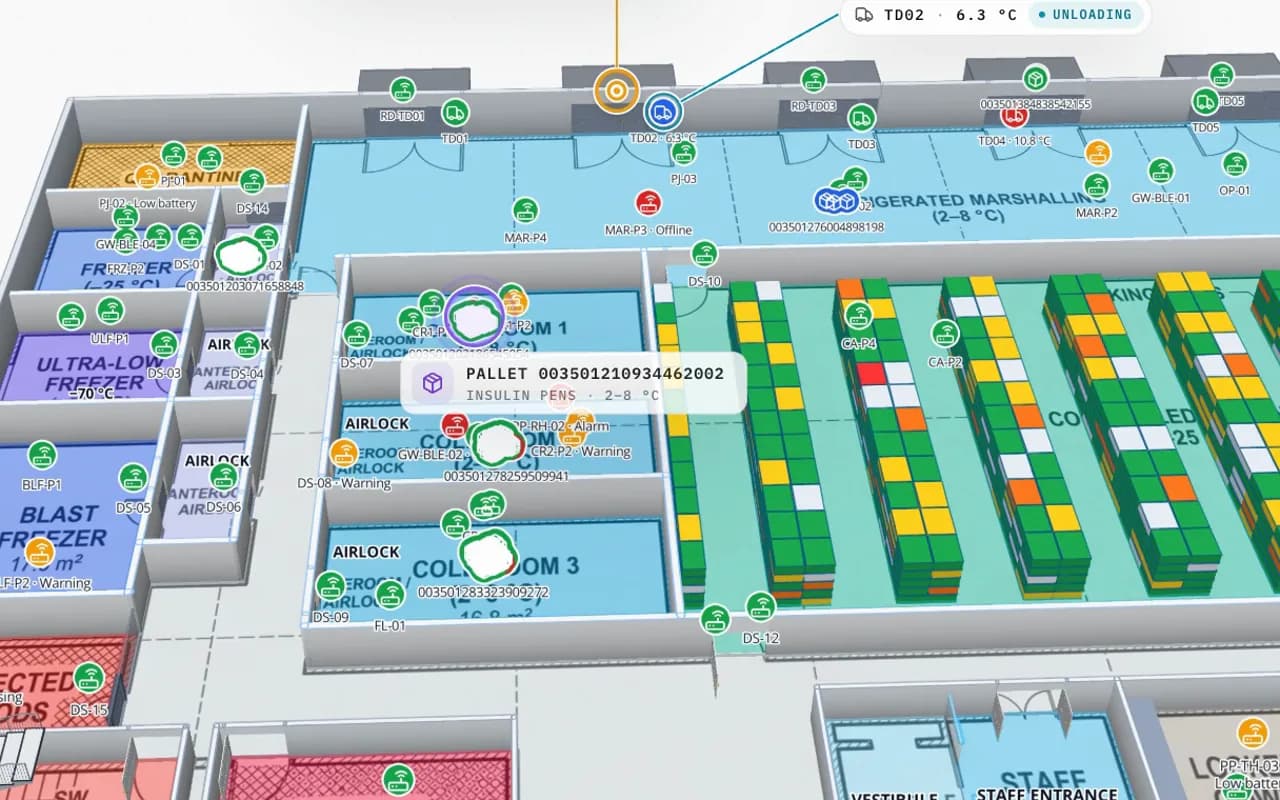
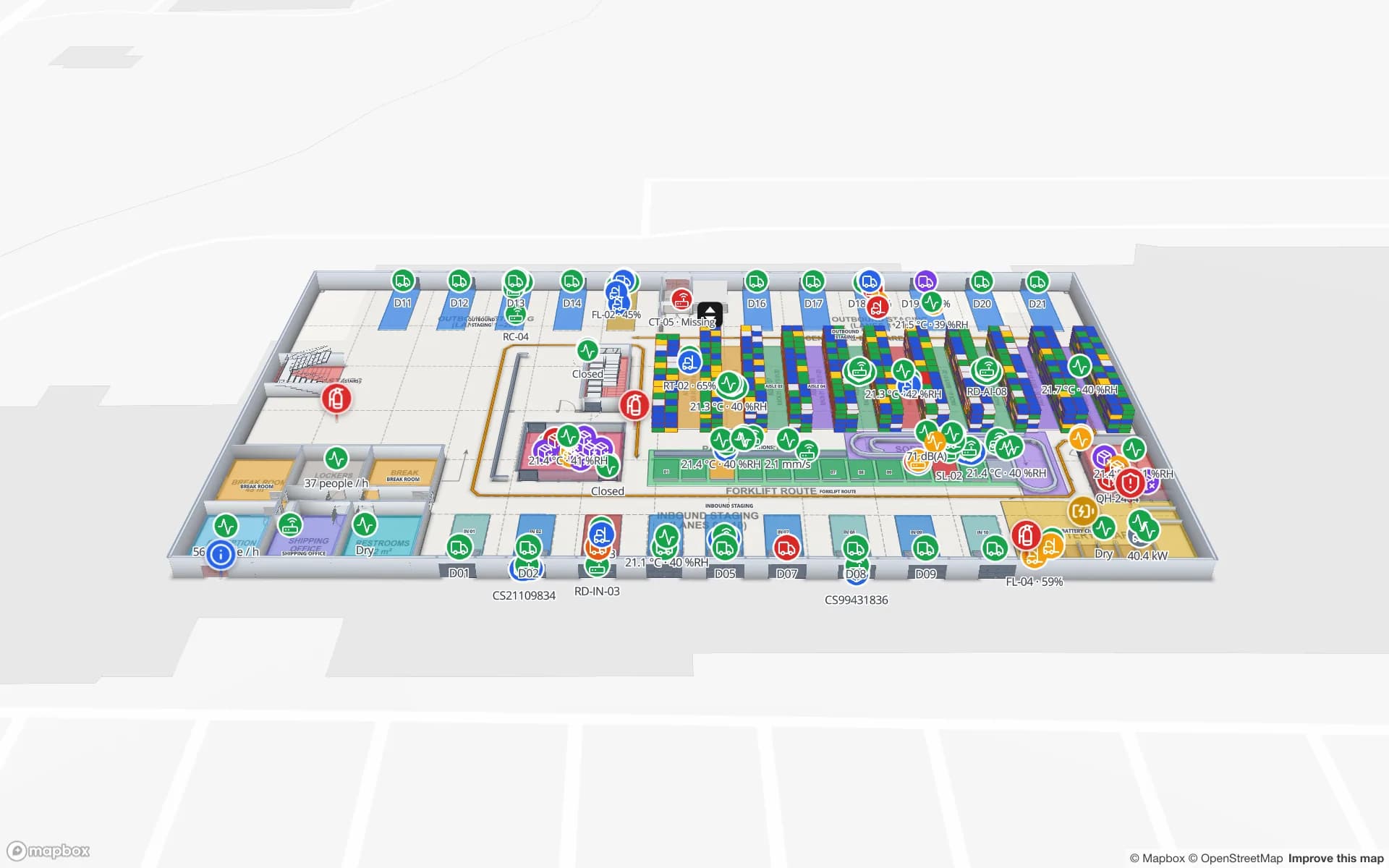
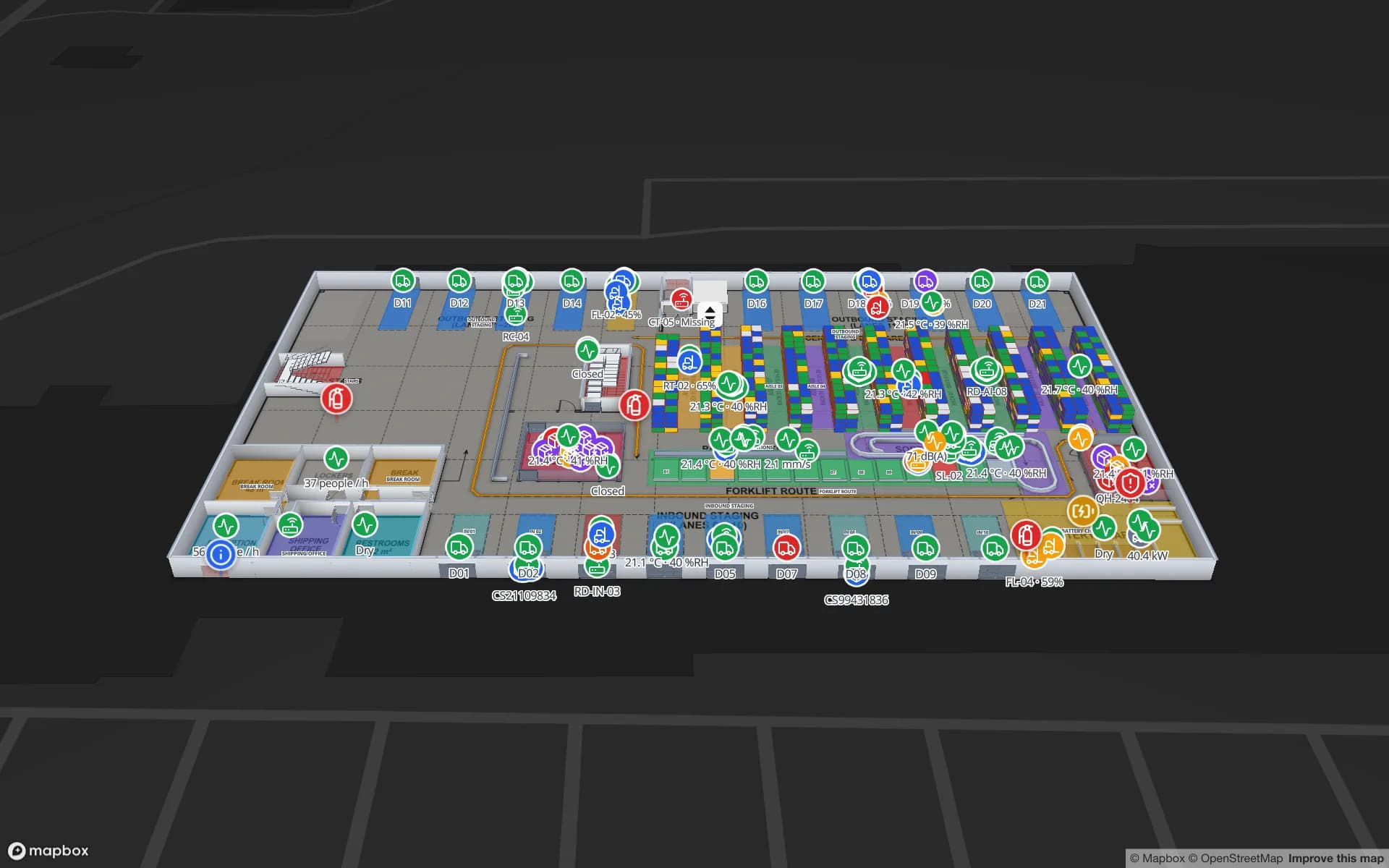
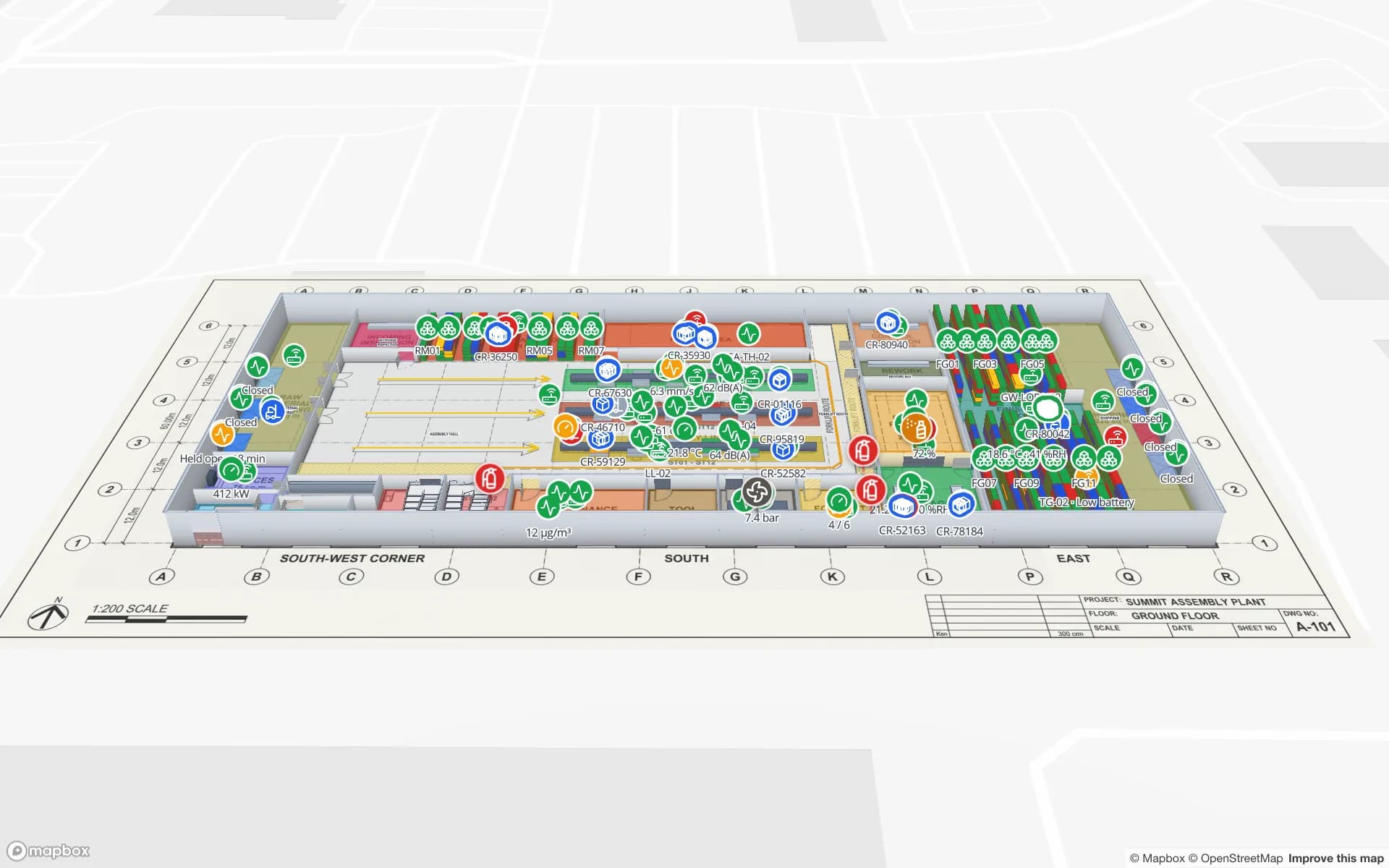
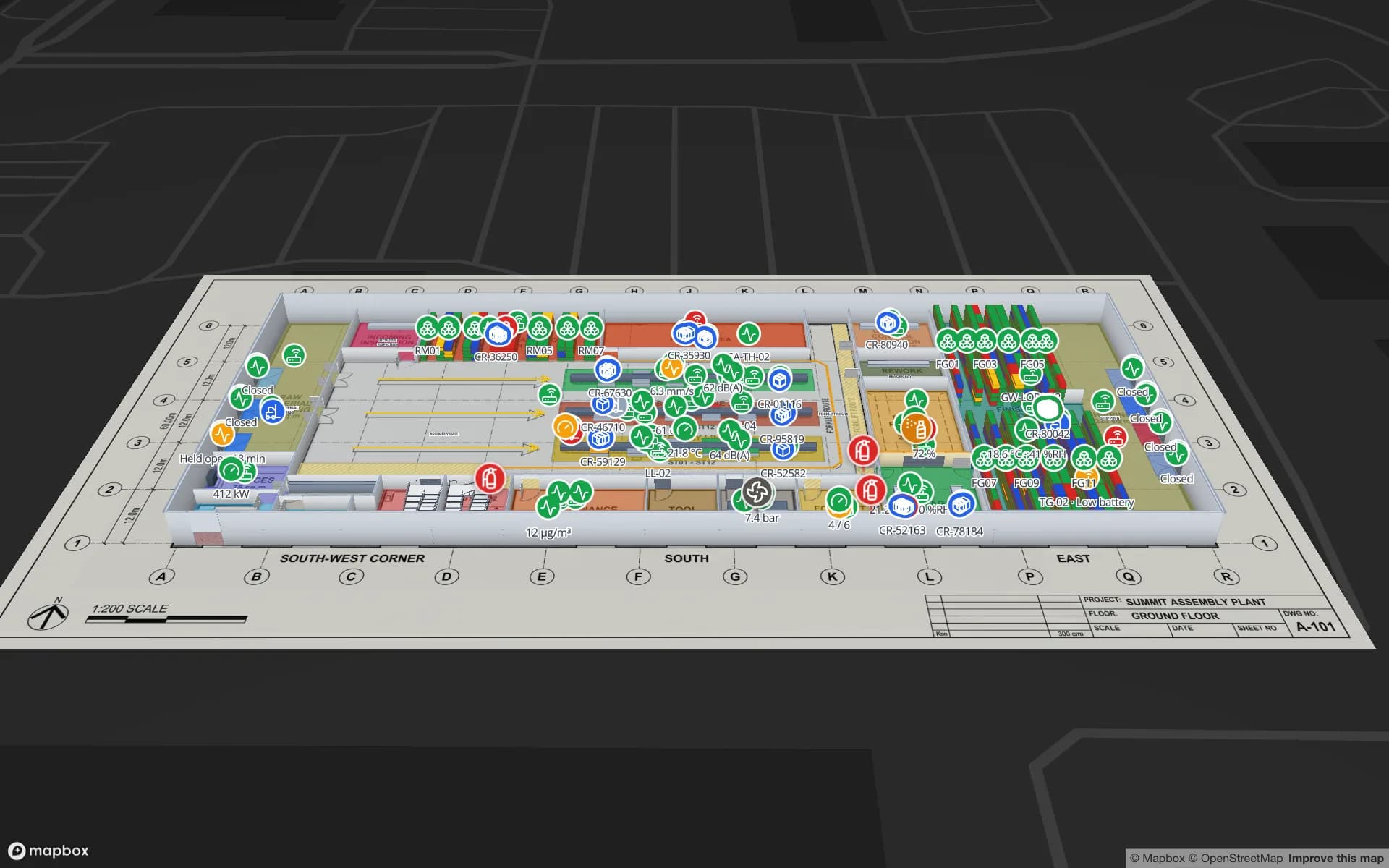
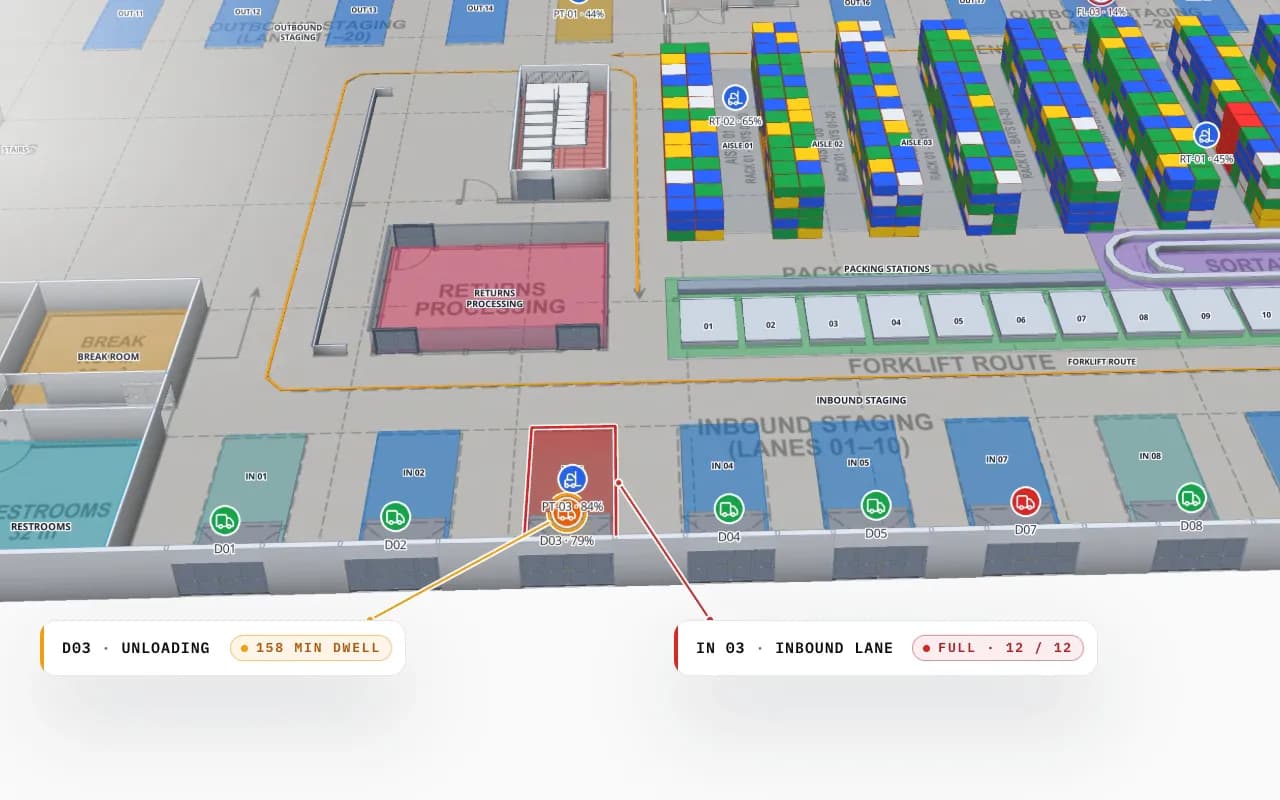
A CAD layout shows lines. A warehouse map has to know things: that this rectangle is rack A-12 with 4 bays and 5 levels, that this lane is inbound staging 03, that this opening is dock door 7. Those names are the keys your WMS, RFID middleware and sensors already use, and they are what lets data land in the right place.
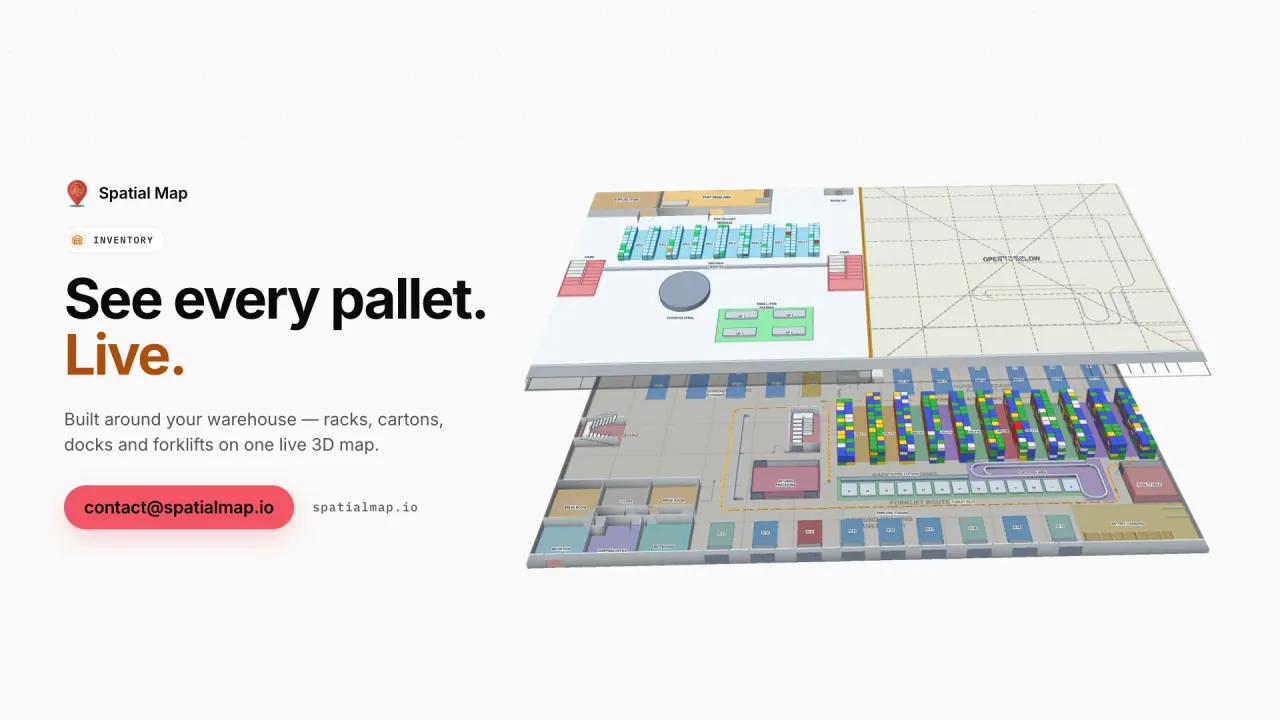
- Racks and bins — drawn with the Rack tool as a grid of cells; each cell is a bin your stock rows can match.
- Aisles, lanes and walls — polylines that are flat lane markings or 3D walls, with forklift routes and staging lanes.
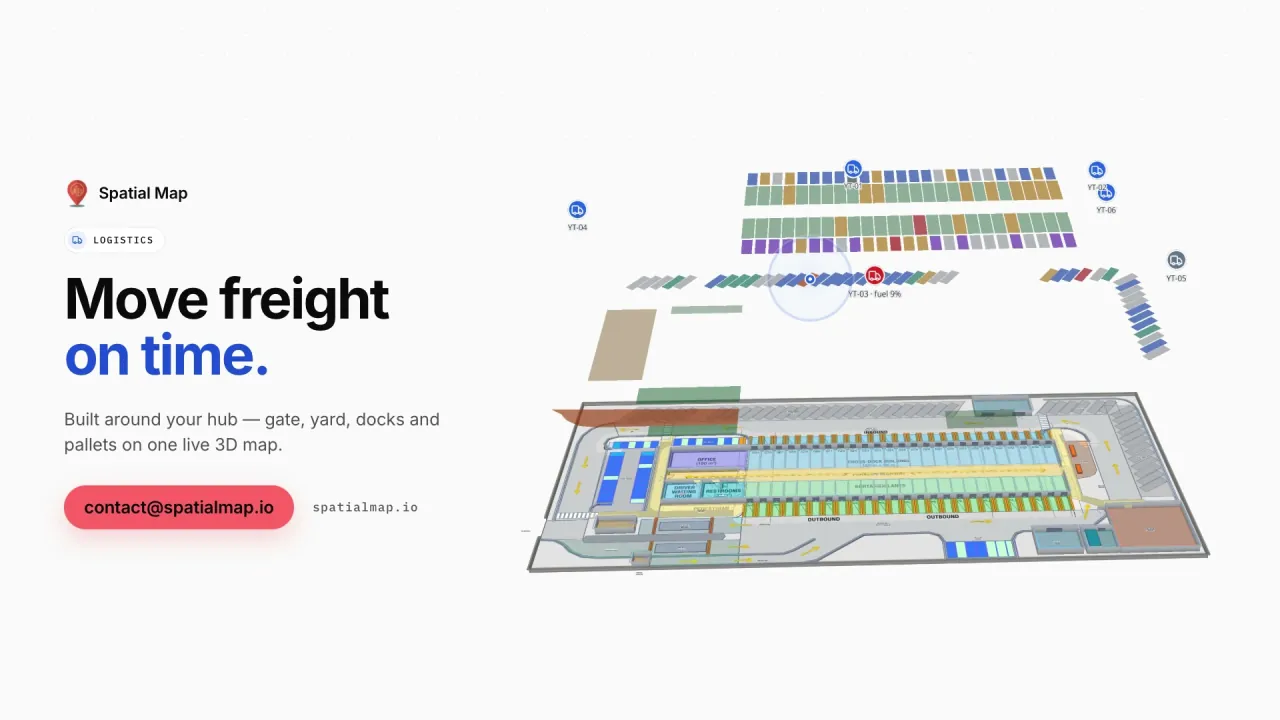
- Docks and doors — doors on their walls, dock doors as shapes your yard and RFID data can colour.
- Zones — pick faces, quarantine, returns, cold rooms, charging — as areas with names and heights.
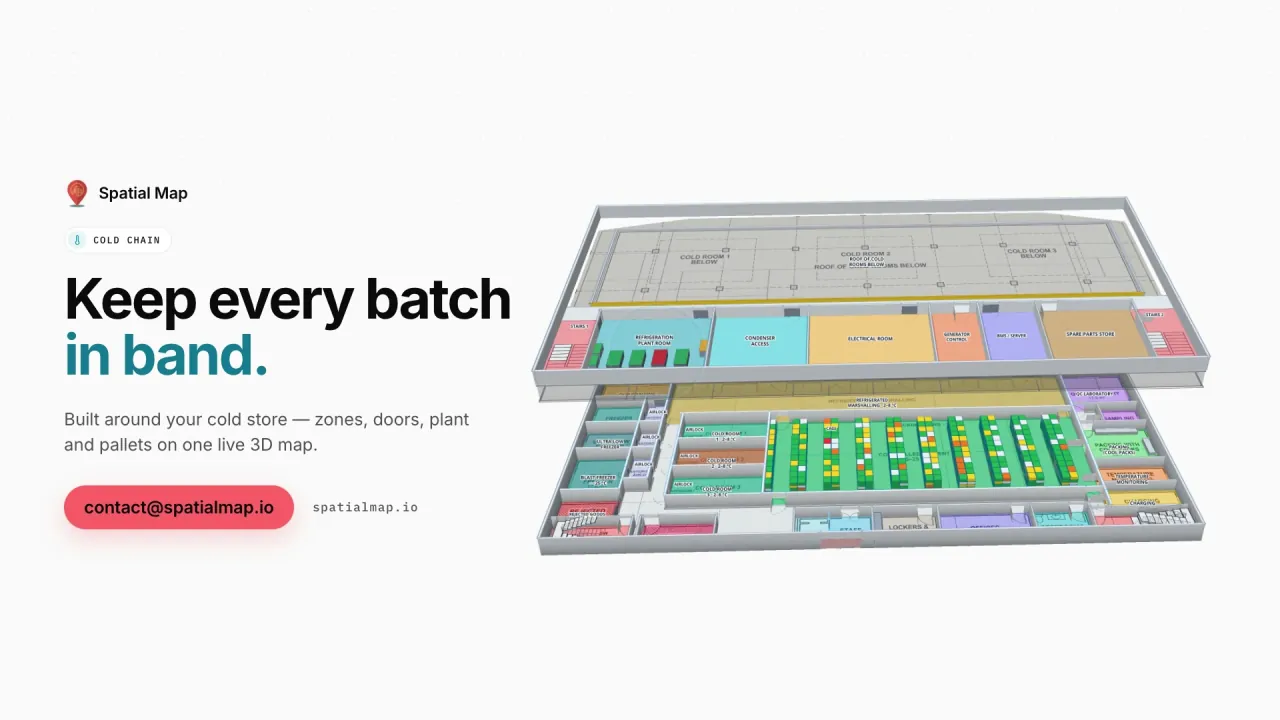
- Mezzanines and floors — each floor at its own elevation, connected by stairs and lifts.