RFID · Warehouse management & dock doors

RFID warehouse management, from the dock door to the rack

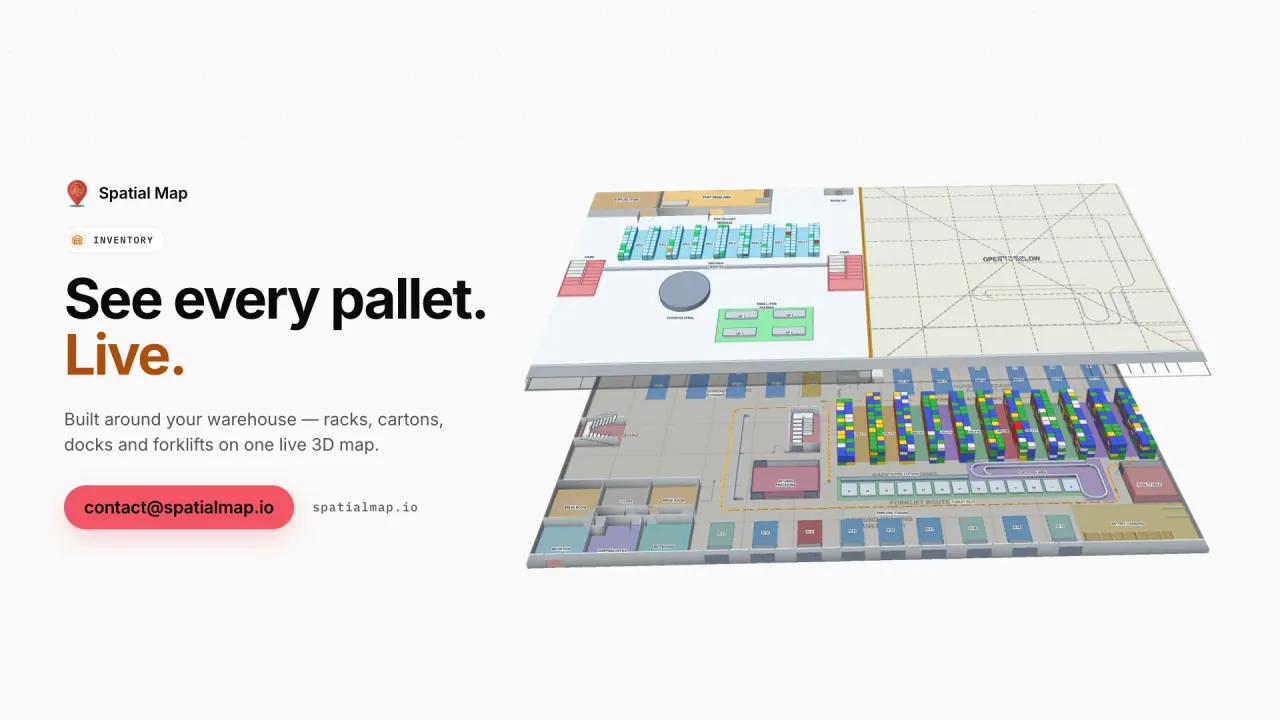
Spatial Map brings RFID warehouse management data onto one live 3D map: portal reads at every dock door, pallets in staging lanes, rack locations by status and the docks that are running late. Your readers and WMS keep doing their jobs; the map shows the whole flow in one place, with dwell times and a replay of every move.

Last updated:

No credit card. Runs in the browser. Pro is $60/month for up to 4 facilities. Book a demo

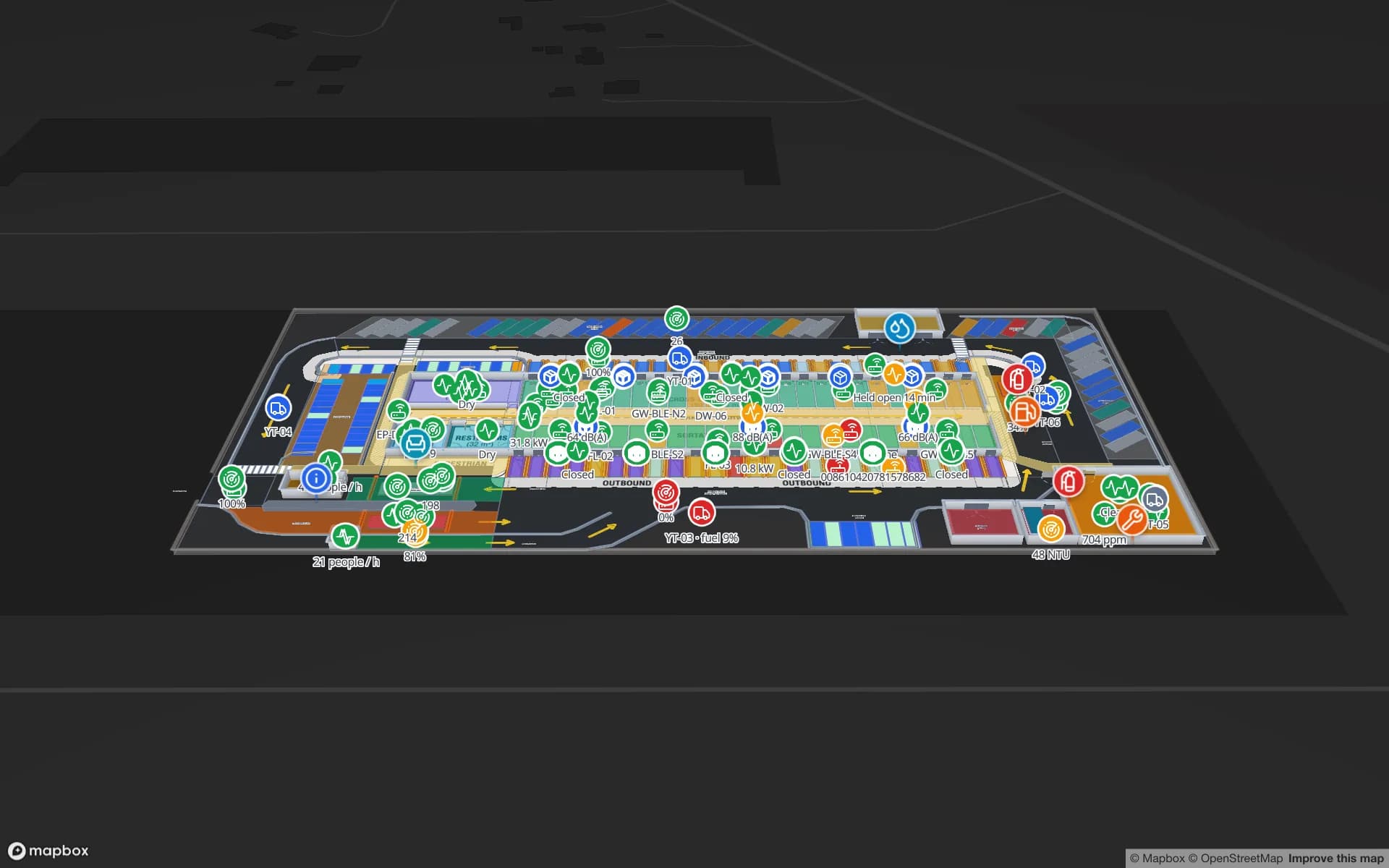
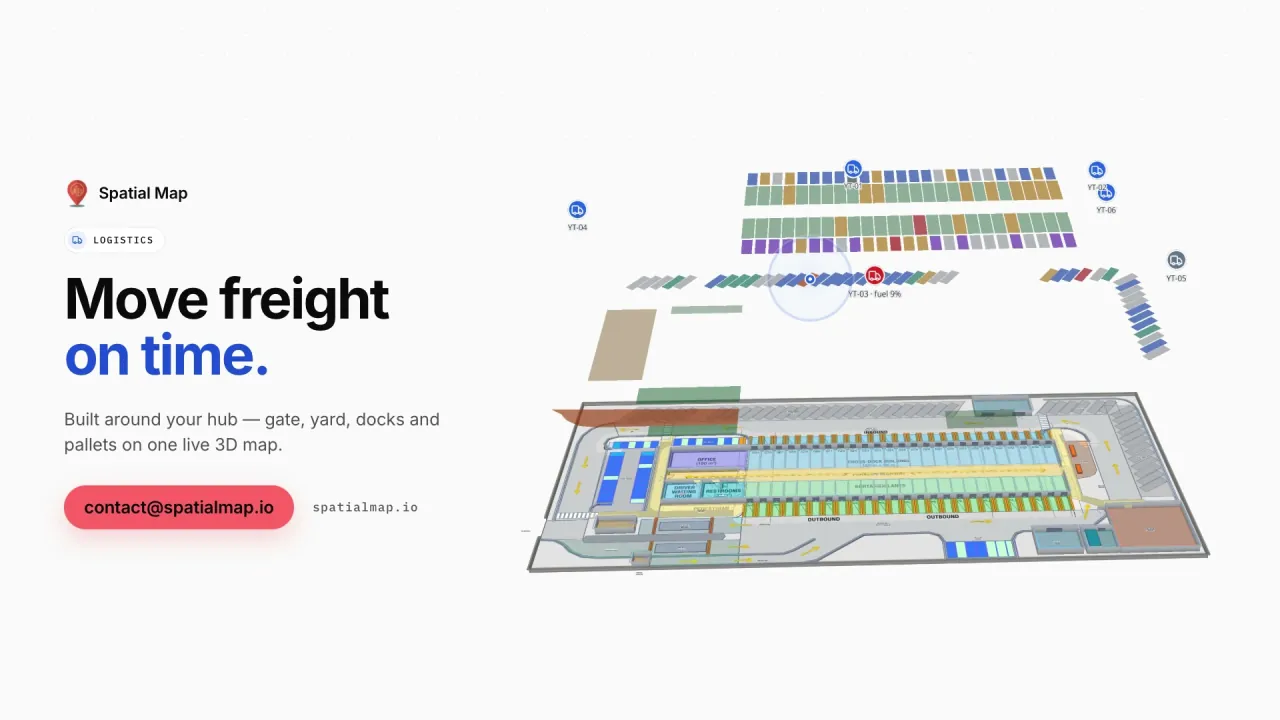
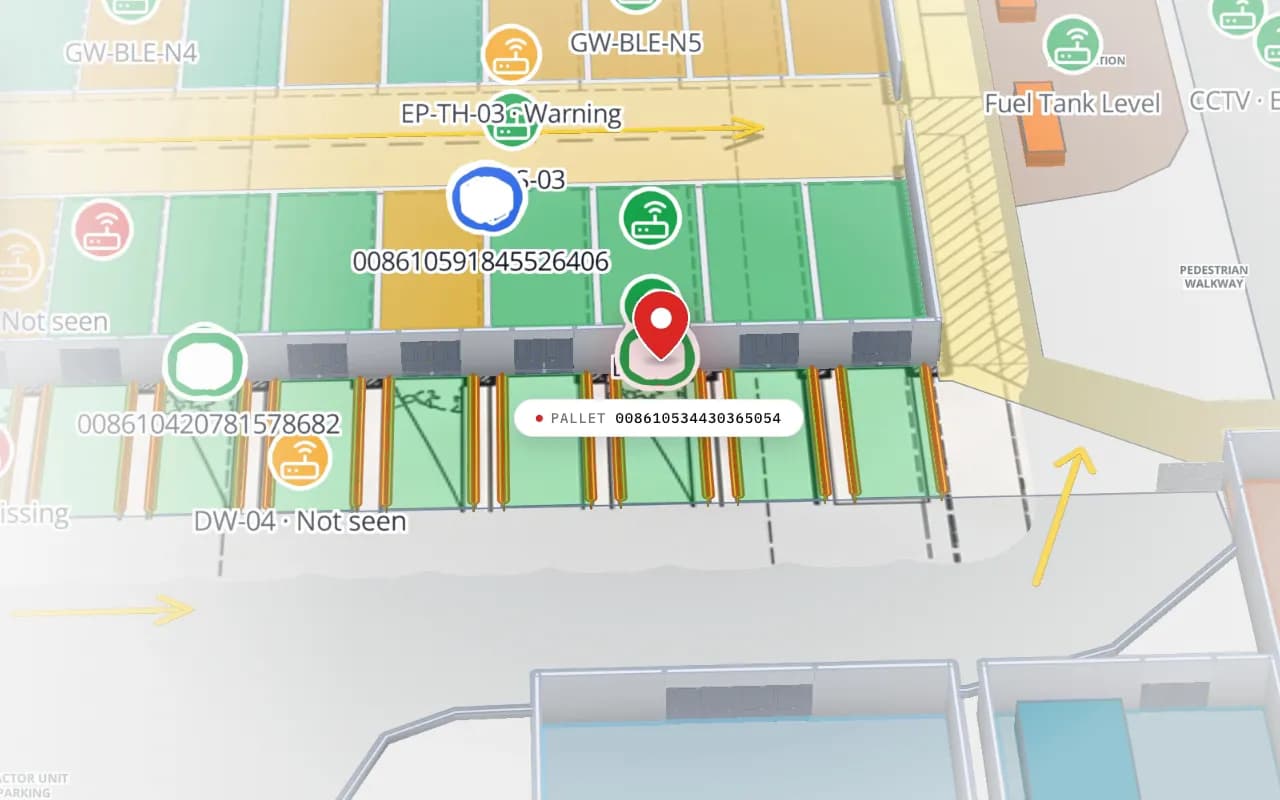
Eastport Cross-Dock in 3D: the view moves from the trailer yard to the dock doors, with RFID pallet markers, gateway markers and a dock reader marked “not seen”
Eastport Cross-Dock Freight Hub
Eastport Cross-Dock (demo): from the yard to the dock doors, with RFID pallet reads, gateways and a door reader that has not reported.
Dock doors in the Eastport cross-dock demo
50
RFID pallets staged by door and lane there
1,180
Yard slots on the same map
44
Free trial, no credit card
7 days

Where RFID earns its keep in a warehouse

Most warehouses that adopt RFID start at the dock door: a portal of two to four antennas reads every tagged pallet or carton as it passes, confirming receipts and loads without scanning each label. From there, reads at staging lanes, pack-out tunnels, conveyors and forklift-mounted readers fill in the middle of the flow.

Each read is a location event: this EPC passed this door at this time, in this direction. On its own that is a log. On a floor plan, it becomes a picture of which doors are busy, which lanes are full and which pallet went to the wrong trailer.
Dock doors, lanes and racks on one map

In Spatial Map each dock door, lane and rack location is a shape on the 3D floor plan. A table of reads — or of door status from your WMS or yard system — is bound to those shapes with a data link, and style rules colour them: unloading, loading, idle, blocked; lane empty, filling, full. Pallets sit at the door or lane that last read them.

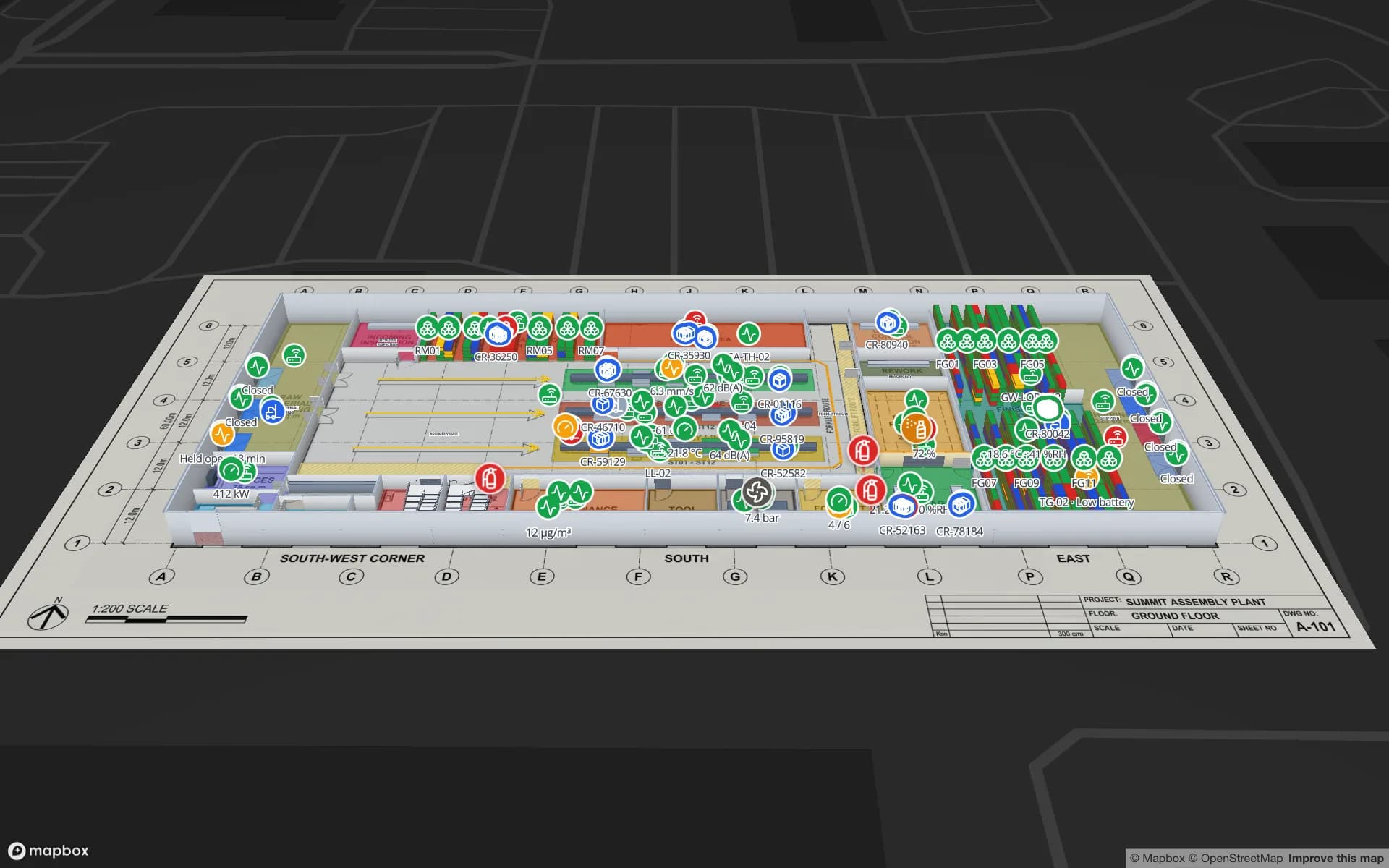
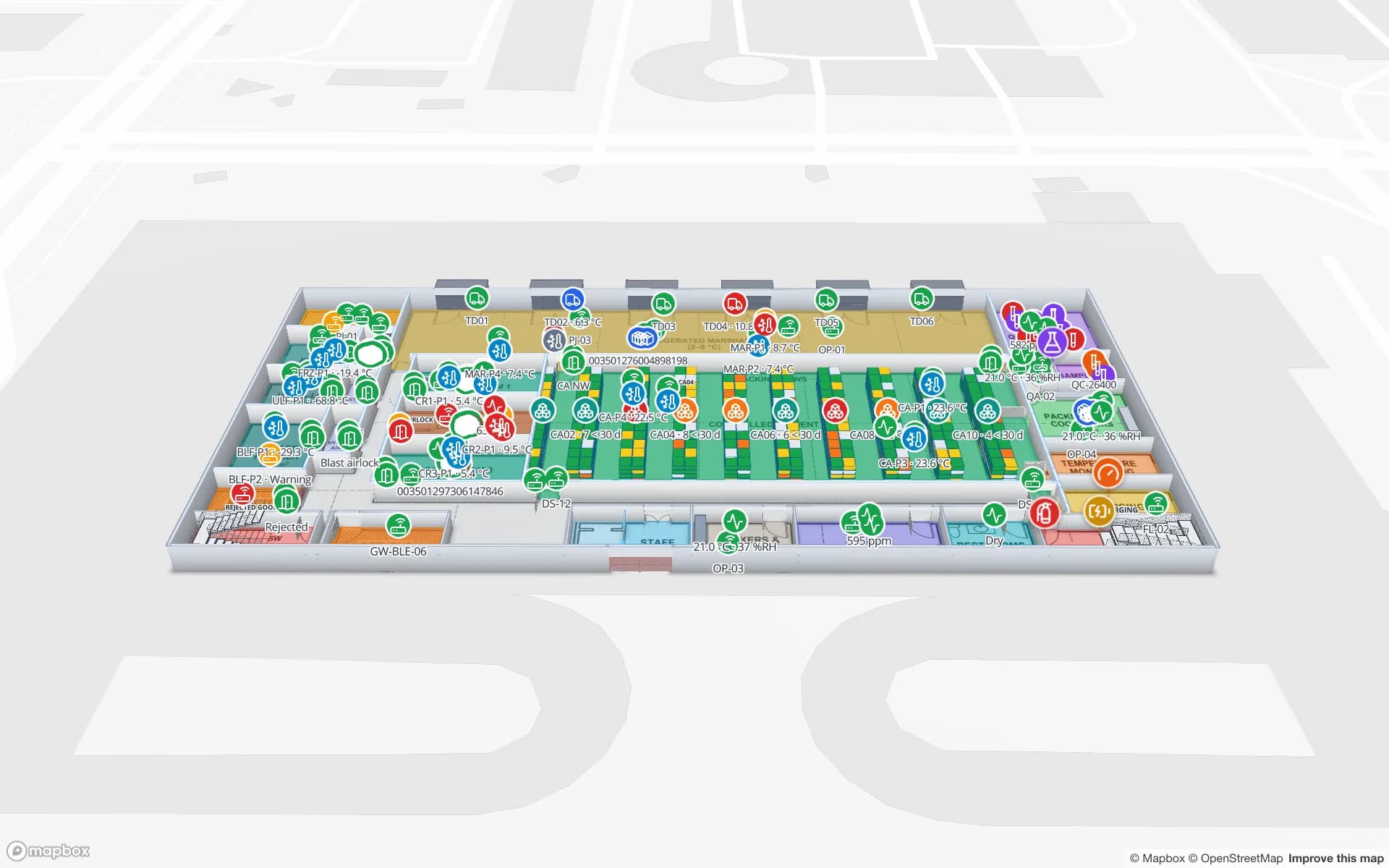
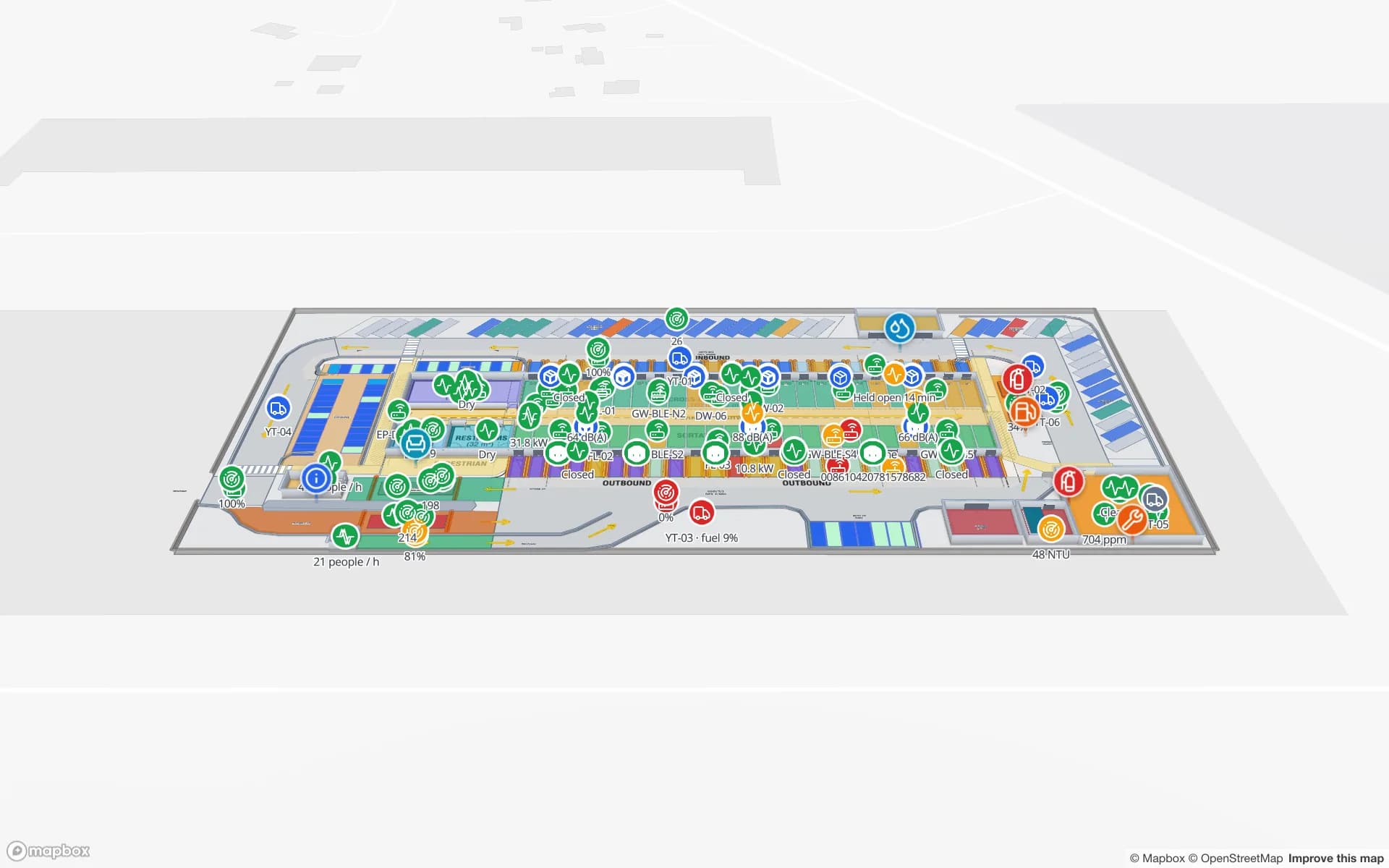
The Eastport Cross-Dock demo shows 50 dock doors, 44 yard slots and 1,180 RFID pallets this way, including a pallet staged in the wrong lane and a short load before cut-off.

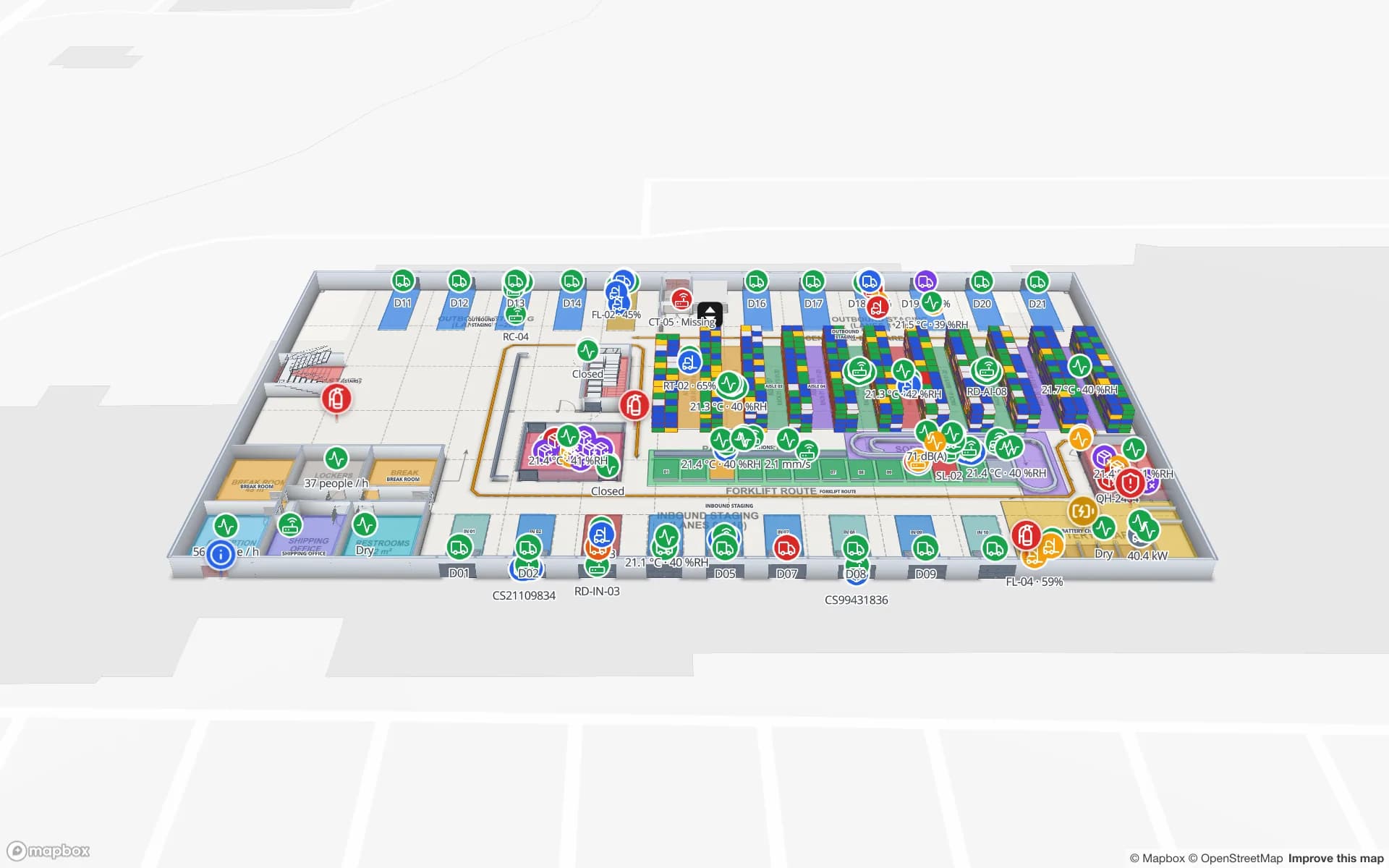
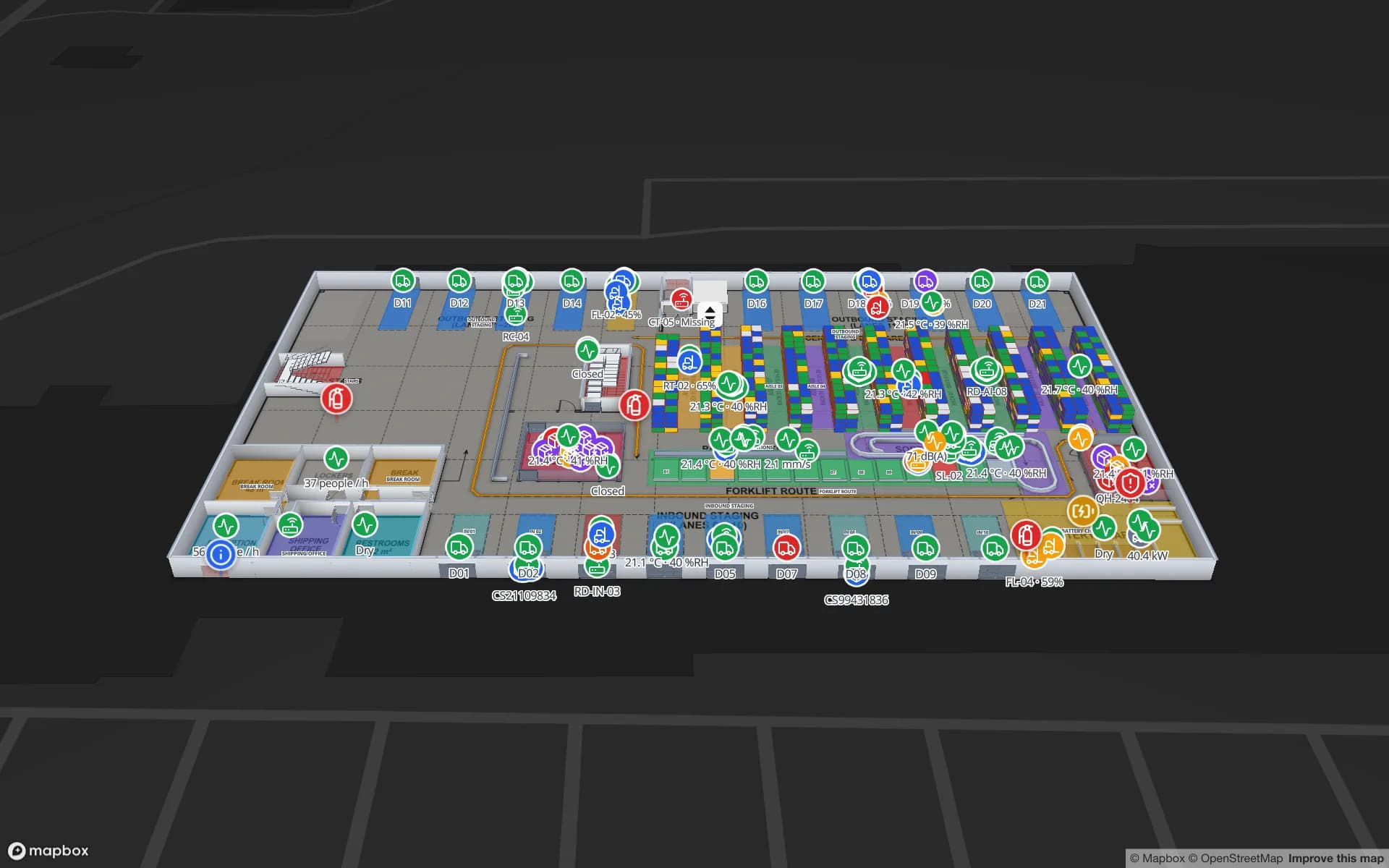
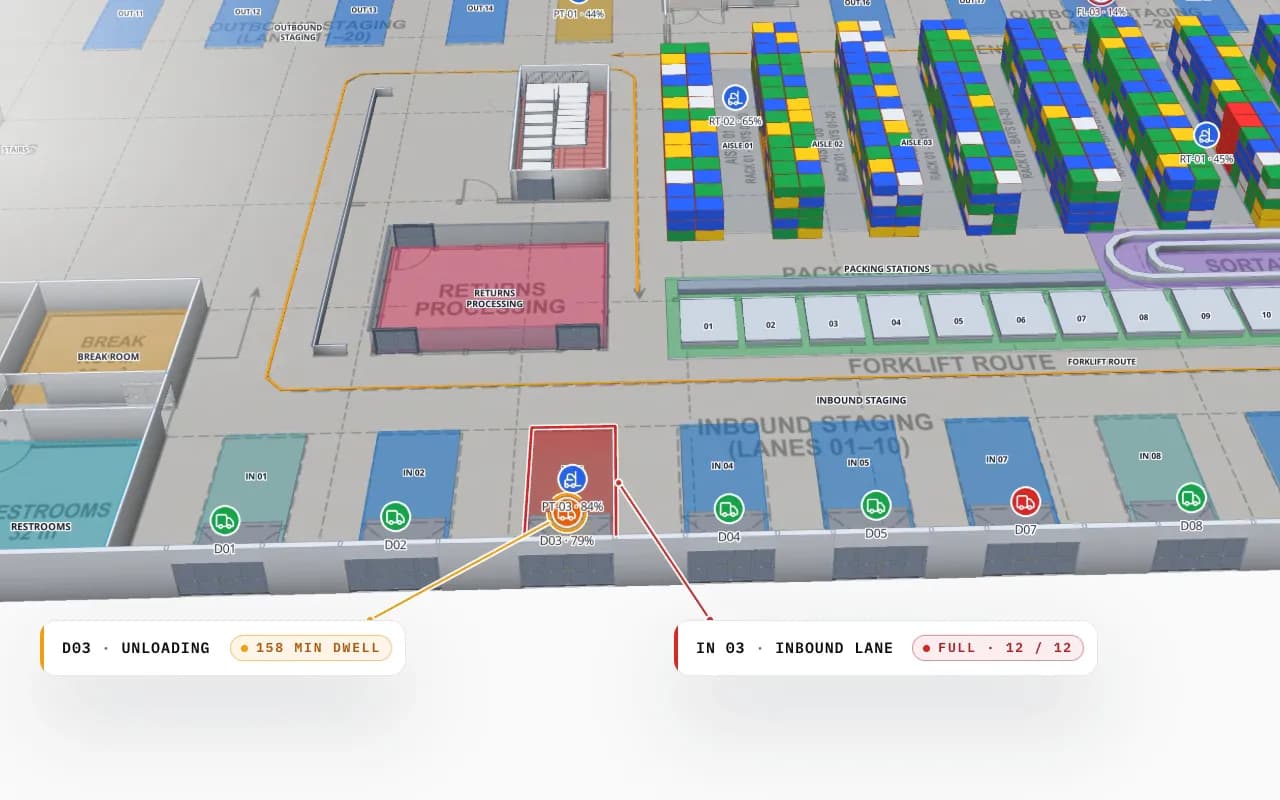
Crestline Fulfillment Center dock doors in 3D: door D03 unloading with a long dwell time and inbound lane IN 03 full, next to the rack area
Crestline Fulfillment Center
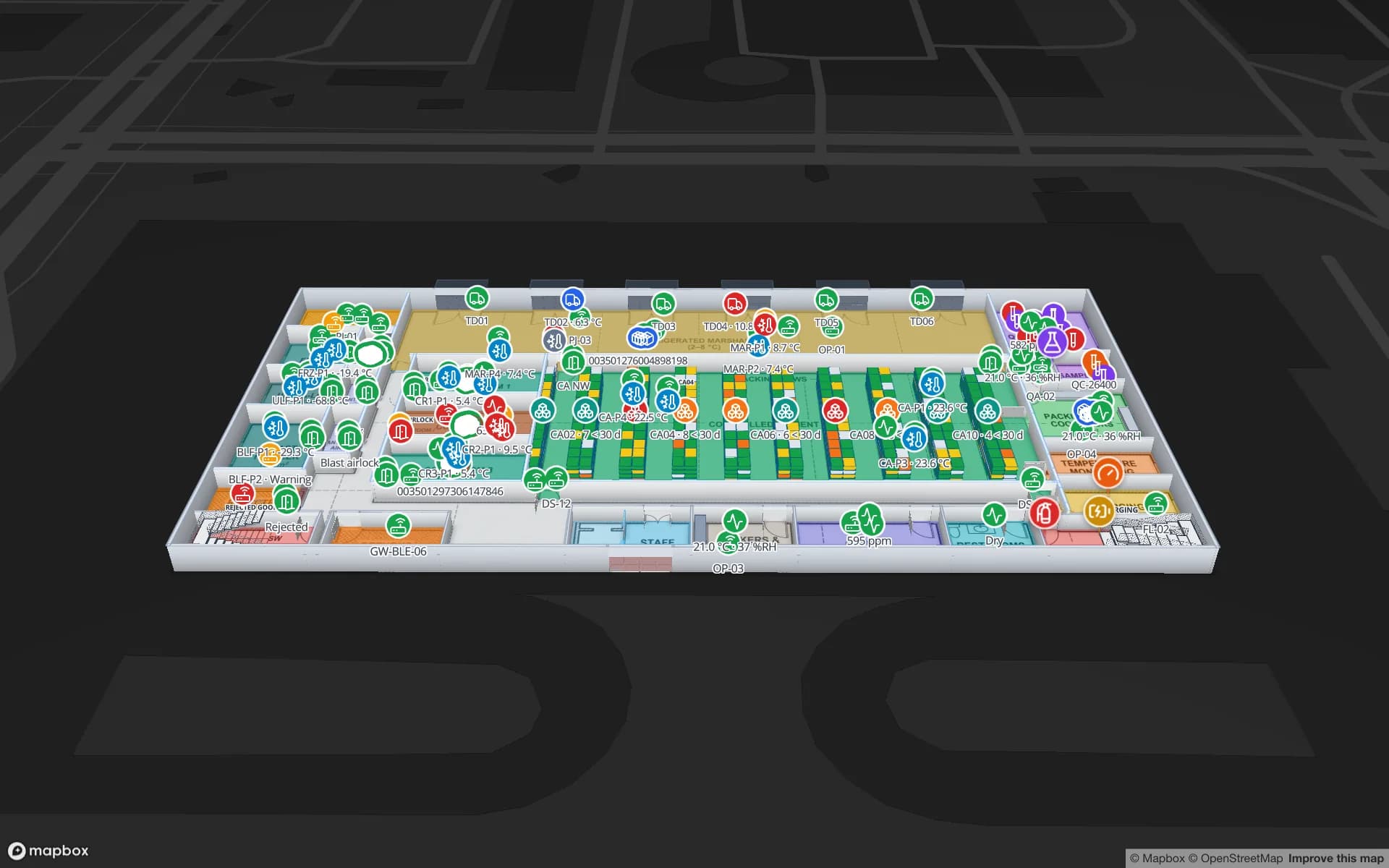
Crestline Fulfillment Center (demo): a dock door unloading for 150 minutes and a full inbound lane, next to the racks they feed.

What it adds to your WMS

Your WMS knows the orders; your readers know the movements. The map joins them by location:

  • Dwell where it happens — doors and lanes coloured by how long they have been unloading or full, from your timestamps.
  • Mis-staged freight — a pallet read in a lane that does not match its order shows up on the lane, not in an exception report.
  • Reader health — portals that stop reporting are visible, so “no reads” is not mistaken for “no freight”.
  • Replay — the History player replays a pallet’s reads from receiving to the trailer, for claims and root cause.
  • Shift reports — dock, lane and rack reports exported to PDF, Excel, CSV or JSON.

Getting dock-door reads right

Dock portals are where RFID projects most often stumble: reads from the neighbouring door, pallets that sit just inside the read zone, tags shielded by metal racking or liquids. Direction is usually inferred from the order in which two antenna zones see a tag. Plan the read zones, test with real pallets and decide how your middleware filters stray reads before you go live — the warehouse rollout plan walks through it, and RFID read rate covers the causes of missed tags.

Spatial Map stays out of the radio side: it shows what your middleware reports. Hardware choice and portal design are covered on RFID hardware; custom middleware or WMS integration is custom development.

How Spatial Map does it

Your warehouse flow on a map in four steps

  1. 01

    Map docks, lanes and racks

    Import the floor plan and trace dock doors, staging lanes, rack locations and the yard.

  2. 02

    Name them like your WMS

    Use the same door, lane and location codes as your WMS and middleware.

  3. 03

    Stream the reads

    Middleware posts reads and door states to tables with the write API; or Spatial Map polls your REST endpoint.

  4. 04

    Colour, replay, report

    Style rules for dwell and status, History for pallet trails, reports per shift.

Warehouse RFID on the map

Inbound receiving

Pallets read at the door and placed in inbound lanes, with door dwell from your appointment times.

Cross-dock flow

Door-to-door pallets, lane mismatches and short loads before cut-off.

Plant inbound and outbound

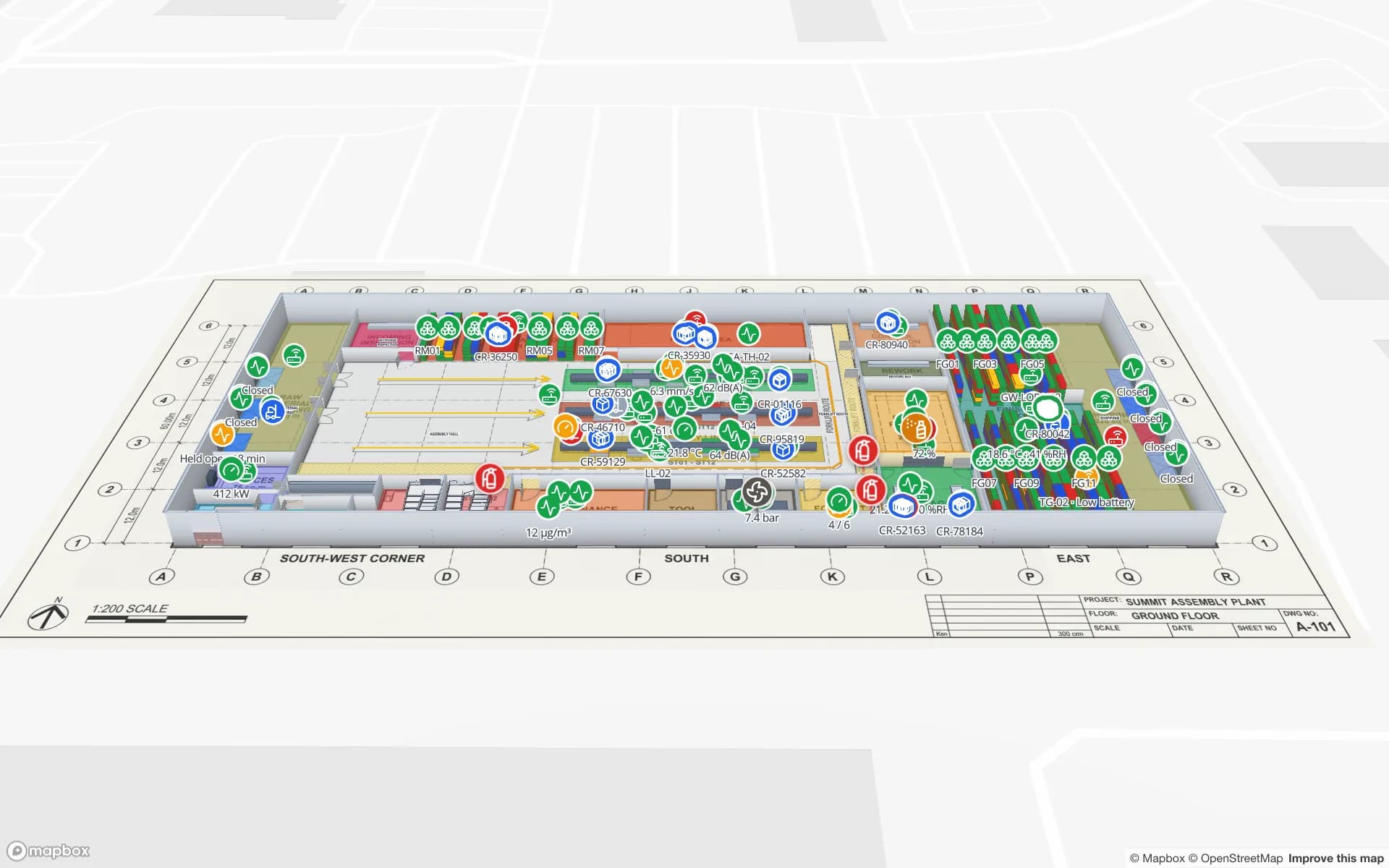
Docks, stores and line-side stock in one map of an assembly plant.

Cold-store doors

Pallets read at every cold-room door, with the room’s temperature on the same map.

See it on real demo facilities

Fictional names, real floor plans, live sensors, RFID, BLE tags and gateways — open any of them in the browser.

All 13 demo facilities

RFID warehouse management — frequently asked questions

No. Your WMS keeps orders, stock and transactions. Spatial Map is the live map of the building that shows WMS and RFID data by location — docks, lanes, racks — with reports and replay.

It shows the direction your middleware reports. Direction is normally worked out by the reader or middleware from the order in which antenna zones see a tag; Spatial Map then colours or places the pallet accordingly.

Yes, if the forklift’s reads include a location (the zone or slot being picked, or a position from an RTLS). The pallet is shown at that location; the forklift itself can be a marker from a separate table.

No. Spatial Map shows the mismatch on the map and in reports; alarms and holds stay in your WMS or middleware.

A 7-day free trial covers up to 5 facilities with no credit card. Pro is $60 a month or $600 a year for up to 4 facilities. Integration with your readers and middleware, and larger estates, are quoted as custom services or custom development.

Put your dock doors on a live map.

Start a free trial and open the Eastport and Crestline demos, or send us your floor plan and a day of read data — we will show you your own docks.