
How to plan an RFID rollout in a warehouse
RFID warehouse implementation in nine steps: the question to answer, read points on the floor plan, tags, site survey, a one-door pilot, data model and rollout.
Why warehouse RFID projects stall
Warehouse RFID rarely fails because the radio does not work. It stalls because nobody agreed what question it should answer, the pilot was run on easy products, stray reads at the dock doors were never solved, or the reads never made it into the systems people use. The plan below is the order that avoids those traps.
The rollout plan, step by step
- 11. Pick the question and the number
Receiving accuracy? Shipping errors? Time to find a pallet? Cycle-count labour? Write down today’s figure; that is how the pilot will be judged.
- 22. Map the flow and the read points
On the floor plan, mark every place a read should happen: dock doors, staging lanes, conveyors, pack-out, cages, exits. Each becomes a named location in the data.
- 33. Choose the tagging level
Pallet (SSCC), case or item (SGTIN)? Who applies the tag — supplier, receiving, or a print-and-apply station? Tags applied at source are cheapest per tag but need supplier compliance.
- 44. Test tags on your worst products
Metal, liquids, foil packaging, dense pallets. Test several tags on real products at real distances. See tags for metal, liquids and apparel.
- 55. Survey the site
Metal racking, dock levellers, other readers, Wi-Fi and the country’s UHF band. Note where power and network can reach each read point.
- 66. Pilot one door or one zone
Measure read rate with known pallets at real forklift speeds, and count stray reads from the neighbouring doors. Tune antennas, power and filtering until both are acceptable.
- 77. Fix the data model
Location codes that match the WMS, EPC encoding scheme, which events middleware emits (arrive, depart, direction), and how often they are sent.
- 88. Integrate and show it
Post events to the WMS for transactions and to a live map for people. Train supervisors on what the map shows and what it does not.
- 99. Scale and maintain
Roll out door by door. Monitor every reader’s last-read time so a dead portal is noticed in hours, not at the next audit.
Typical phases
| Phase | Output | Typical length |
|---|---|---|
| Discovery | Question, KPI, read-point map, tagging level | Weeks |
| Tag and site tests | Chosen tags, survey notes, bill of materials | Weeks |
| Pilot | One door or zone live, measured read rate and stray reads | Weeks to a few months |
| Integration | Events in the WMS and on the live map | Weeks, often in parallel with the pilot |
| Rollout | All read points, monitoring, training | Depends on the number of doors and sites |
Pitfalls worth avoiding
- Piloting on easy products. Cardboard boxes of T-shirts read perfectly; the motor oil aisle will not.
- Ignoring stray reads. At dock doors, reading the neighbouring door is as bad as missing a pallet.
- Raw reads into the WMS. Send events (arrived, departed, at lane 3), not every read; filtering is middleware’s job.
- Inventing location names. If the dock door is D07 in the WMS, it is D07 everywhere.
- No owner for reader health. Readers get unplugged, cables get crushed, firmware drifts.
Read-rate diagnostics have their own guide: RFID read rate: why tags get missed.
Use the floor plan from day one
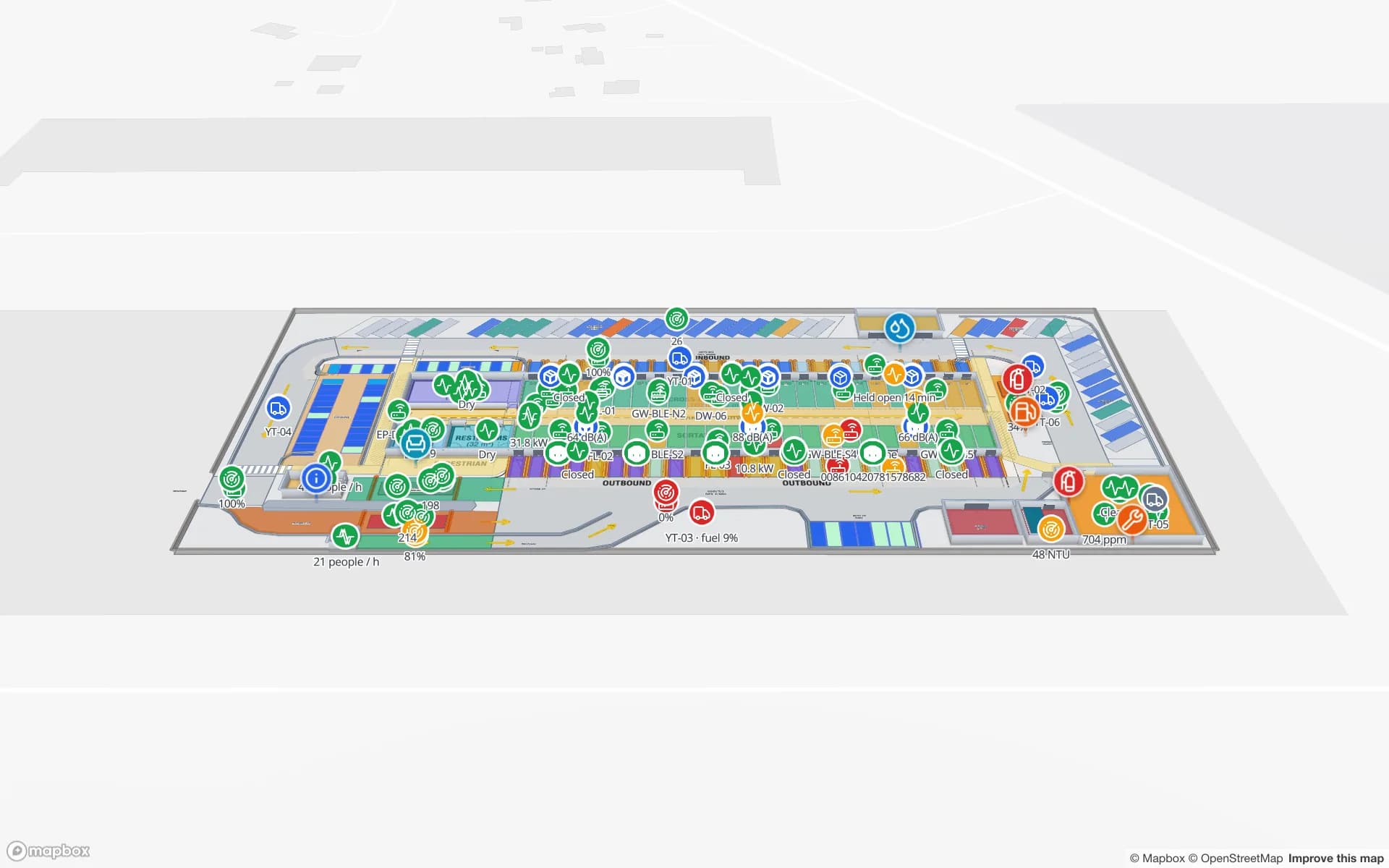
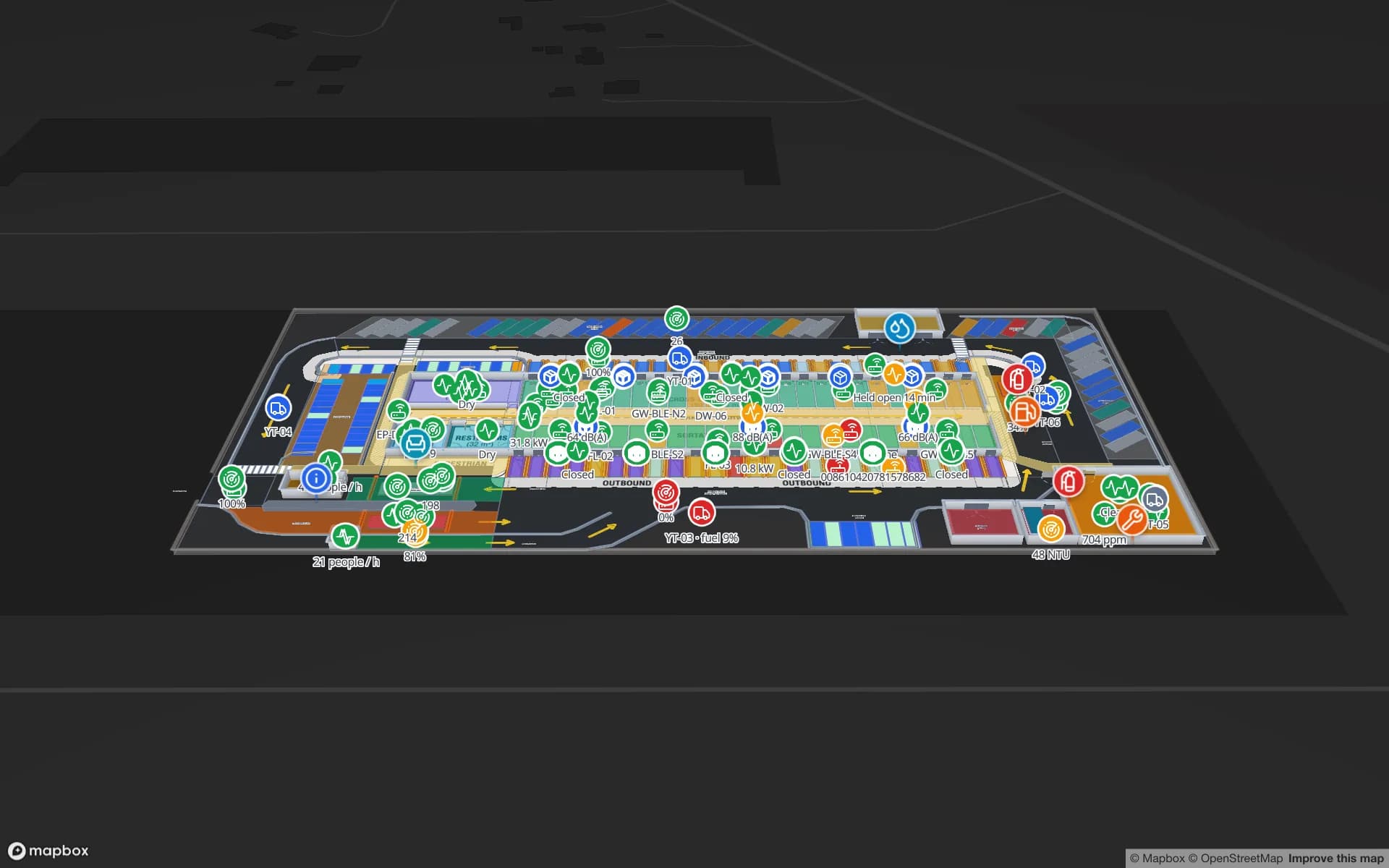
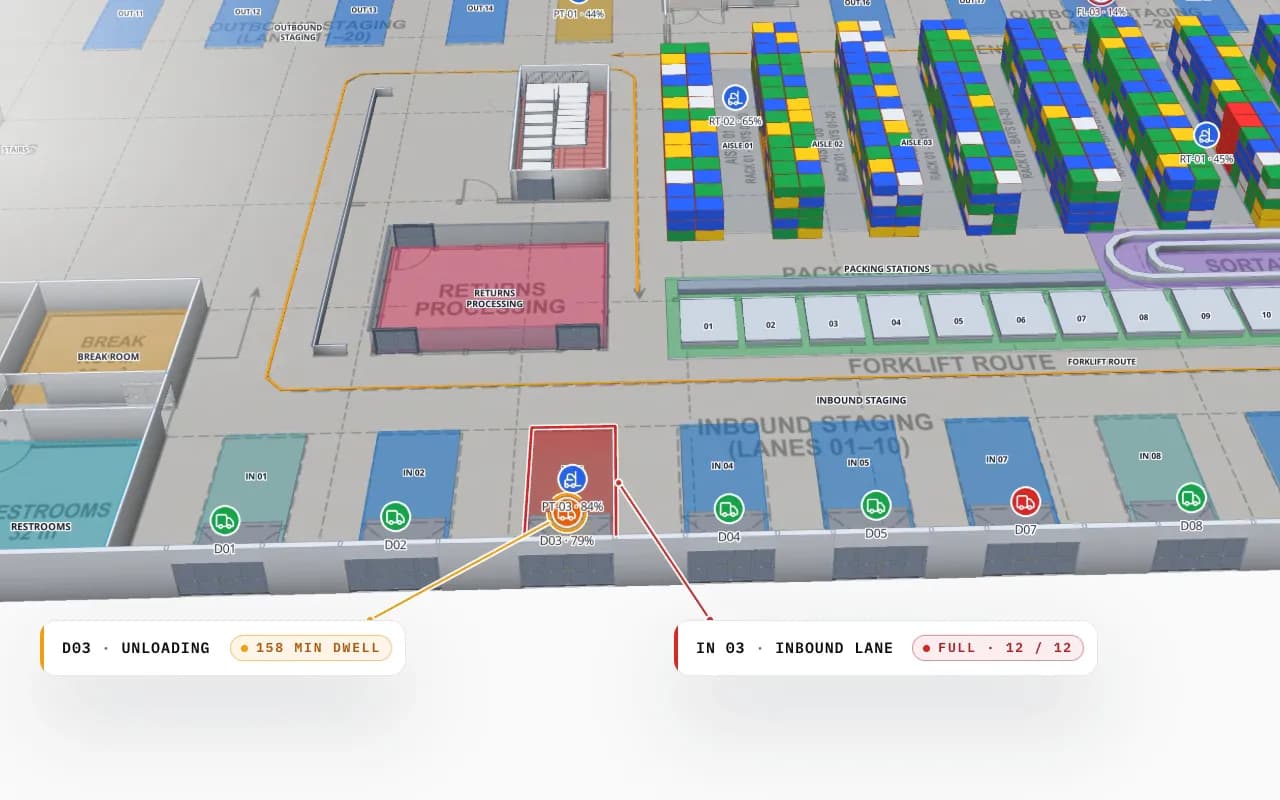
Step 2 is a map, and it should stay one. In Spatial Map the read points you sketch in discovery become shapes on a 3D floor plan; the pilot’s reads light them up; the rollout adds doors one at a time; and reader health is a colour, not a log query. The RFID warehouse management page shows the finished picture.
Hardware choices are on RFID hardware (e.g. readers from Zebra, Chainway, SATO or Sanray — trademarks of their owners). Middleware, WMS integration or a pilot run end to end by our team is custom development.
Try the platform your data belongs on.
Spatial Map turns spreadsheets, sensor streams, and CAD drawings into one live 3D facility view — nothing to install, seven-day free trial.
Keep reading
- TutorialWarehouse KPI dashboards with a live 3D map: a builder tutorialA chart says 66% of bins are occupied; a map says where. This tutorial walks through the guided 12–13 step report builder to put both on one warehouse dashboard — using the real Rack Inventory report from our demo warehouse.
- TutorialFrom spreadsheet to spatial: turning a bin inventory CSV into a live rack mapA CSV in a shared drive helps no one on the floor. The same CSV painted on your rack layout is a shift meeting.
- TutorialWMS integration guide: REST, webhooks and WebSockets for a live warehouse mapYour WMS may speak REST, webhooks or WebSockets. Spatial Map pulls REST endpoints, imports files and receives pushes as table API writes — here is how to pick a path and wire it, with working curl and a small relay.