Features · Ask AI (beta)

Ask AI: an AI facility assistant that answers from your own data

Spatial Map’s Ask AI is an AI facility assistant, in beta: ask a plain-language question about the facility you have open — how many, where, since when, what needs attention — and it answers from that facility’s tables, with links that show the items on the map. It only reads; personal values are masked before the AI provider sees them.

Last updated:

No credit card. Runs in the browser. Pro is $60/month for up to 4 facilities. Book a demo

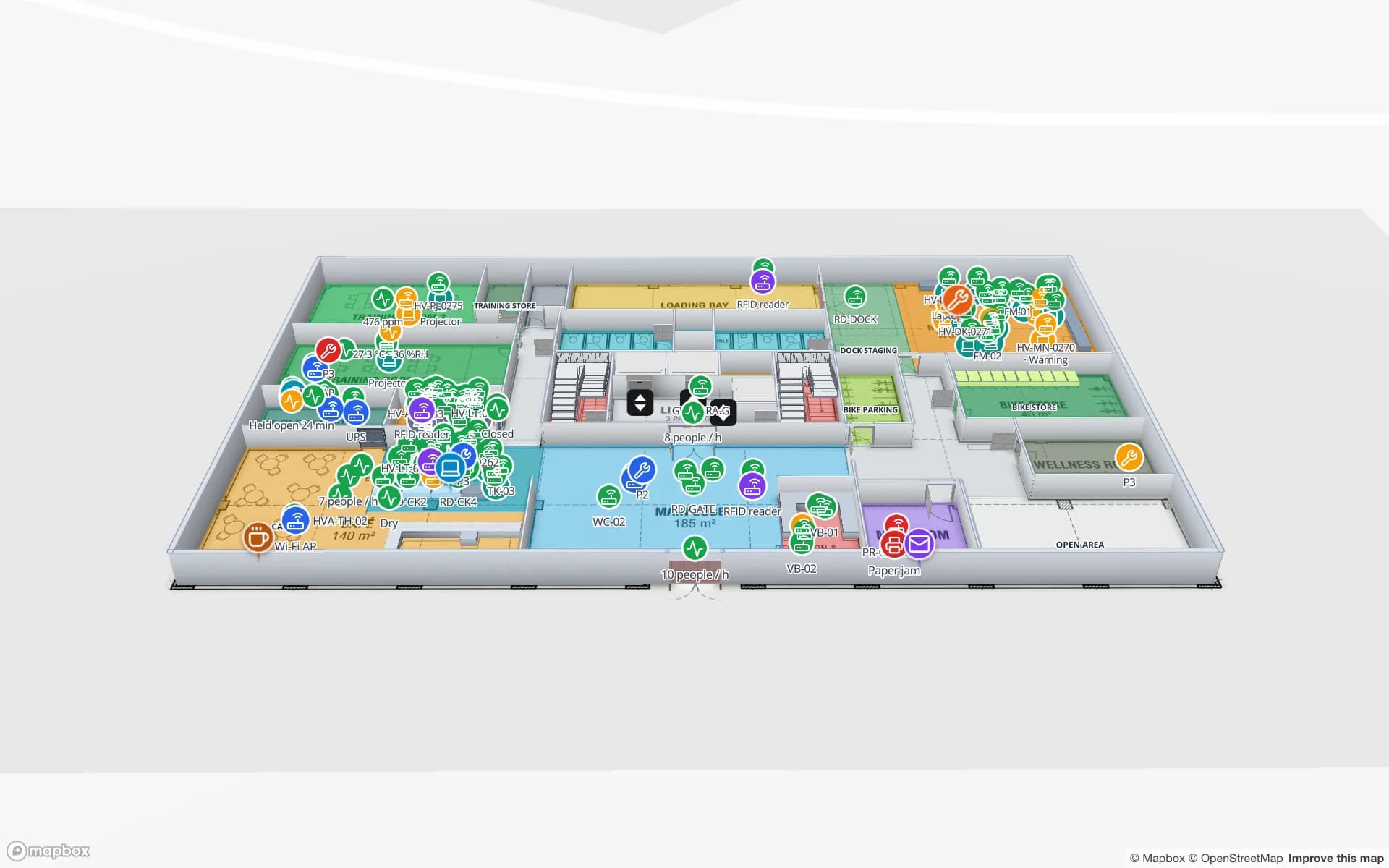
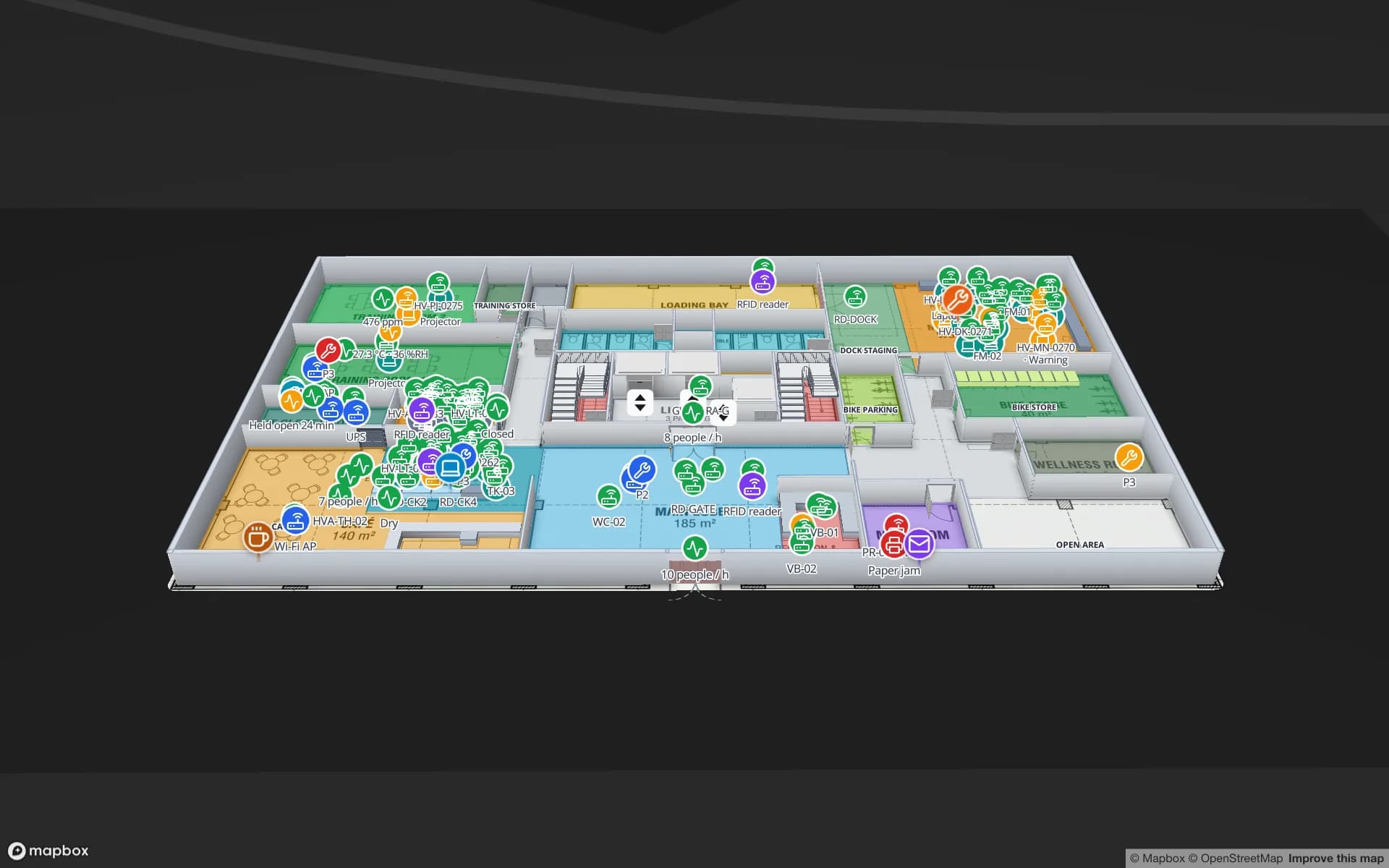
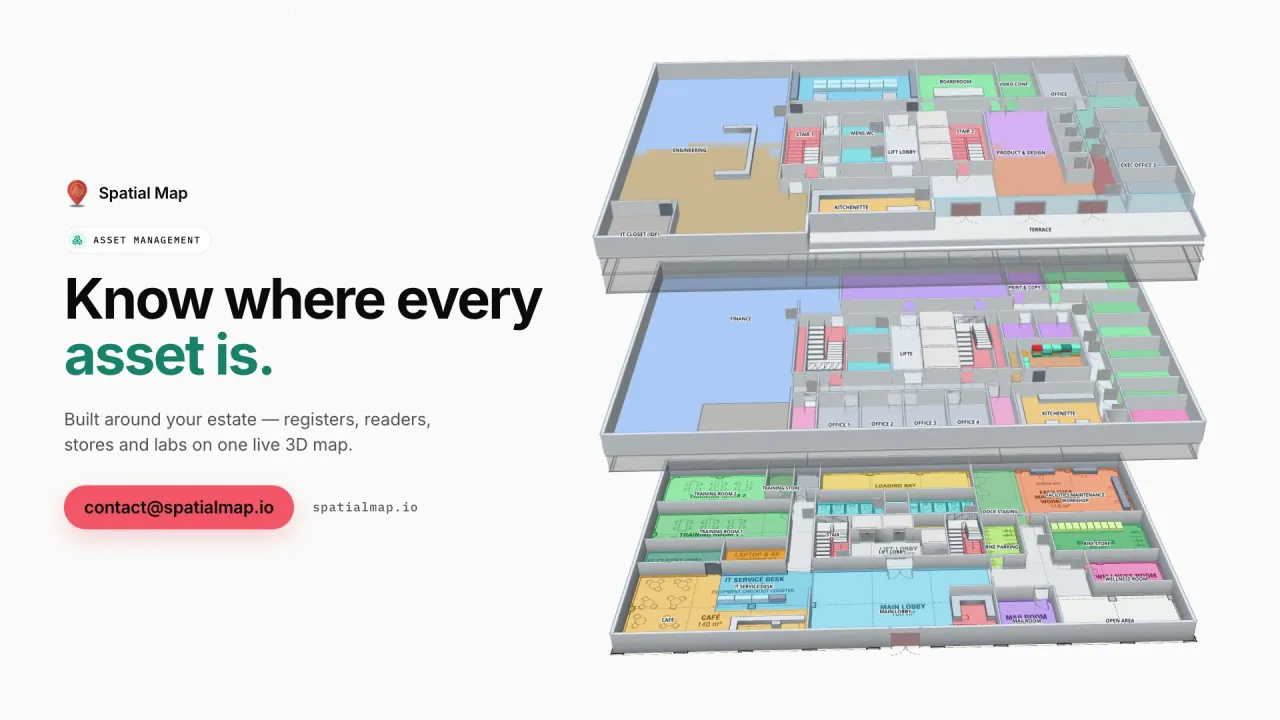
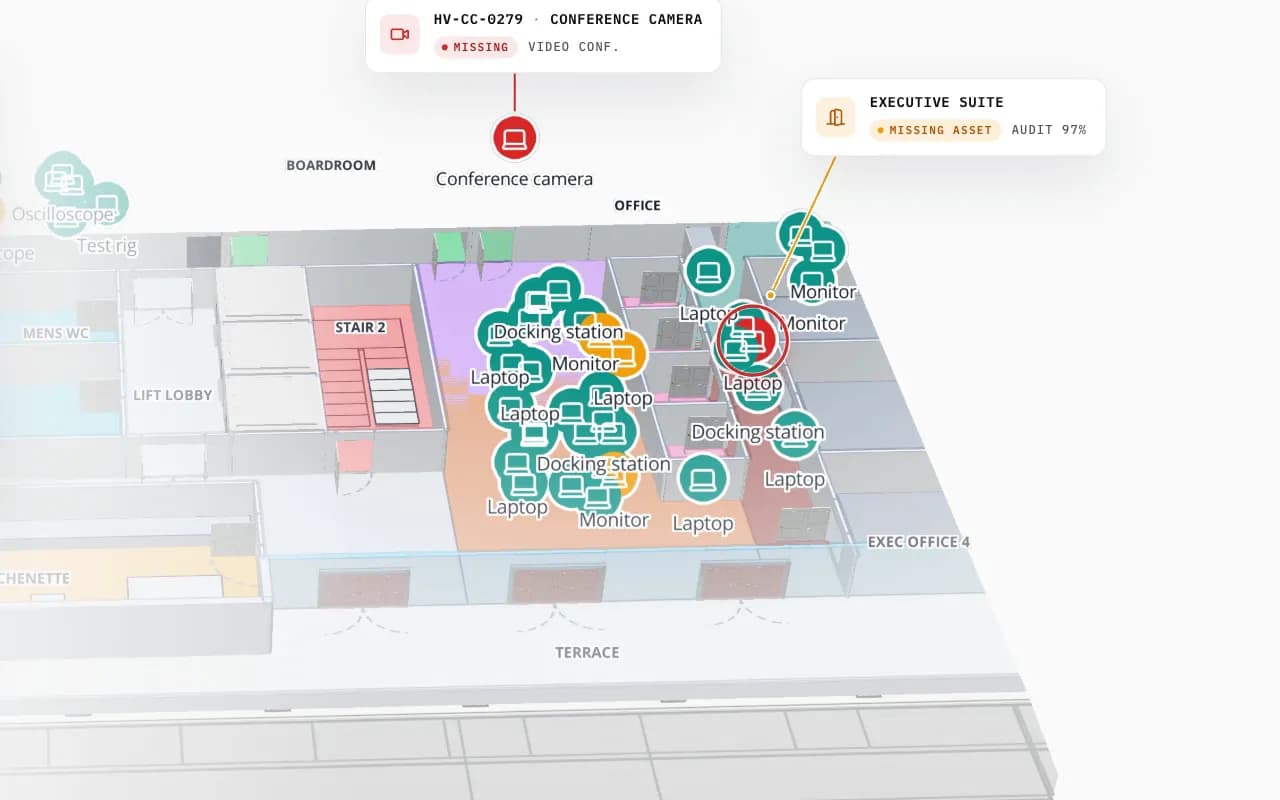
Harborview Corporate Campus in 3D: tagged office equipment by room, then the view zooms to the boardroom where a missing conference camera is marked
Harborview Corporate Campus — Building A
Harborview Corporate Campus (demo): a missing conference camera pinpointed on the floor plan — the kind of item an Ask AI answer shows on the map.
Kinds of lookup it can run on the facility
17
It cannot edit, delete or create anything
Read-only
Of questions and ratings in the owners’ log
30 days
Check the numbers that matter
Beta

Questions about the facility you have open

Ask AI sits in the top bar whenever one facility is open — in the editor, the viewer and its reports. It opens as a side panel, so the map stays usable, with starter questions such as “What happened in the last hour?”, “Which devices need attention?” and “What is in each area right now?”. Questions like these work the same way:

  • “How many BLE tags are on the ground floor?”
  • “Which cold rooms were above 8 °C today?”
  • “Where is the most recently seen forklift?”
  • “Which items expire this week?”
  • “Are there any open alerts, and which rules raised them?”
What it can look up

Ask AI does not guess from a summary; it runs lookups on the facility’s data and answers from what comes back. Under each answer a “Checked: …” line names the lookups it used. It can:

  • Count and total — rows by status, floor or type; sums and averages of a number field.
  • Find items — search by name or code, find the nearest item to another, list what expires soon.
  • Show history — an item’s history, recent activity across the facility, and what changed in an area.
  • Work with areas — list the items in an area, area by area, from the drawn outlines.
  • Report on devices and alerts — device health, open alerts and the alert rules behind them.
  • Point you on — Show on map chips that focus the item on the map, and Open report chips for the matching reports.

Read-only, masked and limited

Ask AI cannot change anything: it reads tables, the drawn layout, alerts and reports, and that is all. Before data reaches the AI provider, personal values — names, email addresses, phone numbers — are replaced, and the log records how many were.

Each workspace has a monthly question limit, and the panel shows how many have been used this month; there is also an hourly limit per person. Every member can ask, viewers included. Ask AI is not available on public or share links.

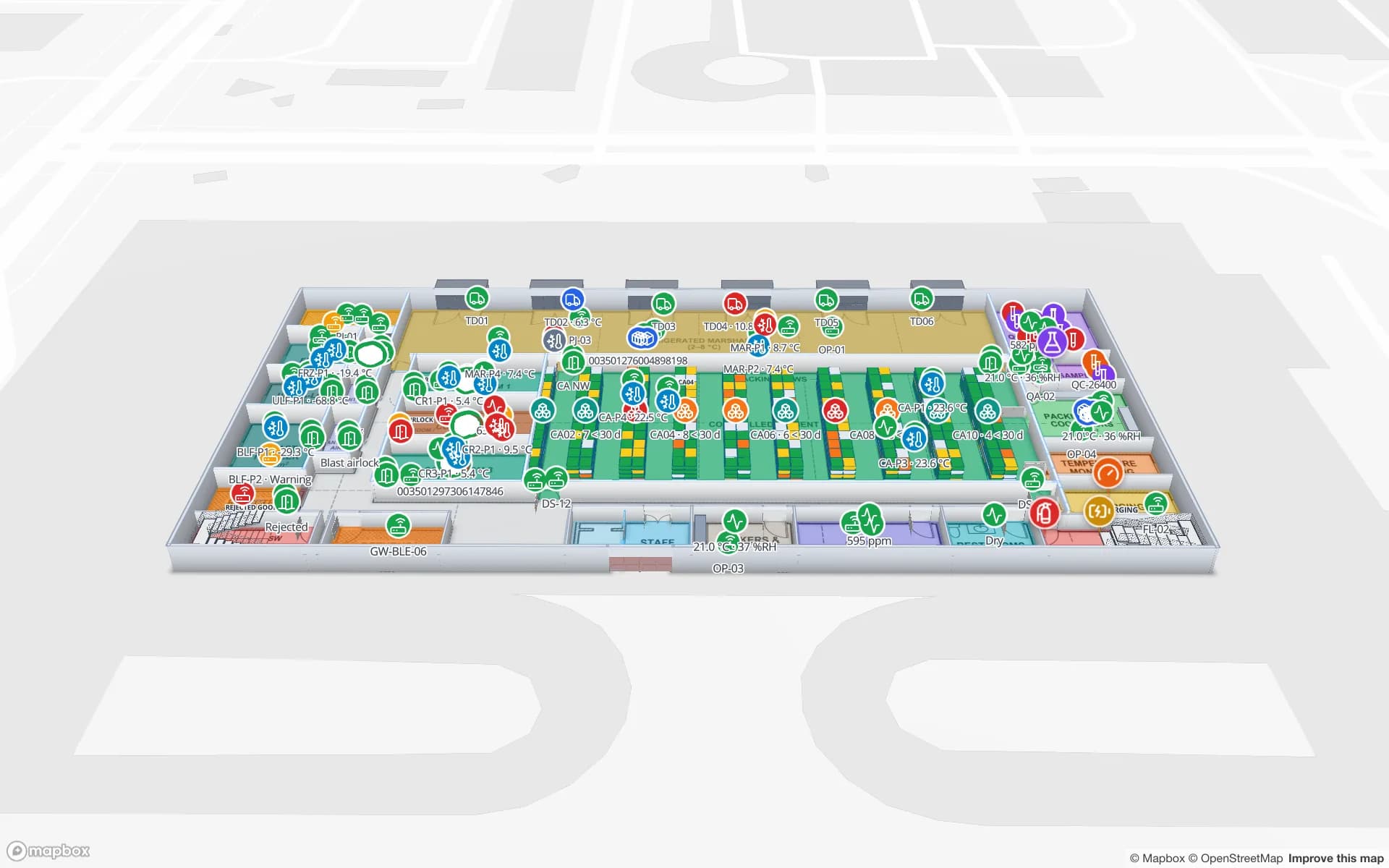
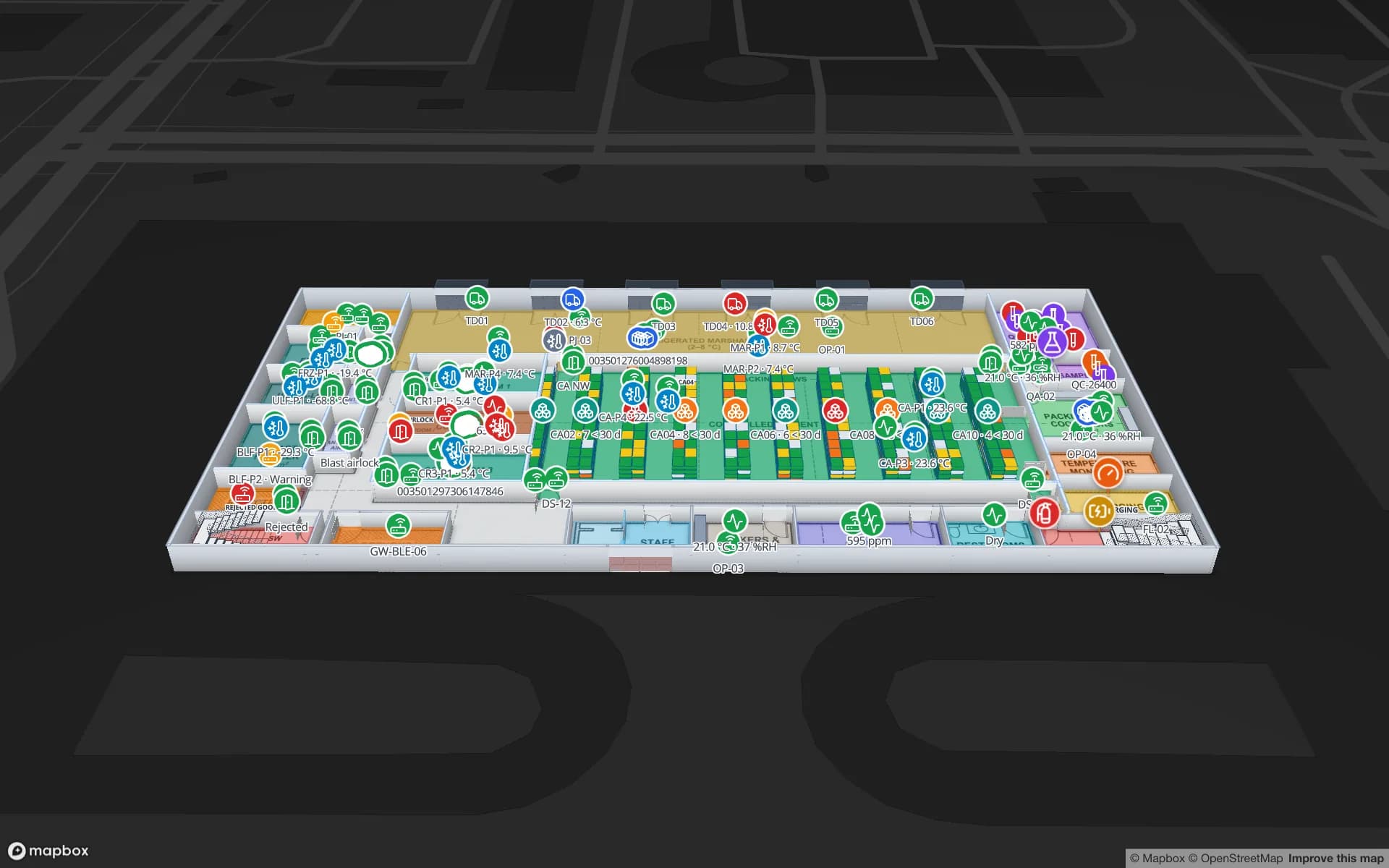
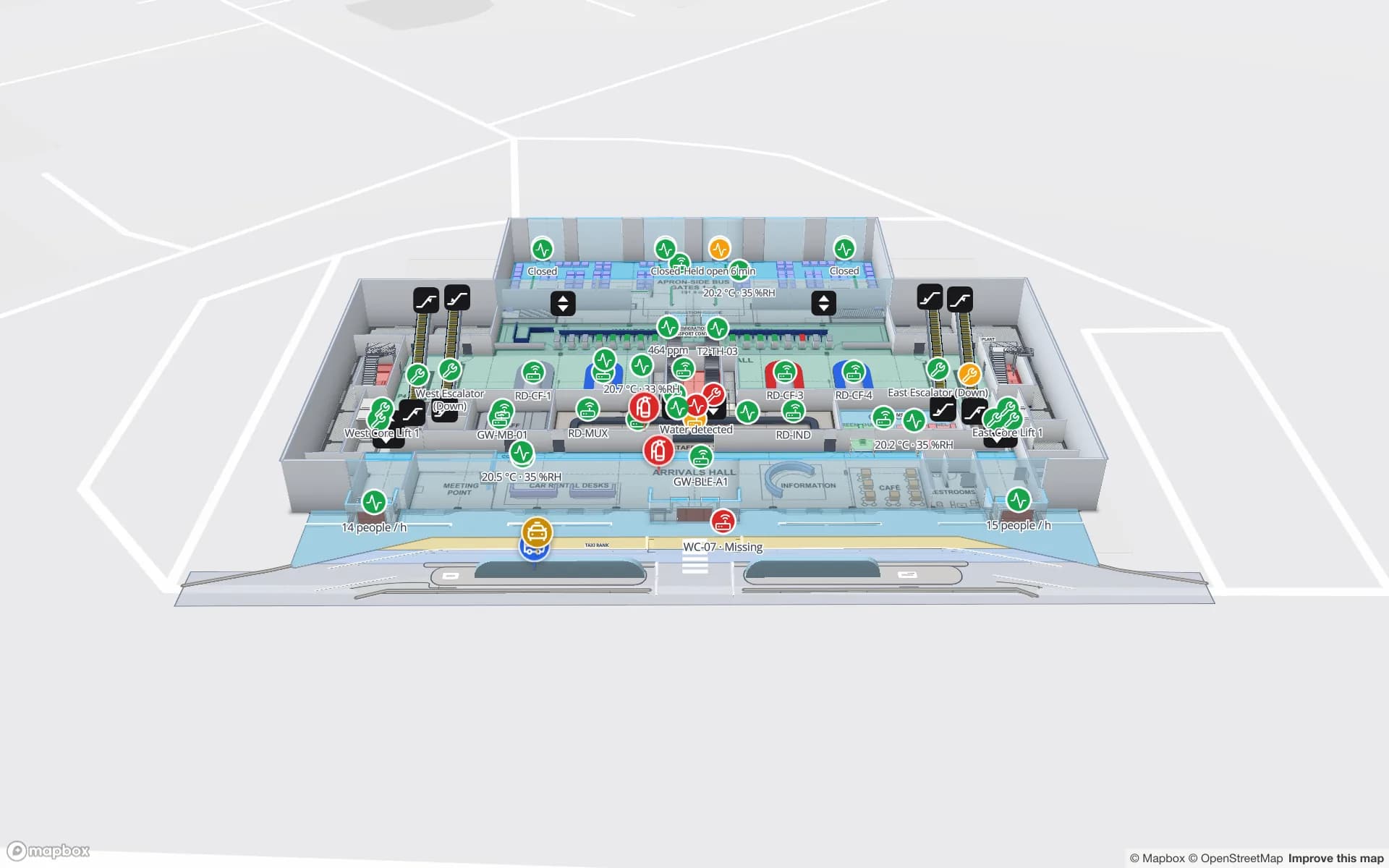
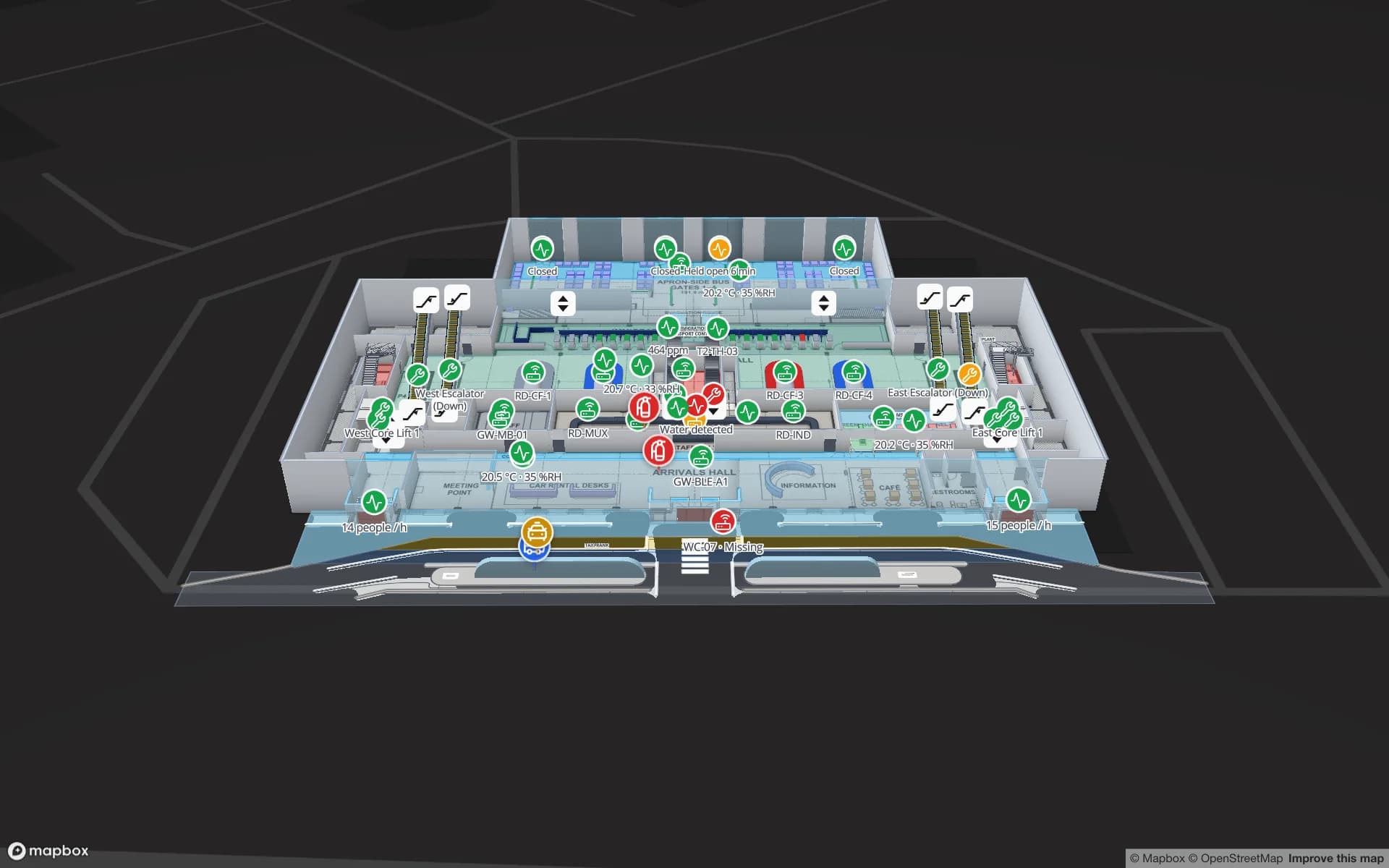
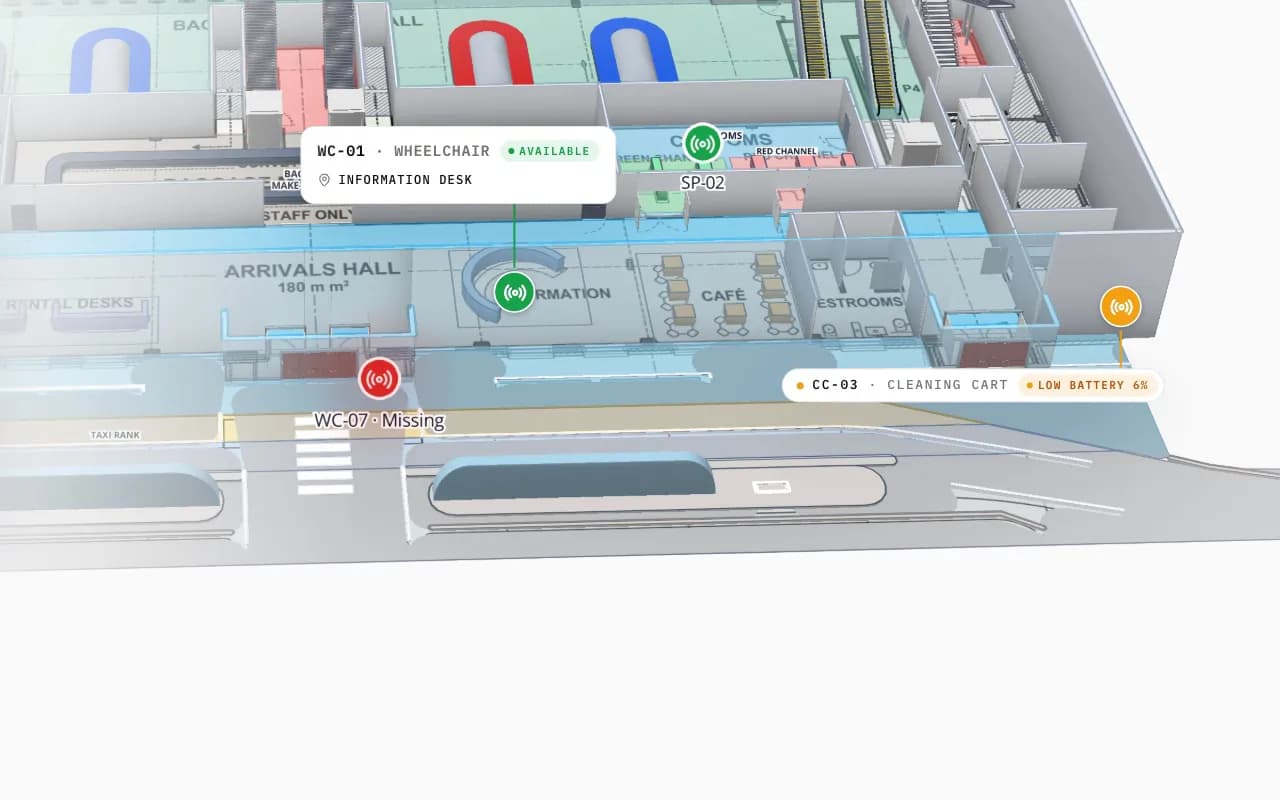
Silverbay Airport Terminal 2 in 3D: the view moves into the arrivals hall, where a loan wheelchair and other tagged equipment are marked on the floor plan
Silverbay International Airport — Terminal 2
Silverbay Airport Terminal 2 (demo): a tagged loan wheelchair found in arrivals — the answer to a “where is…?” question, on the map.

A log for owners and admins

Each answer has 👍 and 👎; a 👎 can carry a short note on what was wrong. Owners and admins get the Ask AI log: the last 30 days in tiles (questions, answered, rated good, rated bad, median time and cost), filters for bad ratings, no answer and unchecked ids, and each question’s trace — the answer as shown, the lookups it ran and how many personal values were masked. An “unchecked id” is an answer naming an item no lookup returned, which is worth a second look.

Honest limits

Where Ask AI does not fit, a report or an alert rule is the dependable answer:

  • It is a beta. Answers can be wrong. Check any number you act on against the table or a report.
  • It only knows your workspace. It answers from the data in the open facility; if a table is not there, neither is the answer.
  • One facility at a time. It is not offered on “All facilities”, shared reports or public links.
How Spatial Map does it

Your first question in three steps

  1. 01

    Open a facility

    Open its map in the editor or viewer, or one of its reports, and click Ask AI in the top bar.

  2. 02

    Ask in plain language

    Use a starter question or type your own; the answer names what it checked.

  3. 03

    Follow it to the map

    Click Show on map or Open report, and rate the answer so owners can see what works.

Questions people ask

Where is it?

The nearest free wheelchair, the last-seen forklift or a missing laptop, shown on the map.

What needs attention?

Devices gone quiet, rooms out of range and open alerts on one shift question.

How much is where?

Pallets by lane, stock by zone or reads by floor, counted from the tables.

See it on real demo facilities

Fictional names, real floor plans, live sensors, RFID, BLE tags and gateways — open any of them in the browser.

All 13 demo facilities

AI facility assistant — frequently asked questions

Ask AI answers plain-language questions about the open facility from its own tables: counts and totals, where items are, item and area history, what is in an area, device health, expiry dates, alerts and alert rules, and which reports cover a topic. Answers can show items on the map.

No. Ask AI is read-only. It reads the facility’s tables, layout, alerts and reports and cannot edit, delete or create anything.

Personal values such as names, email addresses and phone numbers are replaced before data reaches the AI provider. Owners and admins can see in the Ask AI log how many values were masked for each question.

Ask AI is a beta and can make mistakes. Each answer names the lookups it used, and the owners’ log flags answers that name an item no lookup returned. Check any important number against the table or a report.

Yes. Each workspace has a monthly question limit, shown in the Ask AI panel, and each person has an hourly limit. A question that fails still shows a Try again button.

Every member of the workspace, including viewers, can ask questions about a facility they can open. Only owners and admins can read the Ask AI log. It is not available on public or share links.

Ask your facility a question.

Start a free trial, open a demo facility and click Ask AI — then check its answer against the map.