Features · Alerts

IoT alerts on a floor plan, one click from the item that raised them

Spatial Map gives you IoT alerts on a floor plan: rules that watch your facility’s tables — sensors, RFID reads, BLE tags, stock — on the server, raise an alert when an item breaches one and close it again once the item is back to normal. Every alert has Show on map, which opens the facility focused on the probe, tag or rack cell that tripped it. Alerts are delivered in the app: a bell, a pop-up and the Alerts page.

Last updated:

No credit card. Runs in the browser. Pro is $60/month for up to 4 facilities. Book a demo

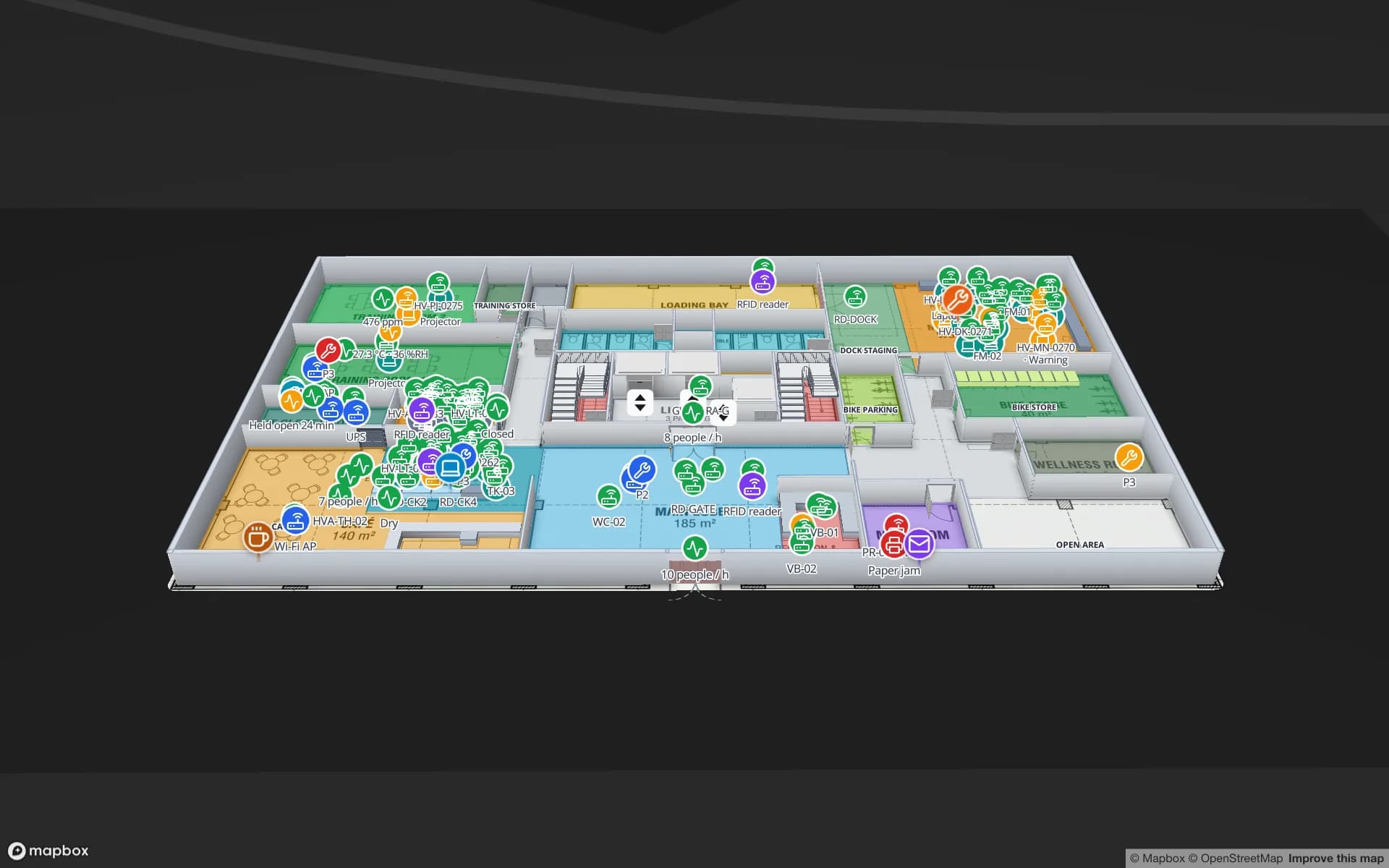
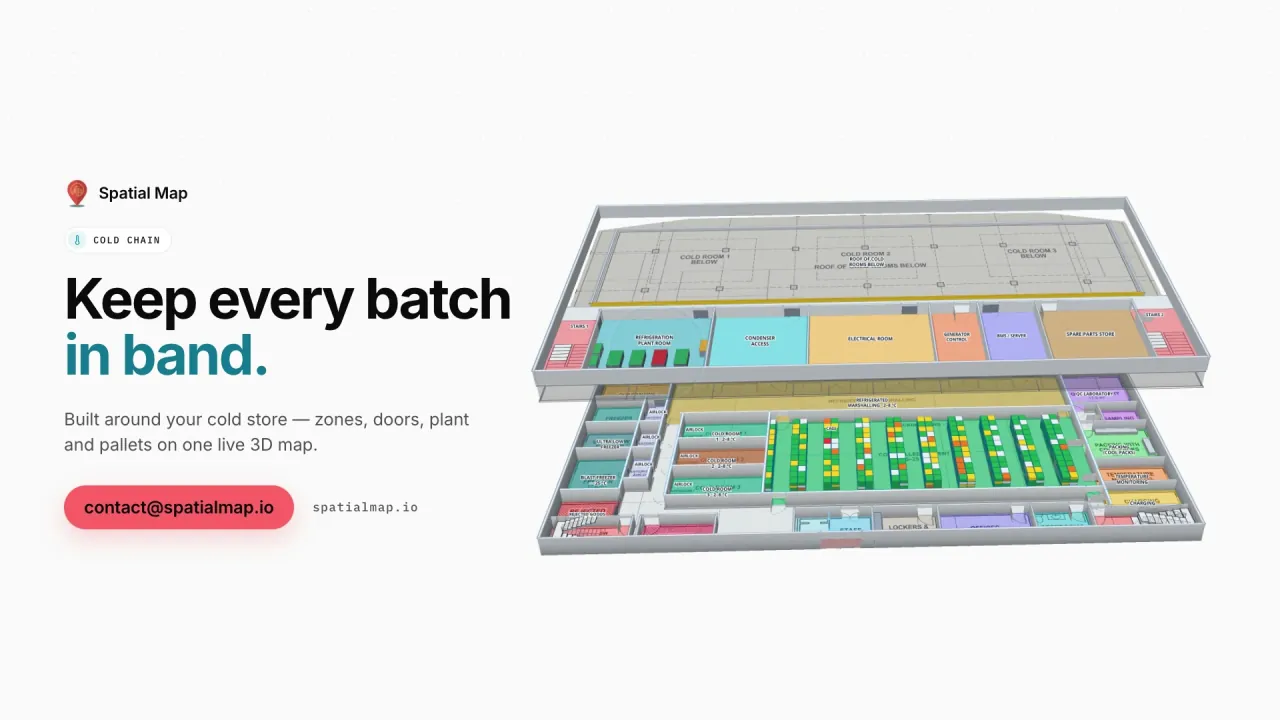
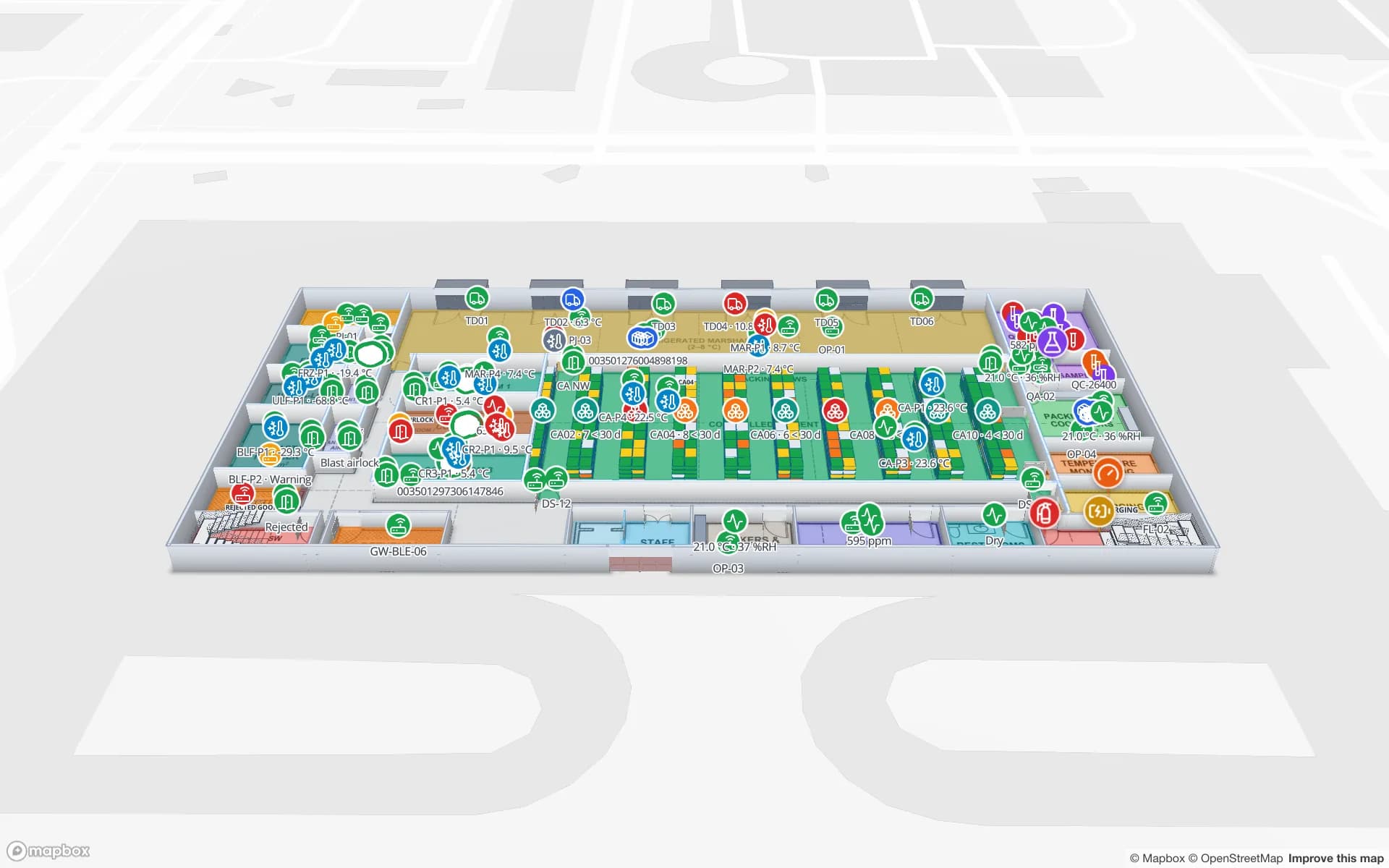
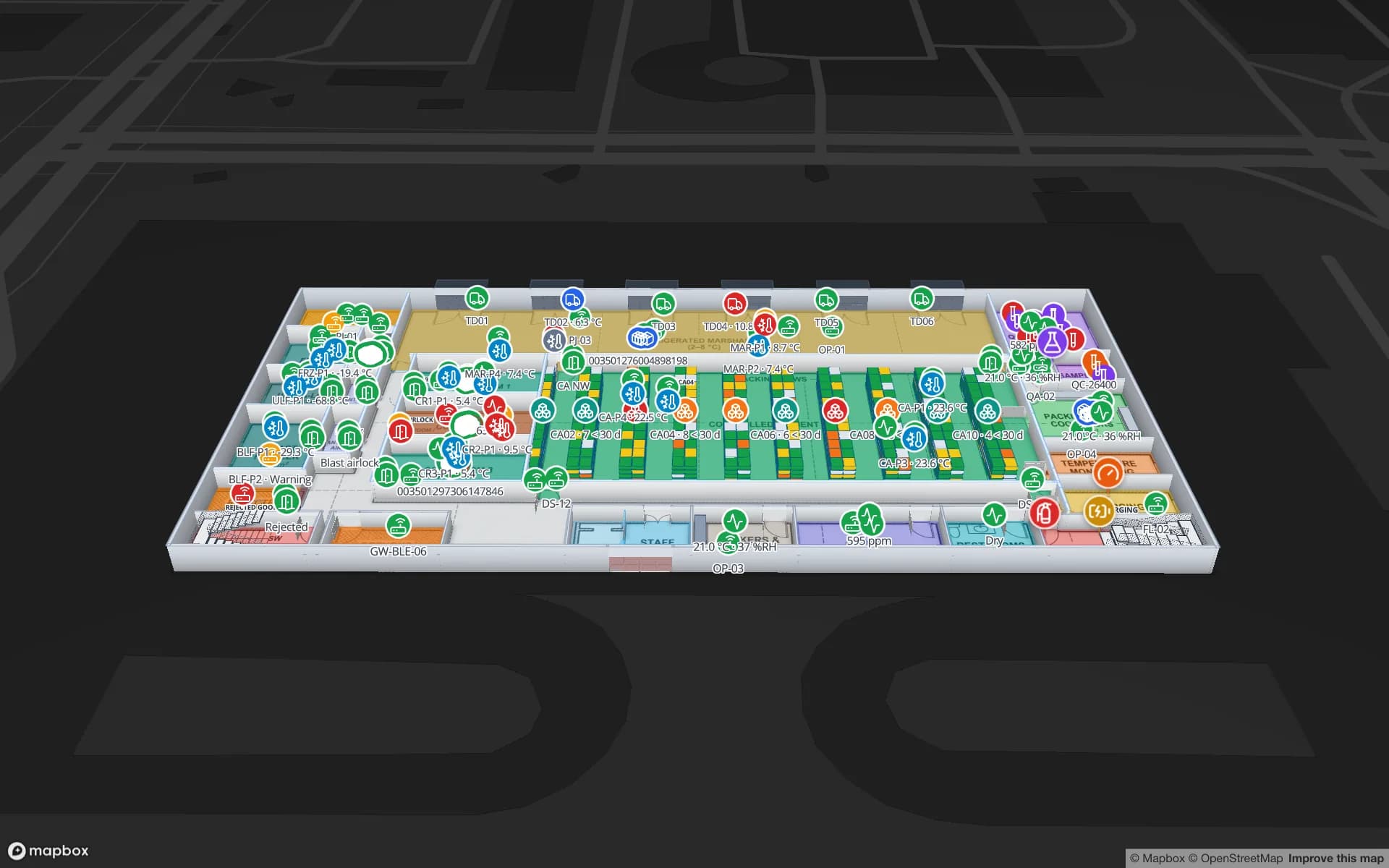
Polar Pharma — Cold Storage & QC Facility, a pharmaceutical cold store & qc lab demo, in the Spatial Map 3D viewer with live device markers
Polar Pharma — Cold Storage & QC Facility
Polar Pharma (demo): cold rooms, freezers and temperature probes — the kind of table a rule such as “above 8 °C for 10 minutes” watches.
How often the server checks every rule
15 s
Rule types, from one bad row to a count
4
Severities: info, warning, critical
3
Free trial, no credit card
7 days

Four kinds of rule

A rule watches one table of a facility (or the whole workspace). An optional condition says which items it covers — none means every item — and the rule type says when to raise the alert:

  • A row matches — alert as soon as an item matches, for example a door contact reads open.
  • Matches for a while — alert when an item keeps matching for a set time: a cold room above 8 °C for 10 minutes.
  • Not updated — alert when an item has not been updated or seen for a set time, by when the row last changed or by a date field: a tag not seen for 30 minutes, a sensor that went quiet.
  • Number of items — alert when the count of matching items crosses a threshold: more than 20 pallets in the inbound lane.
Severity, message and who is told

Each rule has a severity — Info, Warning or Critical — and a message. The message template takes {{field}} for any field of the row, {{item}} for the item’s name and {{count}} for a count rule, so an alert can read “Cold room 3 is 9.4 °C” rather than just the rule’s name.

Under Notify, pick roles (owners, admins, editors, viewers), specific people, or nobody — which means everyone. The people notified get the bell badge and a pop-up; every member can still see every alert on the Alerts page. Don’t reopen within (minutes) sets a cooldown so a flapping sensor does not open a new alert every check.

While you write the rule, a live preview shows how many items match now and how many would alert, so you can tune the threshold before saving.

From the bell to the item on the map

Rules are checked on the server every 15 seconds, whether or not anyone has the app open. A new alert raises a pop-up for the people it notifies — critical ones in the error colour — and a badge on the bell in the top bar, red while a critical alert is active. The bell lists the latest active alerts with Show on map and View all.

On the Alerts page, filter by Active, Resolved or All, by facility and by severity. Each alert shows its message, facility, rule, when it opened and its status: Open, Acknowledged, Back to normal (closed by itself when the item recovered) or Resolved. Editors and above acknowledge and resolve; Show on map opens the viewer focused on the item.

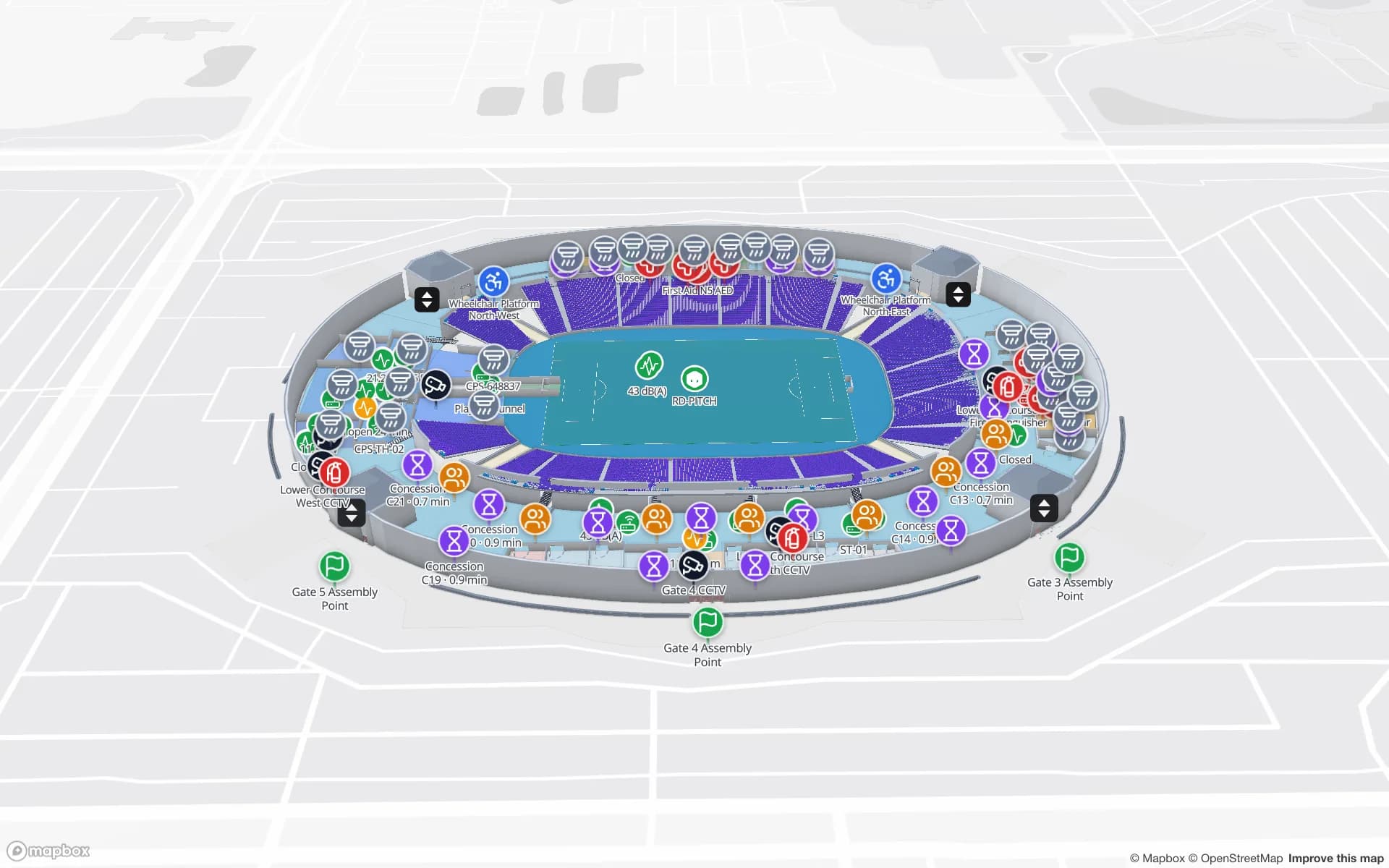
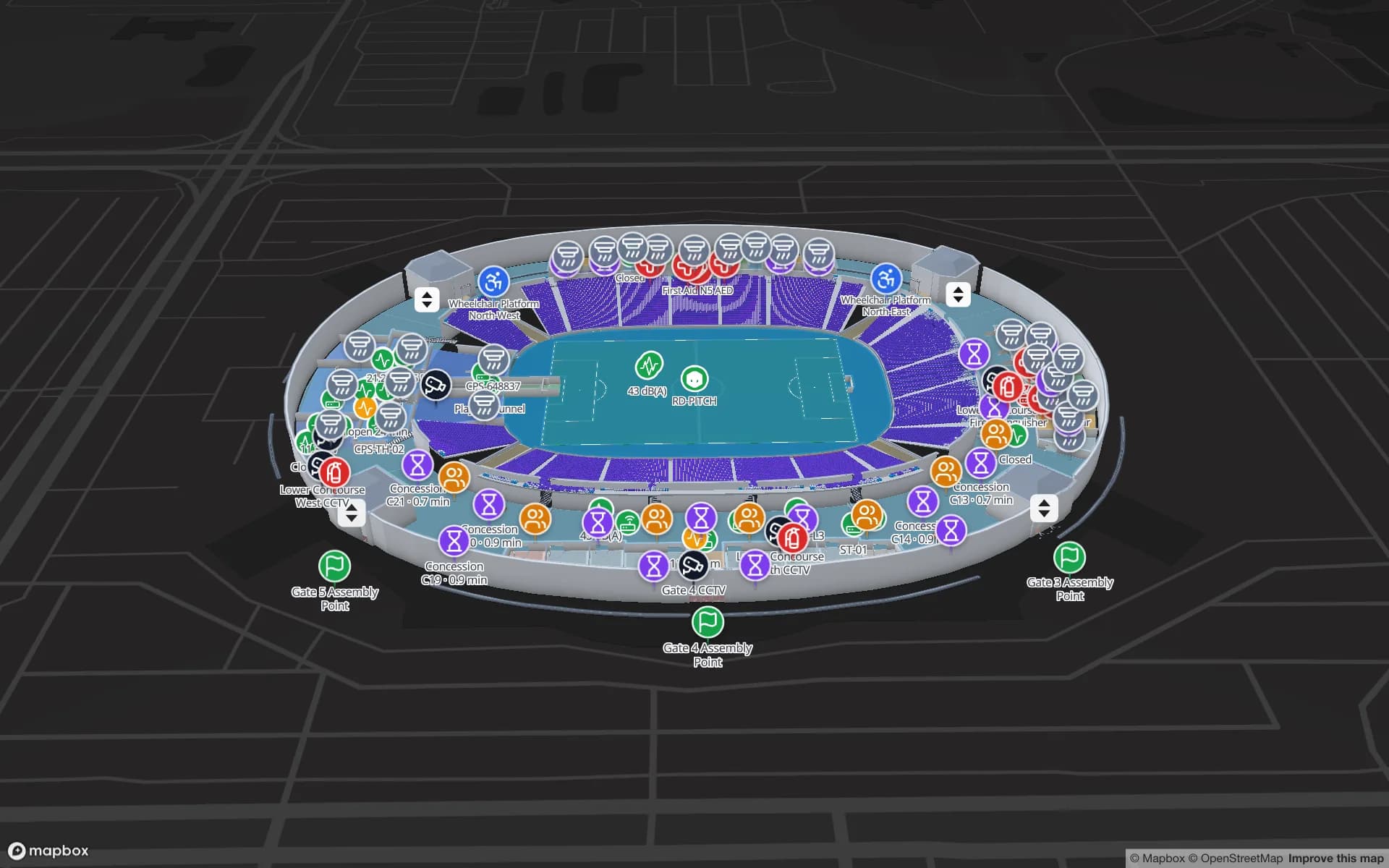
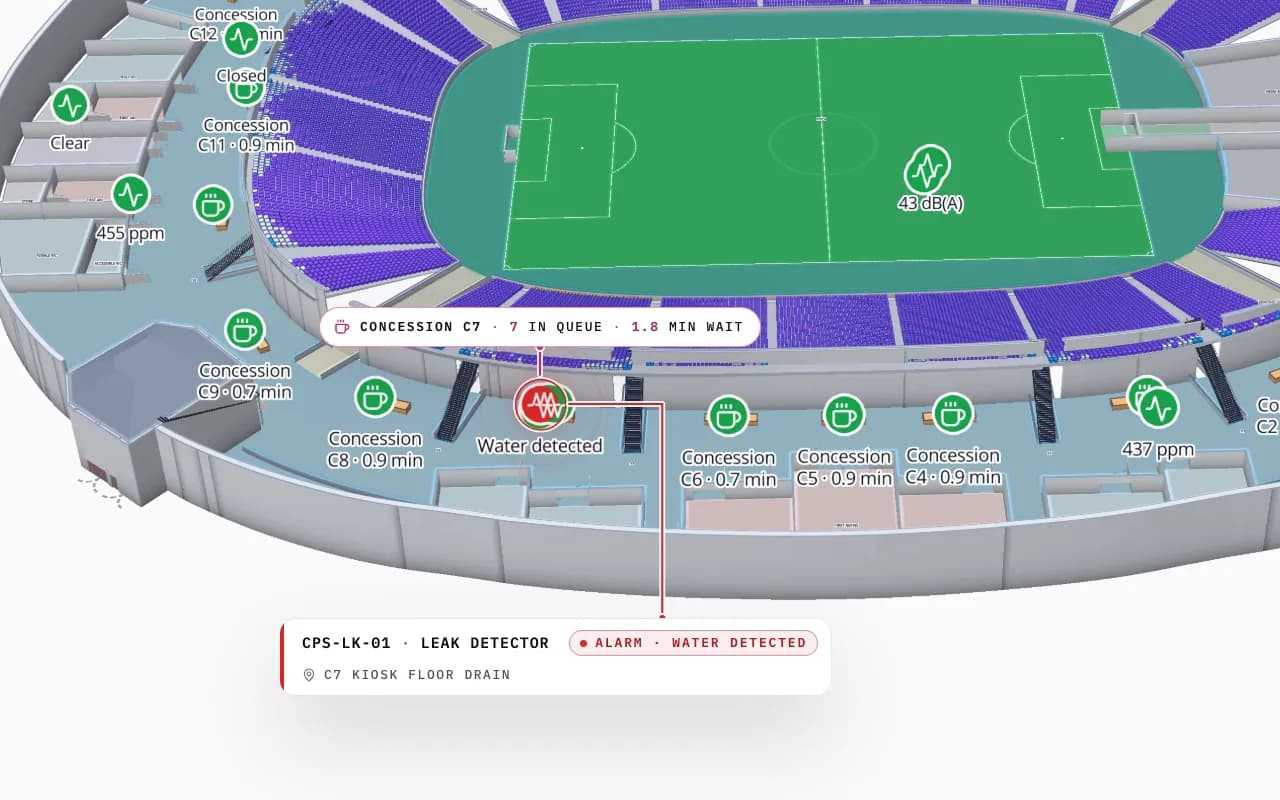
Crown Park Stadium in 3D: the camera pushes in on the lower concourse, with a leak detector reading under kiosk C7, a CO₂ sensor and a queue count shown on the map
Crown Park Stadium
Crown Park Stadium (demo): a leak detector under a kiosk and a CO₂ sensor on the concourse — the item Show on map opens the viewer on.

In the app only — and how to get it elsewhere

Alerts are delivered inside Spatial Map: the bell, the pop-up and the Alerts page. There is no email, SMS or push notification, and an alert does not write back to your WMS, BMS or other systems. Alarms that must reach someone who is not looking at the screen stay with the systems built for that.

If you need email or SMS when a rule fires, or an alert passed on to another system, that can be built as a custom project on top of the same rules.

How Spatial Map does it

An alert rule in four steps

  1. 01

    Get the data into a table

    Connect the sensor, tag or stock feed to a facility table and link it to the map.

  2. 02

    Create the rule

    On Alerts → Rules, click New rule, pick the facility, table and rule type, and set the condition. The preview shows what it would catch now.

  3. 03

    Word it and route it

    Set the severity, the message with {{field}}, who to notify and the cooldown, then save — it is checked within 15 seconds.

  4. 04

    Work the alerts

    Use the bell or the Alerts page: Show on map, acknowledge, resolve — or let it close itself when the item is back to normal.

Alert rules in practice

Cold rooms and freezers

A probe above 8 °C for 10 minutes raises a critical alert; it closes itself when the room cools.

Missing tags and stale sensors

An asset tag not seen for 30 minutes, or a sensor that stopped reporting, found with Show on map.

Full lanes and zones

More than a set number of pallets in a staging lane or yard zone raises a warning.

See it on real demo facilities

Fictional names, real floor plans, live sensors, RFID, BLE tags and gateways — open any of them in the browser.

All 13 demo facilities

IoT alerts on a floor plan — frequently asked questions

No. Spatial Map alerts are delivered in the app only: the bell badge, a pop-up and the Alerts page. Email, SMS or forwarding to another system can be built as a custom project.

Rules are checked on the server every 15 seconds. When a rule is saved, it is checked within 15 seconds; a new alert then shows as a pop-up and a bell badge for the people it notifies.

Yes. When the item is back to normal, the alert closes itself and shows as “Back to normal”. You can also acknowledge an alert while you deal with it, or resolve it by hand.

Set the rule’s cooldown, “Don’t reopen within (minutes)”. A “matches for a while” rule also helps: the item has to stay out of range for the set time before it alerts.

Owners, admins and editors create and edit rules and resolve alerts. Each rule notifies the roles or people you pick, or everyone if you pick nobody, and every member can see every alert on the Alerts page.

No. Alerts do not write back to other systems. Spatial Map reads your data and shows the alert on the map; actions in other systems stay there, or are built as a custom integration.

A 7-day free trial covers up to 5 facilities with no credit card. Pro is $60 a month or $600 a year for up to 4 facilities. Mapping, integrations and custom features are quoted as custom services.

Know which room, tag or lane needs you.

Start a free trial, connect a sensor or tag table and write your first rule — or ask us to set up the data and rules for you.