Deployment · On-premises

On-premise indoor mapping software that runs on your own servers

Spatial Map is on-premise indoor mapping software as well as a cloud app: the MIT-licensed open-source edition is the same editor and 3D viewer, started with Docker Compose on servers you control. Floor plans, shapes, tables and reports are then stored in your own PostgreSQL database and object storage. It also works as a self-hosted digital twin and as the map side of on-premise RTLS software, with positions written to its tables by your own systems.

Last updated:

No credit card. Runs in the browser. Pro is $60/month for up to 4 facilities. Book a demo

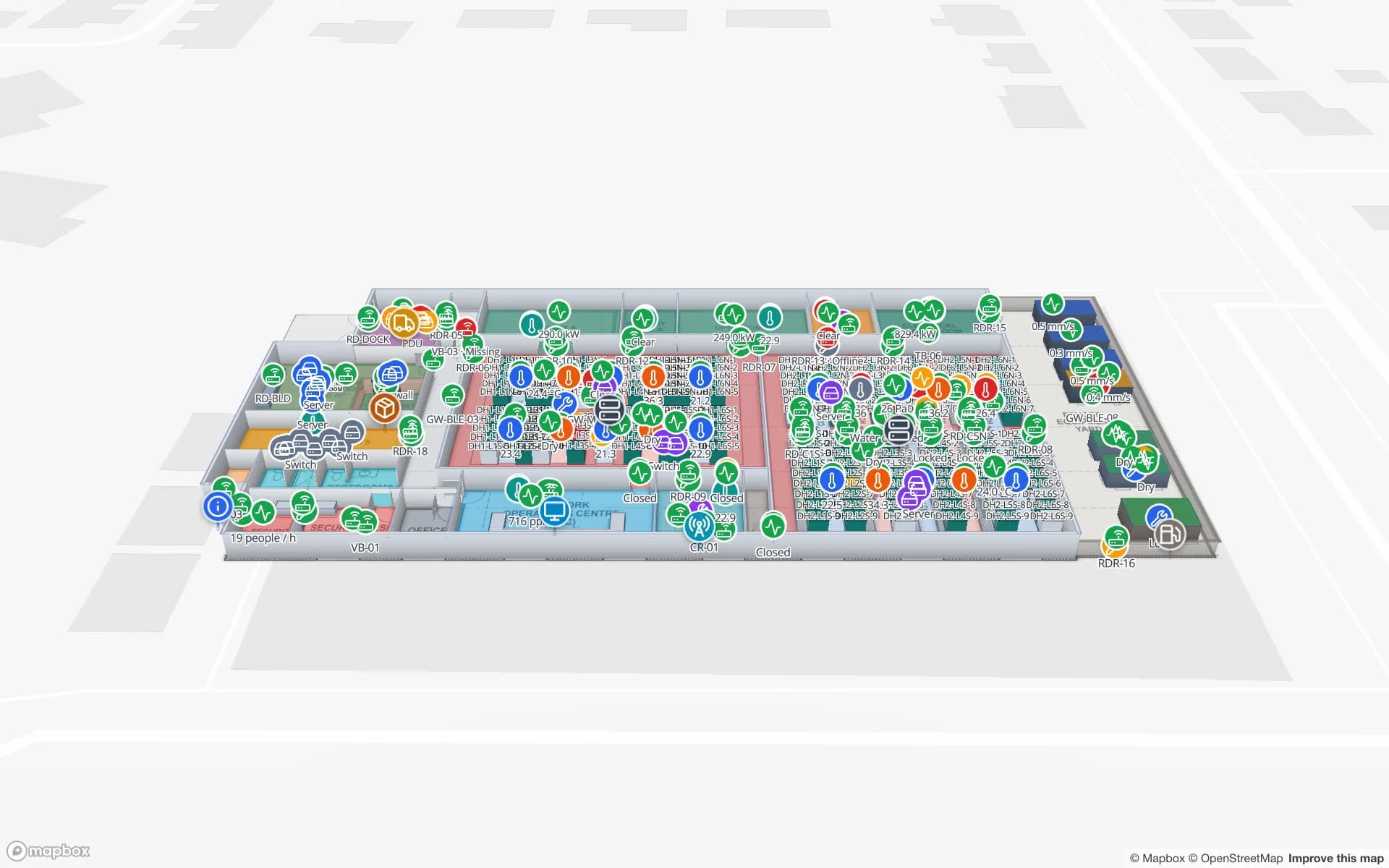
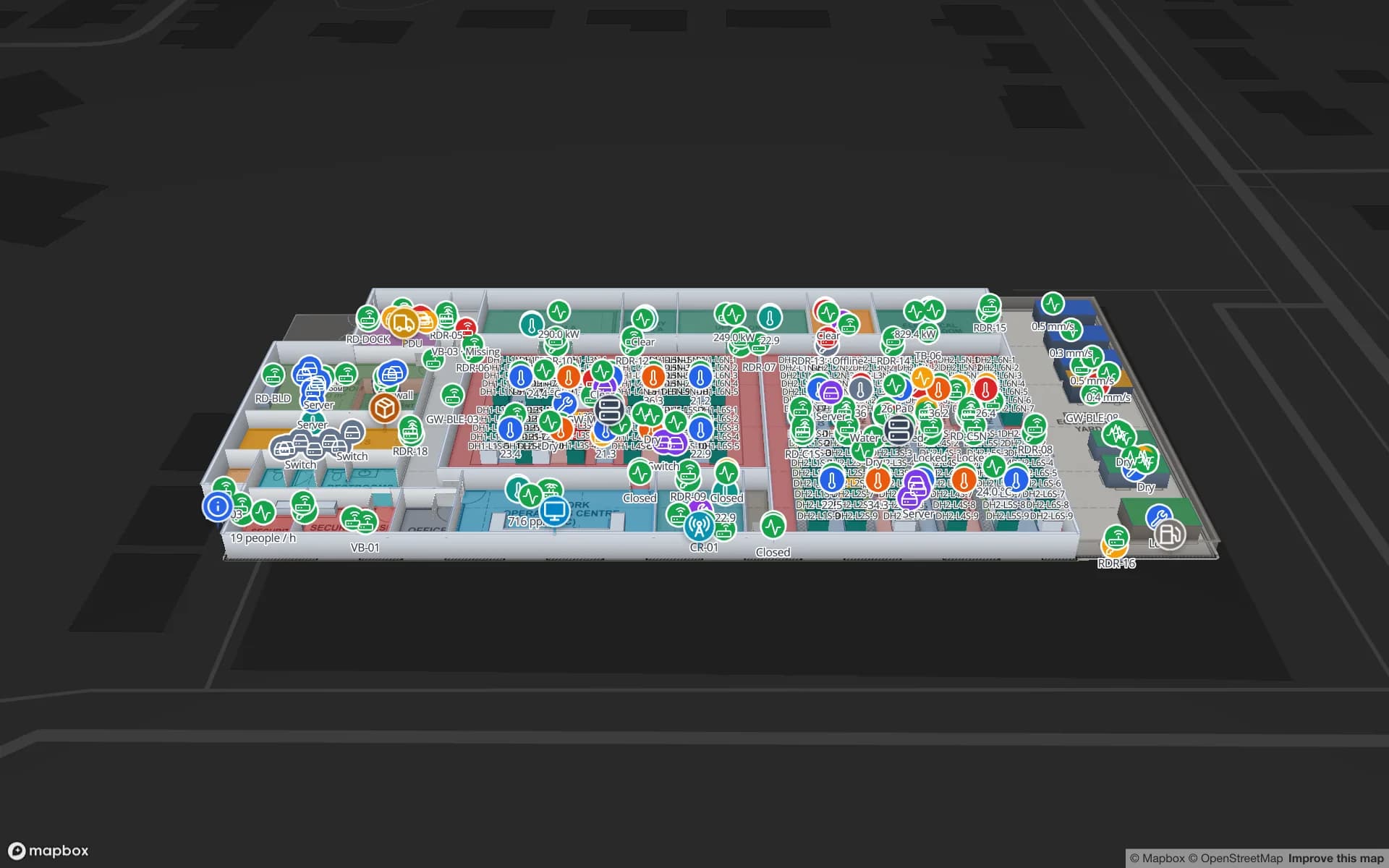
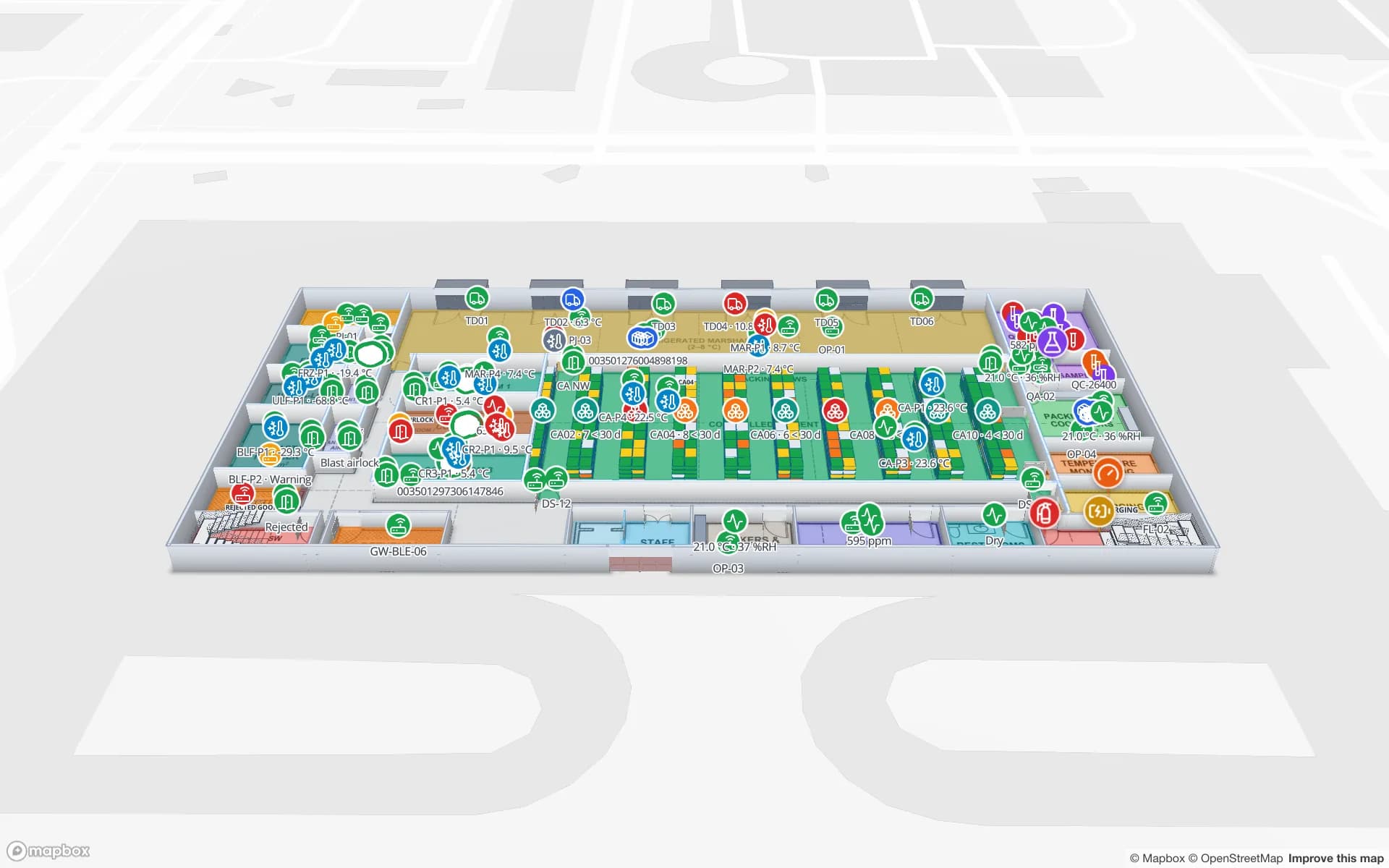
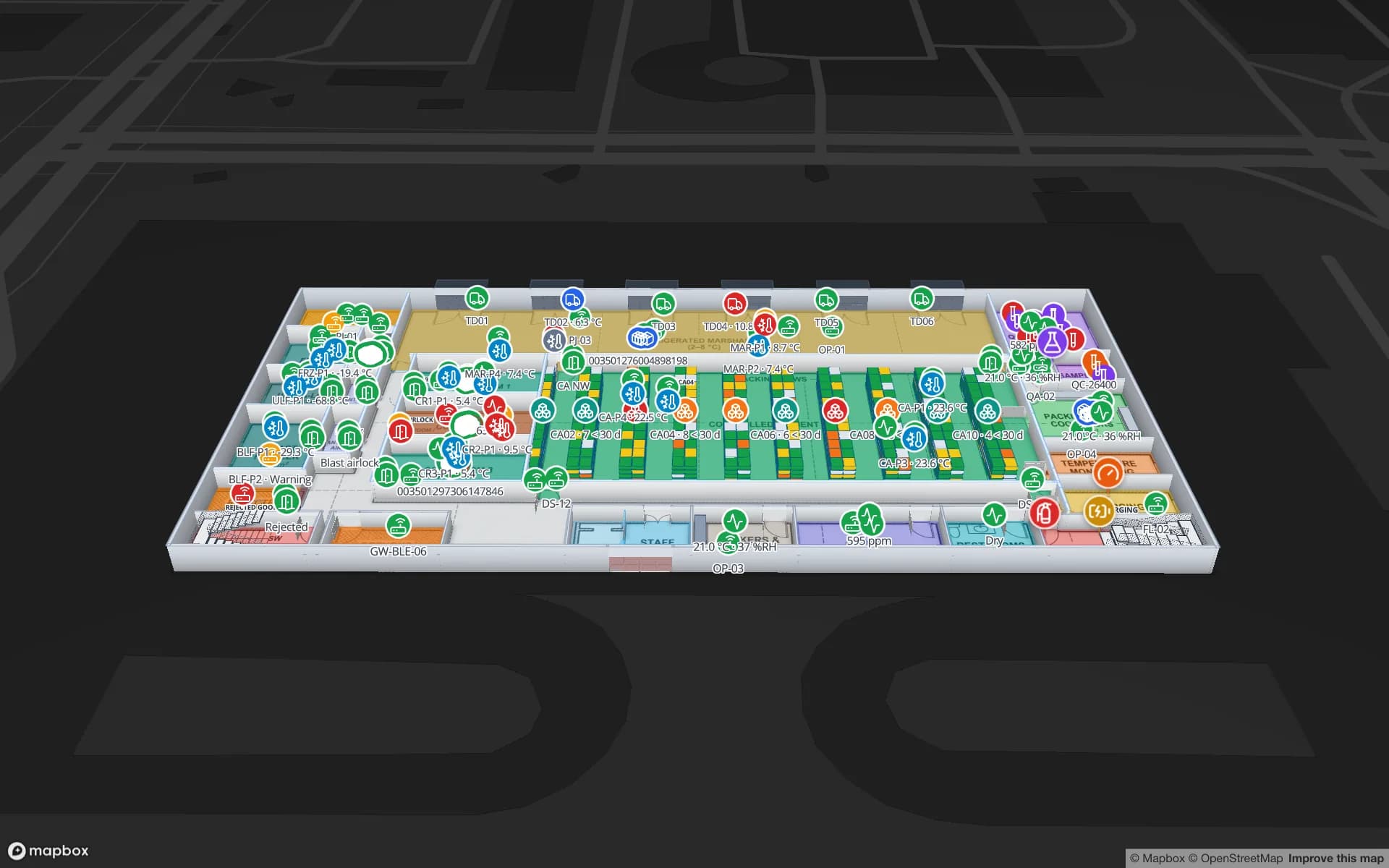
Ridgeline Data Center, a data center demo, in the Spatial Map 3D viewer with live device markers
Ridgeline Data Center
Ridgeline Data Center (demo): racks, rooms and live status on the same map, whether it runs in the cloud or on your own hardware.
Licence — use, change and redistribute
MIT
docker compose up -d
1 command
Sample facilities and 84 reports in the bundled demo workspace
5
Plans, facility limits or billing screens
0

Why sites run it on their own servers

The usual reason is that the data has to stay put. A site plan, the position of stock or equipment and the people who use the map can all be sensitive, and some organisations simply do not put them in someone else’s cloud. Other teams want to change the code, or want to evaluate an indoor map in depth before they buy anything. The MIT licence allows all of it, including commercial use, as long as the licence notice stays with the code.

A regulated or secure site gets one concrete benefit: you decide where the database and files sit, who can reach the servers, how they are patched and how long data is kept. It does not make you compliant with anything by itself; Spatial Map makes no certification claim for the self-hosted edition, and what your auditors accept is for you to check.
What the open-source edition includes

It is the Spatial Map app, not a cut-down sample. Self-hosted, everything is unlocked:

  • Facility editor — import PDF, DWG or image floor plans and draw areas, walls, doors, stairs, lifts, racks, markers, labels and 3D models.
  • Live 3D viewer — every floor, rack, area and model on a real map, coloured by your own rules, with read-only share links.
  • Tables and data links — tables with CSV/XLSX import and a REST API per table, REST sources, and data links that bind rows to shapes by name, code or coordinates.
  • Reports and dashboards — a report builder, ready-made reports per facility, full-map layouts and public links to a single report.
  • Workspaces, roles and solutions — Owner, Admin, Editor and Viewer, plus six interface languages, light and dark themes.
  • A demo workspace — five sample facilities and 84 reports, loaded on the first start of an empty database (set SPATIAL_MAP_DEMO=false to begin empty).

Where it differs from the cloud edition

The product is the same; the packaging is not. Self-hosted there are no plans, facility limits or billing screens, you bring your own Mapbox token and SMTP server, and you run upgrades and backups. The cloud includes Mapbox and email, handles updates for you and comes with email support.

The AI floor-plan tool differs too. In the cloud, AI Map drafts walls, doors, racks, labels, areas, stairs, lifts and escalators for review, and is included in Pro and the trial with a monthly limit. In the open-source edition it is an optional worker, started with docker compose --profile ai, that drafts rooms and walls for review and adds a worker of about 1.7 GB to the install. The open-source page has the full side-by-side table.

What you take on, and sizing in general terms

Running it yourself means a short list of jobs. None is unusual for a Docker application:

  • A Docker host with Compose v2.20 or newer. The Compose project starts PostgreSQL with PostGIS, MinIO, Redis, the Go API and the web app on port 3000.
  • A Mapbox access token (Mapbox has a free tier) for the basemap and 3D rendering. This is the one outside dependency: the machines that open the map need a route to Mapbox, and Spatial Map does not document an offline basemap, so check this before promising a fully air-gapped site.
  • SMTP for sign-up and password-reset codes; until it is set, the codes are printed in the API log.
  • A TLS reverse proxy (Caddy, nginx or Traefik) and real secrets: with SPATIAL_MAP_MODE=production the app refuses to start on placeholder values.
  • Backups and upgrades of the database and object storage; new versions are published as GitHub releases.

On-premise RTLS software and your own data

Spatial Map never computes positions. Your RFID readers, BLE gateways or UWB engine decide where a tag is and write that to a table over the REST API with a bearer token; the map shows it live on the right floor, with history, heatmaps and alerts. On your own servers, that traffic never has to leave your network: the devices post to your Spatial Map instance, which can sit in the same building or data centre.

Size the host for what you keep: the number of facilities, how many rows your tables hold and how much history you retain, plus the files you upload. Start small, watch the database and object storage, and grow from there. We don’t publish sizing figures beyond the requirements above.

The middle ground: cloud app, on-site agent

If what worries you is the device network rather than the map, you may not need to self-host. sgv-edge is a small program on any PC on your LAN. It connects to the BlueIOT RTLS server there and sends the data to your cloud workspace over outbound HTTPS only, with no ports opened. It buffers to disk when the link drops and shows Online with its last heartbeat. The cost is that the workspace is in the cloud. See device connections and cloud, self-hosted or hybrid.

Installation help, quoted

The open-source edition is supported through GitHub issues and pull requests, and its security policy is in the repository. There is no separate enterprise on-premise licence or service-level agreement. If you would like a hand with installation, hardening, mapping your buildings or connecting your RFID, BLE or UWB systems, we quote it as a custom service, per project.

Self-hosted or on-site agent: which fits?

Both keep device traffic off the public internet or limit it to outbound HTTPS. They differ on where the map’s data lives.

If you need…Self-hosted (open-source edition)Hybrid (cloud + sgv-edge)
The map’s data on your own networkYes — database and files are yoursNo — the workspace is in the cloud
No inbound ports on the device networkYes — your devices post to your serverYes — the agent makes outbound HTTPS calls only
No servers to maintainNo — you run hosting, upgrades and backupsYes — only the agent’s PC
Access to the codeYes — MIT licenceNo
Mapbox and email includedNo — bring your own token and SMTPYes
A trial and email supportNo — GitHub issues; custom services quotedYes

The self-hosted map still needs a Mapbox token, so the browsers that open it need to reach Mapbox.

How Spatial Map does it

On-premise indoor mapping in four steps

  1. 01

    Prepare the host

    A Docker host with Compose v2.20 or newer, a free Mapbox token and, for anything public, a TLS reverse proxy.

  2. 02

    Start the stack

    Clone the repository, copy .env.example to .env, add the token and run docker compose up -d. The first build takes a few minutes.

  3. 03

    Map a building

    Open the demo workspace, or create a facility, import a PDF or DWG floor plan and draw it in 3D.

  4. 04

    Send it your data

    Post rows to a table’s REST API with a bearer token, link the table to shapes and watch the map update.

What teams run on their own servers

Illustrations on the demo facilities, not customer stories.

Data centre asset map

Racks, rooms and tagged equipment on a map that stays on the operator’s own network.

Cold-chain monitoring

Temperature and humidity probes on the rooms they measure, with history and reports, kept on your servers.

Factory-floor visibility

Tagged parts and machines on the plant map, fed by systems on the plant network.

See it on real demo facilities

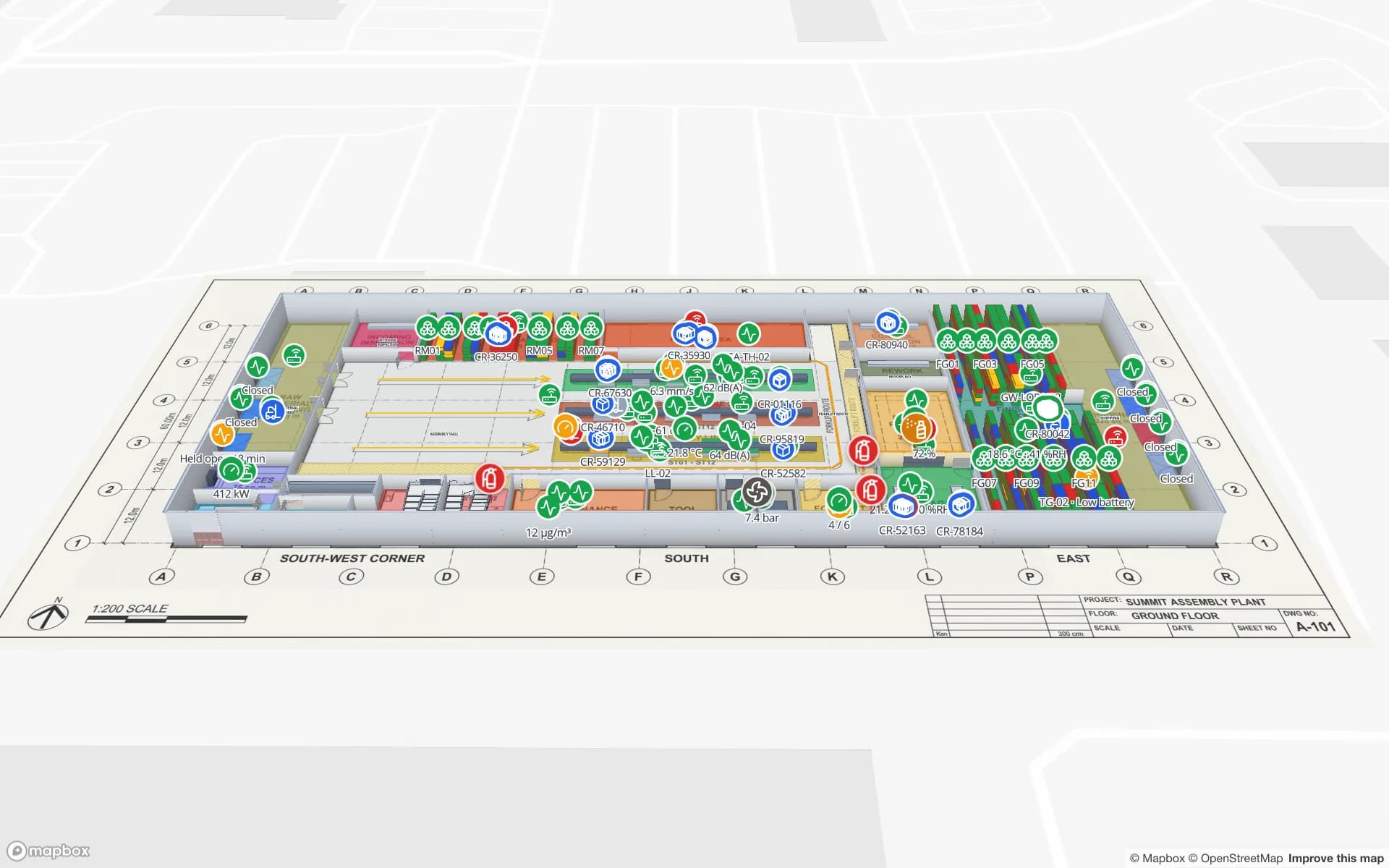
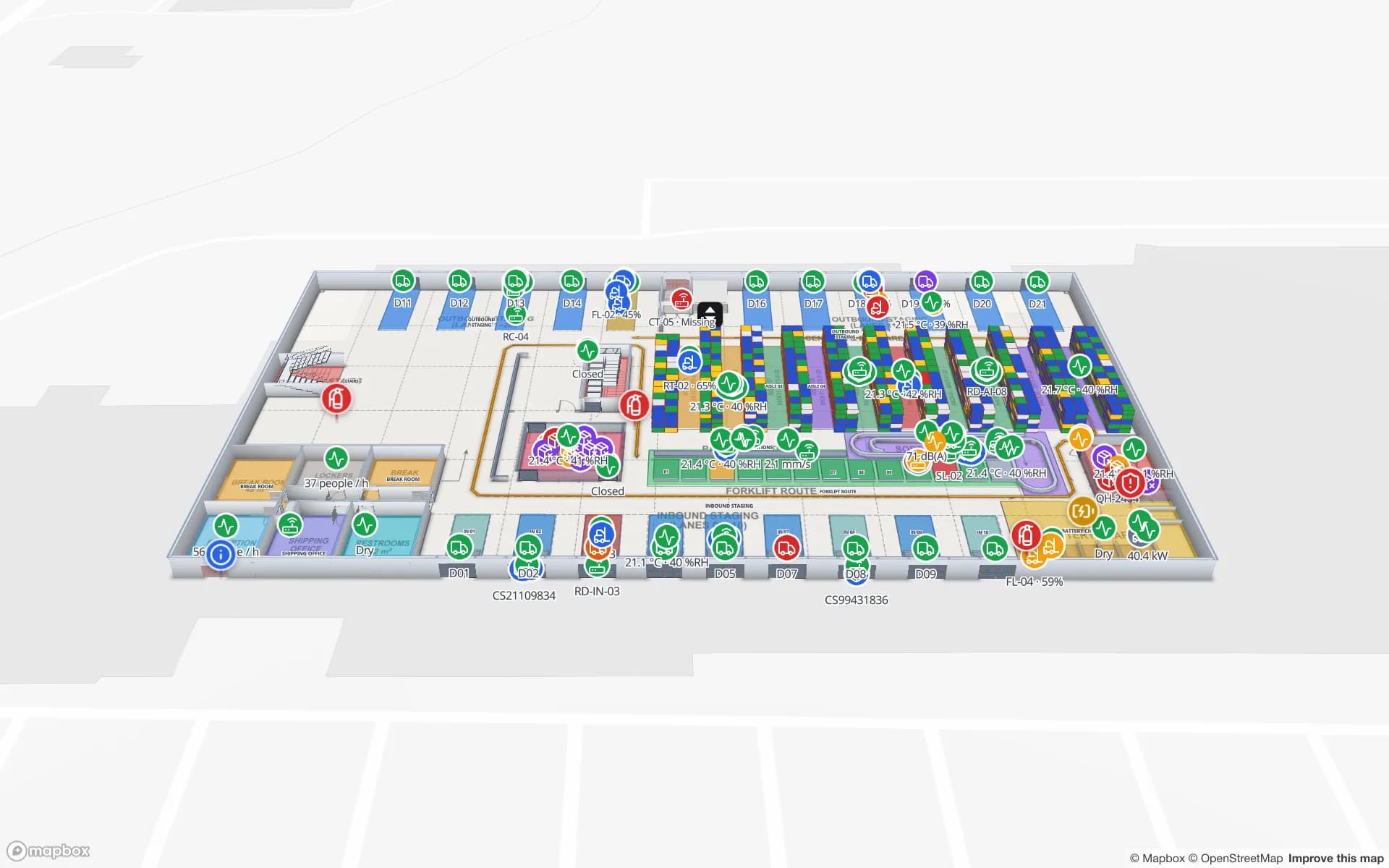
Fictional names, real floor plans, live sensors, RFID, BLE tags and gateways — open any of them in the browser.

All 13 demo facilities

On-premise indoor mapping — frequently asked questions

Yes. The open-source edition is the same app under the MIT licence. You start it with Docker Compose on your own servers, with PostgreSQL and PostGIS, MinIO, Redis, the Go API and the web app in one project.

Not as documented. The map uses a Mapbox access token for the basemap and 3D rendering, so the machines that open it need to reach Mapbox. Spatial Map does not document an offline basemap. If this is a hard requirement, talk to us before you plan around it.

No. The self-hosted edition is MIT-licensed and free, supported through GitHub issues. Installation, hardening, mapping and integration help is quoted as a custom service, per project.

Same editor, viewer, data links, reports and share links. Self-hosted, there are no plans or limits and you run Mapbox, email, upgrades and backups. The AI floor-plan tool is an optional worker that drafts rooms and walls for review, while the cloud’s AI Map drafts eight kinds of shape.

It depends on how many facilities you map, how many rows your tables hold, how much history you keep and which files you upload. The optional AI worker adds about 1.7 GB. We don’t publish more precise sizing, so start small and watch the database and storage.

Yes, with the on-site agent. sgv-edge runs on a PC on your LAN, reaches the BlueIOT RTLS server there and sends the data to the cloud workspace over outbound HTTPS, with no ports opened. The workspace itself stays in the cloud.

The cloud has a 7-day free trial (up to 5 facilities, no credit card), then Pro at $60 a month or $600 a year for up to 4 facilities. The self-hosted open-source edition is MIT-licensed and free, with no plans or limits. Installation help, mapping and integrations are quoted as custom services.

Run it where your data lives.

Clone the open-source edition and start it with Docker, or tell us about your site and we will quote installation and integration help.