RFID · IT asset & equipment audit

RFID IT asset audits: every server, laptop and instrument, room by room

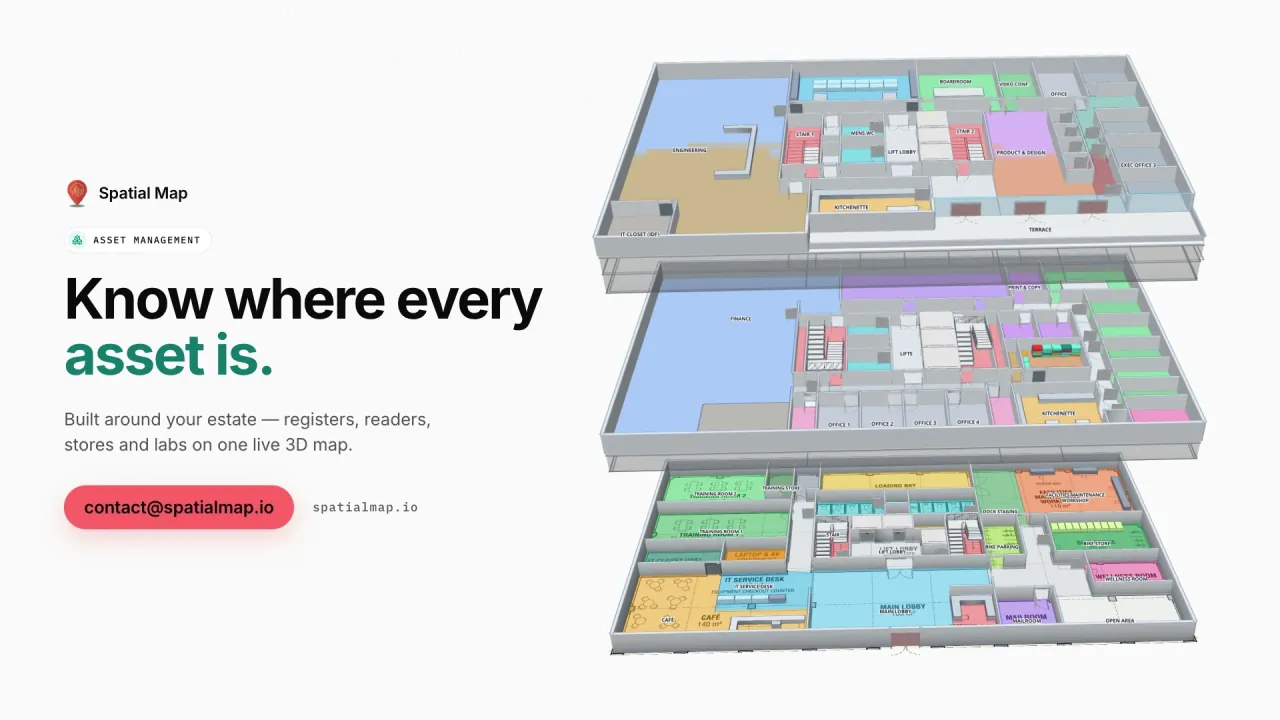
Spatial Map turns an RFID IT asset audit into a map of the building: audit results by room, rack and data hall, assets found where the register does not expect them, and equipment read at a door without a removal order — on a live 3D floor plan with reports for finance and compliance.

Last updated:

No credit card. Runs in the browser. Pro is $60/month for up to 4 facilities. Book a demo

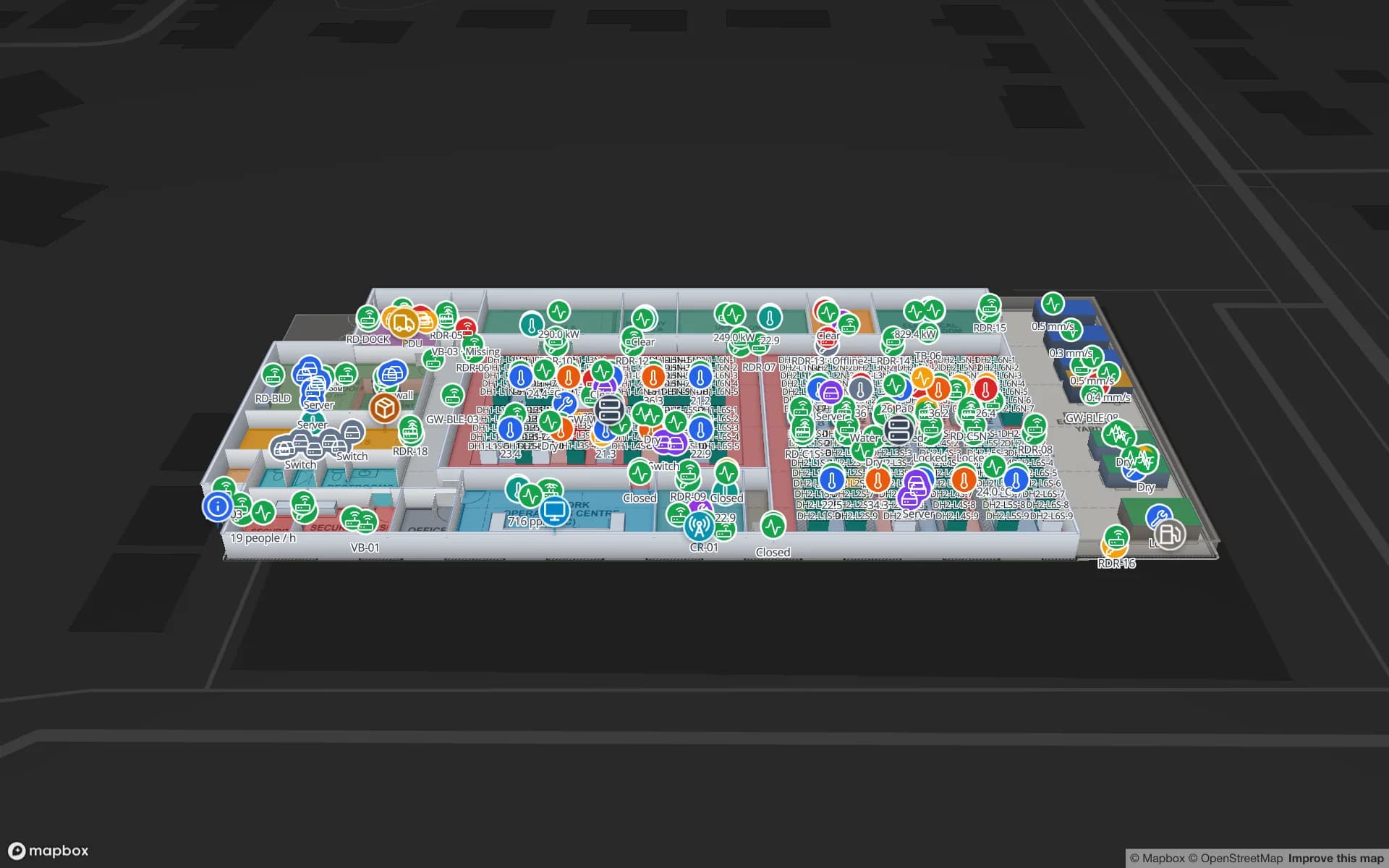
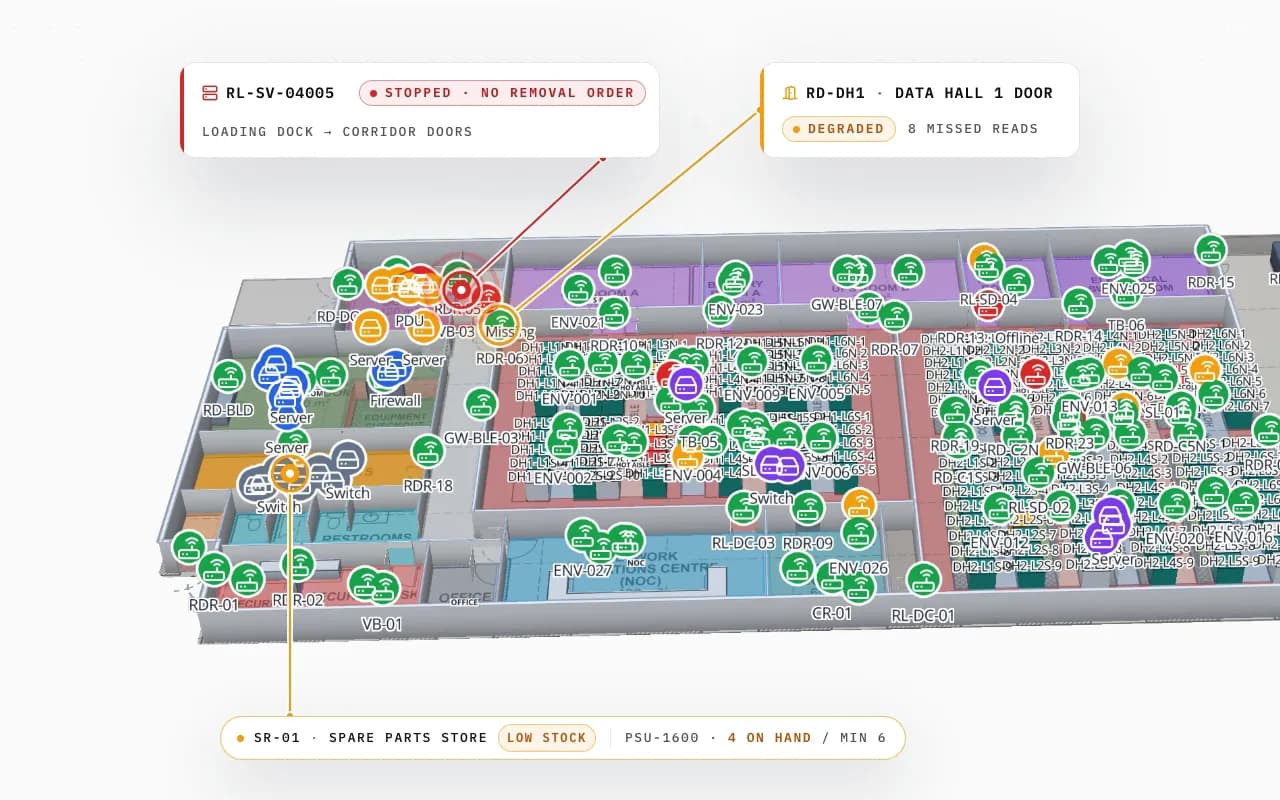
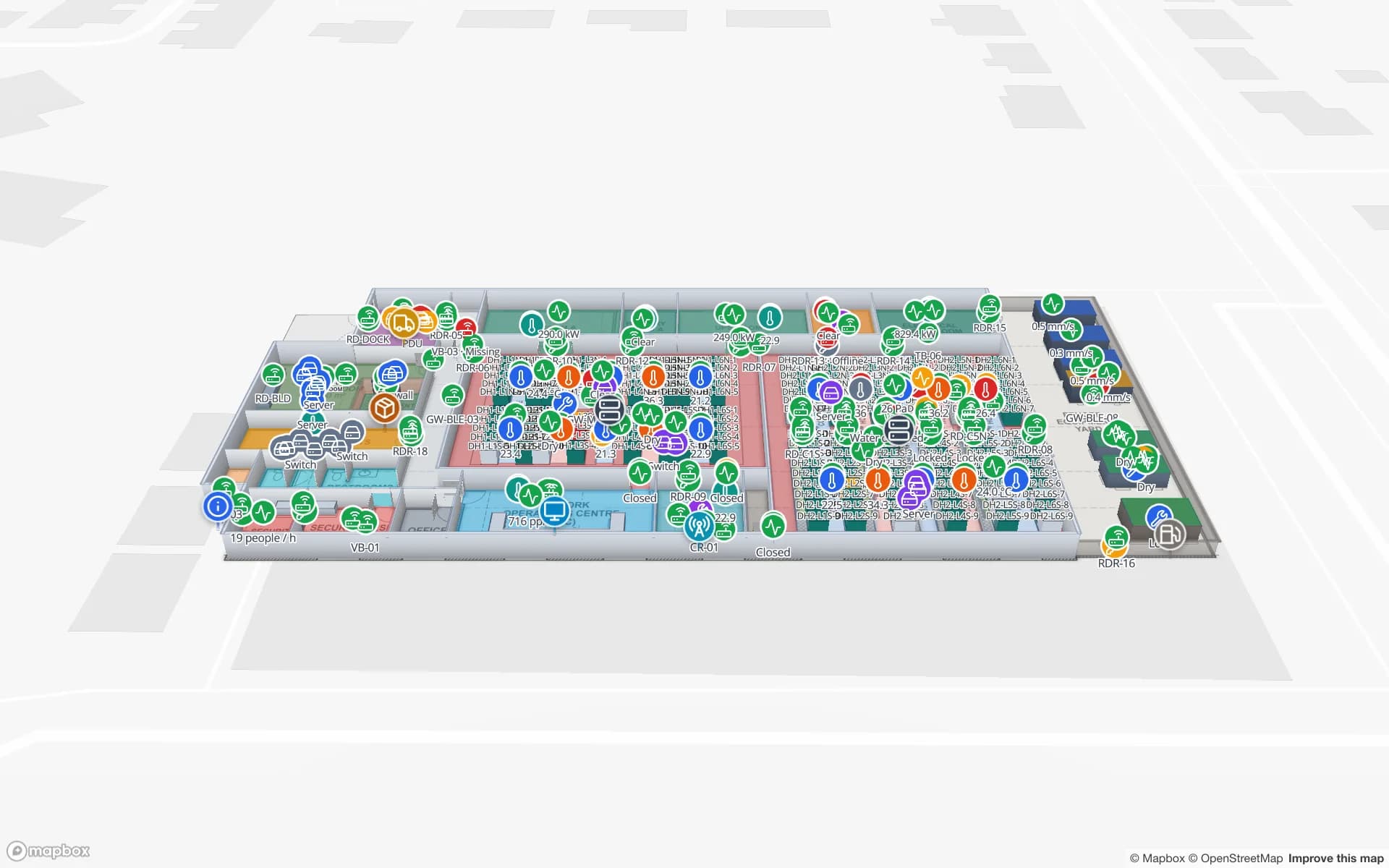
Ridgeline Data Center in 3D with hundreds of tagged servers and devices; a server read at the loading-dock door without a removal order is called out, with a degraded door reader and a low-stock spare-parts store
Ridgeline Data Center
Ridgeline Data Center (demo): a server read at the loading-dock door without a removal order, a door reader with missed reads and a spare-parts store running low.
Registered assets across the three asset-management demos
796
Demo sites: data center, office campus, university lab
3
Export formats for audit reports
4
Free trial, no credit card
7 days

Why audits are where RFID pays back first

Fixed-asset and IT audits are a yearly or quarterly ritual: someone walks every room with a list, scans barcodes they can reach and marks the rest as missing. With UHF RFID tags on servers, laptops, monitors and instruments, a handheld sweep reads a room in minutes without opening racks or moving desks, and fixed readers at doors catch equipment leaving in between audits.

This page is about audits and removal control for IT and equipment. For day-to-day location of tagged assets, see RFID asset tracking software and the indoor asset management map.
Audit results on the floor plan

Each room, rack row or data hall is a shape on the map. Audit results — expected, found, missing, unexpected — come in as rows per room from your audit app, and style rules colour the rooms. Assets found in the wrong room appear where they were read, with their register record in the detail drawer.

  • Coverage — rooms not yet audited stand out while the audit is still running.
  • Missing and misplaced — by room, not as a list of asset numbers.
  • Removal control — equipment read at a door without a removal order is shown at that door.
  • Evidence — audit reports exported to PDF, Excel, CSV or JSON; table history keeps every change.
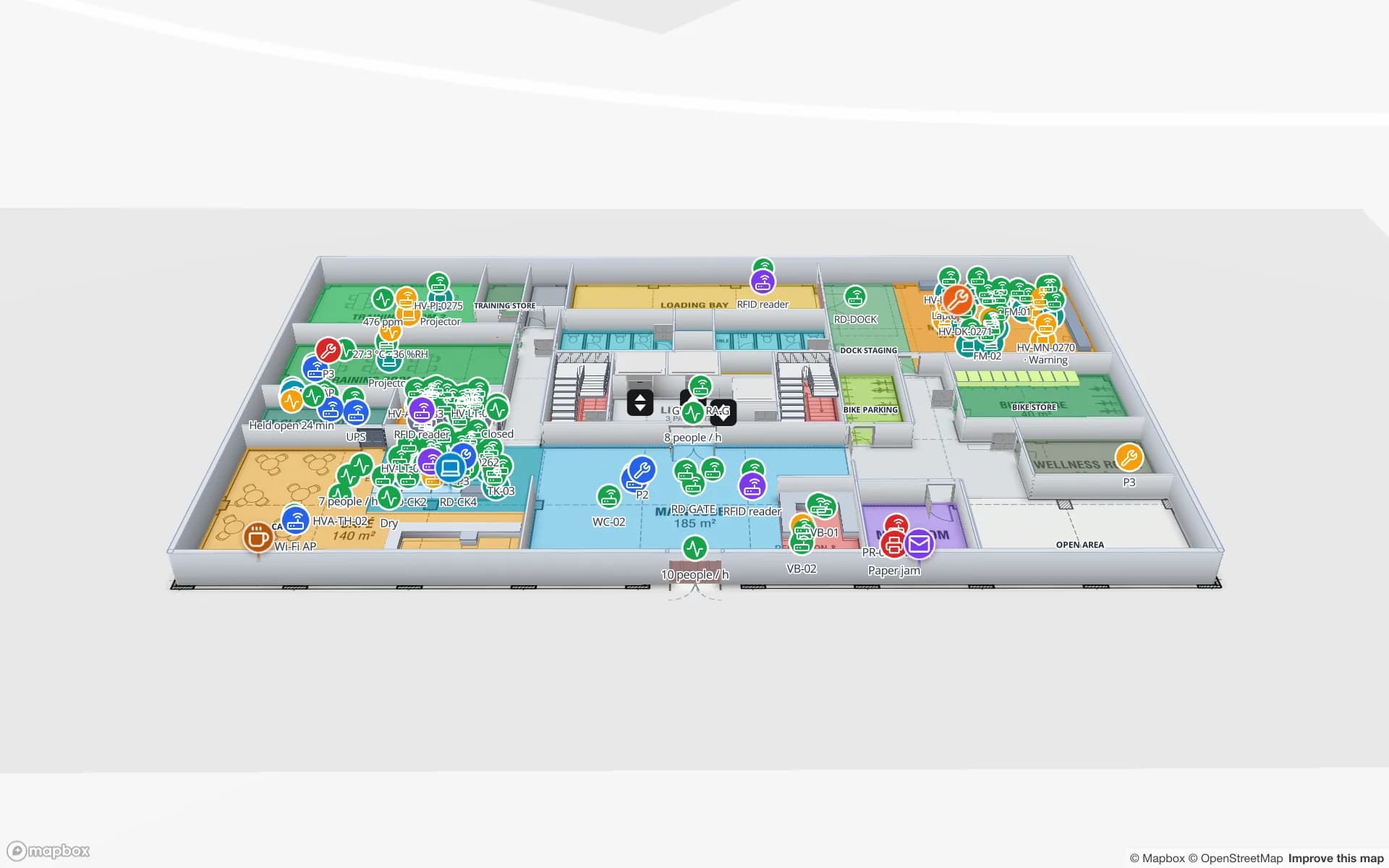
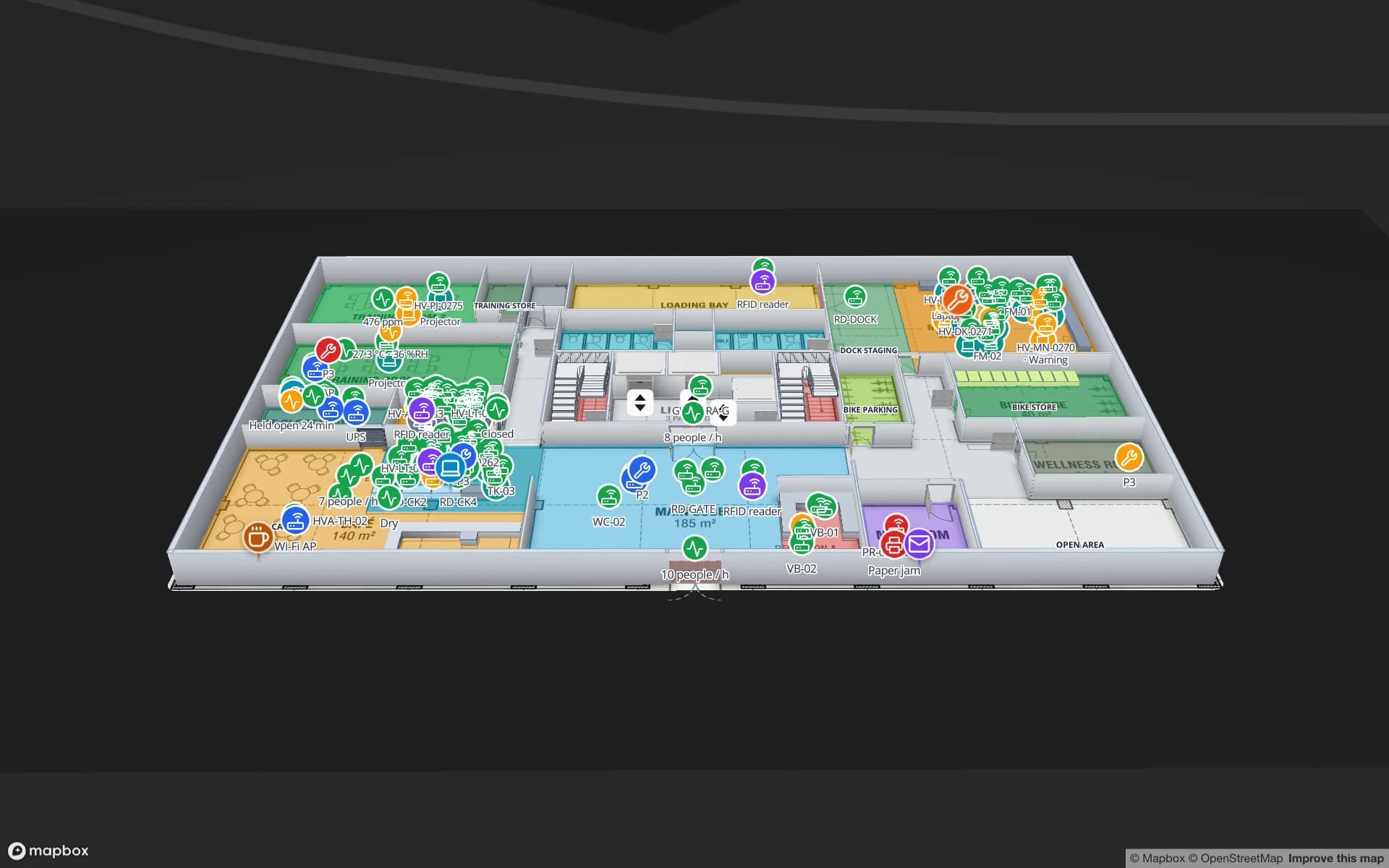
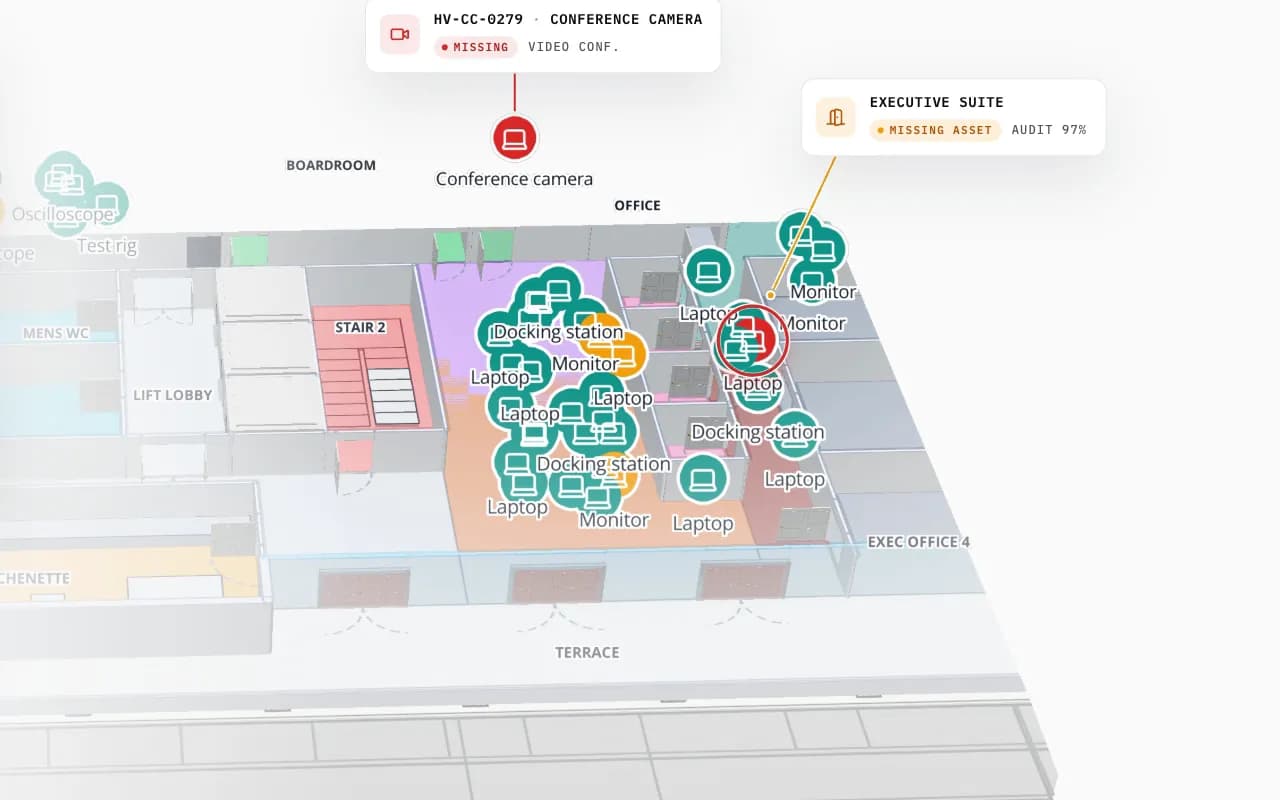
Harborview Corporate Campus in 3D: tagged office equipment by room, then the view zooms to the boardroom where a missing conference camera is marked
Harborview Corporate Campus — Building A
Harborview Corporate Campus (demo): tagged laptops, monitors and docking stations by room, and a missing conference camera pinpointed.

Where the data comes from

The asset register usually lives in a CMDB, ITAM or fixed-asset system; reads come from handheld audit apps and door readers. Spatial Map joins them by asset tag and room code. Anything that produces JSON rows can feed a table — the write API, REST polling of your CMDB, or a CSV export after each audit.

Spatial Map does not decide what is compliant or post write-offs, and it does not send alerts. It shows the state of the estate so the people who do can act quickly. CMDB integration or an audit app can be built as custom development.

How Spatial Map does it

An audit on the map in four steps

  1. 01

    Map rooms and halls

    Import the floor plans and trace rooms, rack rows, stores and doors, named like your register.

  2. 02

    Load the register

    Import or poll the asset register into a table: tag, type, owner, room, value.

  3. 03

    Audit as usual

    Sweep rooms with RFID handhelds; door readers catch removals between audits.

  4. 04

    Colour and report

    Rooms coloured by found %, exceptions at the door, audit reports exported.

Asset audits by site type

Data centers

Servers and devices by hall and rack row; removal checked at loading-dock doors.

Offices and campuses

Laptops, monitors and AV kit by floor and room; missing items pinpointed.

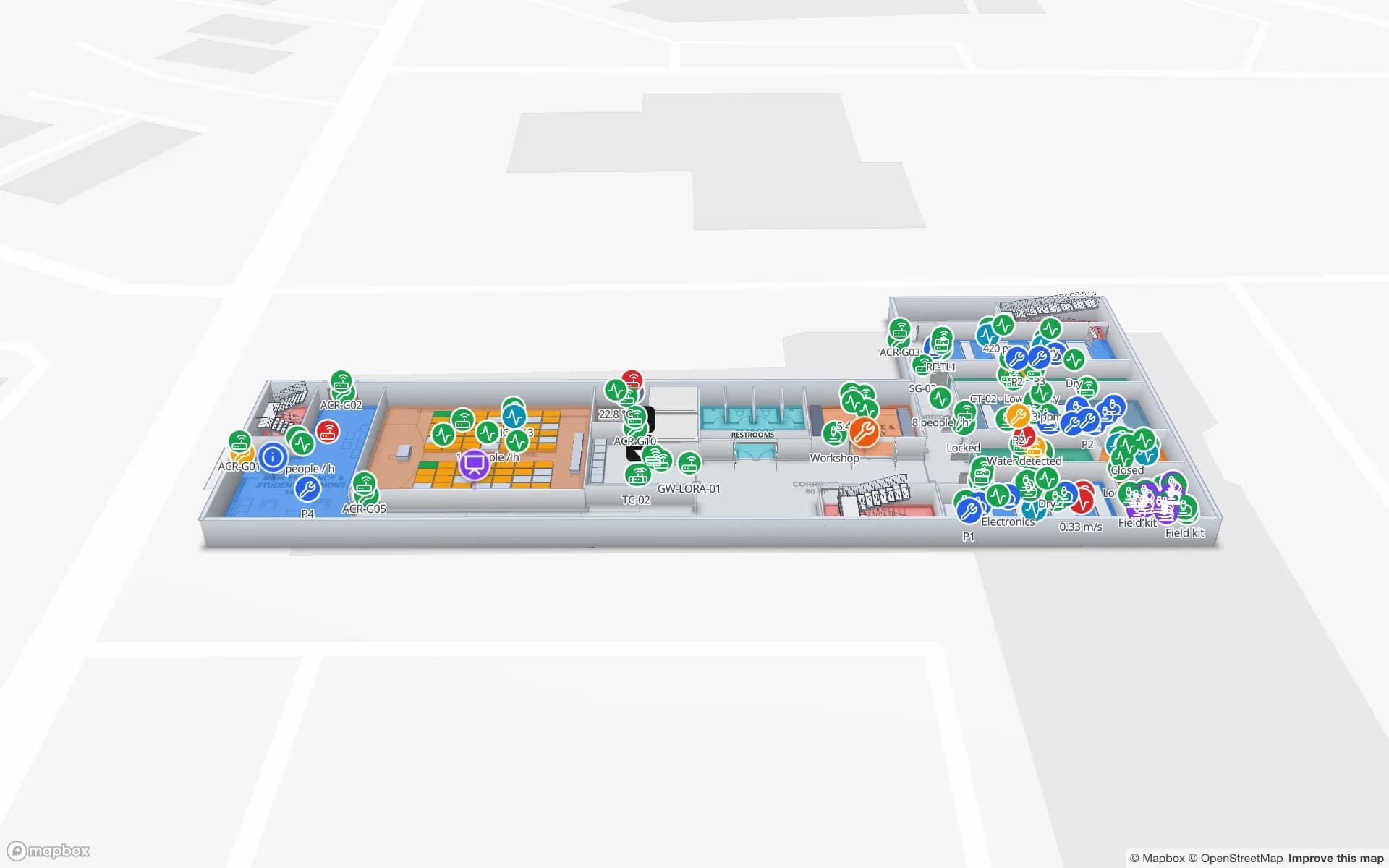
Universities and labs

Instruments by room, with calibration and out-of-service flags.

Venues and airports

Loan equipment and kit across terminals and halls.

See it on real demo facilities

Fictional names, real floor plans, live sensors, RFID, BLE tags and gateways — open any of them in the browser.

All 13 demo facilities

RFID IT asset audits — frequently asked questions

Tracking is about where an asset is right now. An audit is a periodic check of the whole register — found, missing, misplaced — plus control of what leaves the building. Spatial Map shows both; this page is about the audit side.

Usually, with on-metal UHF tags placed where the antenna can see them (front bezel or rail) and a handheld held close to the rack. Closed metal cabinets block reads; test a few racks before you tag the hall.

Spatial Map can poll a REST endpoint or receive rows through the write API. A connector to a specific CMDB or ITAM tool is a small custom development job.

Yes. Every change to a table row is kept with its time, and reports can be exported to PDF, Excel, CSV or JSON for the auditor.

A 7-day free trial covers up to 5 facilities with no credit card. Pro is $60 a month or $600 a year for up to 4 facilities. Integration with your readers and middleware, and larger estates, are quoted as custom services or custom development.

Run your next asset audit on a map.

Start a free trial and open the Ridgeline and Harborview demos, or send us your register and floor plans and we will map your own estate.