Comparison · Azure Maps Creator (retired)

An Azure Maps Creator alternative, now that Creator is retired

Spatial Map is browser-based indoor mapping software that turns DWG and PDF floor plans into multi-floor maps and keeps them live with data from your own systems. If you are looking for an Azure Maps Creator alternative, the background is simple: Microsoft retired Creator, the indoor-maps part of Azure Maps, on 30 September 2025. This page lists what former Creator users usually need, what Spatial Map covers, and — just as important — what does not carry over.

Last reviewed:

No credit card. Runs in the browser. Pro is $60/month for up to 4 facilities. Book a demo

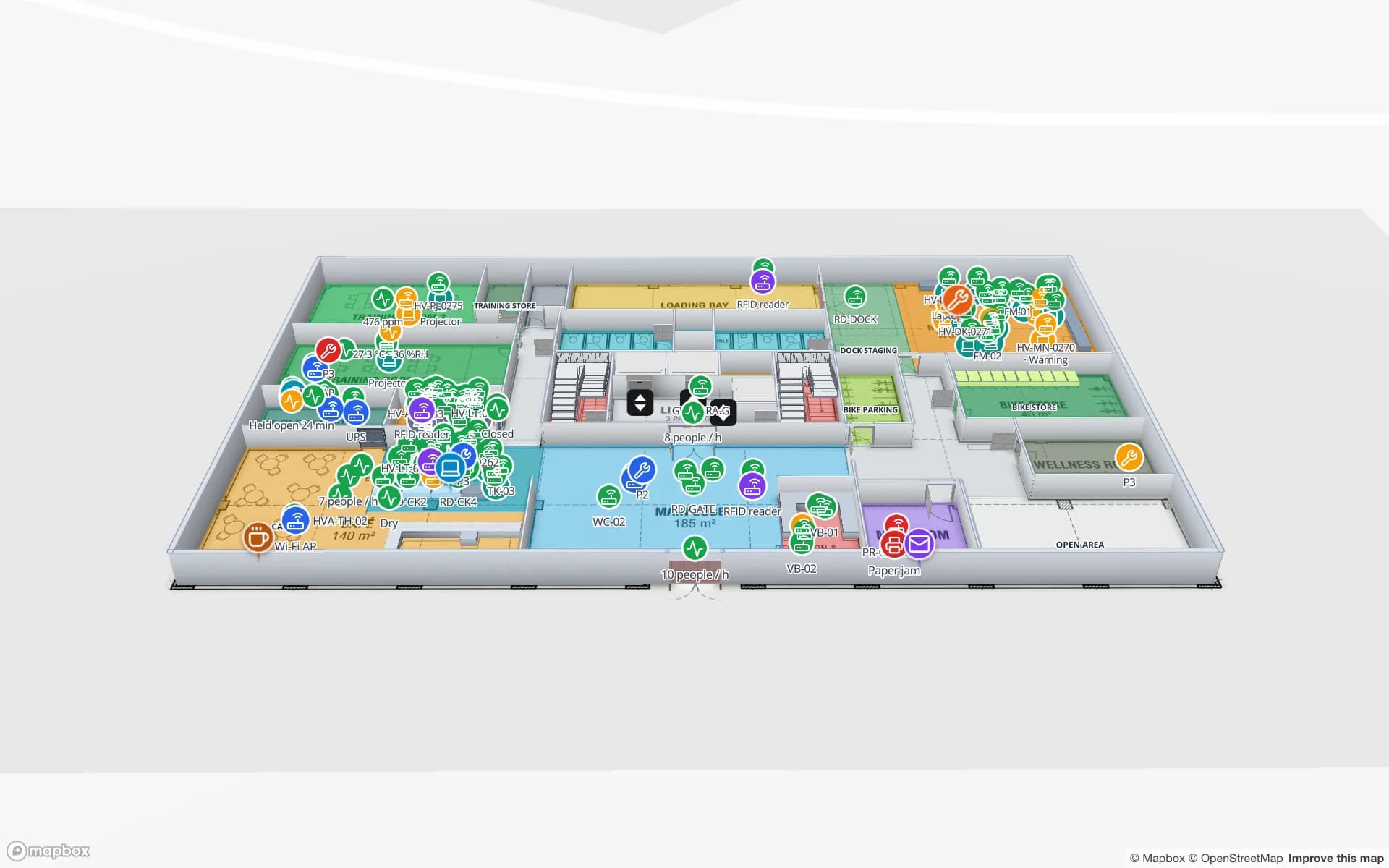
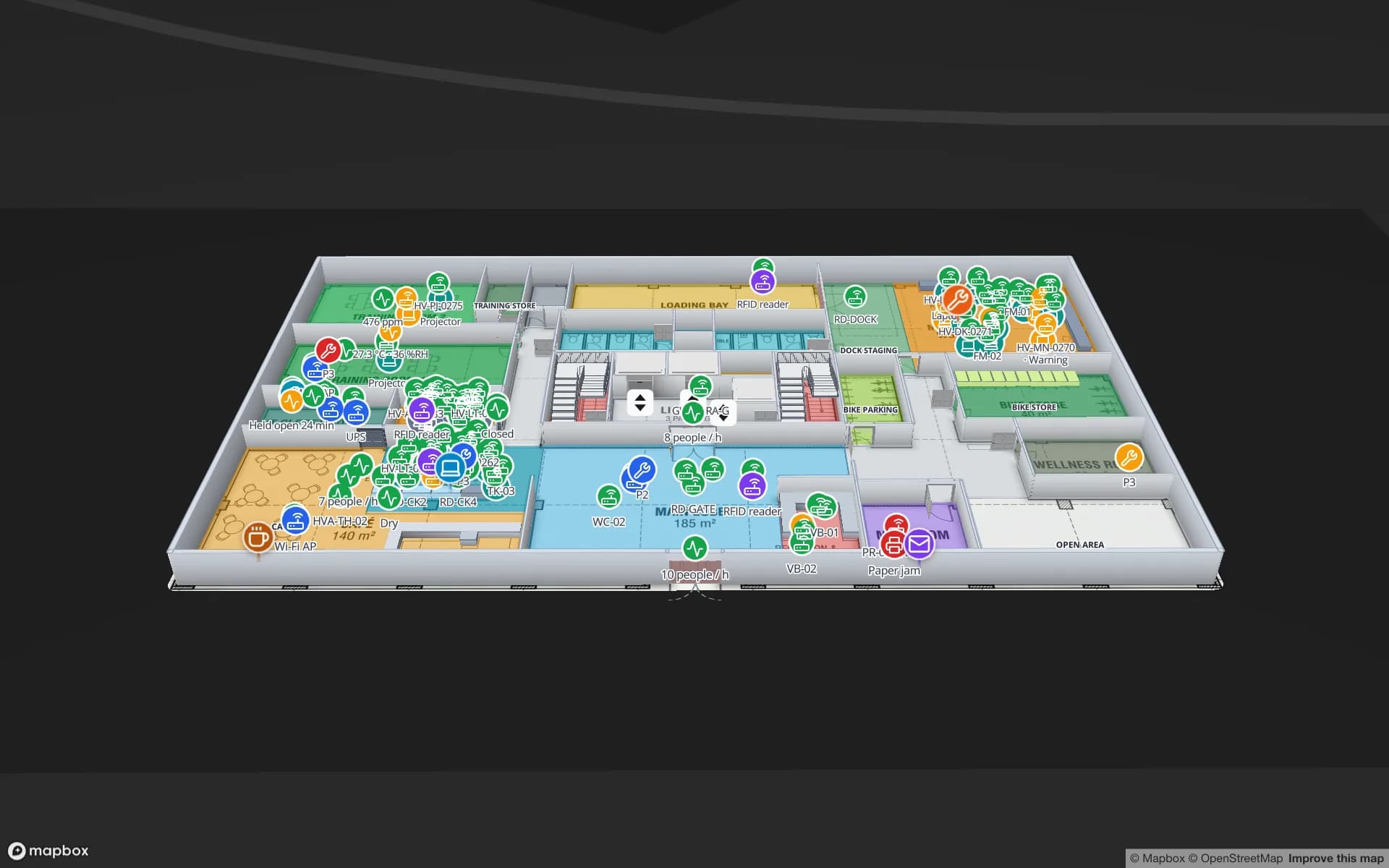
Harborview Corporate Campus — Building A, a corporate office building demo, in the Spatial Map 3D viewer with live device markers
Harborview Corporate Campus — Building A
Harborview Campus, a three-floor demo office building in Spatial Map, with rooms, tagged assets and work orders on one map.

What happened to Azure Maps Creator

Microsoft’s Azure Maps documentation and its Azure update notices announced that Azure Maps Creator would be retired on 30 September 2025. The notice covered the Creator service APIs, the indoor module of the Azure Maps Web SDK, the Creator onboarding tool and the QGIS plugin; new Creator accounts had already been stopped, and Microsoft said that Creator workloads and their data would be deleted at retirement. The feature-state service, which many teams used to colour rooms from live data, was retired earlier in 2025. Microsoft did not name a direct replacement. The rest of Azure Maps — base maps, search, routing, weather — is not part of this retirement.
What former Creator users usually need

Most Creator projects came down to four jobs. Any replacement has to do them, or you have to build them yourself:

  • DWG to an indoor map — the building drawings the facilities team already keeps, turned into a map at real-world scale.
  • Floors — levels stacked in the right order, with stairs and lifts between them.
  • Data on features — rooms and spaces that change colour or show values from sensors, bookings or occupancy, the job feature state used to do.
  • An API to write data — so your own services can push readings without a person in the loop.

How Spatial Map covers those jobs

Spatial Map is browser-based indoor mapping software for operations teams. You import a PDF or DWG floor plan, let AI Map draft walls, doors, racks, stairs and lifts for you to review, trace the rest, and stack the floors into a 3D map. Then you bind every shape to live data — RFID reads, BLE tag positions from your RTLS, sensor readings, stock from a WMS — through tables, REST sources and a per-table write API. Reports, in-app alerts, read-only share links and multi-floor wayfinding with step-free routes come from the same map, and Ask AI (beta) answers questions about a facility from its tables. Pro is $60 a month or $600 a year for up to 4 facilities after a 7-day free trial, and an open-source edition (MIT) runs on your own servers.

  • DWG and PDF import — an AutoCAD DWG (R2004–R2018) or a PDF sheet becomes a true-scale floor plan picture, placed on a real basemap. See floor plan to indoor map.
  • AI Map drafts, you trace the rest — on the aligned plan, AI Map drafts walls, doors, racks, labels, areas, stairs, lifts and escalators for you to review and add; the drawing tools finish the floor. AI Map is part of the paid plans and the trial.
  • Tables and a write API instead of feature state — every table gets a REST write API with its own key; rows keyed by room name or asset tag update data links that colour rooms, place markers and draw heatmaps. REST sources can poll an endpoint you already run.
  • Multi-floor out of the box — floors stack in 3D, and routes cross floors through stairs, lifts and escalators with a step-free option.
  • Self-hosting — the open-source edition (MIT) runs with Docker on your own servers, including servers in your own Azure subscription.

What does not carry over

Be clear about these before you plan a move:

  • No Creator package import — Spatial Map cannot read Creator drawing packages, conversions, datasets or tilesets. You start again from the source DWG or PDF files.
  • No DWG feature extraction — the layers of a DWG are not turned into rooms and walls. The drawing becomes a picture; AI Map reads that picture and drafts shapes for a person to review.
  • No IMDF or Creator data model — Spatial Map has its own shapes, floors and tables. It does not use Creator’s facility ontology and does not import or export IMDF.
  • No Azure-native integration — Spatial Map is not an Azure service: there is no Azure Maps SDK module, no Azure portal resource and no Azure billing. It is built on Mapbox GL, and your systems talk to it over REST.

When another route may fit better

If your indoor data must live in a GIS, an indoor GIS such as ArcGIS Indoors may suit you better (see our ArcGIS Indoors comparison). If you need maps inside your own native mobile app through an SDK, look at a wayfinding platform. And if you want to stay entirely on Azure Maps, the remaining Web SDK can still draw indoor geometry you convert and host yourself, at the cost of building the editor, floors and data binding on your own.

Creator jobs and where they land in Spatial Map

What you used Creator forIn Spatial MapWorth knowing
Uploading DWG drawing packagesImport DWG (R2004–R2018) or PDF per floorEach drawing becomes a picture; no package import
Converting drawings into featuresAI Map drafts shapes for review; drawing tools finish the floorNo extraction from DWG layers
Facilities and levelsFacilities with stacked floors, stairs, lifts and escalatorsIts own data model, not Creator’s ontology
Feature state on roomsTables + data links: coloured rooms, markers, badges, heatmapsRows keyed by room name or asset tag
Writing data from your servicesPer-table REST write API with an API key; REST sourcesNo webhook or stream setup screen
Indoor module in your web appViewer and read-only share links in any browserNo SDK to embed in your own code
Hosting in AzureOpen-source edition on your own servers, or the hosted Pro planNot an Azure service

Azure Maps Creator (Microsoft) and the other product names on this page are trademarks of their respective owners, used here only to identify their products. Spatial Map is not affiliated with or endorsed by them. The description of Azure Maps Creator (Microsoft) is based on its publicly available product information as of November 2026 and is deliberately general — features and terms change, so check the vendor’s own site before you decide. Spot something out of date? Tell us at [email protected] and we will correct it.

How Spatial Map does it

Move one Creator building to Spatial Map in four steps

  1. 01

    Find the source drawings

    Collect the DWG files that went into your Creator drawing package, or PDF exports of each floor.

  2. 02

    Import and align one floor

    Start a 7-day trial (no card), import the floor and place it on the basemap at true scale.

  3. 03

    Draft with AI Map and review

    Let AI Map draft the walls, doors and rooms, add what is right, discard the rest, and name the rooms you used in Creator.

  4. 04

    Point your data at a table

    Replace your feature-state calls with writes to a table keyed by room name, and link the table to the rooms.

Where former Creator-style projects run in Spatial Map

Smart-building and campus jobs, each running on a demo facility you can open in the browser.

Office buildings

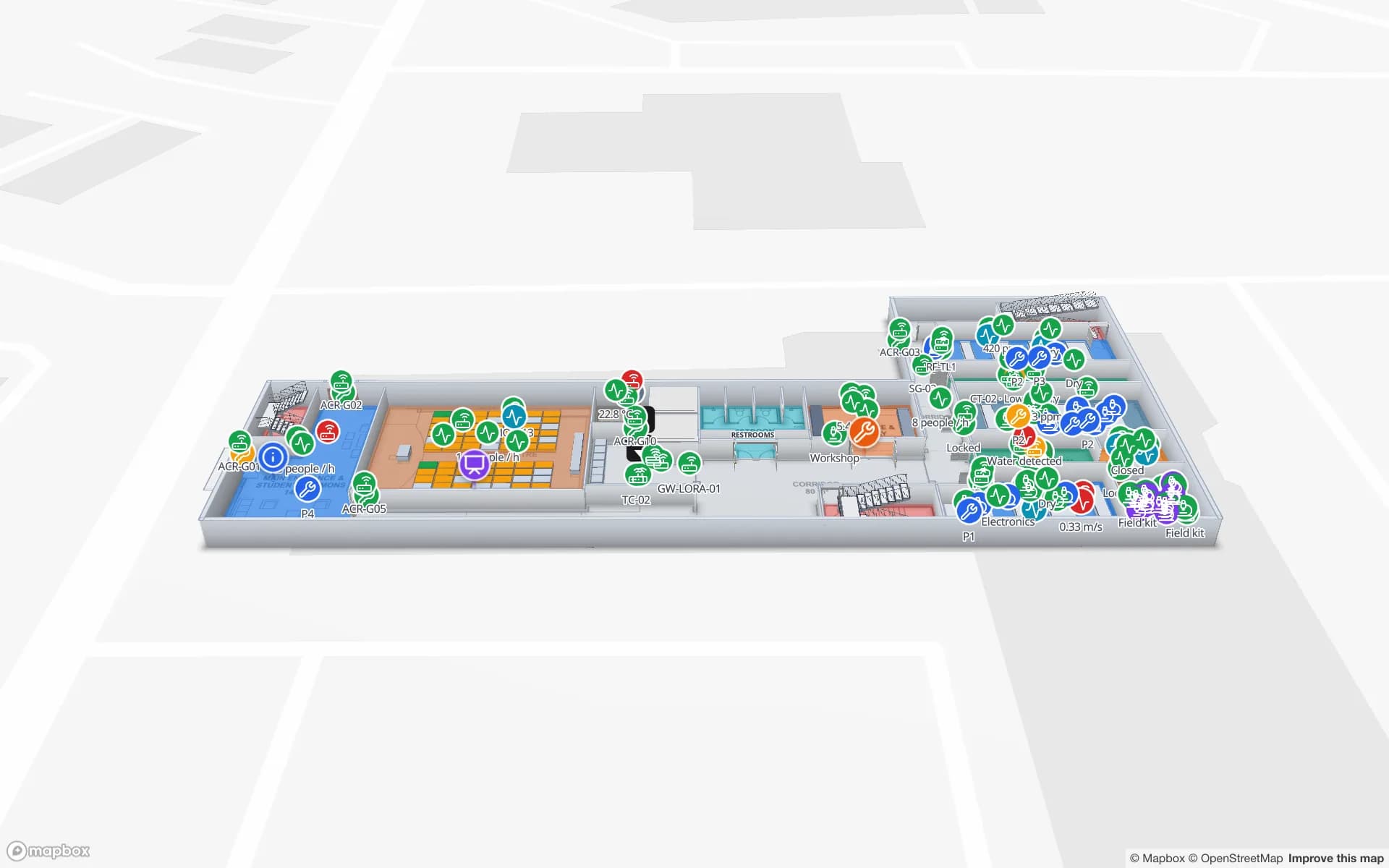
Assets, meeting rooms, work orders and the print fleet on a three-floor office map.

University buildings

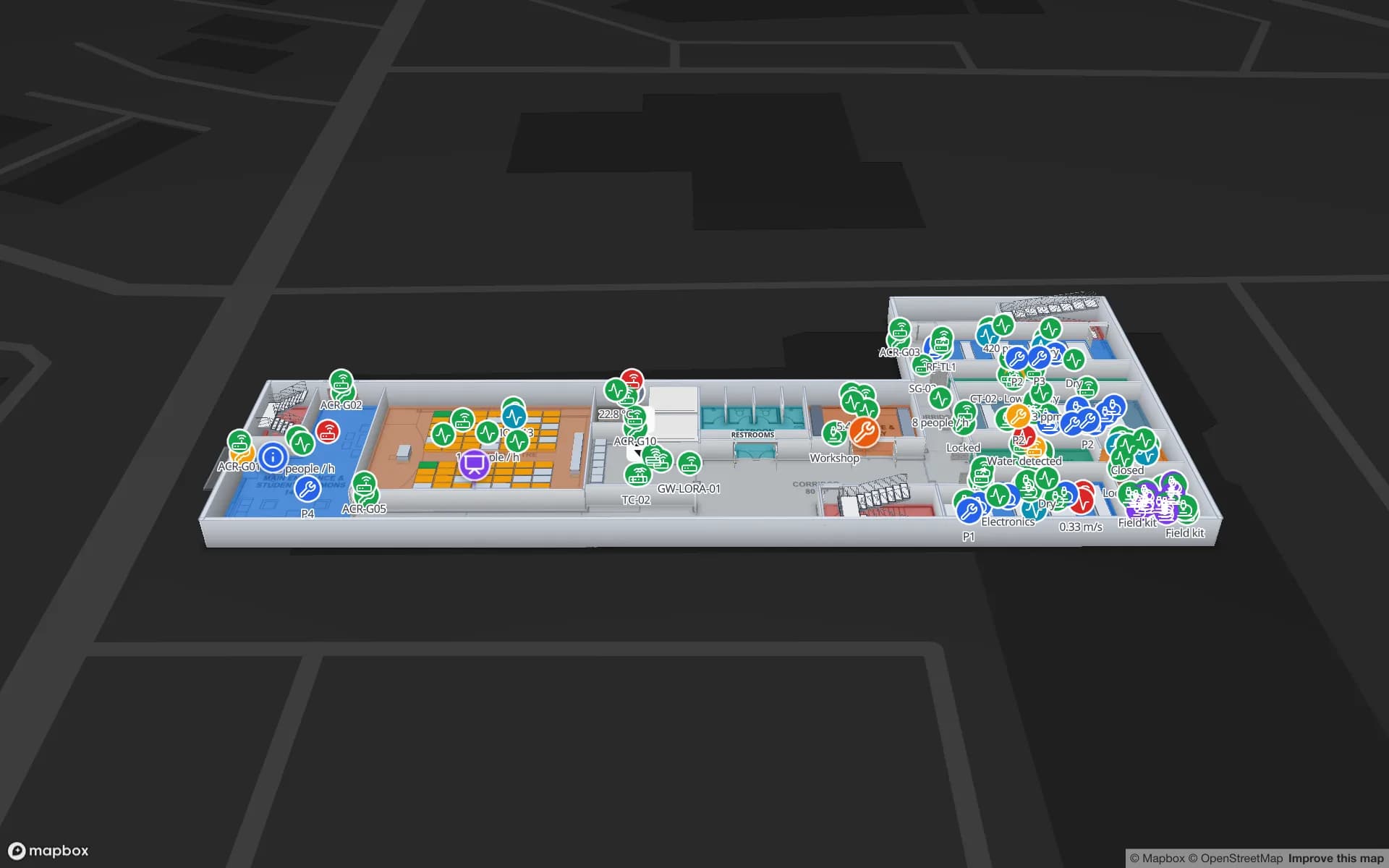
Teaching rooms with their timetable, lab equipment bookings and lab environment monitors on a two-floor science building.

Data centres

Cabinets, cooling and power, IT asset checkout and spares on a data hall mapped cabinet by cabinet.

See it on real demo facilities

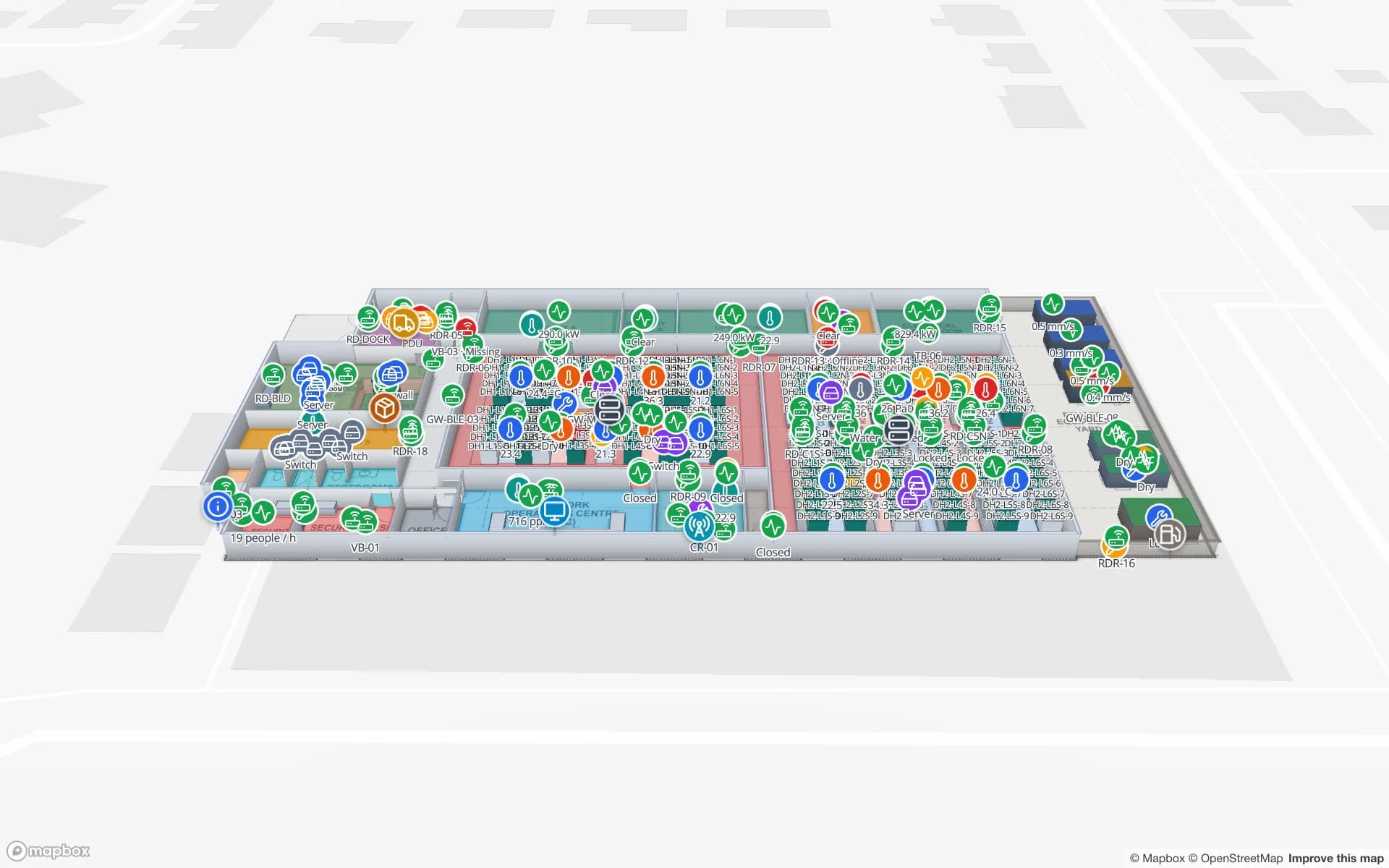
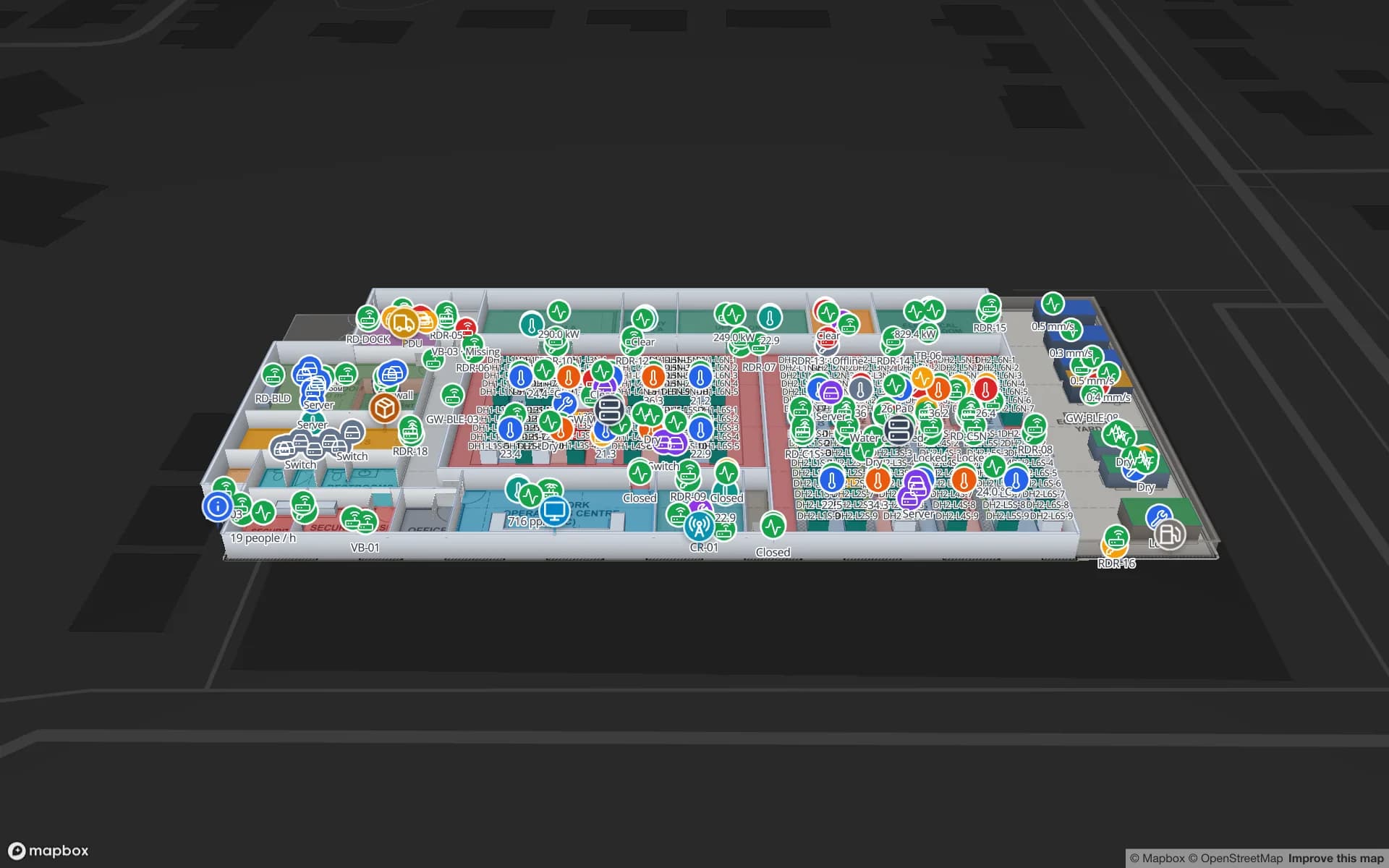
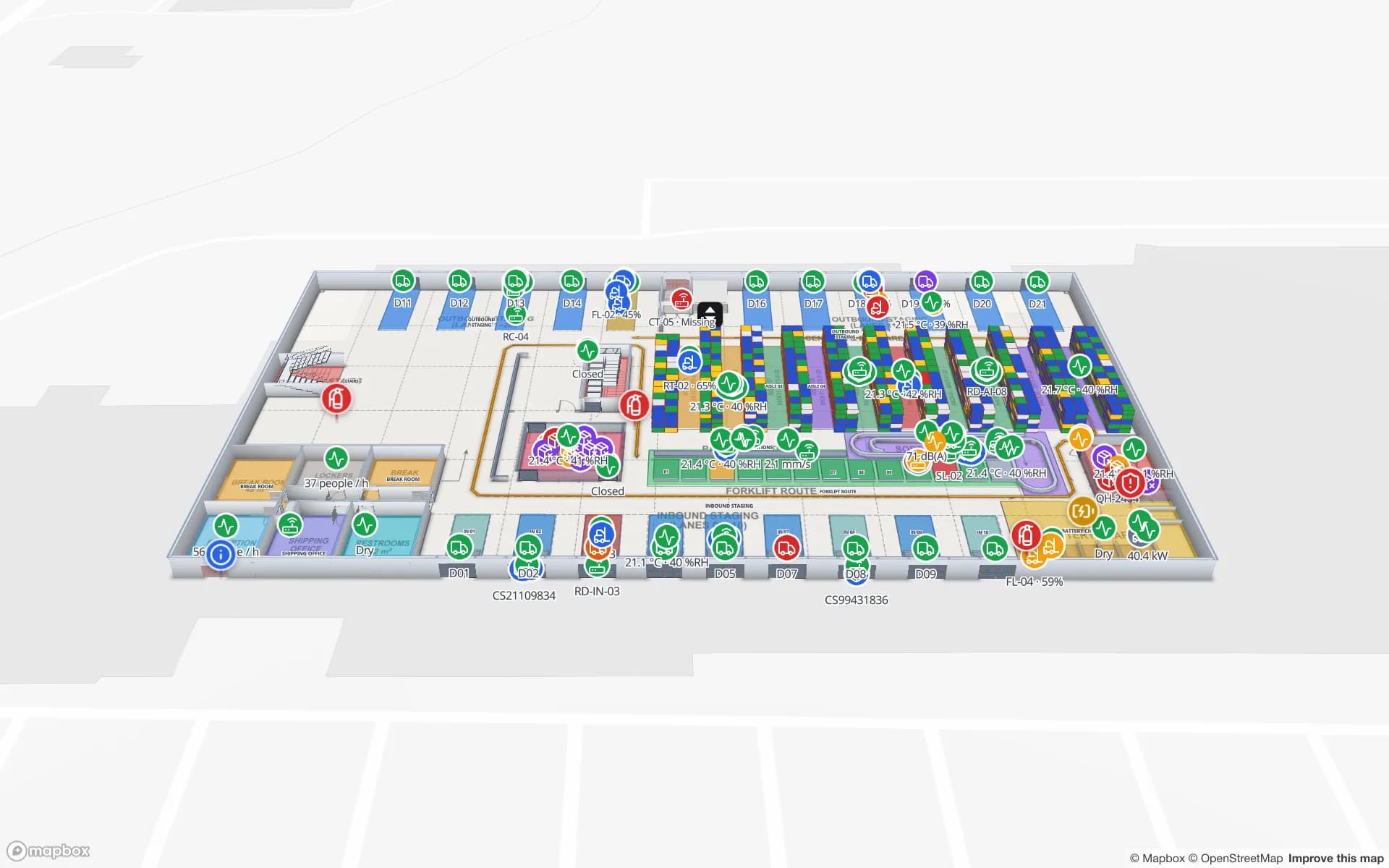
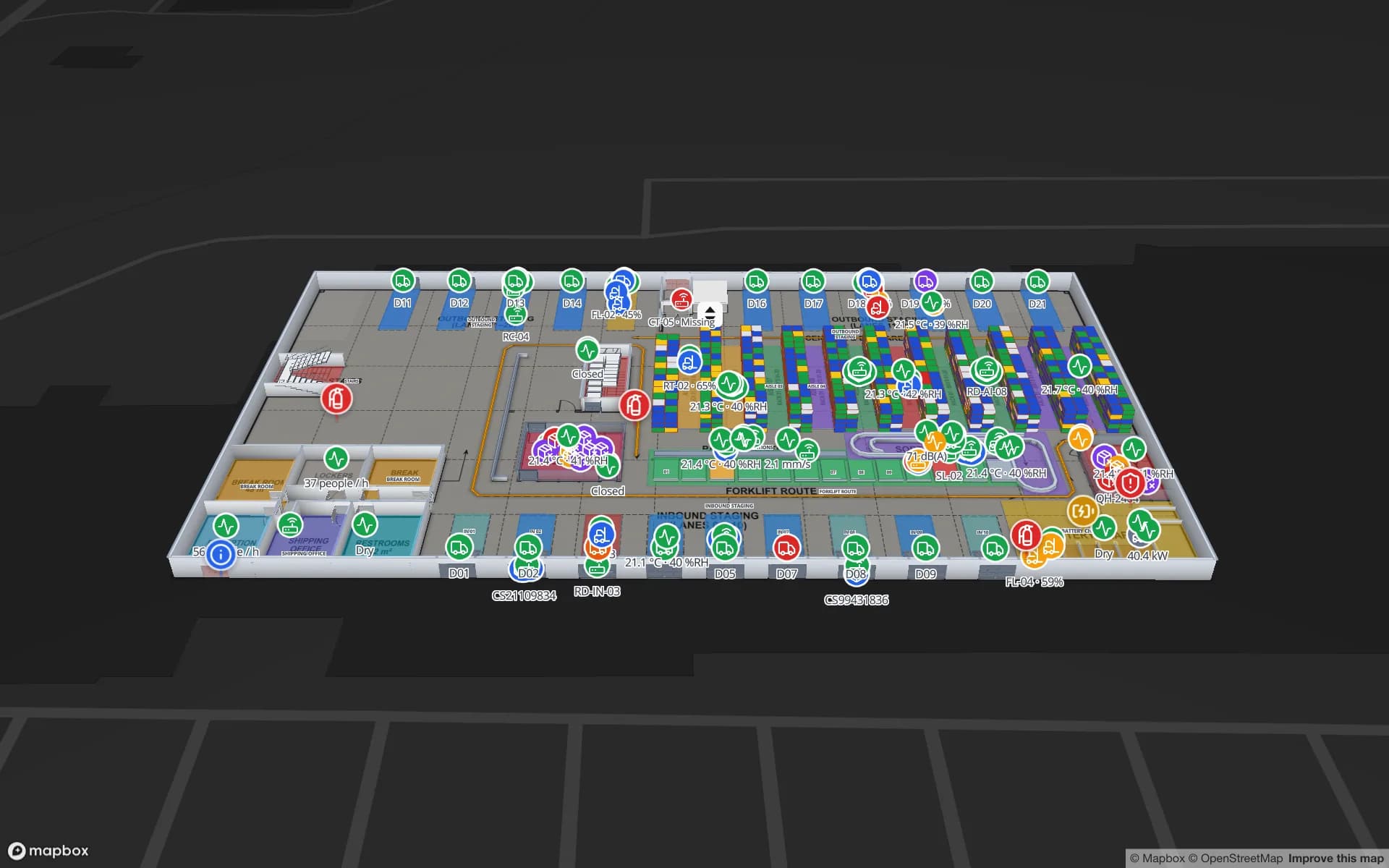
Fictional names, real floor plans, live sensors, RFID, BLE tags and gateways — open any of them in the browser.

All 13 demo facilities

Azure Maps Creator alternative — frequently asked questions

Yes. Microsoft announced that Azure Maps Creator, the indoor-maps service of Azure Maps, would be retired on 30 September 2025, together with its indoor Web SDK module, onboarding tool and QGIS plugin. The rest of Azure Maps was not part of that retirement.

No. There is no importer for Creator packages, datasets or tilesets. Start from the original DWG or PDF floor plans: Spatial Map imports them at real-world scale, and AI Map drafts the layout for you to review.

No. A DWG becomes a true-scale picture of the floor. AI Map reads that picture and drafts walls, doors, racks, labels, areas, stairs, lifts and escalators; a person reviews the drafts before they are added.

Tables. Each table has a REST write API with its own key; your service writes rows keyed by room name or asset tag, and data links colour the matching rooms or move markers on the map, with history.

No. Spatial Map does not import or export IMDF and does not use Creator’s facility ontology. Shapes, floors and tables follow its own data model.

You can run the open-source edition (MIT) with Docker on servers you control, including virtual machines in Azure. It is not an Azure-managed service, so there is no Azure portal resource or Azure billing.

A 7-day free trial (up to 5 facilities, no card), then Pro at $60 a month or $600 a year for up to 4 facilities. The open-source edition is free under the MIT licence.

Bring one Creator building back to life.

Start a free trial, import the DWG of one floor and point one data feed at it — or self-host the open-source edition.