
Harborview Corporate Campus — Building A
Harborview is the workplace side of Asset Management. Every tagged asset has a location on one of three floors, equipment is checked in and out by department, and meeting rooms, printers and work orders live on the same plan.
- 3
- Floors
- 22
- Live tables
- 19
- Reports
- 4
- Device feeds
A fictional demo facility in the product, traced from a real floor plan.
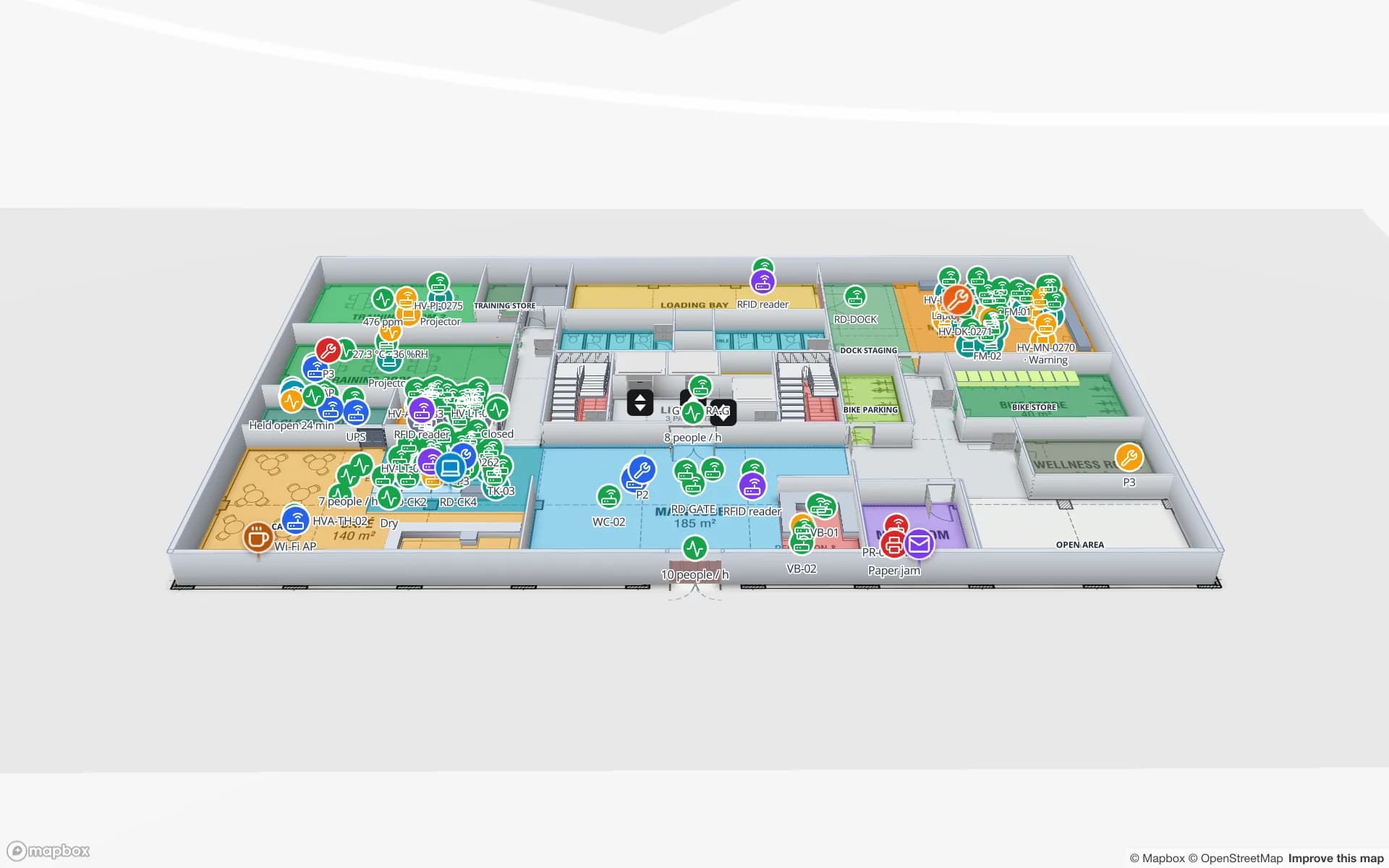
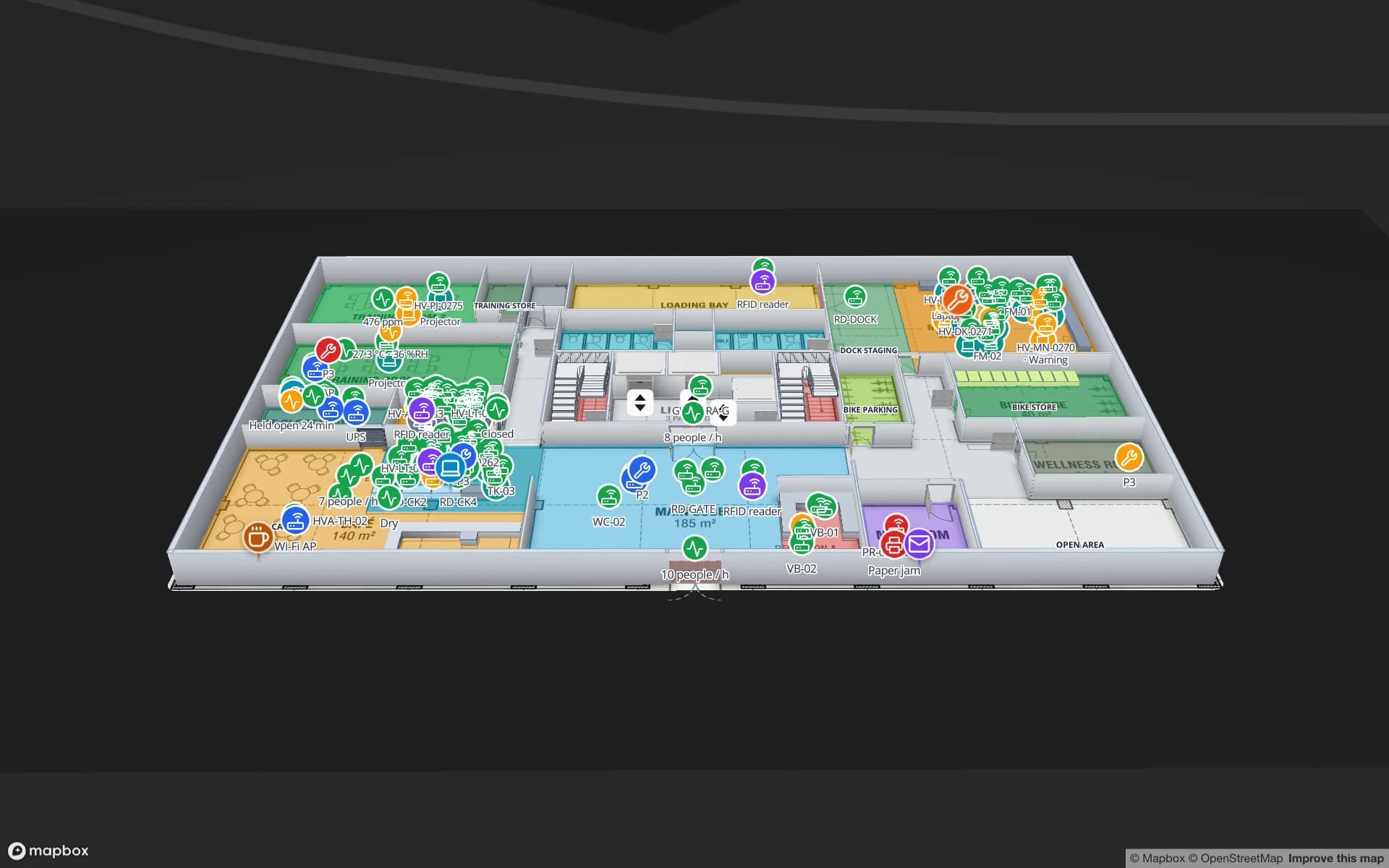
What is on the map
- Three office floors with departments, meeting rooms and stores
- IT devices and printers placed where they stand
- Storage locations for stores and spares
Some of its tables
Live device data
Sensors
Room and environment sensors with live readings.
RFID
Asset tags read as equipment moves between rooms and floors.
BLE tags
Staff, visitors and equipment located by zone.
Gateways
Reader and gateway health across the building.
Simulators keep the demo tables moving; in your workspace the same tables are fed by your systems through REST sources, file uploads or the table write API — see integrations.
19 reports on the same tables
- Harborview · Asset Register & Locations
- Harborview · Equipment Checkout & Departments
- Harborview · Stores & Spares
- Harborview · Maintenance & Work Orders
- Harborview · Meeting Rooms & Space Use
- Harborview · IT Infrastructure & RFID
- Harborview · Print Fleet
Plus the eight built-in facility reports: Overview, Floors, Areas, Racks, Markers & sensors, Walls & doors, Stairs, lifts & escalators, Labels & 3D models. Every report exports to PDF, Excel, CSV or JSON.