Comparison · ArcGIS Indoors by Esri

An ArcGIS Indoors alternative for operations teams

Need an ArcGIS Indoors alternative? ArcGIS Indoors is Esri’s indoor GIS, and it shines for organisations that already run ArcGIS. If you don’t have a GIS team — or you need a live operations map more than a space-management system — Spatial Map turns your floor plans into a 3D indoor map in the browser and connects it to live data in days.

Last reviewed:

No credit card. Runs in the browser. Pro is $60/month for up to 4 facilities. Book a demo

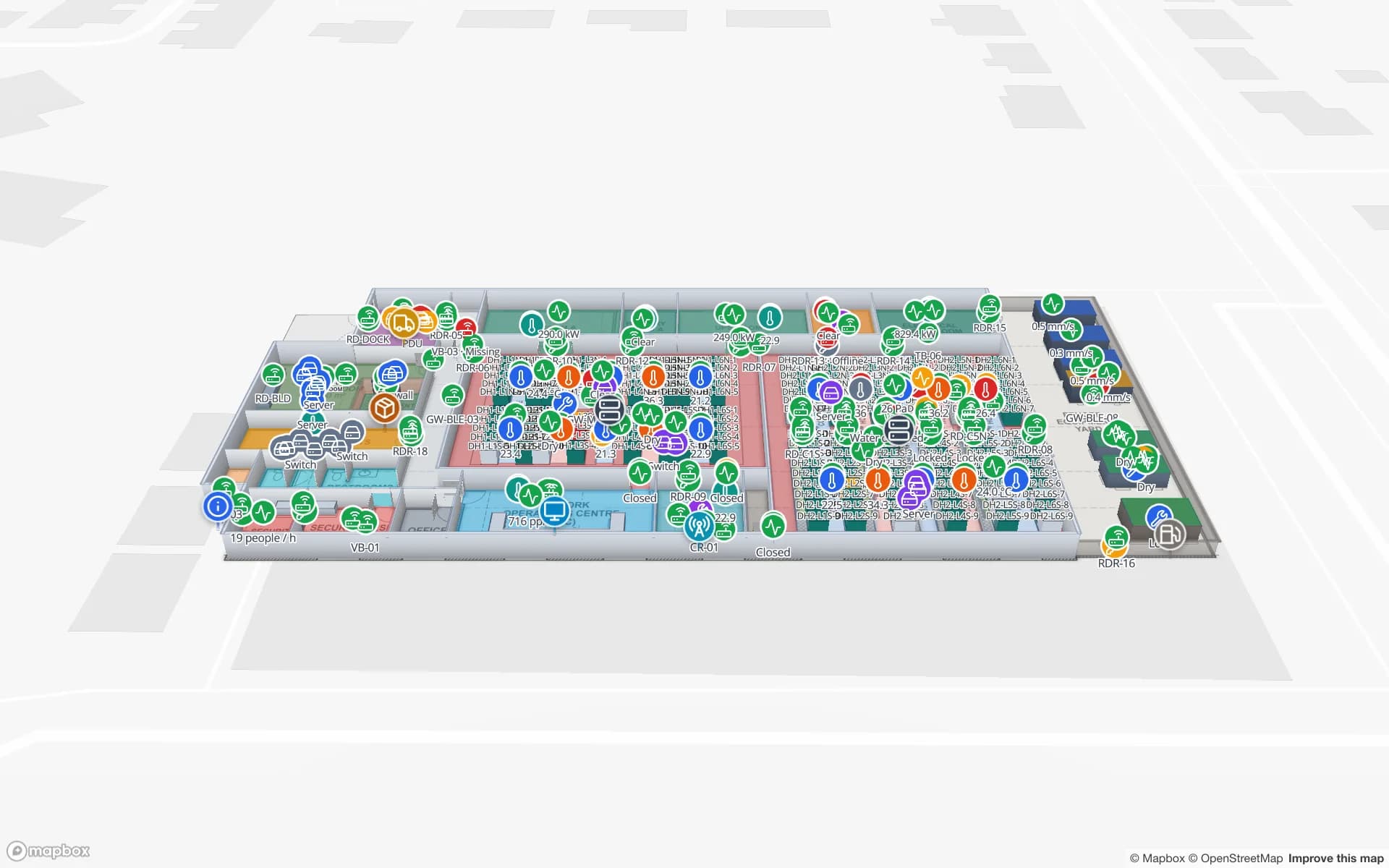
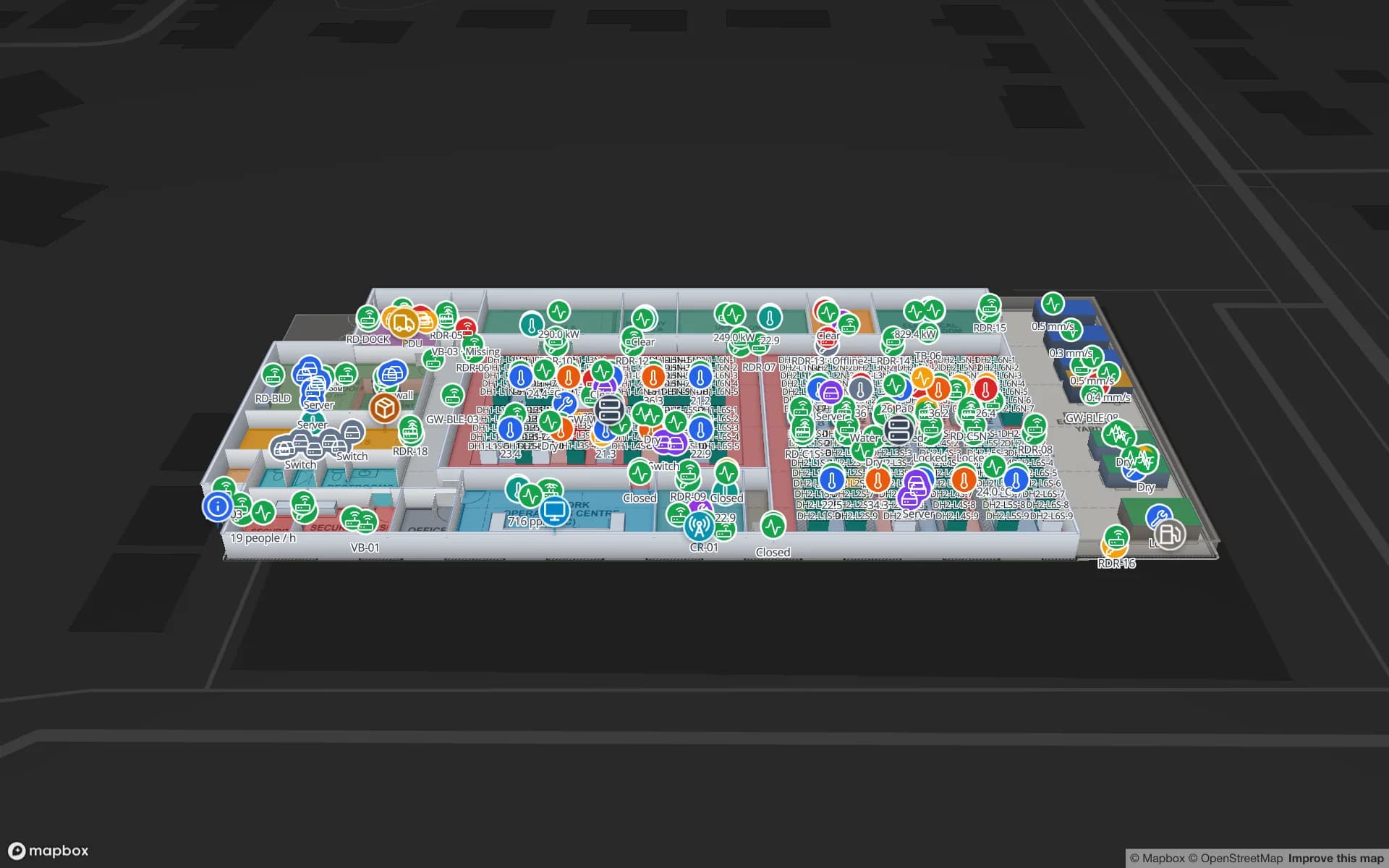
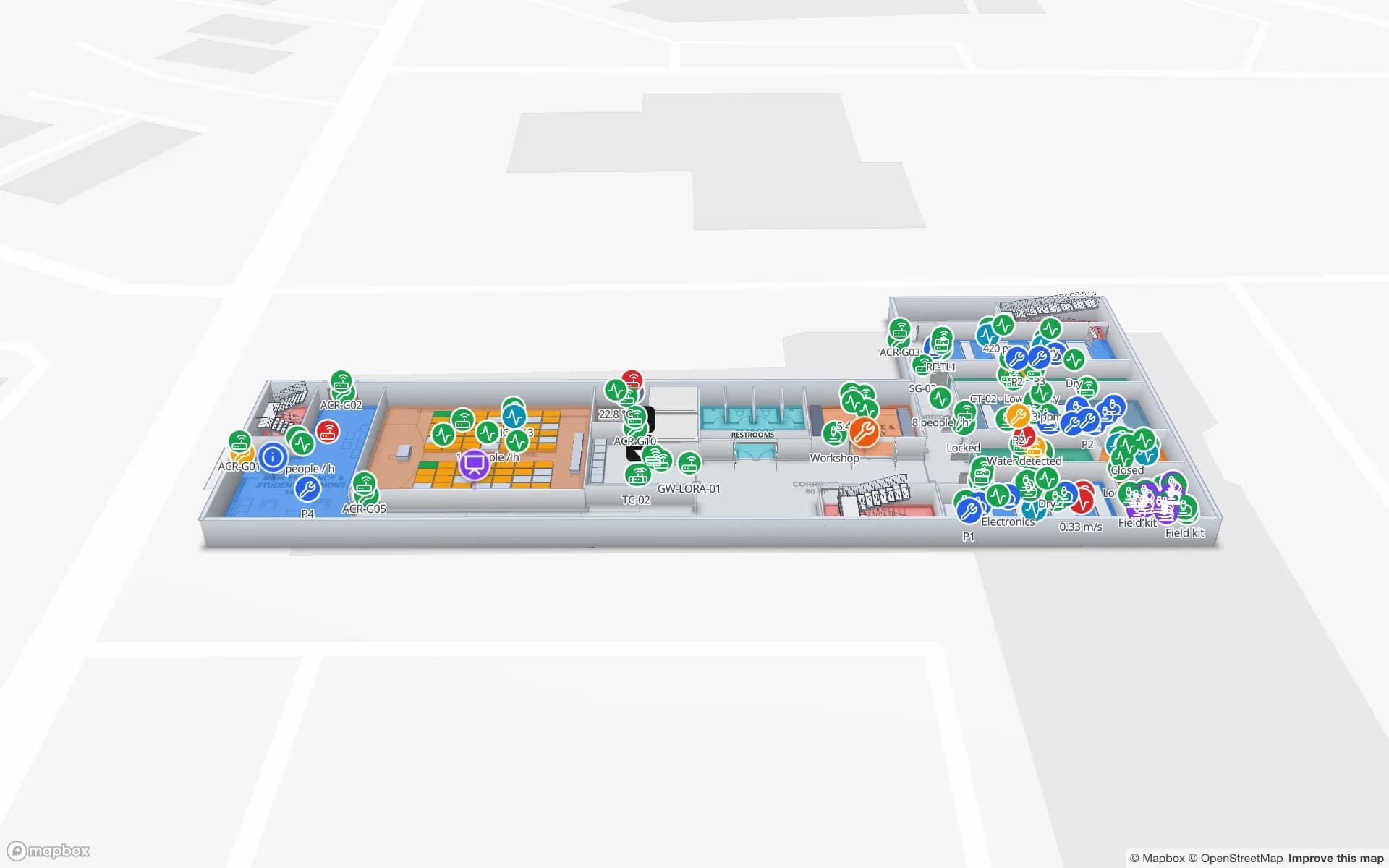
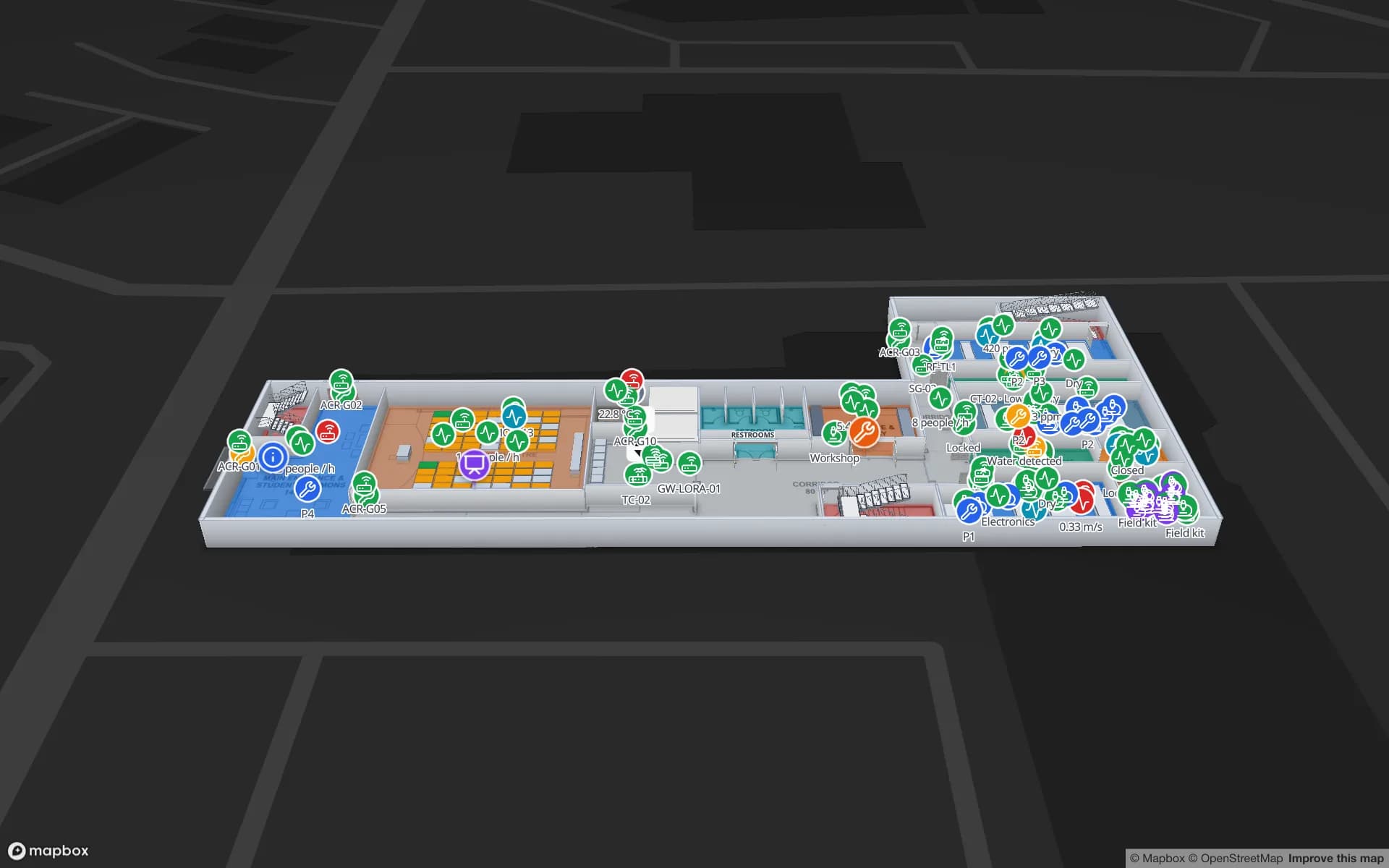
Westbrook University — Science Building, a university science building demo, in the Spatial Map 3D viewer with live device markers
Westbrook University — Science Building
Westbrook University, a demo science building in Spatial Map, with rooms, labs and equipment on a multi-floor map.

ArcGIS Indoors in brief

ArcGIS Indoors is Esri’s indoor mapping offering within the ArcGIS system. Its public materials describe indoor maps built on an indoor data model and managed with ArcGIS tools, apps for finding people, places and assets, and capabilities such as space planning and workspace reservation. It fits organisations that already manage their facilities and campuses in ArcGIS.
How Spatial Map differs

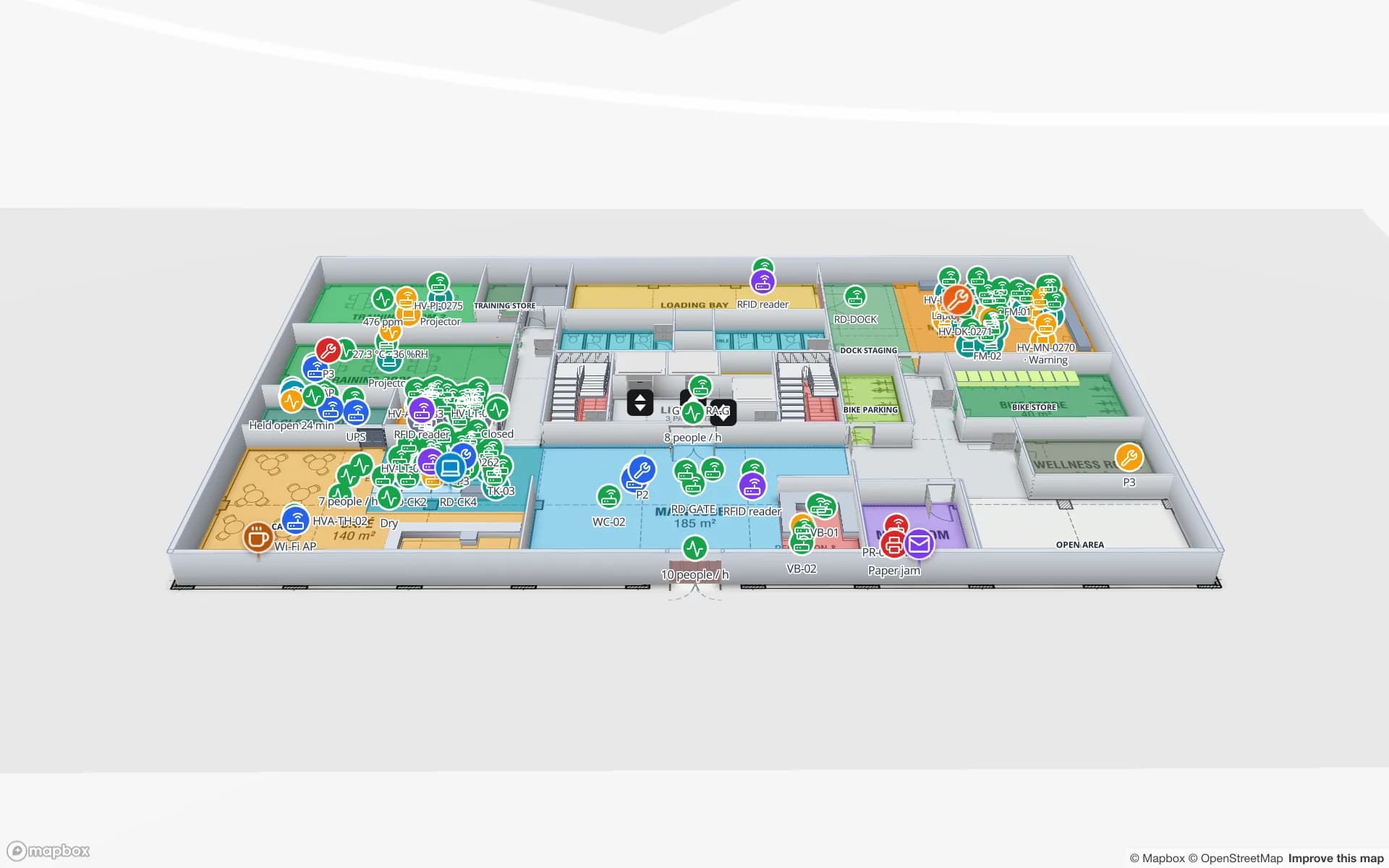
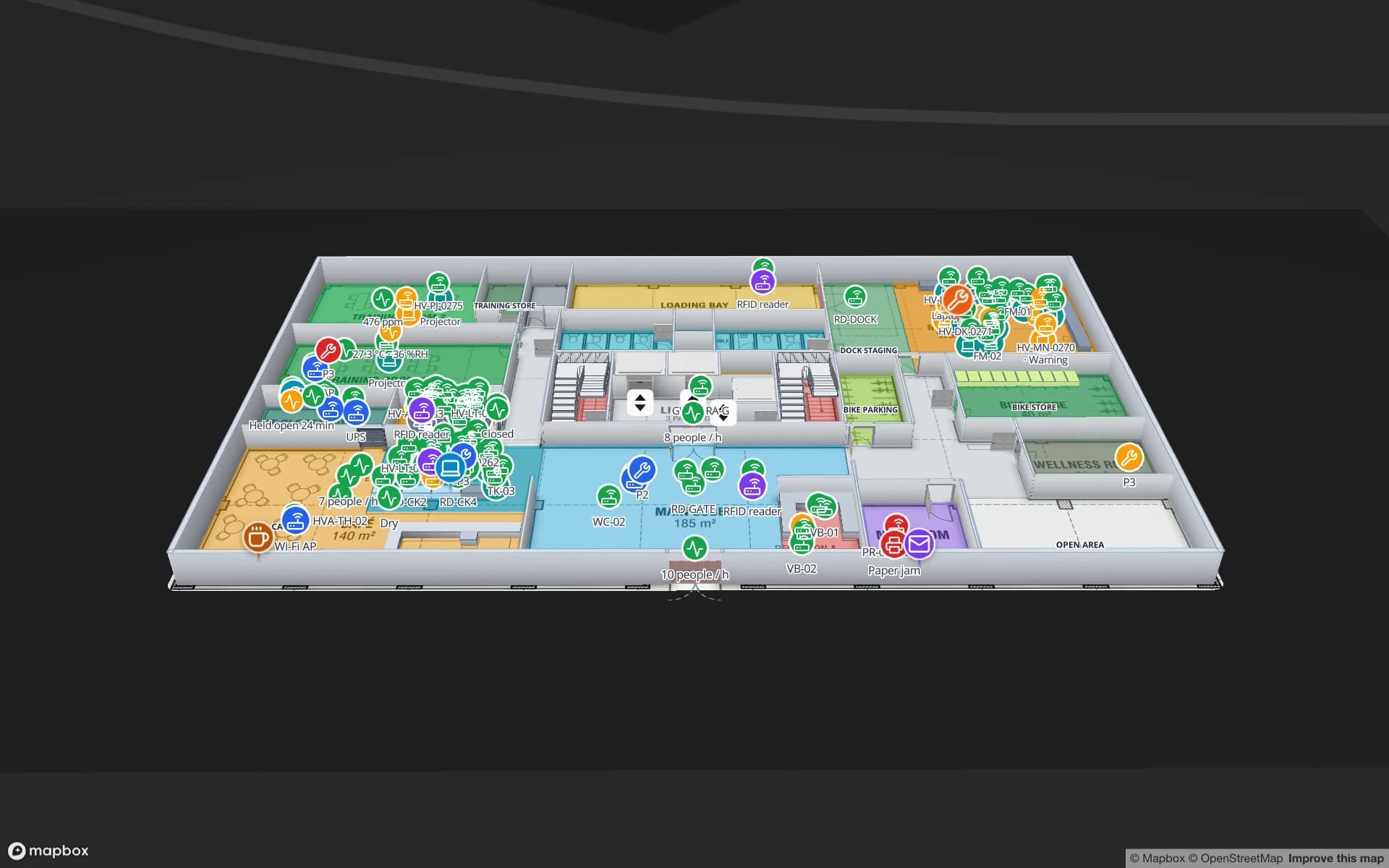
Spatial Map is browser-based indoor mapping software for operations teams. You import a PDF or DWG floor plan, trace rooms, walls, doors, racks, stairs and lifts into a multi-floor 3D map, then bind every shape to live data — RFID reads, BLE tag positions, sensor readings, stock from a WMS — through tables, REST sources and a per-table write API. Reports, read-only share links and single-floor turn-by-turn wayfinding come from the same map. Pro is $60 a month or $600 a year for up to 4 facilities after a 7-day free trial, and an open-source edition (MIT) runs on your own servers.

  • No GIS skills needed — import a PDF or DWG, set the scale and trace the building with drawing tools; everything runs in the browser.
  • Live data first — RFID, BLE, sensors and stock linked to shapes by name, with live markers, coloured rooms, heatmaps and history.
  • Reports included — eight built-in reports per facility, a report builder with a live full-map layout, and exports.
  • Published pricing and open source — $60 a month for Pro, or self-host the MIT-licensed code.

When ArcGIS Indoors may be the better choice

If your organisation runs ArcGIS already, your indoor data has to live in the same GIS as your outdoor assets, or you need space planning, workspace reservation and portfolio-wide facility records, ArcGIS Indoors is likely the better fit. Spatial Map is not a GIS and does not replace one.

When Spatial Map is the better fit

If the goal is an operational view of one building or a handful of sites — a warehouse, a plant, a store, a venue — built quickly from the plans you have, connected to the systems you run, and shared with people who will never open a GIS. Shapes still have real-world coordinates, because floor plans are georeferenced on a Mapbox basemap.

Spatial Map at a glance, and what to ask Esri

Spatial MapWorth confirming with Esri
Main focusLive operations maps and reports for staffIts focus for your use case (indoor GIS, space planning, wayfinding)
Skills neededBrowser drawing tools; no GIS requiredGIS skills and ArcGIS products you need
Floor-plan importPDF, DWG (R2004–R2018), PNG/JPG; georeferenced at true scaleHow CAD and BIM data become indoor GIS data
Live dataTables, REST sources, write API; data links to shapesHow live IoT and RFID data connect
SharingRead-only links, no account neededViewer licensing
PricingPro $60/month or $600/year, up to 4 facilitiesPricing and licensing for your organisation
Self-hostingOpen-source edition, MITArcGIS Enterprise options

ArcGIS Indoors (Esri) and the other product names on this page are trademarks of their respective owners, used here only to identify their products. Spatial Map is not affiliated with or endorsed by them. The description of ArcGIS Indoors (Esri) is based on its publicly available product information as of October 2026 and is deliberately general — features and terms change, so check the vendor’s own site before you decide. Spot something out of date? Tell us at [email protected] and we will correct it.

How Spatial Map does it

Evaluate Spatial Map next to ArcGIS Indoors in four steps

  1. 01

    Write down the job

    Wayfinding for visitors, live operations for staff, or both? The answer decides which tool fits.

  2. 02

    Import one real floor

    Start a 7-day trial (no card) and import the PDF or DWG of one floor you know well.

  3. 03

    Connect one live feed

    Push a few rows from your RFID, BLE, sensor or WMS system to a table and link them to shapes.

  4. 04

    Share it and compare

    Send a read-only link to the people who would use it daily and score both tools on the same building.

Where Spatial Map is used today

Each use case is running on a demo facility you can open in the browser.

Warehouse inventory

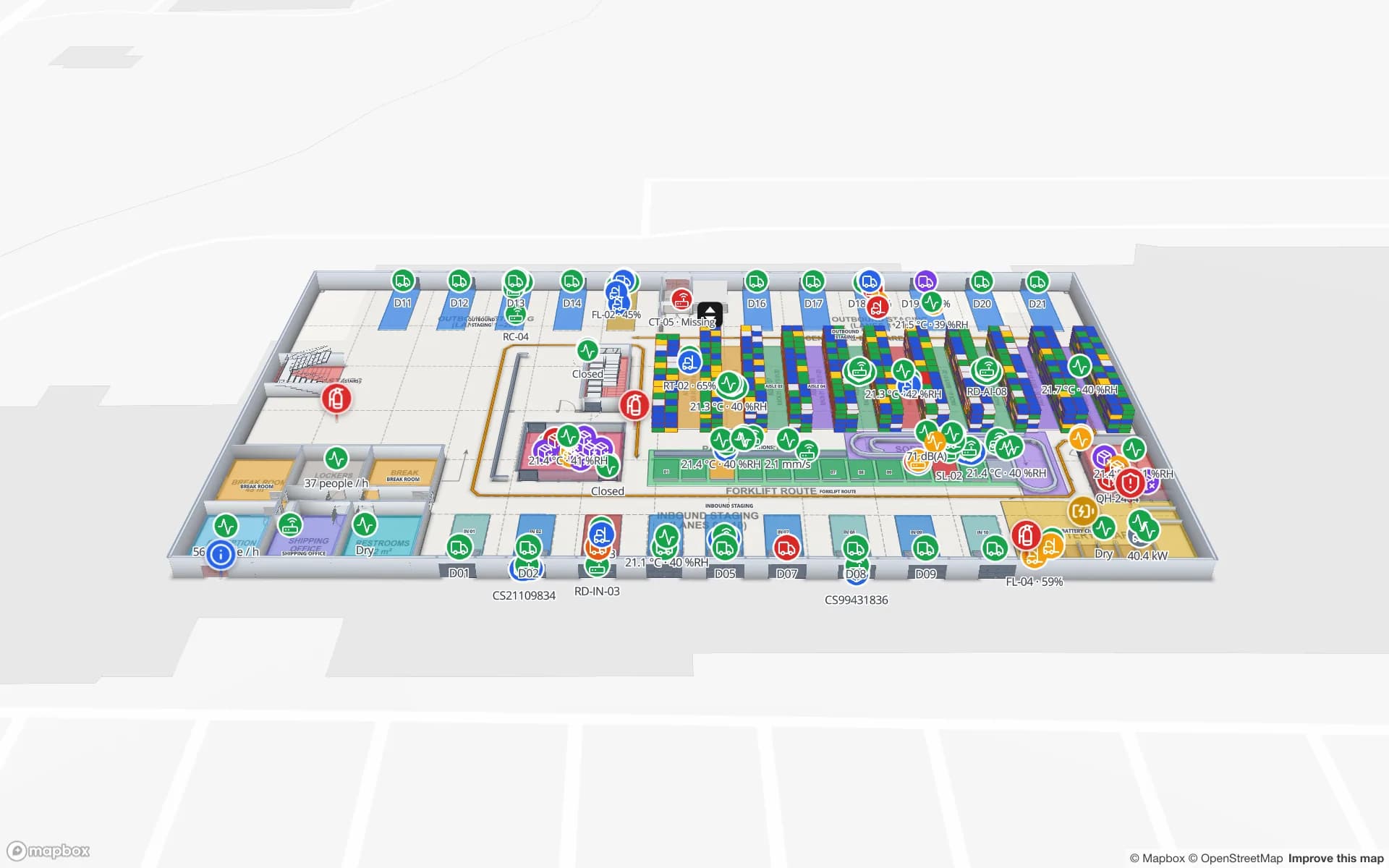
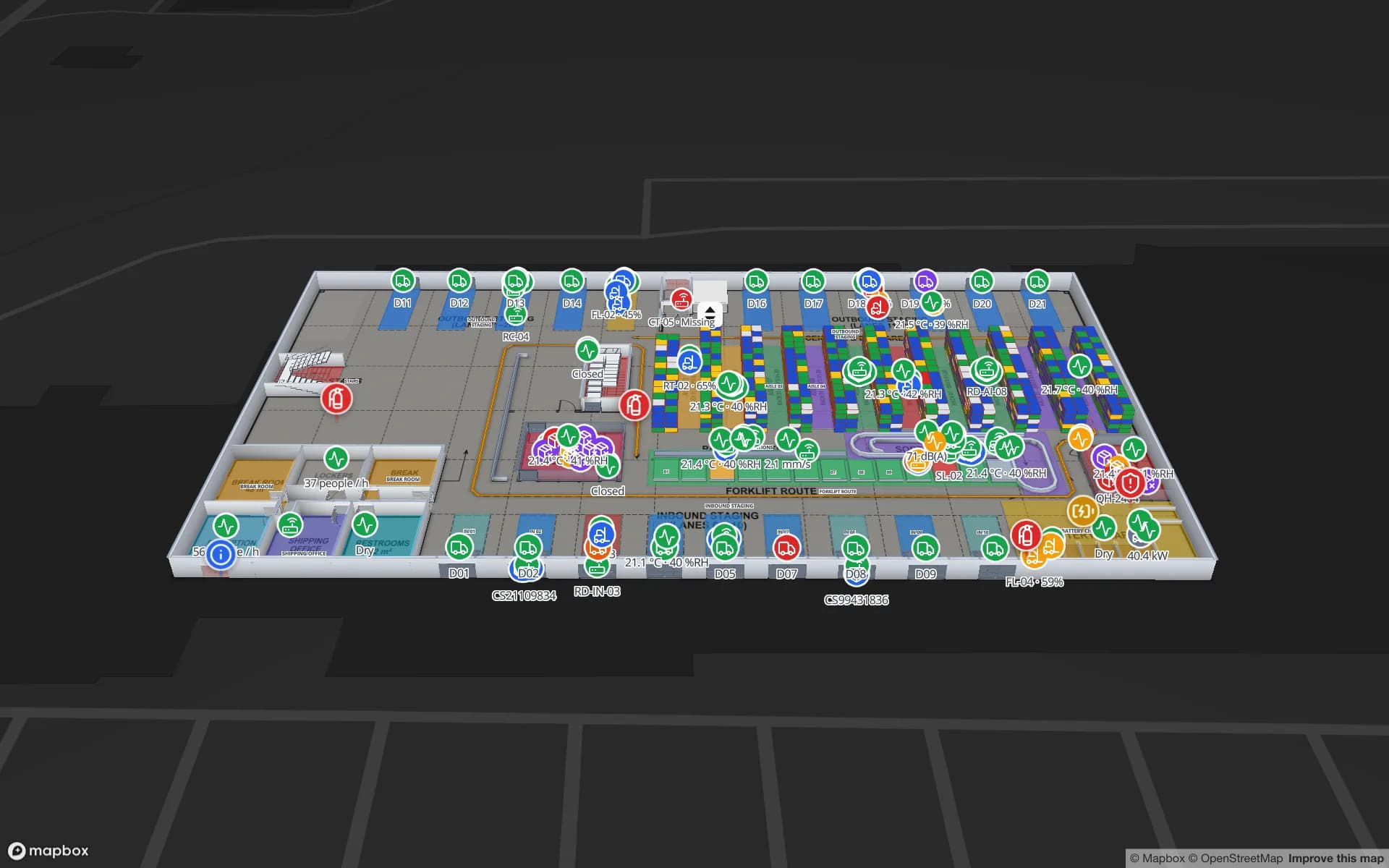
Rack locations coloured by stock status from the WMS, with staging lanes and docks.

Asset tracking

RFID and BLE-tagged equipment located room by room across floors.

Venue operations

Gates, counts, staff and environment sensors on a multi-floor venue map.

See it on real demo facilities

Fictional names, real floor plans, live sensors, RFID, BLE tags and gateways — open any of them in the browser.

All 13 demo facilities

ArcGIS Indoors alternative — frequently asked questions

For operational indoor maps with live data and reports, built without GIS skills, yes. If your indoor data must live in ArcGIS or you need space planning and workspace reservation, ArcGIS Indoors is the better fit.

Yes. Floor plans are placed on a real basemap at true scale, so every shape has a real-world coordinate.

AutoCAD DWG from R2004 to R2018 (placed as a picture at real-world units), PDF and PNG/JPG. DXF is not supported; save it as DWG or PDF first.

A 7-day free trial (up to 5 facilities, no card), then Pro at $60 a month or $600 a year for up to 4 facilities. The open-source edition is free under the MIT licence.

An indoor map your whole team can open.

Start a free trial with one floor plan, or self-host the open-source edition on your own servers.