
What is indoor mapping? A practical guide (2026)
What is indoor mapping? How indoor maps are made from floor plans, how they differ from digital twins, and how wayfinding, RFID, BLE and sensor data fit in.
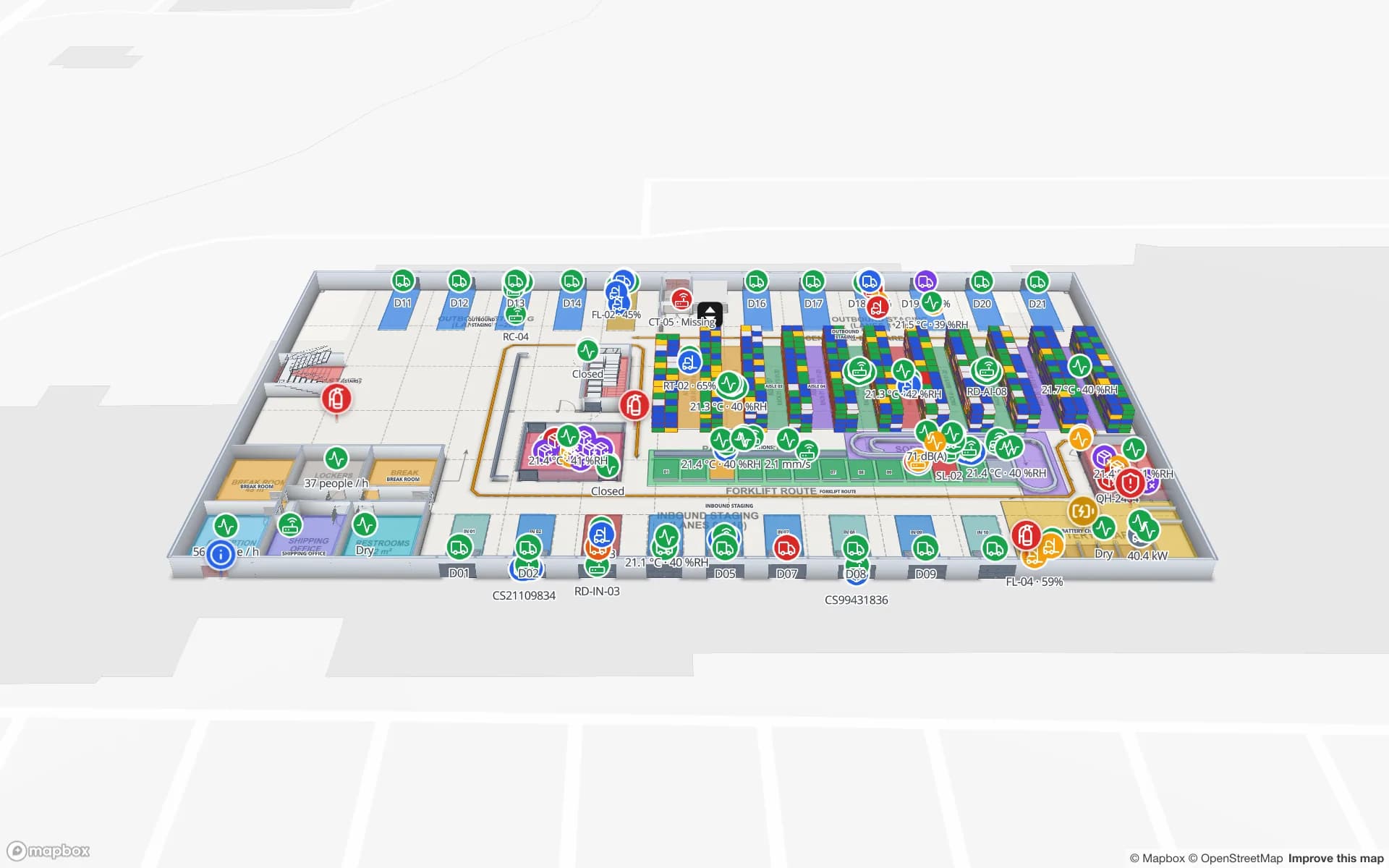
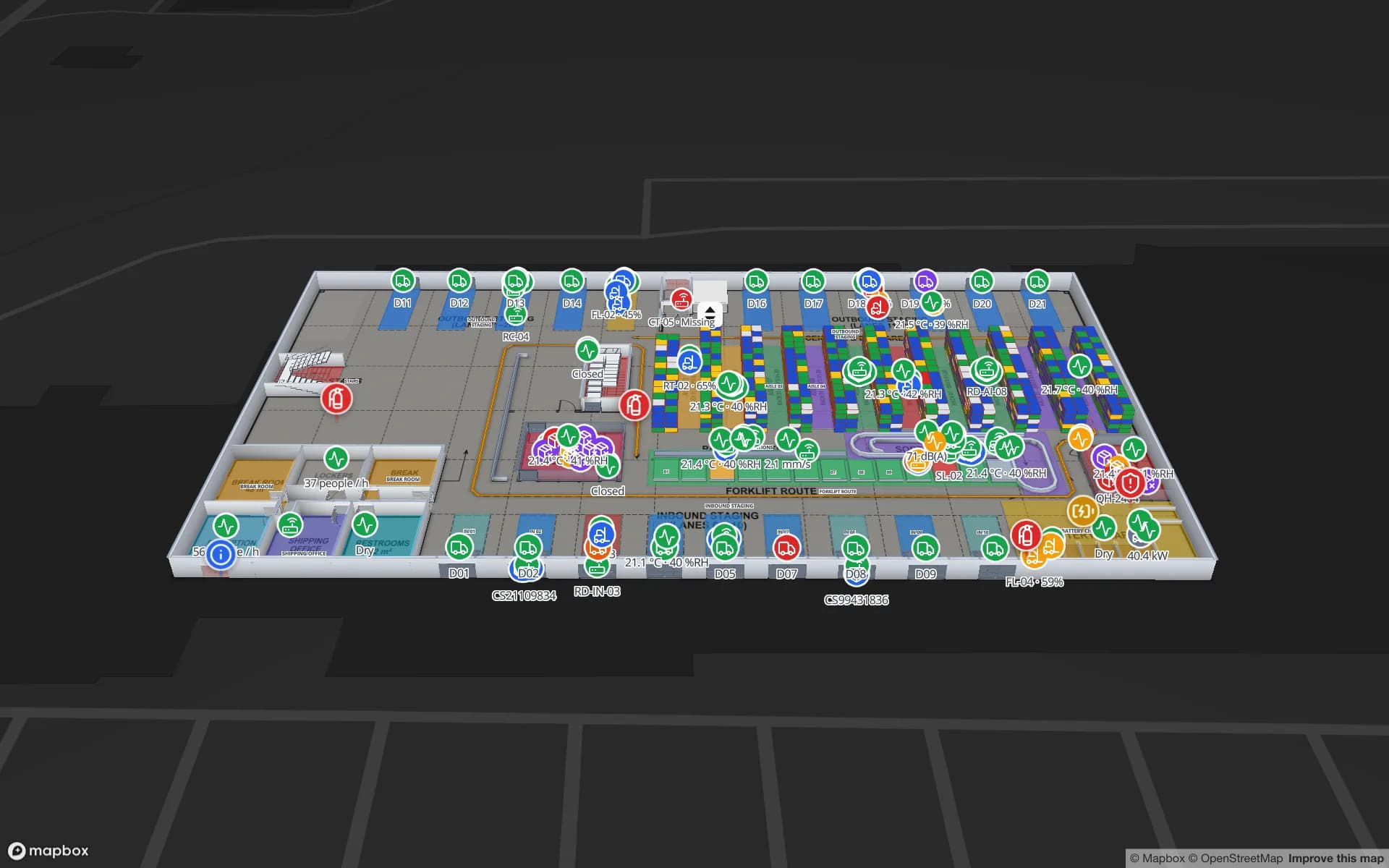
What is indoor mapping?
Indoor mapping is the process of turning the inside of a building into a digital map: each floor’s rooms, corridors, doors, stairs, lifts and fixed equipment, drawn to scale and usually placed at real-world coordinates so it lines up with the outdoor map around it. An indoor map is to a building what a street map is to a city — something people and software can search, navigate and put information on.
Outdoor maps come from satellites, street imagery and public data. Buildings have none of that: GPS barely works indoors, and the layout is private. So indoor maps are built from the building’s own floor plans, and they are only as useful as what you connect to them — directions for visitors, positions of tagged assets, readings from sensors, stock in racks.
Floor plan, indoor map, digital twin: what is the difference?
The three terms are often used interchangeably, but they describe three levels of usefulness:
| What it is | What you can do with it | |
|---|---|---|
| Floor plan | A drawing (PDF, DWG, scan) of one floor | Read it. Software can’t tell a wall from a label. |
| Indoor map | Rooms, walls, doors, stairs and lifts as objects, per floor, at real-world scale | Search places, measure, route around walls, show floors in 3D. |
| Digital twin | An indoor map bound to live data from the building | See what is happening now: stock, tags, sensors, people flow — and replay it. |
A floor plan is the input. An indoor map is the structure. A digital twin is the indoor map with the building’s live data on it. Read more about the last step in warehouse digital twin vs WMS.
How indoor maps are made
- 1Collect the floor plans
Architect PDFs, AutoCAD DWG files from facilities, or even a photographed evacuation plan. One plan per floor.
- 2Place each plan at true scale
Set the drawing scale (for example 1:100) or the real width and height, and pin the plan to the building’s location on the map.
- 3Trace the building
Draw rooms and areas, walls, doors, racks or shelving, stairs, lifts and escalators over the plan. Names matter — they become the keys your data uses.
- 4Stack the floors
Each floor sits at its own elevation, so the building can be explored in 3D and connected by stairs and lifts.
- 5Connect data and publish
Link live data to the shapes, then share the map with the people who need it.
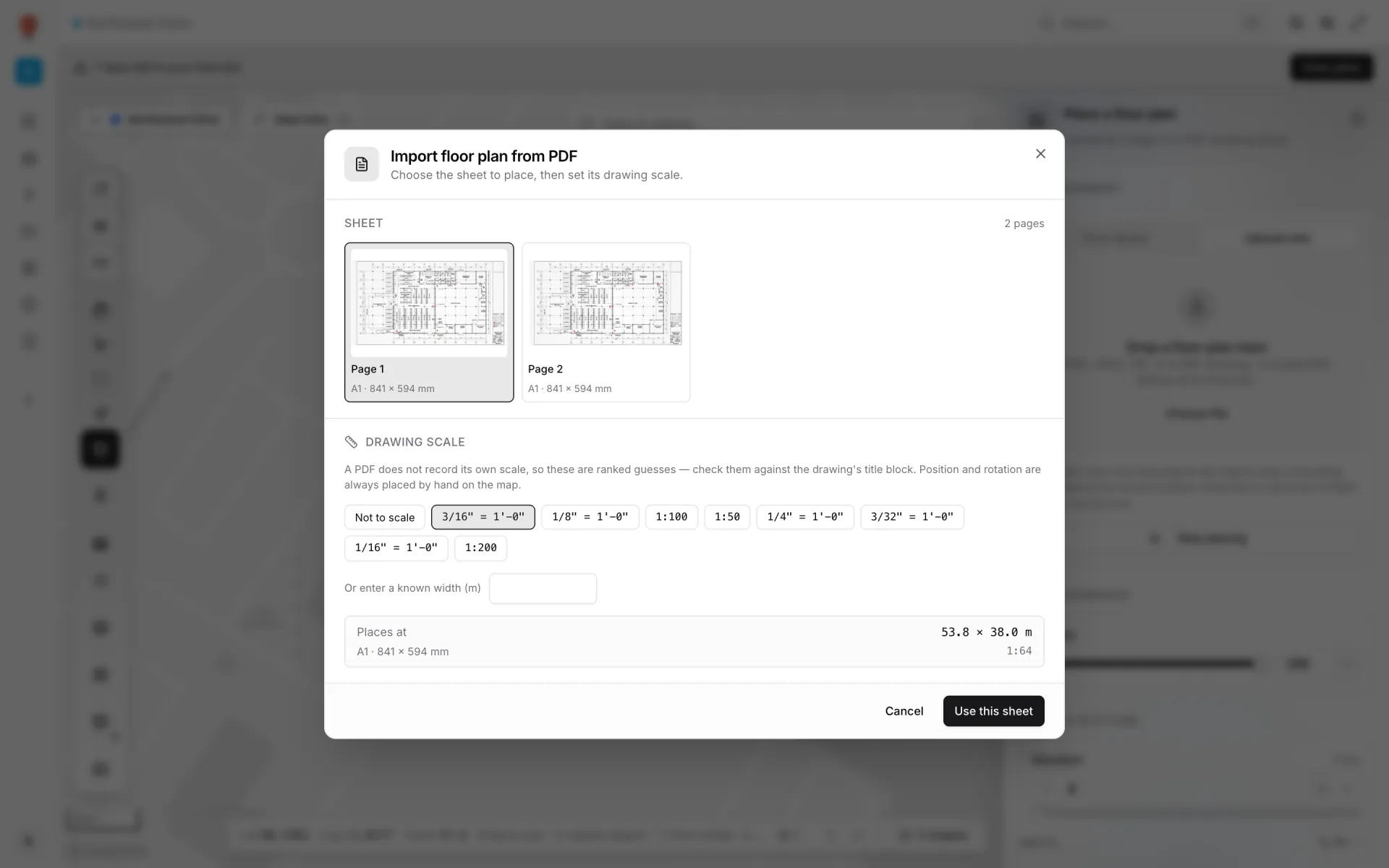
Some tools trace plans automatically with computer vision; results vary with drawing quality, so a human review step is normal. In Spatial Map you trace with drawing tools today (AI detection is coming soon), or a services team does it for you. The step-by-step version is in CAD floor plan to 3D map.
Indoor positioning and live data
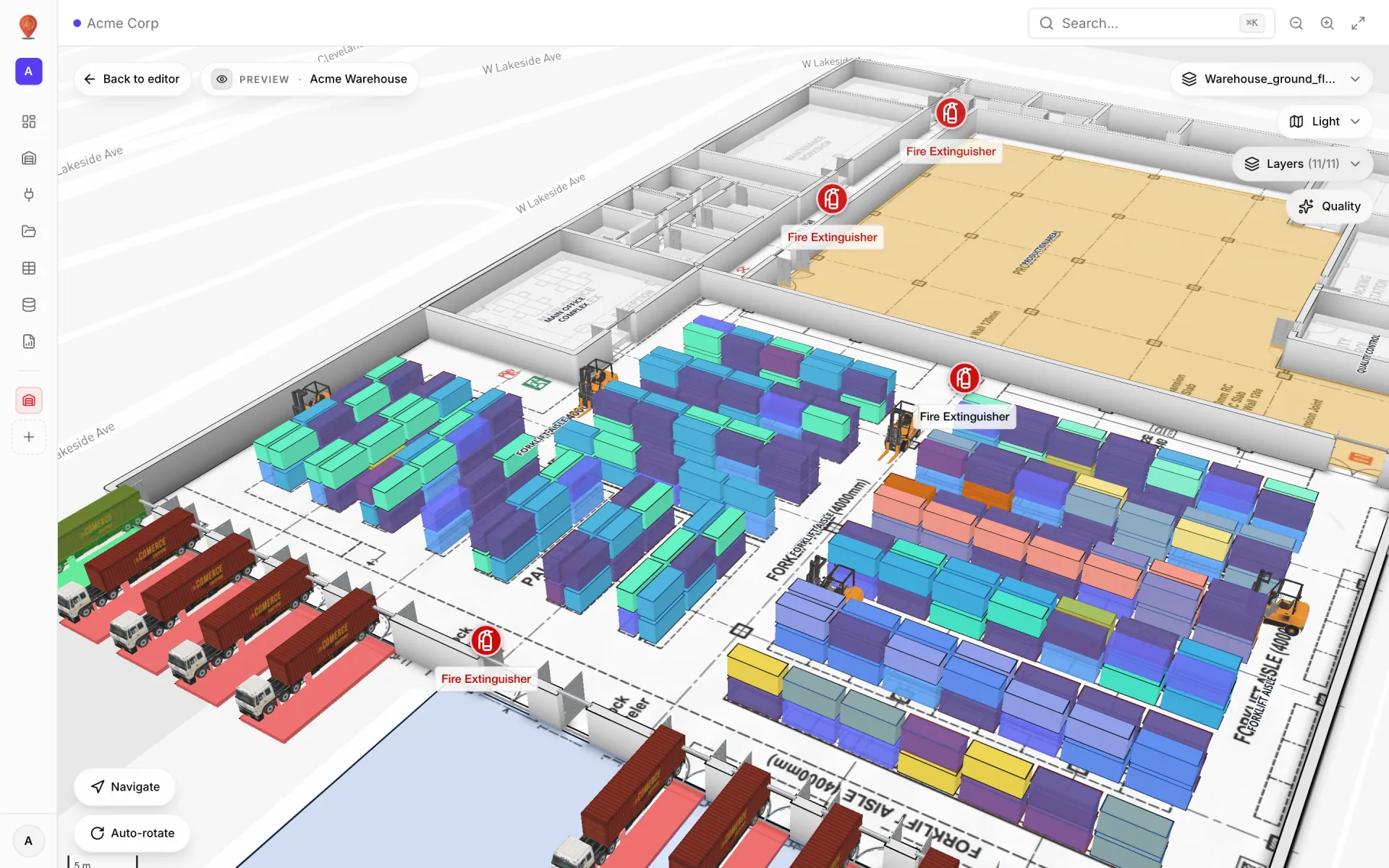
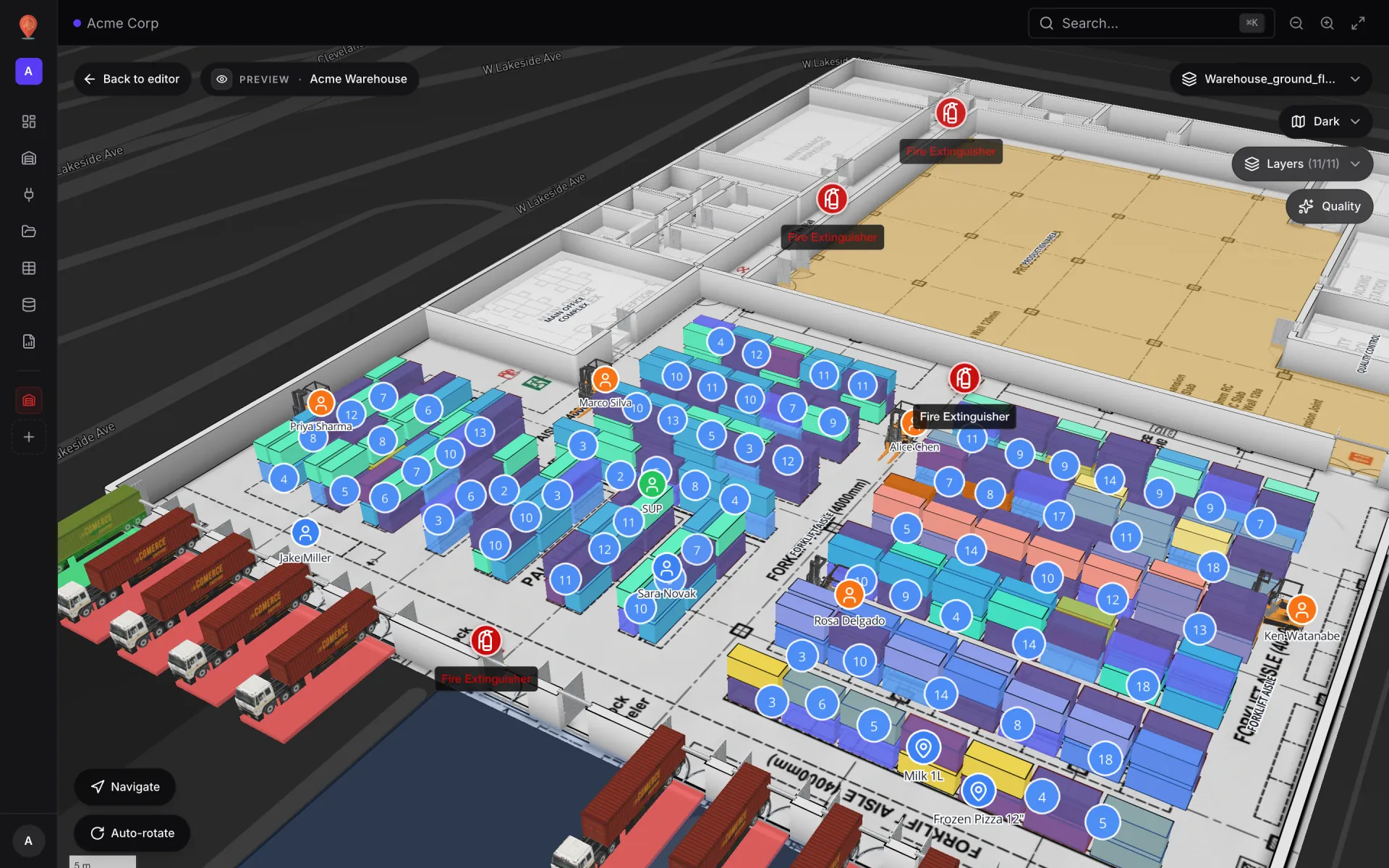
An indoor map does not know where anything is by itself. Location and state come from other systems, and good indoor mapping software lets you bring them in without rebuilding the map:
- RFID — readers at doors, gates and portals report which tagged item passed which antenna. On a map, reads become items by zone or rack. See RFID asset tracking software.
- BLE — battery tags heard by gateways; an RTLS engine turns signal strength into room presence or x/y coordinates. See BLE asset tracking.
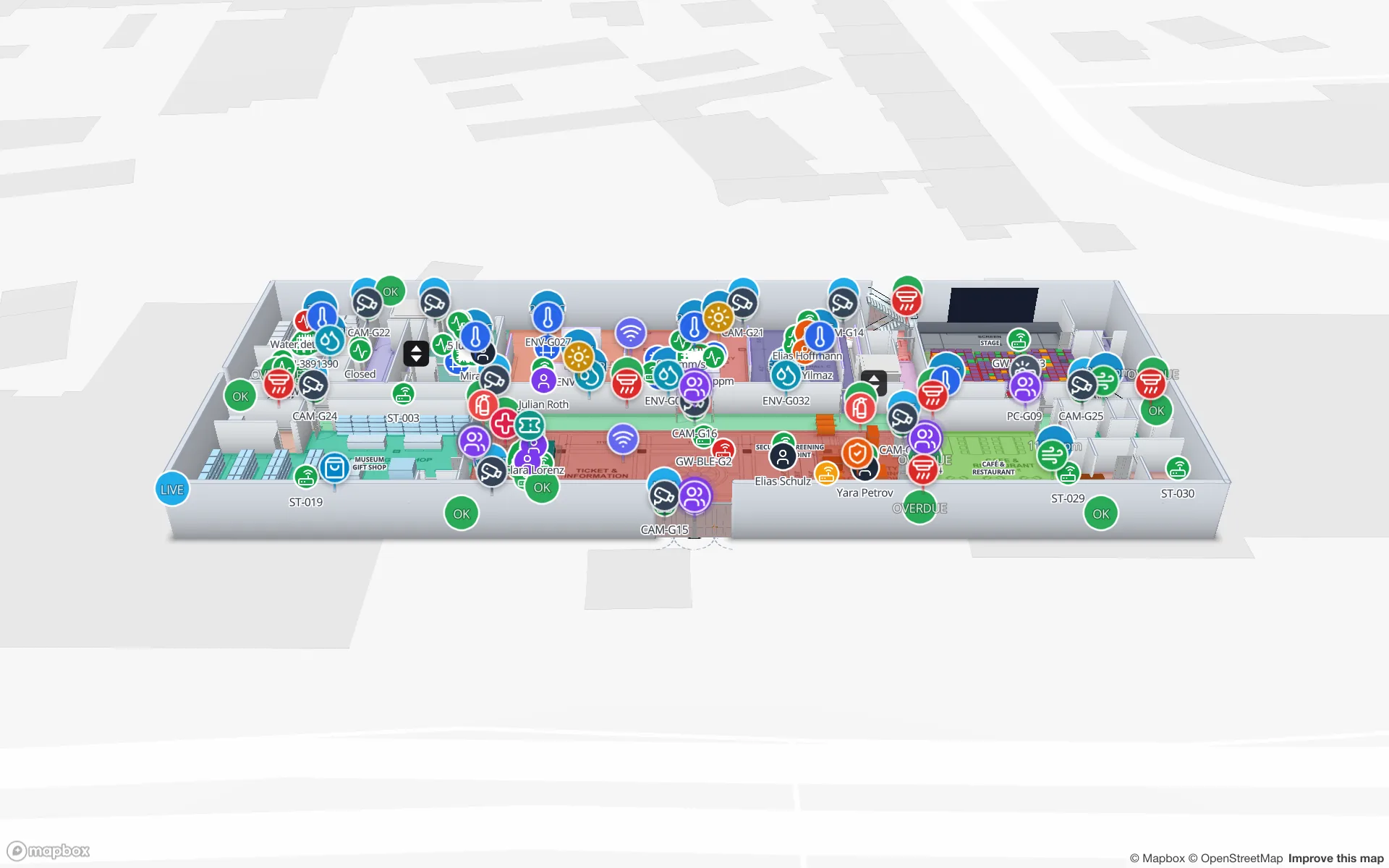
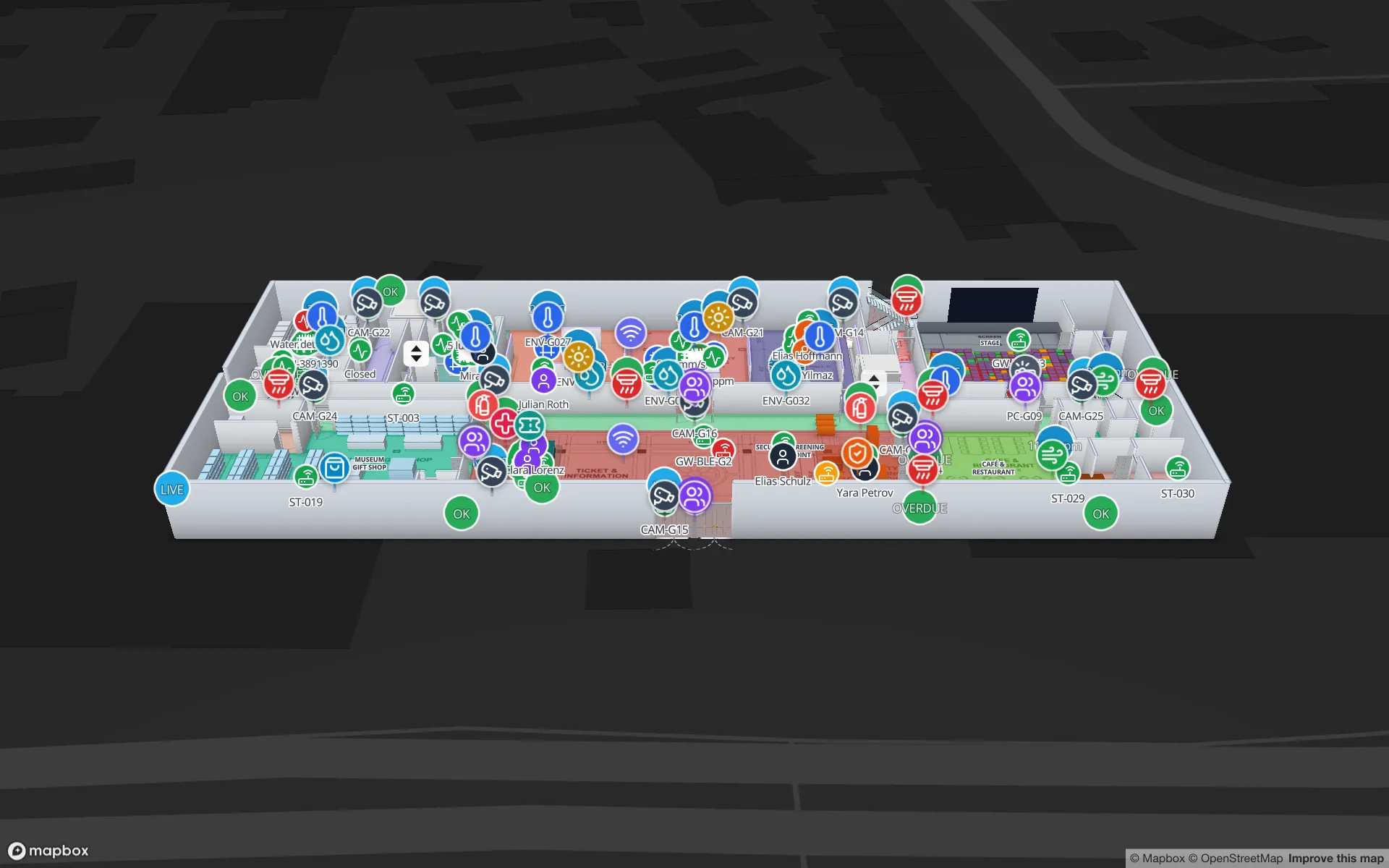
- IoT sensors — temperature, humidity, occupancy, counters and door contacts placed on the rooms they measure. See IoT sensor monitoring on floor plans.
- Business systems — stock per bin from a WMS or ERP, work orders, bookings — matched to shapes by name or code.
Indoor wayfinding and navigation
Wayfinding is the best-known use of indoor maps: directions from A to B inside a building. Routing needs a map that knows what is walkable — walls and racks block, doors open a path — so it depends on the building being traced, not just pictured.
In Spatial Map, the viewer’s Navigate button gives turn-by-turn walking directions on the floor you are viewing, routed around walls and racks and through doors; routes stay on one floor today. The details are in indoor wayfinding and the turn-by-turn directions guide.
Who uses indoor maps, and for what
| Facility | Typical uses |
|---|---|
| Warehouses and fulfillment centres | Stock by rack location, staging lanes, docks, forklifts and pickers — see inventory |
| Retail stores and malls | Stock by department, RFID at exits, footfall, cold cases — see anti-theft |
| Airports and convention centres | Gates and halls, baggage and equipment tags, visitor counts — see venue |
| Stadiums and arenas | Gates, concourses, crowd counts and staff on event day — see the stadium demo |
| Plants and cold stores | Lines, WIP, temperature zones and QC holds — see cold chain |
| Offices and campuses | Rooms, tagged equipment and work orders across floors — see asset management |
Choosing indoor mapping software
Indoor mapping software falls into a few families: wayfinding platforms for visitors, indoor positioning platforms for phones, indoor GIS for organisations that already run one, and operational digital twins for teams running a building day to day. The best indoor mapping software buyer’s guide explains each family and lists ten questions to ask; the comparison pages set Spatial Map next to Mappedin, MapsIndoors, Pointr and ArcGIS Indoors.
- Can you build the map yourself from your PDF and DWG floor plans?
- Do floors stack in 3D, with stairs and lifts?
- How does live data reach the map — and does it need special hardware?
- Can people without an account see a read-only view?
- Is pricing published, and is there a self-hosted or open-source option?
Getting started with indoor mapping
Start small: one floor you know well, one data feed that matters, and the people who will use the map every day. With Spatial Map’s indoor map solution that is a 7-day free trial — import a PDF or DWG, trace the floor, connect a table, share a link. Pro is $60 a month for up to 4 facilities.
Prefer to run it yourself? The open-source indoor mapping software edition is the same app under the MIT licence, started with Docker on your own server. And to see finished examples first, open the thirteen demo facilities.
Try the platform your data belongs on.
Spatial Map turns spreadsheets, sensor streams, and CAD drawings into one live 3D facility view — nothing to install, seven-day free trial.
Keep reading
- Deep-diveIndoor wayfinding software: turn-by-turn directions on your floor planGPS stops at the front door. Here’s how Spatial Map builds walking routes from the floor plan you already maintain, gives visitors turn-by-turn directions in the viewer, and, honestly, where floors, lifts and accessibility fit in today.
- Deep-diveAI floor plan to digital twin: what’s coming, and how to do it todayAI that turns a floor plan into rooms and walls is the most requested shortcut in digital-twin projects. Ours, AI Map, is in development and not usable yet. Here is what it is being built to do, and the workflow that gets you the same result today.
- Deep-diveMapbox GL marker occlusion: hiding HTML markers behind 3D floors, walls and racksMapbox’s Marker occludedOpacity only reacts to 3D terrain — not to your floor slabs, walls or racks. Here is the analytic depth test we run instead, and the symbol‑layer traps we hit along the way.