
Indoor maps vs floor plans vs BIM: what’s the difference?
Indoor map vs floor plan vs BIM: what each model of a building is for, formats like IFC and IMDF, who edits them, and which you need for live operations.
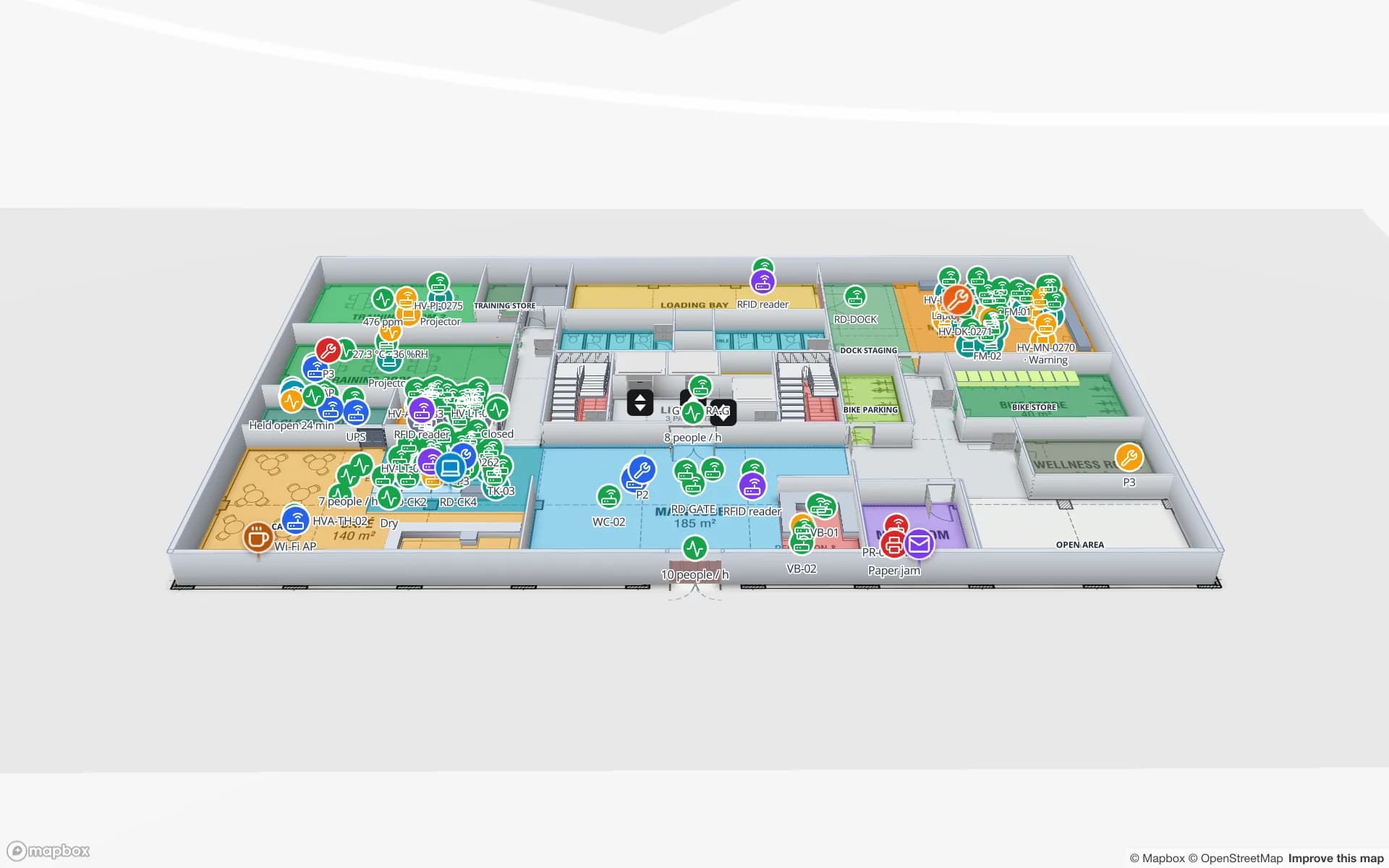
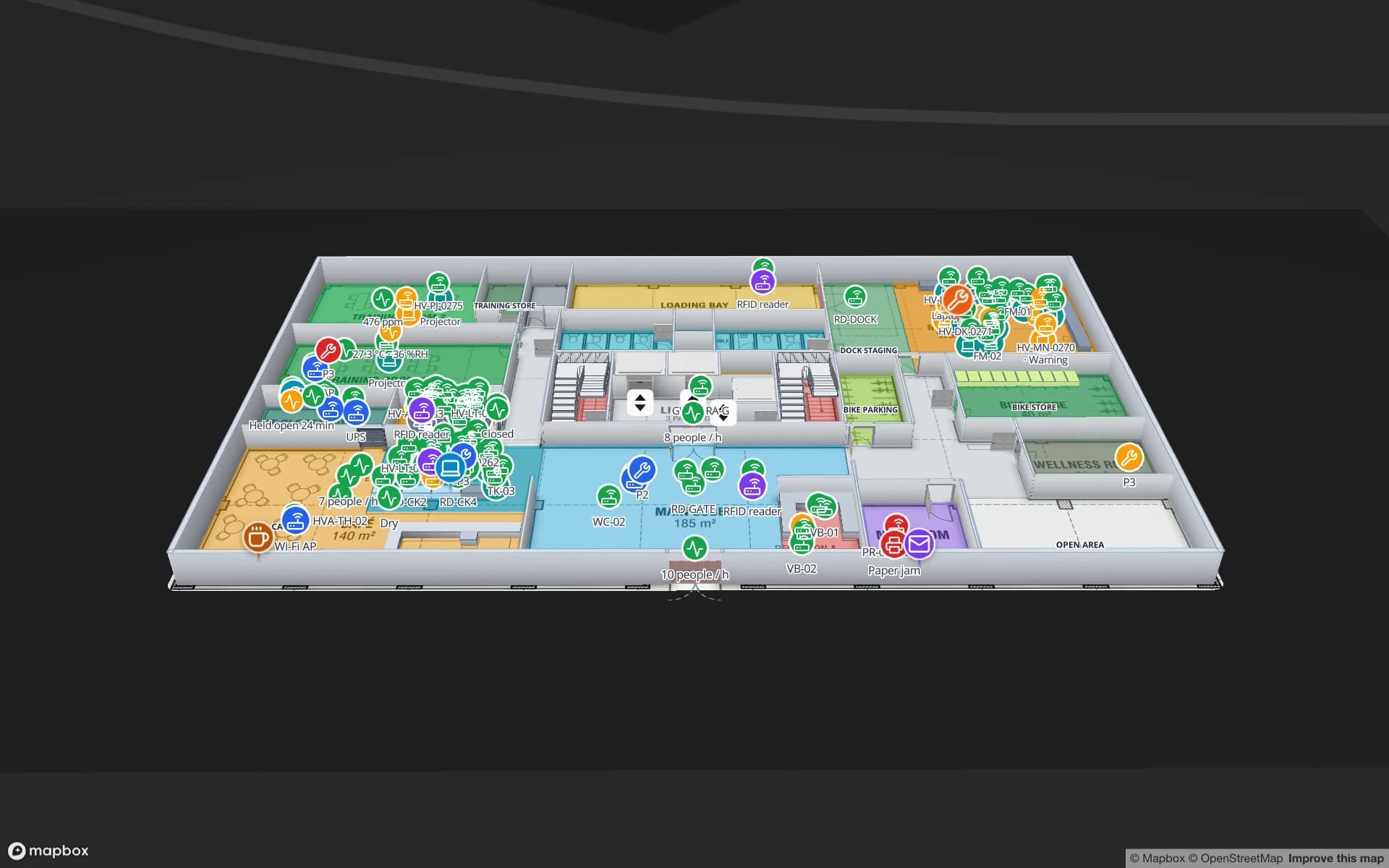
Three models of the same building
Most buildings already have two digital models: the floor plans (PDF or CAD drawings, one per level) and, for newer or renovated buildings, a BIM model (Revit, ArchiCAD or an IFC export). An indoor map is a third: a simplified, geo-referenced model built for people and software to find things and put live data on. They overlap, but each was made for a different job — and using the wrong one for a job is where projects get expensive.
Floor plan vs BIM vs indoor map
| Floor plan | BIM model | Indoor map | |
|---|---|---|---|
| Made for | Reading and printing | Design, construction, facility data handover | Finding, routing, operations, live data |
| Typical format | PDF, DWG, scans | RVT, IFC (ISO 16739) | GeoJSON-style features; standards such as IMDF and OGC IndoorGML |
| Knows objects | No — lines and text | Yes — walls, doors, slabs, equipment with properties | Yes — rooms, doors, racks, levels with names |
| Placed on the globe | Rarely | Sometimes (survey points) | Always |
| Detail | What the sheet shows | Very high | Only what operations needs |
| Who edits it | Architects, CAD teams | Design and BIM teams | Operations and facilities, in a browser |
| Live data | No | Possible, via specialist platforms | Yes — the reason it exists |
Floor plans: the universal starting point
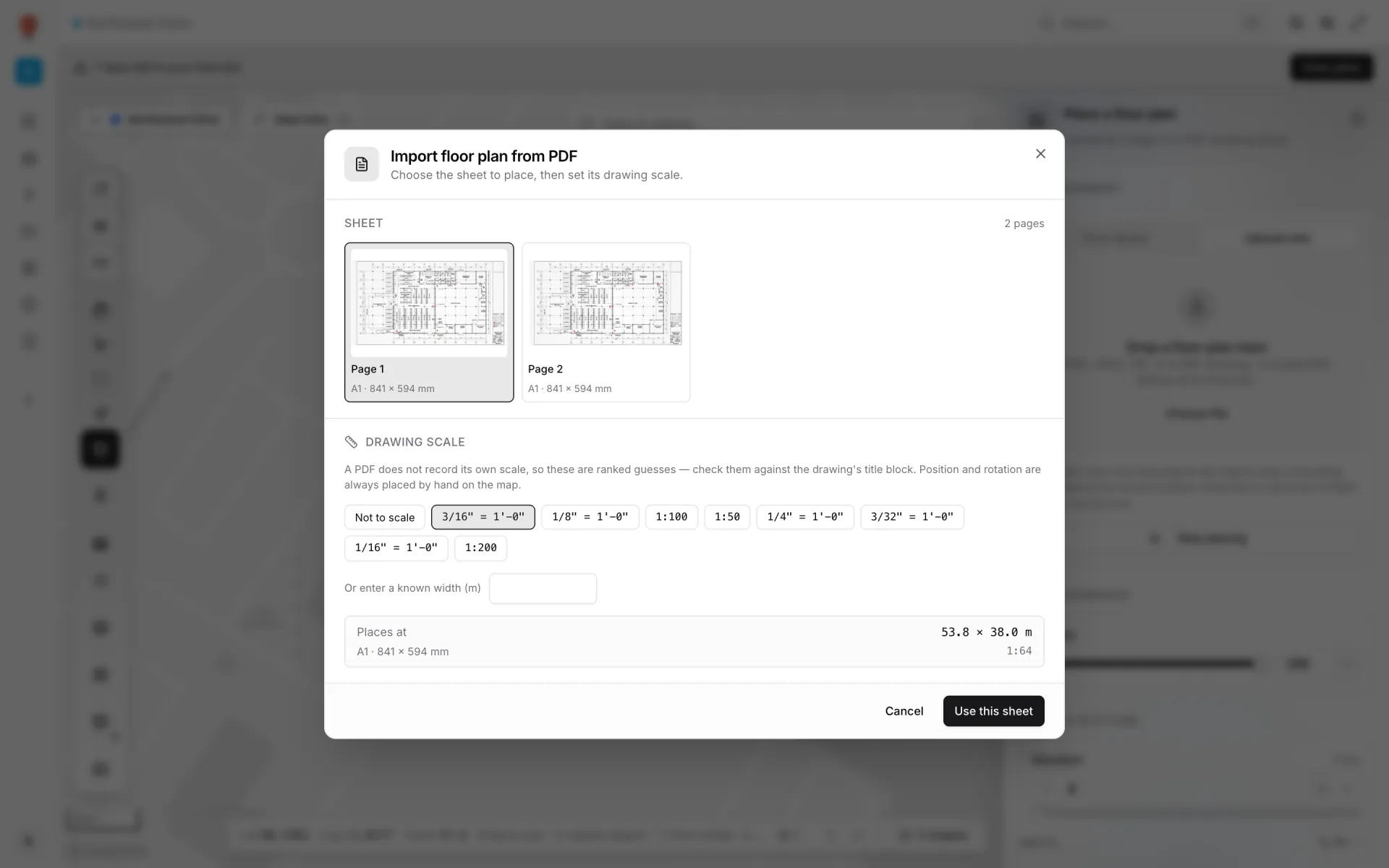
Every building has floor plans, even if only as an evacuation plan photo. Their weakness is that they are pictures: a PDF does not know that a rectangle is meeting room 2.14, and it rarely records its own scale. That is why indoor maps are usually traced on top of plans: the plan gives geometry, the person tracing gives meaning — names, types, doors, levels.
BIM: rich, accurate — and heavy
A BIM model is the best description of a building that exists: every wall with its layers, every door with its fire rating, every duct. That richness is also its cost for operations. Models are large, need specialist tools, and contain a hundred times more than a shift lead or a visitor needs. They also drift: a racking layout or tenant fit-out often never makes it back into the model.
BIM is still valuable for an indoor map: plans exported per level make excellent tracing sources, and room names and numbers can be reused so data matches. What rarely works is putting the whole BIM model in front of operations teams.
Indoor maps: just enough model
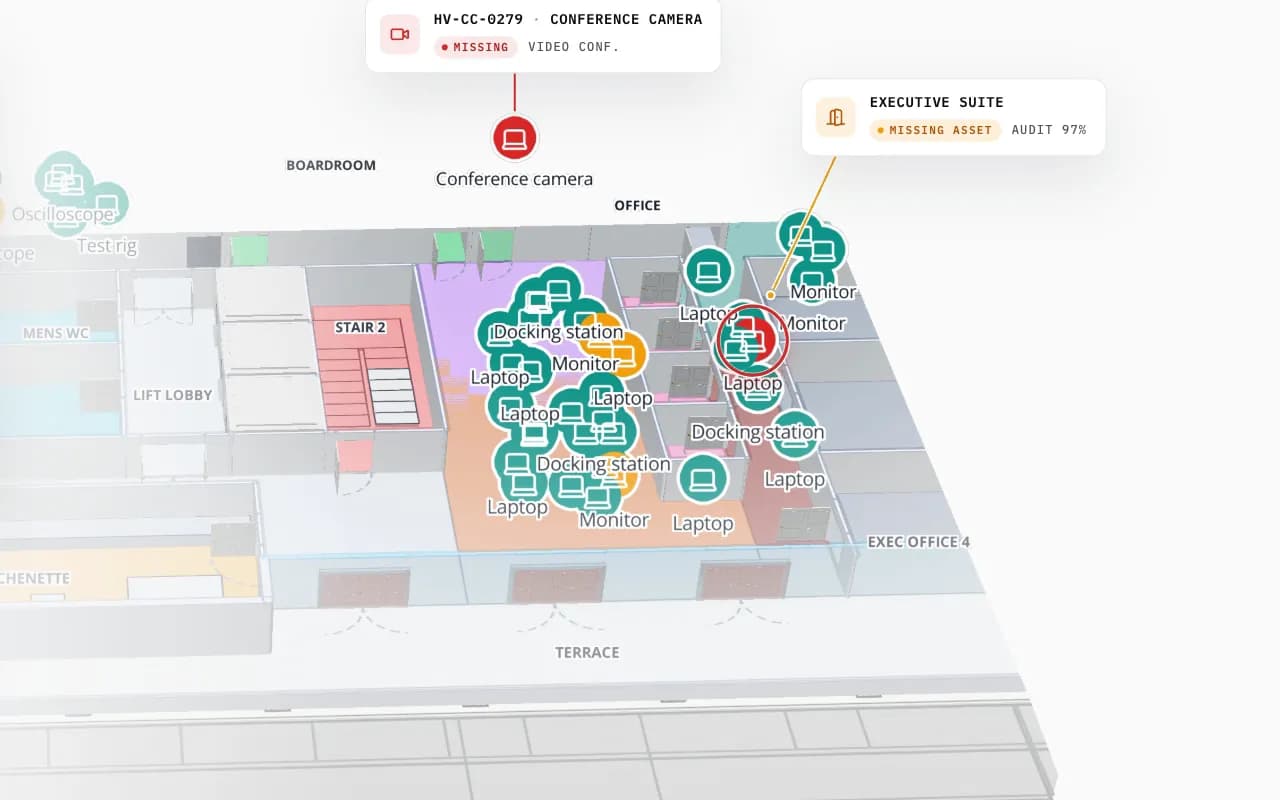
An indoor map keeps only what people and software need to find things and act: levels, rooms and zones, walls and doors, vertical connectors, racks or fixtures, points of interest — each named, each at real-world coordinates. Because it is light, it renders in a browser on a phone, and because it is structured, it can route walking directions and colour every room from a table. The full definition is in what is indoor mapping.
Which one do you need?
| If you want to… | Use |
|---|---|
| Design, renovate or hand over a building | BIM |
| Print an evacuation plan or a tender drawing | Floor plan |
| Show live stock, assets or sensors by room | Indoor map |
| Give visitors or staff directions | Indoor map |
| Do clash detection or quantity take-off | BIM |
In Spatial Map you start from the plans you have: import a PDF or DWG per floor (CAD and PDF import), trace rooms, walls, doors and racks, and place 3D models (GLB) where they help. IFC is not imported directly — export plans per level from the BIM tool instead. See the building-type pages for warehouses, factories and offices and campuses, or the indoor map solution overview.
Try the platform your data belongs on.
Spatial Map turns spreadsheets, sensor streams, and CAD drawings into one live 3D facility view — nothing to install, seven-day free trial.
Keep reading
- ComparisonRFID handheld vs fixed reader vs gate: which do you need?Handhelds go to the tags, fixed readers watch an area, gates watch a passage. What each one answers, where each struggles, and how to combine them.
- ComparisonUHF vs HF vs NFC RFID for inventory: which one to useUHF reads metres away and hundreds of tags at once; HF is short-range and copes with liquids; NFC is for phones. Which one fits your inventory, with a checklist.
- ComparisonHow to choose digital twin software: a 2026 buyer’s checklistEvery vendor demo looks good on its own sample data. This checklist covers the 15 questions that separate a live operational twin from a pretty floor plan, and how to prove the answers in a two-week pilot.