Indoor mapping · Airports

Airport indoor mapping for the people who run the terminal

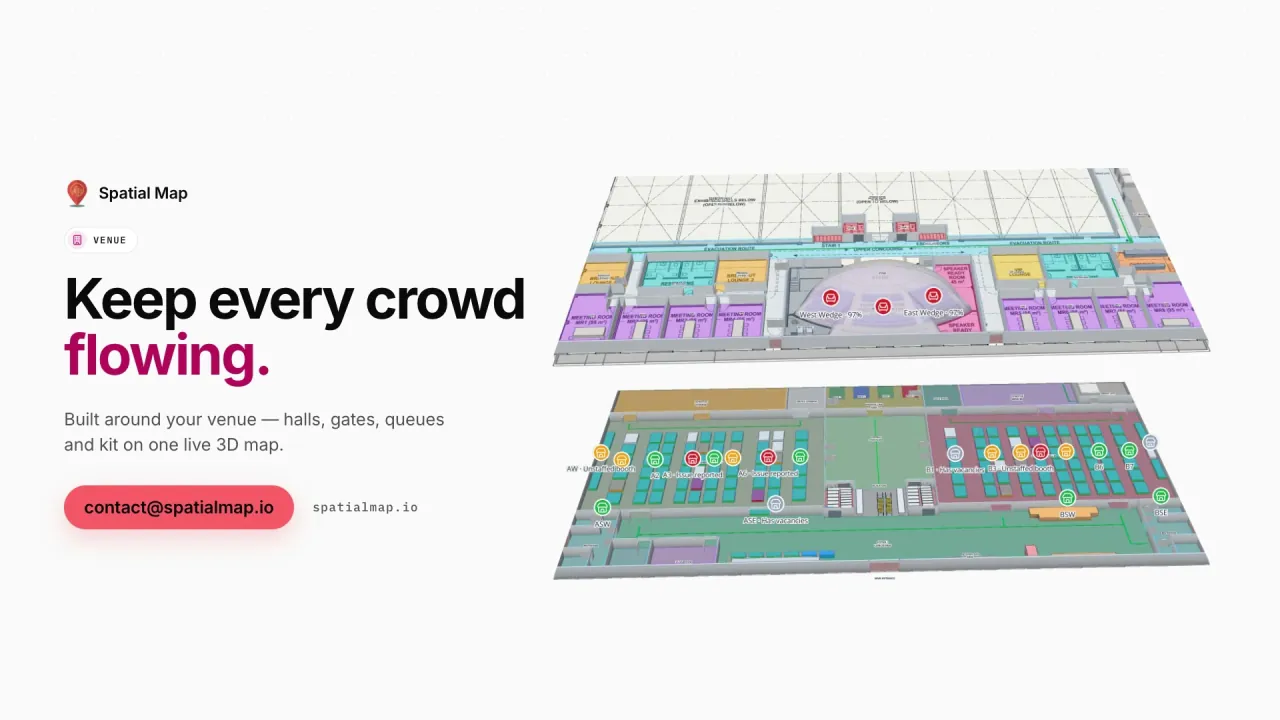
Spatial Map is airport indoor mapping for terminal operations: departures, arrivals, gates, baggage halls and back-of-house on a multi-floor 3D map, with tagged equipment, queue counts and sensors placed where they are — so the operations centre, facilities and ground teams work from the same picture.

Last updated:

No credit card. Runs in the browser. Pro is $60/month for up to 4 facilities. Book a demo

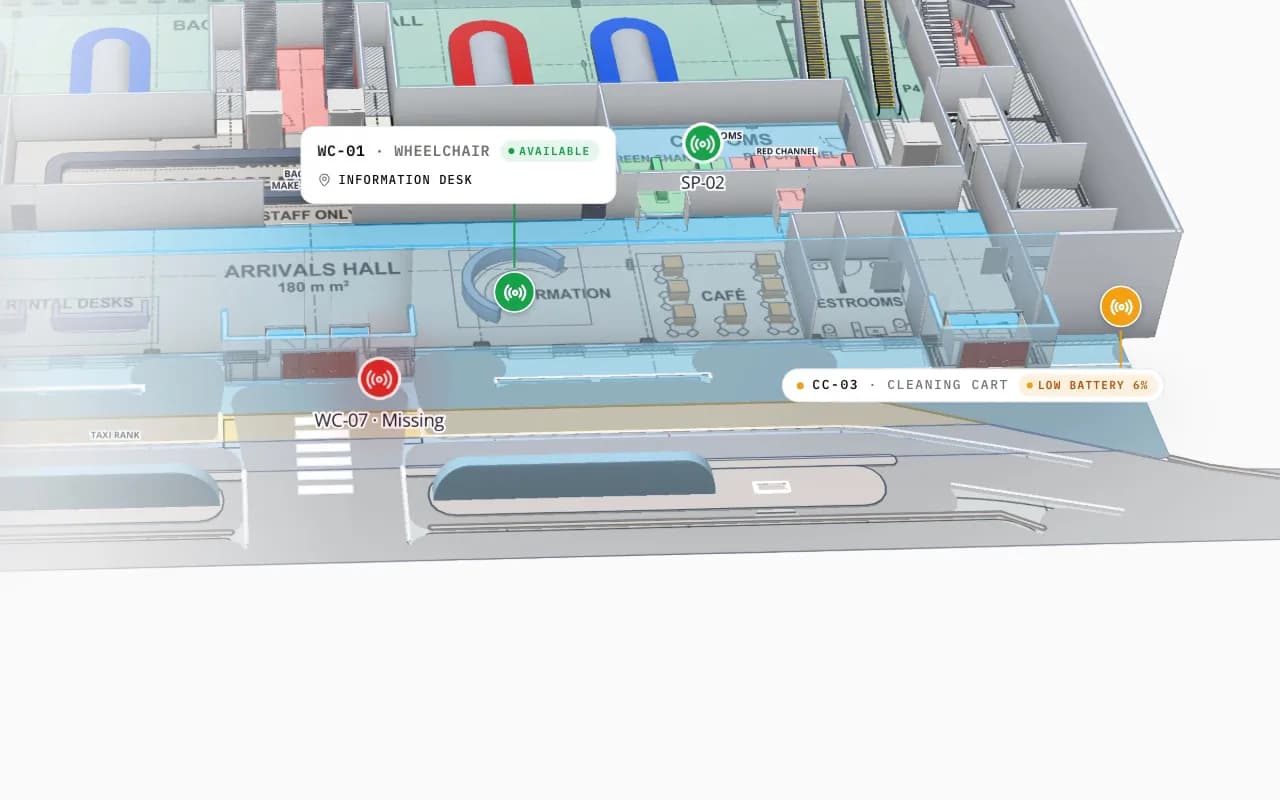
Silverbay Airport Terminal 2 in 3D: the view moves into the arrivals hall, where a loan wheelchair and other tagged equipment are marked on the floor plan
Silverbay International Airport — Terminal 2
Silverbay Airport Terminal 2 (demo): the view moves into arrivals, where a missing loan wheelchair and other tagged equipment are marked.
Floors in the Silverbay Terminal 2 demo
2
Venues on one live map in the Venue film
3
App languages, incl. Arabic
6
Free trial, no credit card
7 days

Two kinds of airport map

Airports need two different indoor maps. The passenger map — what a traveller sees in an app or on a kiosk, optimised for finding gates, lounges and shops — is a product of its own, usually tied to the airport’s app and positioning. The operations map is for the people running the building: where the equipment is, which areas are crowded, which lifts are out of service, which door sensor tripped.

Spatial Map is the operations map. It can feed a passenger kiosk or a staff wayfinding screen (see indoor navigation), but it is built for operations: live data on a 3D model of the terminal.
What goes on the terminal map

Everything is a shape on the floor plan, named the way your systems name it:

  • Zones — check-in, security, gates, reclaim, lounges, retail, back-of-house — as named areas per floor.
  • Vertical transport — stairs, lifts and escalators, marked out of service when they are.
  • Equipment — wheelchairs, trolleys, ground equipment and spares with BLE or RFID tags, placed where they were last seen.
  • People flow — queue lengths and counts from your counting sensors, colouring the zones they measure.
  • Building sensors — temperature, CO₂, leaks and door contacts in the rooms they cover.

Baggage, equipment and the back of house

RFID bag tags and equipment tags are a good fit for a terminal map: readers at belts, make-up areas and gates report reads, and the map shows where bags and kit are piling up. The baggage RFID post works through it on the Silverbay demo. Spatial Map shows what your readers and BHS report — it does not run the baggage system.

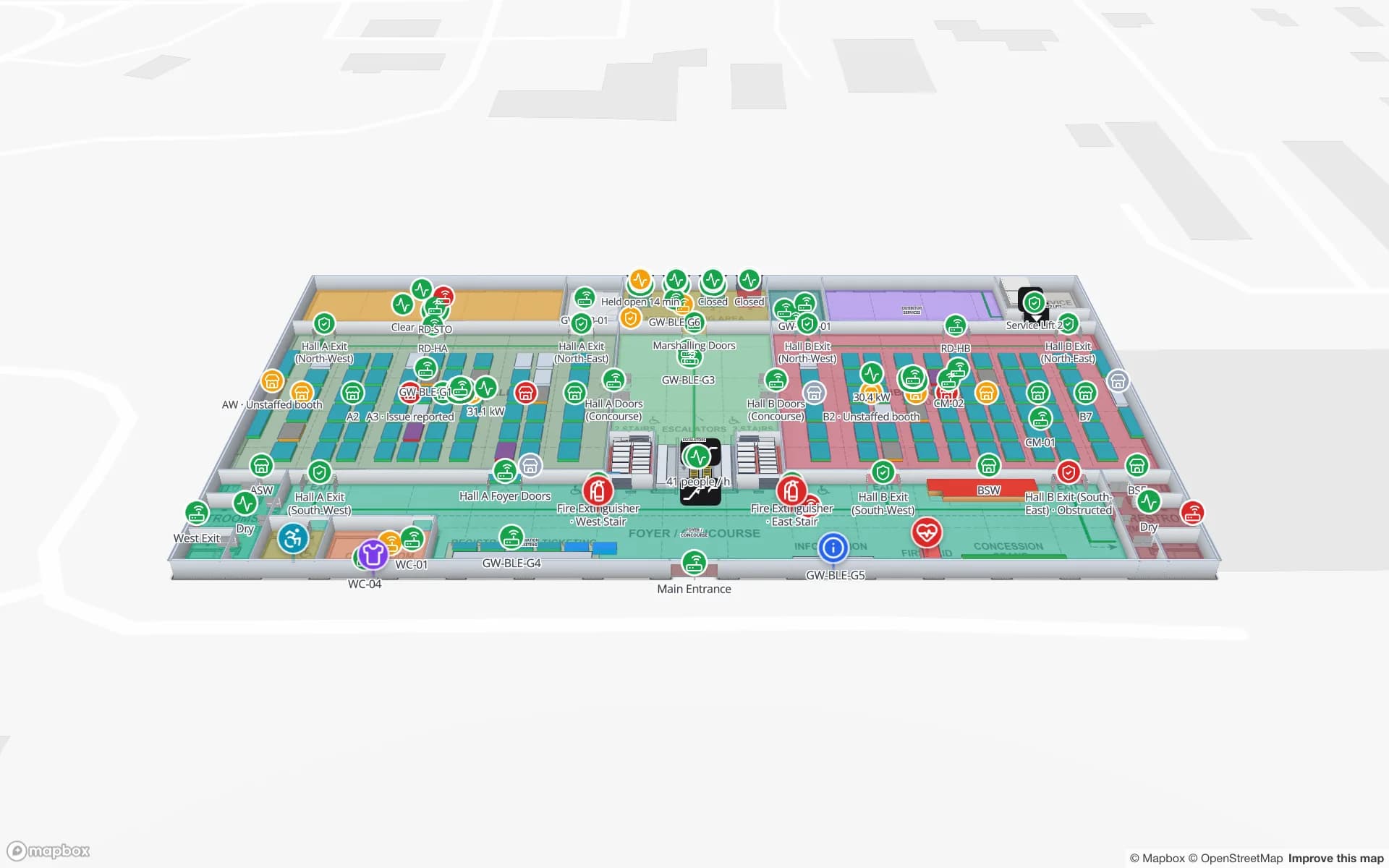
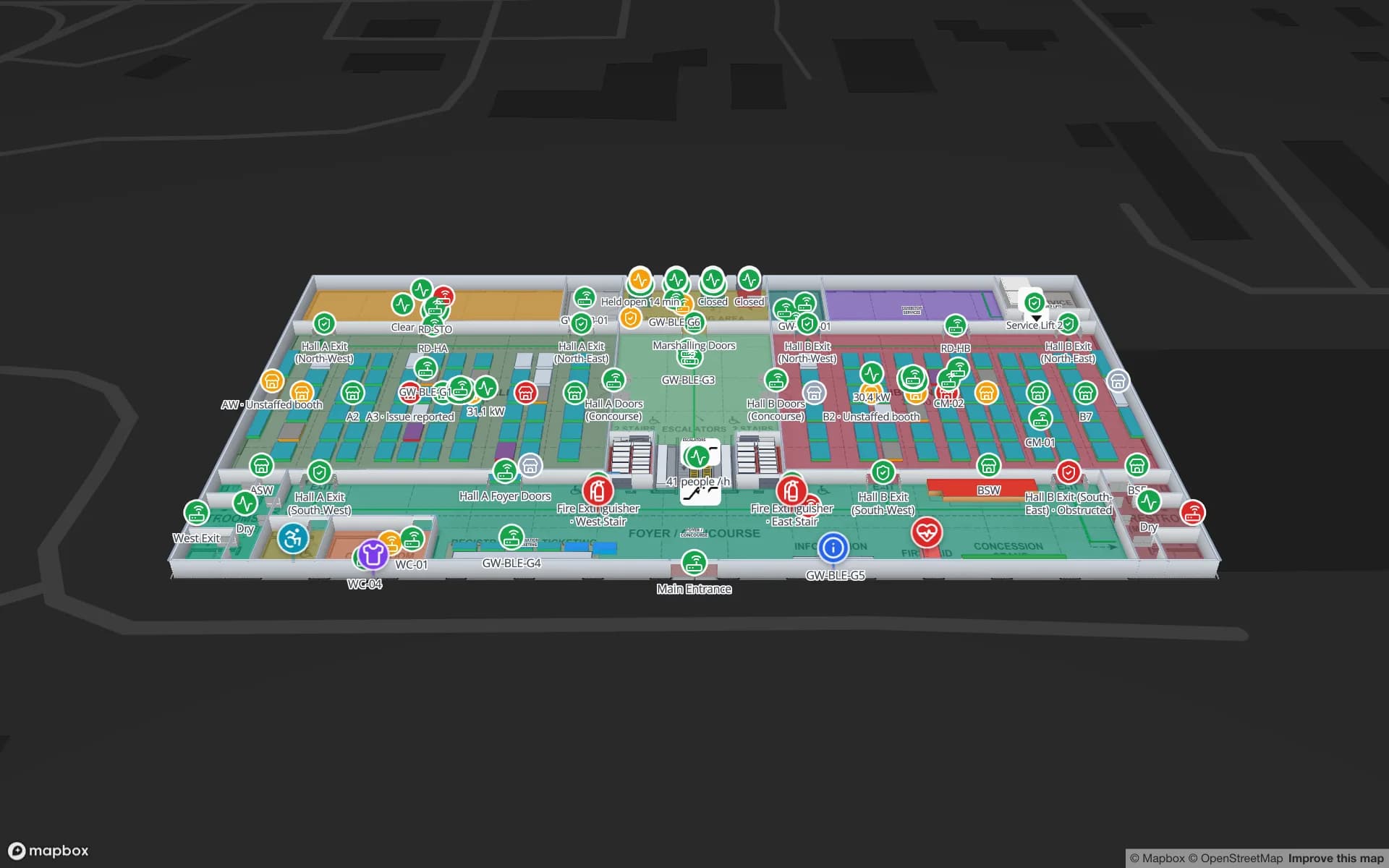
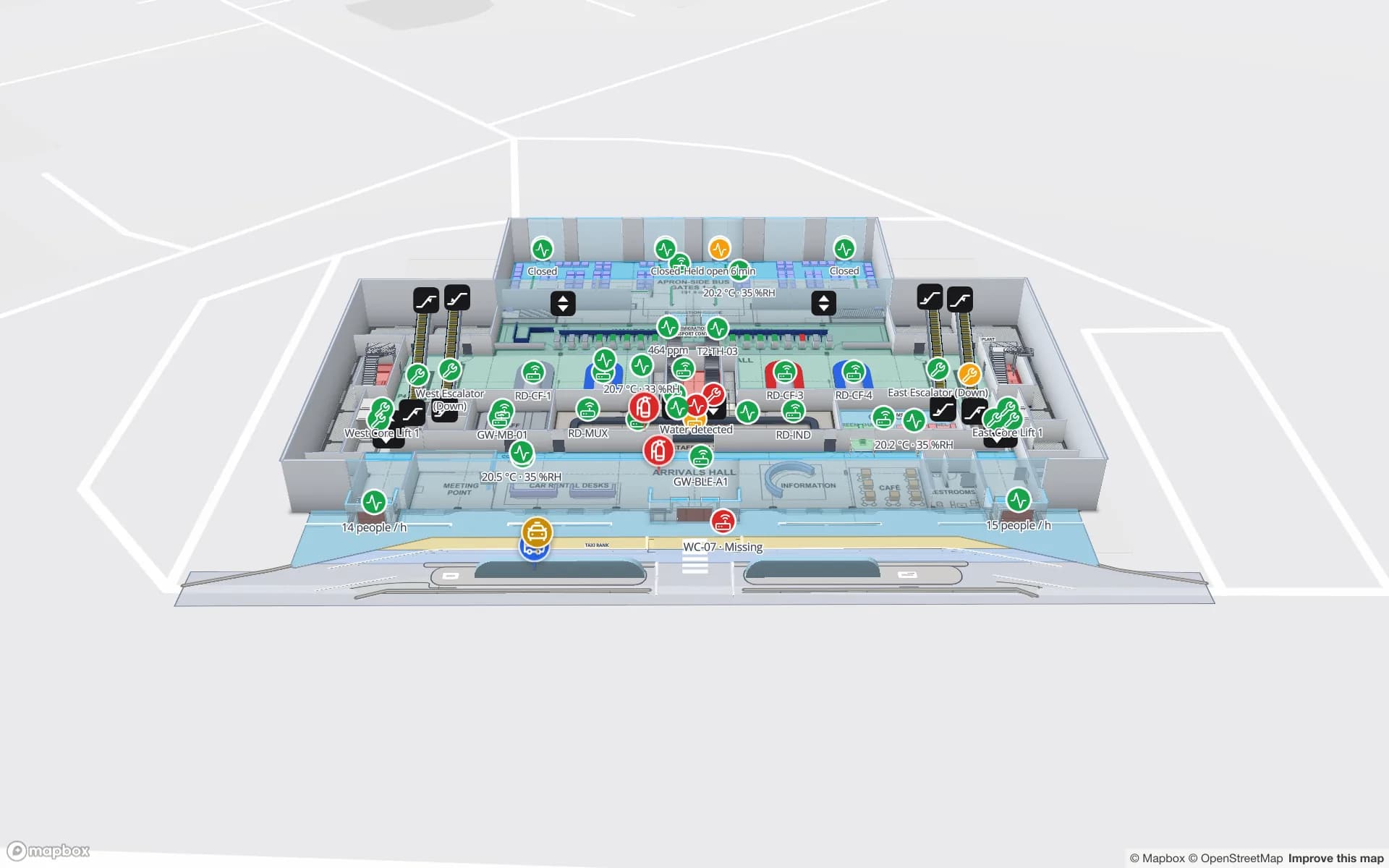
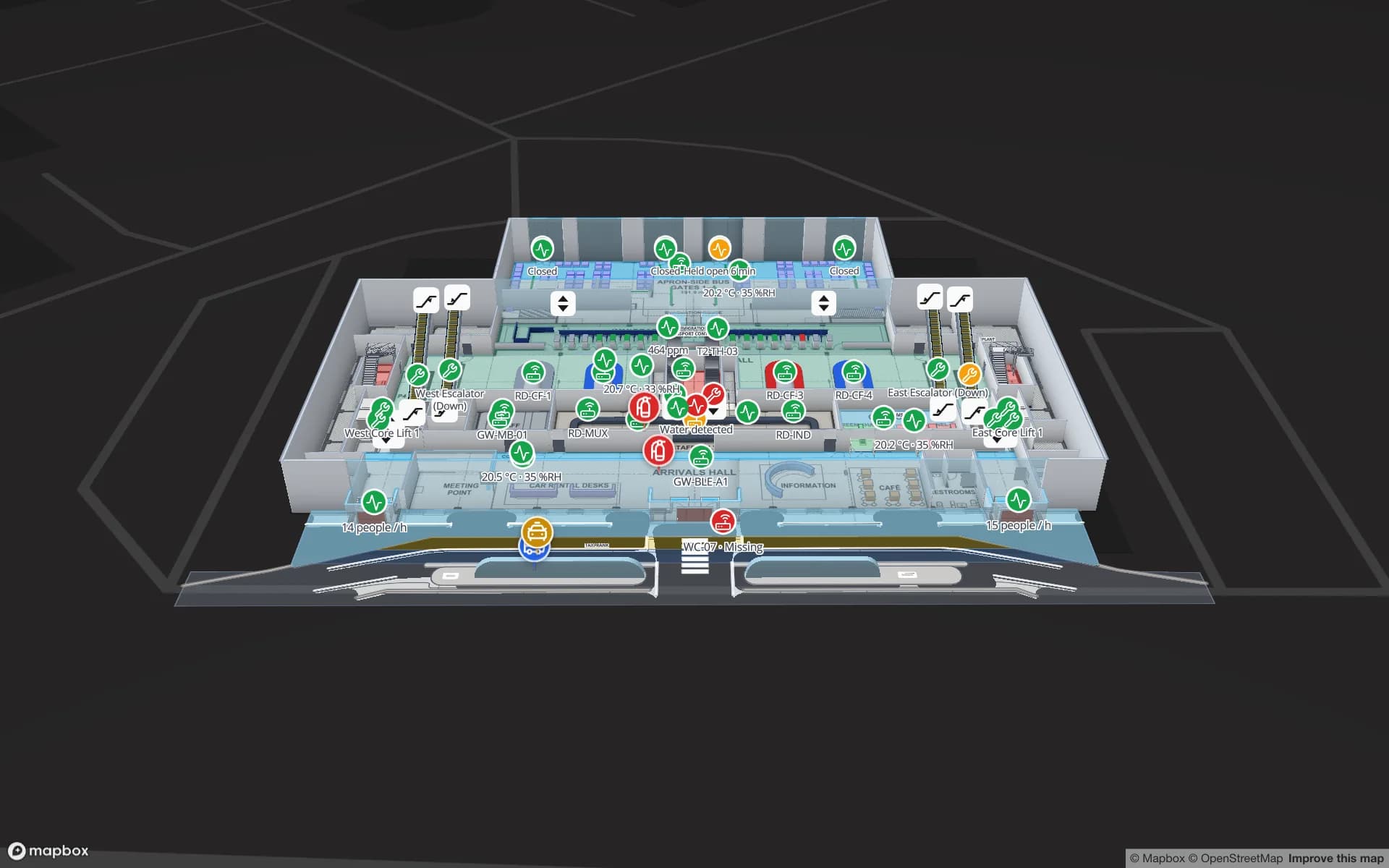
Silverbay International Airport — Terminal 2, a airport terminal demo, in the Spatial Map 3D viewer with live device markers
Silverbay International Airport — Terminal 2
Silverbay International Airport Terminal 2 (demo) in the 3D viewer, with live device markers on both floors.
How Spatial Map does it

A terminal map in four steps

  1. 01

    Import the floor plans

    Upload a PDF or AutoCAD DWG per floor, set the drawing scale and pin it to the building’s location. How import works.

  2. 02

    Trace the building

    Draw rooms, walls, doors, racks, stairs, lifts and labels with the editor’s tools — or let our team do it.

  3. 03

    Connect your data

    Bind tables — stock, devices, bookings, sensors — to the shapes with data links; style rules colour them.

  4. 04

    Share and navigate

    Open it in the read-only viewer or a share link, with floors, filters and the Navigate button.

Airport and venue maps in the demo workspace

Terminal operations

Gates, halls and reclaim with equipment tags and queue counts.

Convention halls

Crates dock to booth, rooms over capacity, sessions live.

Stadiums

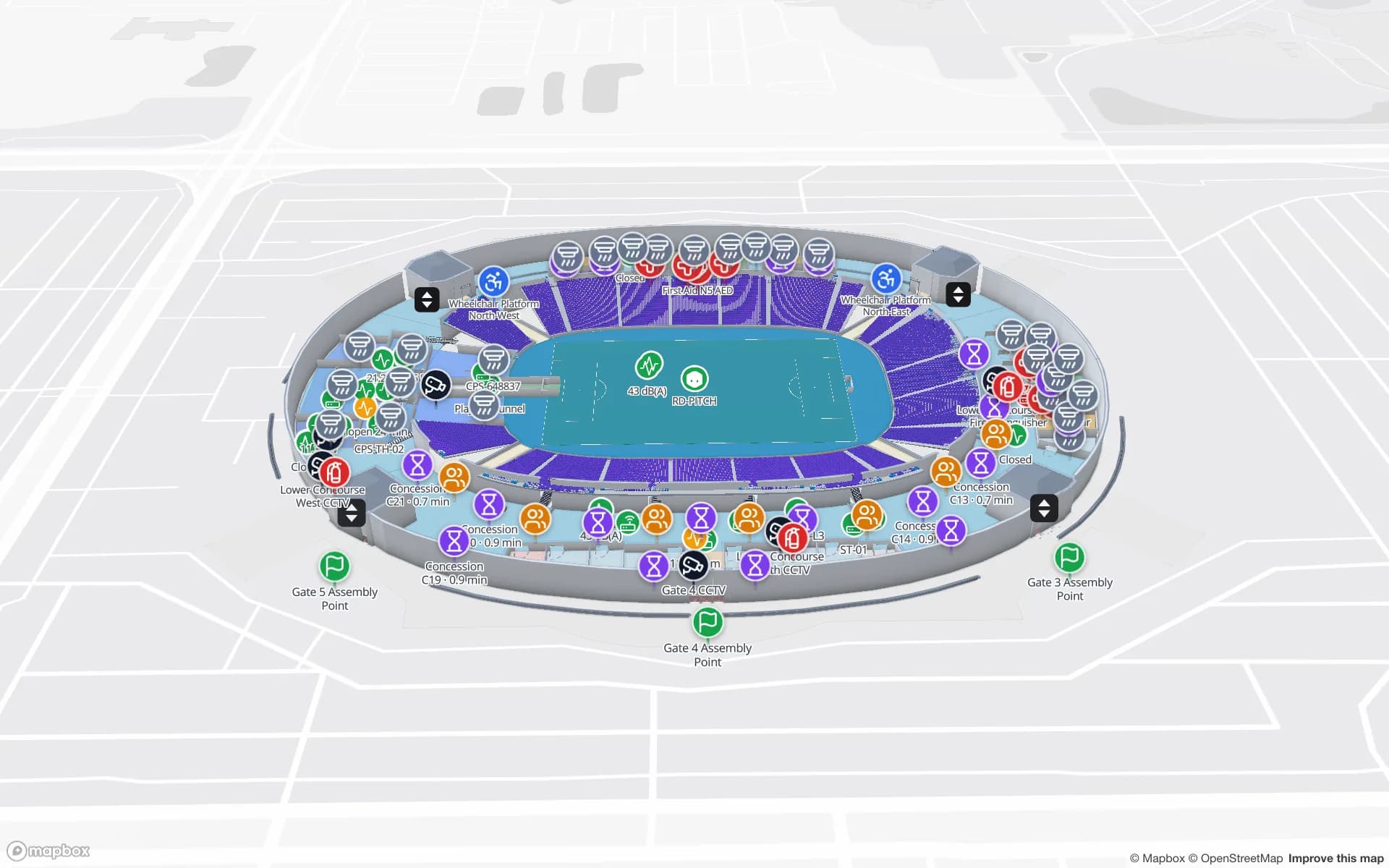
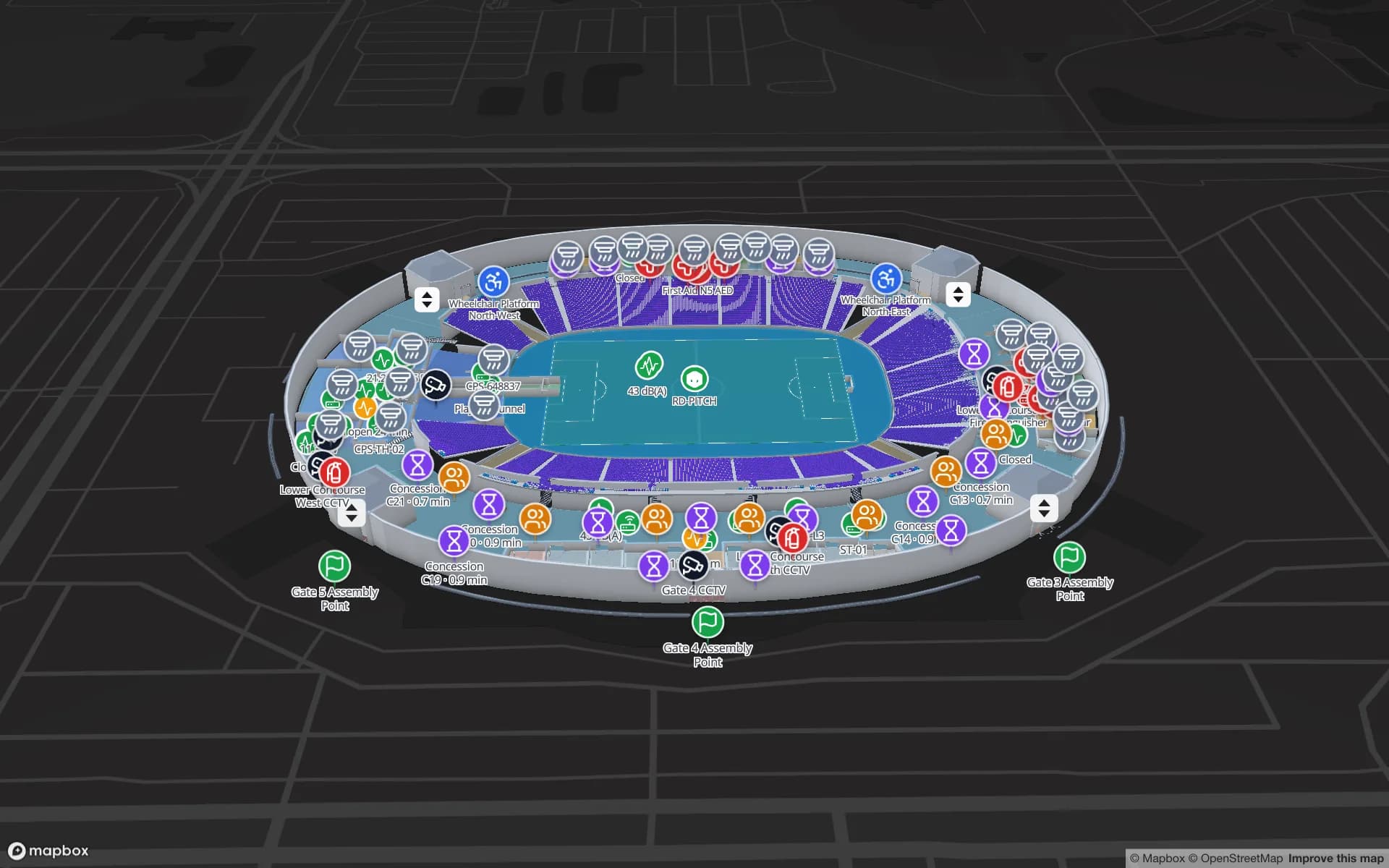
Gates, concourses and kiosks with sensors and counts.

Loan equipment

Wheelchairs and kit found on the map, not by radio.

See it on real demo facilities

Fictional names, real floor plans, live sensors, RFID, BLE tags and gateways — open any of them in the browser.

All 13 demo facilities

Airport indoor mapping — frequently asked questions

No. Spatial Map is an operations map. Its viewer has a Navigate button for walking directions on one floor, which suits staff screens and kiosks; a passenger app with multi-floor routing and blue-dot positioning would be a custom project.

Yes. Each level is its own floor plan at its own elevation, stacked in 3D with stairs, lifts and escalators; the viewer switches floors.

From your systems: RFID and BLE middleware, counting sensors, BMS, work orders. Anything that produces JSON rows can feed a table through the write API or REST polling.

Yes. Spatial Map reads DWG files (R2004 to R2018) itself and places them as a floor-plan picture at the right scale; PDFs work the same way. DXF is not read directly. Nothing is extracted automatically — walls, rooms and doors are drawn on top. See CAD and PDF import.

A 7-day free trial covers up to 5 facilities with no credit card. Pro is $60 a month or $600 a year for up to 4 facilities. Done-for-you mapping and integrations are quoted as custom services.

Give your operations centre a live terminal map.

Start a free trial and open the Silverbay demo, or send us your terminal plans and we will map them for you.