Indoor mapping · Factories & plants

Factory indoor mapping: lines, stations, stores and docks in 3D

Spatial Map is factory indoor mapping software: import the plant layout, draw assembly lines, stations, stores, docks and walkways, and get a 3D map of the plant that WIP, line-side stock, equipment and sensors can be placed on — in a browser, editable by the people who run the floor.

Last updated:

No credit card. Runs in the browser. Pro is $60/month for up to 4 facilities. Book a demo

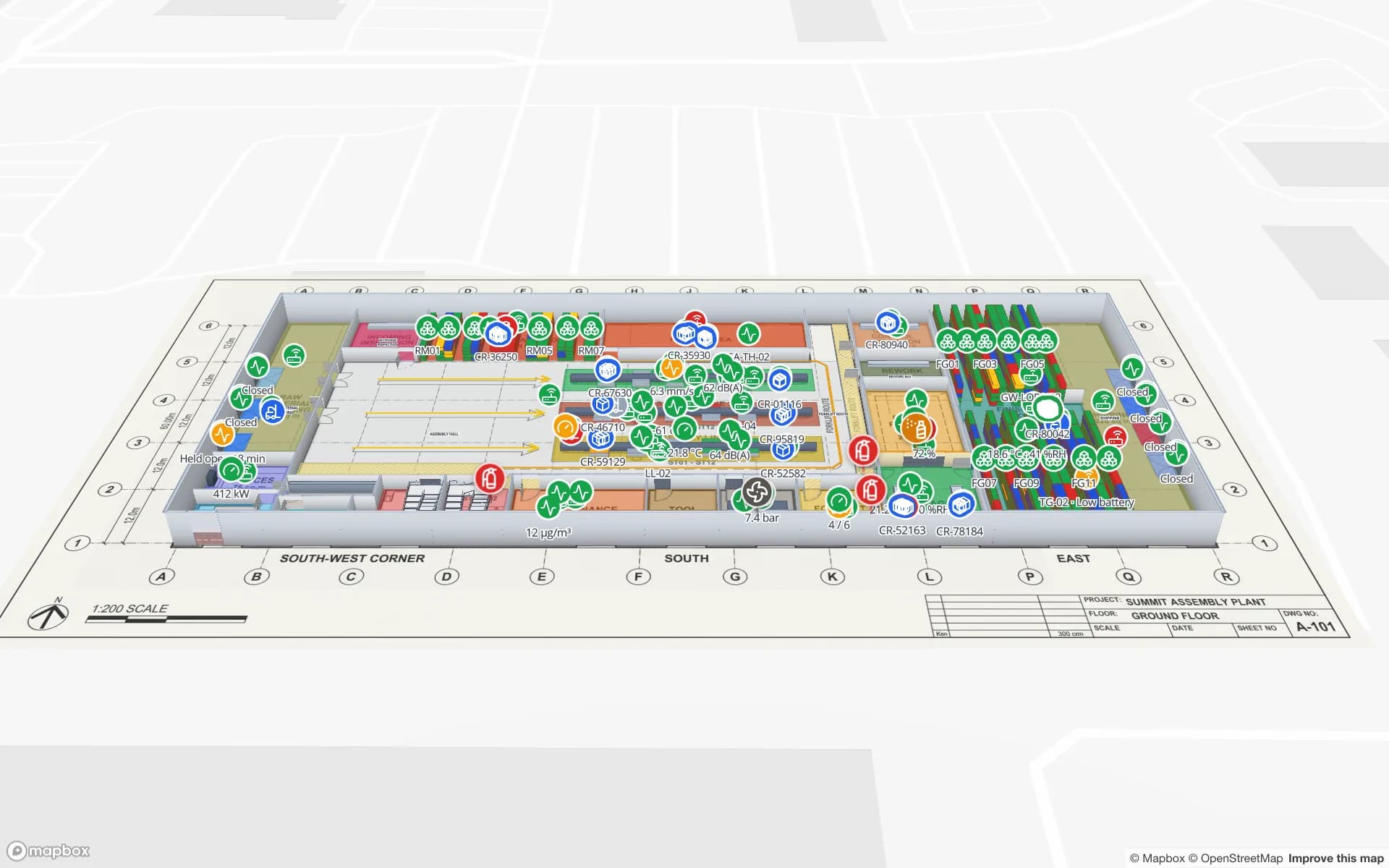
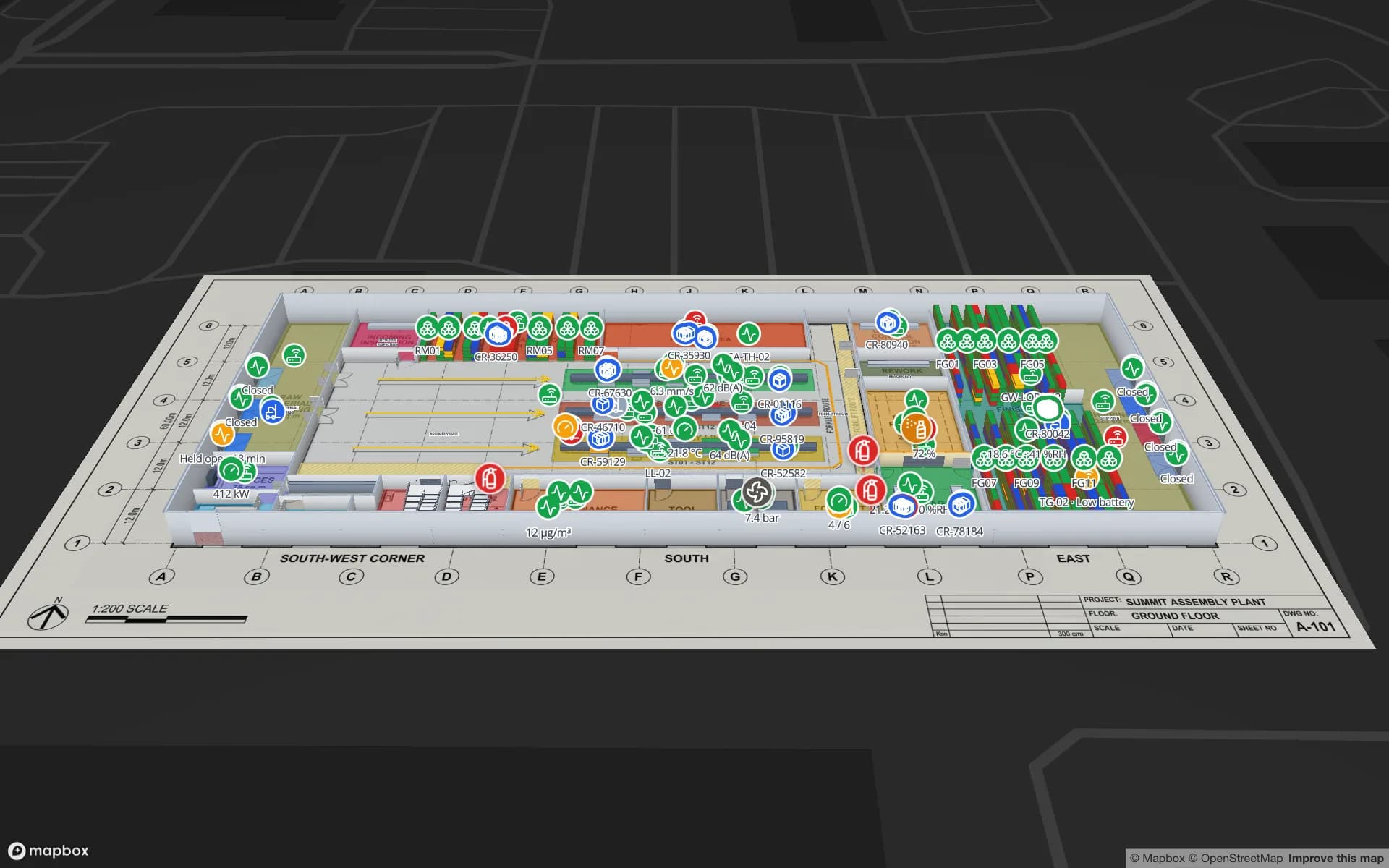
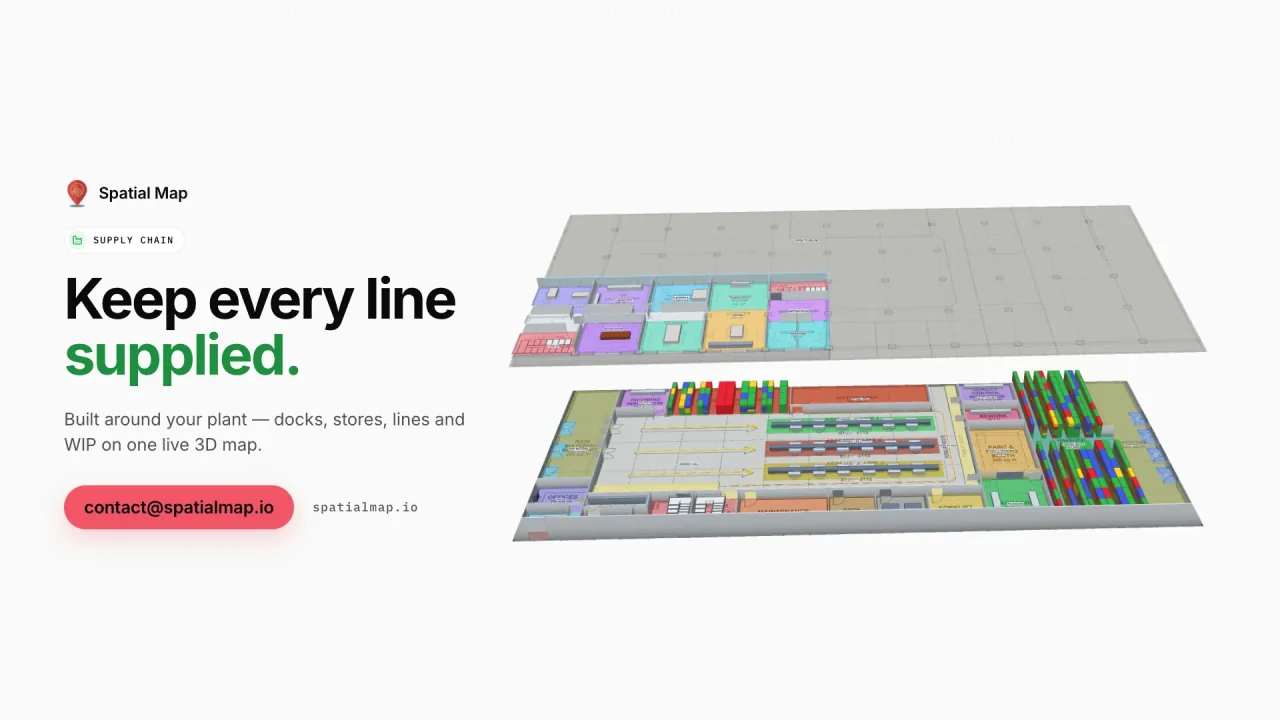
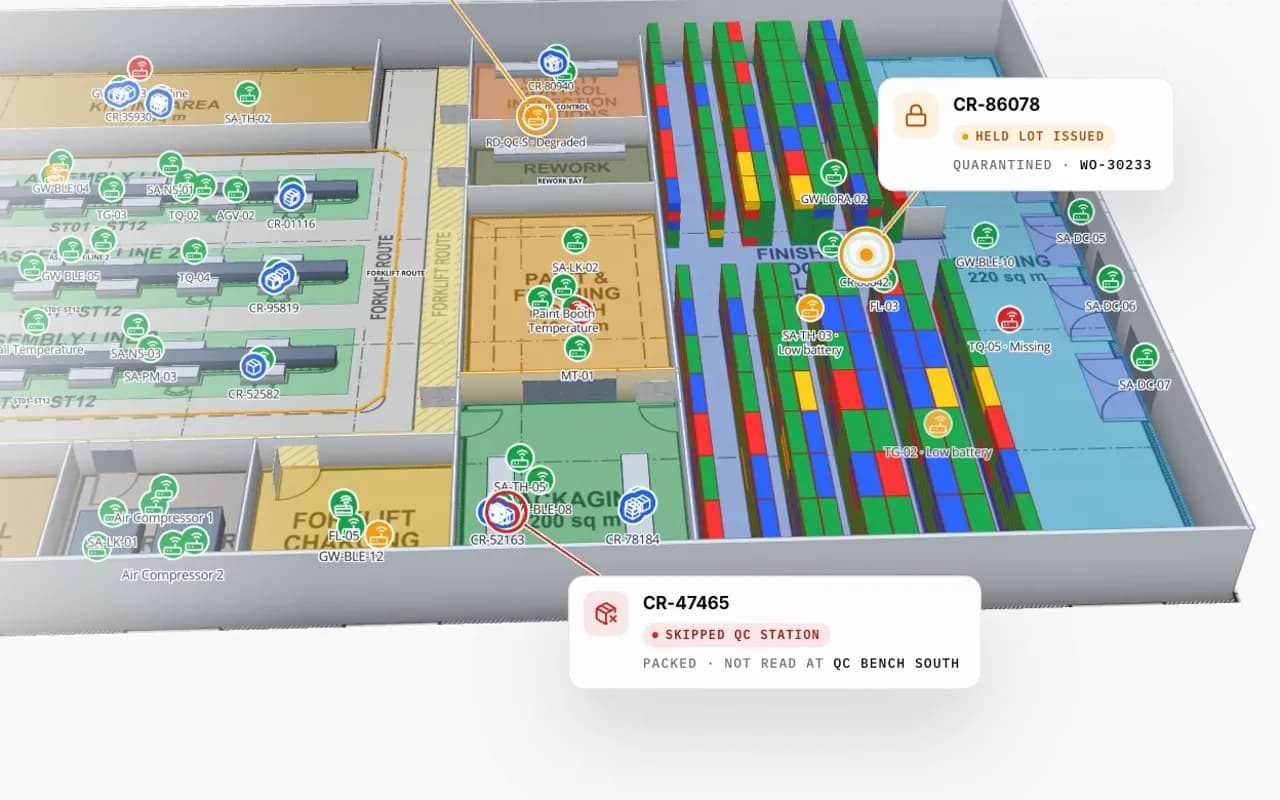
Summit Assembly Plant in 3D: RFID carriers moving between kitting, assembly lines and QC, with a held lot and a carrier that skipped QC called out
Summit Assembly Plant
Summit Assembly Plant (demo): RFID work-in-progress carriers moving between kitting, lines and QC, with a held lot and a skipped QC station called out.
Assembly lines in the Summit demo
3
RFID WIP carriers on the same map
351
Docks, inbound and outbound
7
Free trial, no credit card
7 days

A plant layout people can use

Plant layouts live in CAD, owned by engineering, and go out of date the week a line moves. A factory indoor map is the same layout as a living model: lines, stations, cells, stores, docks, walkways and safety zones as named shapes that production, logistics, maintenance and EHS can all read — and that someone on site can update in the browser.

  • Lines and stations — named like your MES so WIP and status land on the right station.
  • Stores and line-side — kitting areas, supermarkets and racks with stock levels.
  • Docks — inbound and outbound doors with trucks and appointments.
  • Walkways and forklift routes — aisles drawn as lanes; routes you design with the Route tool.
  • Equipment and sensors — machines, tools, temperature and air quality where they are.
WIP and material flow on the map

RFID carriers or BLE tags on WIP report the station or zone that last saw them; the map places them there and colours stations by status from your MES. In the Summit Assembly demo, 351 RFID carriers move across three lines and seven docks, and a held lot is traced to the line it starves. The full solution is the manufacturing digital twin; the supply chain visibility post walks through it.

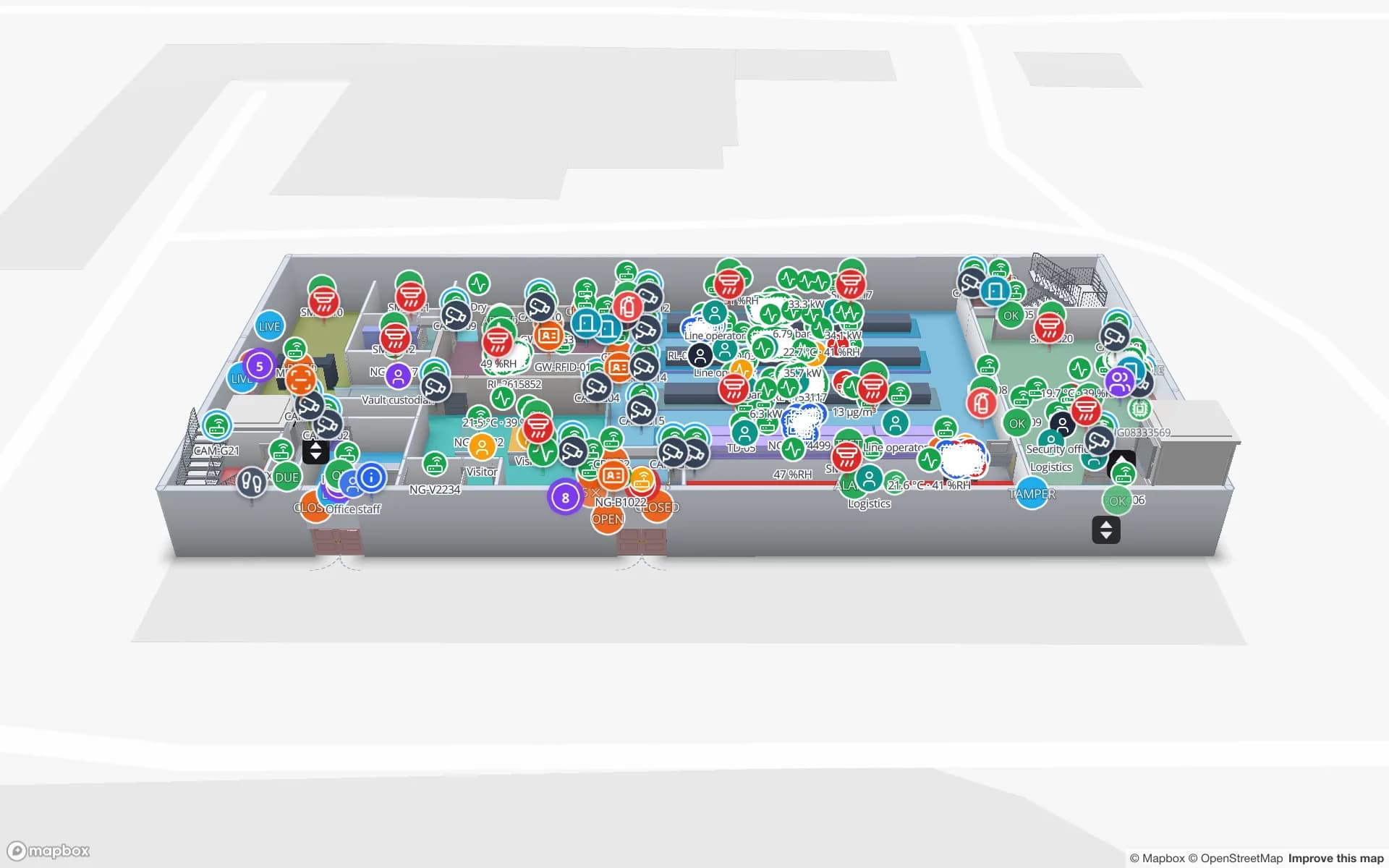
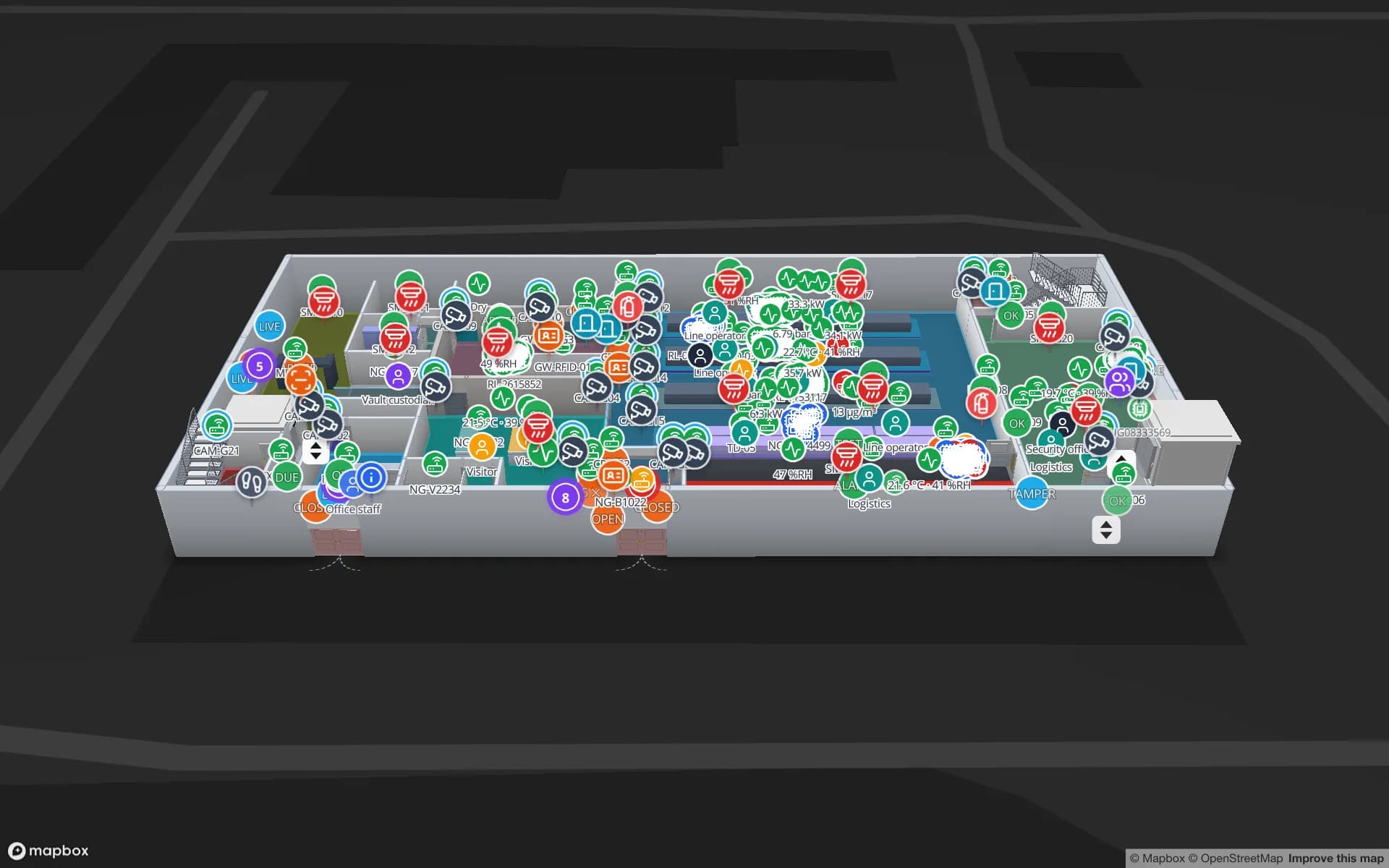
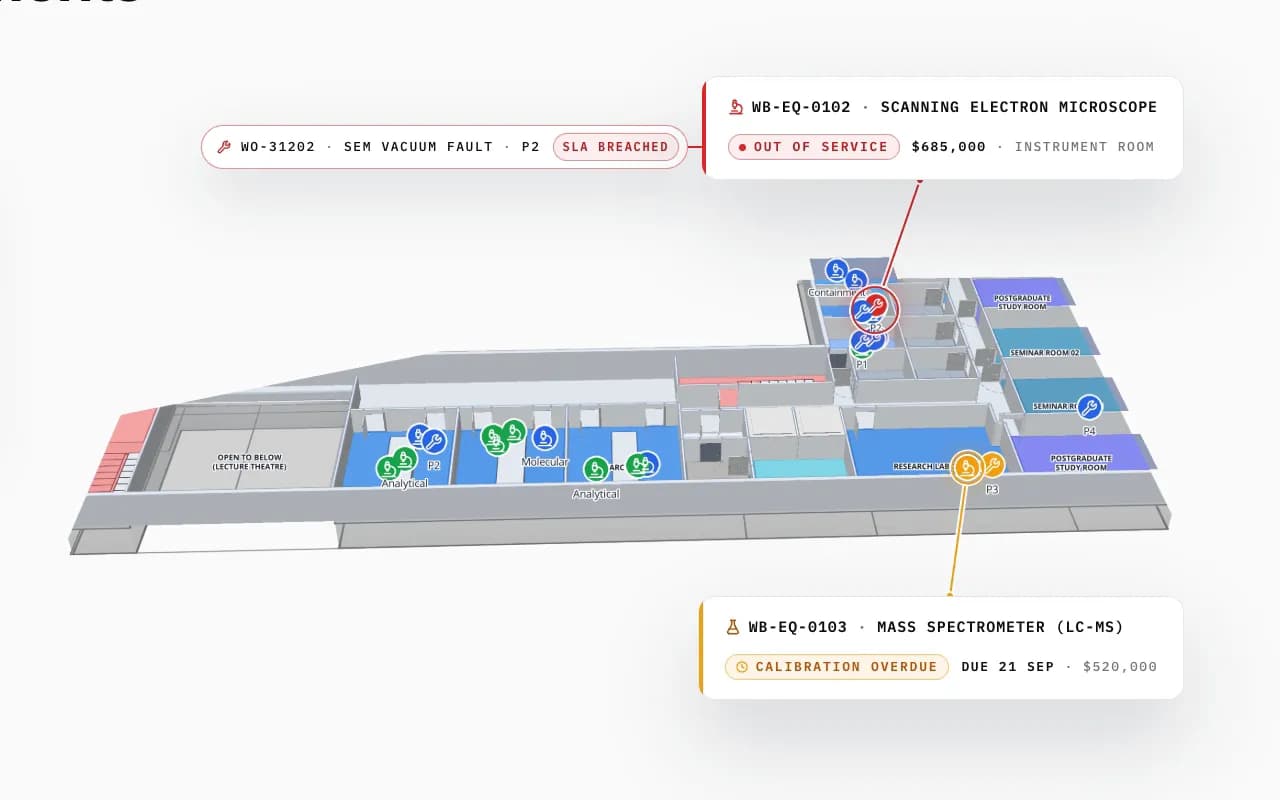
Westbrook University Science Building in 3D: an out-of-service electron microscope with a breached work order and a mass spectrometer overdue for calibration, called out in their rooms
Westbrook University — Science Building
Equipment status where it stands: an instrument out of service and another overdue for calibration (Westbrook University demo).

What stays in your plant systems

Spatial Map does not run the line, schedule production or send andon alarms — MES, PLCs and SCADA do. It shows their state on the plant map and in reports. Integration with an MES or a shop-floor data source is a typical custom development job; readers, tags and sensors are covered on hardware.

How Spatial Map does it

A plant map in four steps

  1. 01

    Import the floor plans

    Upload a PDF or AutoCAD DWG per floor, set the drawing scale and pin it to the building’s location. How import works.

  2. 02

    Trace the building

    Draw rooms, walls, doors, racks, stairs, lifts and labels with the editor’s tools — or let our team do it.

  3. 03

    Connect your data

    Bind tables — stock, devices, bookings, sensors — to the shapes with data links; style rules colour them.

  4. 04

    Share and navigate

    Open it in the read-only viewer or a share link, with floors, filters and the Navigate button.

Plant maps in the demo workspace

Assembly plant

Lines, docks and RFID WIP carriers; held lots traced to the line.

Electronics plant and secure store

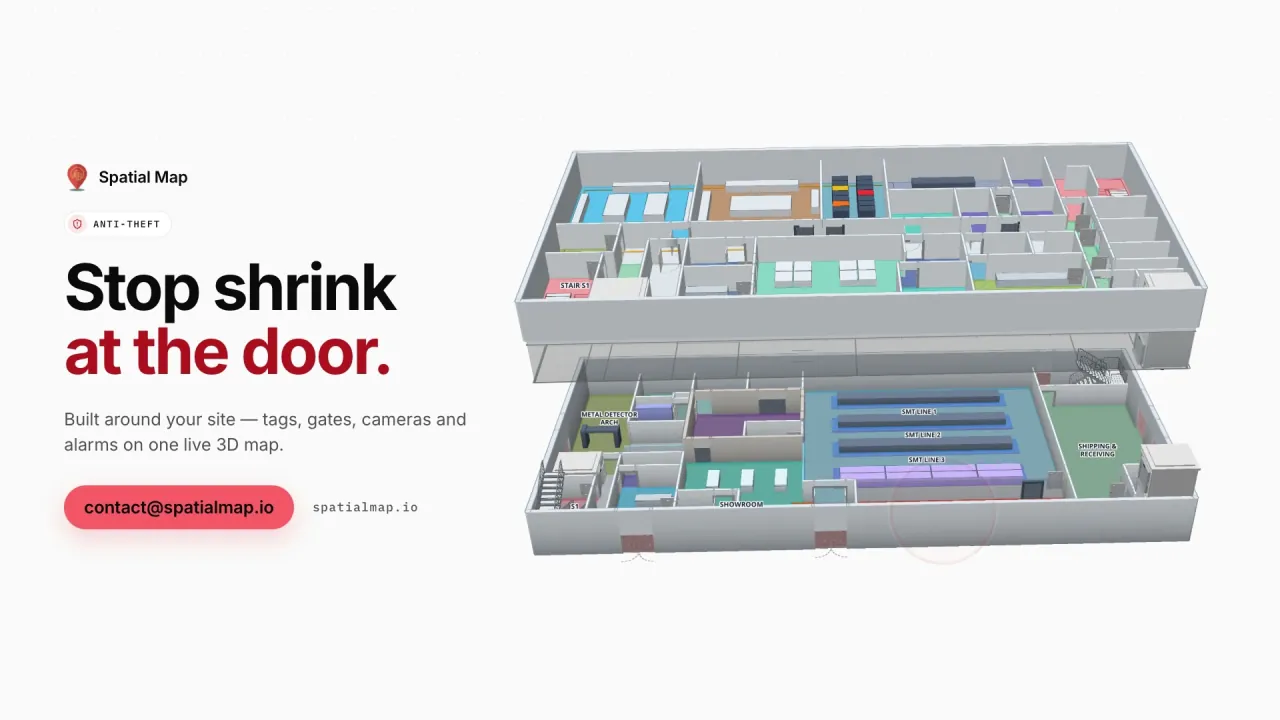
SMT lines, test, cages and units followed reader by reader.

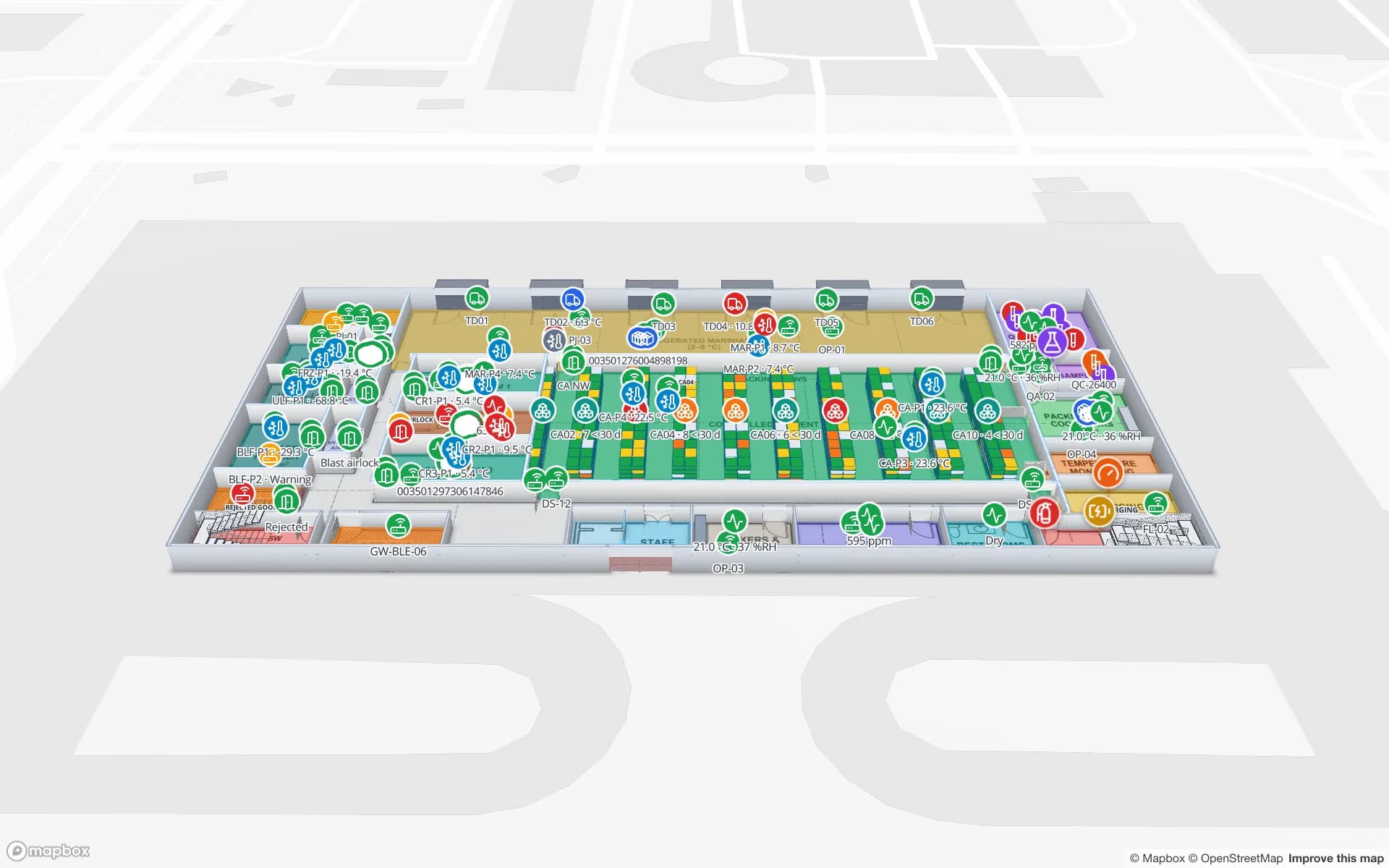
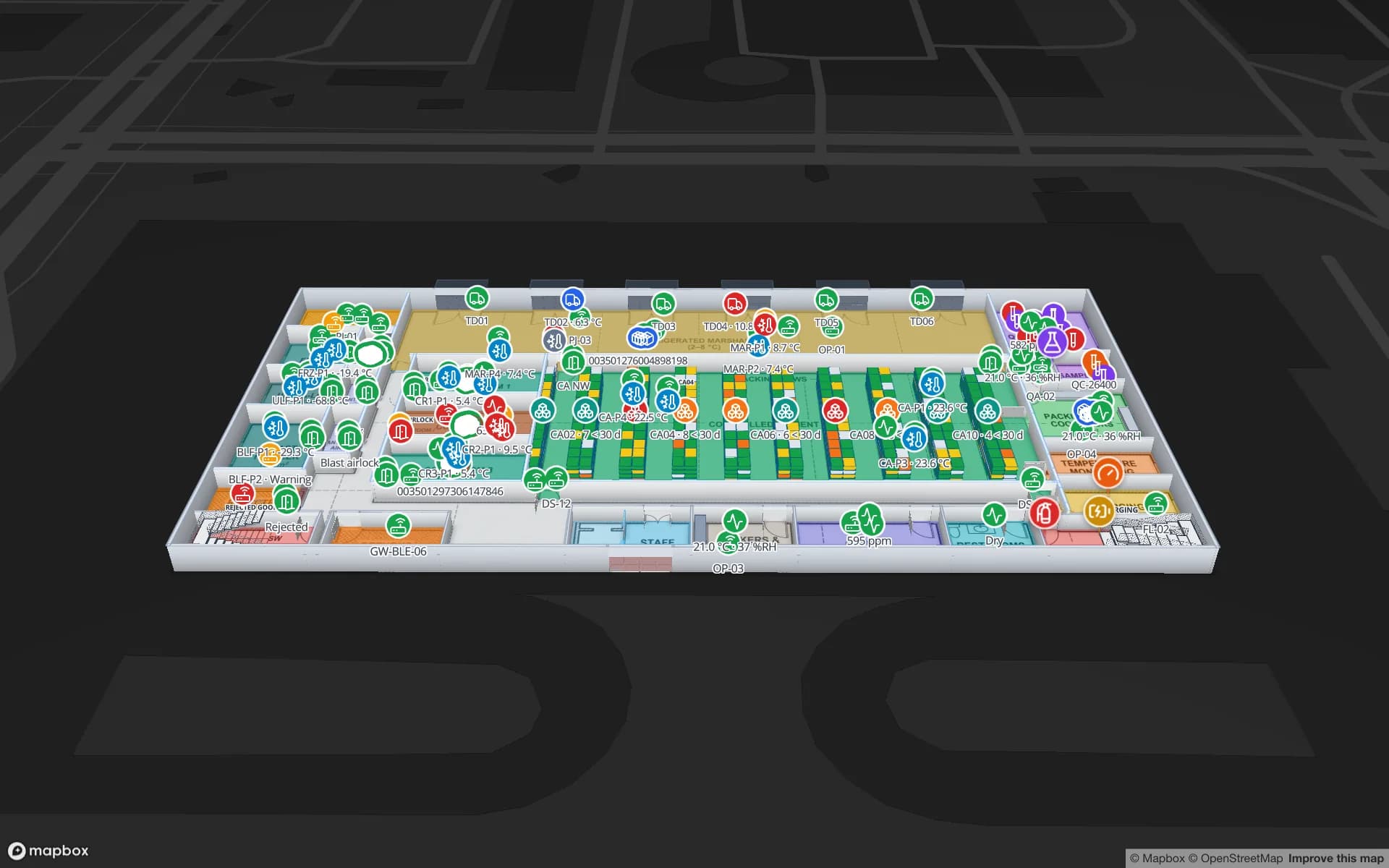
Pharma QC and cold store

Cold rooms, QC labs and pallets with temperature.

See it on real demo facilities

Fictional names, real floor plans, live sensors, RFID, BLE tags and gateways — open any of them in the browser.

All 13 demo facilities

Factory indoor mapping — frequently asked questions

Yes. The map is edited in the browser; moving a station is a drag, and data bound to it by name follows. Members need the Editor role or above.

Through tables: your MES or a small relay posts station and WIP status with the write API, or Spatial Map polls a REST endpoint. A ready-made connector for a specific MES is custom development.

It can model walkable space and show routes you design; route planning for robots stays in the fleet manager. See AMR and AGV navigation graphs.

Yes. Spatial Map reads DWG files (R2004 to R2018) itself and places them as a floor-plan picture at the right scale; PDFs work the same way. DXF is not read directly. Nothing is extracted automatically — walls, rooms and doors are drawn on top. See CAD and PDF import.

A 7-day free trial covers up to 5 facilities with no credit card. Pro is $60 a month or $600 a year for up to 4 facilities. Done-for-you mapping and integrations are quoted as custom services.

Turn your plant layout into a live map.

Start a free trial and open the Summit demo, or send us your layout and we will map lines, stores and docks for you.