Indoor mapping · Shopping malls & retail

Shopping mall indoor mapping, floor by floor and unit by unit

Spatial Map is shopping mall indoor mapping for the operator: every floor, tenant unit, entrance, escalator, lift and service corridor on a 3D map, with footfall counts, tenant data and building sensors on top — and read-only links for tenants, contractors and security.

Last updated:

No credit card. Runs in the browser. Pro is $60/month for up to 4 facilities. Book a demo

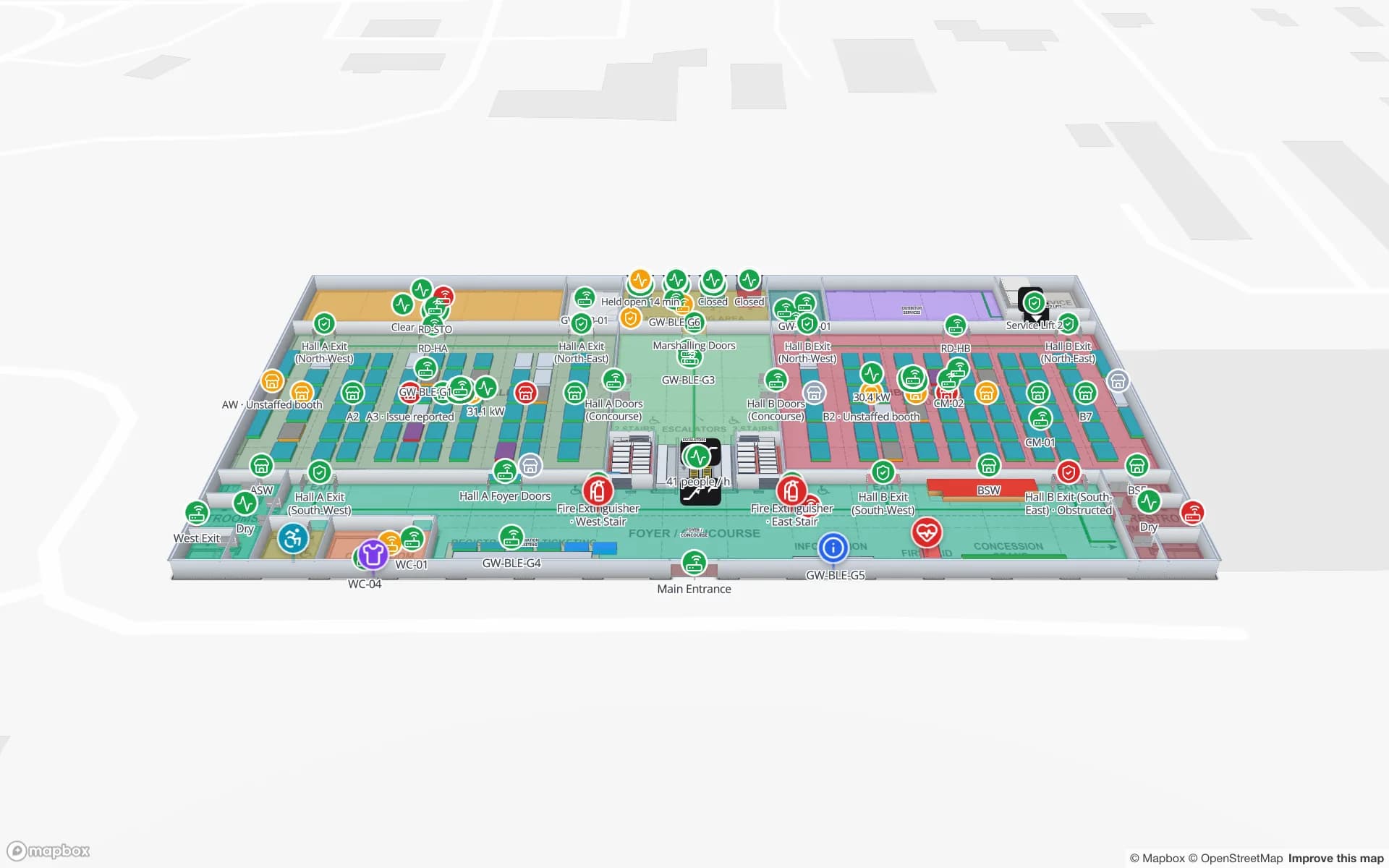
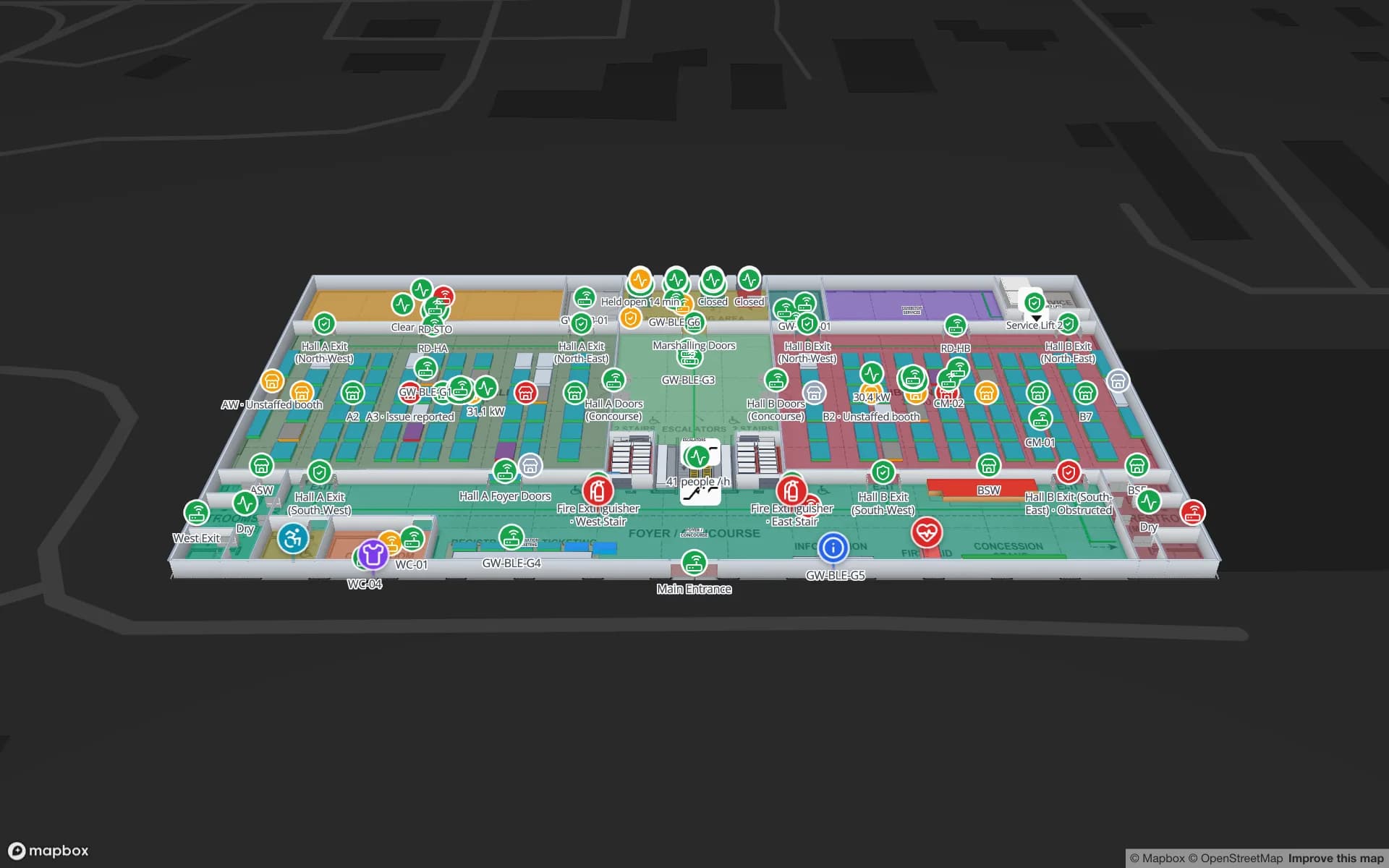
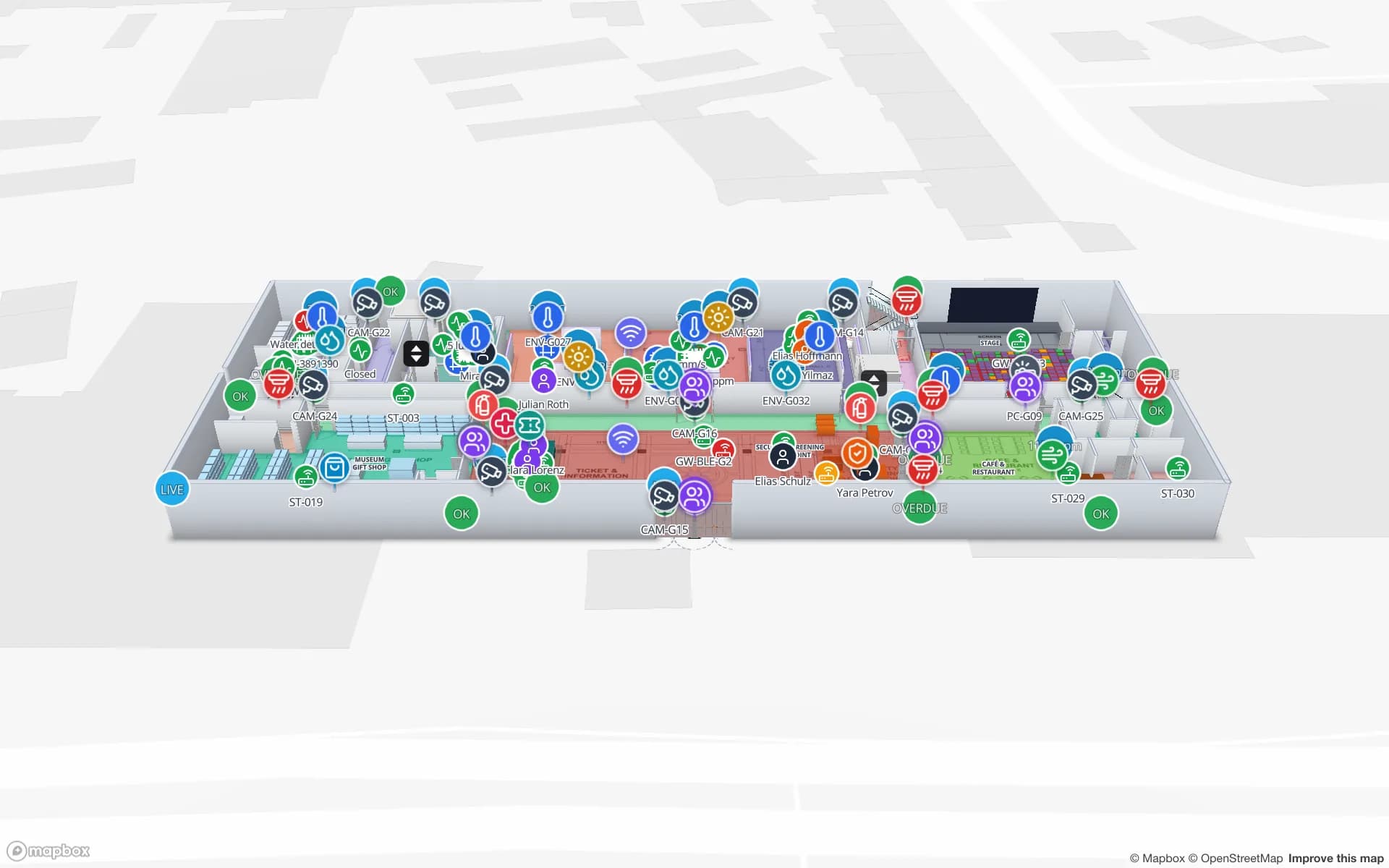
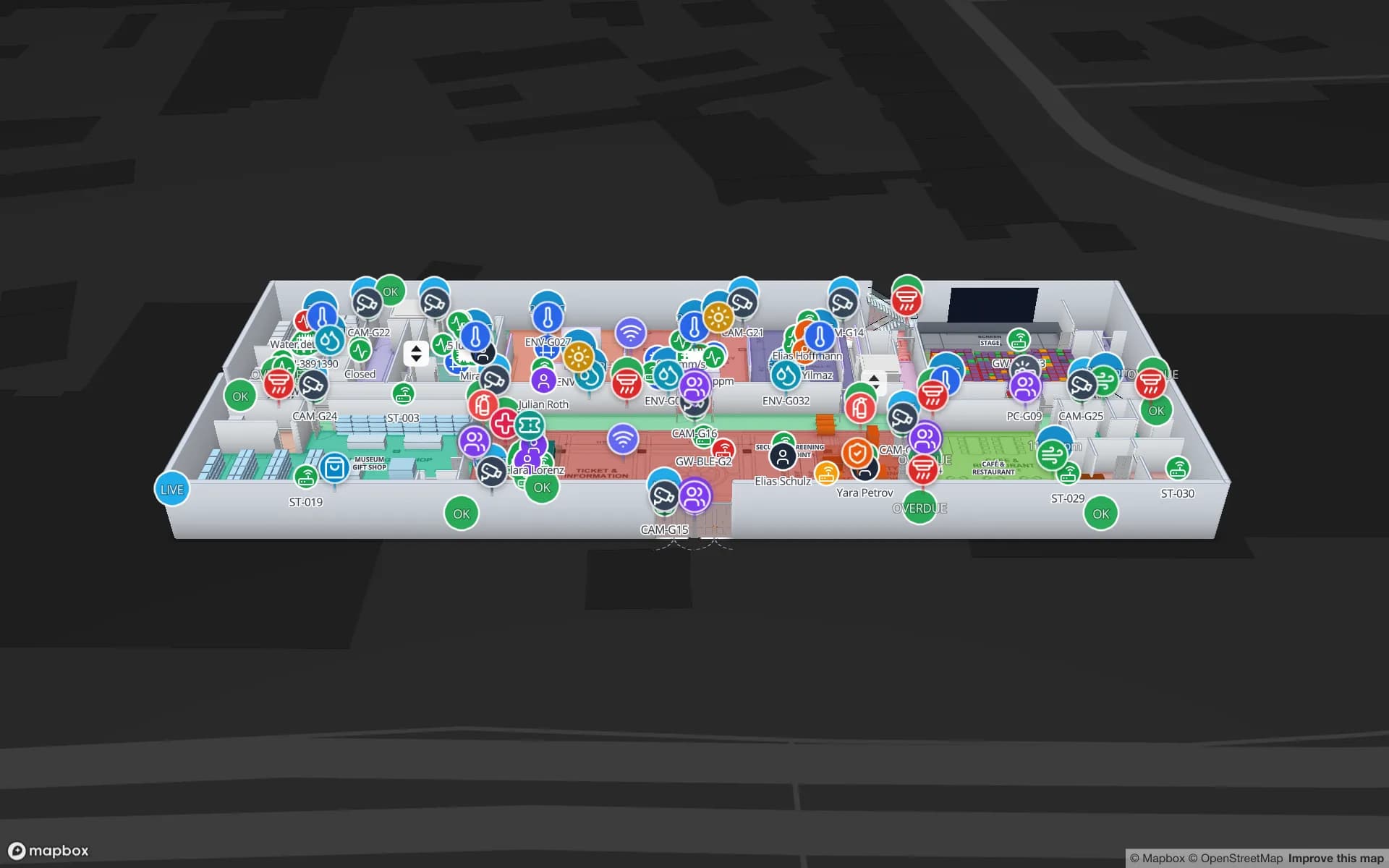
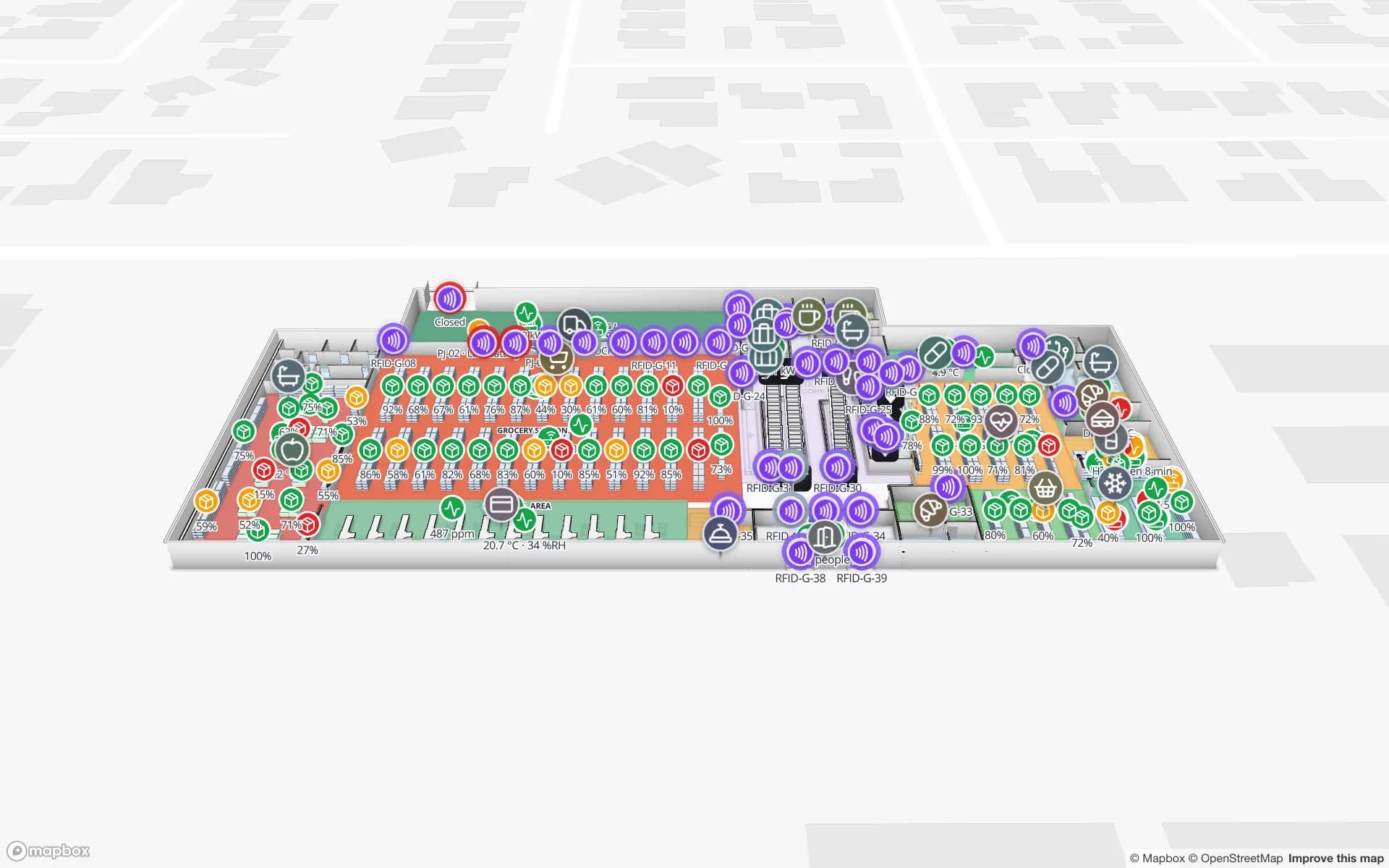
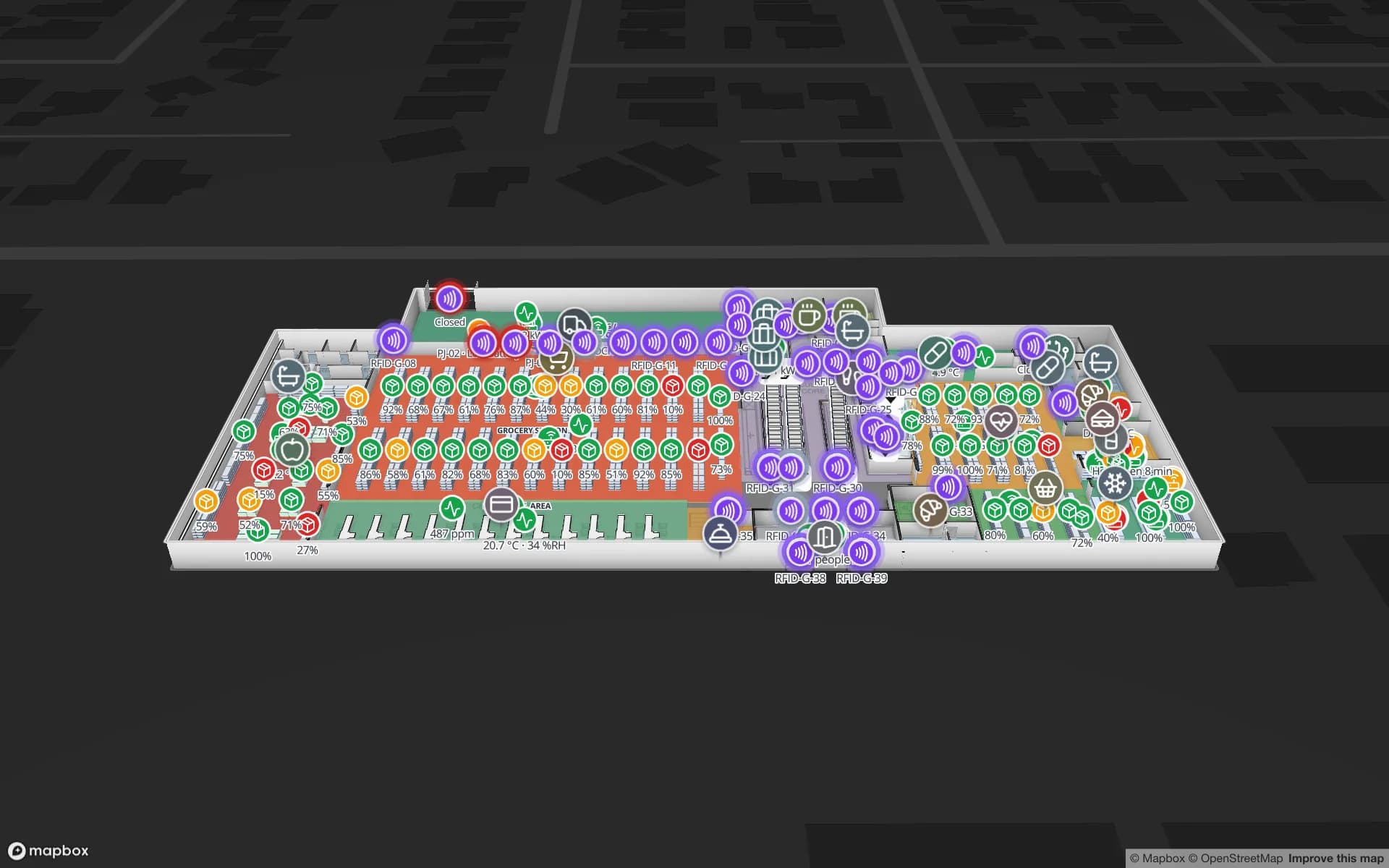
Retail Mart Store, a three-floor retail store demo, in the Spatial Map 3D viewer with live device markers
Retail Mart Store
Retail Mart, a three-floor demo store: floors stacked in 3D with escalators, lifts and RFID readers at every door.
Floors in the Retail Mart demo, with escalators and lifts
3
Demo facilities to explore
13
App languages, incl. Arabic
6
Free trial, no credit card
7 days

The mall as a map, not a directory board

Most malls have a directory: a picture of each floor with unit numbers. Operations needs more — units as shapes with their tenant, area and lease data; entrances with their footfall counters; escalators and lifts with their status; service corridors, plant rooms and loading bays that visitors never see.

In Spatial Map each of those is a named shape on a scaled, multi-floor 3D map. Tables bind to them: tenants and leases, footfall by entrance, energy by unit, work orders by location. Style rules colour units by occupancy, footfall or open jobs.

  • Units — tenant, category, area, lease status, from your property system or a spreadsheet.
  • Entrances and counters — footfall by door and hour, coloured on the map.
  • Vertical transport — escalators and lifts, marked out of service so staff route around them.
  • Back of house — loading bays, service corridors, plant rooms and security posts.
Visitors, wayfinding and kiosks

The viewer’s Navigate button gives turn-by-turn walking directions on one floor, routed around walls and through doors — useful for staff screens, a concierge desk or a simple kiosk. Multi-floor routes and blue-dot positioning in a shopper app are not built in; they are a custom project. See indoor wayfinding for airports and malls for what works in practice.

Retail tenants and RFID

Inside the units, retailers run their own systems. Where a tenant or an anchor store uses RFID for stock accuracy or loss prevention, the same map can show their readers and counts on their floor — see RFID for retail stores. The shopping mall operations post shows a full operator setup.

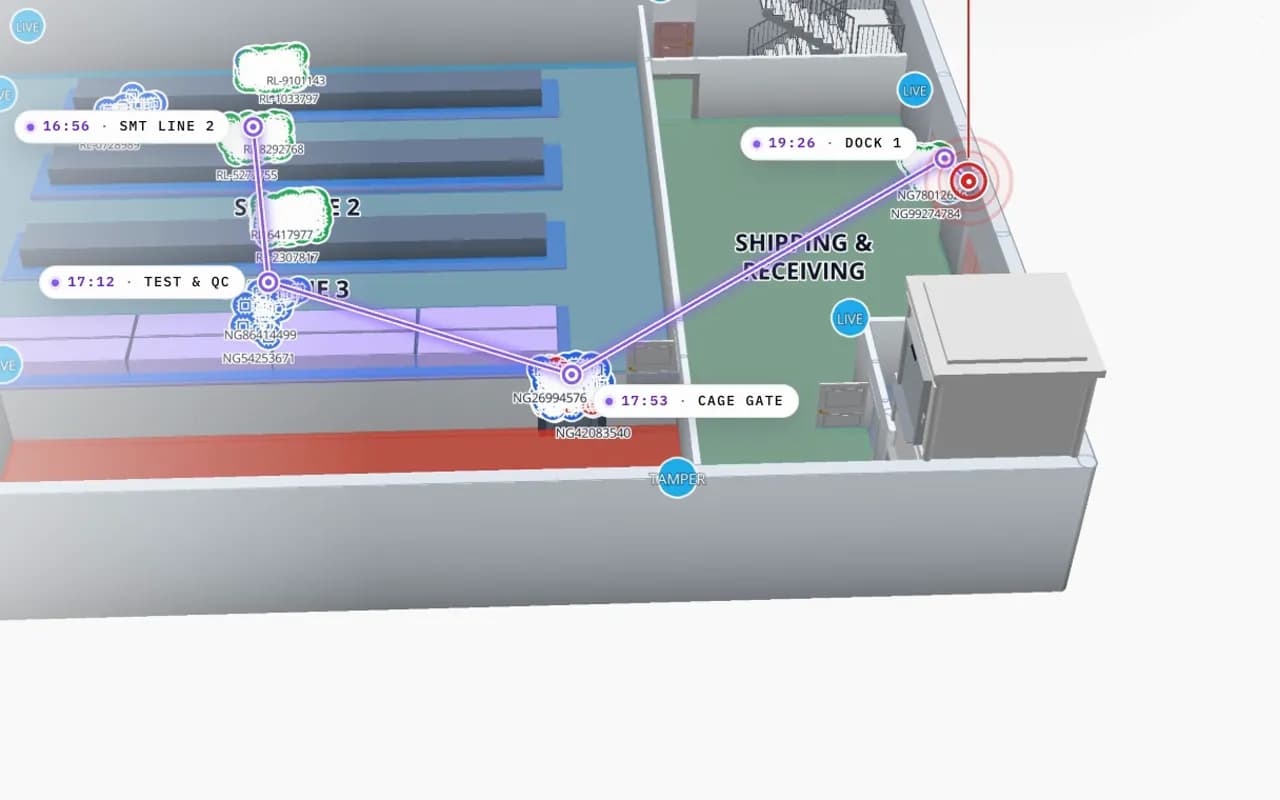
Northgate Electronics in 3D: an RFID read trail drawn from SMT line 2 through test and QC to the cage gate and dock 1, with the time of each read
Northgate Electronics — Assembly & Secure Store
Reader-by-reader trails in a secure store (Northgate Electronics demo) — the same pattern works for an anchor store’s exits.
How Spatial Map does it

A mall map in four steps

  1. 01

    Import the floor plans

    Upload a PDF or AutoCAD DWG per floor, set the drawing scale and pin it to the building’s location. How import works.

  2. 02

    Trace the building

    Draw rooms, walls, doors, racks, stairs, lifts and labels with the editor’s tools — or let our team do it.

  3. 03

    Connect your data

    Bind tables — stock, devices, bookings, sensors — to the shapes with data links; style rules colour them.

  4. 04

    Share and navigate

    Open it in the read-only viewer or a share link, with floors, filters and the Navigate button.

Mall and retail maps in the demo workspace

Multi-floor store

Three floors with escalators, lifts and RFID readers at every door.

Events and halls

Rooms and sessions live, crates dock to booth.

Back-of-house stock

Store DCs and stockrooms with RFID cartons.

See it on real demo facilities

Fictional names, real floor plans, live sensors, RFID, BLE tags and gateways — open any of them in the browser.

All 13 demo facilities

Shopping mall indoor mapping — frequently asked questions

The viewer’s Navigate button gives walking directions on one floor, which works on a kiosk or staff screen. A shopper app with multi-floor routes and blue-dot positioning is a custom project.

Yes. A read-only share link can open a chosen floor and layers, with its own expiry and view cap, and needs no account.

From your people counters or Wi-Fi analytics, as rows per entrance or zone and time. Spatial Map colours the map from them; it does not count people itself.

Yes. Spatial Map reads DWG files (R2004 to R2018) itself and places them as a floor-plan picture at the right scale; PDFs work the same way. DXF is not read directly. Nothing is extracted automatically — walls, rooms and doors are drawn on top. See CAD and PDF import.

A 7-day free trial covers up to 5 facilities with no credit card. Pro is $60 a month or $600 a year for up to 4 facilities. Done-for-you mapping and integrations are quoted as custom services.

Map your mall for the people who run it.

Start a free trial and open the Retail Mart demo, or send us your floor plans and we will map every floor for you.