Indoor mapping · Stadiums, arenas & venues

Stadium indoor mapping: the bowl, the concourses and everything behind them

Spatial Map is stadium indoor mapping for event operations: the bowl, gates, concourses, kiosks, toilets, first-aid points and back-of-house on a 3D map, with turnstile counts, queue lengths and building sensors placed where they are — the same approach for arenas and convention centres.

Last updated:

No credit card. Runs in the browser. Pro is $60/month for up to 4 facilities. Book a demo

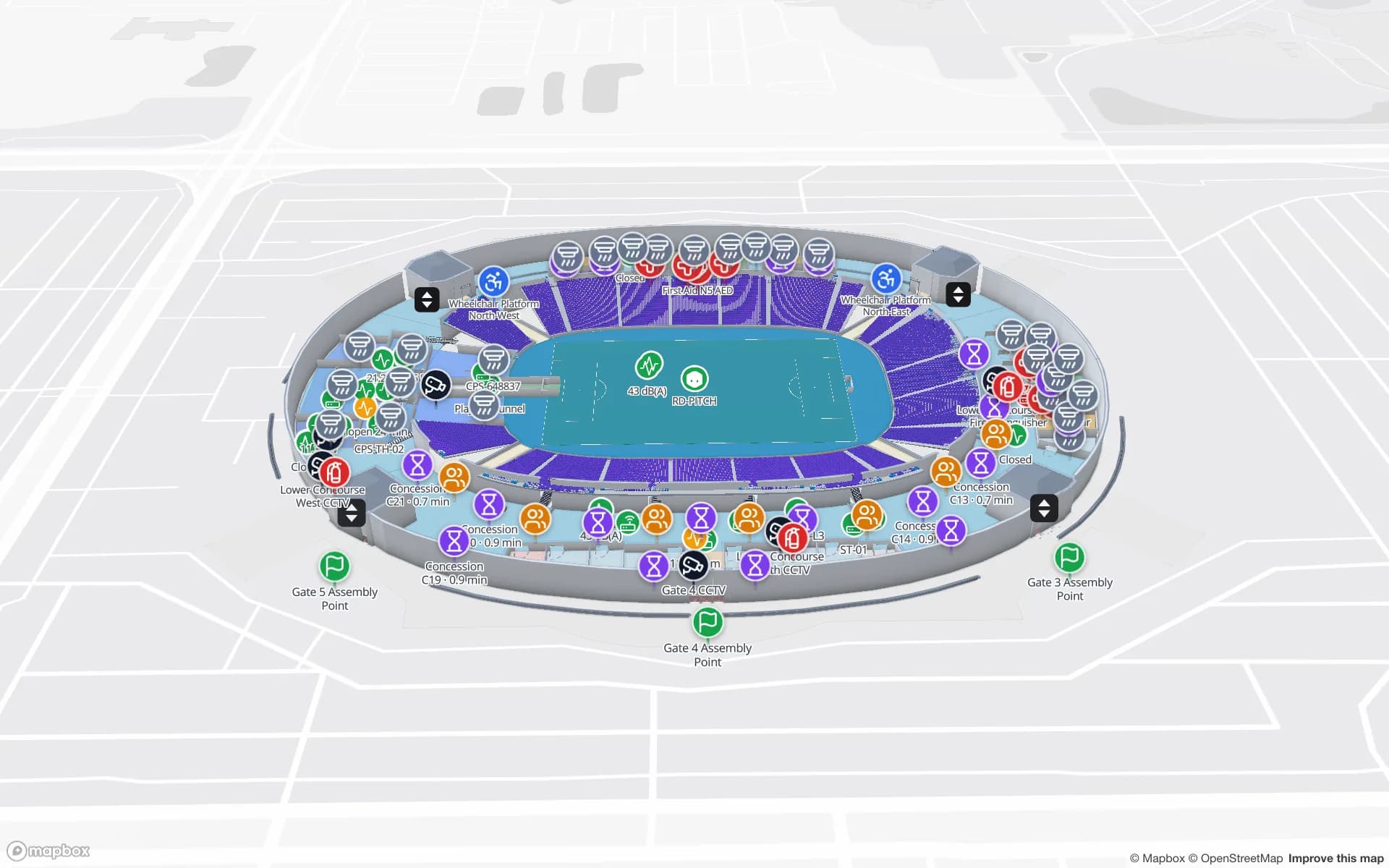
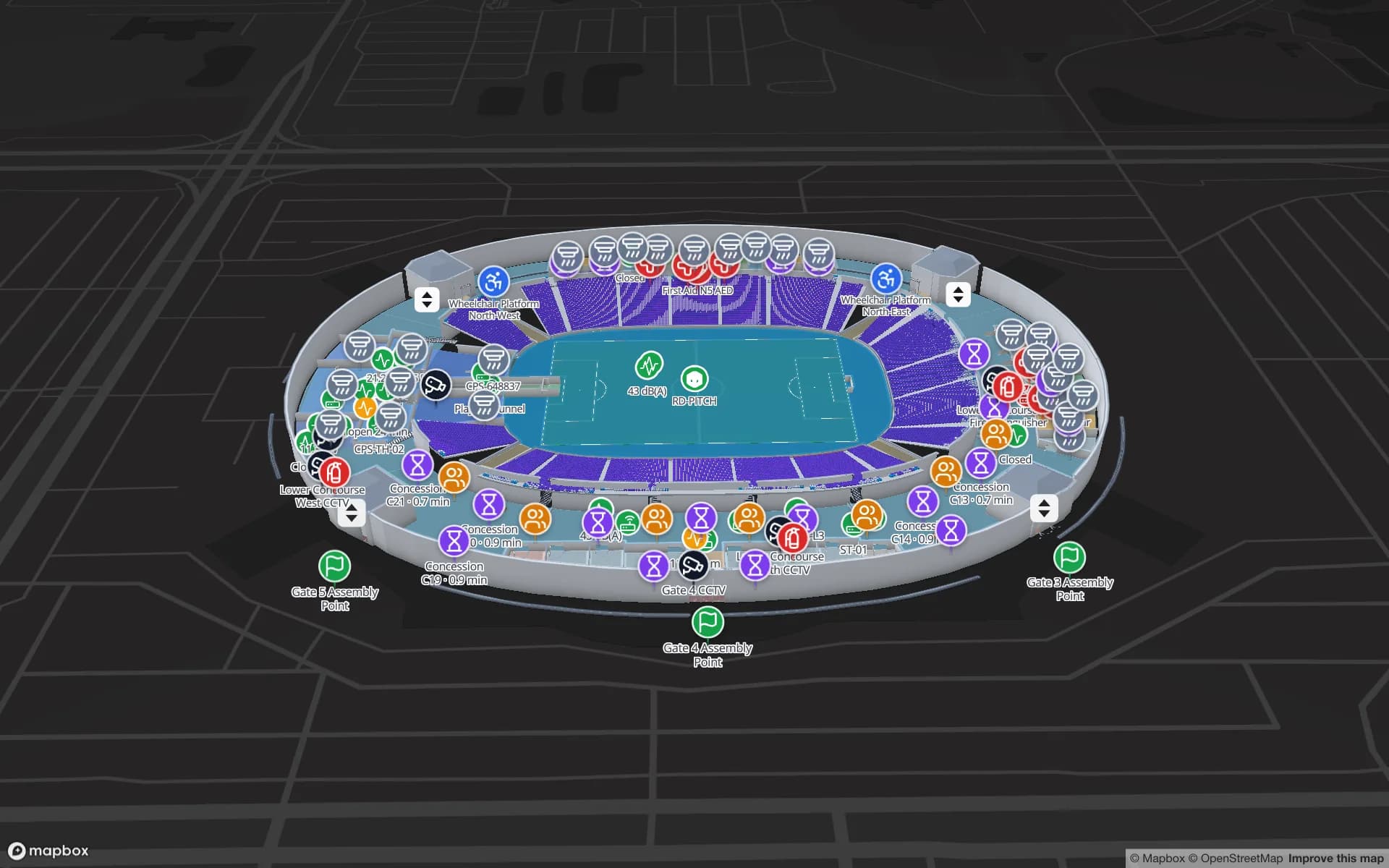
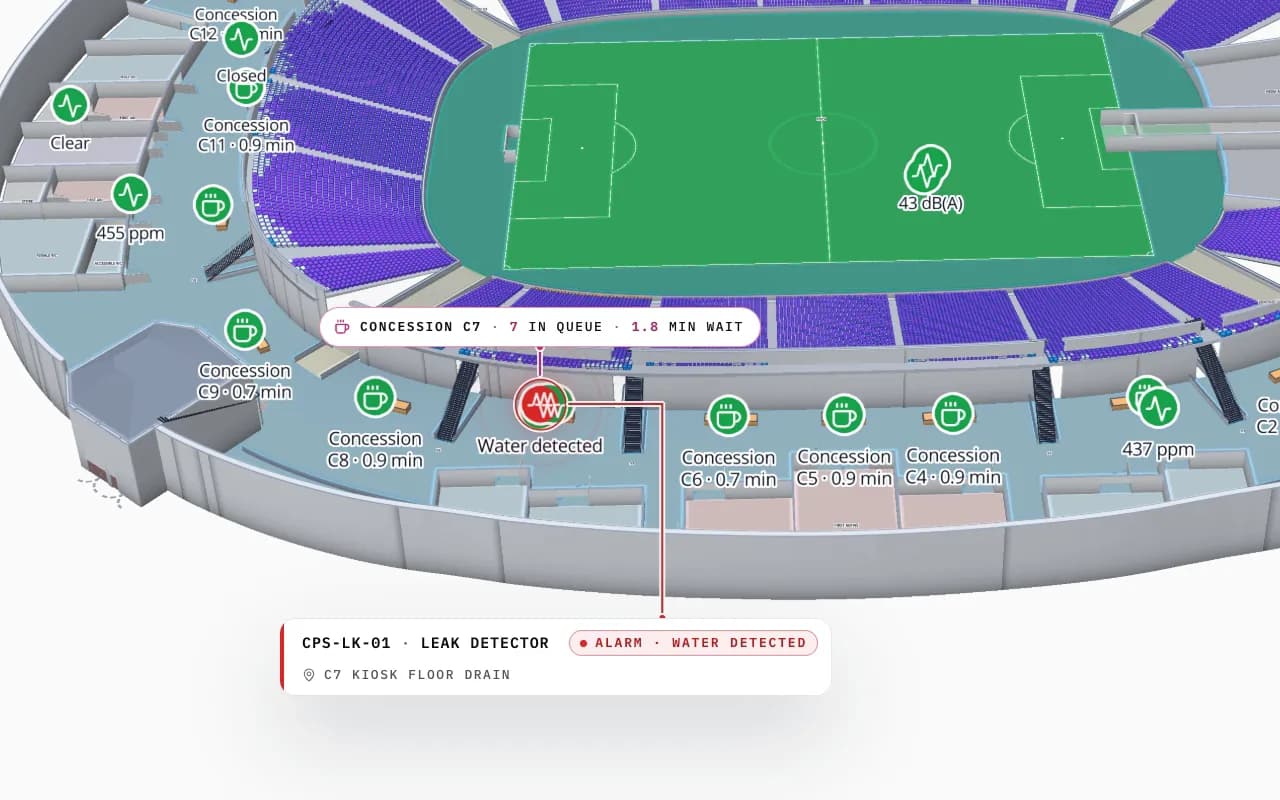
Crown Park Stadium in 3D: the camera pushes in on the lower concourse, with a leak detector reading under kiosk C7, a CO₂ sensor and a queue count shown on the map
Crown Park Stadium
Crown Park Stadium (demo): the lower concourse with a leak detector under kiosk C7, a CO₂ sensor and a queue count on the bowl.
Floors in the Crown Park Stadium demo
2
Venue demos: stadium, airport, convention centre
3
Built-in reports per facility
8
Free trial, no credit card
7 days

What a venue map has to show on event day

On event day the questions are spatial: which gate is backing up, which concourse is crowded, which kiosk has a leak, where the nearest wheelchair is, which lift is out. A static seating chart cannot answer them; a live indoor map can — if the venue is mapped as zones and assets, not as a picture.

  • Gates and turnstiles — entry counts per gate, coloured by load.
  • Concourses and kiosks — queue lengths and service status, by kiosk.
  • Facilities — toilets, first aid, accessible routes, lifts out of service.
  • Sensors — leaks, temperature, CO₂ and door contacts in the rooms they cover.
  • Staff kit — radios, wheelchairs and equipment with BLE or RFID tags.
Built from your venue drawings

Import the venue’s PDF or DWG drawings level by level, trace the stands, concourses, rooms and gates, and stack the levels in 3D. Our team can map the venue for you. The Crown Park demo and the stadium operations post show a finished setup; the stadium and venue operations map is the full solution.

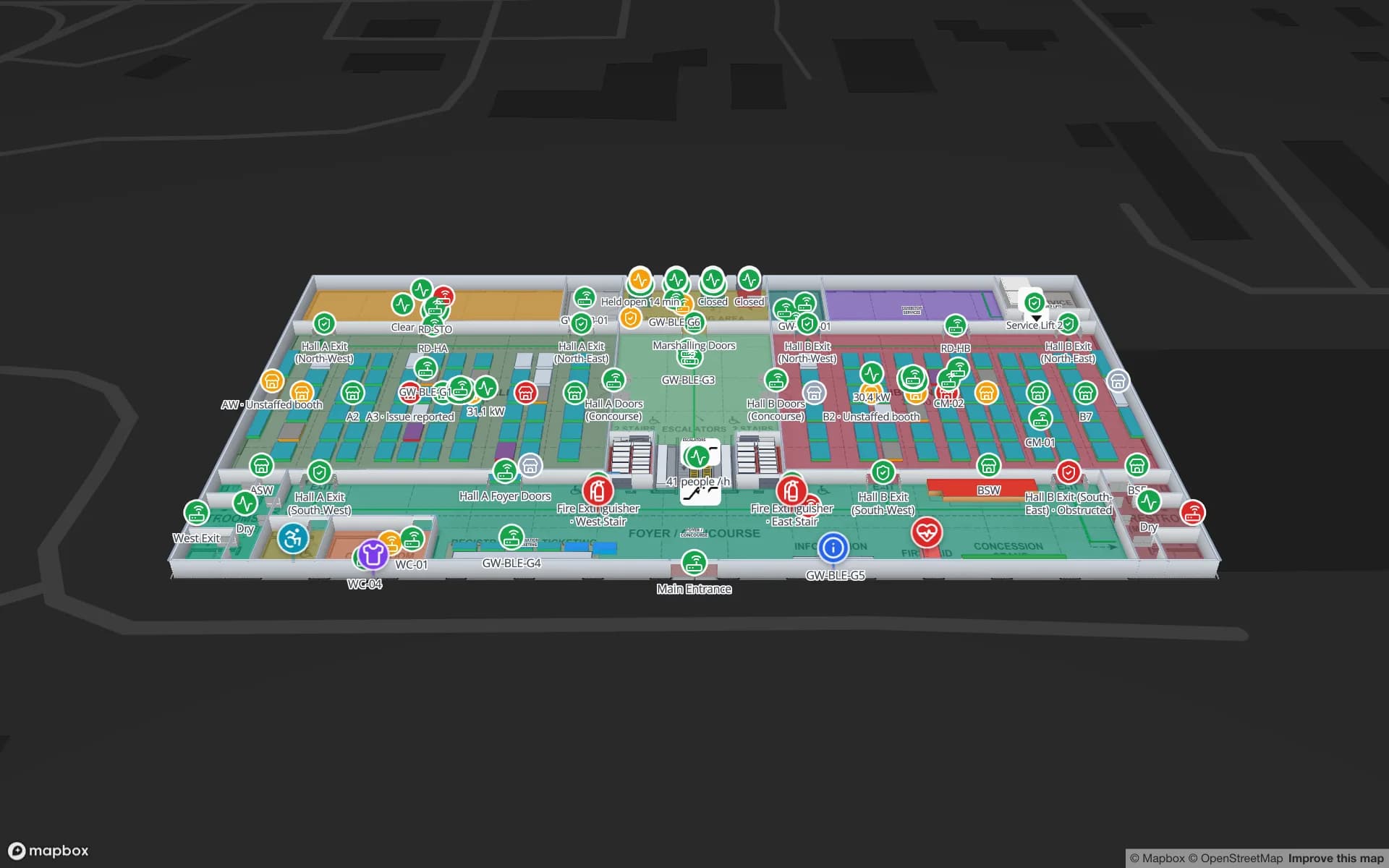
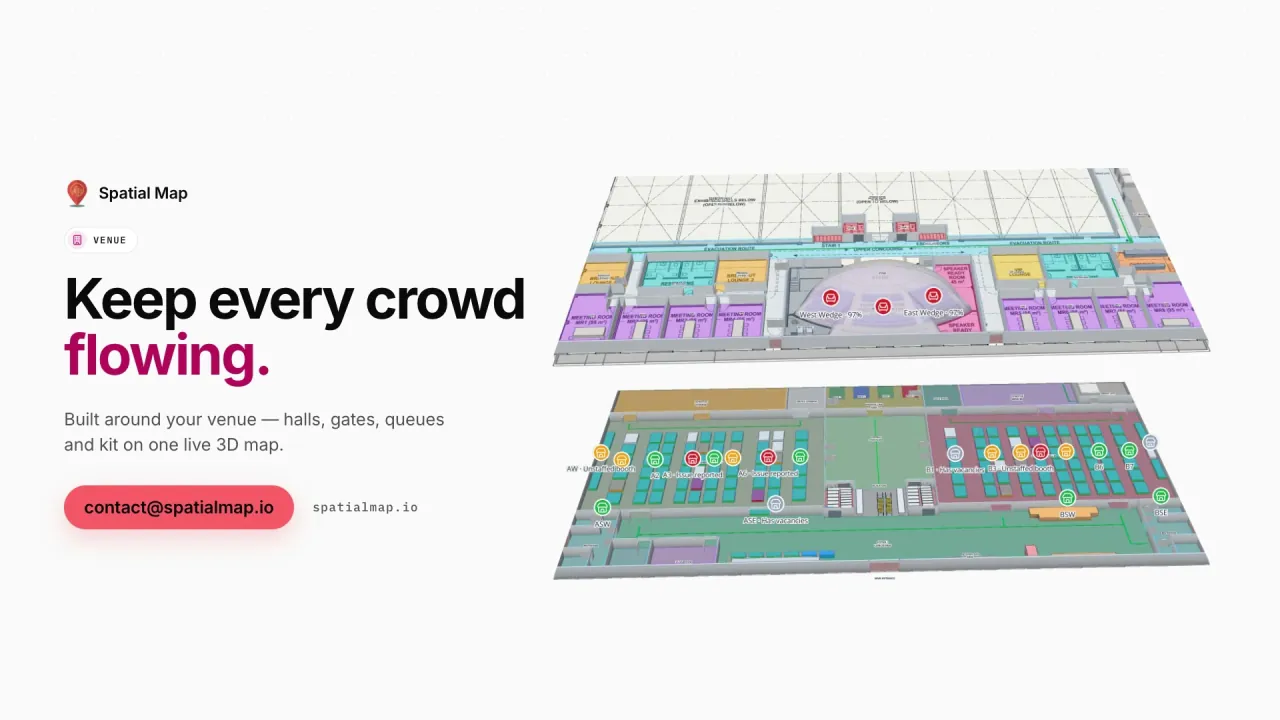
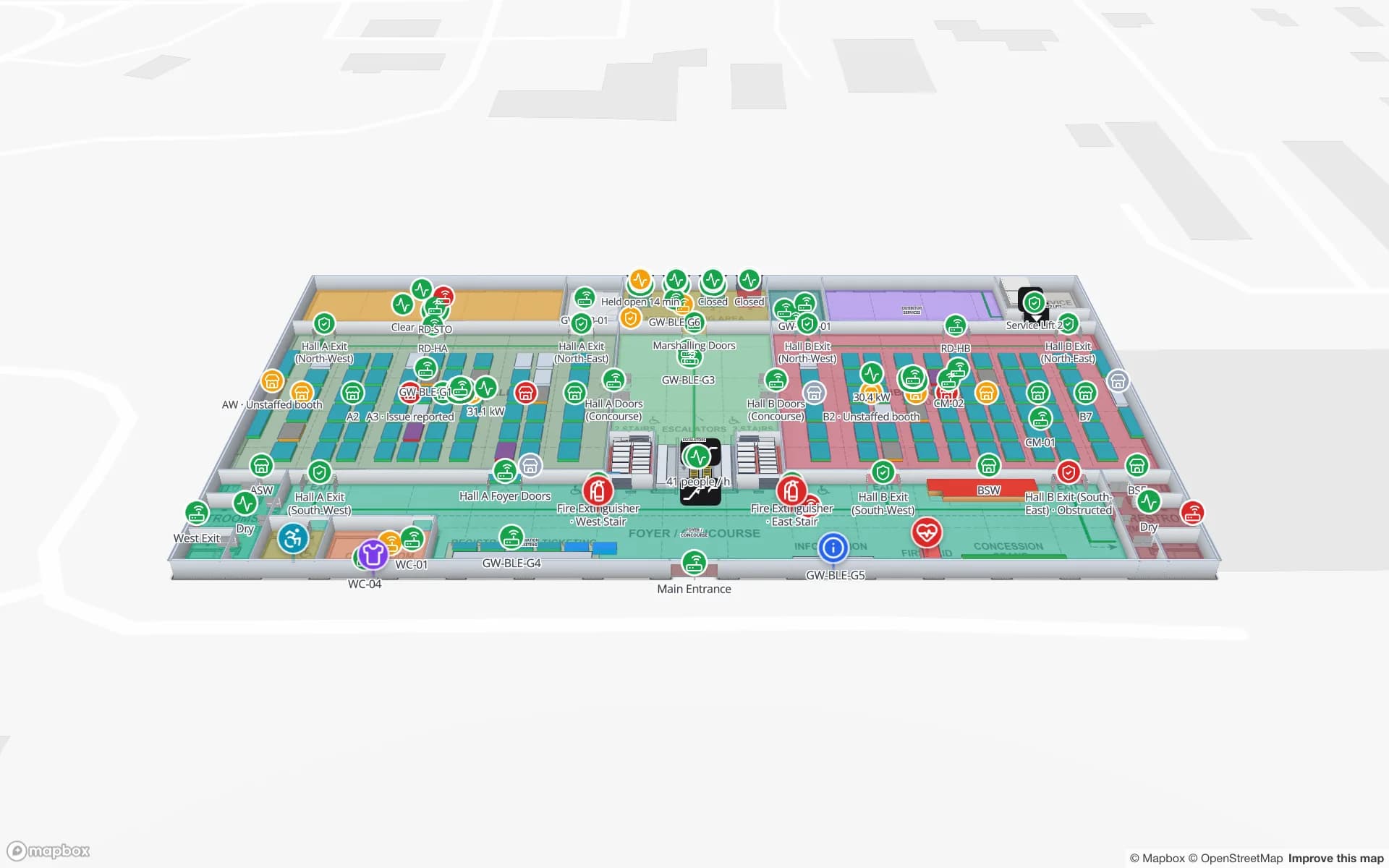
Lakeside Convention Center, a convention center demo, in the Spatial Map 3D viewer with live device markers
Lakeside Convention Center
Lakeside Convention Center (demo): halls and meeting rooms on two floors, with sessions and room capacity live.

Visitors and stewards

A read-only share link can put the map on stewards’ phones or a control-room wall, with the floors and layers they need. The viewer’s Navigate button gives walking directions on one floor. A fan app with seat-to-seat routing or positioning is a custom project.

How Spatial Map does it

A venue map in four steps

  1. 01

    Import the floor plans

    Upload a PDF or AutoCAD DWG per floor, set the drawing scale and pin it to the building’s location. How import works.

  2. 02

    Trace the building

    Draw rooms, walls, doors, racks, stairs, lifts and labels with the editor’s tools — or let our team do it.

  3. 03

    Connect your data

    Bind tables — stock, devices, bookings, sensors — to the shapes with data links; style rules colour them.

  4. 04

    Share and navigate

    Open it in the read-only viewer or a share link, with floors, filters and the Navigate button.

Venue maps in the demo workspace

Stadium event day

Gates, concourses and kiosks with counts and sensors.

Convention centre

Crates dock to booth, rooms over capacity, sessions live.

Airport terminal

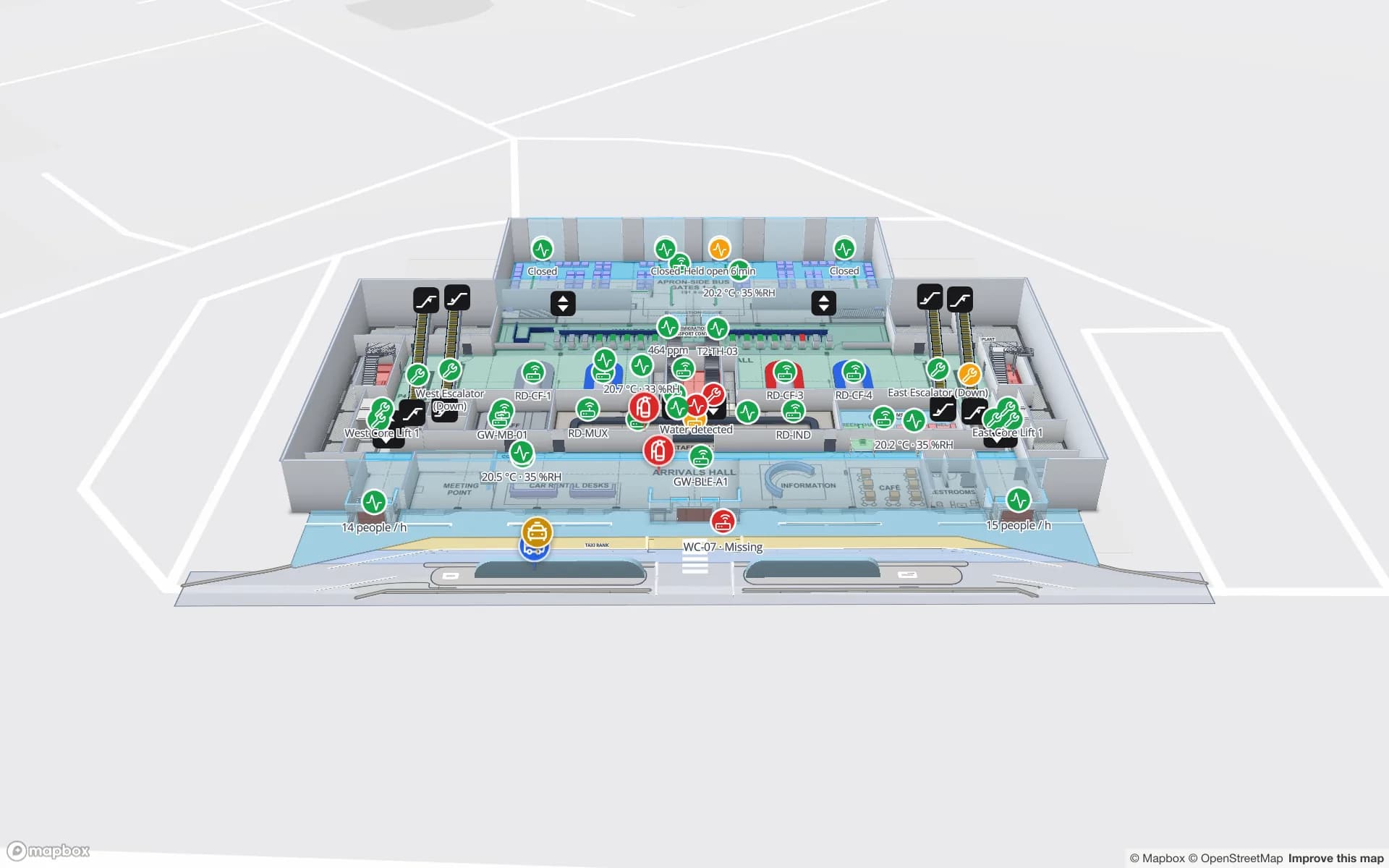
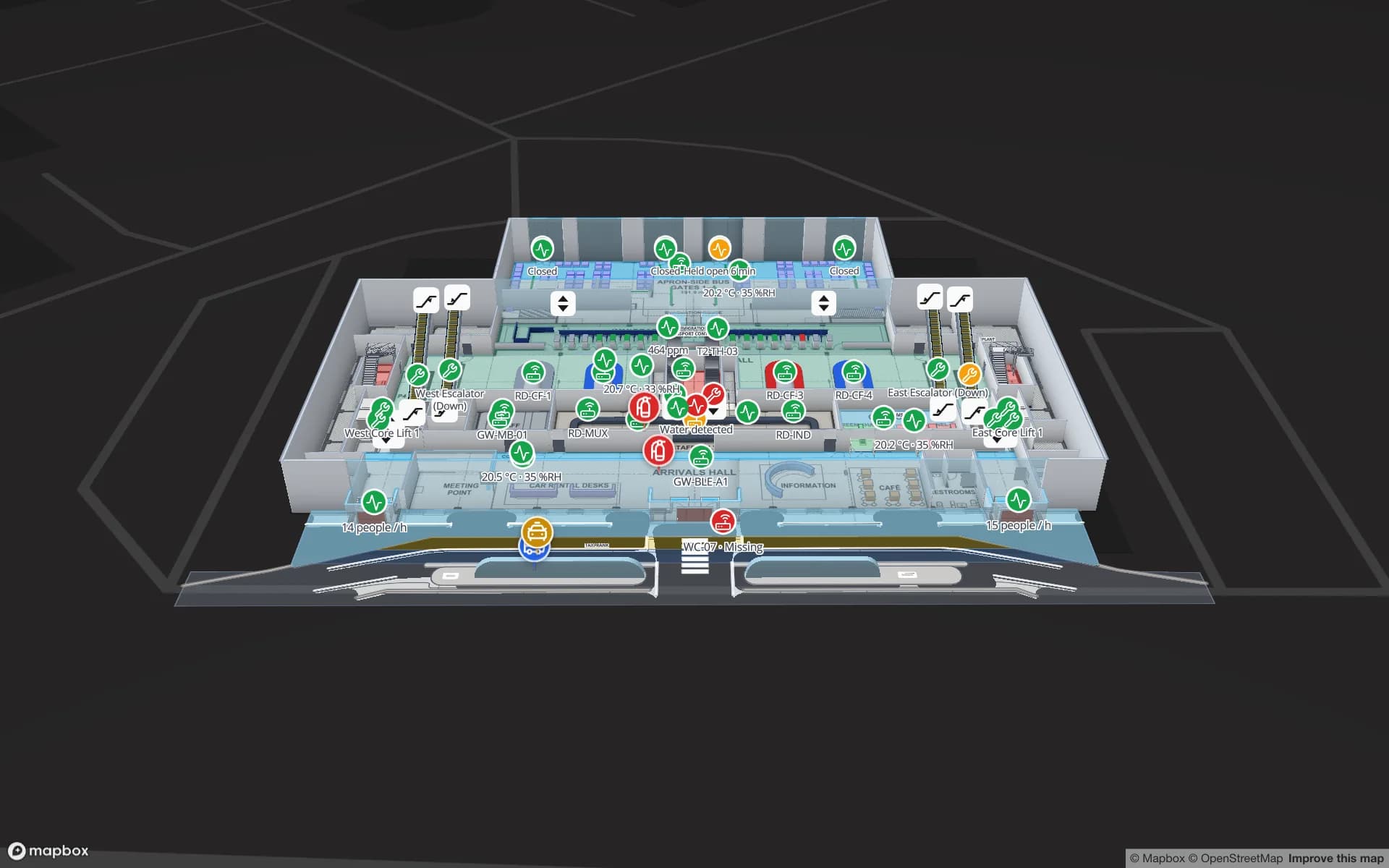
Halls, gates and loan equipment across two floors.

Museums and galleries

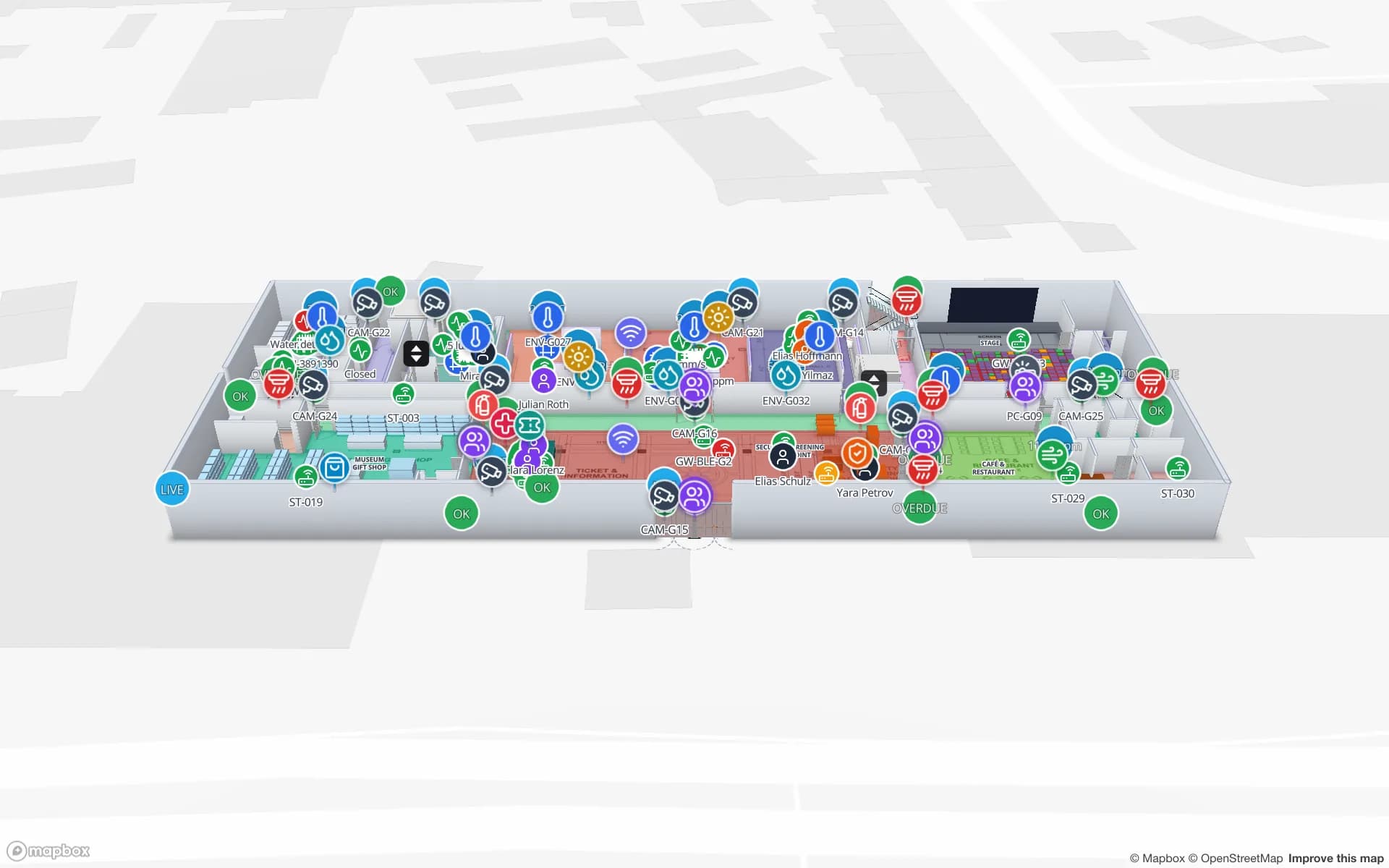
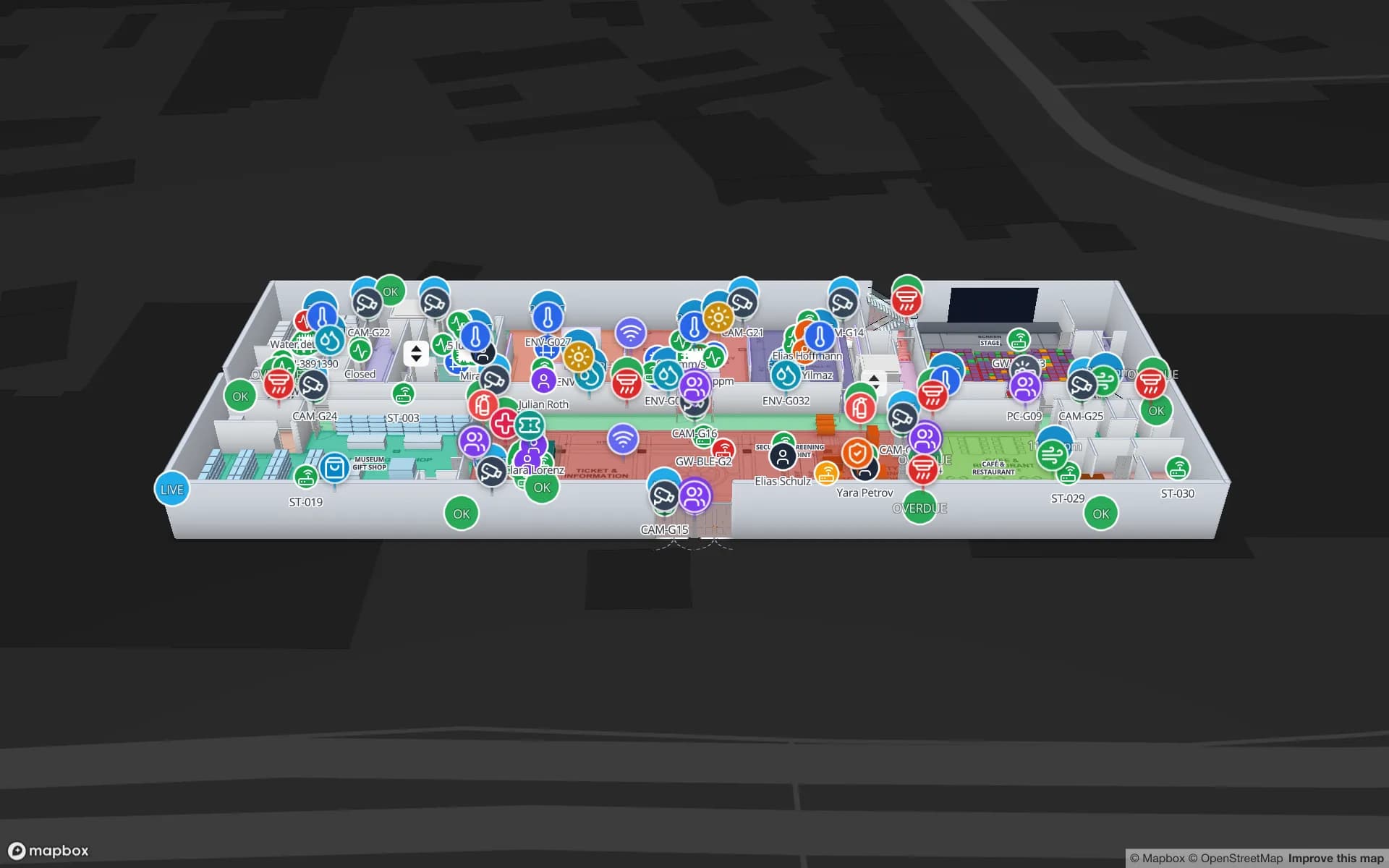
Three gallery floors with exhibits, stairs and lifts.

See it on real demo facilities

Fictional names, real floor plans, live sensors, RFID, BLE tags and gateways — open any of them in the browser.

All 13 demo facilities

Stadium indoor mapping — frequently asked questions

It shows the counts your turnstiles, people counters or camera analytics report, by gate or zone. Spatial Map does not count people itself.

Yes. Share links open the read-only viewer in a mobile browser, with no account and the floors and layers you choose.

No. Spatial Map shows state on the map and in reports; alarms stay with your BMS, security and ticketing systems.

Yes. Spatial Map reads DWG files (R2004 to R2018) itself and places them as a floor-plan picture at the right scale; PDFs work the same way. DXF is not read directly. Nothing is extracted automatically — walls, rooms and doors are drawn on top. See CAD and PDF import.

A 7-day free trial covers up to 5 facilities with no credit card. Pro is $60 a month or $600 a year for up to 4 facilities. Done-for-you mapping and integrations are quoted as custom services.

Run your next event from a live venue map.

Start a free trial and open the Crown Park demo, or send us your venue drawings and we will map them for you.