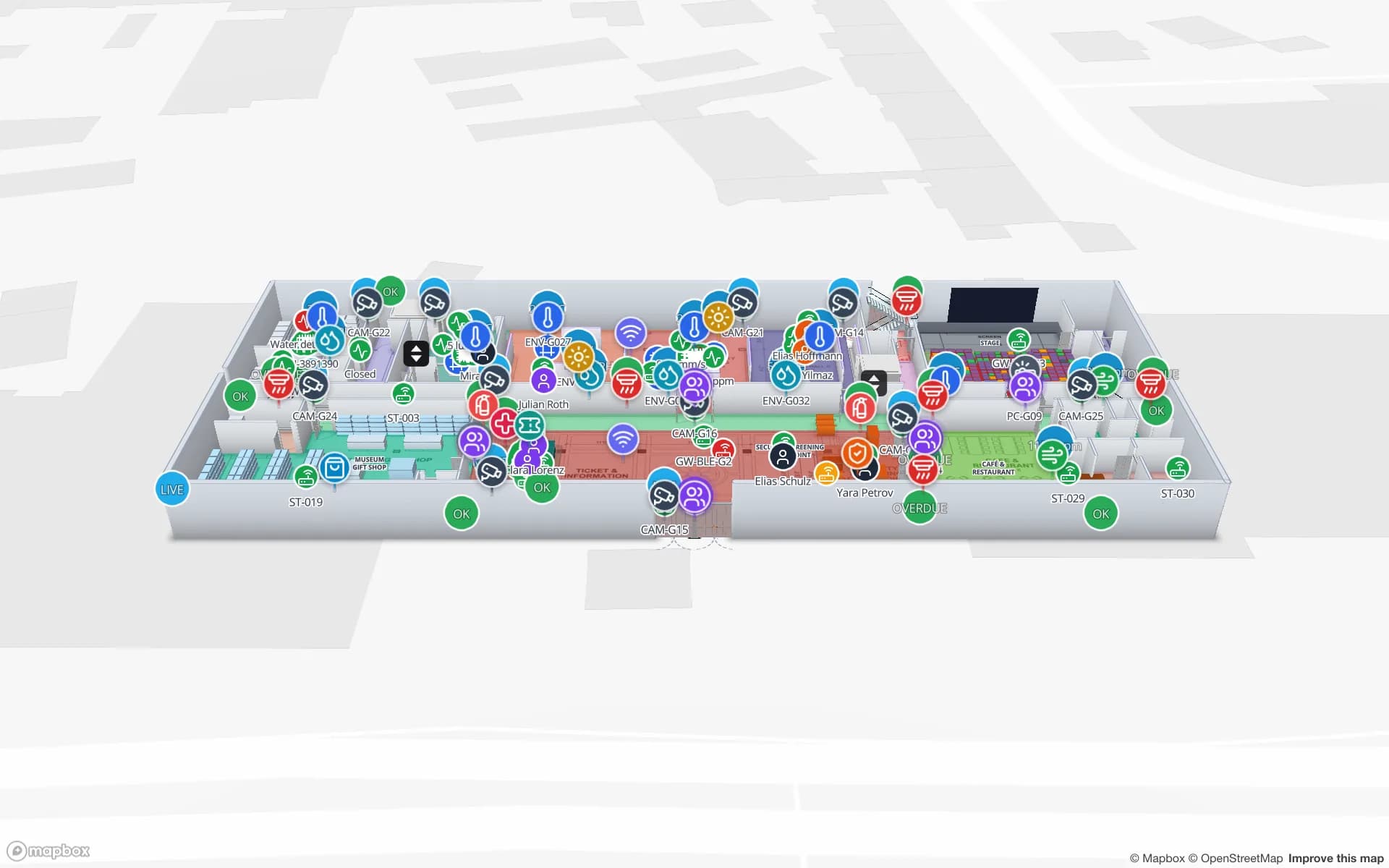
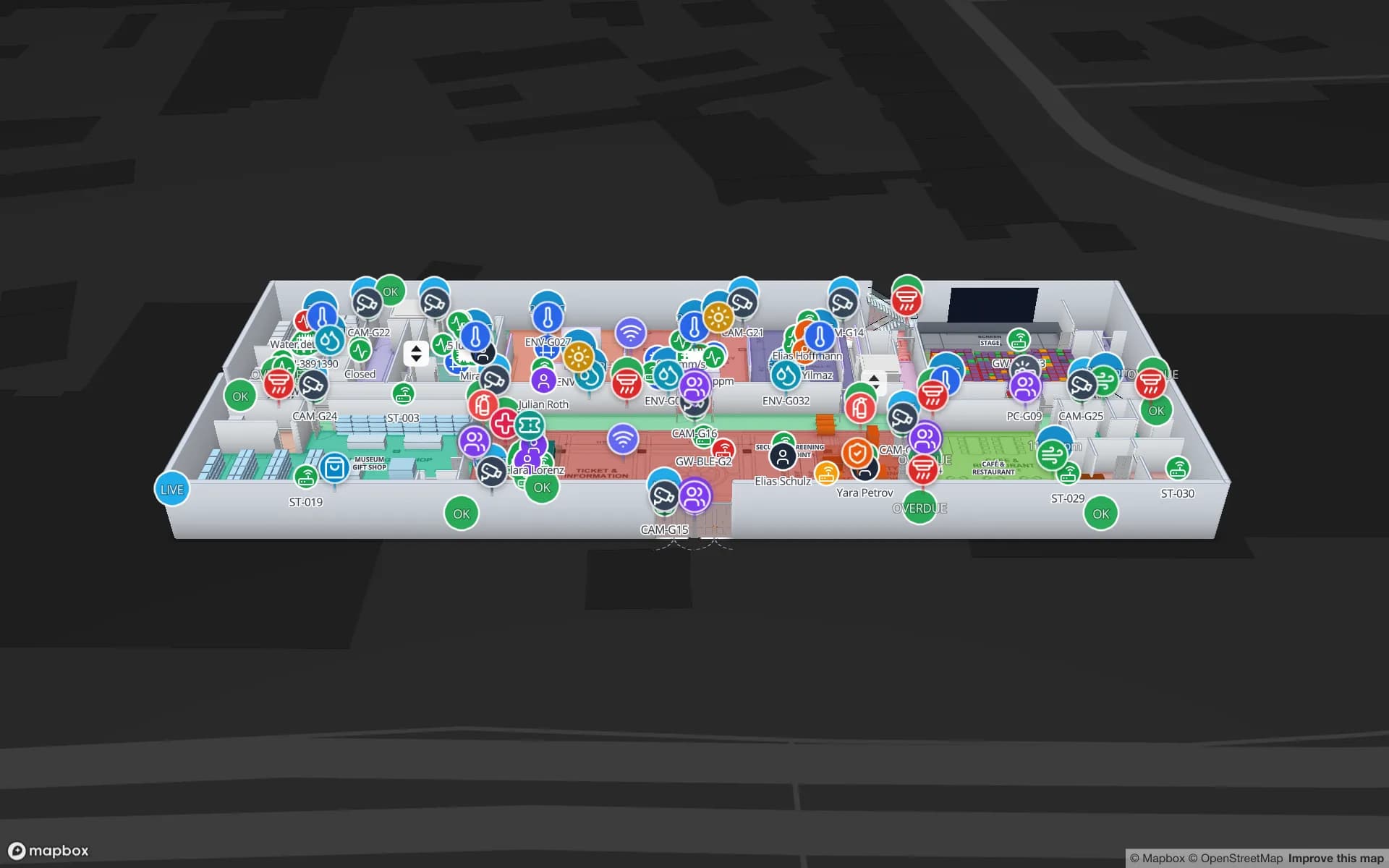
What the Navigate button does
In the read-only viewer, and on share links, a Navigate button sits at the bottom-left of the map (“Get directions between two points”). Click a start, click a destination, and Spatial Map draws a green walking route with turn-by-turn steps in a Directions panel. In the editor the same tool is Route from A to B, which doubles as a layout check: a “No path found” usually means a door is missing.
Under the hood, Spatial Map lays a grid of 25 cm squares over the floor, marks each square open or blocked from what is drawn — walls and racks block, doors open — and searches for the shortest walkable path (A*), with a small cost per turn and a preference for the middle of corridors. Details are in the wayfinding docs.