Indoor mapping · Offices, campuses & universities

Office and campus indoor mapping: every room, floor and asset

Spatial Map is office and campus indoor mapping for facilities and IT teams: each building, floor and room on a 3D map, with tagged equipment, room data, environmental sensors and work orders on top — so “where is it?” and “what is wrong in there?” are answered on the map.

Last updated:

No credit card. Runs in the browser. Pro is $60/month for up to 4 facilities. Book a demo

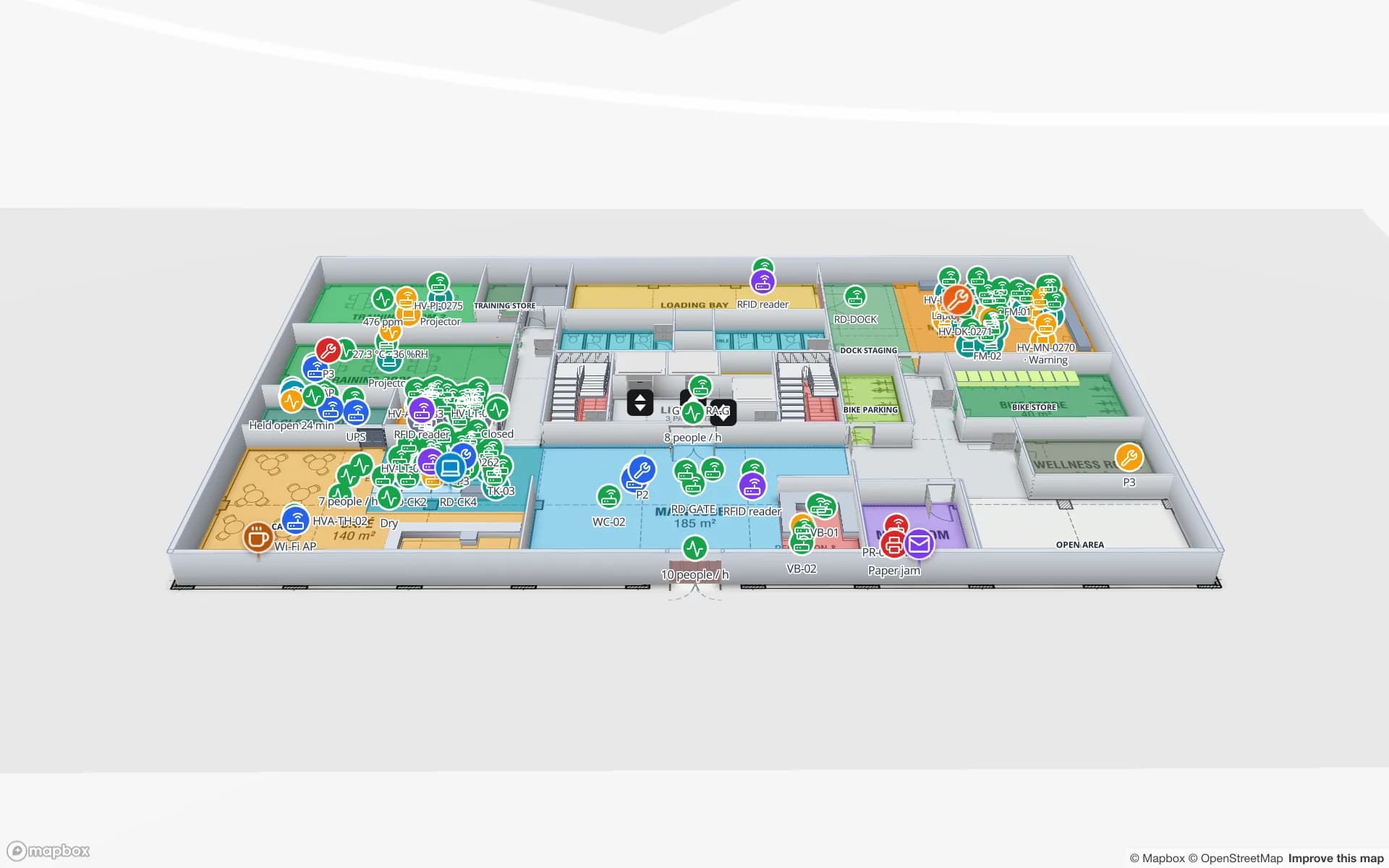
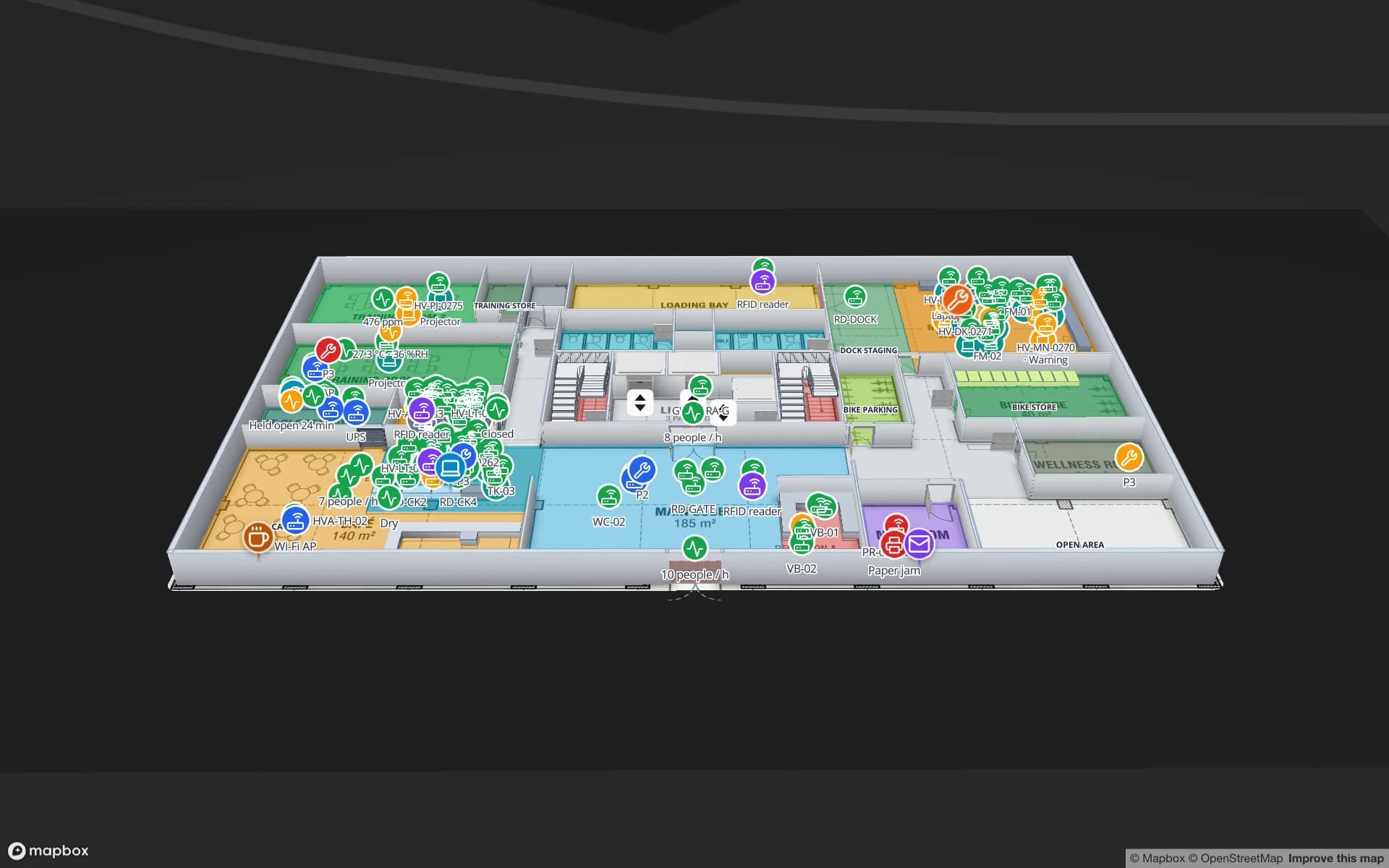
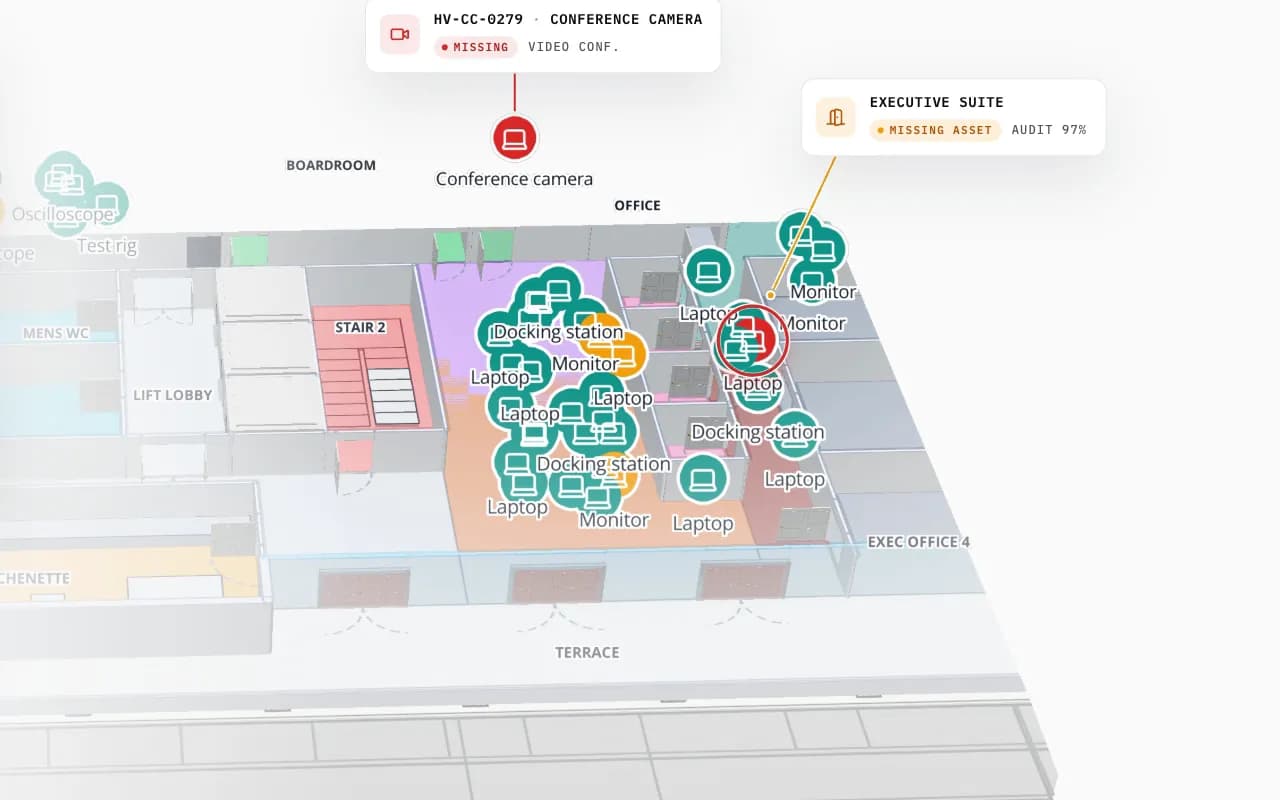
Harborview Corporate Campus in 3D: tagged office equipment by room, then the view zooms to the boardroom where a missing conference camera is marked
Harborview Corporate Campus — Building A
Harborview Corporate Campus (demo): tagged laptops, monitors and docking stations by room, and a missing conference camera pinpointed.
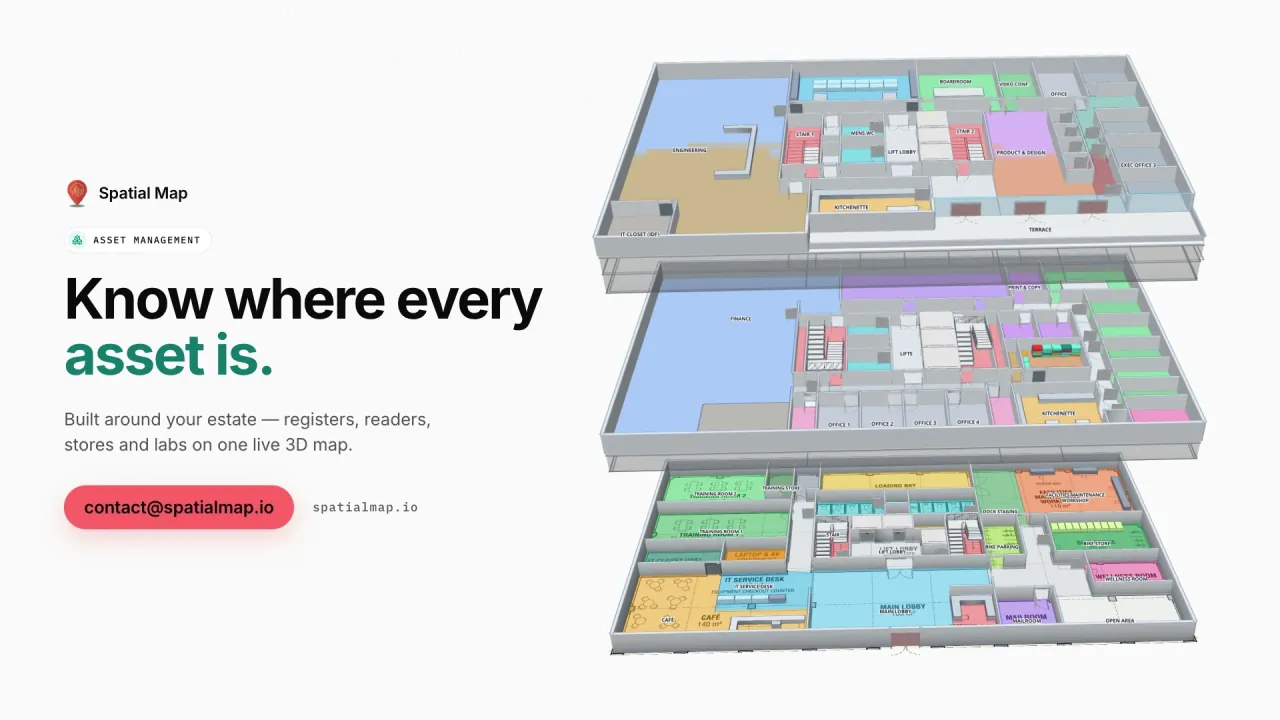
Floors in the Harborview office demo
3
Registered assets across the asset demos
796
Team roles, plus read-only share links
4
Free trial, no credit card
7 days

One map for facilities, IT and workplace teams

Offices and campuses are mapped many times over — CAD for facilities, a floor plan in the booking tool, a spreadsheet of rooms for IT. Spatial Map gives them one scaled, multi-floor 3D map where each room is a named shape any team’s data can bind to.

  • Rooms and spaces — name, use, capacity and department, from your space register.
  • IT and AV equipment — laptops, monitors, cameras and docks by room, from RFID audits or BLE tags.
  • Labs and instruments — instruments by room, with calibration and out-of-service flags.
  • Environment — temperature, CO₂ and occupancy sensors colouring the rooms they measure.
  • Work orders — open jobs by location from your CMMS.
Campuses with many buildings

Each building is a facility in the workspace, with its own floors; solutions group facilities, reports and data (for example one campus) so a team sees only its part. The Harborview, Westbrook University and Ridgeline Data Center demos are three such buildings.

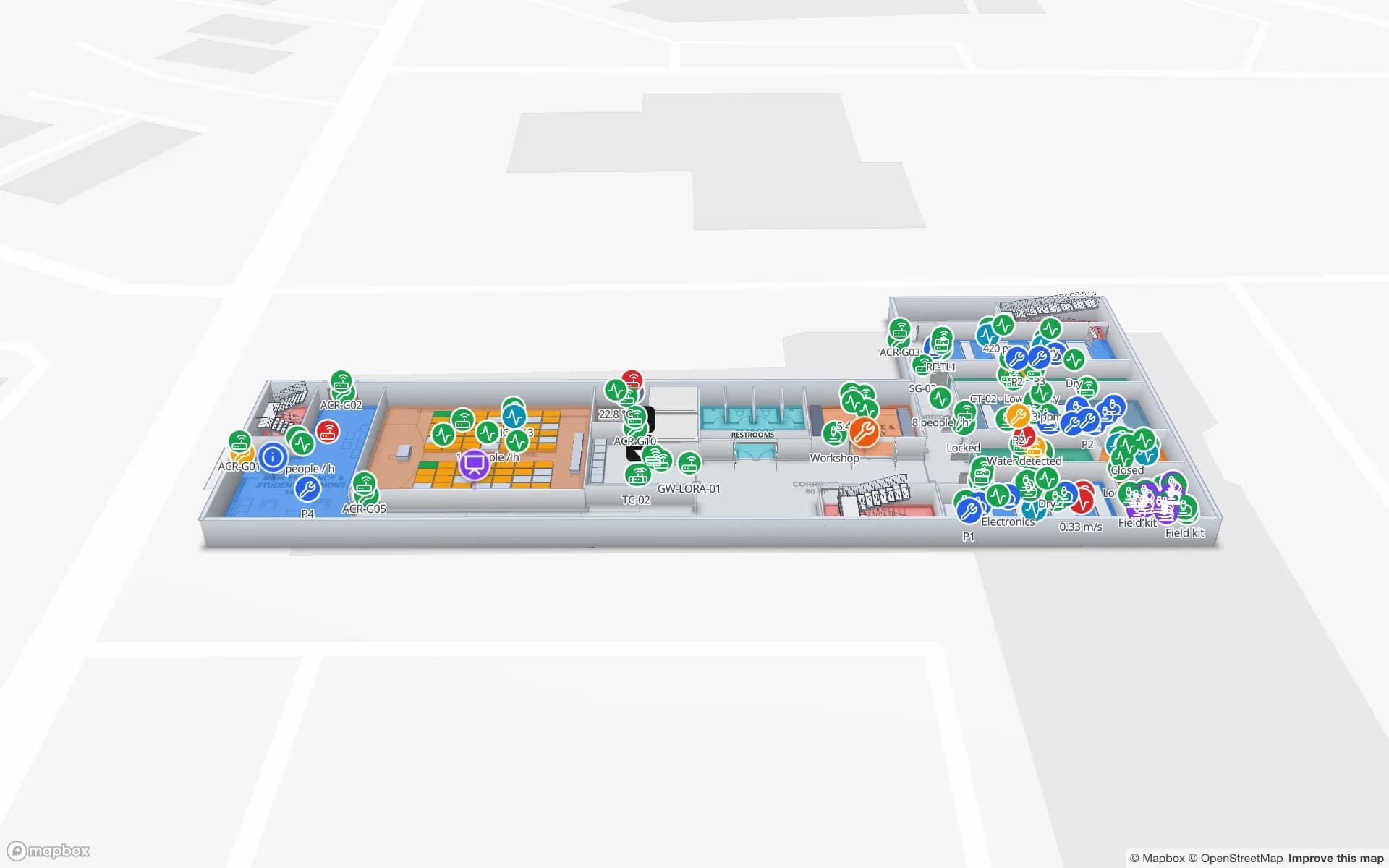
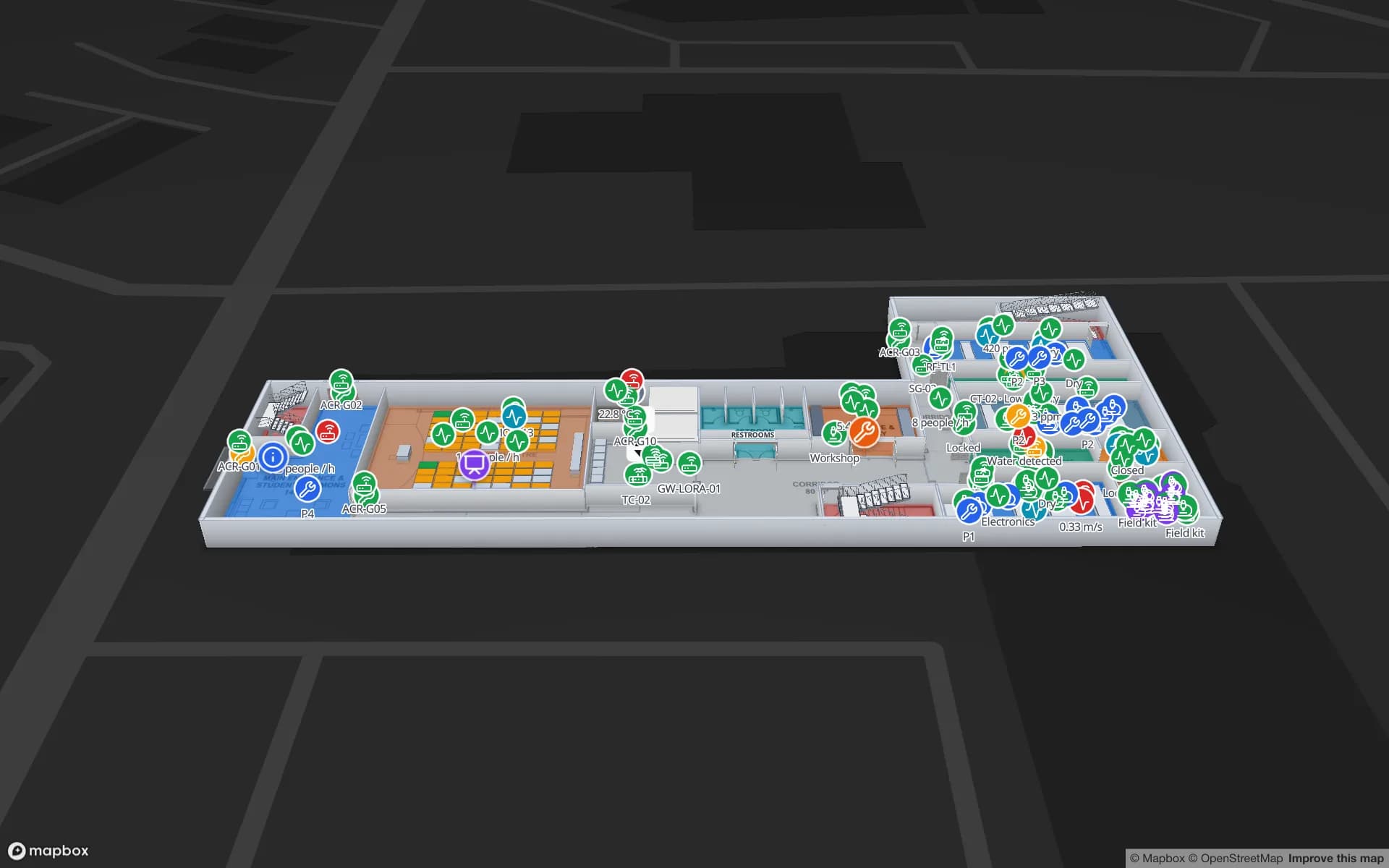
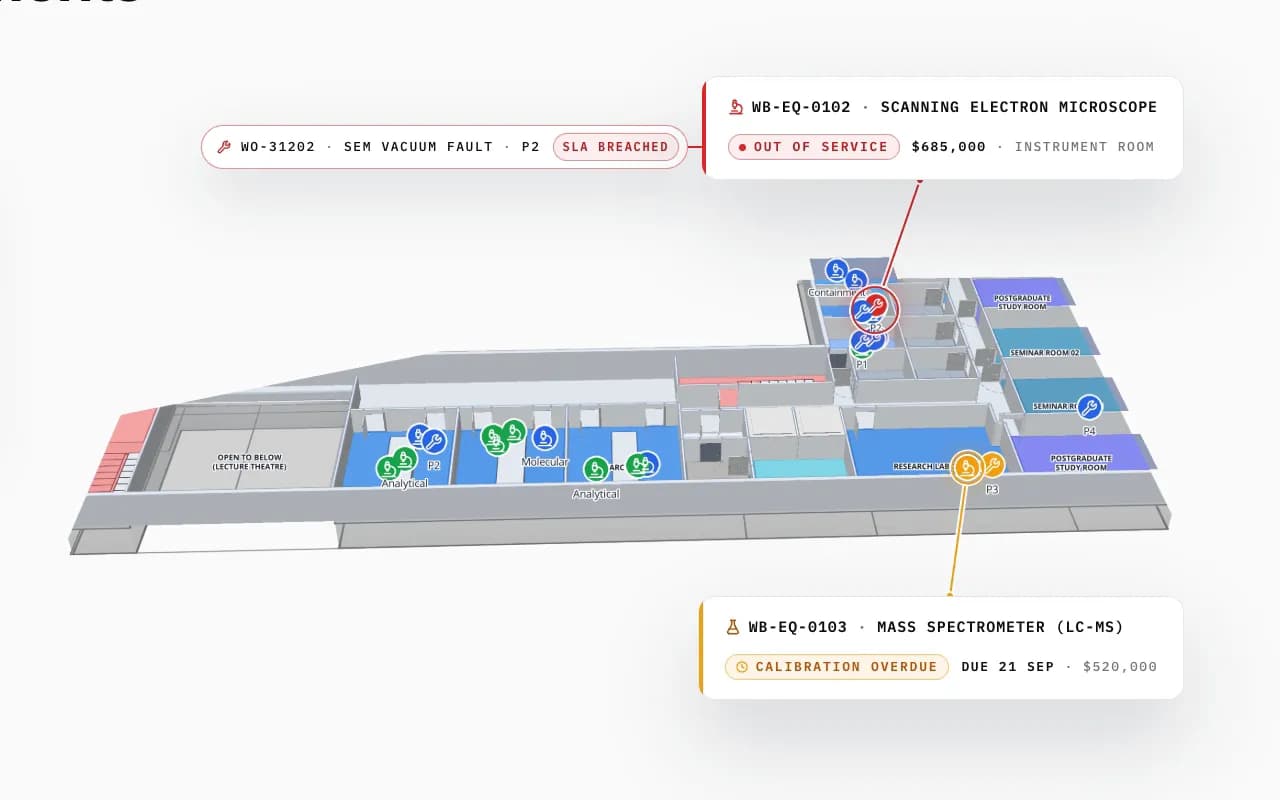
Westbrook University Science Building in 3D: an out-of-service electron microscope with a breached work order and a mass spectrometer overdue for calibration, called out in their rooms
Westbrook University — Science Building
Westbrook University Science Building (demo): an out-of-service electron microscope and an instrument overdue for calibration, in their rooms.

Finding your way

Visitors and new staff can get walking directions on one floor from the viewer’s Navigate button, on a share link or a lobby screen. Multi-building or multi-floor routing and positioning in a campus app are a custom project — see indoor navigation.

How Spatial Map does it

A campus map in four steps

  1. 01

    Import the floor plans

    Upload a PDF or AutoCAD DWG per floor, set the drawing scale and pin it to the building’s location. How import works.

  2. 02

    Trace the building

    Draw rooms, walls, doors, racks, stairs, lifts and labels with the editor’s tools — or let our team do it.

  3. 03

    Connect your data

    Bind tables — stock, devices, bookings, sensors — to the shapes with data links; style rules colour them.

  4. 04

    Share and navigate

    Open it in the read-only viewer or a share link, with floors, filters and the Navigate button.

Office and campus maps in the demo workspace

Corporate office

Equipment by room across three floors, missing items pinpointed, checkout at the doors.

University science building

Instruments, calibration and out-of-service equipment by lab.

Data center

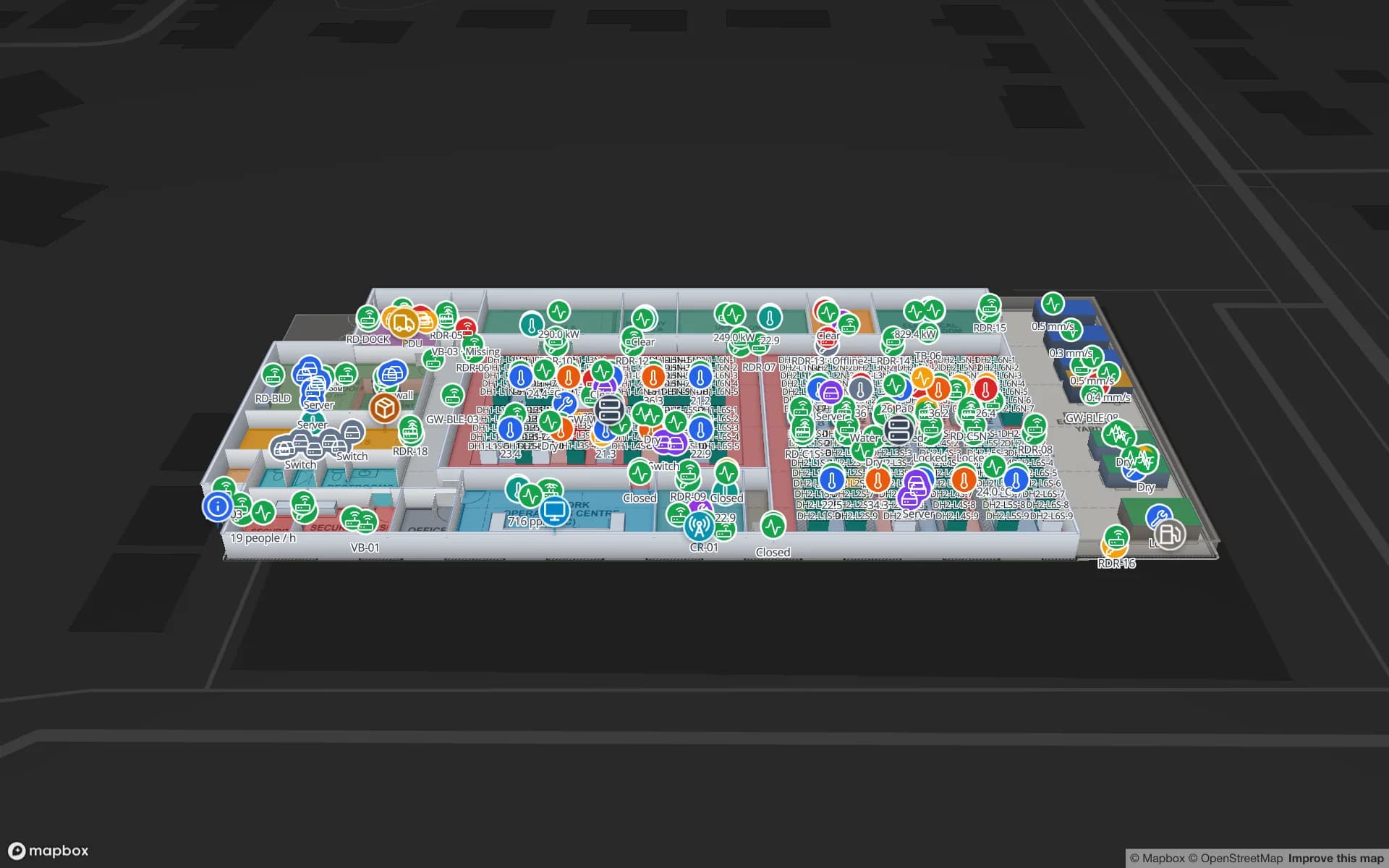
Servers by hall and row, removal checked at the doors.

See it on real demo facilities

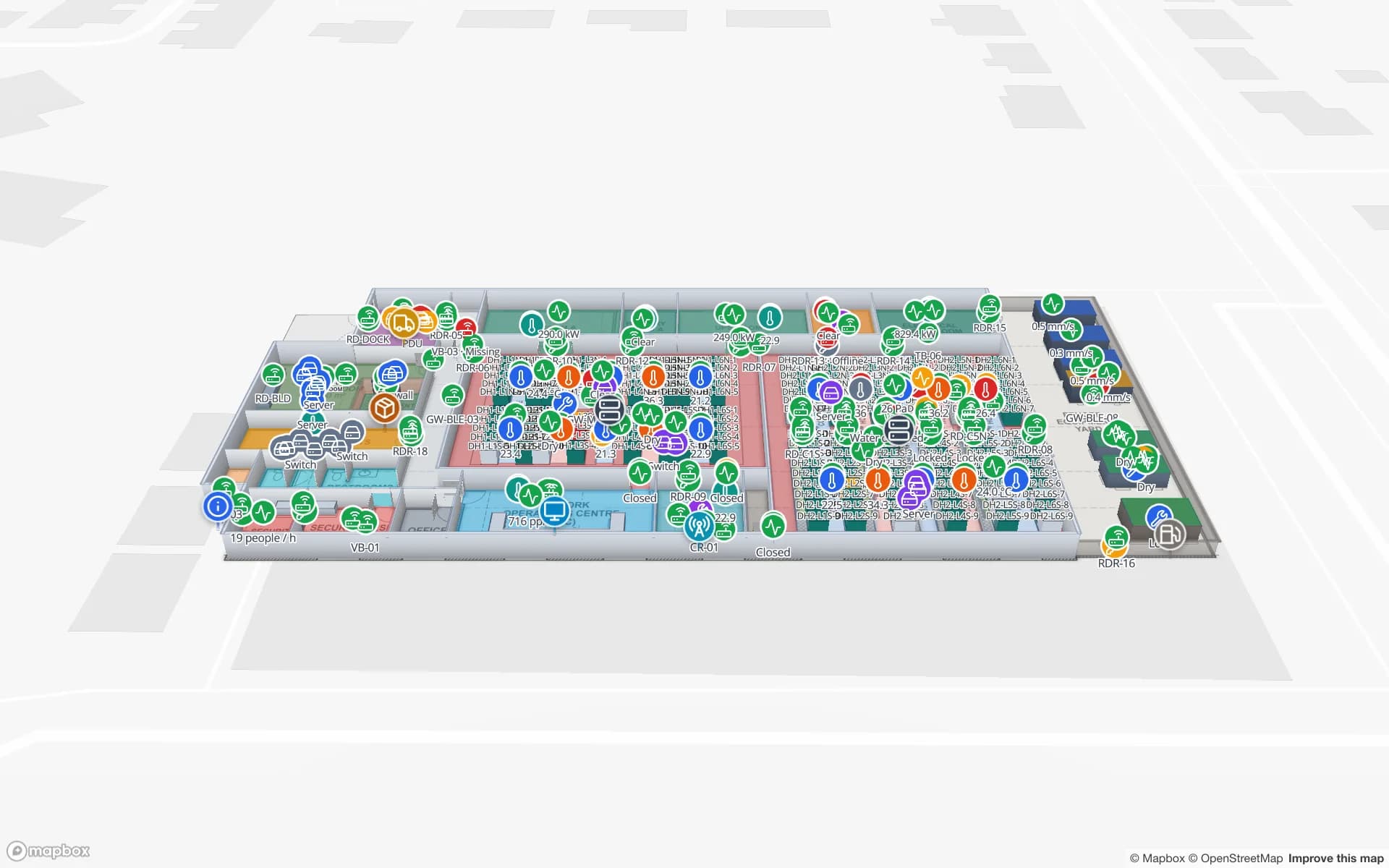
Fictional names, real floor plans, live sensors, RFID, BLE tags and gateways — open any of them in the browser.

All 13 demo facilities

Office and campus indoor mapping — frequently asked questions

No. Spatial Map can show bookings or occupancy from your booking system on the map, but it does not take bookings.

Yes — one facility per building, each with its floors, grouped into a solution. Pro covers up to 4 facilities; larger estates are quoted as custom services.

Spatial Map works from 2D floor plans (PDF or DWG) and places 3D models (GLB) where you want them; it does not import IFC/BIM directly. See indoor maps vs floor plans vs BIM.

You can — the editor runs in the browser and needs no CAD skills — or our team maps the building for you from your PDF or DWG plans as a custom service. Automatic detection (AI Map) is coming soon; today every map is traced on top of the floor plan.

A 7-day free trial covers up to 5 facilities with no credit card. Pro is $60 a month or $600 a year for up to 4 facilities. Done-for-you mapping and integrations are quoted as custom services.

Put every room and asset on one campus map.

Start a free trial and open the Harborview demo, or send us your floor plans and we will map your buildings for you.