
EAS vs RFID anti-theft gates: what each one tells you
EAS vs RFID for retail loss prevention: how AM and RF EAS gates work, what RFID gates add with item-level data, trade-offs, and how to switch over.
EAS vs RFID: the short answer
EAS vs RFID for retail loss prevention comes down to what the gate knows when it alarms. An EAS (electronic article surveillance) gate only knows that an active tag passed. An RFID gate reads which item passed, its product and serial number, and can check it against sales. EAS is simpler and cheaper per tag; RFID turns every exit event into data you can act on and reuses the same tags for stock counts.
Many retailers run both during a transition, or use tags that carry both technologies. This guide explains how each system works, where each fits, and what to plan for if you move from EAS to RFID.
How EAS works
An EAS system has three parts: tags or labels on the merchandise, a way to deactivate or remove them at the till, and antennas at the exit. If an active tag passes the antennas, the system alarms. The tag holds no identity, so the alarm says only that something left.
- Acousto-magnetic (AM) systems typically operate around 58 kHz. They are known for wide aisle coverage and for coping relatively well near metal and foil packaging.
- Radio frequency (RF) systems typically operate around 8.2 MHz. RF labels are thin and cheap, which suits high-volume items and source tagging.
- Hard tags clip onto clothing and are removed at the till; labels stick on packaging and are deactivated at the till.
AM and RF tags are not interchangeable: a store’s gates detect one family, so suppliers must source-tag in the right one.
How RFID anti-theft gates work
An RFID exit gate is a passive UHF reader with antennas aimed at the doorway. Each tag carries a unique serial number (an EPC). When a tag passes, the gate reports which item it was. Software then decides whether that is a problem, typically by checking whether the item was sold, or by reading a "sold" state written to the tag at the till.
Because the event names the item, staff can see what left, when and through which door, even if nobody responded to the alarm. Over weeks, the same events show which products, doors and times of day lose the most stock. The RFID gate system page covers gate layouts and read trails in more detail.
EAS vs RFID at a glance
| EAS (AM or RF) | RFID (passive UHF) | |
|---|---|---|
| What the tag carries | One bit: active or not | A unique item ID, sometimes extra data |
| What an alarm tells you | Something active passed | Which item passed, when and where |
| Tag cost | Low, especially RF labels | Higher, but falling with volume |
| Other uses for the tag | None | Stock counts, receiving, replenishment, returns |
| Deactivation | At the till, by deactivator or tag removal | Item marked sold in software or on the tag |
| Gate tuning | Mature, mostly fixed | Needs tuning to avoid reading nearby stock |
| Software needed | Minimal | Yes, to match reads to sales and show events |
| Data for loss analysis | Alarm counts | Item-level events by product, door and time |
Trade-offs to know about
- Stray reads. RFID gates can read tagged stock displayed near the door. Keep displays back, tune power and test with full shelves.
- Sales data in real time. To know an item was paid for, the gate needs sales data or a tag state update quickly. Delays create false alarms.
- Shielding. Foil-lined bags block both technologies to a degree. Neither is immune.
- Tag removal. A thief can cut off any tag that is easy to reach. Hard tags and concealed tags help in both systems.
- Privacy. Tell customers RFID is in use, follow local rules, and do not link tag IDs to people without a lawful basis.
Which one fits your store
- EAS is usually enough for a small store with low shrink, few doors and no plan to count stock with RFID. The gates are mature, tags are cheap and staff already know the routine.
- RFID tends to fit chains selling apparel, footwear, electronics or cosmetics, where item-level counts already justify tags and exit data adds to them.
- A mix makes sense while tags roll out category by category, or where some suppliers source-tag in EAS and others in RFID.
- Neither replaces people. Gates deter and record; staff presence, store layout and camera coverage still decide how much is lost.
Whatever you choose, look at where losses actually happen before buying more gates. Losses through fitting rooms, stockrooms or delivery doors will not show up at the front exit at all.
Moving from EAS to RFID
- 1Start with inventory
Tag one category or one store, and use handheld counts first. Prove read rates and count accuracy.
- 2Run both at the door
Keep EAS gates while RFID tags roll out. Dual-technology tags or combined pedestals can carry both during the overlap.
- 3Connect sales
Decide how the gate learns an item was sold, and test the delay between payment and exit.
- 4Tune the gates
Test with full displays near the door, busy entrances and peak hours. Adjust until stray reads are rare.
- 5Decide what an alarm triggers
Who responds, what they record and how events are reviewed later.
Exit events on a store map
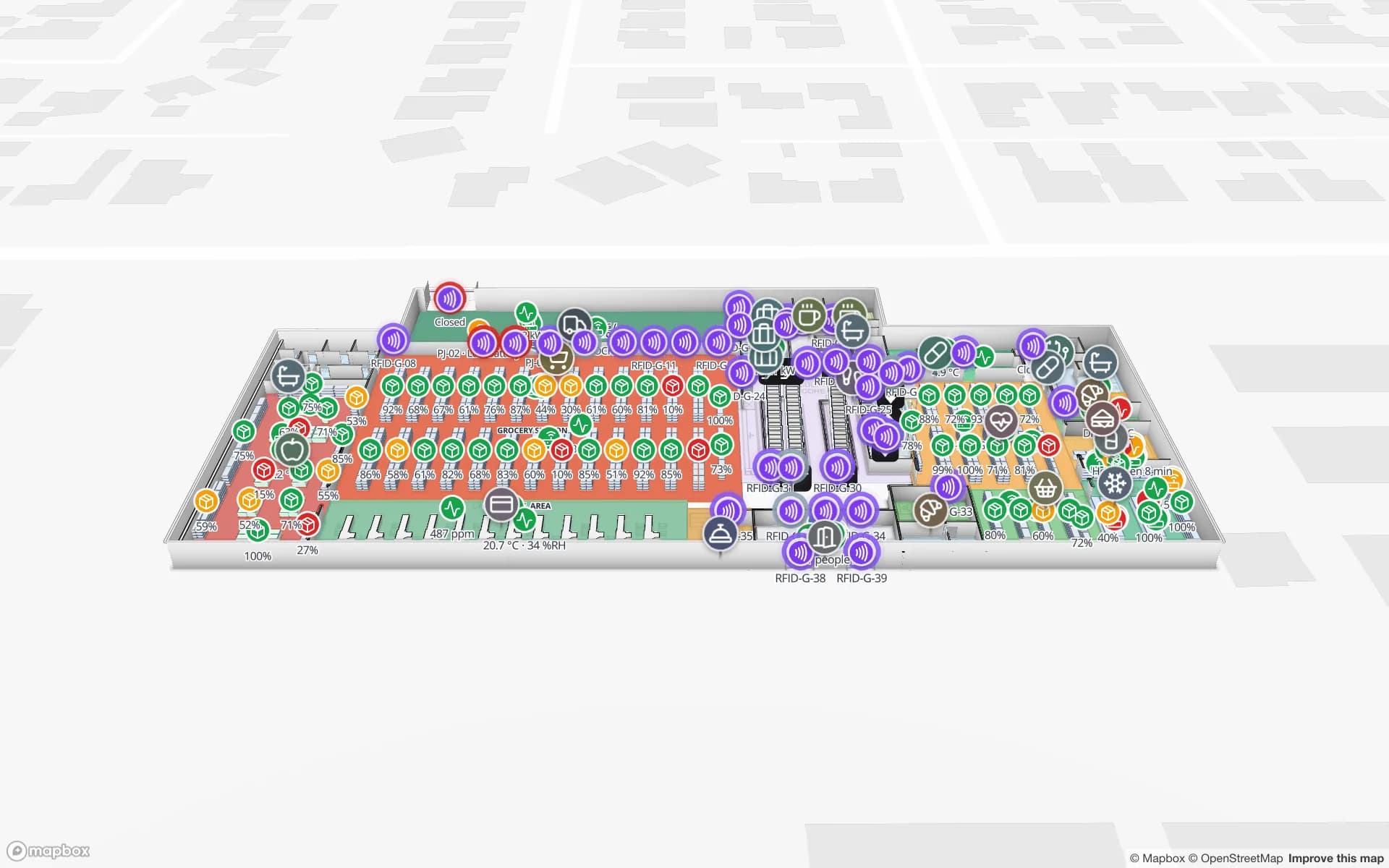
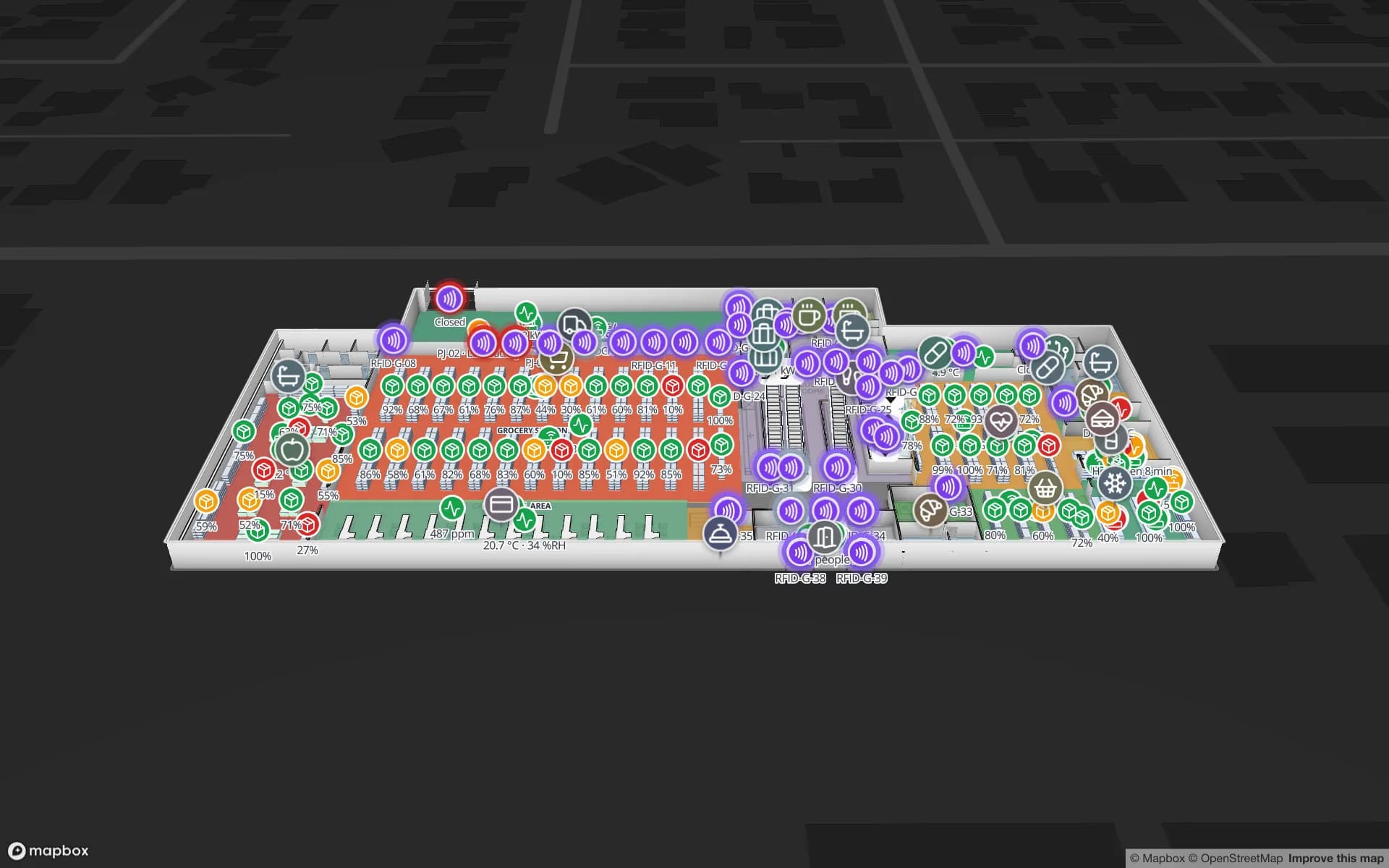
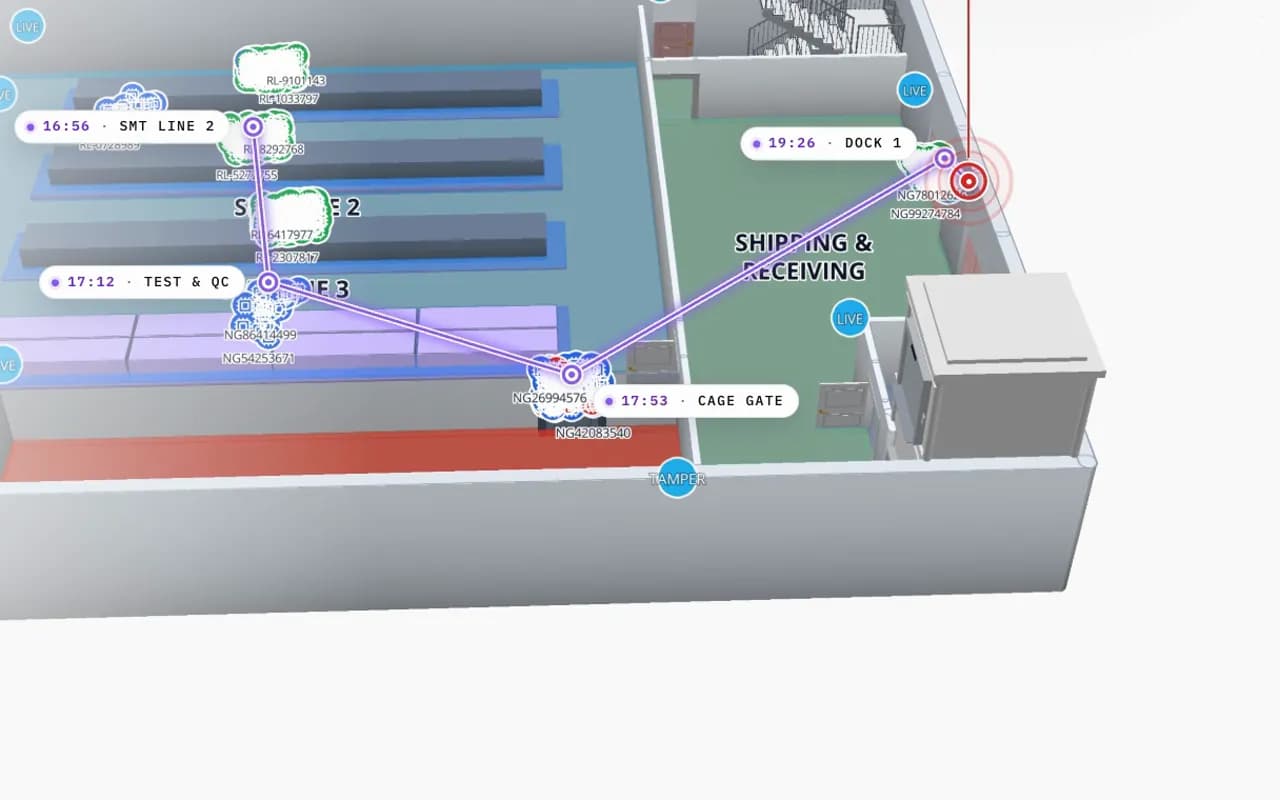
Spatial Map shows RFID exit reads, choke-point counts and camera positions on a live 3D map of the store. An alert rule can flag a read that matches a condition, such as an unpaid item at an exit, and Show on map opens it at the door where it happened. Alerts appear in the app, in the bell, as a toast and on the Alerts page; there is no email, SMS or push delivery. Spatial Map does not run the gates or decide what was sold; your gate software or middleware writes the reads to a table. See the RFID anti-theft system for retail stores, alerts on a floor plan and the RFID loss prevention map guide.
Quick answers
Can RFID gates detect EAS tags? Not by themselves. They are different technologies; detecting both needs combined pedestals or dual-technology tags.
Is AM or RF EAS better? Neither is better everywhere. AM is often chosen for wide entrances and metal-rich products; RF for low-cost labels on high-volume goods. Your existing tags and suppliers usually decide it.
Does RFID reduce shrink by itself? It shows where and what is being lost, at item level. Shrink falls when that information changes staffing, displays and processes.
Try the platform your data belongs on.
Spatial Map turns spreadsheets, sensor streams, and CAD drawings into one live 3D facility view — nothing to install, seven-day free trial.
Keep reading
- ComparisonBLE vs UWB vs Wi-Fi for RTLS: accuracy, cost and infrastructureBLE is cheap and room-level, UWB is precise and costly, Wi-Fi reuses what you have. A vendor-neutral comparison for RTLS, with a five-step way to choose.
- ComparisonRFID vs barcode for warehouse inventory: speed, cost and accuracyBarcodes are almost free but scan one at a time. RFID costs more but reads whole shelves at once. Where each one pays back, and how warehouses use both.
- ComparisonRFID vs BLE for asset tracking: how they differ and when to use bothPassive RFID is cheap and event-based; BLE is battery-powered and continuous. A side-by-side comparison, when each wins, and why many sites use both.