RFID · Retail stores

RFID for retail stores: stock accuracy first, loss prevention next

Spatial Map shows RFID for retail stores on a live 3D map of the store: item-level stock by department and floor, readers at exits, escalators and fitting rooms, and the counts and shrink reports built from the same data. One view for store operations, loss prevention and head office.

Last updated:

No credit card. Runs in the browser. Pro is $60/month for up to 4 facilities. Book a demo

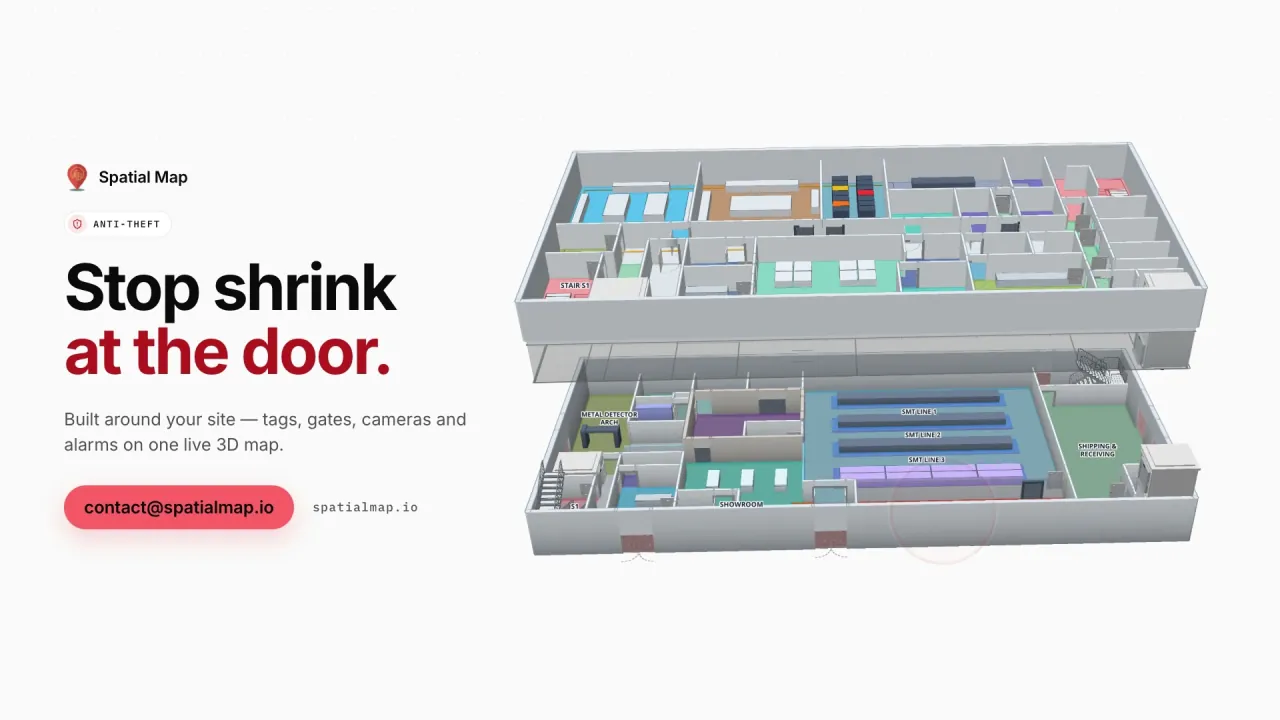
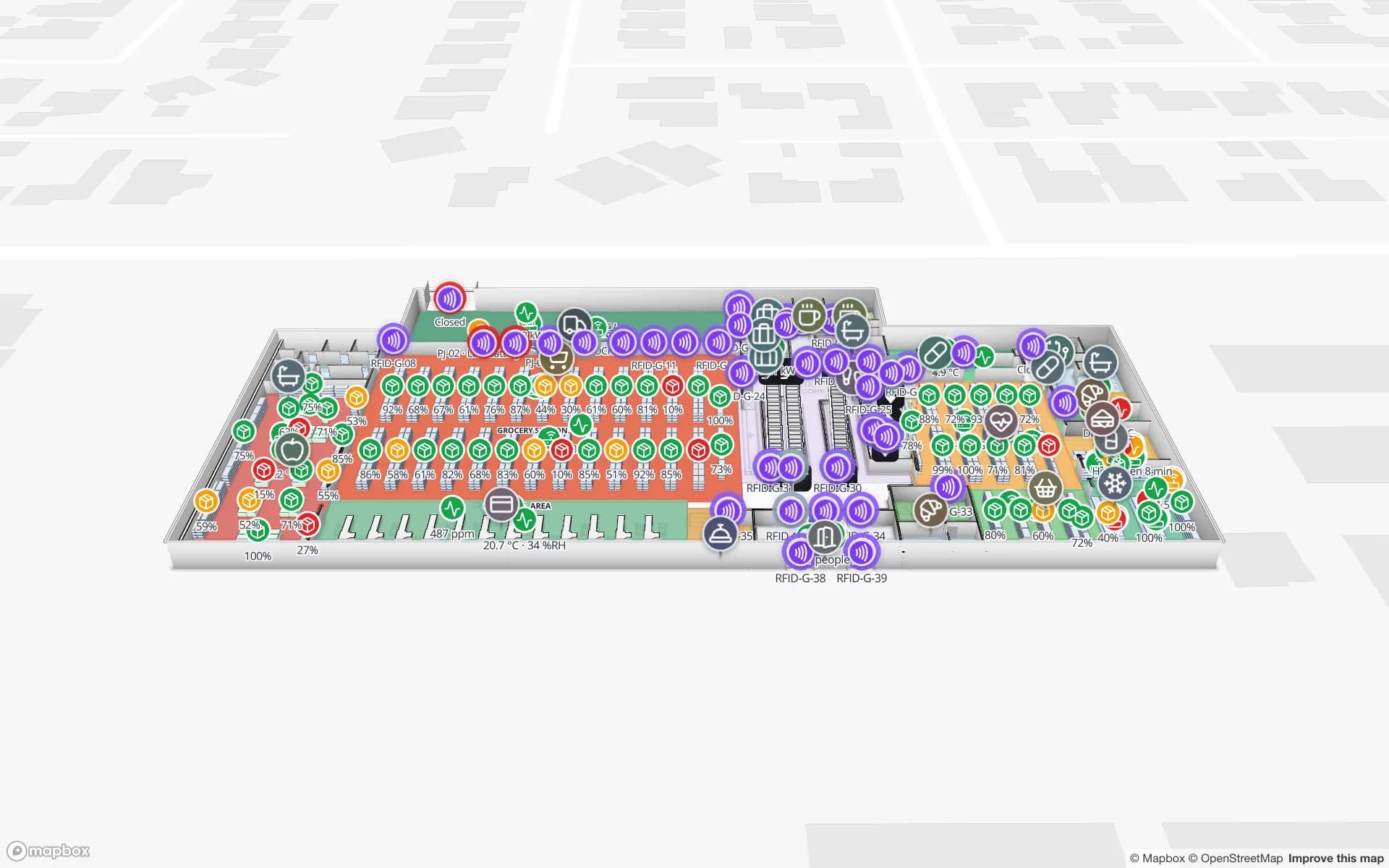
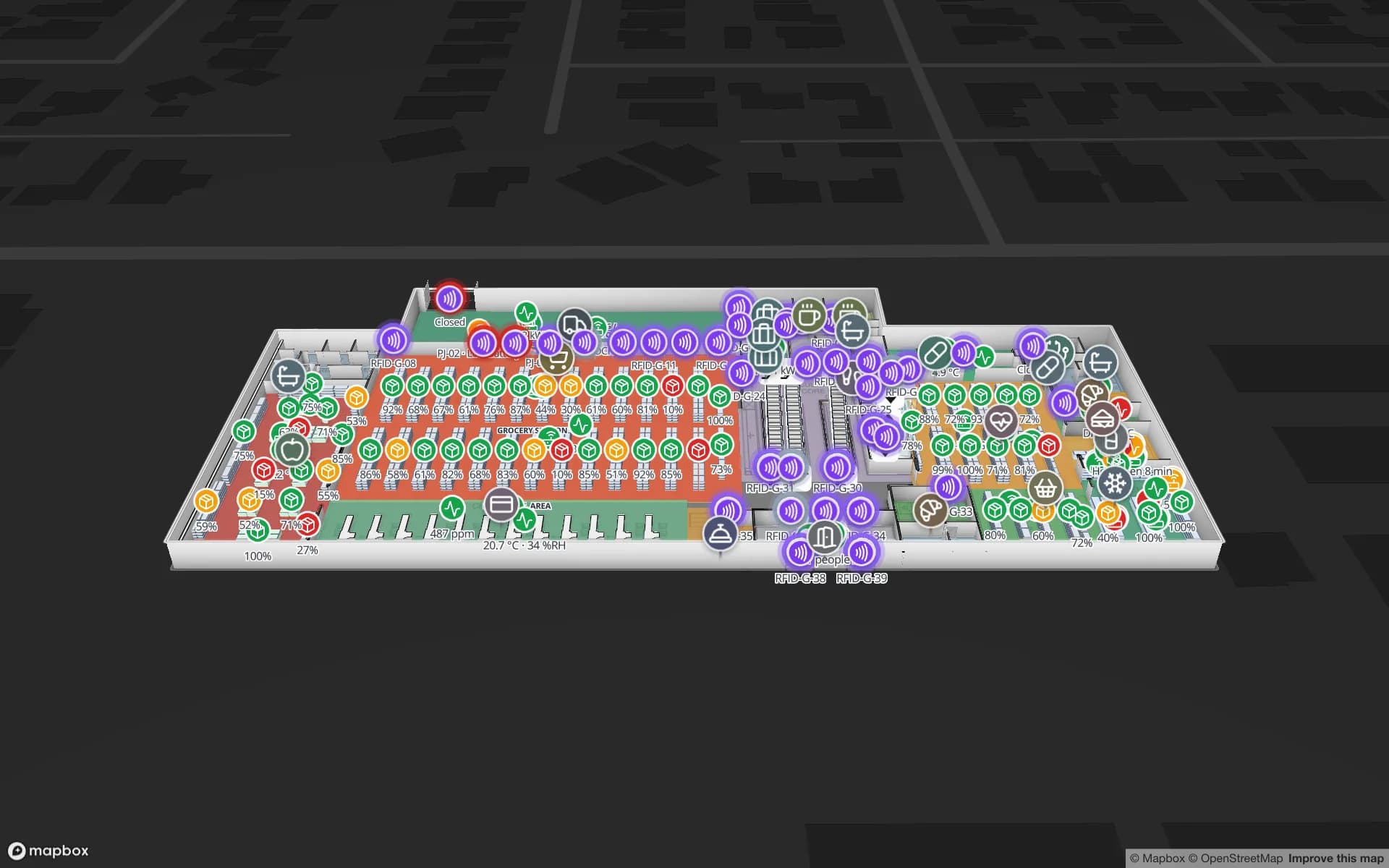
Retail Mart Store, a three-floor retail store demo, in the Spatial Map 3D viewer with live device markers
Retail Mart Store
Retail Mart, a three-floor demo store: RFID readers at doors, escalators and lifts pulse with their reads; offline readers show a red ring.
Floors in the Retail Mart demo store
3
RFID-tagged units in the Northgate secure-store demo
863
Built-in reports per facility
8
Free trial, no credit card
7 days

Why retailers adopt RFID

Item-level UHF RFID started in apparel because it fixes a problem barcodes cannot: stock accuracy. Store systems often think an item is on the floor when it is in the backroom, on another floor or gone. Fast RFID counts — a department in minutes rather than hours — make the on-hand figure trustworthy, which in turn makes replenishment, online orders from store stock and markdowns work.

Loss prevention comes second. The same tags can be read at exits; unlike classic EAS, the read says which item left. Many stores run both for a while, or use RFID at the exit only for high-value categories.
The store on one map

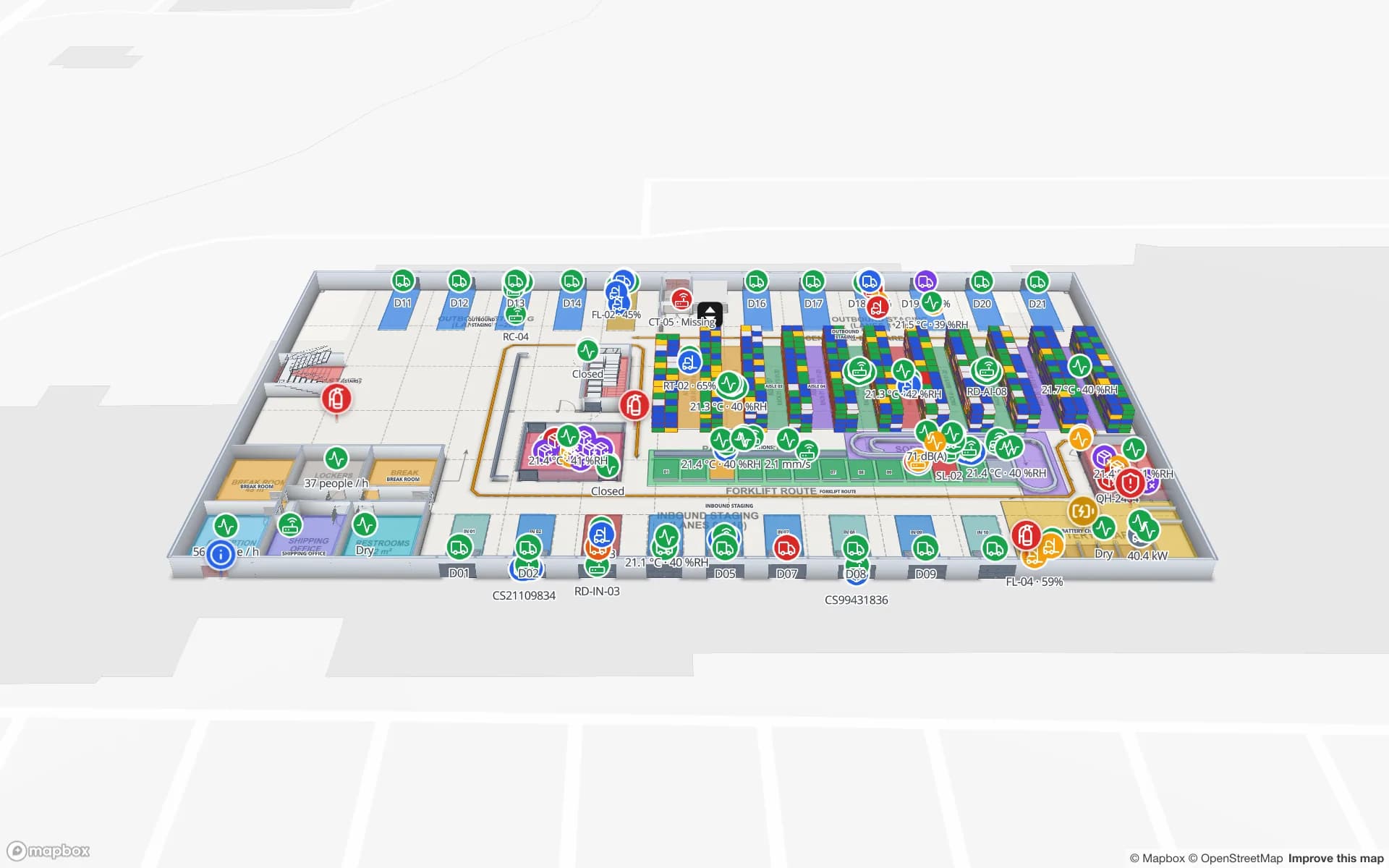
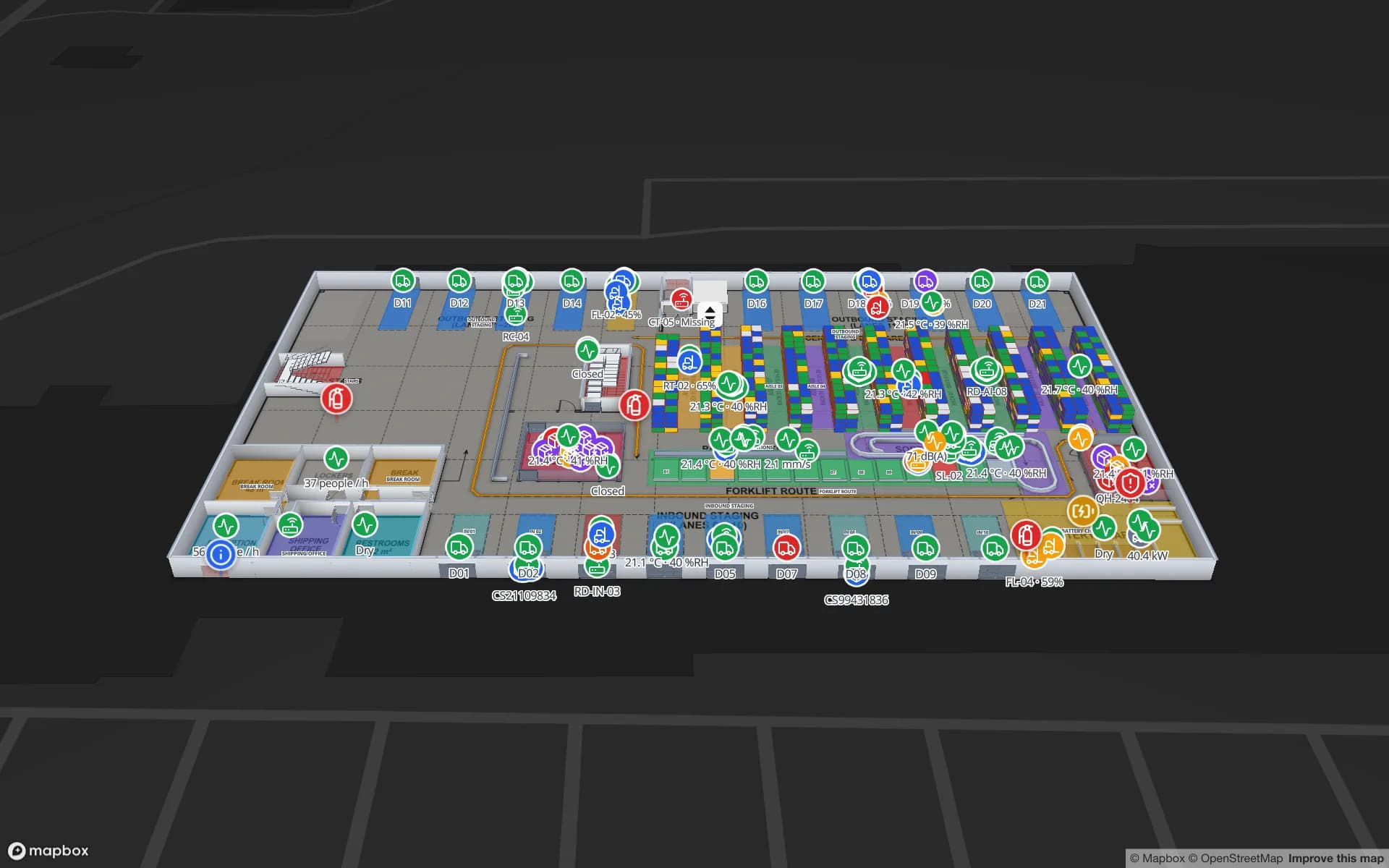
In Spatial Map the store is a 3D, multi-floor map: departments, fixtures, fitting rooms, stockroom, entrances, escalators and lifts. Count results colour departments by accuracy; readers at exits and escalators show their last read and read count; items read at an exit without a sale appear at that door. The Retail Mart demo shows readers on every door, escalator and lift across three floors.

  • Accuracy by department — from your count app’s results, coloured on the floor plan.
  • Backroom vs floor — stock that never made it to the sales floor, by zone.
  • Exit reads — items read at a door, shown at the door, with the item details in the side drawer.
  • Reader health — an offline reader at an exit stands out in red before it costs you a week of reads.
  • Store and region views — read-only share links for store managers, area managers and loss-prevention teams.

Loss prevention, reader by reader

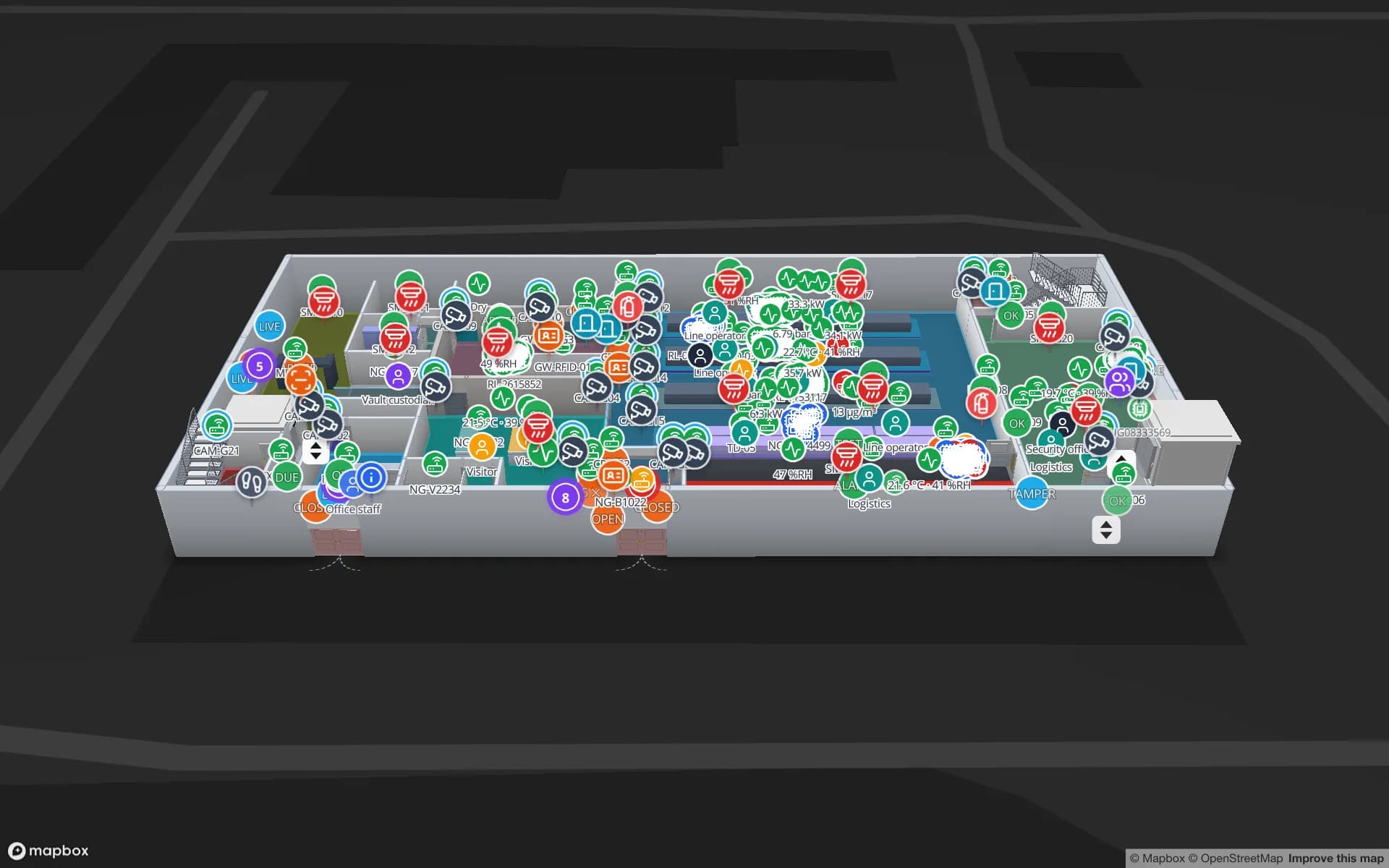
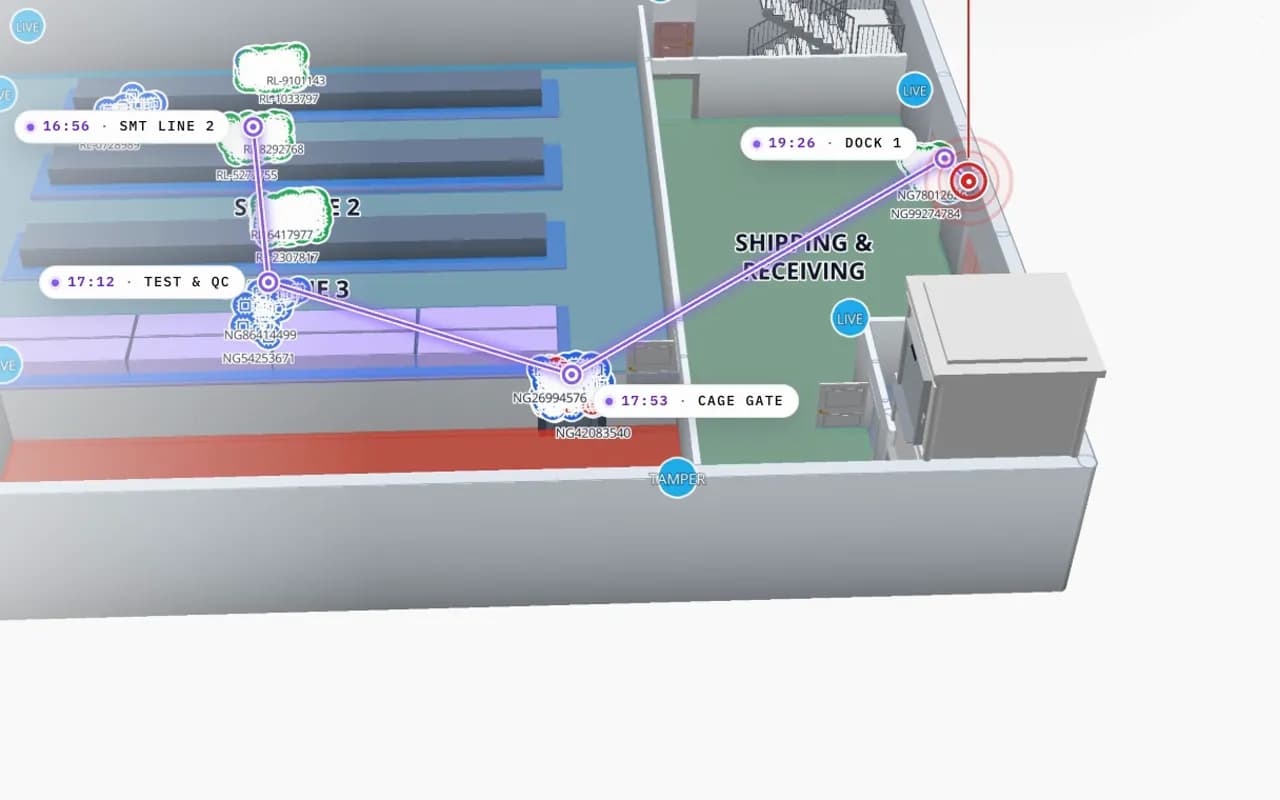
For high-value stock, fixed readers along the route — stockroom door, cage, fitting rooms, exits — give each tagged unit a trail. In the Northgate Electronics demo, 863 tagged units are followed reader by reader, and the History player replays one unit’s path from the line to the cage gate for the incident report.

Spatial Map shows reads and exceptions; it does not sound alarms or replace your EAS gates or CCTV. The full anti-theft workflow is on the RFID loss prevention map.

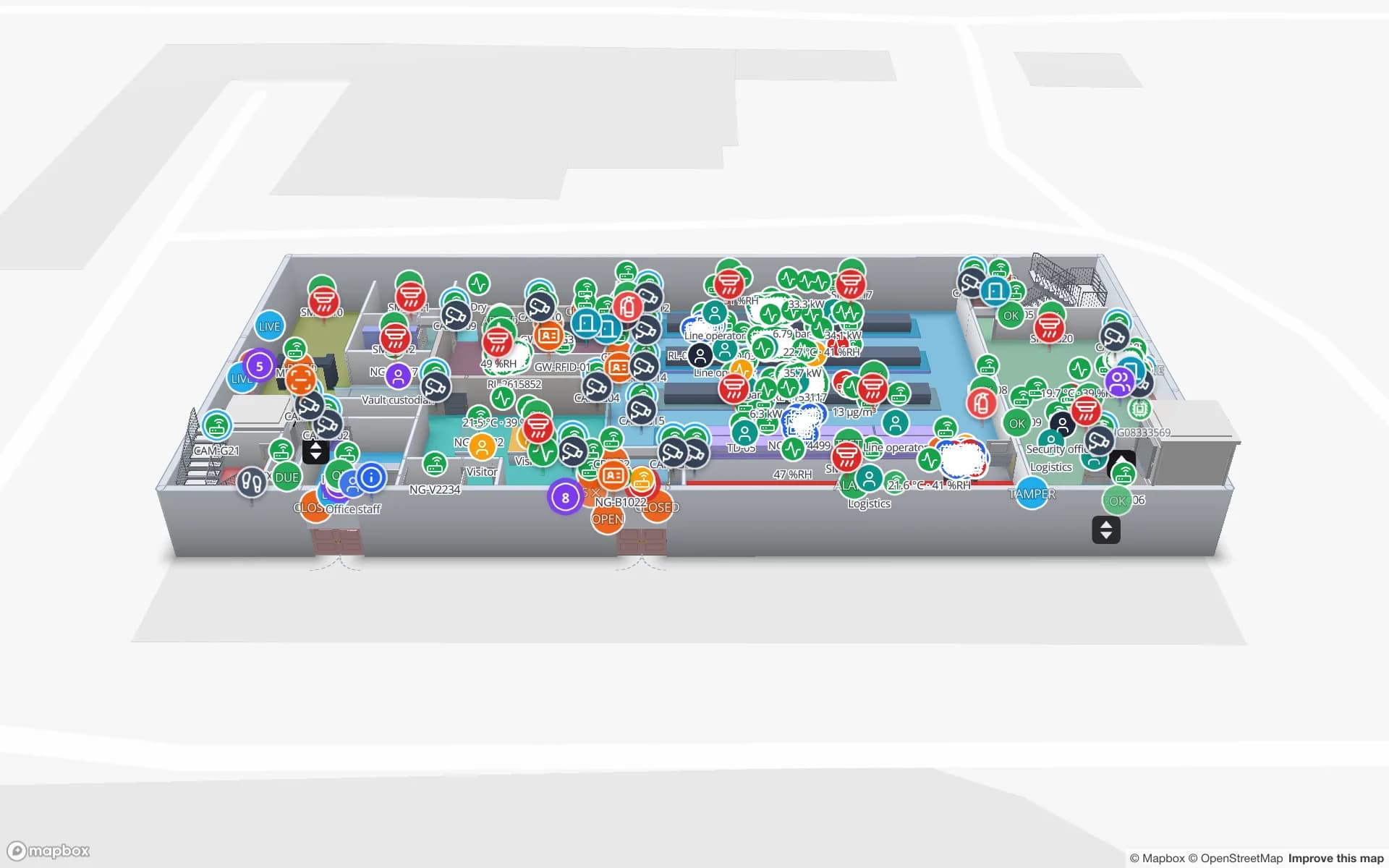
Northgate Electronics in 3D: an RFID read trail drawn from SMT line 2 through test and QC to the cage gate and dock 1, with the time of each read
Northgate Electronics — Assembly & Secure Store
Northgate Electronics (demo): one tagged unit’s read trail from SMT line 2 through test & QC to the cage gate and the dock.

Retail RFID: what to tag first

CategoryWhy RFID helpsTag notes
Apparel and footwearMany sizes and colours per style; counts are slow by handPaper hang-tag or label inlays; the classic starting point
Electronics and accessoriesHigh value per item; exit reads matterSmall or on-metal tags; some products need tags designed for metal
Cosmetics and healthSmall, high-shrink itemsTiny inlays; liquids detune standard tags
Food and groceryMostly case and pallet level todayItem-level is limited by tag cost and liquids

See RFID tags for metal, liquids and apparel for tag choice.

How Spatial Map does it

Your store on a live RFID map in four steps

  1. 01

    Map the store

    Import the store plan (PDF or DWG) and trace departments, fixtures, stockroom, doors and vertical transport.

  2. 02

    Place the readers

    A marker or zone for every exit reader, fitting-room reader and stockroom door.

  3. 03

    Send counts and reads

    Your count app and reader middleware post results and reads to tables with the write API.

  4. 04

    Share with the stores

    Style rules, reports and read-only links for store, area and loss-prevention teams.

Retail RFID use cases

Department stores

Accuracy by department and floor, exit and escalator reads, offline readers in red.

Electronics and secure stock

Units followed reader by reader through cages and secure rooms.

Store replenishment

Backroom stock that never reached the floor, by zone.

Retail DCs

Cartons and pallets read at dock doors on their way to stores.

See it on real demo facilities

Fictional names, real floor plans, live sensors, RFID, BLE tags and gateways — open any of them in the browser.

All 13 demo facilities

RFID for retail — frequently asked questions

No. It shows reads and exceptions on the store map and in reports. Alarms at the door stay with your EAS or RFID gate system.

The viewer and share links run in a mobile browser. Counting itself is done with your RFID handheld app; Spatial Map shows the results.

Each store is a facility in the workspace. Pro covers up to 4 facilities; larger estates are quoted as custom services.

That depends on the category and the store layout. Spatial Map is hardware-agnostic; e.g. readers and tags from Zebra, Chainway, SATO or Sanray (trademarks of their owners) all work through your middleware. See RFID hardware.

A 7-day free trial covers up to 5 facilities with no credit card. Pro is $60 a month or $600 a year for up to 4 facilities. Integration with your readers and middleware, and larger estates, are quoted as custom services or custom development.

See every store’s stock — and every exit read — on one map.

Start a free trial and open the Retail Mart demo, or send us a store plan and a count export and we will show you your own store.