
BLE gateway for asset tracking: placement, backhaul, MQTT and the map
BLE gateway for asset tracking, end to end: placement and coverage, Ethernet, Wi-Fi or LTE backhaul, MQTT or HTTP to middleware, and writing tags to a live map.
What a BLE gateway does in asset tracking
A BLE gateway for asset tracking is a fixed, powered receiver that listens for Bluetooth Low Energy tags nearby and forwards what it hears (tag ID, signal strength, battery, time) over the network to your software. Tags are cheap and run for years on a battery; gateways are where the cost and planning go. Where you put them, how they connect and what happens to their messages decide whether the system tells you anything useful.
This guide walks through the chain end to end: placement and coverage, backhaul, MQTT or HTTP to middleware, and finally writing tag locations into a live floor-plan map.
The chain from tag to map
- 1Tags broadcast
Each tag sends a short advertisement every fraction of a second to every few seconds. Shorter intervals mean fresher data and shorter battery life.
- 2Gateways listen
Each gateway hears tags in range and reports sightings, usually batched every second or few seconds.
- 3Backhaul carries it
Ethernet, Wi-Fi or a cellular link takes the messages off the floor.
- 4Middleware decides
A broker plus a small service, or an RTLS engine, filters known tags, smooths signal strength and works out each tag’s zone or position.
- 5The map shows it
The result is written to the system people actually look at: a dashboard, a WMS screen or a live floor-plan map.
Gateway placement and coverage
Published specs for indoor BLE gateways often quote hearing ranges of tens of metres in open space. Through walls, around metal racks and among people, plan for much less, and confirm with a survey using your real tags.
- Room or zone presence. Put one gateway in each room or zone you want to report, roughly central and away from shared walls, so the strongest signal usually comes from the right room.
- Coordinates. Use an overlapping grid so every point is heard by at least three gateways, and follow your RTLS vendor’s spacing guidance. Avoid placing gateways in a straight line.
- Mounting height. Ceiling or high-wall mounting reduces blocking by people and goods. Very high ceilings can weaken reception at floor level.
- Metal. Keep gateways out of metal enclosures and away from steel beams where possible. In racked warehouses, aisles behave like corridors; place gateways along them.
- Floors. Signals leak through ceilings and atria. On multi-floor sites, check that tags are reported on the right floor before anything else.
- Doorways. For entry and exit events, a gateway close to the door, or a directional one, gives cleaner transitions.
Backhaul: Ethernet, Wi-Fi or LTE
| Backhaul | Strengths | Watch out for |
|---|---|---|
| Ethernet with PoE | One cable for power and data; most reliable; easy to monitor | Cable runs and switch ports, often the main installation cost |
| Wi-Fi | No data cable; quick to add gateways | Still needs power; enterprise Wi-Fi sign-in rules; Wi-Fi and BLE share the 2.4 GHz band |
| LTE / cellular | Works where there is no site network: yards, temporary sites | Data plans, coverage inside metal buildings, higher per-gateway cost |
Whatever the link, keep gateways on a separate network segment where your IT policy requires it, and give them a fixed address or name so you can find each one when it stops reporting.
MQTT or HTTP to middleware
Most BLE gateways support one or both of two ways to send data:
- MQTT. The gateway publishes messages to a broker on a topic such as gateways/GW-03/sightings. Your middleware subscribes. MQTT is light, keeps a connection open and handles many gateways well.
- HTTP. The gateway posts JSON to a URL you choose every few seconds. Simpler to start with, and easy to receive behind an existing web server.
The message format varies by vendor, so the middleware’s first job is to turn each format into one shape. Then it typically:
- 1Filters
Keeps only your own tags (by ID or prefix) and drops the phones, headphones and watches every gateway also hears.
- 2De-duplicates
Several gateways hear the same tag. Group sightings per tag over a short window.
- 3Decides location
For zones, pick the gateway that hears the tag best, with hysteresis so a tag must be clearly stronger elsewhere for a few seconds before it moves. For coordinates, hand sightings to your RTLS engine.
- 4Batches
Collect the latest state of every tag and send it onwards every few seconds.
Writing tag locations to Spatial Map
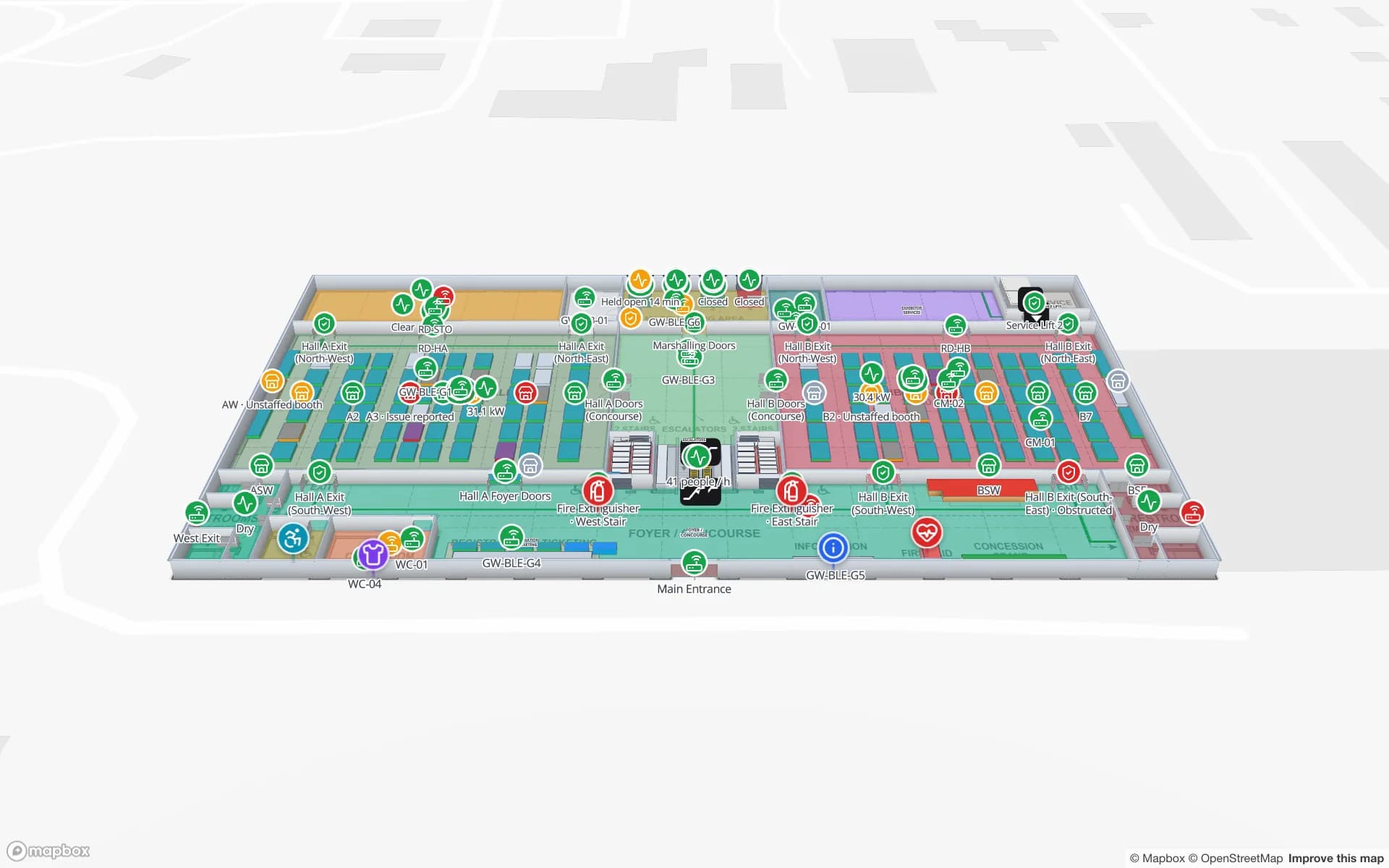
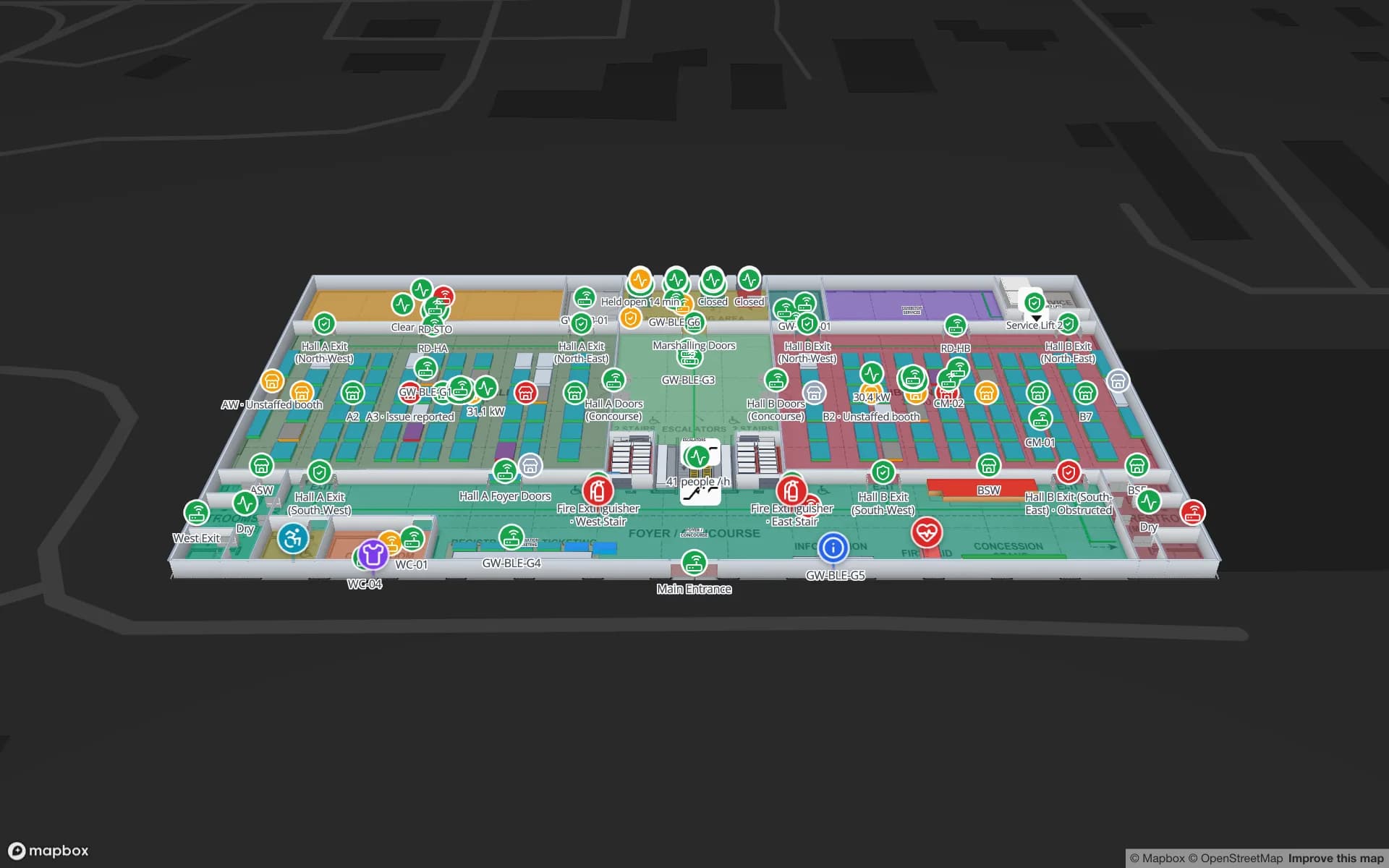
Spatial Map does not compute positions from signal strength. Your middleware or RTLS engine decides where each tag is, then writes one row per tag to a Spatial Map table with the table write API. A data link shows the table on the floor plan: as room presence when the zone name matches a room on the map, or as live markers when the row carries coordinates.
- Create a key in the table’s API & access tab. Each key writes to one table only.
- Send rows to POST /rows/bulk on https://app.spatialmap.io/api/v1/public/tables, with the header Authorization: Bearer and your key.
- Use the tag ID as entityKey, so each write updates that tag’s row and adds a step to its history.
- For markers, add "position": [longitude, latitude] next to the payload, or keep lng and lat in the payload.
- Each key allows 60 requests a minute, with short bursts; one bulk call can carry up to 1,000 rows.
curl -X POST https://app.spatialmap.io/api/v1/public/tables/rows/bulk \
  -H "Authorization: Bearer $SPATIALMAP_TABLE_KEY" \
  -H "Content-Type: application/json" \
  -d '{
    "rows": [
      {
        "entityKey": "TAG-0417",
        "payload": {
          "tag_id": "TAG-0417",
          "asset": "Pallet jack 12",
          "zone": "Charging bay",
          "gateway": "GW-03",
          "rssi": -63,
          "battery": 88,
          "last_seen": "2026-11-01 10:14:05"
        }
      },
      {
        "entityKey": "TAG-0522",
        "position": [-0.1279, 51.5077],
        "payload": {
          "tag_id": "TAG-0522",
          "asset": "Forklift 3",
          "zone": "Aisle B",
          "battery": 71,
          "last_seen": "2026-11-01 10:14:04"
        }
      }
    ]
  }'
A minimal MQTT-to-bulk bridge in Python might look like this. The incoming message shape is an example; adapt it to your gateways.
import json, os, threading, time

import paho.mqtt.client as mqtt  # paho-mqtt 2.x
import requests

API = "https://app.spatialmap.io/api/v1/public/tables/rows/bulk"
KEY = os.environ["SPATIALMAP_TABLE_KEY"]
ZONE_OF_GATEWAY = {"GW-01": "Receiving", "GW-02": "Aisle B", "GW-03": "Charging bay"}

latest = {}  # tag id -> strongest sighting in this window
lock = threading.Lock()

def on_message(client, userdata, msg):
    data = json.loads(msg.payload)  # e.g. {"gateway": "GW-03", "tags": [{"id": ..., "rssi": ...}]}
    with lock:
        for s in data["tags"]:
            if not s["id"].startswith("TAG-"):
                continue  # ignore phones and other devices
            best = latest.get(s["id"])
            if best is None or s["rssi"] > best["rssi"]:
                latest[s["id"]] = {**s, "gateway": data["gateway"]}

client = mqtt.Client(mqtt.CallbackAPIVersion.VERSION2)
client.on_message = on_message
client.connect("broker.local", 1883)
client.subscribe("gateways/+/sightings")
client.loop_start()

while True:
    time.sleep(5)  # 12 requests a minute, well under the limit
    with lock:
        window, latest = latest, {}
    rows = [{
        "entityKey": tag,
        "payload": {
            "tag_id": tag,
            "zone": ZONE_OF_GATEWAY.get(s["gateway"], "Unknown"),
            "gateway": s["gateway"],
            "rssi": s["rssi"],
            "battery": s.get("battery"),
            "last_seen": time.strftime("%Y-%m-%d %H:%M:%S"),
        },
    } for tag, s in window.items()]
    for i in range(0, len(rows), 1000):
        requests.post(API, json={"rows": rows[i:i + 1000]},
headers={"Authorization": f"Bearer {KEY}"}, timeout=10)Open maps pick up changes within about 30 seconds. For a worked walkthrough on the demo data, see push rows with the table write API.
Monitor the gateways too
A gateway that drops off the network makes its tags look missing. Write one row per gateway to a second table, keyed by gateway ID, with its zone, address and the time it last reported. On the map, each gateway then appears where it hangs, with its last-seen time. In Spatial Map, an alert rule of the "not updated for N minutes" kind flags a gateway (or a tag) that has gone quiet, and Show on map takes you to it. Alerts are delivered in the app; there is no email, SMS or push. See alerts on a floor plan.
Quick answers
How many BLE gateways do I need? For room presence, roughly one per room or zone you want to report. For coordinates, an overlapping grid per your RTLS vendor’s spacing guidance. A survey with real tags confirms the number.
Should gateways use MQTT or HTTP? MQTT suits many gateways and frequent messages; HTTP is simpler for small set-ups. Either works if the middleware batches its output.
Can a gateway send data straight to Spatial Map? Only if it can send authenticated JSON in the bulk format. In practice a small middleware step is needed to filter, de-duplicate, decide zones and stay within 60 requests a minute.
Try the platform your data belongs on.
Spatial Map turns spreadsheets, sensor streams, and CAD drawings into one live 3D facility view — nothing to install, seven-day free trial.
Keep reading
- TutorialHow to convert a PDF floor plan to a 3D map of a commercial buildingA PDF knows its paper size but not its scale. How to get the scale right, clean the sheet, align it to the site and turn walls, racks and floors into a true-scale 3D building.
- TutorialHow to digitize a paper floor plan: scan, scale, traceFrom an old blueprint or a photo of an evacuation plan to a usable digital plan: capture, perspective correction, scale, the CAD question, and the step to an indoor map.
- TutorialHow to georeference a floor plan: control points, rotation and scalePinning a floor plan to real-world coordinates takes four numbers: position, rotation and scale. How to choose control points, what not to trust, and how to spot the usual errors.